Type a name, get a cut file
Personalise an order in seconds. Enter the name, pick the shape, and the cut-ready file is done.
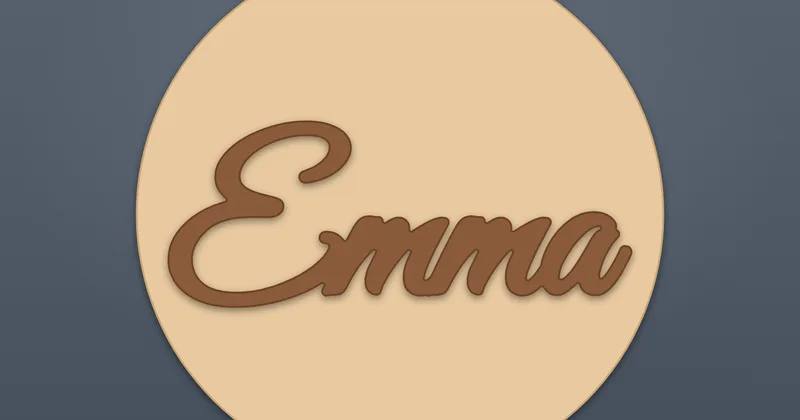 SVG + DXF
Pick a laser file generator
Each tool makes a cut-ready vector file. Open it in your laser software, set power and speed for your material, and cut.
-
Christmas name ornament Seasonal
Type a name, pick a shape and get a hanging ornament ready to cut.
-
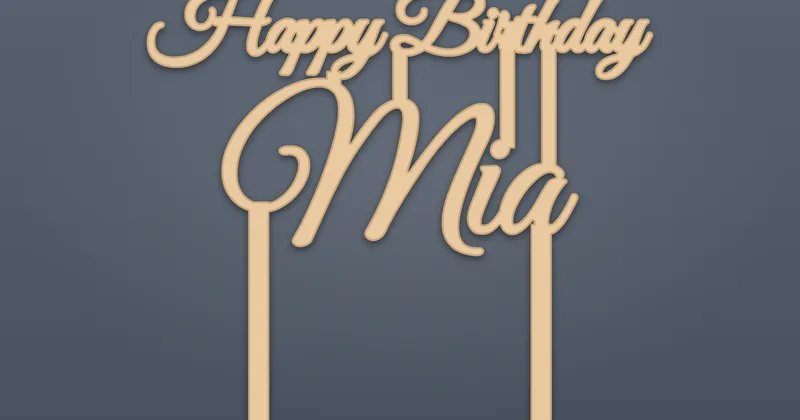 Cake topper
Cut a name or message topper with the letters joined into one piece.
-
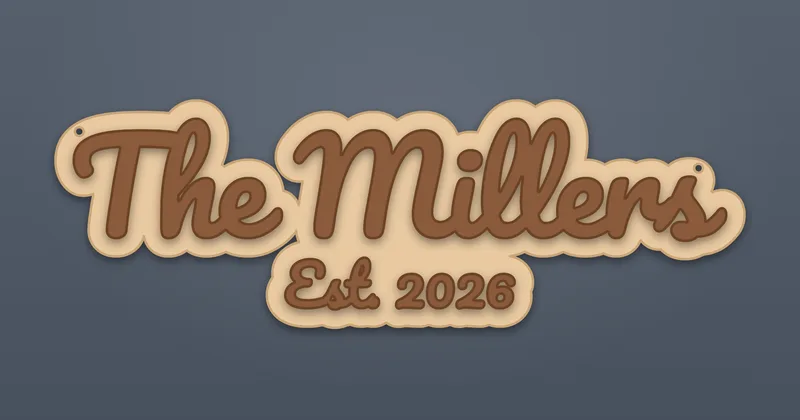 Name sign
Make a door or desk name sign in any size, with engraved or cut lettering.
-
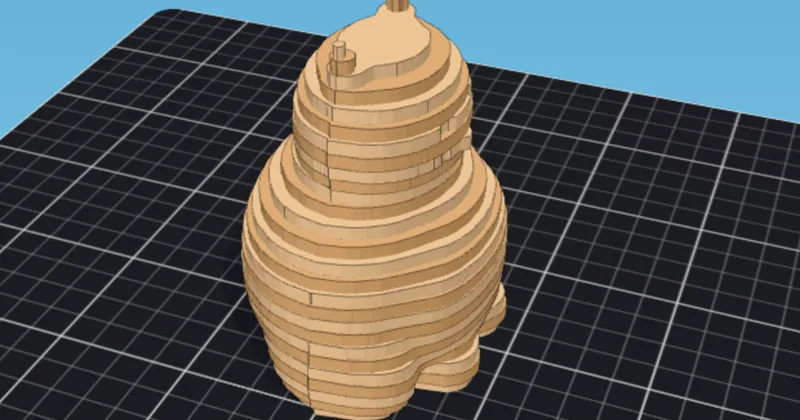 3D model to layers
Slice an STL into stacked layers, packed onto sheets with layer numbers.
-
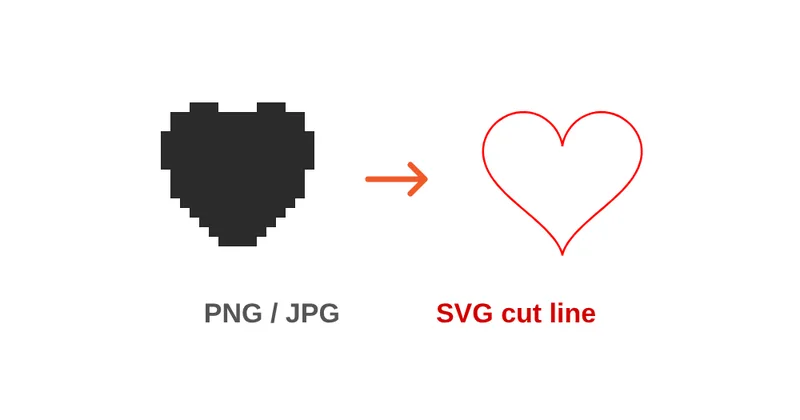 Image to SVG
Turn a PNG or JPG logo into a clean one-colour vector cut file.
Christmas markets and gift orders
Personalise every ornament in seconds. Type the name, choose a circle, bauble or star, and download a file that is ready for the laser.
Make a name ornament
Made for people who sell what they cut
If you run a small shop for personalised gifts, the slow part is editing a template by hand for every order. These tools remove that step.
Personalise every order in seconds
Type the name, pick the size, download. No opening a template and fixing letters by hand.
Cut-ready output
Sizes in millimetres, red cut lines and blue engrave lines, kerf compensated, and letters joined into one piece so nothing falls out.
Runs in your browser
Nothing to install, and your files stay on your device while you work.
How it works
- 1
Pick a tool
Choose the product you want to cut from the list above.
- 2
Type or upload
Enter a name or text, or upload an image or 3D model, and set the size.
- 3
Download and cut
Download the SVG or DXF, open it in your laser software and cut.
Which file format?
SVG
Use SVG for xTool Creative Space, Glowforge and Inkscape.
DXF
Use DXF for LightBurn, RDWorks and CAD programs.
Materials that work
- 3 mm birch plywood
- 3 mm acrylic, including mirror and glitter acrylic for cake toppers
- MDF
- Cardboard, for test cuts
The tools make the file, not the machine settings. Set power and speed for your material in your laser software, and run a small test cut first.
Laser guides
Practical how-tos for better cuts: materials, kerf, file formats and what sells.
- Make it
How to make a laser cut cake topper
Materials, sizing, stakes and connected script lettering.
Read the guide - Make it
Laser cut Christmas ornaments
Ideas and a workflow for personalised name ornaments.
Read the guide - Materials and files
Laser kerf: what it is and how to measure it
Get press fits right with a simple kerf test.
Read the guide - Materials and files
Best wood for laser cutting
Birch plywood, basswood, MDF and hardwoods compared.
Read the guide - Materials and files
SVG vs DXF for laser cutting
Which format your software prefers, and why.
Read the guide - Sell it
What to make and sell with a laser cutter
Personalised products, seasons and a pricing method.
Read the guide
Questions
Are these laser cutter tools free?
Yes. Your first download is free and later ones use a free account. The files are made in your browser and carry no watermark.
Which lasers and software do the files work with?
Any laser software that opens SVG or DXF files can use the output, including xTool Creative Space, Glowforge, LightBurn and Inkscape. The tools make the cut file, not the machine settings, so set power and speed for your material in your laser software.
Do I need to install anything?
No. Everything runs in your browser, so there is nothing to install. You do need a current browser.
Can I sell what I make with these files?
Yes. Things you cut and sell are yours. See the license page at /license for the details.
Do the files work with Cricut?
The SVG files open in Cricut Design Space, but these tools are made for laser cutters.
From 3D printing? See Meshcast's 3D printing and mold tools.