Make candles, soap and concrete with your 3D printer.
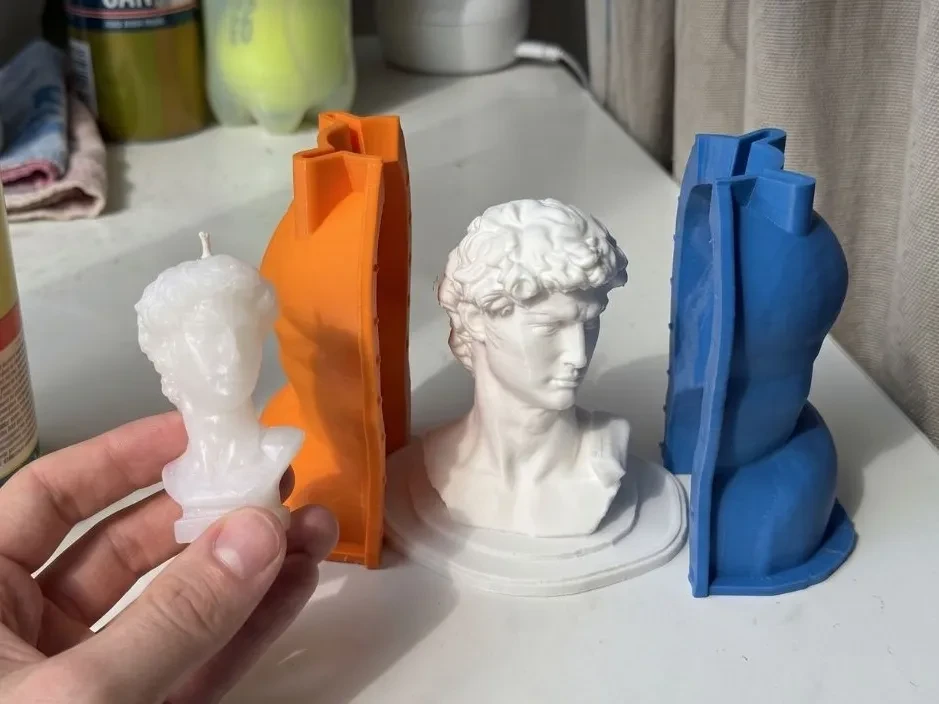
Upload an STL, get a mold in 30 seconds, and cast real candles, concrete decor and resin pieces at home.
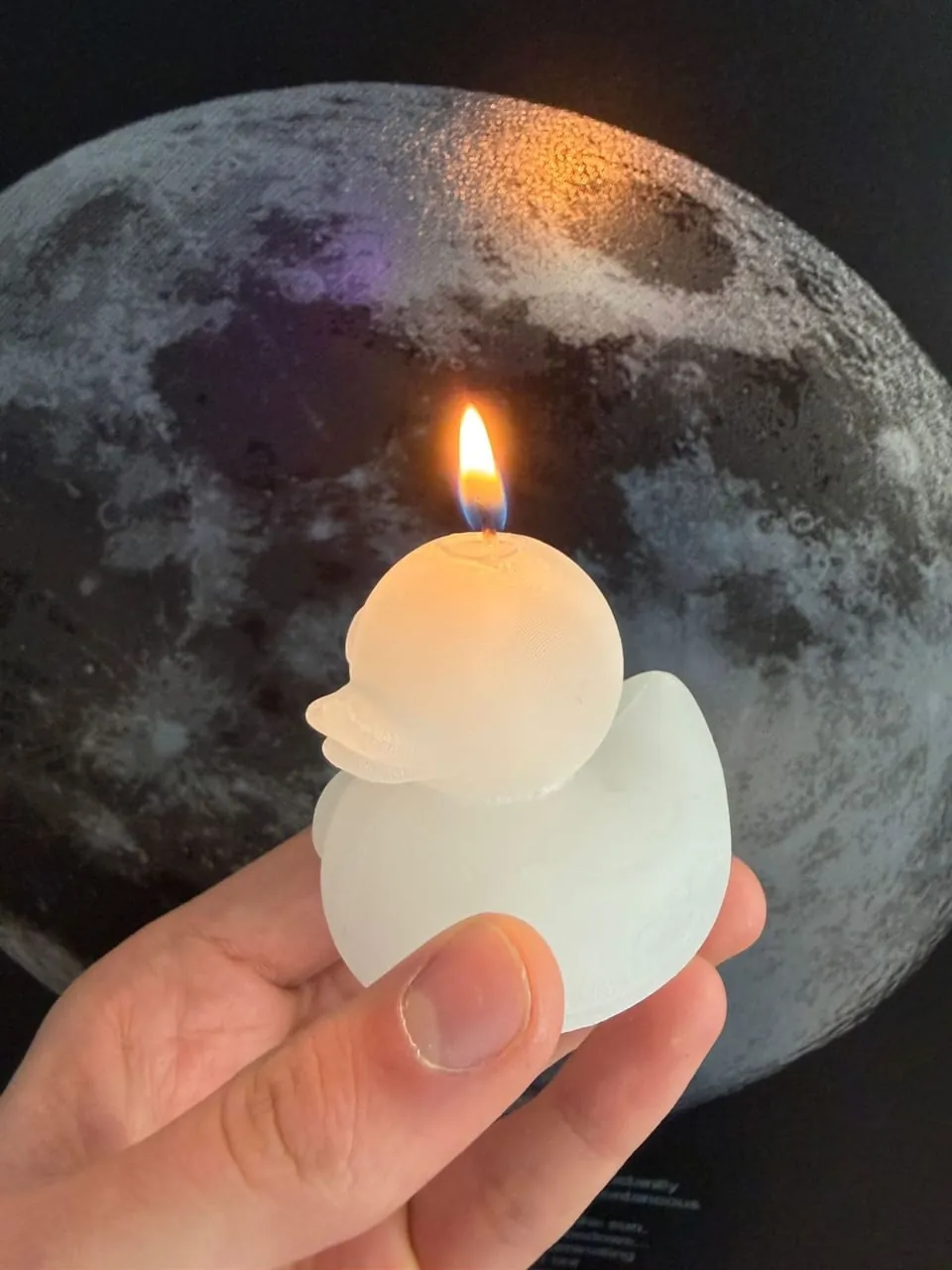
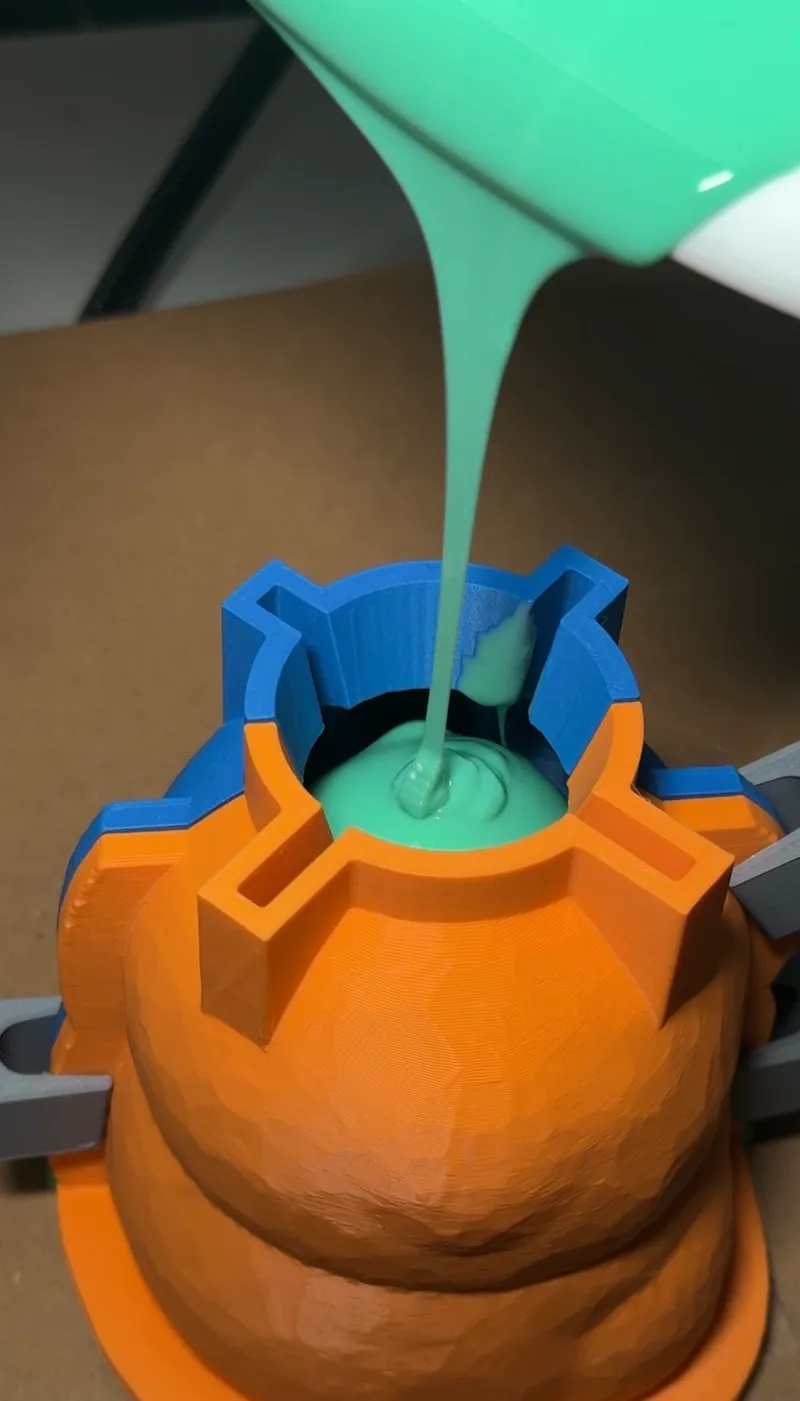
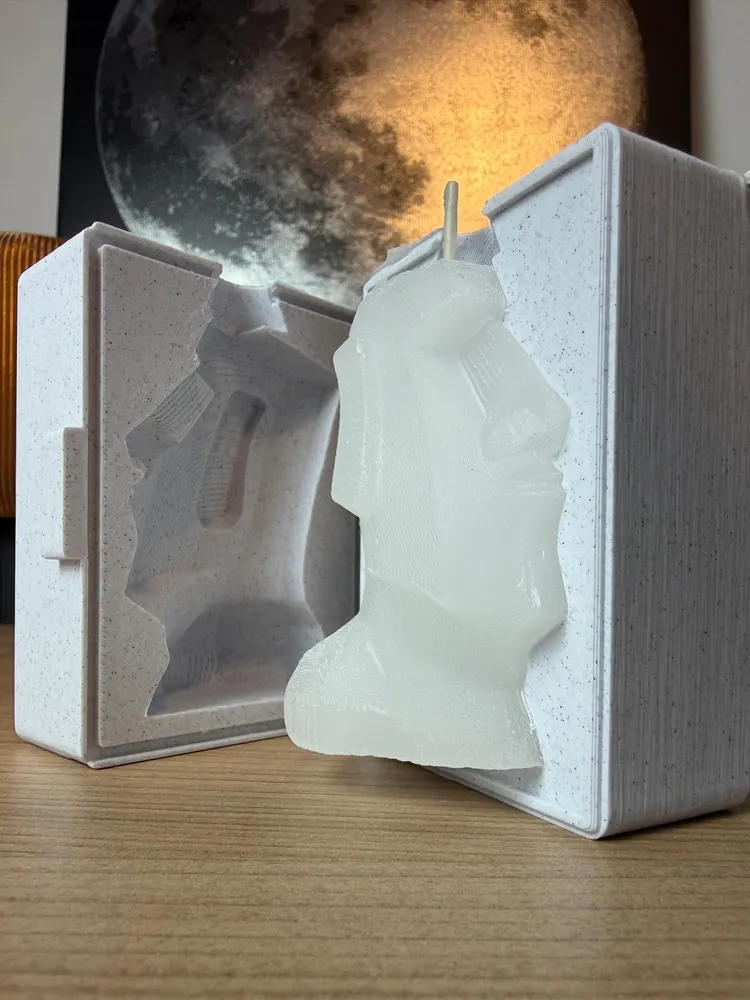
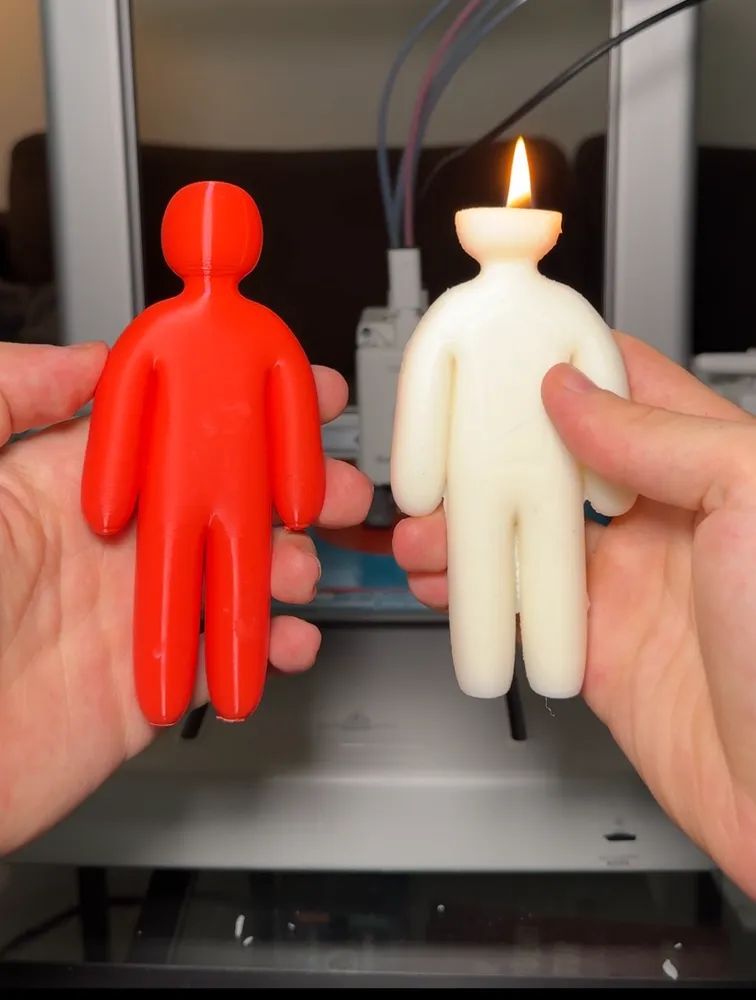
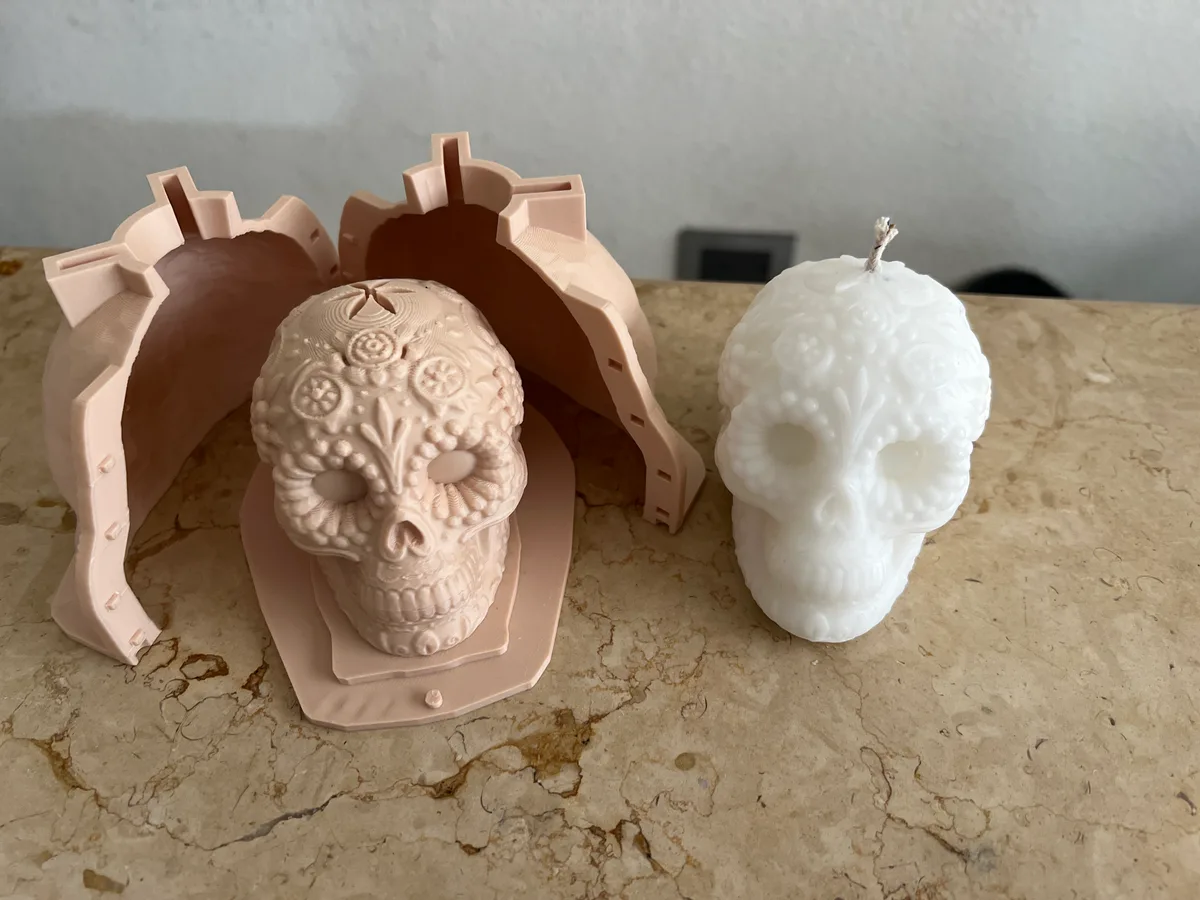
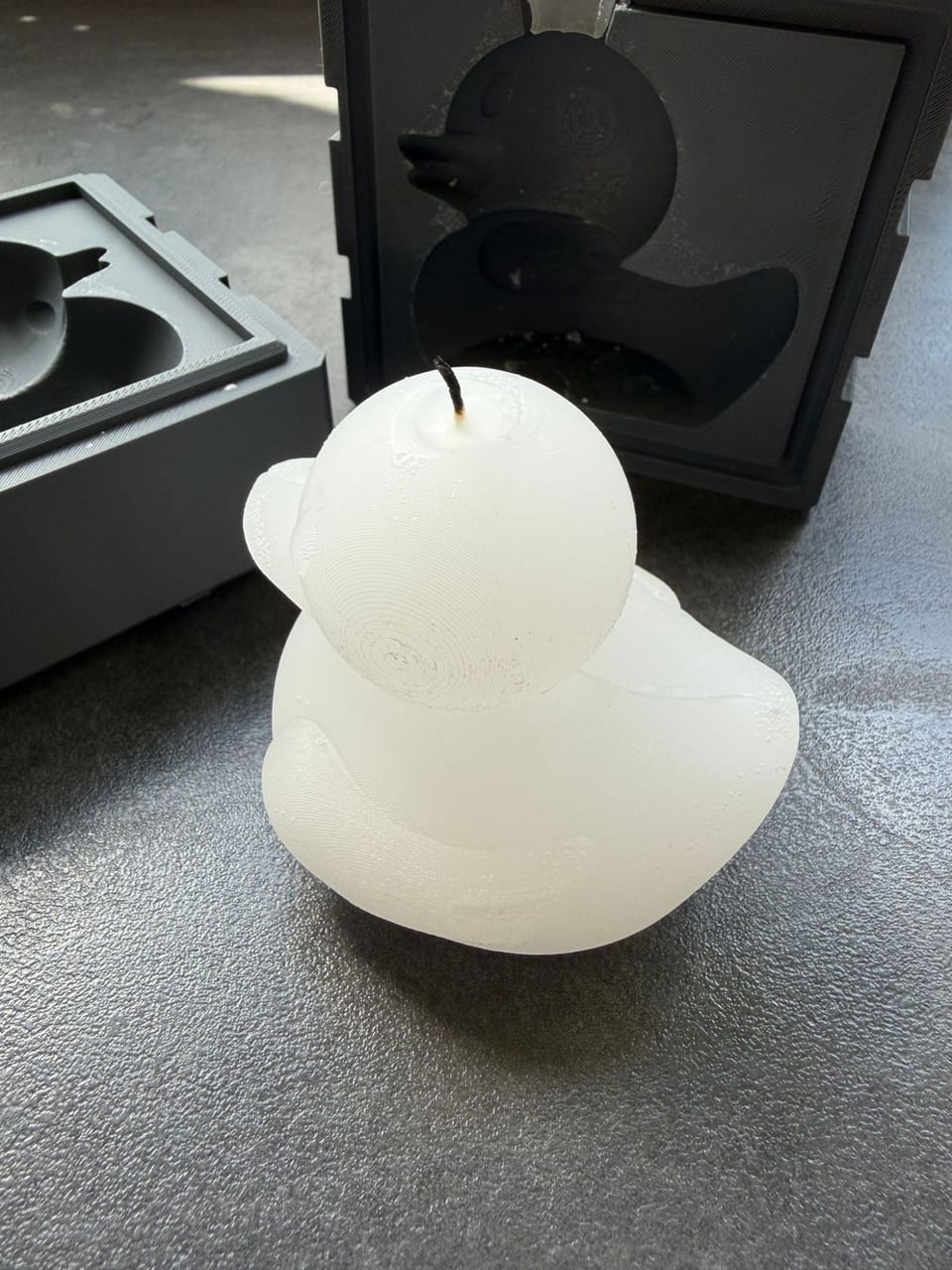
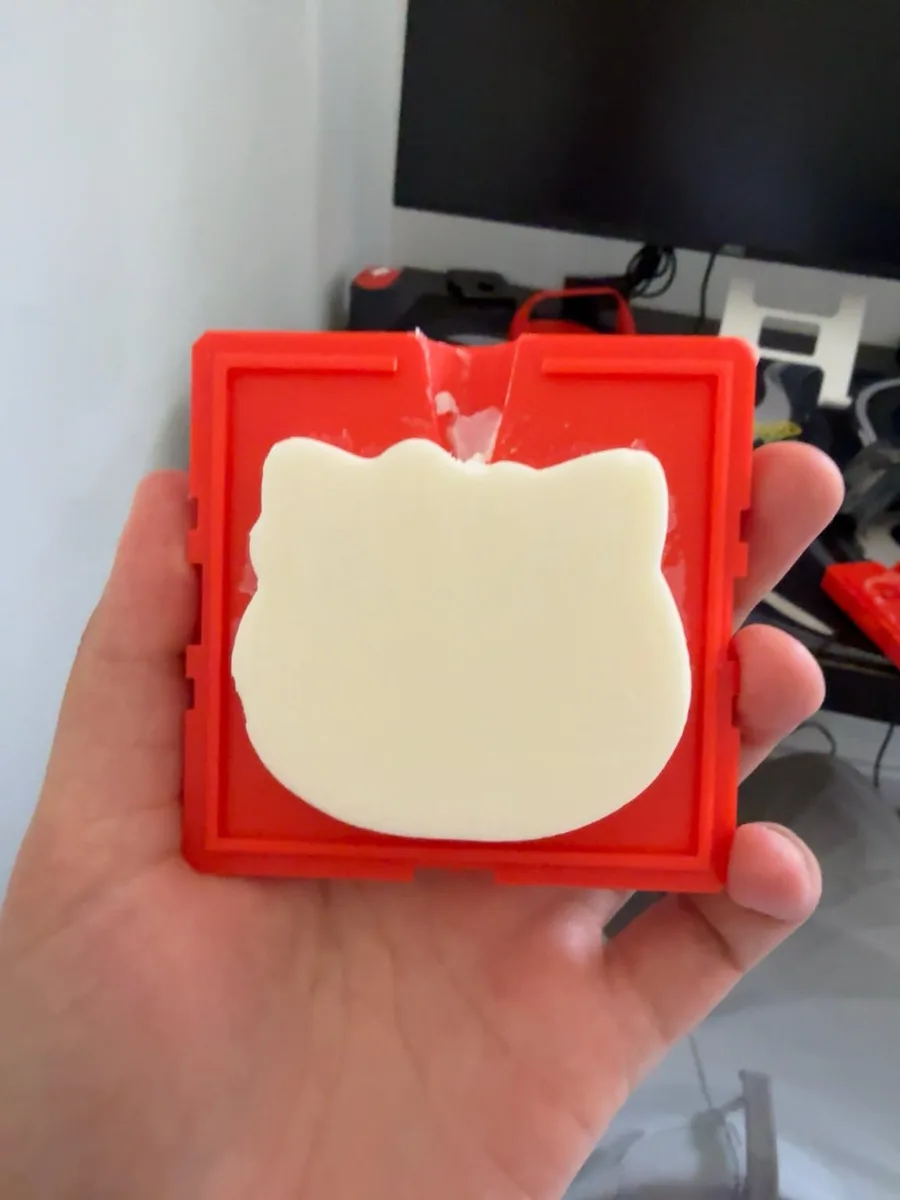 A duck candle, cast and held to the light
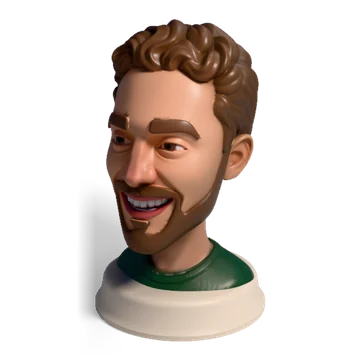
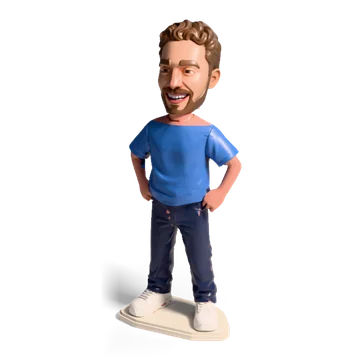
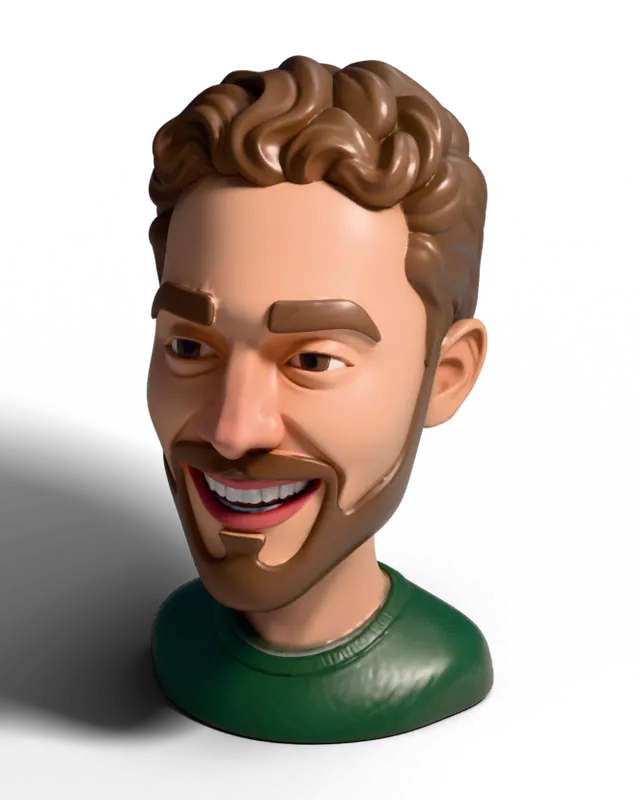
Turn a photo into a 3D printed head
Upload a photo of a person. Get a bust, a keychain, a fridge magnet, a can holder, a planter or a mini figure, built around the head for you, with a painted 3MF for multi-color printers.


How to make a candle with your 3D printer
From a file to a finished candle in three steps. Soap, plaster, concrete and resin work the same way.
-
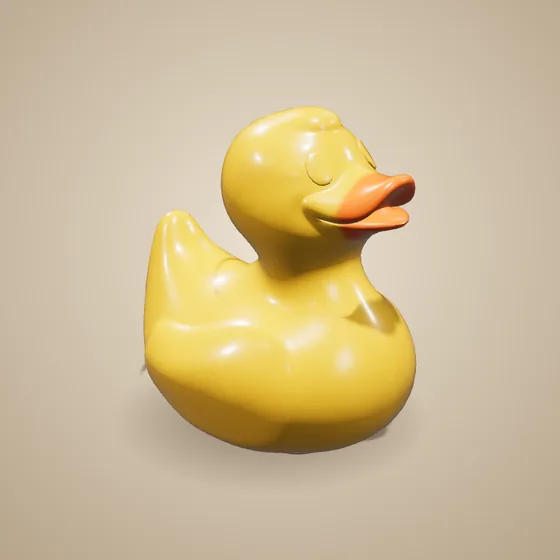
Pick a shape
Upload any STL, or design one in your browser.
-
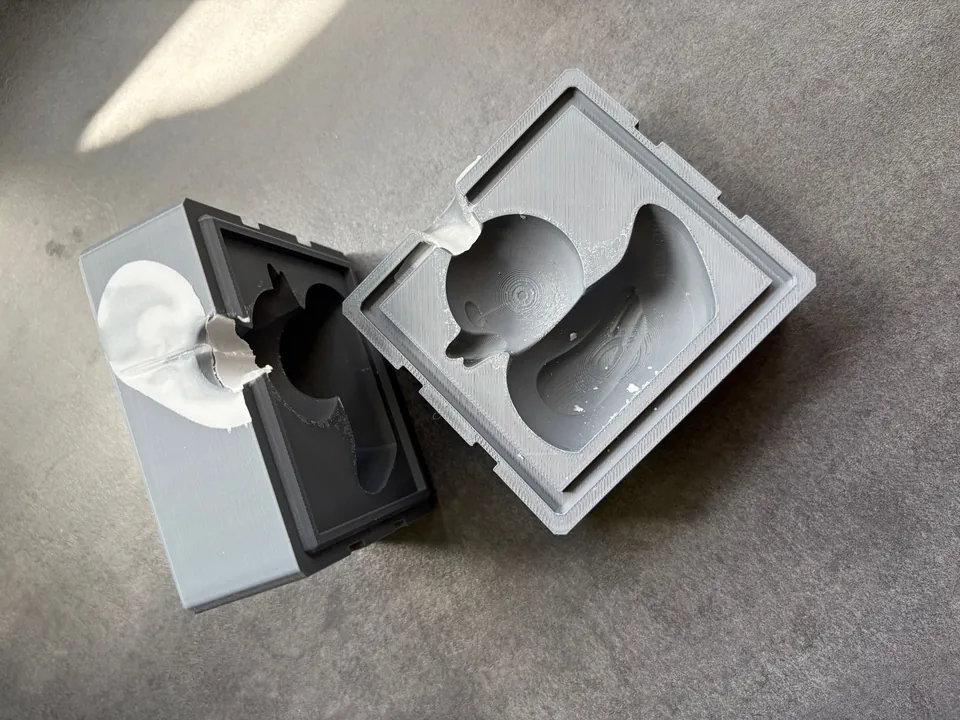
Generate the mold
Create the mold within 30 seconds.
-
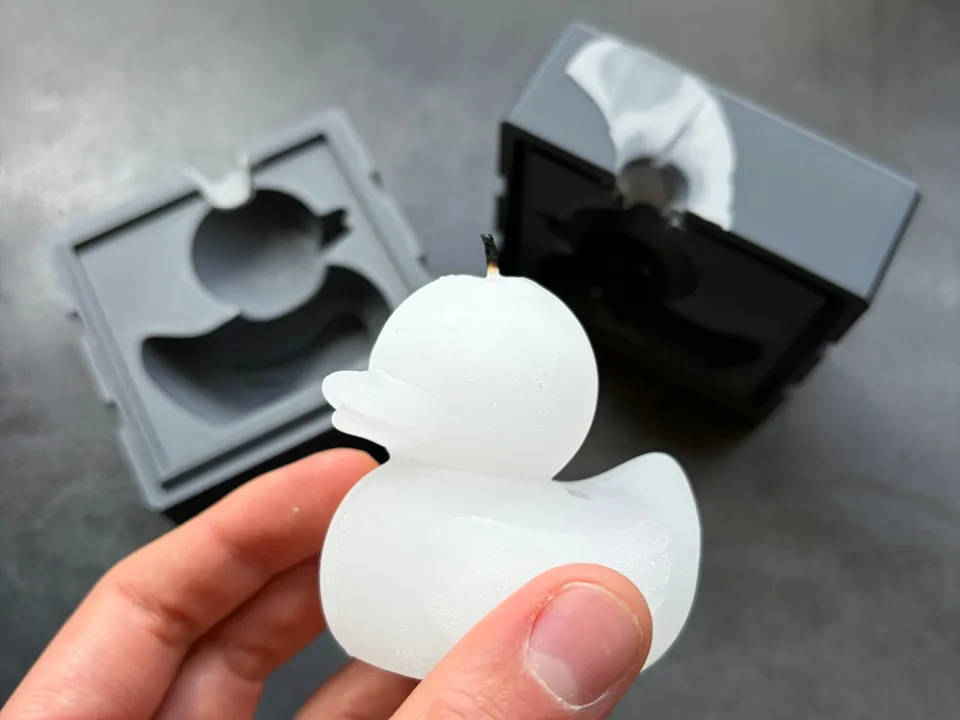
Pour and unmold
Melt wax, fill the mold, let it set, open it.
What do you want to make?
Pick what you want to make. Every tool is free, the ones people use most come first.
The 10 tools people used most this month
-
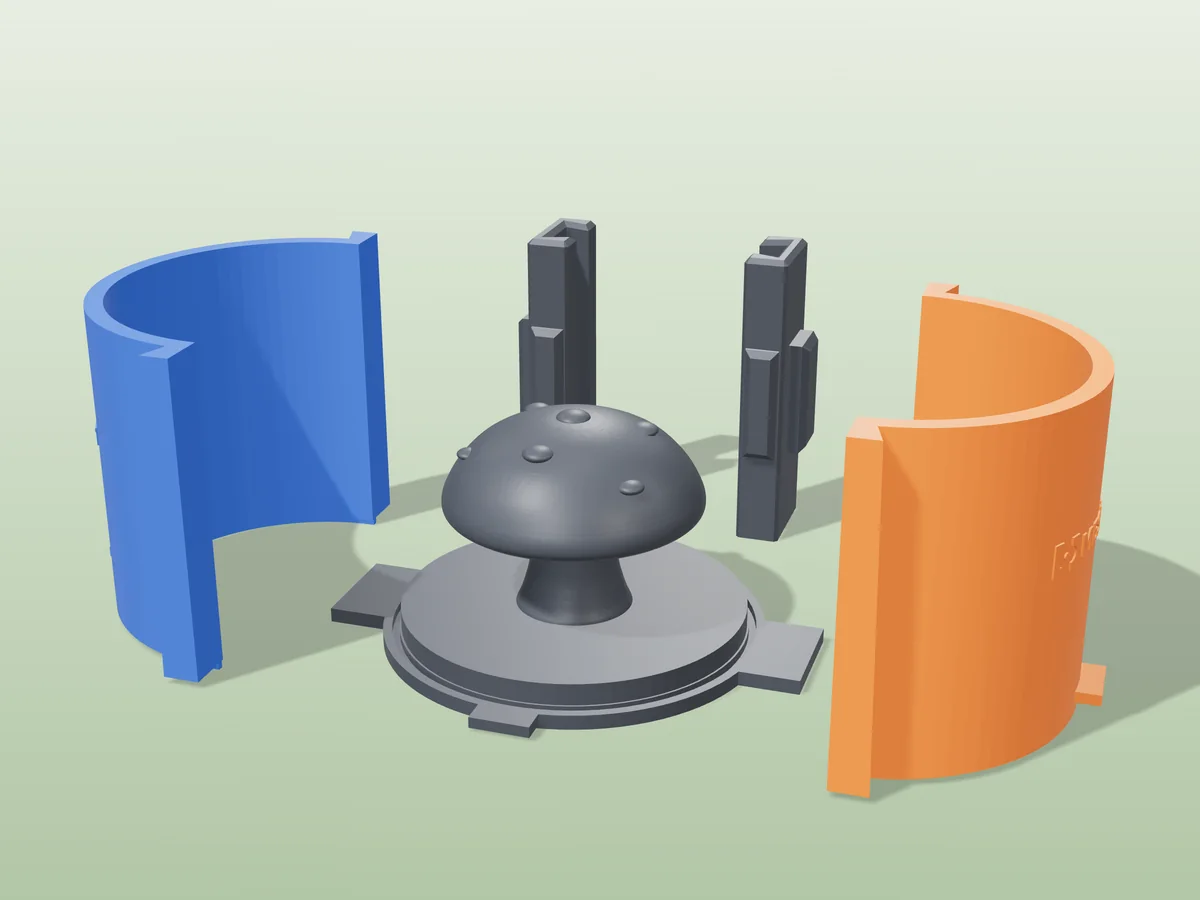
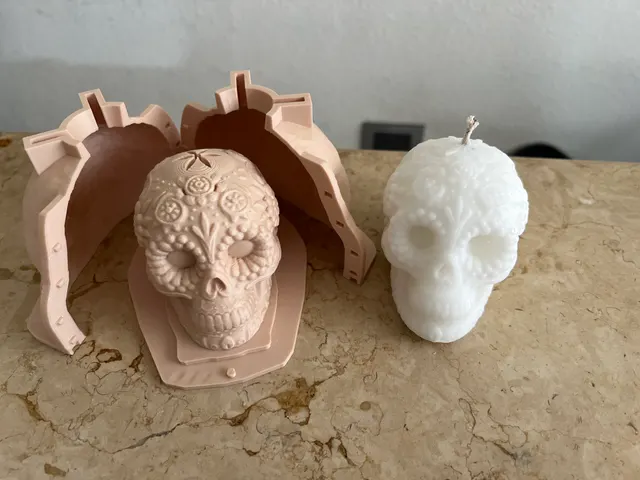
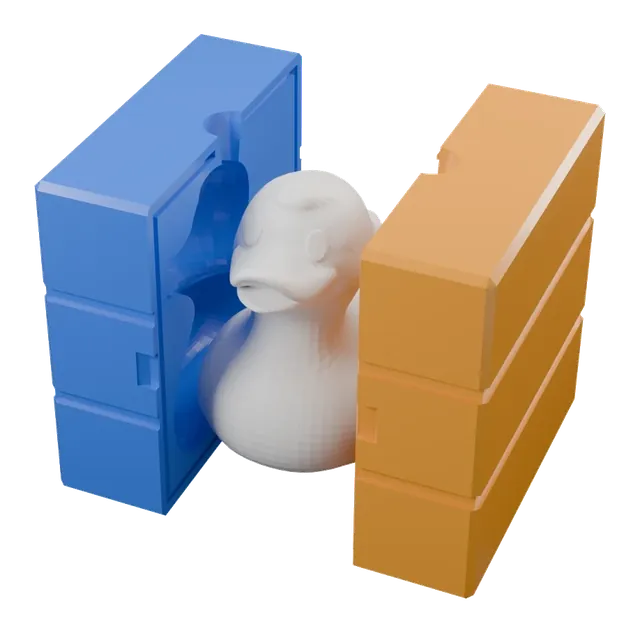 Rigid box moldA hard two-piece mold you clamp shut and pour wax or soap into.
-
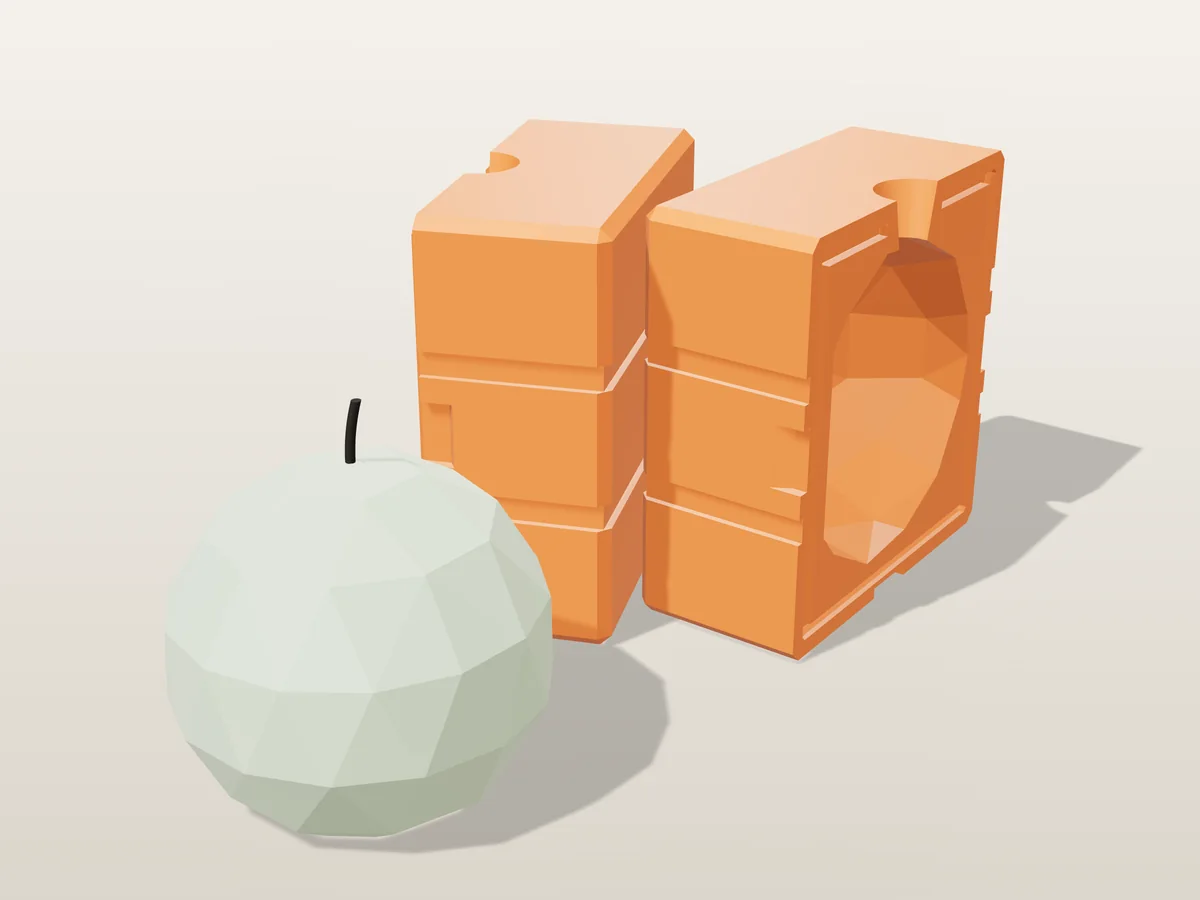
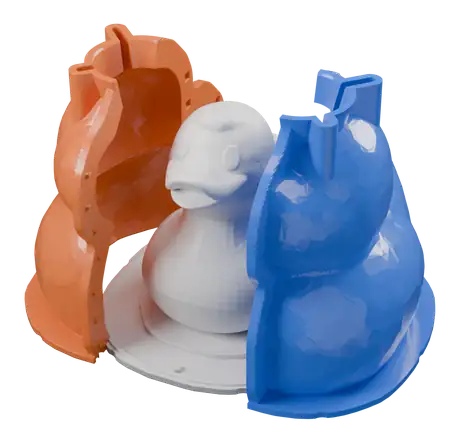 Silicone mold makerA soft, reusable silicone mold of any model, poured in a printed box.
-
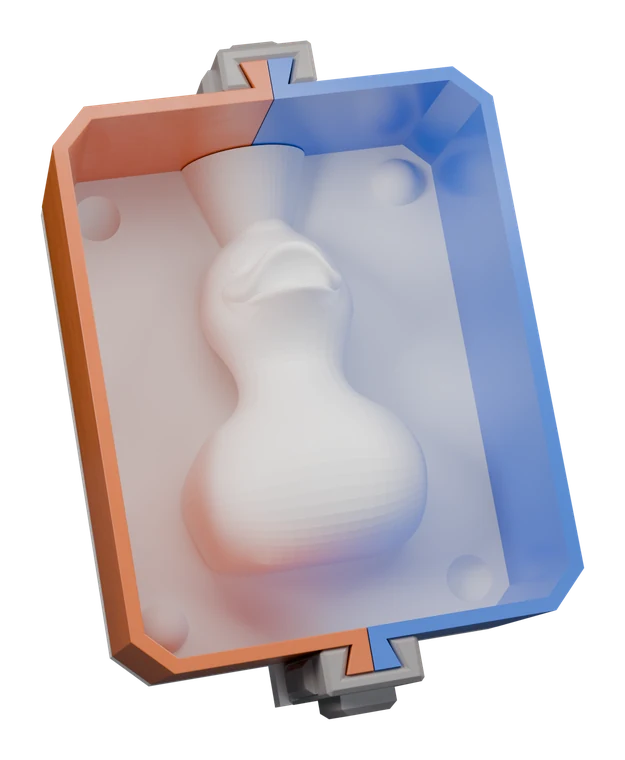 Plaster slip-cast moldA plaster mold for slip-casting ceramics from your model.
-
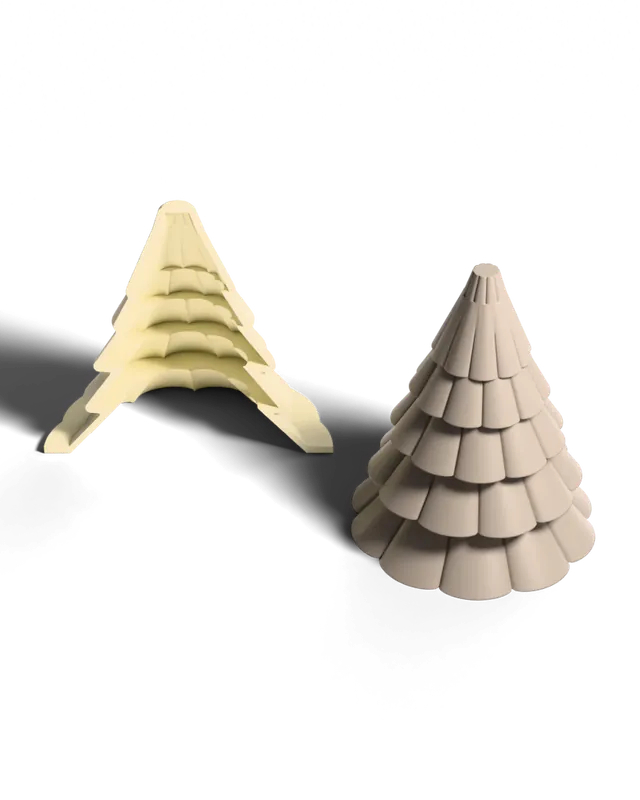
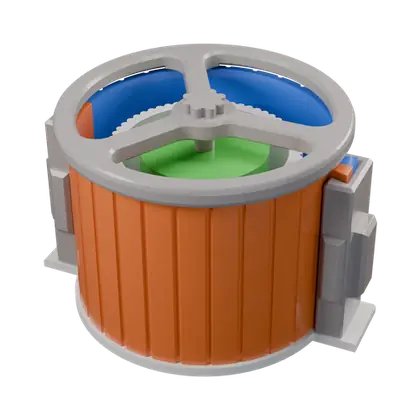 Vase & planter moldCase and core for hollow concrete vases, pots and planters.
-
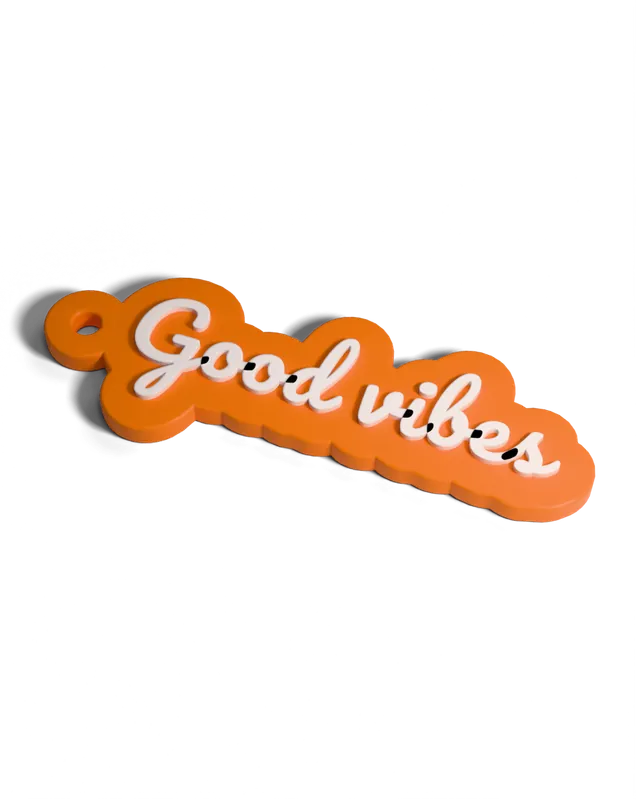 Keychain & tagsA keychain tag from your text or your artwork.
-
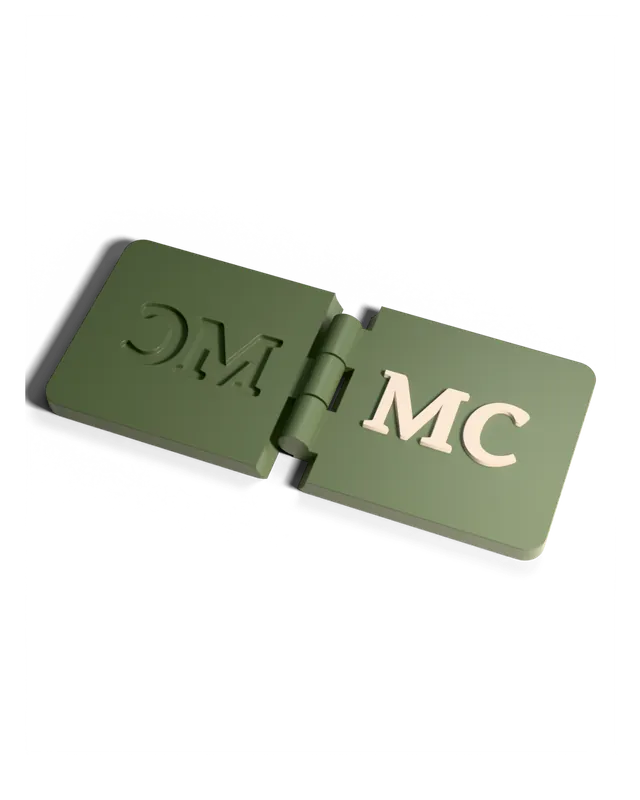 Paper embosserA pair of dies that press your design into paper.
-
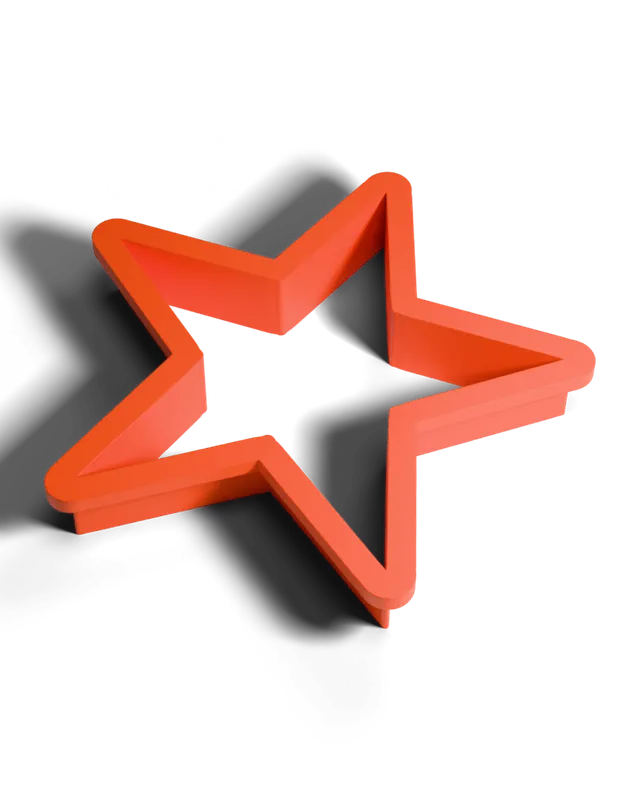 Cookie cutterAny outline as a cookie or clay cutter with a handle.
-
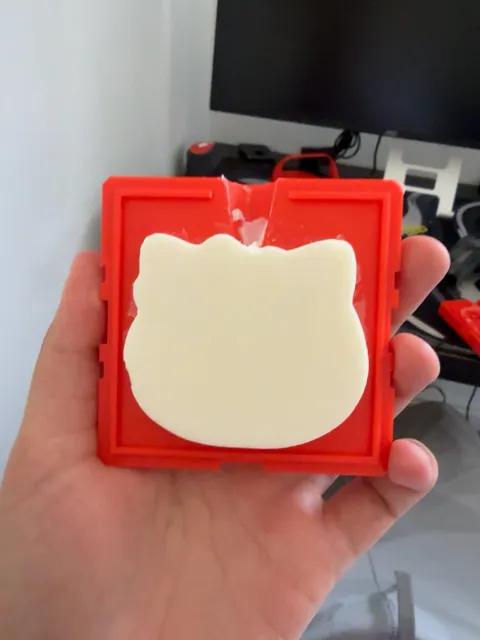
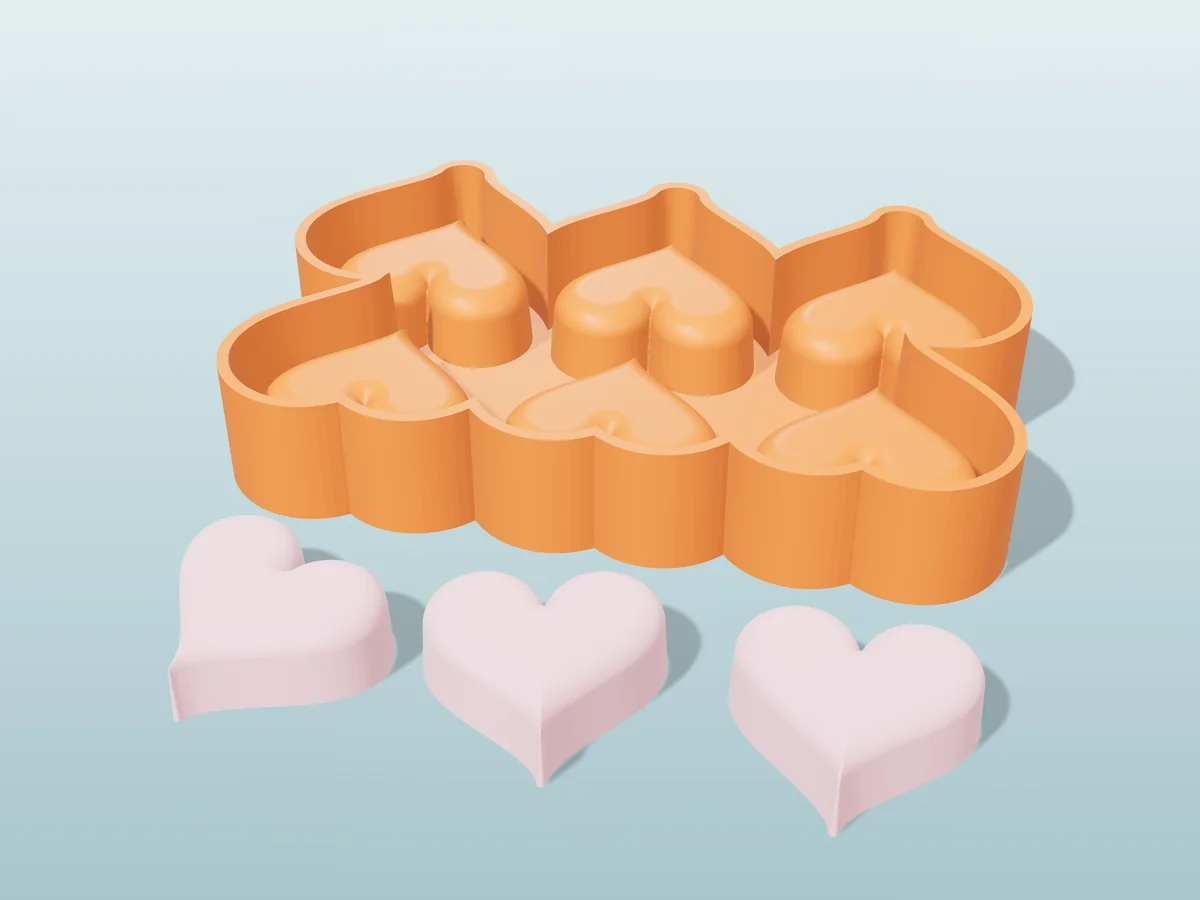
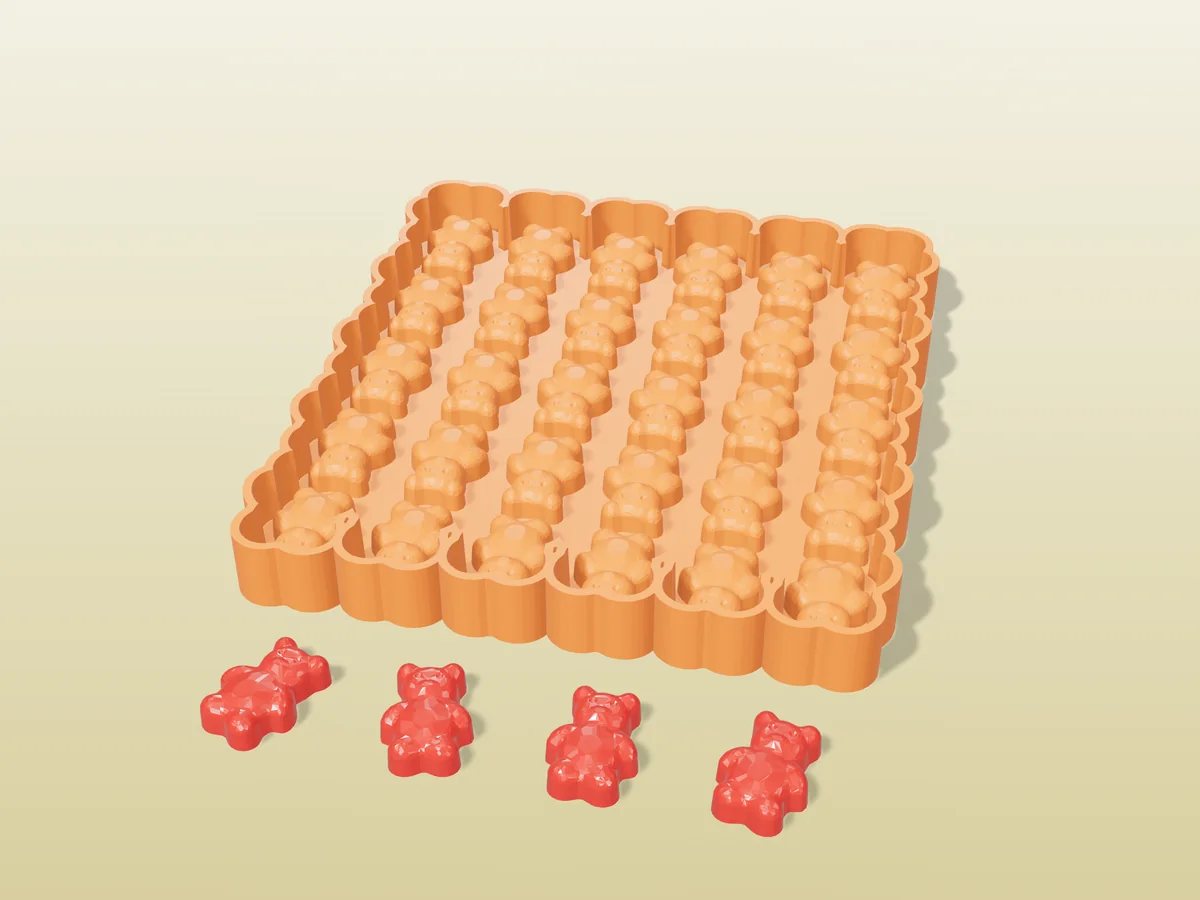
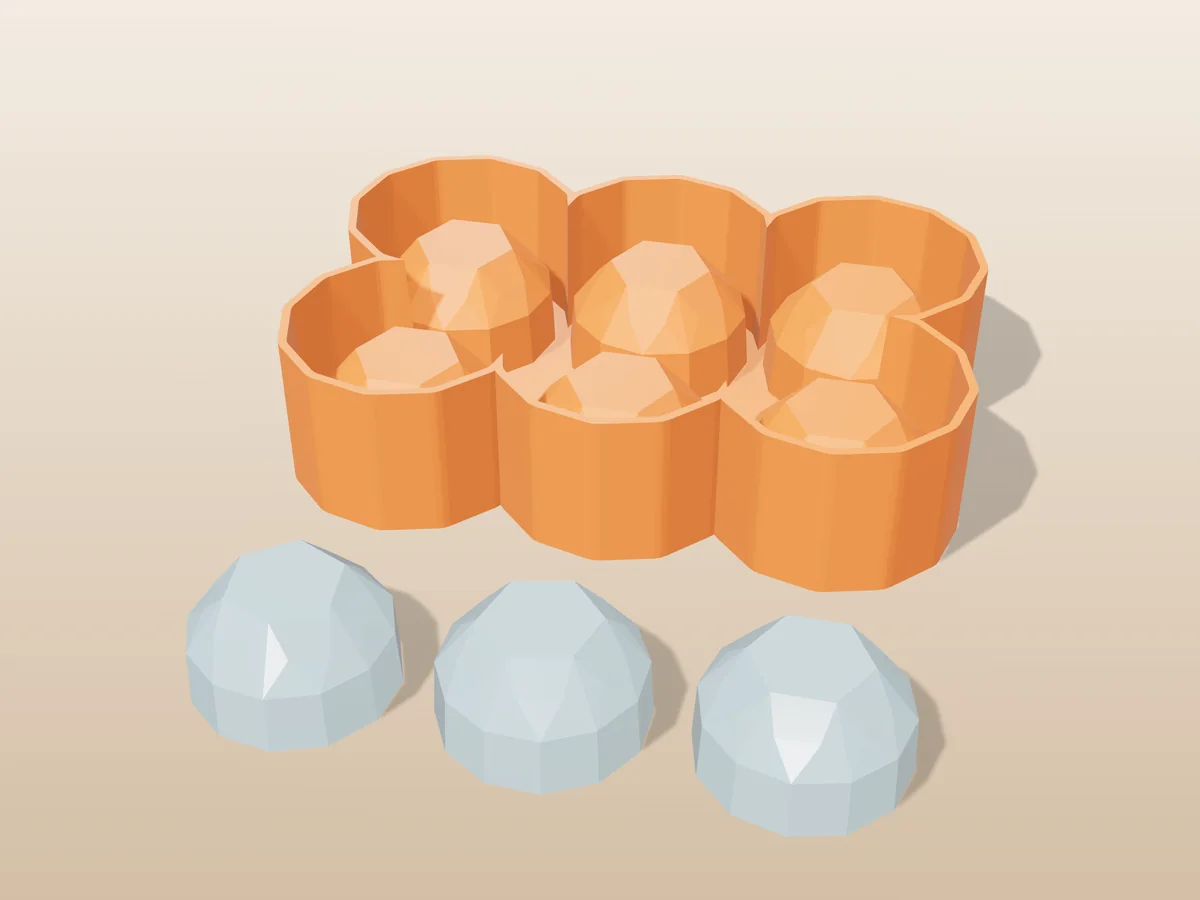
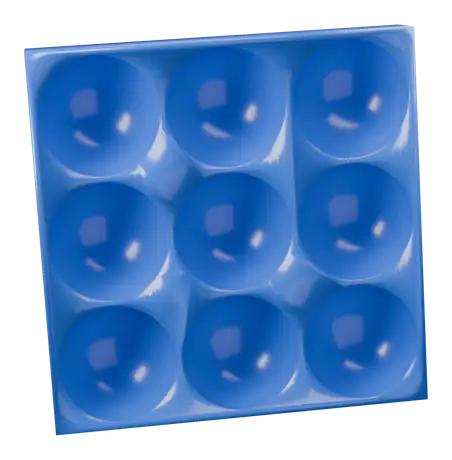 Tray moldA tray of cavities for ice, chocolate, wax melts or resin.
-
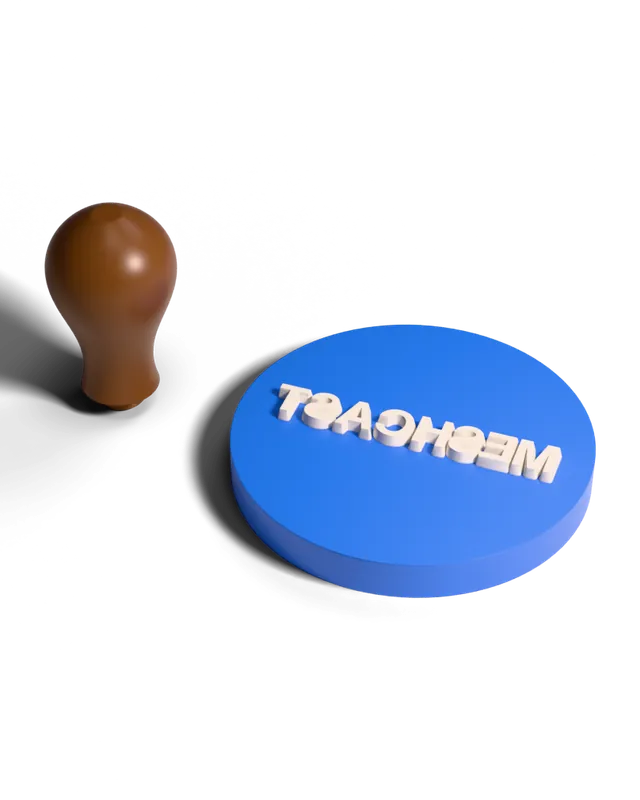 Custom stampsA raised stamp face from your text or logo, for ink.
-
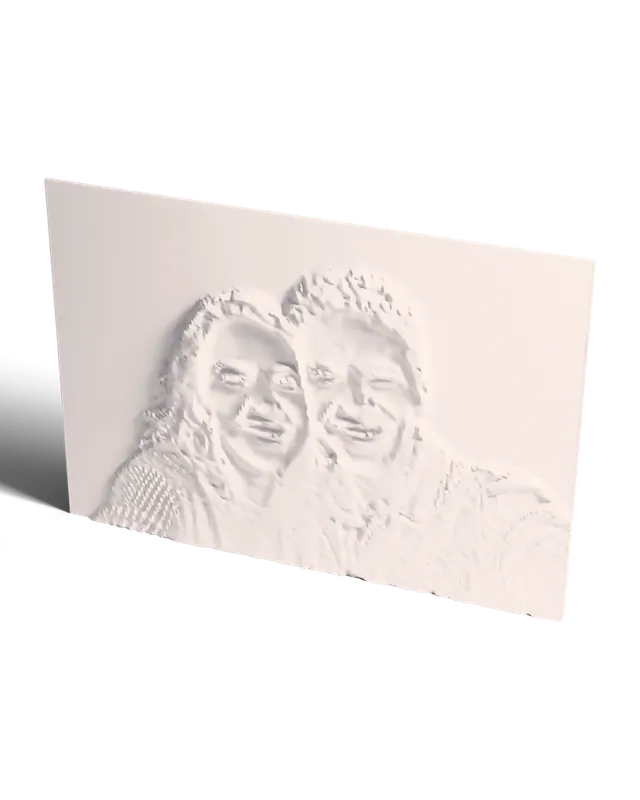 Photo lithophaneA photo panel that shows the picture when lit from behind.
-
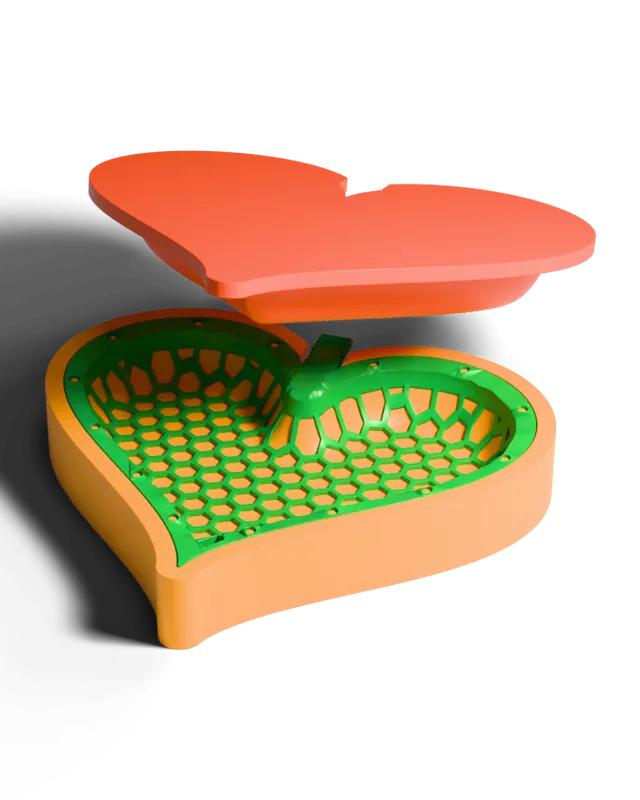 Mesh formerPrint a flat mesh, warm it, press it into a curved shell.
-
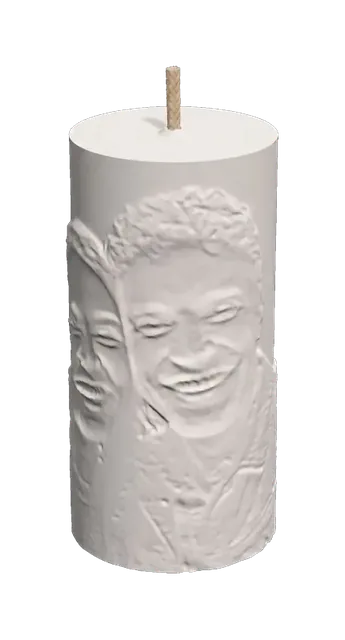 Photo candleWrap a photo round a candle so it glows when lit.
-
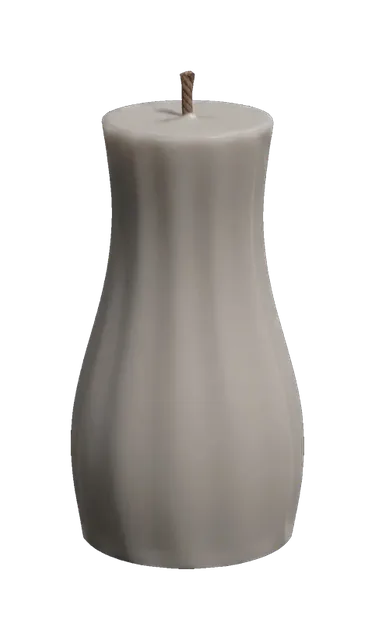 Custom candlePillars and tapers with flutes, facets and twist, ready to mold.
-
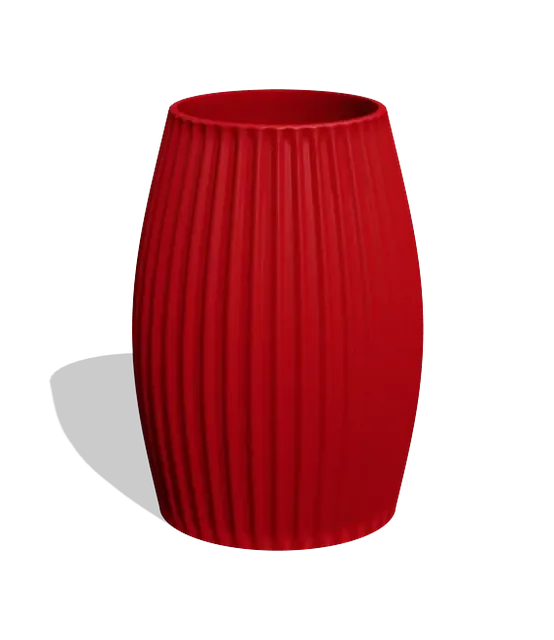 Vase designerShape a vase from a silhouette, with flutes and facets.
-
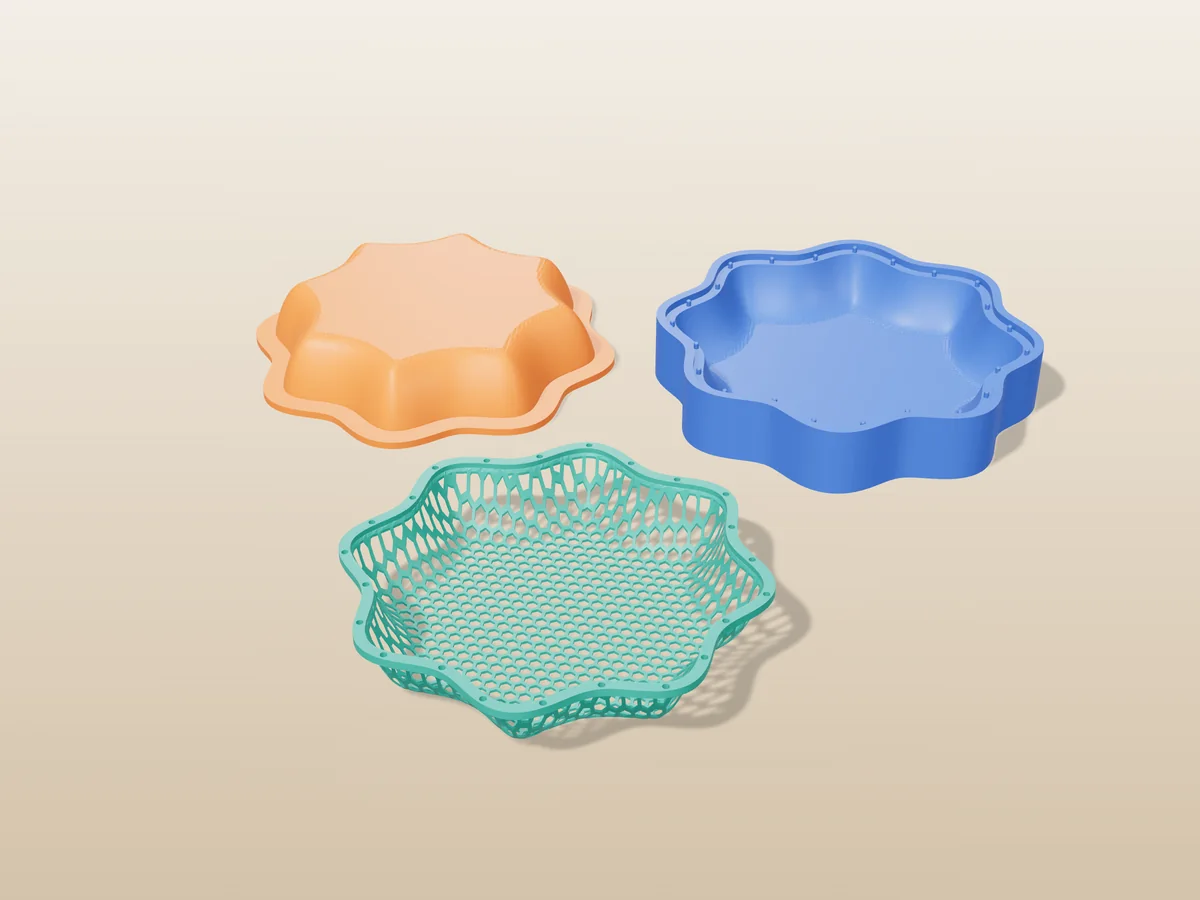
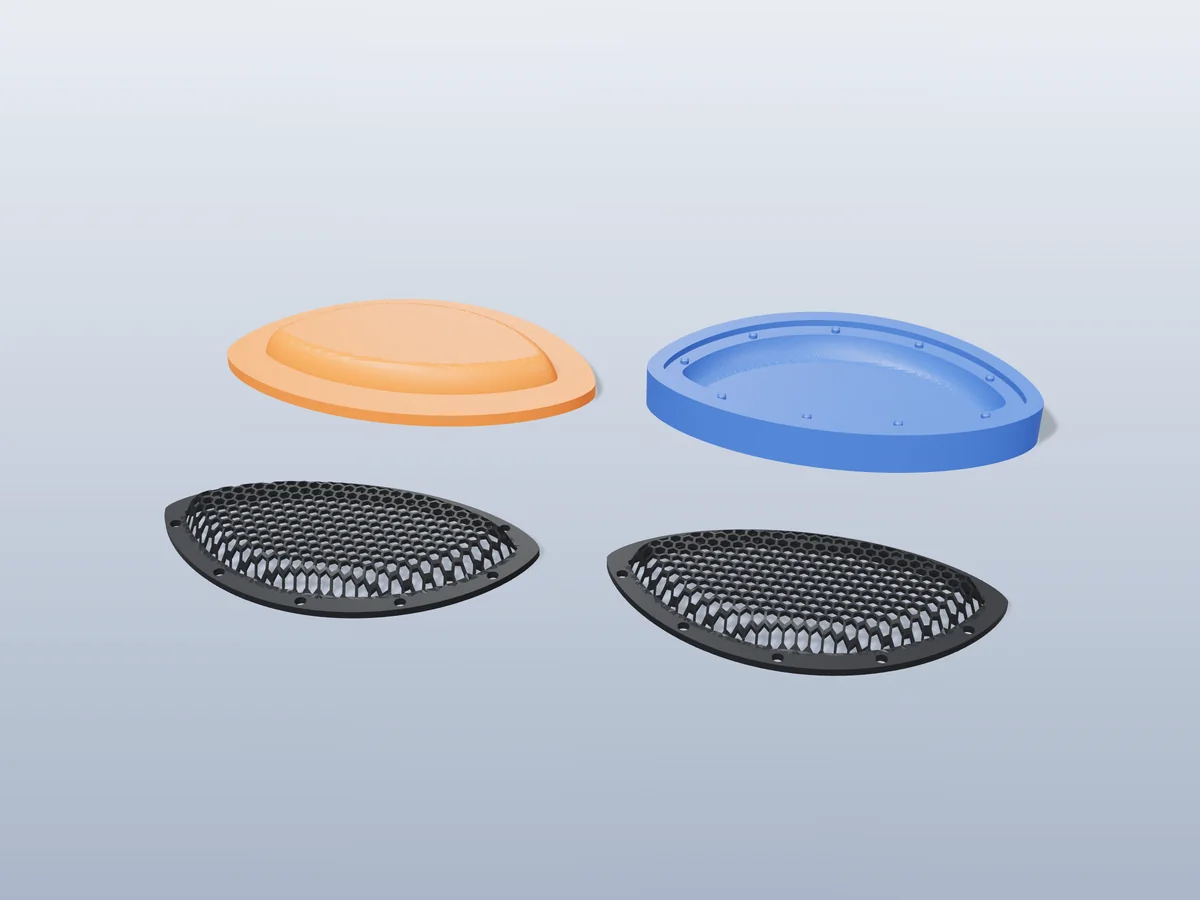
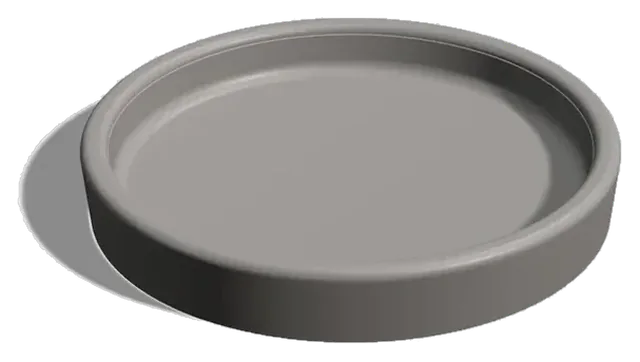 TraysTrays, dishes and bowls to cast in concrete or resin.
-
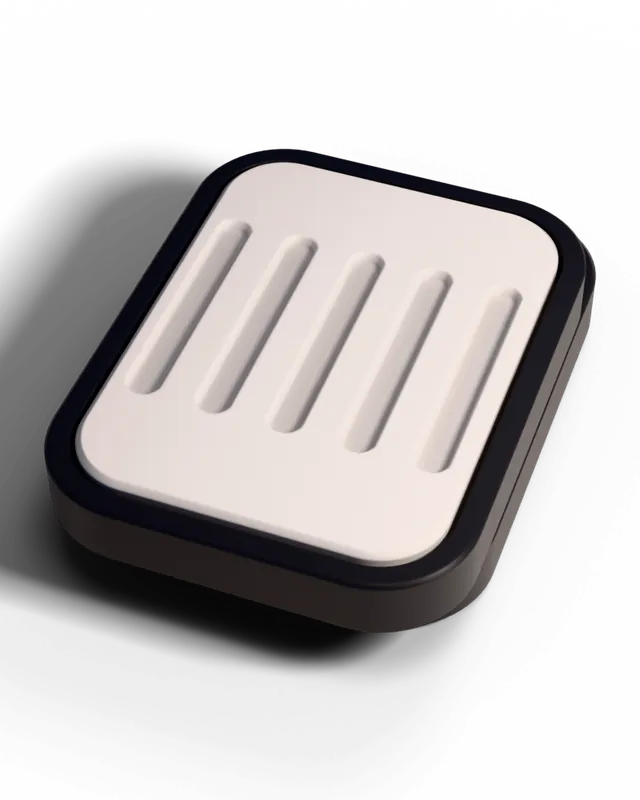
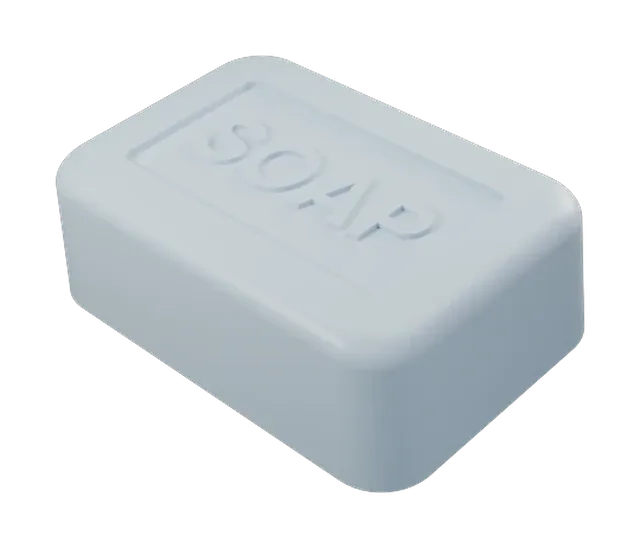 Custom soap barSoap bars with rounded edges and the draft to release.
-
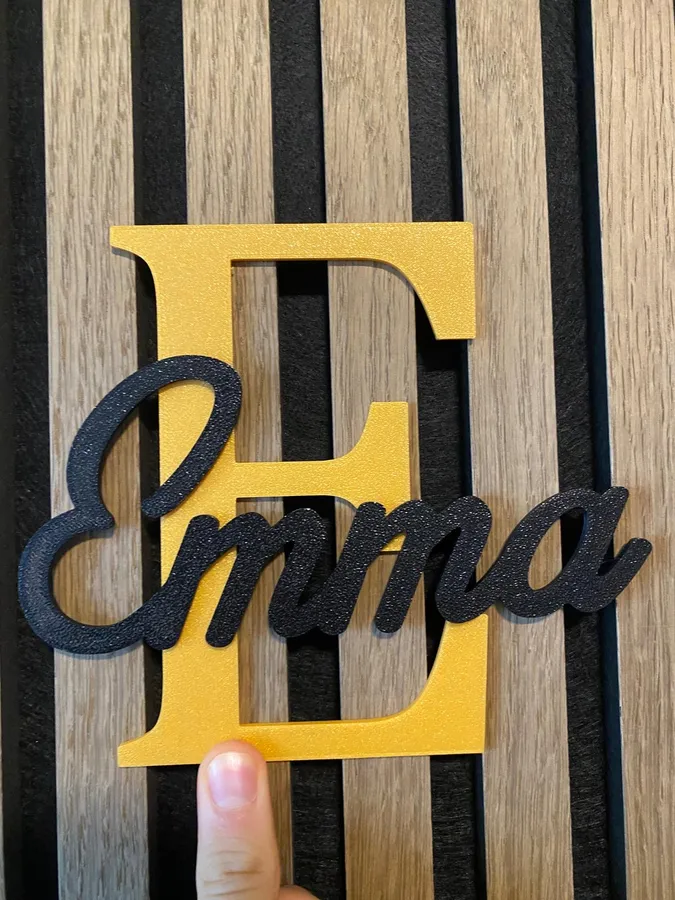
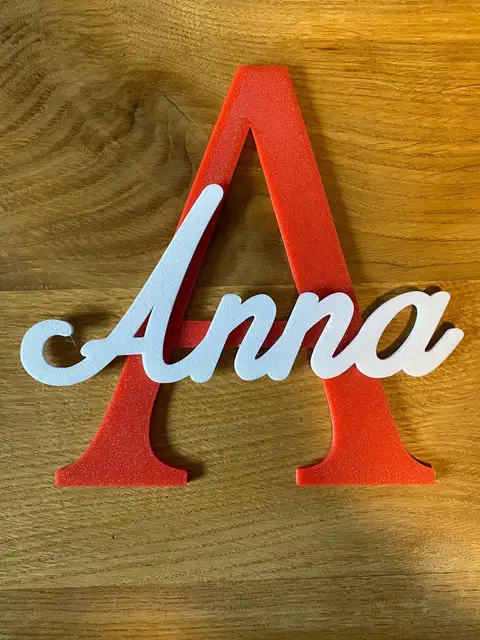
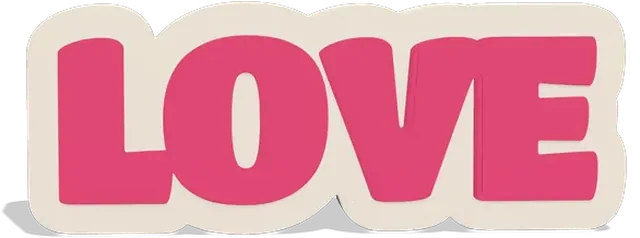 Text signType a word into a two-colour sign or a word-shaped candle.
-
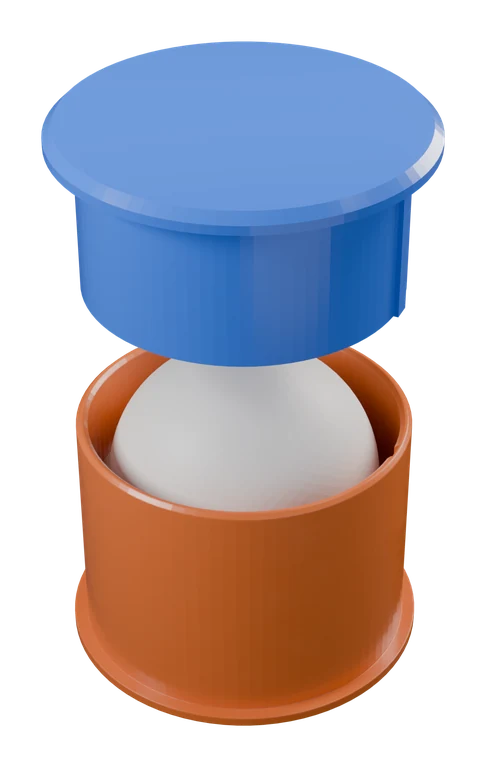 Clay & soap press moldA mold and plunger for clay, soap and bath bombs.
-
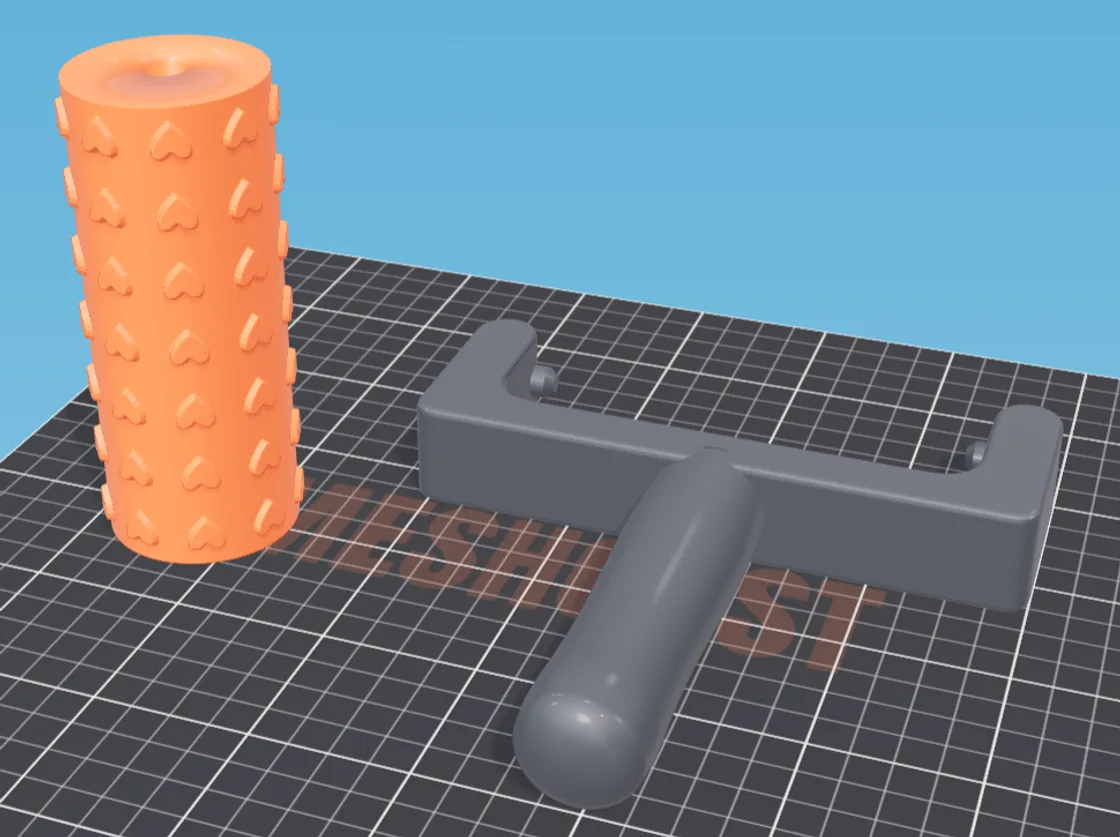
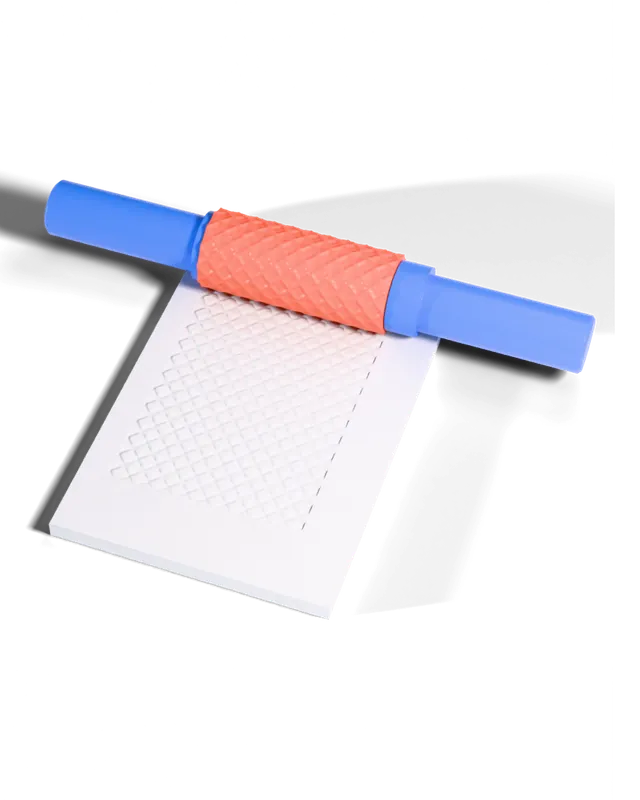 Texture rollerA roller that presses a pattern into clay, dough or fondant.
-
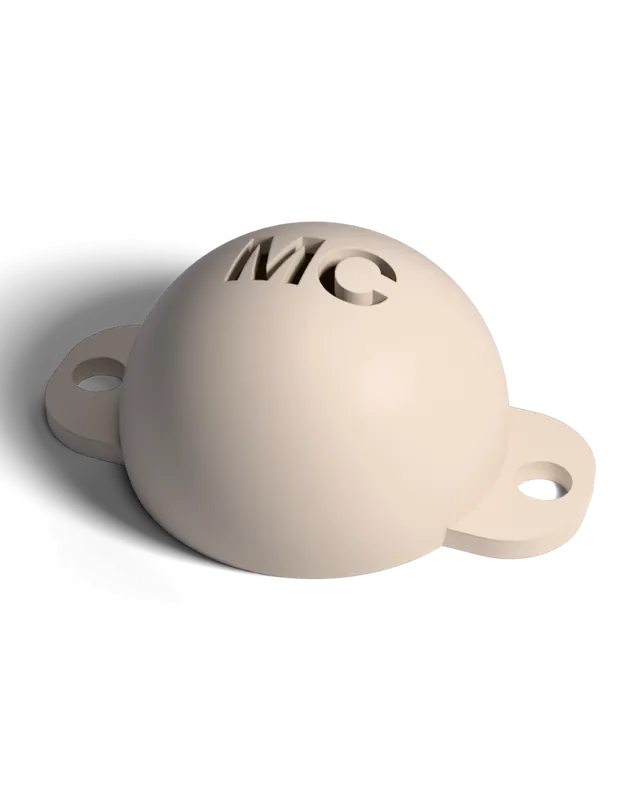 Golf ball stencilA cap that marks a golf ball with your initials or logo.
-
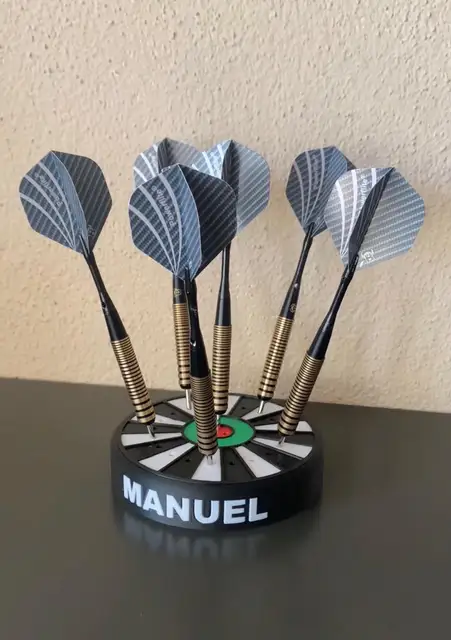
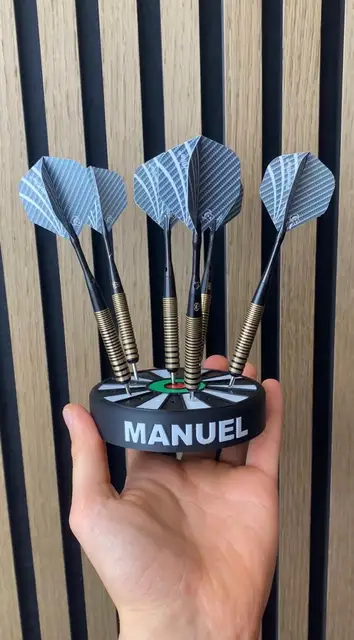
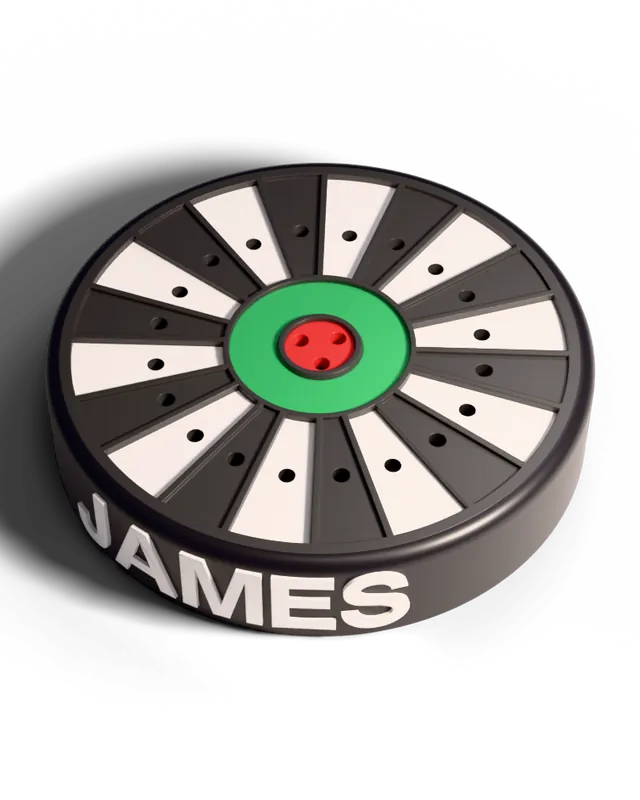 Dart holderA wall stand for your darts with your name on it.
-
 I love you keychainThe "I love" keychain with any word under the heart.
-
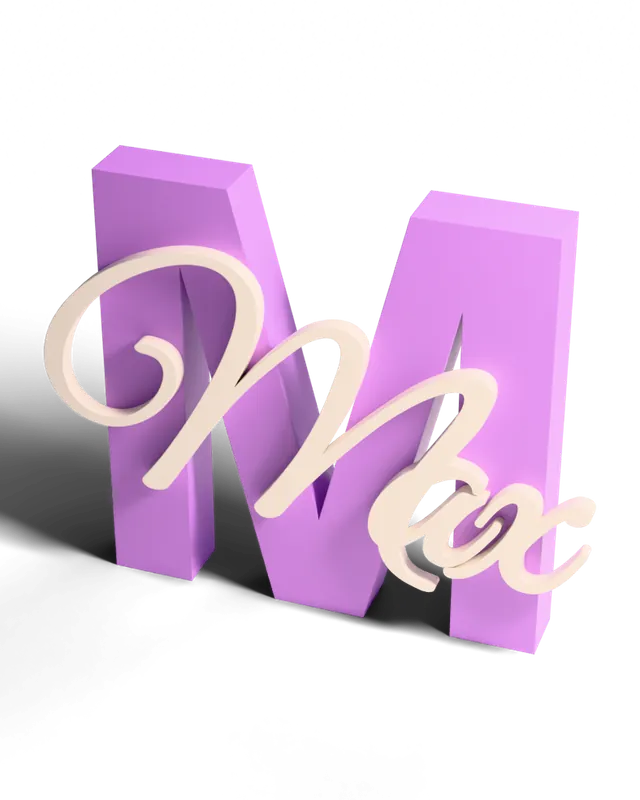 Name signA name sign or door plate from your text.
-
 3MF color splitterSplit a painted 3MF into one part per colour.
-
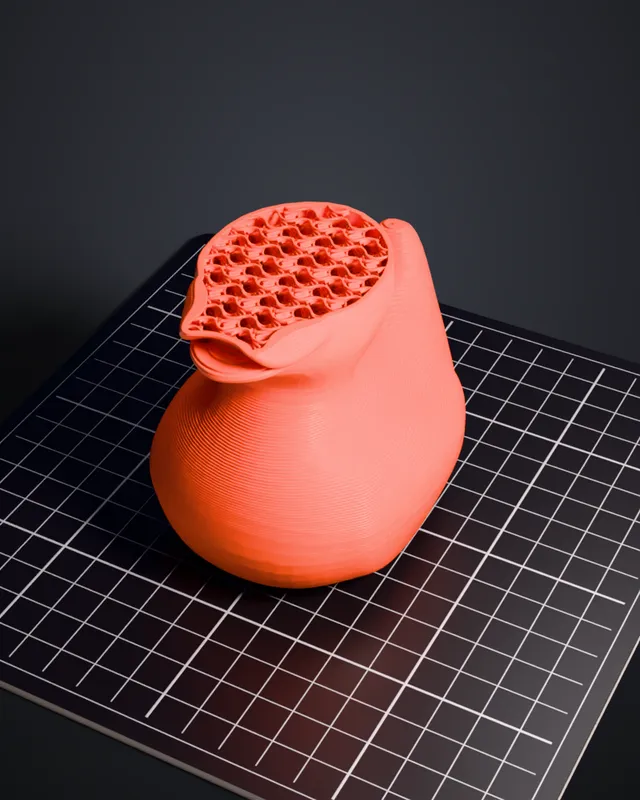 Print timelapseA video of your model printing itself, layer by layer.
-
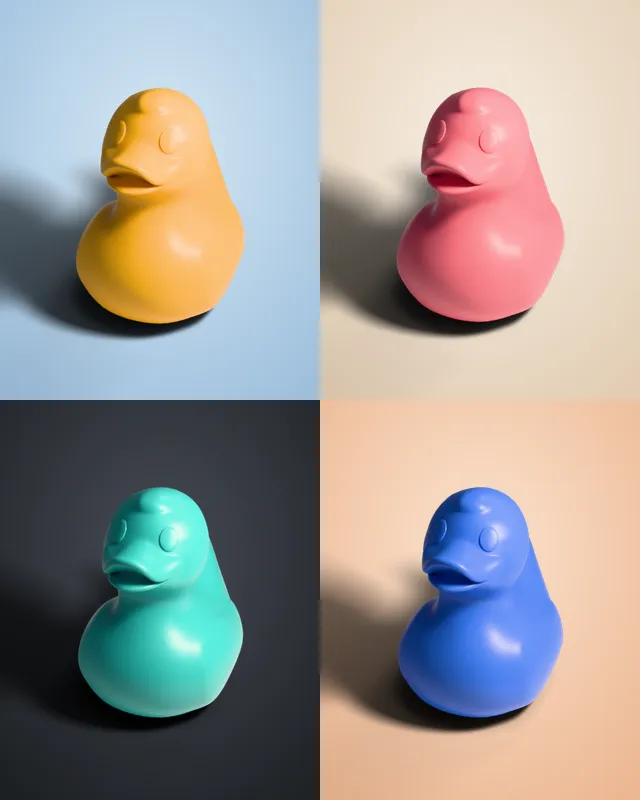 Product photosA studio-lit product photo of any 3D model.
Or pick a mold type yourself
For when you already know what you want. Every generator is free.
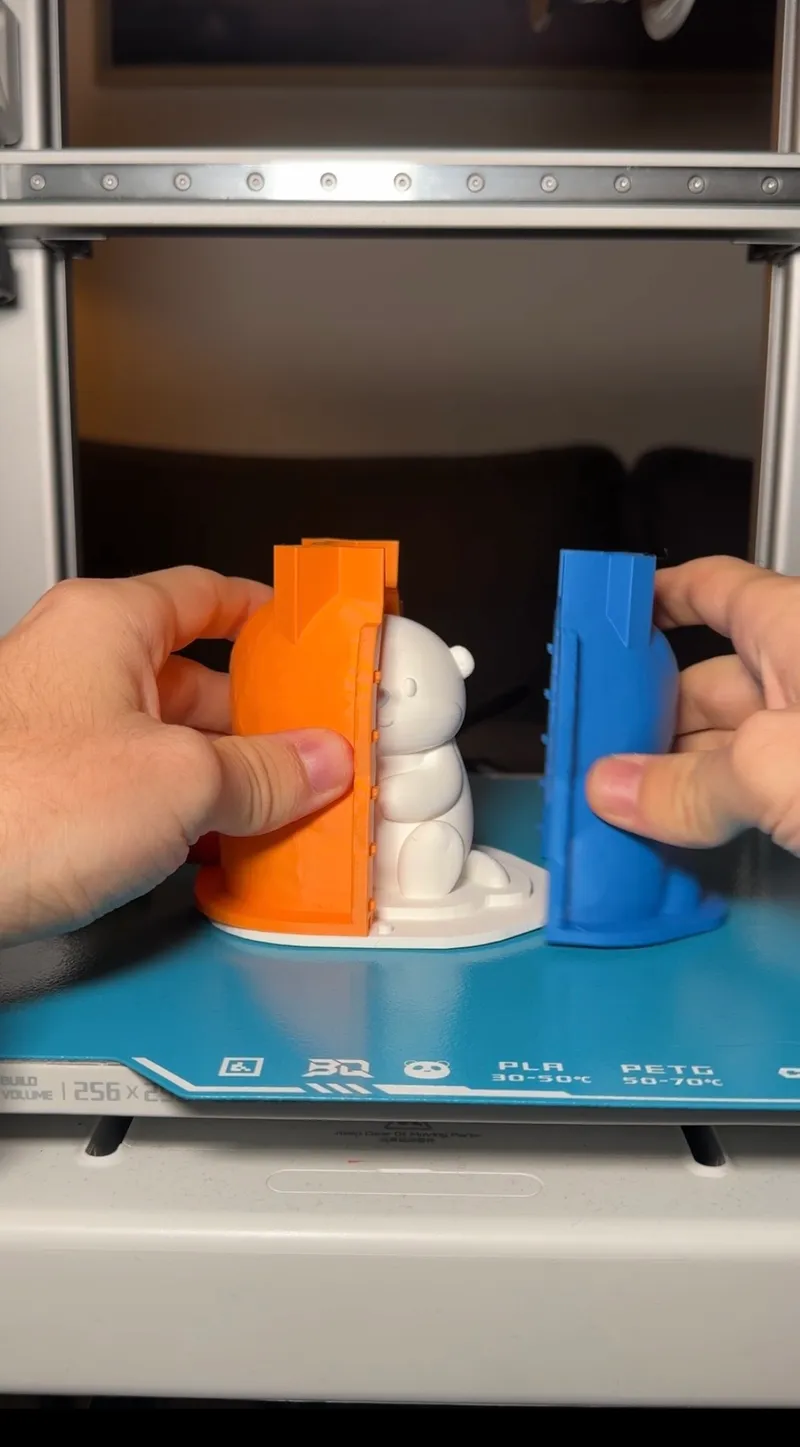
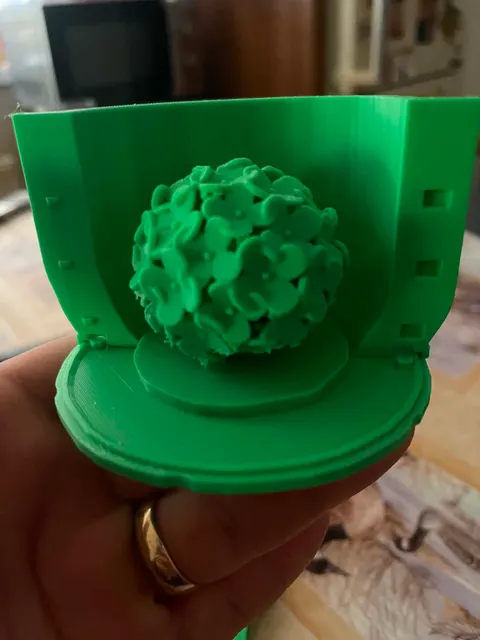
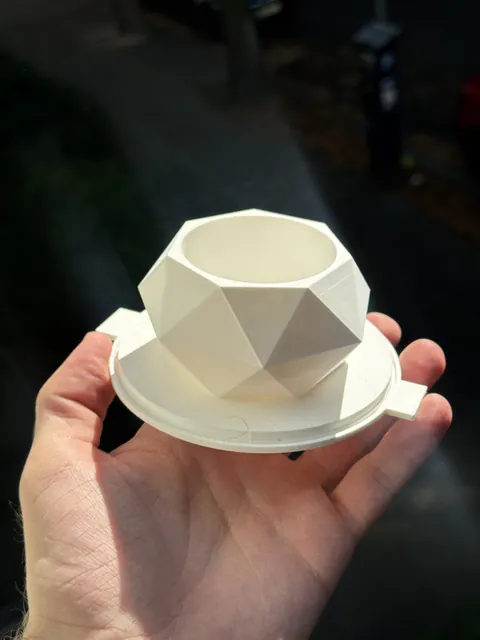
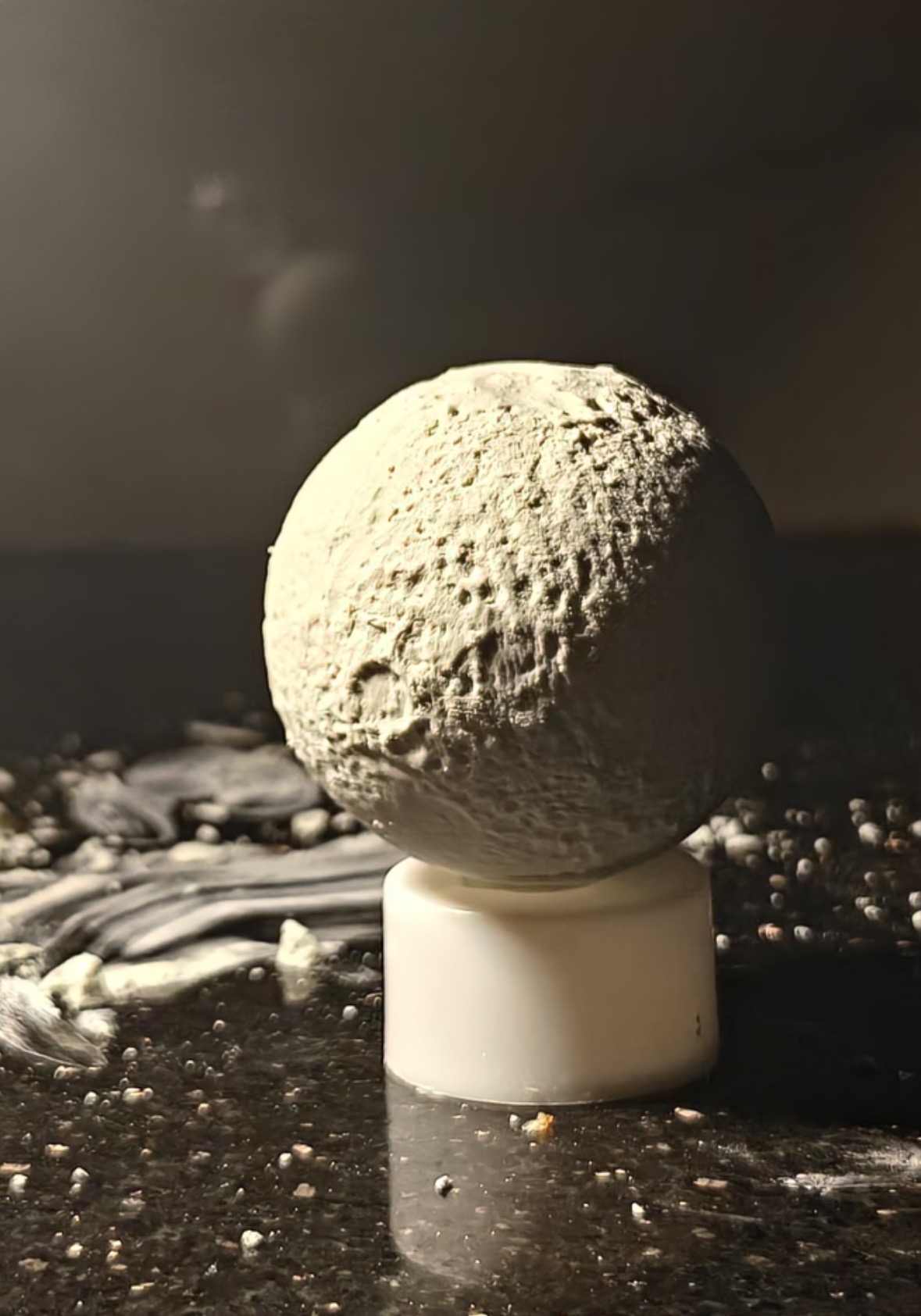
Press play on a card to watch how it works.
Even more generators
No casting step. Customize it, print it, and it's ready to sell - commercial rights included with Pro.
Don't have a model? Grab a ready mold.
Print-ready molds for candles, soap, concrete, resin and more. Tested, with the print settings in every zip.
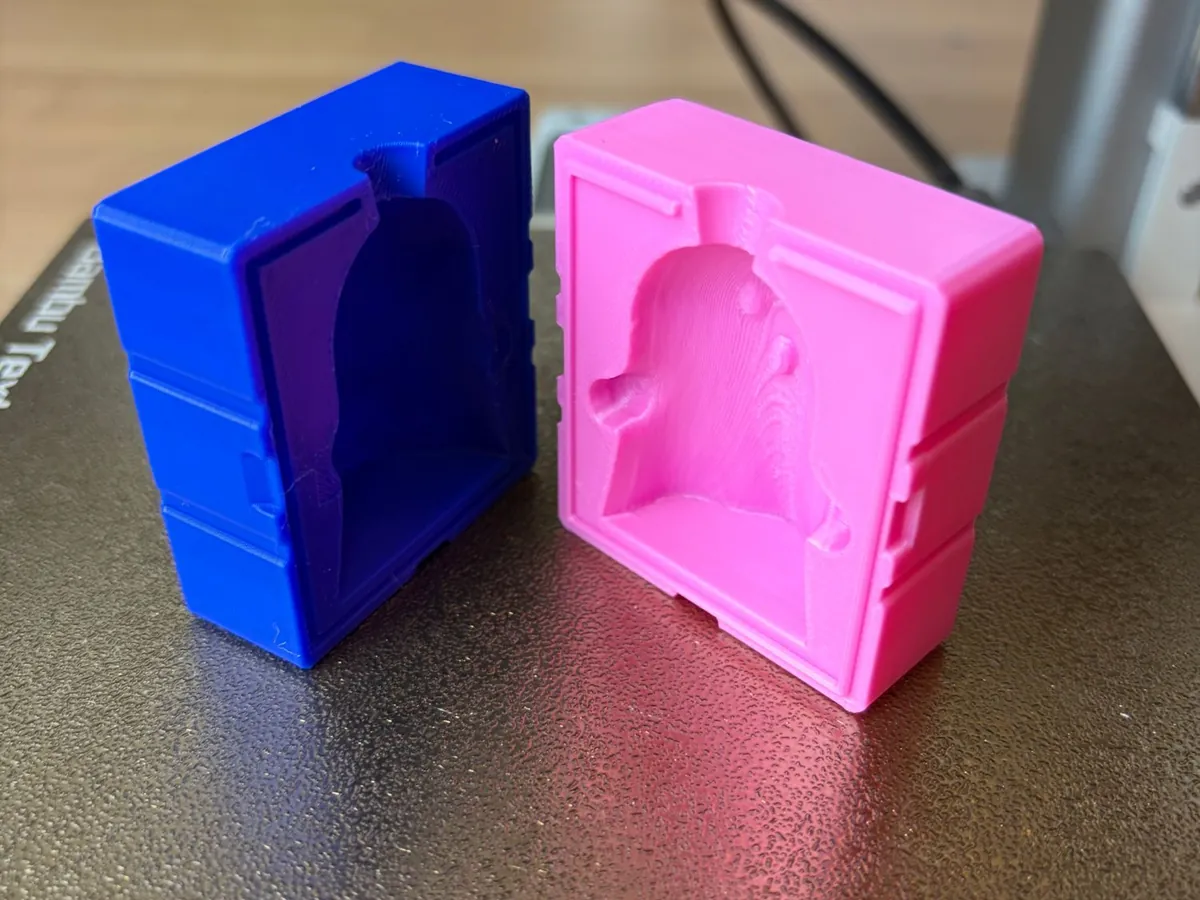 Ghost candle moldFree · Candle wax
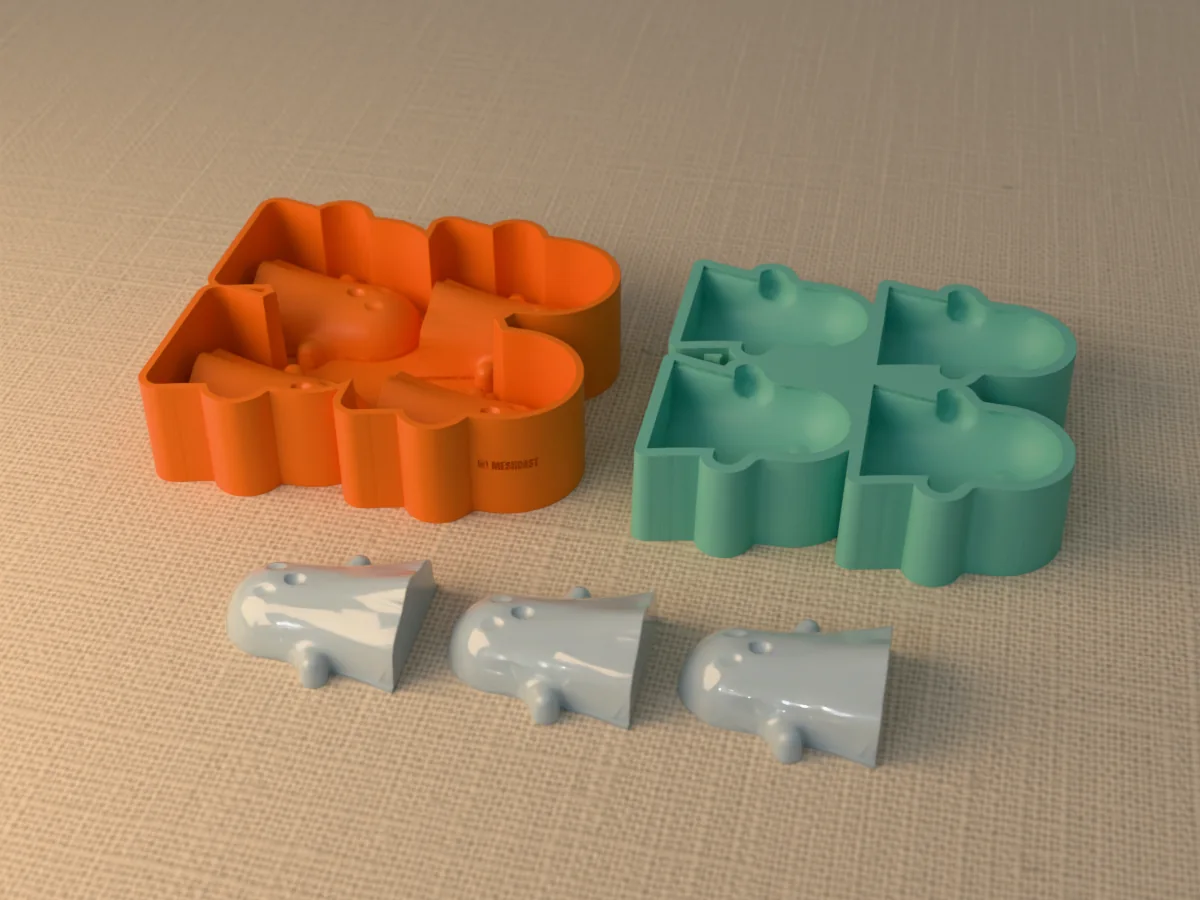 Ghost ice cube tray moldFree · Ice
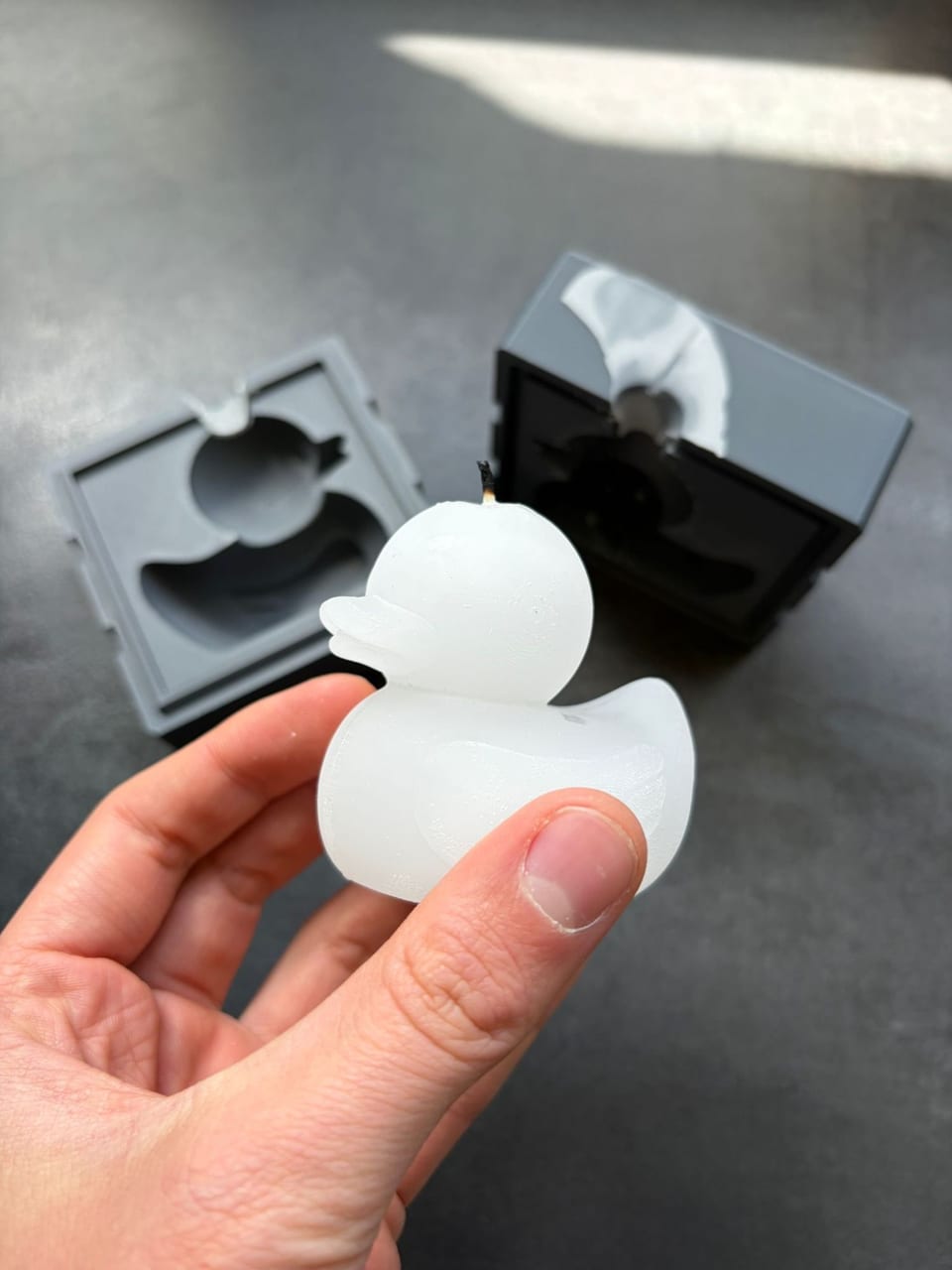 Duck candle moldFree · Candle wax
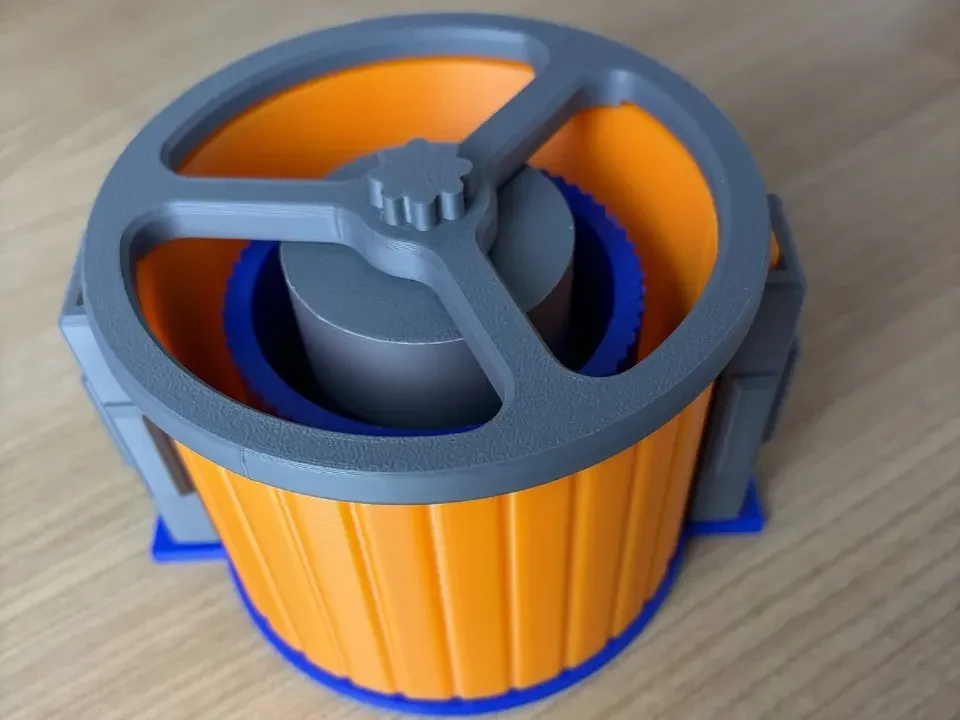 Ribbed concrete vase moldFree · Concrete
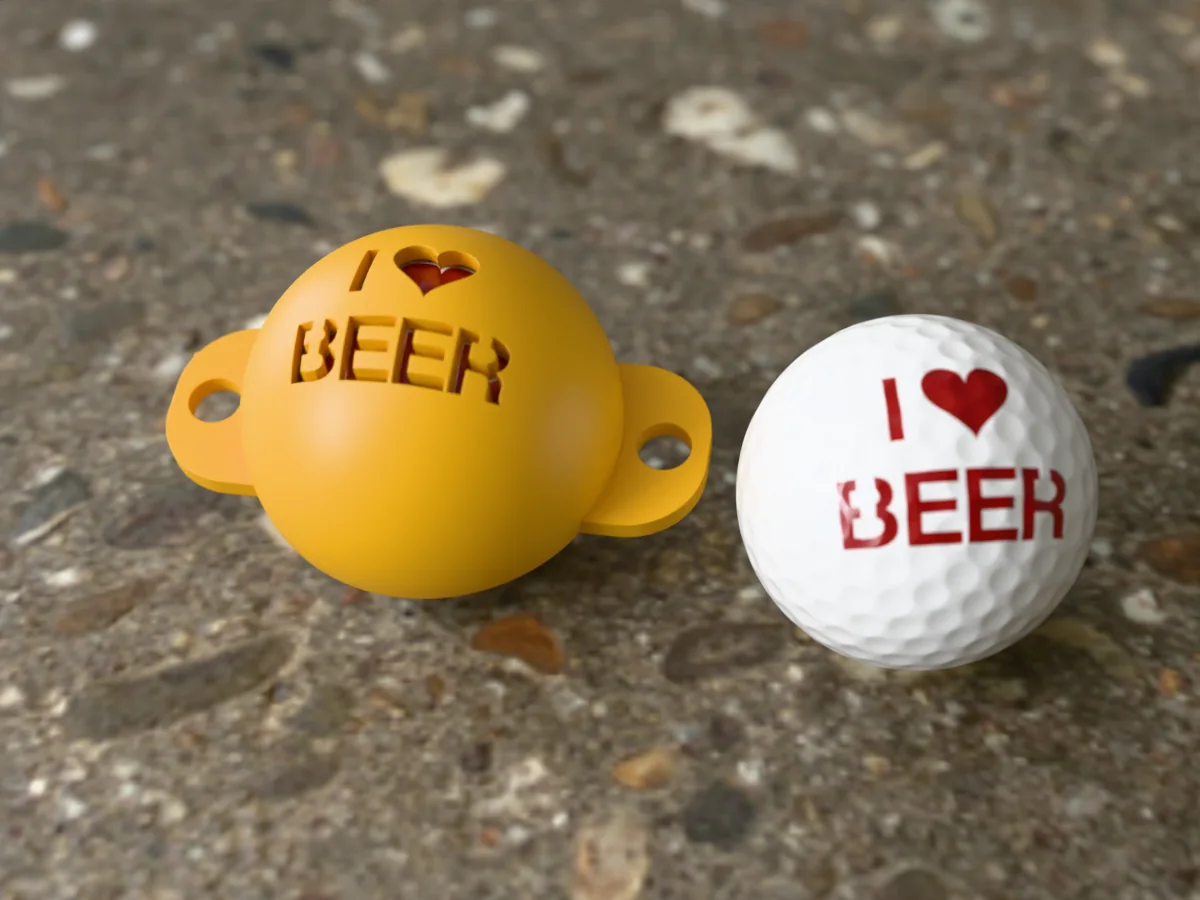 I love BEER golf ball stencilFree · Print only
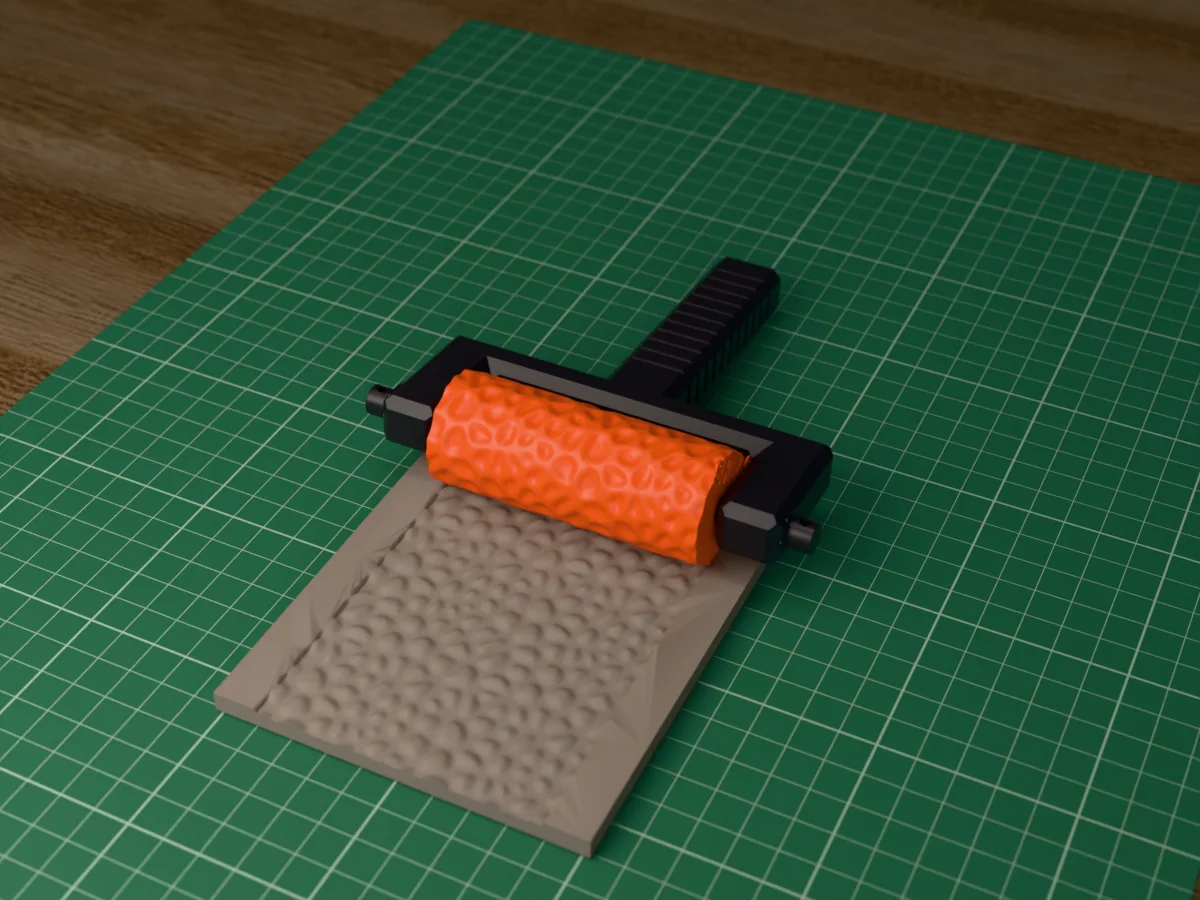 Cobblestone texture rollerFree · Clay
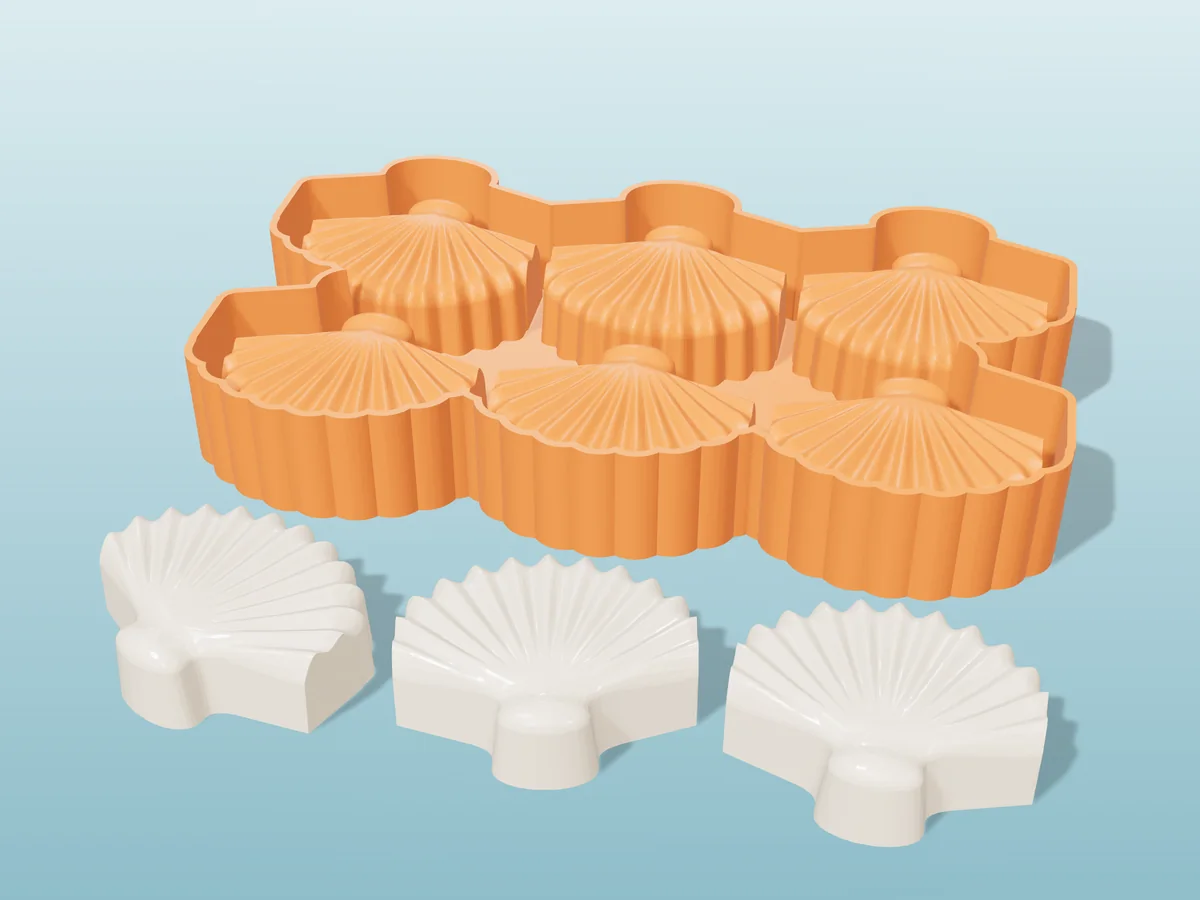 Seashell soap tray moldFree · Soap
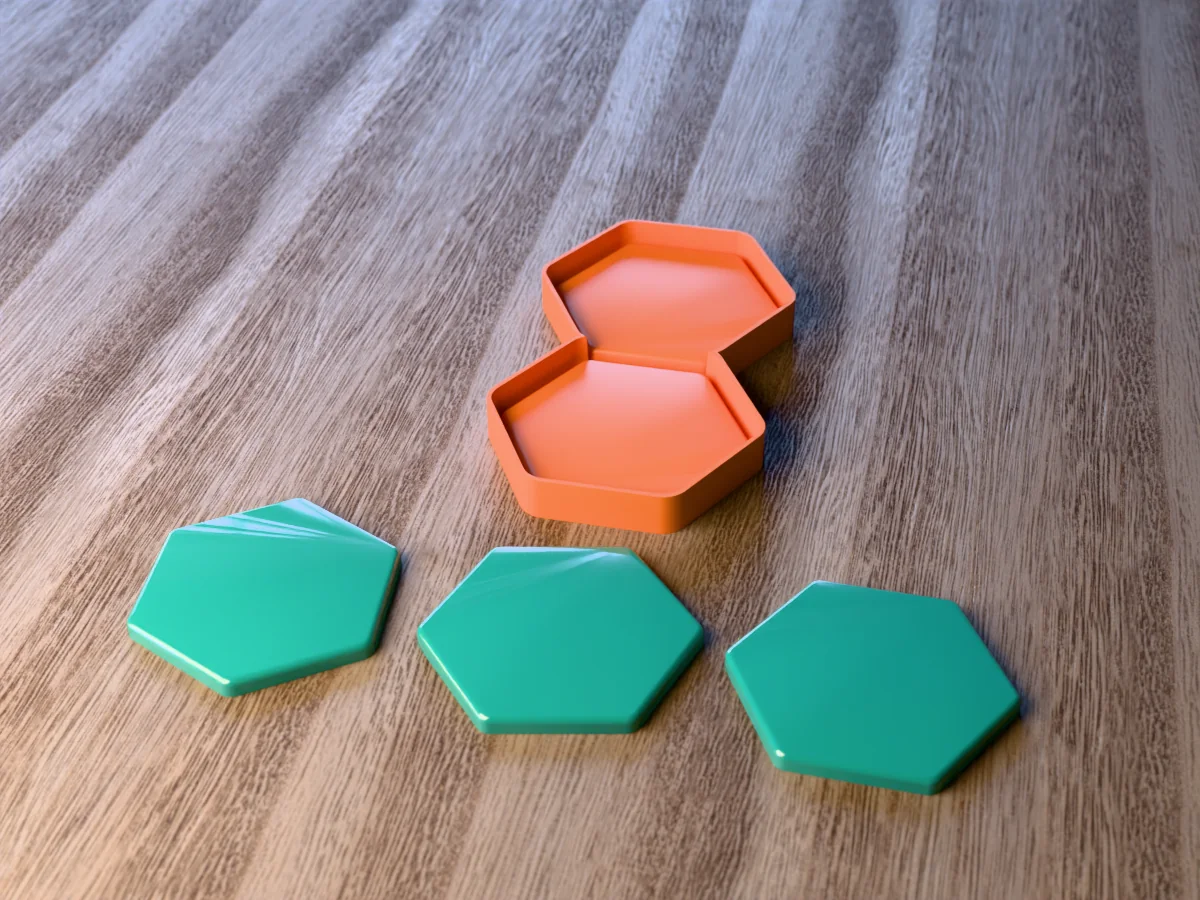 Hexagon resin coaster moldFree · Resin
Made with Meshcast
Things people designed, printed and cast. Tag @meshcast.app and yours could show up here.
What people are saying
Pulled straight from the star ratings makers leave after a real generation.
Free to make. Pro to sell.
No credit card to start. Pro and Founder let you sell what you make, in any quantity, on any platform.
- 3 free STL downloads every week, refilled automatically
- 2 free 3D heads from a photo (head generator)
- Progress, achievements & rewards
- Personal use only - not for resale
5 downloads in your first week, then 3 every week
Start free- 10 STL downloads a week
- All tools & mold types
- Personal use only - not for resale
- Keeps the “Meshcast” mark on every file
Just want more files for yourself. If you plan to sell anything you make, this is not the one.
See Starter- Sell everything you make
- Commercial licence for 400+ library molds
- Your own logo instead of ours
- 100 AI credits every month, for the head generator
- Everything in Pro for life
- 250 AI credits on us, one-off, they never expire
- Commercial rights that never lapse
- All current & future tools, forever
Pays for itself against Pro in about 18 months. The next 10 spots are $399.
Claim FounderStill here? Try it on an example
No file needed. This opens the silicone mold maker with an example already loaded, so you can generate a mold and see the print settings before you upload anything of your own.

Meshcast turns complex STLs into printable soap and candle moldsAll3DP, July 2026
Quick answers
Which mold should I make?
Pick what you want to cast in Start here and it opens the right tool. Most first molds are silicone: you print a housing, pour silicone into it, and cast resin, wax, soap or plaster.
Do I need an STL?
No. Every mold tool has examples to try, and the design tools make a model for you (candles, soap, signs, a head from a photo). Have a file? STL, OBJ and 3MF all work.
Is it free? Can I sell what I make?
Generating is free. To download you need a free account (3 downloads a week, no card). Free is for personal use; to sell the candles or casts you make, you need Pro. The files themselves are never for resale.
What do I need at home?
Any FDM 3D printer (PLA is fine for the housing) and a two-part silicone to pour. Casting chocolate or ice? Use a silicone sold as food-grade, and keep the printed parts away from food.