Want your own version? Make it free in our christmas ornament tool. A free account gives you free downloads every week.
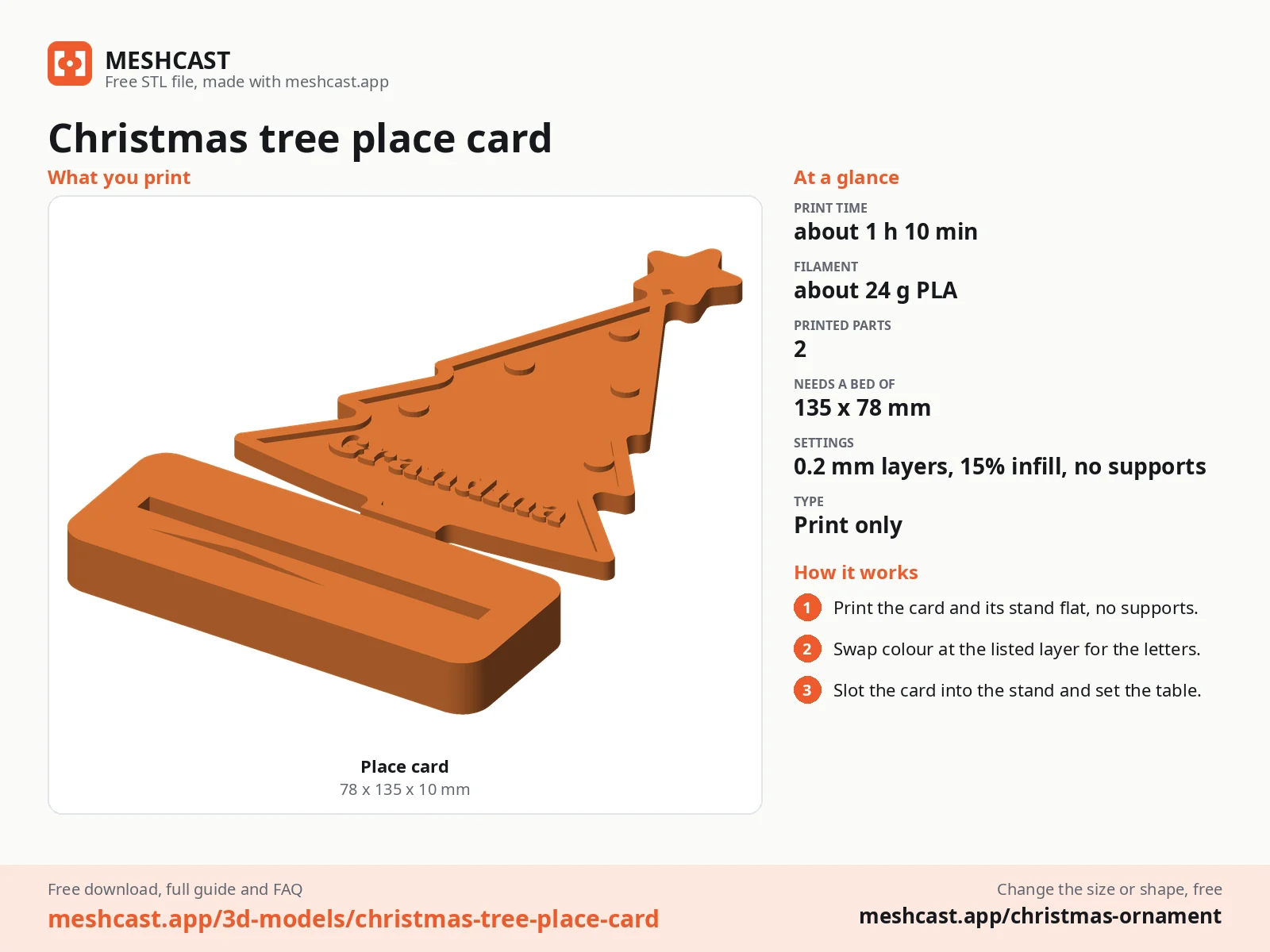
Print only~24 g
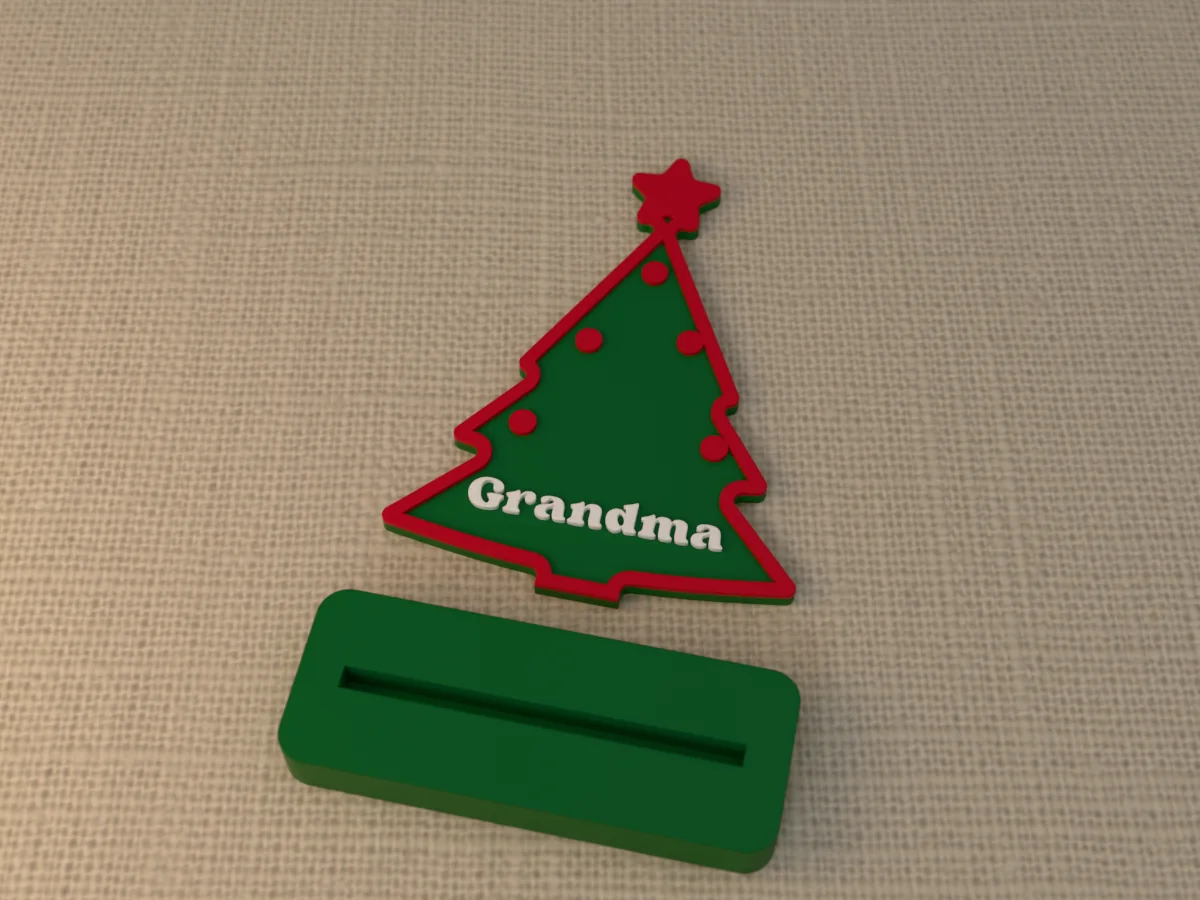
A place card for Christmas dinner: a green tree with a red star on top, a raised red trim, red baubles on its branches and "Grandma" in bold white letters across the bottom, cut flat under the trunk so it slots into a small green stand that prints next to it. The tree is 70 mm wide and 95 mm tall. It stands at each plate and goes home with the guest as a keepsake. The file says Grandma; open it in the free tool and type every guest's name.
Read more
Made with our free Christmas ornament generator, not modelled by hand: we picked the tree shape, the name "Grandma" in the Fun & Bold font, the green, white and red colour set, a height of 100 mm and the Stand hang option. Everything else is the tool's default. The zip holds exactly what the tool exports: a 3MF with every part in its own colour, and the same print as one STL. Like every free download from the tool, it carries a small MESHCAST mark where it does not show.
Print one for every guest the week before, slot each tree into its stand and set it on the plate. After dinner it goes home with them, or onto the tree with a ribbon tied round it.
Shown as a 3D render of the printed place card and its stand, lying flat as they come off the bed, not a photo.
What you need
1
About 24 g of PLA, in three colours or one
How to make it
4
1
Print the tree and its stand flat, face up, as exported. No supports.
2
For two colours on one nozzle, change filament at the height in the README: the letters and the trim start there.
3
Pull off any stringing round the letters with tweezers.
4
Push the flat foot of the tree into the slot of the stand and set it at the place.
Made with the free Christmas ornament generator. Upload your own drawing and get the same kind of part built from it, in your browser.
ZIP: 3MF in colour + STL + README
Free for personal use. Selling the printed piece itself needs a commercial licence (Pro or Founder); passing on the file is not permitted on any plan. Full terms.
christmas place cardplace card holderchristmas table decorationchristmas dinner place cardname place cardchristmas place card stl
Questions about this design
How do I make a Christmas tree place card for every guest?
Open the free Christmas ornament generator from this page, pick the tree shape and Stand under How it hangs, and type each guest's name in turn; with Pro, the Many names at once box downloads one file per name for the whole table in one go.
How long does the Christmas tree place card take to print?
About 1 h 10 min and 24 g of PLA at 0.2 mm layers, estimated from the files rather than sliced, so a current printer is often faster. The tree and its stand print flat side by side with no supports, so a whole table of them fits on one plate.
How big is the Christmas tree place card, and can I make it bigger?
It is 70 by 95 mm and 3.4 mm thick. To change that, open the free Christmas ornament generator from this page and move the size slider; the rest of the design follows, and you download the new file in a minute.