◆ Clay
Roman opus paving texture roller
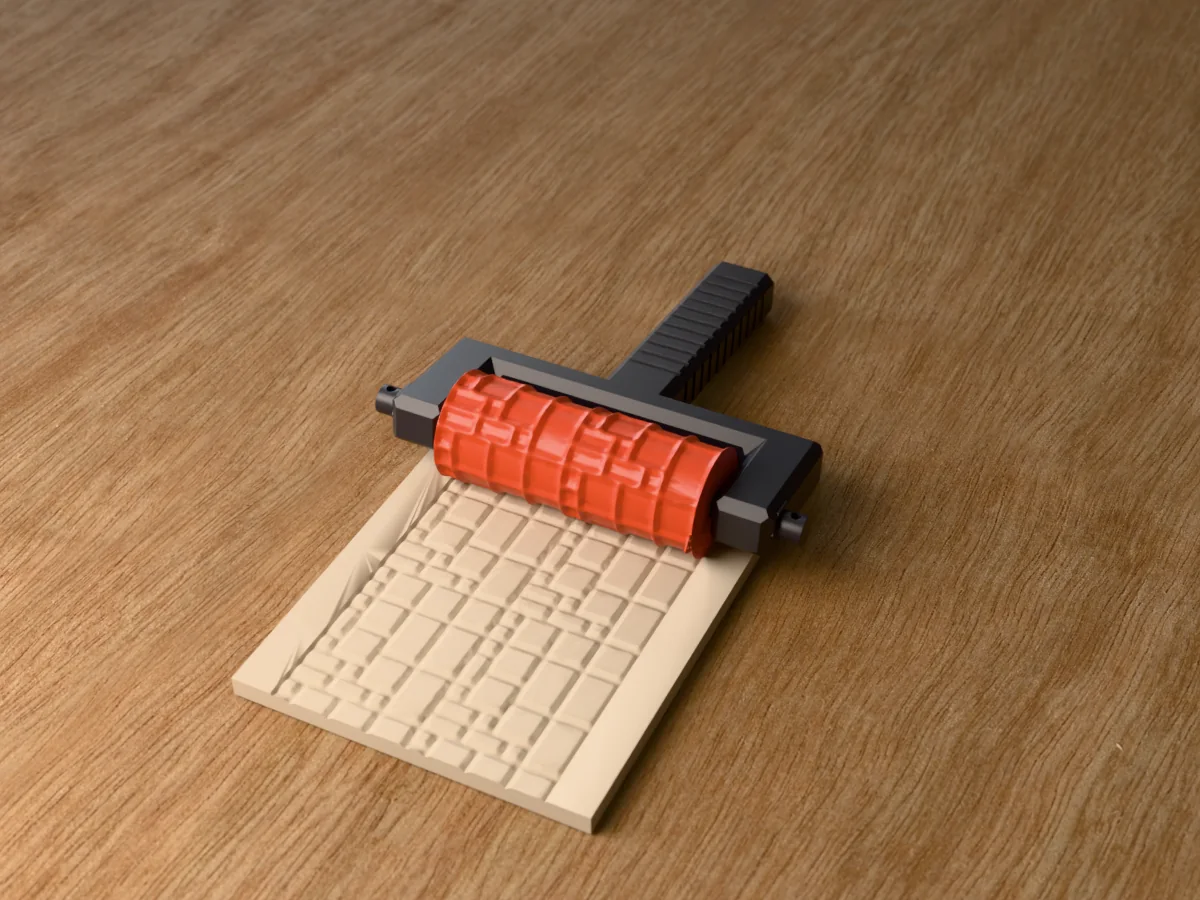
Rectangular slabs of five sizes in the Roman opus laying pattern, with narrow joints. Patios, plazas, temples and courtyards in clay.
◆ Clay
Rectangular slabs of five sizes in the Roman opus laying pattern, with narrow joints. Patios, plazas, temples and courtyards in clay.
Riven rectangular slabs in five sizes, from small squares to long slabs, packed in the modular Roman opus pattern so no joint runs straight for long, each slab a little uneven, the paving of a classical forum, a temple floor or a modern garden patio. Roll it into air-dry clay or foam for town squares, temple floors, Roman and fantasy plazas and patios on wargaming tables, or into polymer clay for dollhouse gardens and miniature terraces.
Made with our free texture roller tool, not modelled by hand: we drew the pattern in code as a seamless picture, uploaded it, and set a roller 30 mm across and 80 mm long with an 8 mm bore, the pattern raised 1.5 mm and repeated twice round and twice along. The zip holds the roller and the tool's own fork handle with its two retaining pins, as two STL files, plus the pattern picture, so you can remake the roller at another size or depth.
Every roller in this set is the same size and fits the same 131 mm handle, so you print the handle once and after that only rollers: pull the two pins, swap the roller, push the pins back in.
Shown as a 3D render of the printed roller in its handle on the clay it has pressed, not a photo.
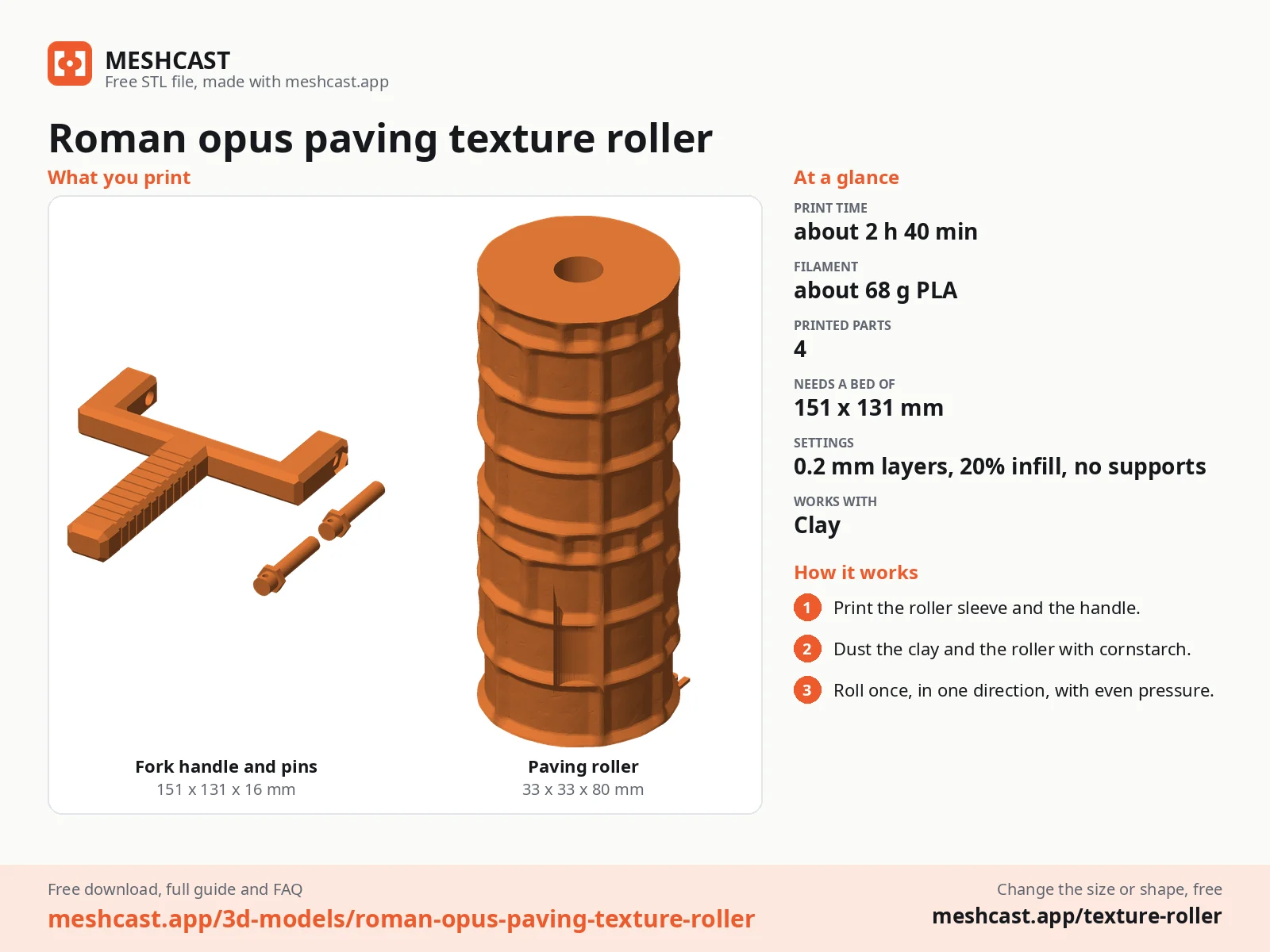
Print the roller standing on its end and the handle and pins lying flat, all as exported, no supports.
Set the roller between the arms of the fork and push one pin through each arm into its bore, hex head outwards; the roller turns on the pins.
Roll the clay to an even thickness first: 4 to 6 mm for terrain and slabs, 2 to 3 mm for jewellery and ornaments.
Roll across once, in one direction, with steady, even pressure, and lift off at the end. Going back and forth doubles the pattern.
Pull the pins to swap to another roller from the set, and wash the roller in warm soapy water after use.
Print details
| Works with | Clay |
|---|---|
| Printed parts | 4 |
| Size (W x D x H) | 33 x 33 x 80 mm |
| Print bed needed | 151 x 131 mm, 81 mm tall |
| Filament | ~68 g |
| Layer height | 0.2 mm |
| Infill | 20% |
| Supports | Not needed |
| Download | ZIP: roller + fork handle and 2 pins (2 STL) + pattern picture (PNG) + print sheet + README |
| Added | 2026-10-01 |
Made with the free Texture roller generator. Upload your own shape and get the same kind of tool built from it, in your browser.
Free download. Opens the Thingiverse listing in a new tab.
Free for personal use. Selling the printed piece itself needs a commercial licence (Pro or Founder); passing on the file is not permitted on any plan. Full terms.
New to this? Read the texture roller guide.
They are built on a grid of about 5.8 mm, so the slabs run from about 6 by 6 mm up to 12 by 17 mm. Next to a 28 mm figure that reads as big paving slabs, and at 1:24 dollhouse scale as ordinary patio slabs.
Prime the dry clay a mid grey or a sandy beige, then pick out a few slabs in a slightly different tone so the paving does not look printed. Drybrush a pale colour over everything and run a dark wash into the joints.
Yes. Every roller in this set is 80 mm long and 30 mm across at the base, with an 8 mm bore, and every zip carries the same fork handle and pins, so you print the handle once and swap rollers by pulling the two pins.
About 2 h 40 min for everything on a current printer at 0.2 mm layers: about 1 h 15 min for the roller and 1 h 30 min for the handle and pins. Once you have the handle, each new roller is only the first part. The times are estimated from the parts' volume, not sliced.
 Clay
Clay
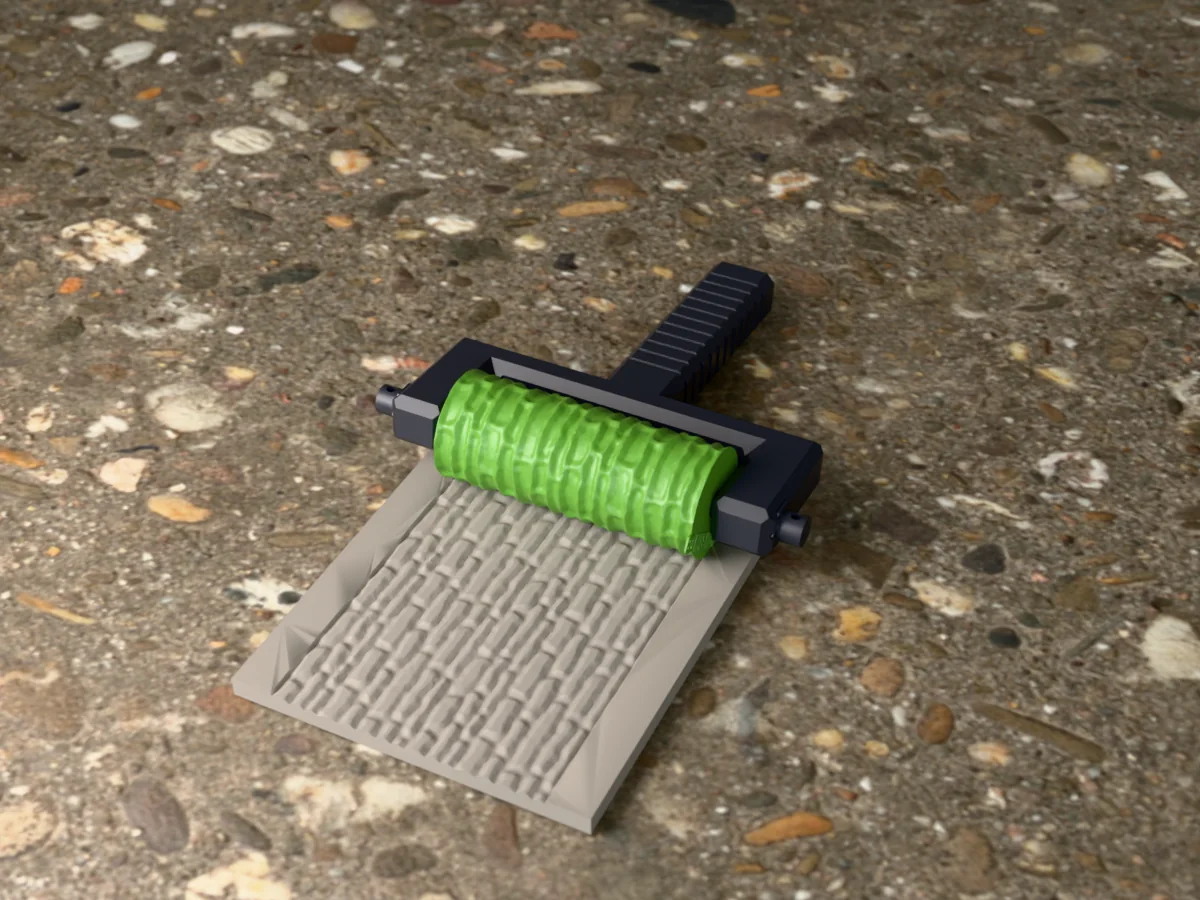
Long, thin field stones stacked without mortar, with tight dark joints. Field walls, sheep pens and farm terrain for wargaming and dioramas.
 Clay
Clay
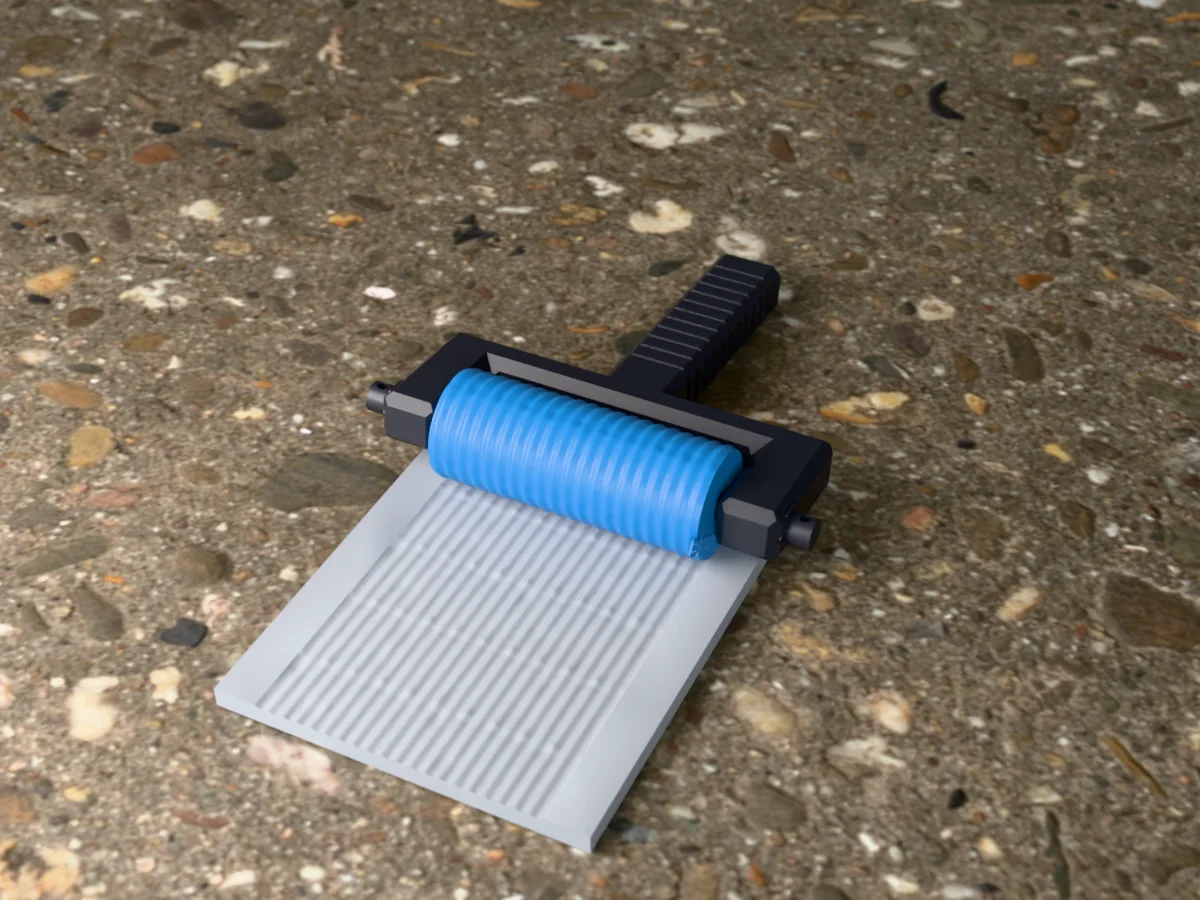
Corrugated roofing sheets with overlapping seams, nail heads and a few dents. Shacks, sheds, barns and post-apocalyptic scrap terrain.
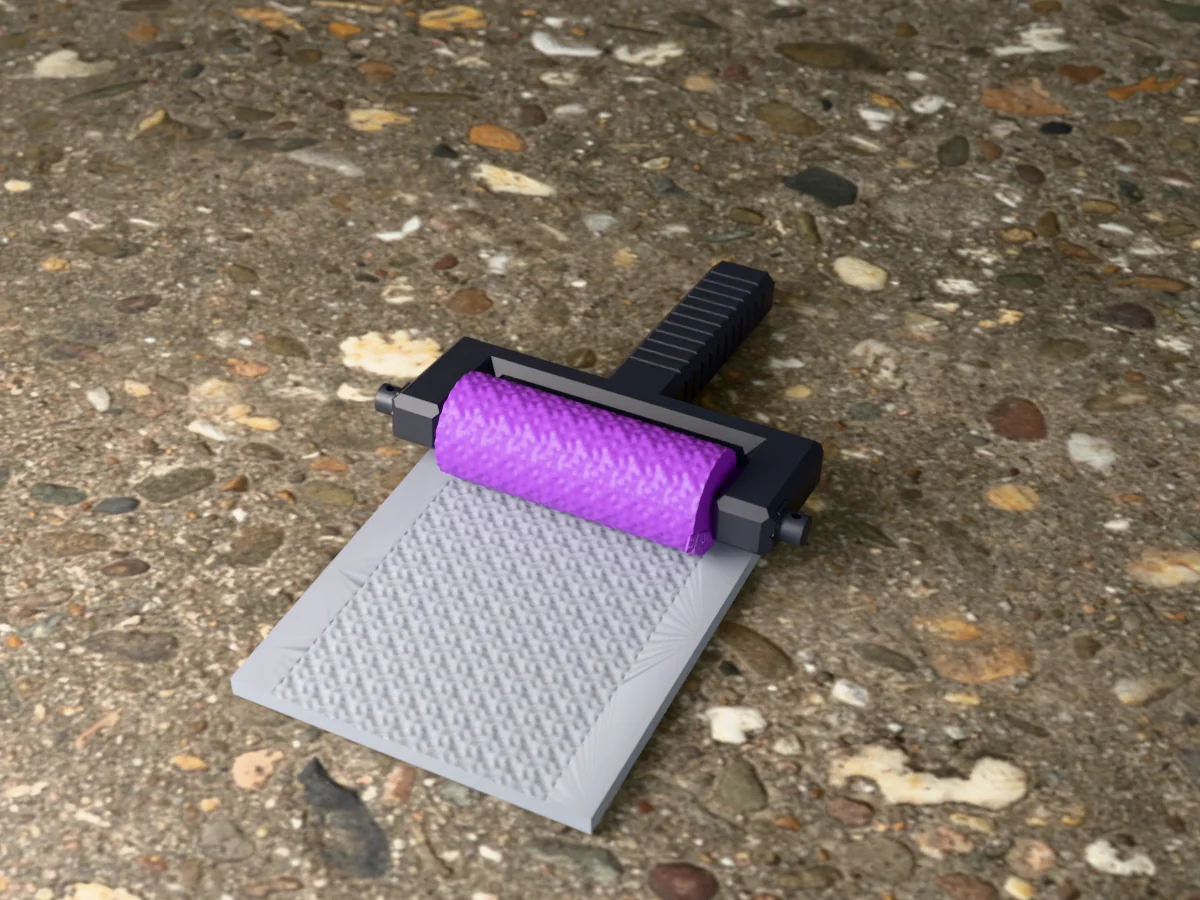 Clay
Clay
European four-in-one mail: rows of round rings, each through four neighbours. Armour for cosplay props, sculpts, bases and polymer clay.
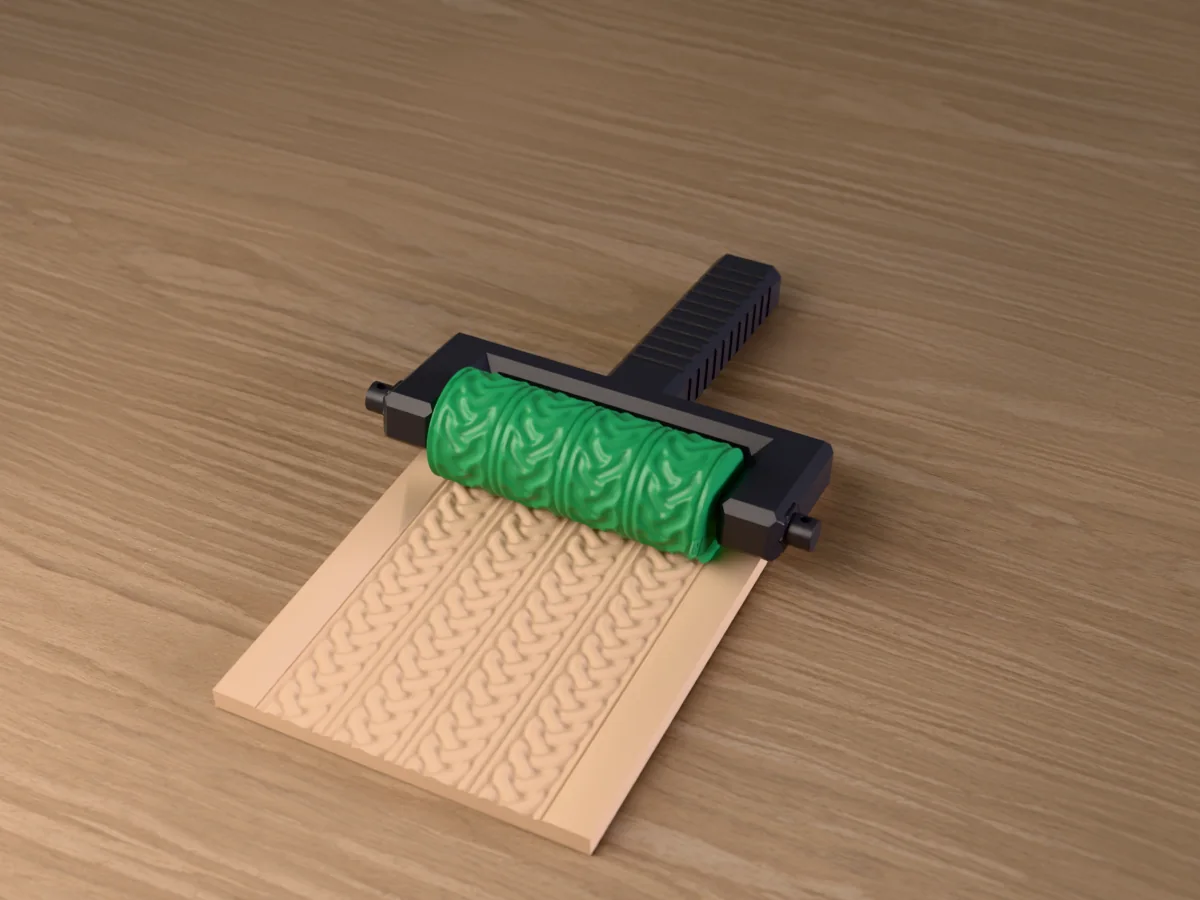 Clay
Clay
Two bands of Celtic plaitwork per repeat, three strands over and under, between raised borders. For pottery, polymer clay and fondant.
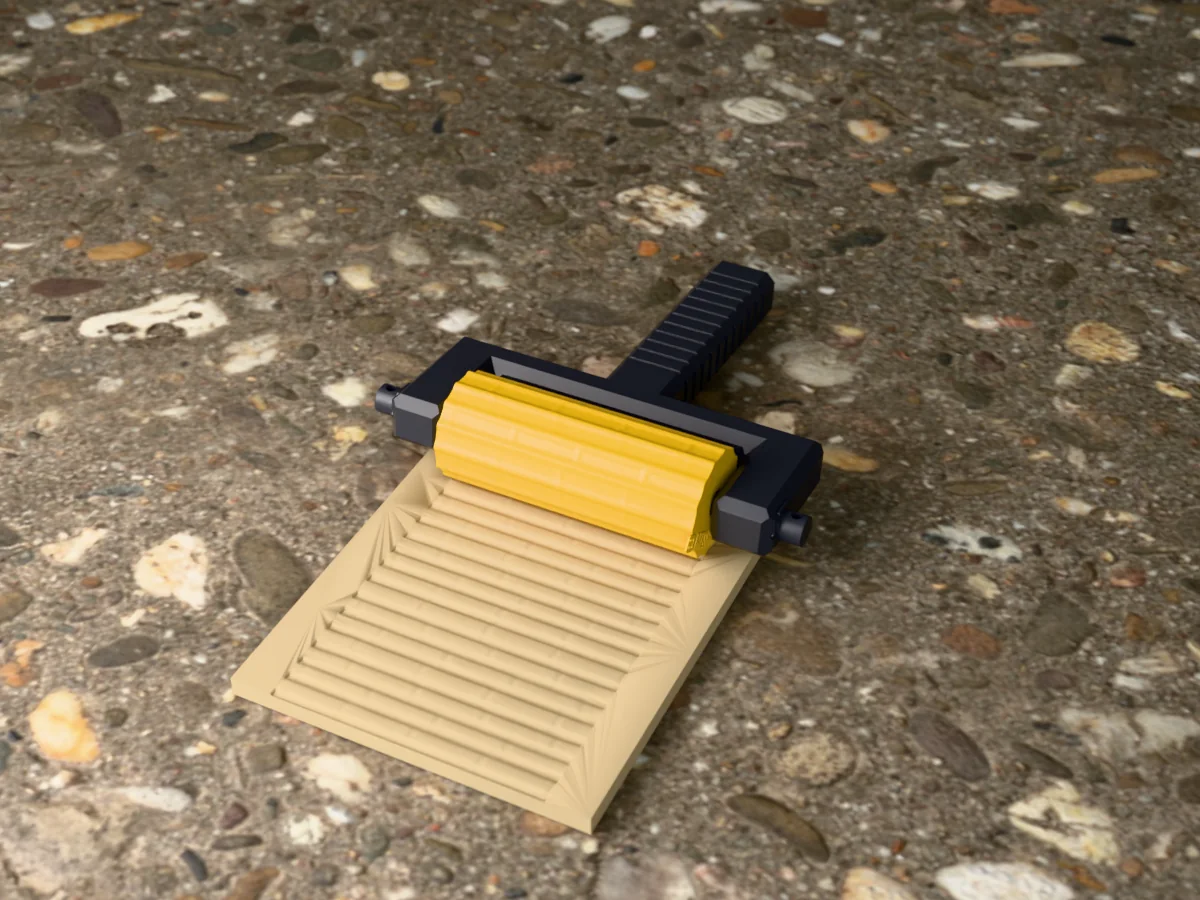 Clay
Clay
A screen of round bamboo canes side by side, with nodes at staggered heights and fine fibres. Pottery, planters and Asian-style terrain.
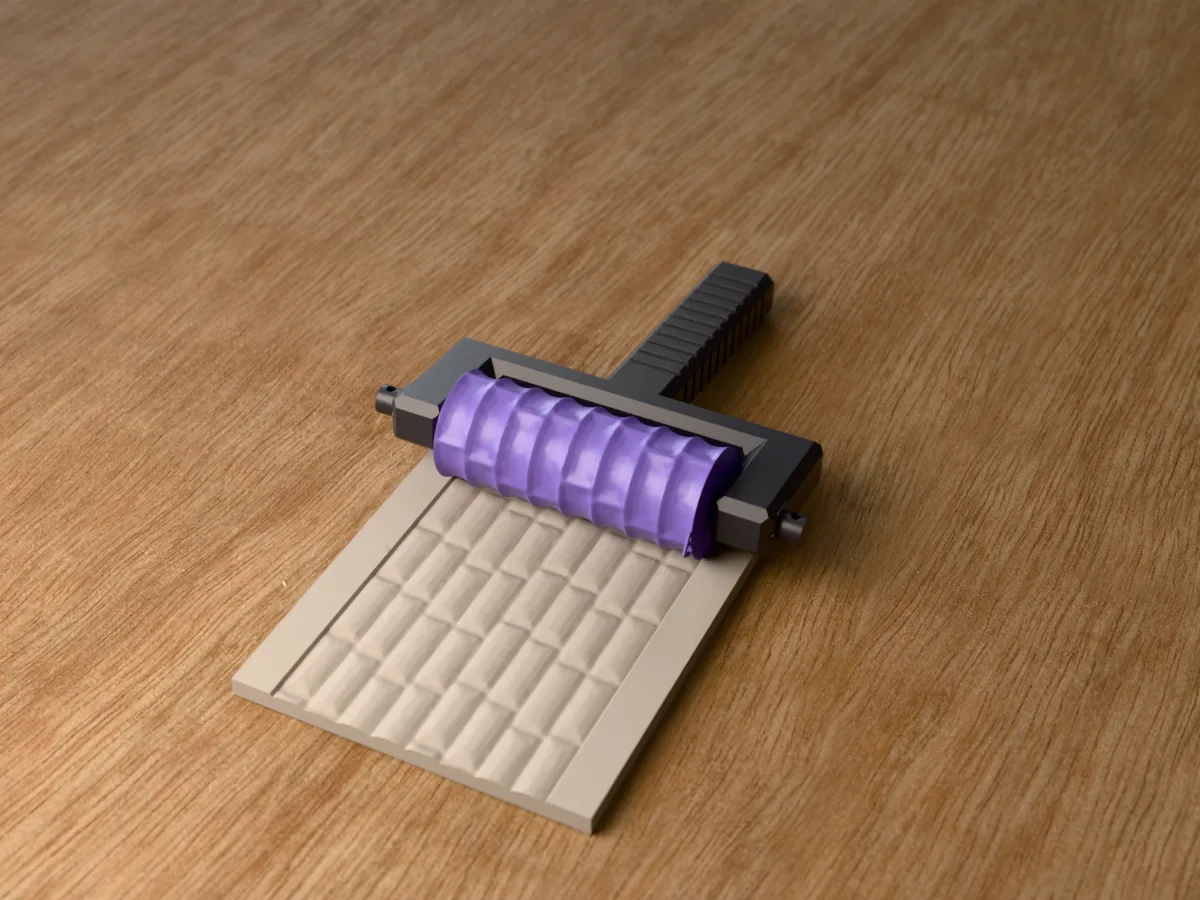 Clay
Clay
Big dressed ashlar blocks with chiselled margins and rough, rock-faced centres. Castle keeps, city walls and fortress towers for tabletop terrain.
 Clay
Clay
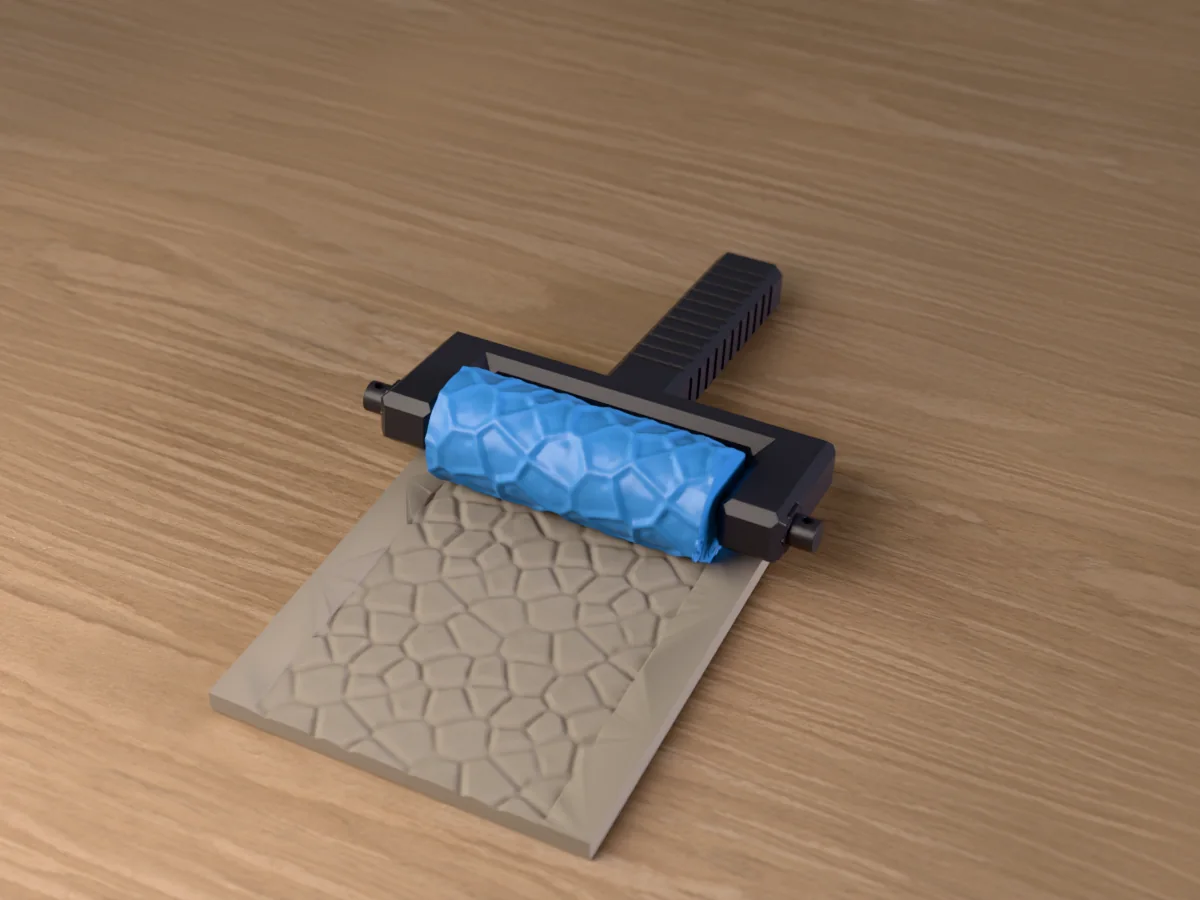
A broken rock face of angular blocks and flat, chipped facets. Cliffs, cave walls, rocky outcrops and mountain terrain for tabletop games.
 Clay
Clay
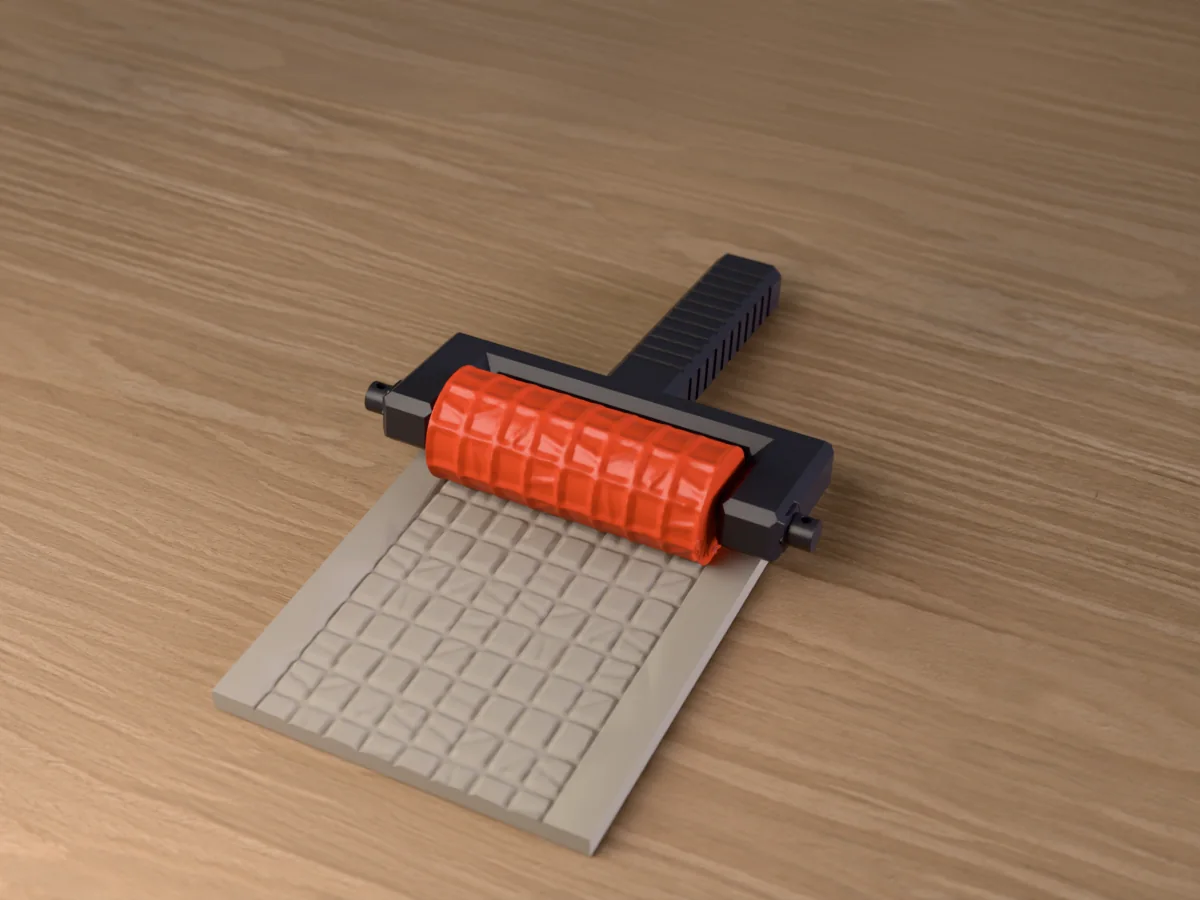
Square worn flagstones on a grid, some cracked and some with a broken corner. Dungeon and crypt floors for tabletop games.