Best print settings for molds: watertight every time
This guide was drafted with AI assistance.
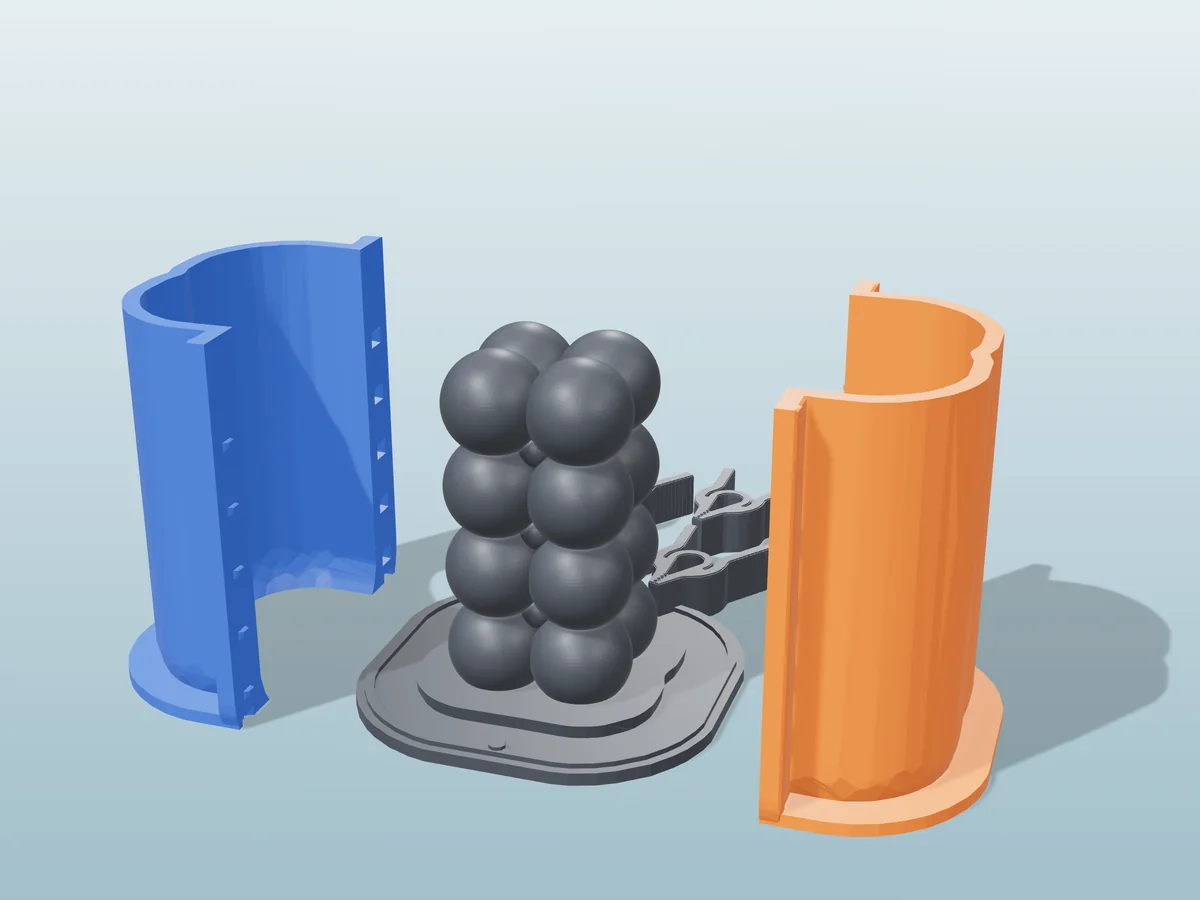
Print molds with 3–4 walls, 0.12–0.16 mm layers, 5–6 solid bottom layers, a nozzle a few degrees hotter than usual with a 1–3% flow bump, and low fan on PETG. Orient the cavity facing up, never put supports inside it. That's 90% of a leak-free mold.
Settings at a glance
| Setting | Value for molds | Why |
|---|---|---|
| Walls / perimeters | 3 min, 4 for deep molds (≥1.2 mm) | The skin that actually holds the liquid |
| Layer height | 0.12–0.16 mm (0.2 for shallow molds) | Better bonding, fewer leaks, finer cast surface |
| Bottom layers | 5–6 solid | The floor holds liquid longest and hardest |
| Infill | 15–20% gyroid (100% for small molds) | Only braces the walls, more won't seal anything |
| Nozzle temp | Upper end: PETG 235–245 °C, PLA 205–215 °C | Hotter layers fuse fully, no micro-gaps |
| Flow | +1–3% | Over-fills path gaps so the skin is truly solid |
| Fan (PETG) | Low, 20–40% | Too much fan ruins PETG layer bonding |
| Outer-wall speed | 25–35 mm/s | Cleaner bead, better seal, smoother cast |
| Orientation | Cavity up, sealing face on the plate | Finest surface where it matters, flat mating faces |
| Supports | Never inside the cavity | Interface marks print straight onto the cast |
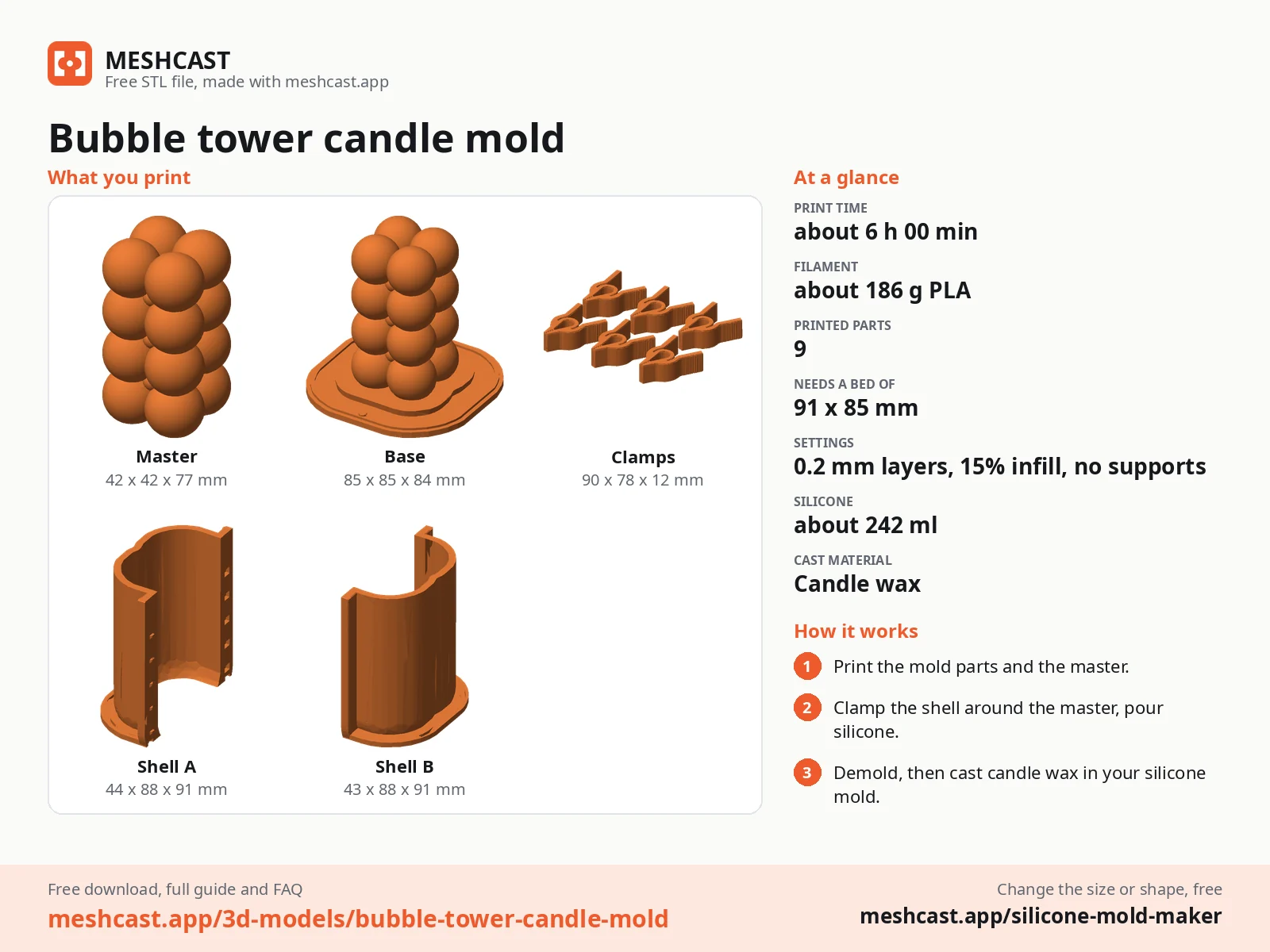
Walls beat infill
A mold fails by leaking, and leaks go through the perimeters, not the infill. Use three walls minimum, four for deep molds or any tall liquid column: with 1–2 perimeters, one gap or weak layer line weeps straight through, while 3–4 overlapping walls leave no continuous path out. Aim for at least 1.2 mm of solid perimeter (three passes of a 0.4 mm nozzle).
Treat the base like a wall: 5–6 solid bottom layers, because the floor is where liquid sits longest and presses hardest. For small molds, skip the math and print 100% solid, it's quick, never leaks, and resists heat better.
Run hotter, push a little more
Printing a few degrees hotter than your normal profile is the easiest watertightness upgrade: each layer fuses fully into the one below, closing the micro-gaps thin resin loves to find. Add a small 1–3% flow bump to seal the gaps between adjacent extrusion paths, calibrate flow on a test cube first, and don't overdo it.
Thinner layers help the same cause: 0.12–0.16 mm bonds more reliably, leaks less, and leaves finer lines on the cast. 0.2 mm is fine for shallow, simple molds. The filament itself matters too, see PLA vs PETG vs PP vs TPU before committing a long print.
Cavity up, sealing face down, no supports inside
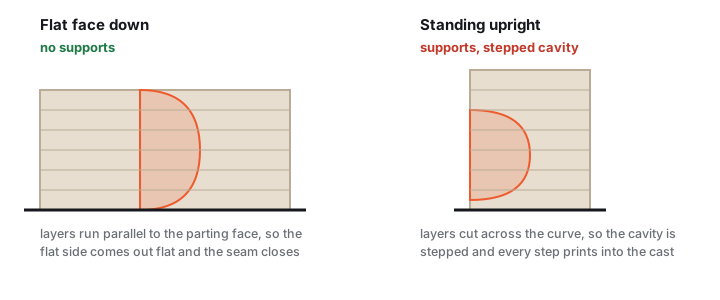
Orient the mold so the cavity faces up: layer lines are finest on top, ironing can smooth it, and the cavity usually prints support-free. Keep the sealing face flat on the build plate, for a two-part mold, that gives the flattest mating surface, so the seam doesn't leak. Tuck the slicer's seam onto an outside edge, never down a cavity wall or sealing face.
Never put supports inside the cavity. Interface marks print straight onto every cast and won't sand out of a concave surface. Fix it with geometry instead, draft angles make overhangs printable and the cast releasable. Outside supports are fine.
Per casting material
Starting points, tune for your printer and mold depth. Generated a mold from an STL? Same rules apply (STL-to-mold walkthrough).
| Casting material | Layer height | Walls | Filament |
|---|---|---|---|
| Plaster / jesmonite | 0.16 mm | 3 | PETG, water-tolerant, releases with oil |
| Epoxy / PU resin | 0.12 mm | 4 | PETG or PP, thin resin finds every gap |
| Candle wax | 0.2 mm | 3 | PETG, tolerates the warm pour better than PLA |
| Concrete / cement | 0.2 mm | 4 | PETG, tough enough for the weight and abrasion |
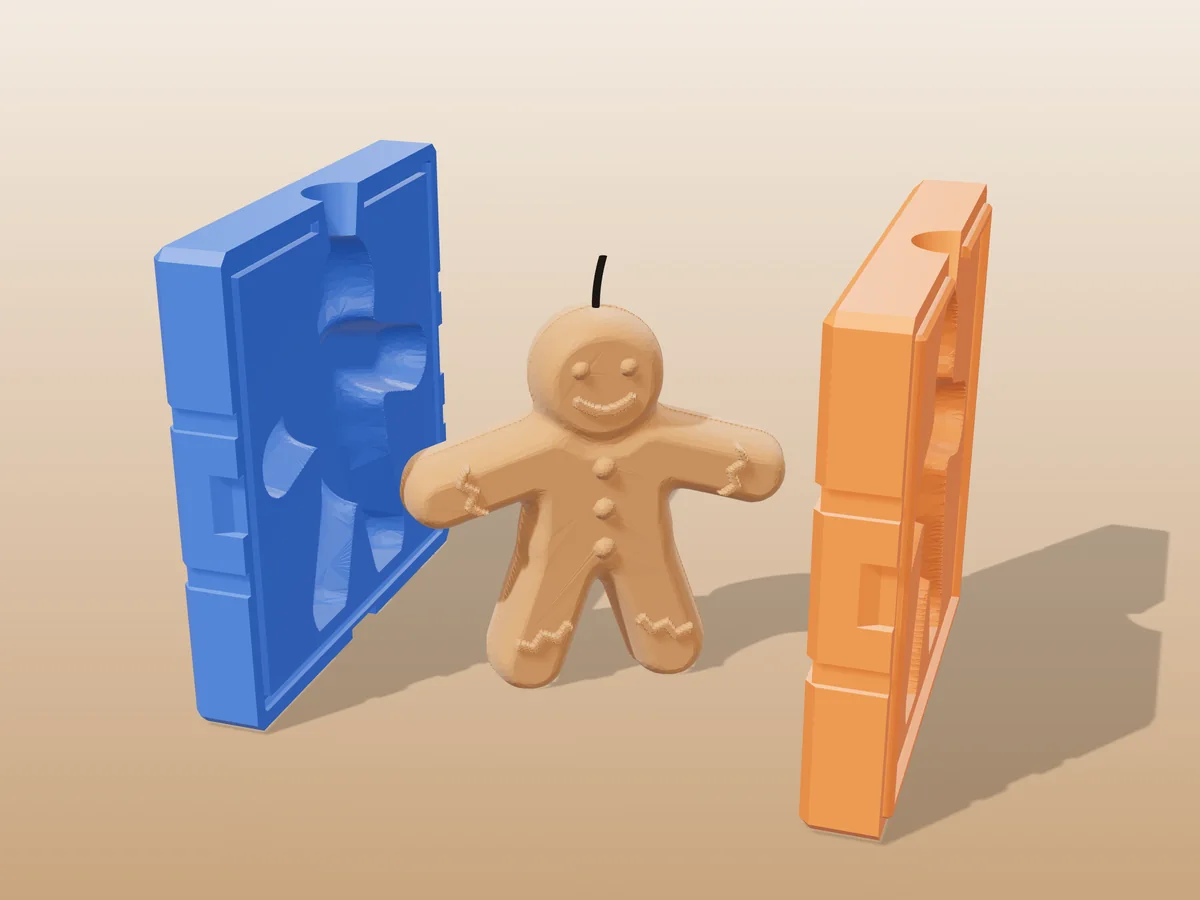
Molds printed with these settings
All free designs →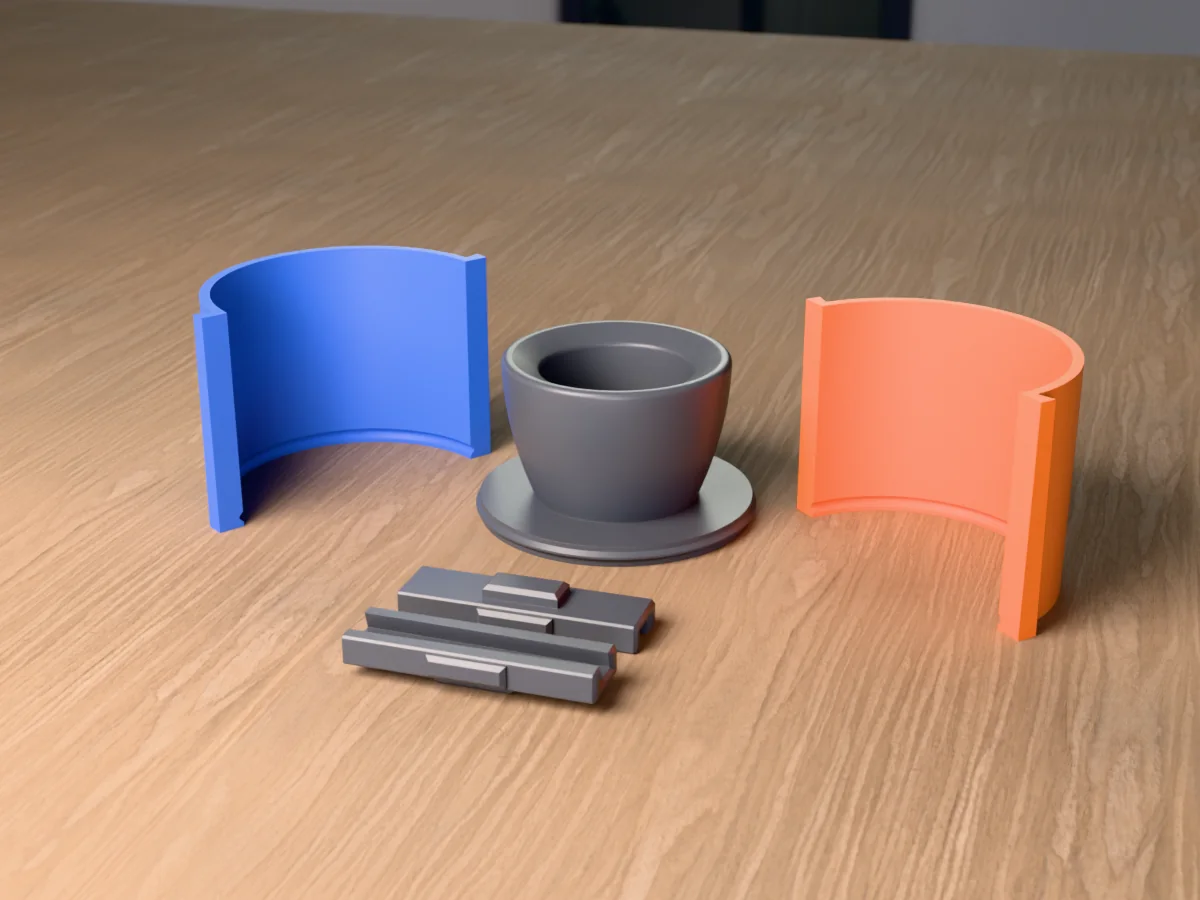
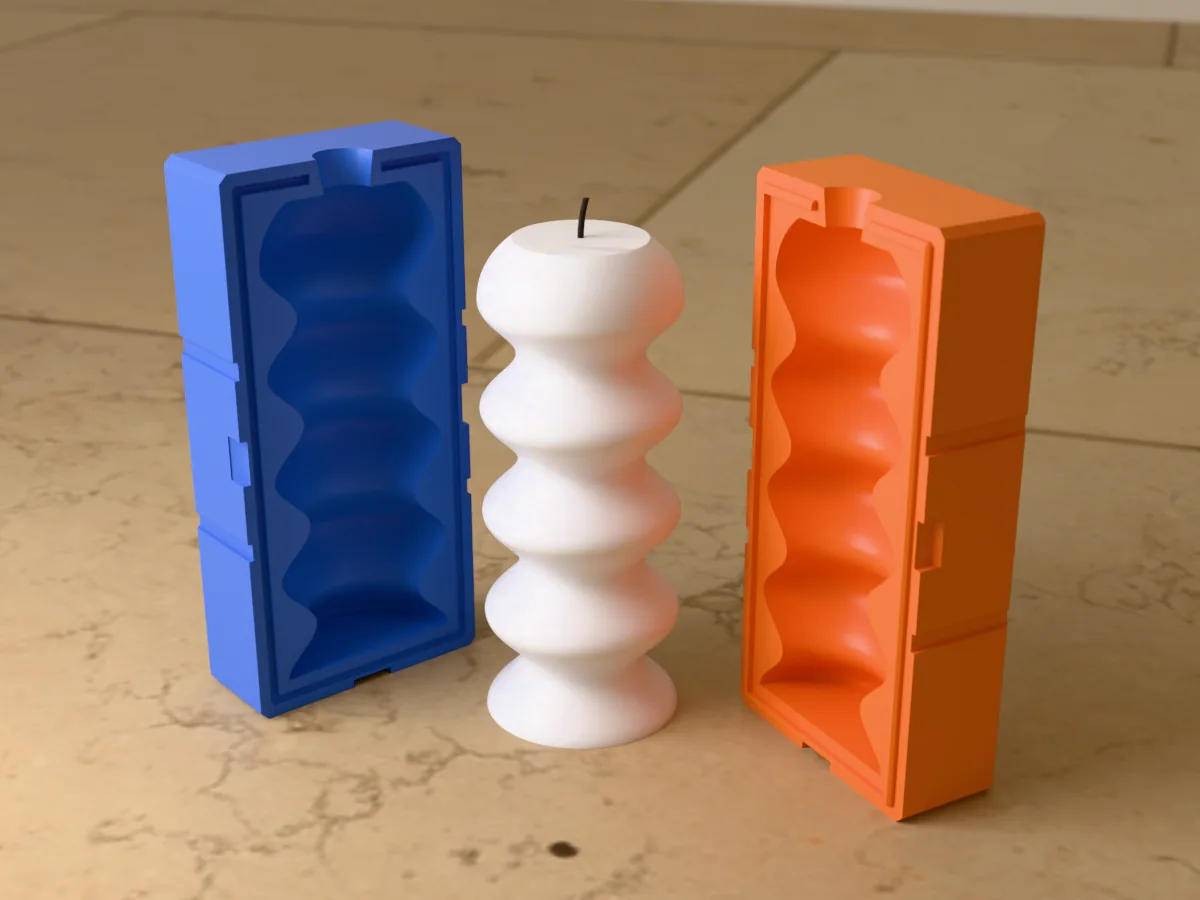
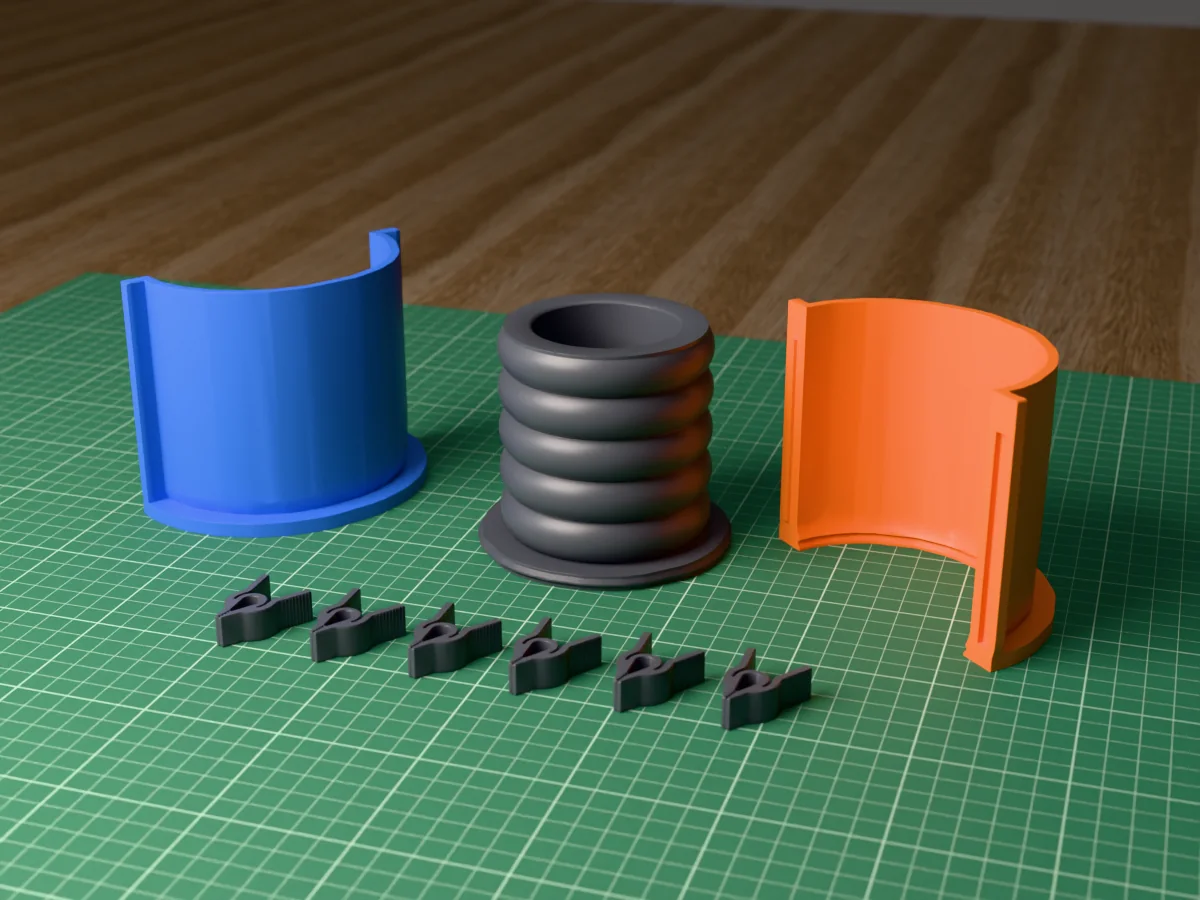
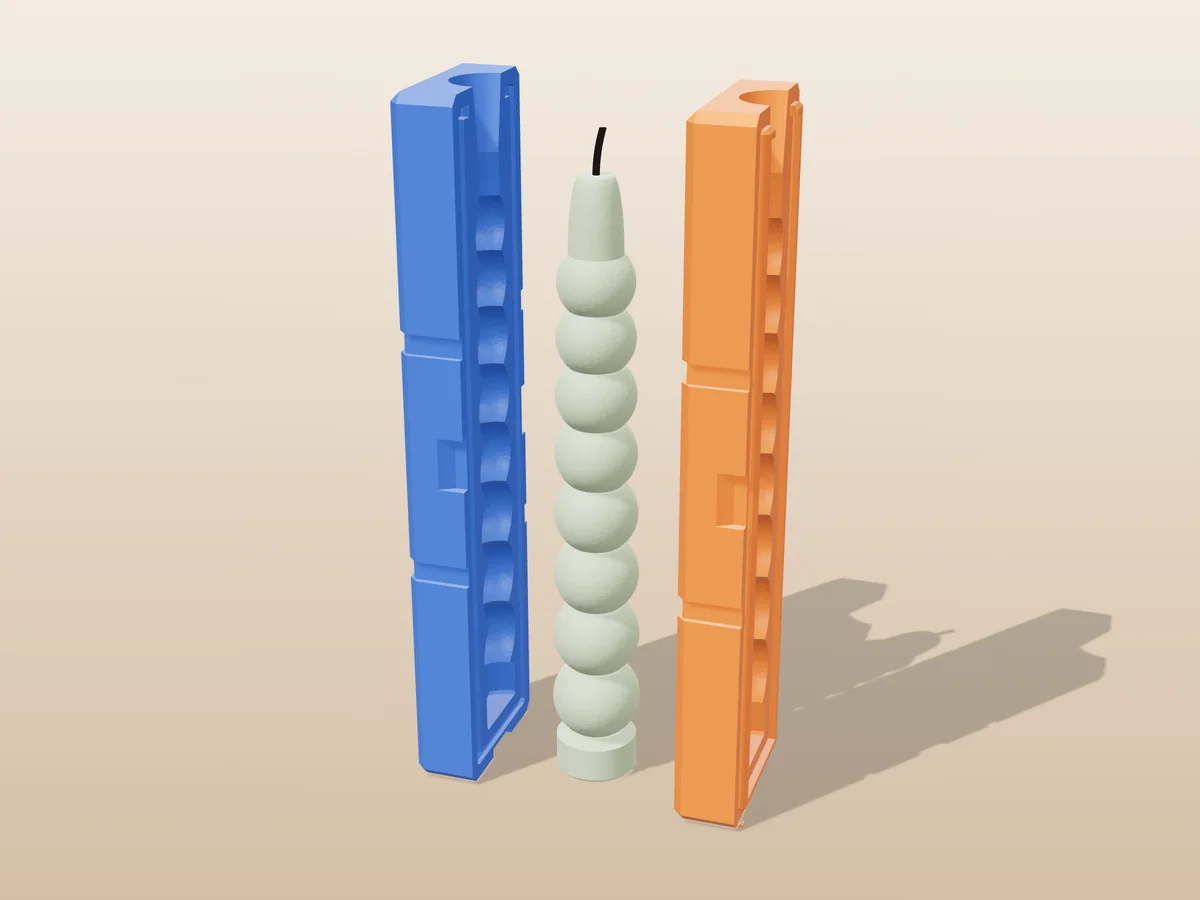
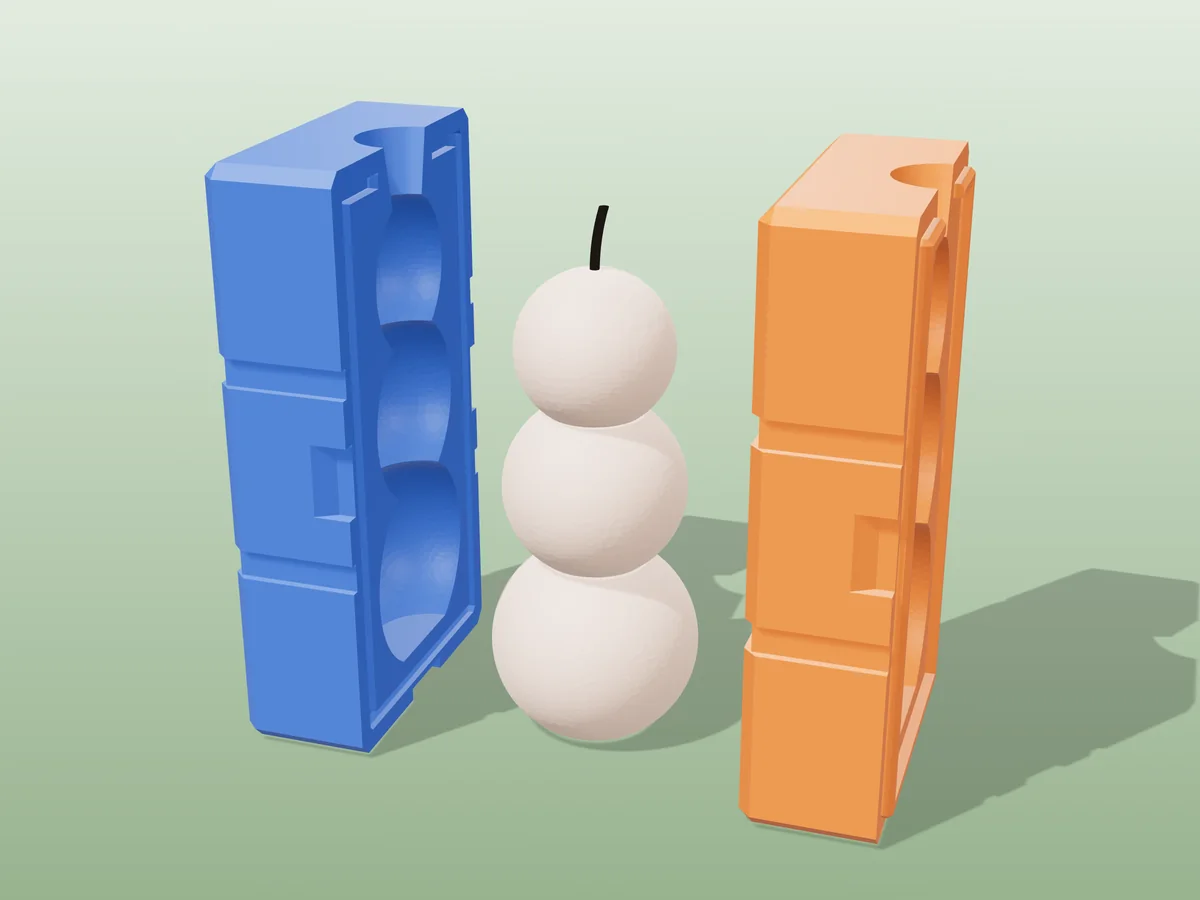
Print troubleshooting
The printed mold leaks
Cause Almost always too few walls or weak layer adhesion. Liquid finds the gaps between perimeters, not holes.
Fix Add a perimeter or two, raise the nozzle temperature a few degrees, bump flow by 1–3 %, and make sure the solid bottom is five or six layers rather than three.
Check A single-wall or vase-mode print will always weep. That is not a tuning problem, it is one extrusion of plastic between the liquid and your bench.
How many walls?
Three minimum, four for deep molds or anything holding a tall column of liquid.
Why not infill Wall count matters far more. The perimeters are the continuous skin that holds the liquid; infill only stops the shell flexing.
What layer height?
0.12–0.16 mm is the sweet spot. Thinner layers bond more reliably, leak less, and leave finer lines on the cast.
0.2 mm Fine for simple, shallow molds where print time matters more than surface finish.
Remember the cavity surface IS the cast surface, so this setting is not just about the mold.
Do I need supports?
Not inside the cavity, ever. Support marks print straight onto every cast and are almost impossible to remove cleanly from a concave surface.
Instead Design draft angles and orient the part so the cavity prints support-free. If a shape truly cannot, that is a sign it wants a different split, not supports.
Made by meshcast.app. Got stuck? Email a photo and I'll help you debug.