STL to mold: turn any 3D model into a printable mold
This guide was drafted with AI assistance.
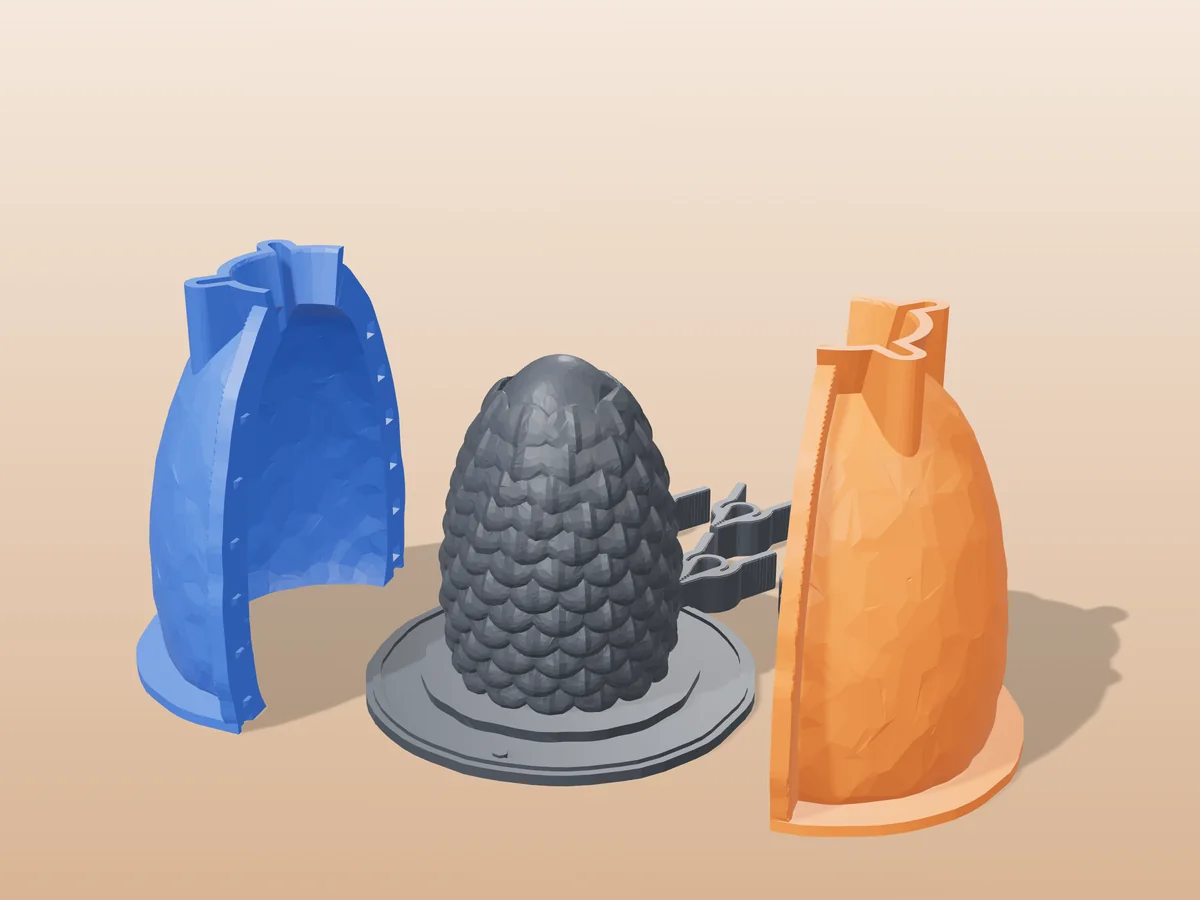
Drop any STL into the free Meshcast mold generator and it builds a print-ready two-part mold around your model automatically, parting line, alignment keys and pour hole included. Download the STL, print both halves, clamp them together, and pour wax, soap, resin or plaster. No CAD, no install and no card, it works in a browser tab.
STL to mold in 5 steps
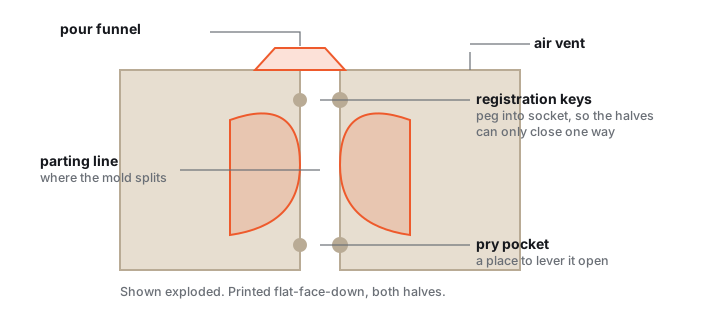
Making a mold used to mean an hour of boolean operations in CAD. A mold generator does the same job in about a minute: it wraps a box around your model, splits it into two mating halves, and cuts the plumbing you need to pour.
Upload your STL
Open the generator and drag in any watertight STL. Your file is only used to build your mold (how we handle files). No model yet? Load one of the built-in examples to test-drive the workflow.
Set the parting line
The mold splits along the orange plane. Auto-orient gives a solid first pass; then drag the seam so the model's widest silhouette sits exactly on it and both halves pull free. If a surface leans back over the seam, that's an undercut, see draft angles & undercuts.
Tune seal, pour hole & walls
Choose a tongue-and-groove seal for liquids (wax, resin) or registration pins for rigid casts, size the pour hole, and adjust wall thickness and fit clearance if your printer runs tight. The defaults are sensible, most models need zero tweaking.
Download & print both halves
Export the print-ready STL and slice with 0.2 mm layers, 3–4 walls, PLA or PETG, both halves flat-face-down on the same plate. Full settings in best print settings for molds.
Clamp, pour, demold
Mist the cavity with mold release, clamp the halves with rubber bands, pour through the hole, let it set, and pry the seam open. New to casting? Start with the beginner's casting guide.
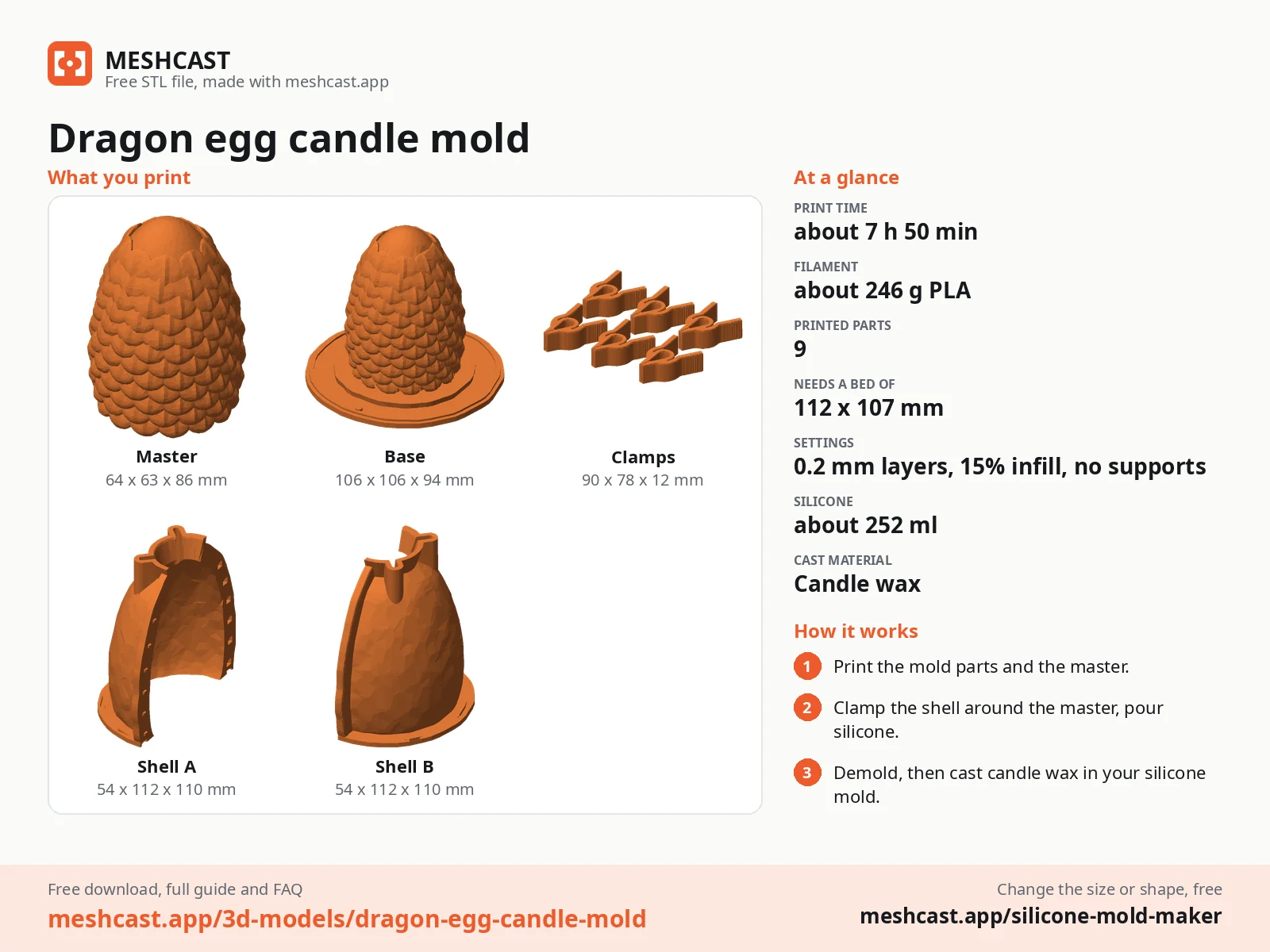
Which mold tool do you need?
Meshcast has one generator per job. All of them are free and export print-ready STL/3MF files. Most run entirely in your browser; a few advanced mold generators do the heavy geometry on our server and delete it right after.
| You want to make | Use this tool |
|---|---|
| A rigid two-part mold for almost anything, wax, soap, resin, plaster | /candle-mold (the flagship) |
| A flexible silicone mold, pour silicone around your model in a printed housing | Silicone mold maker (box mode) |
| A candle, two-part box mold with a clean pour spout | /candle-mold |
| Custom ice cubes, food-safe silicone tray workflow | /ice-cube-tray-mold |
| Clay, soap, bath bombs, die + piston press mold | /press-mold |
| Slip casting, plaster mold housings for ceramics | /plaster-mold |
Not sure whether you need a rigid printed mold or a silicone one? The decision guide settles it in two minutes.
The two things that trip people up
Watertight meshes. The generator subtracts your model from a solid block, so the STL must be manifold, no holes, no self-intersecting shells. Most downloaded models are fine; scans and sculpts sometimes aren't. If generation fails, repair the mesh in your slicer or a mesh-repair tool and try again.
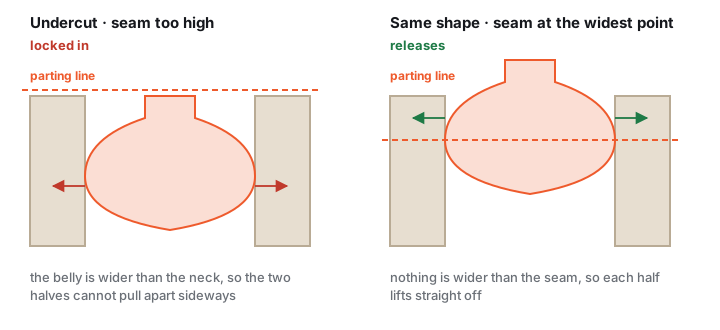
Undercuts. A rigid two-part mold can only release shapes that taper away from the parting line in both directions. Slide the seam first; if the shape genuinely locks in (deep overhangs, wrapped details), switch to a silicone mold, flexible rubber stretches over undercuts that would trap a rigid mold.
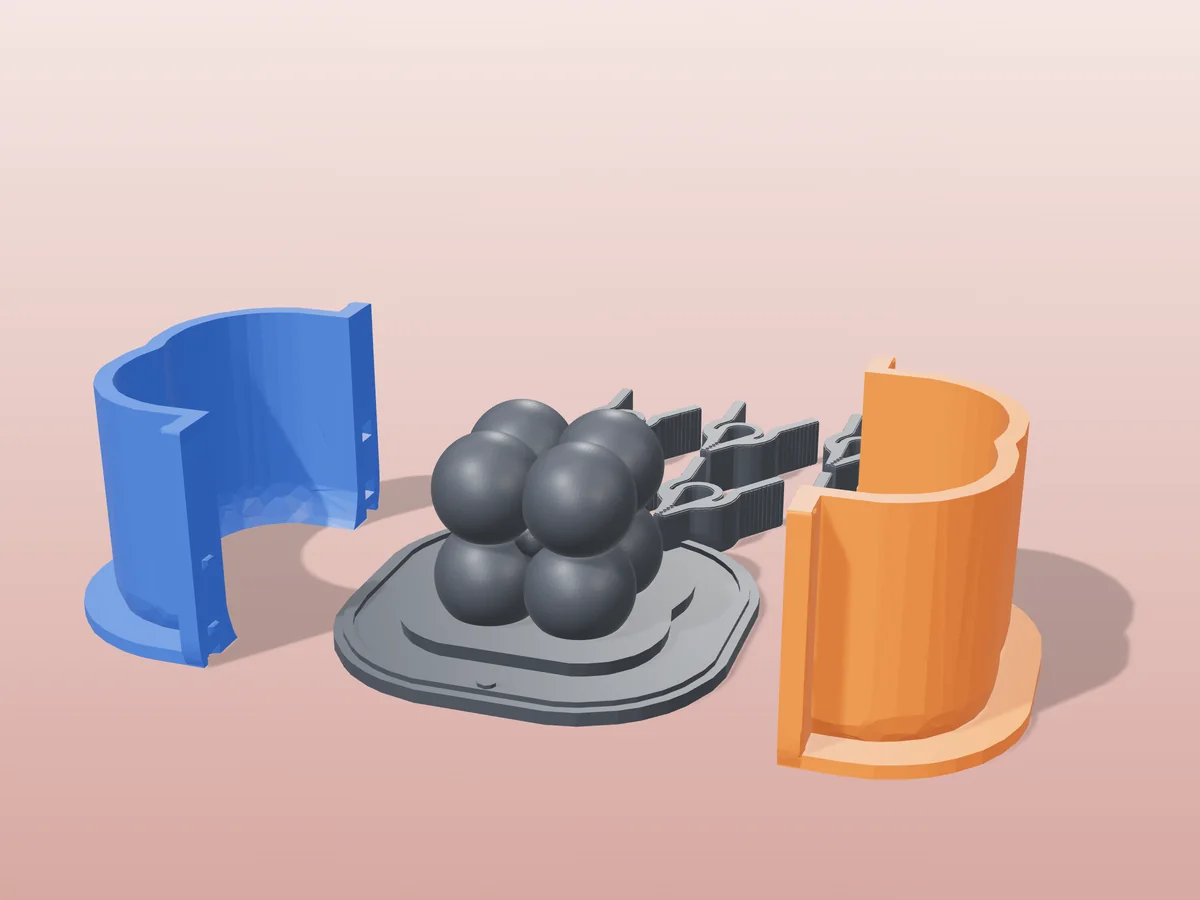
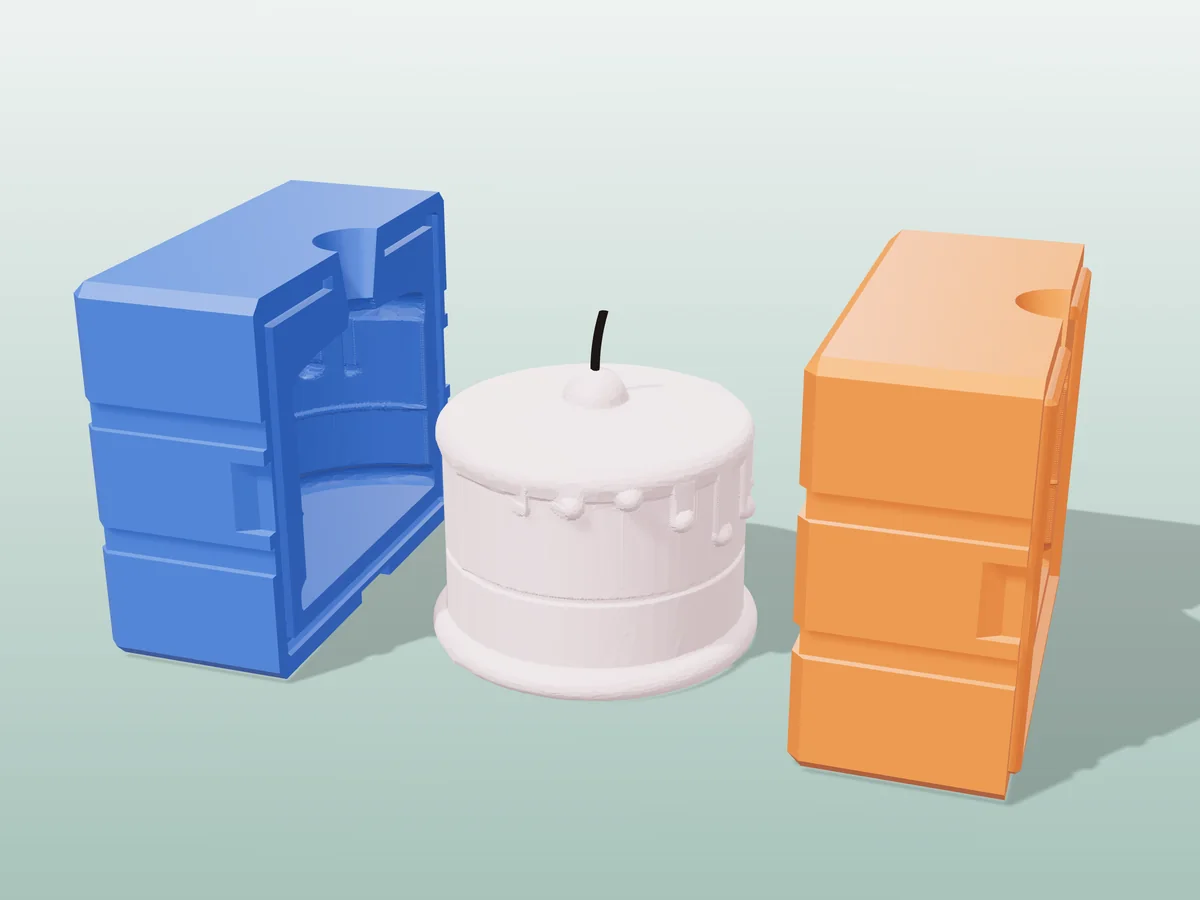
STLs that became molds
All free designs →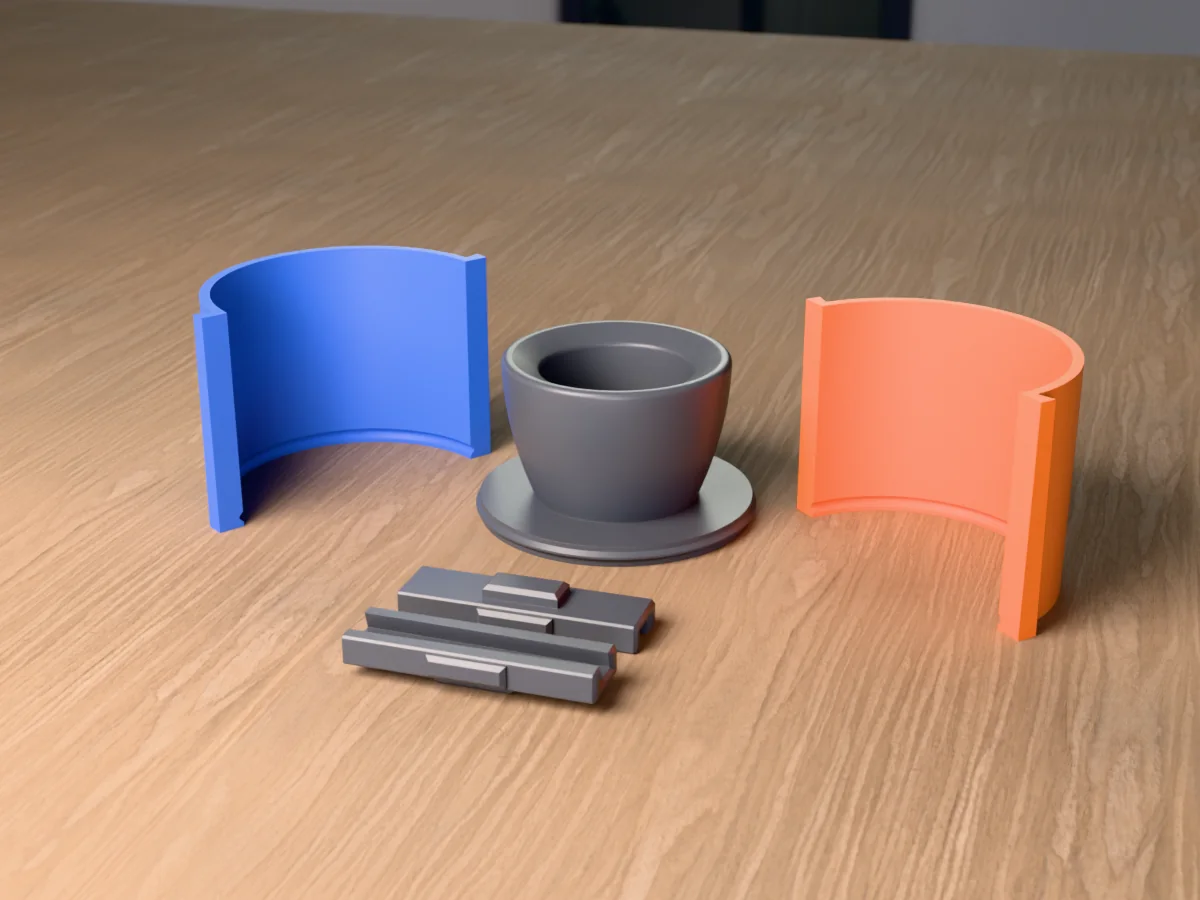
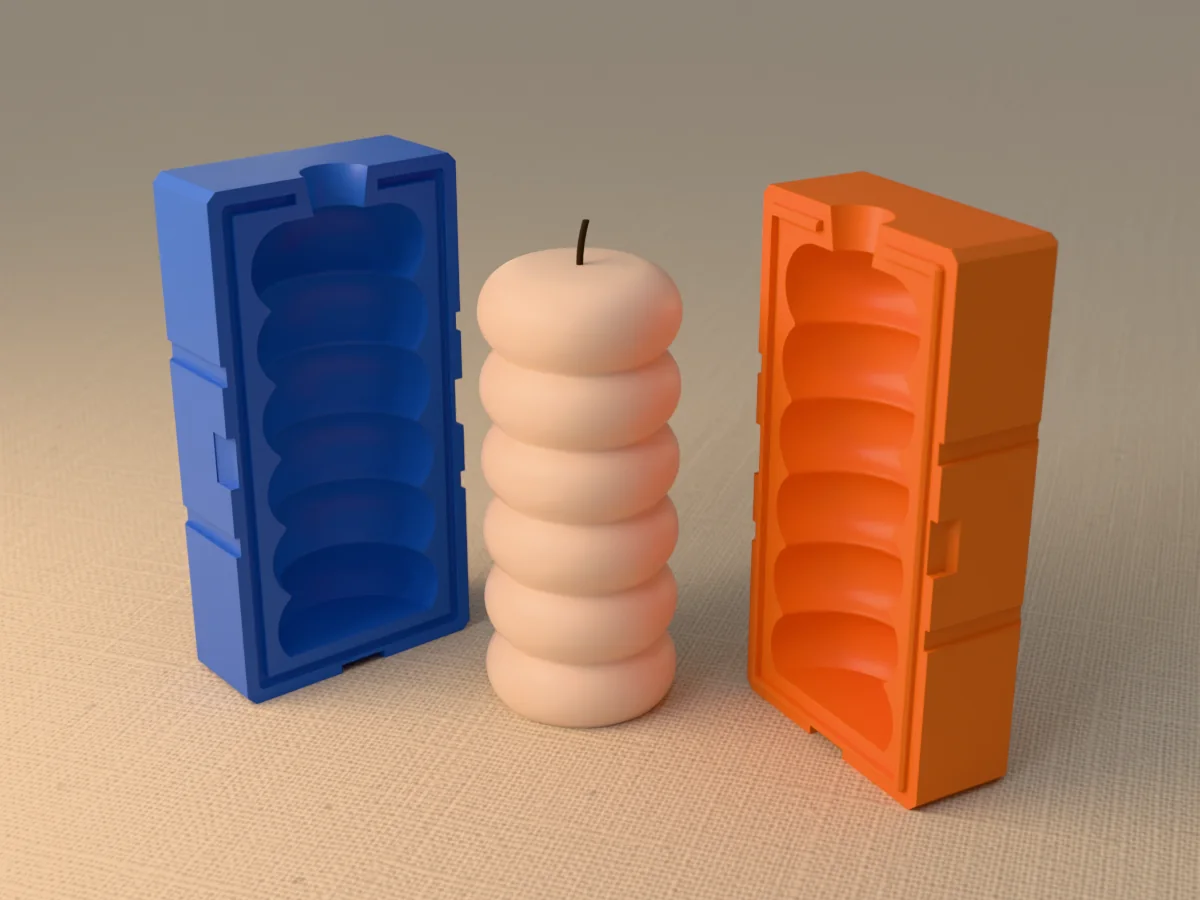
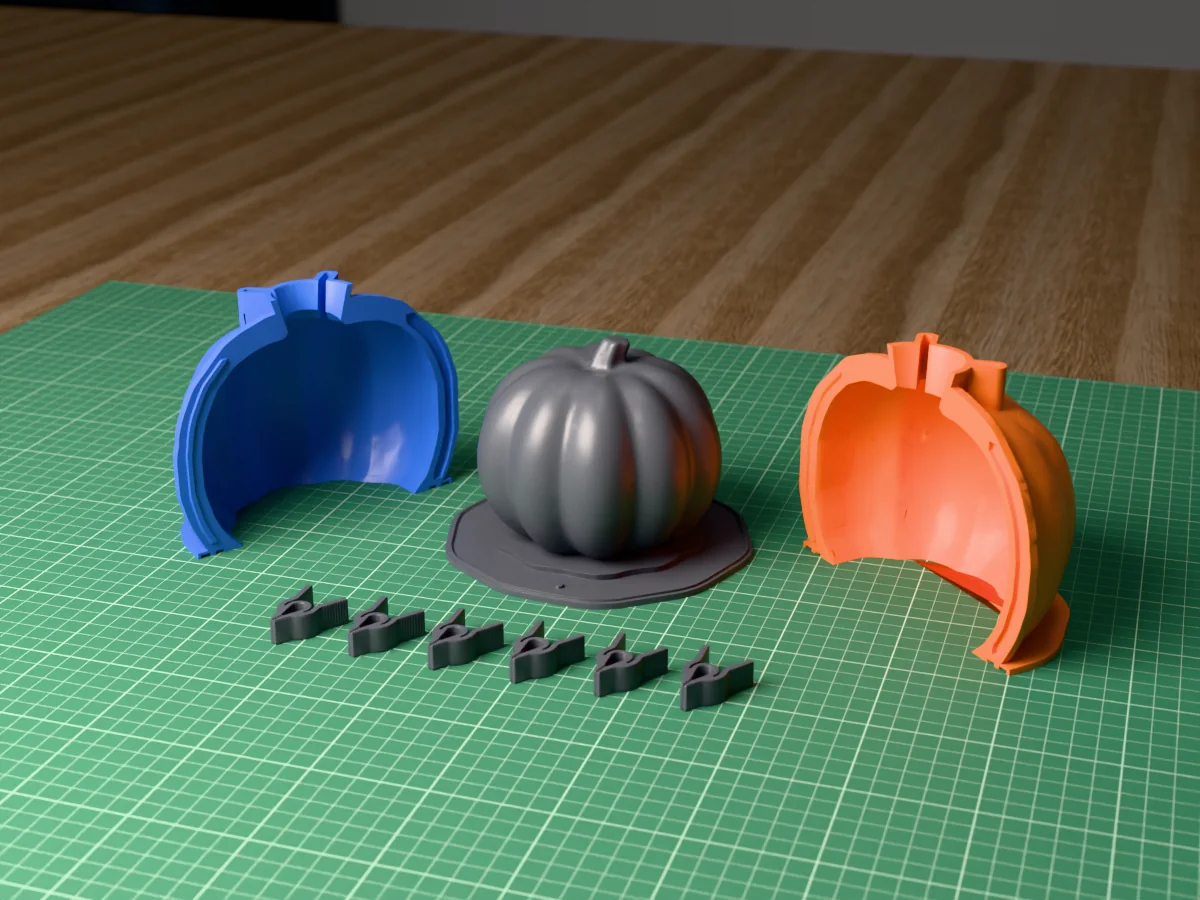
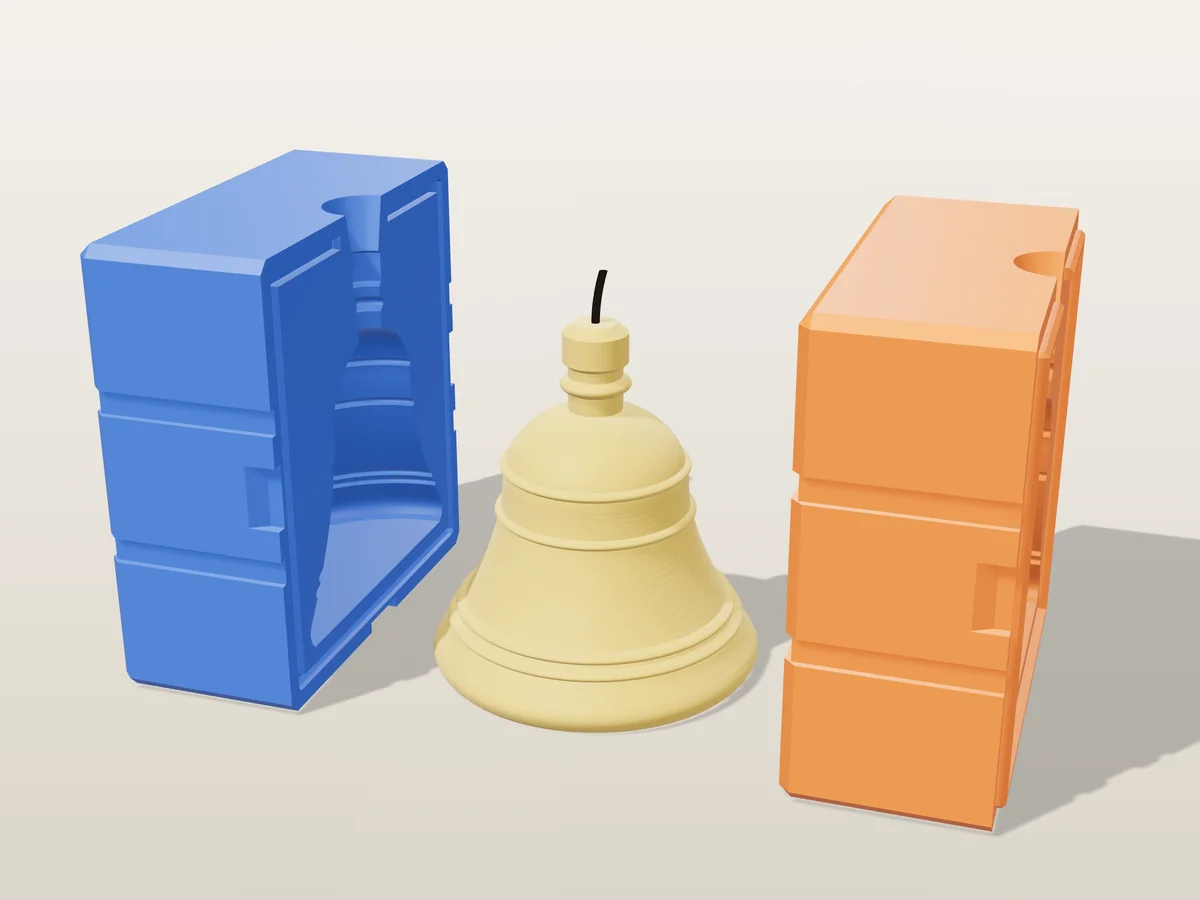
STL to mold questions
Can I make a mold from any STL?
Almost. The mesh has to be watertight, because the generator subtracts it from a solid block and a surface with holes has no inside to subtract.
If it is not The “Fix it for me” button in the rejection popup closes most holes in one click. See why was my model rejected for the rest.
My part is asymmetric, so no flat seam works. What now?
This is the usual reason a rigid two-part mold refuses to release. A hand, a face, any organic shape often has no plane that leaves both halves free. Three options, in the order worth trying:
- Move the seam, do not just rotate the part. Aim the parting plane through the widest cross-section, so nothing is wider than its own way out. See draft angles & undercuts.
- Switch to a flexible mold. Silicone stretches over undercuts a rigid shell cannot release. For hands, faces and sculpted figures this is the honest answer, not a workaround: silicone mold generator.
- Accept a seam line somewhere visible. A faint line you scrape off beats a cast you cannot get out.
How do I avoid undercuts in a two-part mold?
Orient first Turn the model so its widest silhouette lies exactly on the parting plane.
Then slide Drag the seam until every surface slopes away from it. The preview shows you this before you generate.
If it will not Shapes with severe overhangs want a flexible silicone mold, or more pieces. No amount of seam-nudging fixes a shape that has to release in three directions.
Which filament?
Default PLA, for wax, soap, plaster and most resins.
Heat or repeat use PETG.
No release agent wanted Polypropylene. Almost nothing sticks to it, and almost nothing sticks it to a print bed either, which is the trade.
Full comparison: PLA vs PETG vs PP vs TPU.
Is there a free STL mold generator?
Yes. The Meshcast mold generator is free for personal use. Designing and previewing need no sign-in; downloading needs a free account.
It runs entirely in your browser and exports a print-ready two-part mold from any STL you drop into it. Nothing is uploaded for the client-side tools.
Will regenerating give me the identical mold again?
Yes, if the input is identical The generators are deterministic. The same file with the same settings produces the same geometry, so a base you printed months ago will still mate with a fresh half.
Three things silently change the input The Model detail preset, which decimates your upload differently at each setting. The “Fix it for me” repair, which rebuilds the mesh, so a repaired upload is not the same upload. And re-exporting from CAD, which can renumber triangles even when the shape is unchanged.
The safe habit If a part has to mate with something you already printed, keep the downloaded file rather than planning to regenerate it. That removes the question entirely, and files are far cheaper to store than prints are to reprint.
How big should my model be?
Bigger than you think. A large share of “the mold came out bad, thin or blurry” reports are a scale problem, not a quality problem.
The floor Under roughly 30 mm on the longest side there is not enough room for a wall, a pour spout and your detail at the same time, so something has to give and it is usually the detail.
Check it Every generator shows a live Model size in mm next to the scale slider. Read it before generating. A model exported in the wrong units arrives at a tenth or ten times its intended size and the readout is where you catch that.
Made by meshcast.app. Got stuck? Email a photo and I'll help you debug.