Free mold making software: what actually works
This guide was drafted with AI assistance.
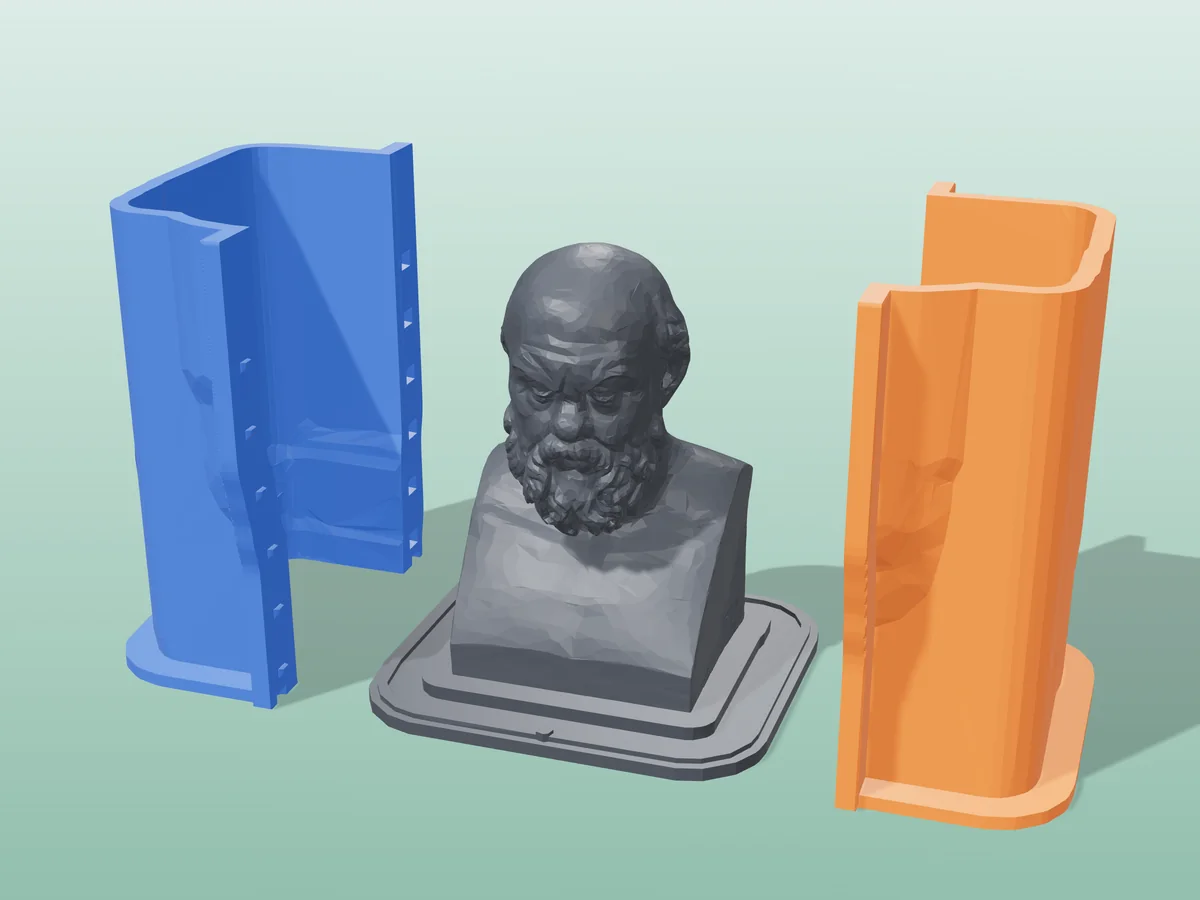
If you already have the model, use a browser mold generator: no install, no modelling, print-ready file in about a minute. Start here. If the part does not exist yet, design it in free CAD (Fusion for personal use, or Blender) and then generate the mold from the export. Those are two different jobs, and picking the wrong category is why people spend an evening on something that takes a minute.
Skip the comparison and try the free one: drop in an STL, get a printable mold.
Open the mold generator →The four kinds of tool, and what each is really for
Search results for "mold making software" mix four unrelated categories together, which is most of the confusion. They are not competing products, they are different stages of the job.
| Category | Examples | Cost | Best for |
|---|---|---|---|
| Mold generators Turn a finished model into a mold | Meshcast (browser), dedicated desktop apps | Free, or a one-time desktop licence | You have an STL and want a printable mold now |
| General CAD Design the part and the mold together | Fusion (free for personal use), FreeCAD, Onshape free tier | Free tiers exist | Designing the part from scratch, parametric changes later |
| Mesh editors Manual booleans on meshes | Blender, Meshmixer | Free | One-off molds when you already know the software |
| Simulation Predict flow, shrinkage, cooling | Industrial injection-molding suites | Expensive | Production injection tooling, not 3D-printed molds |
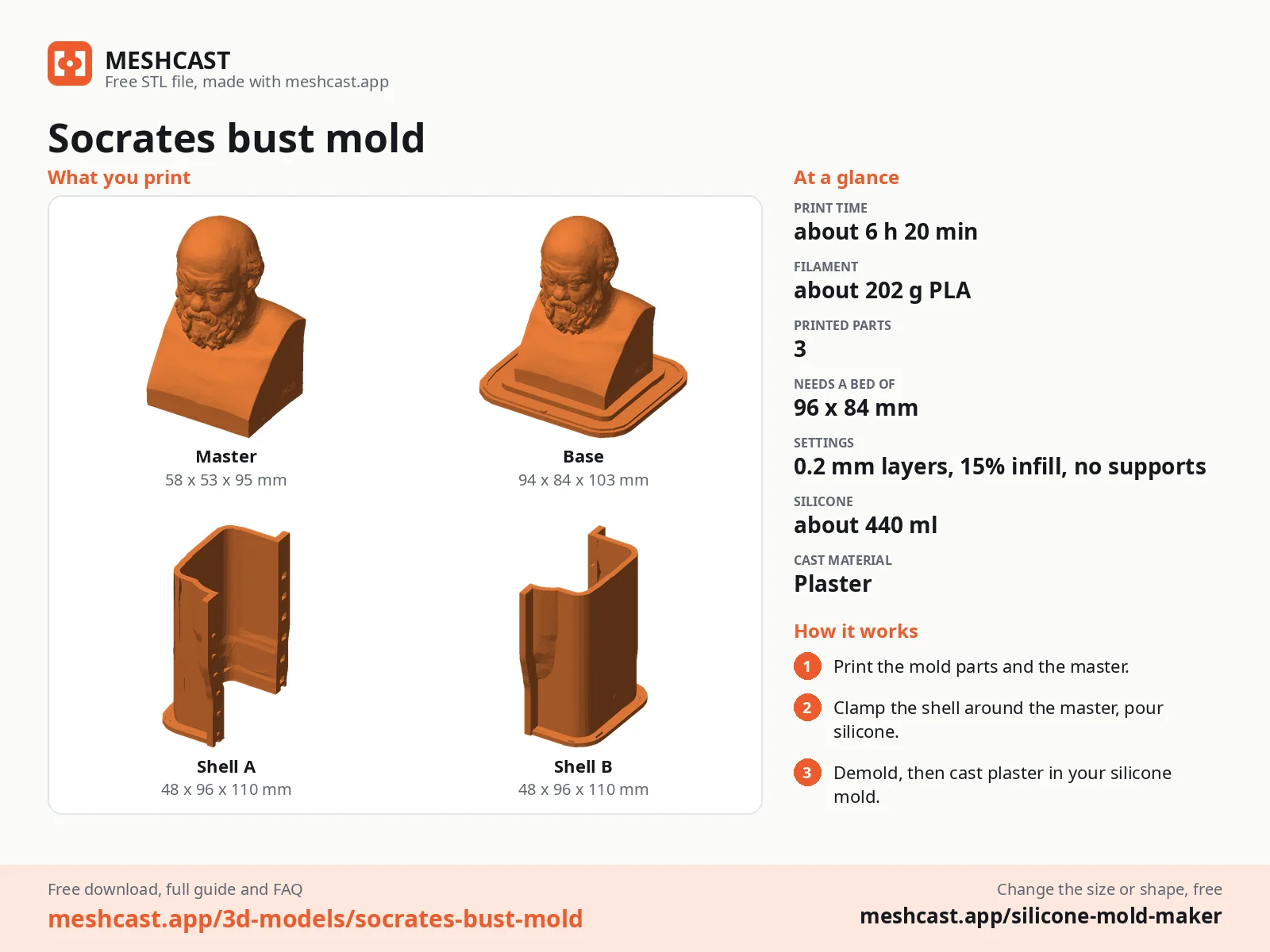
Which one fits your job
| Your situation | Use |
|---|---|
| I downloaded an STL and want a mold of it | A mold generator. The rigid box mold for a two-part mold. |
| I want a silicone mold and silicone is expensive | Silicone mold maker (contoured mode), a hugging shell instead of a block. |
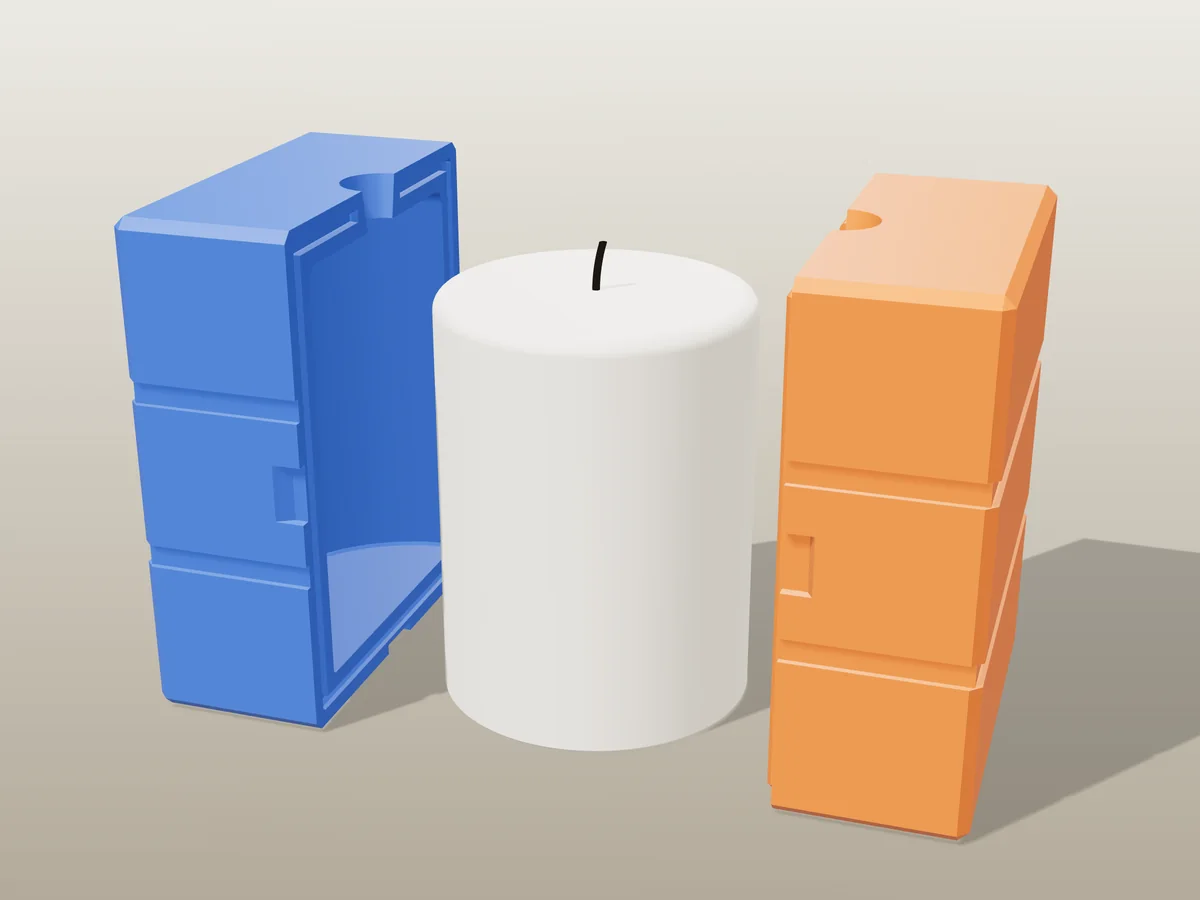
| I want to cast candles | /candle-mold, with the pour spout and alignment keys done for you. |
| I am designing the part myself and it will change | Free CAD. Keep it parametric, export STL, then generate the mold. |
| I need slip-casting or plaster housings | /plaster-mold. |
| My model is too big for the printer | Cut it into pieces with the Cut tool in your slicer first, then mold the pieces. |
| My file is huge or broken | /optimize, or the repair button inside any generator. |
| I am comparing against a paid desktop app | The Moldboxer comparison covers that trade in detail. |
| I am comparing against another browser mold tool | Compared one by one, each with where it is stronger: MoldStudio3D, 3DGEN, splicestl/mold and PrintPal's mold box generator. |
The free Blender method, written out honestly
"Mold maker Blender" is a common search, and the manual method genuinely works and costs nothing. It is worth knowing even if you end up using a generator, because it is exactly what a generator automates. The short version is below; the full Blender mold walkthrough covers units, keys, vents and every way the boolean fails. Using Fusion instead? See the Fusion 360 version.
Import and check the mesh
Import your STL. Before anything else, make sure it is manifold: in Edit Mode, Select > All by Trait > Non Manifold. If that selects anything, fix it first. Every boolean failure downstream traces back to this step.
Build the block
Add a cube and scale it larger than the model on every axis, leaving your wall thickness as clearance. This block is the mold body.
Subtract the model
Add a Boolean modifier to the cube, set it to Difference, pick the model as the object, apply. The cavity now exists inside the block.
Split it and add the plumbing
Cut the block into halves with a second boolean against a thin plane at your parting line, then subtract a cone for the pour spout and small cylinders for alignment pins. This is the fiddly part, and the part where undercuts bite: if any surface leans back over the seam, the halves will not separate.
The browser route, and its real limitations
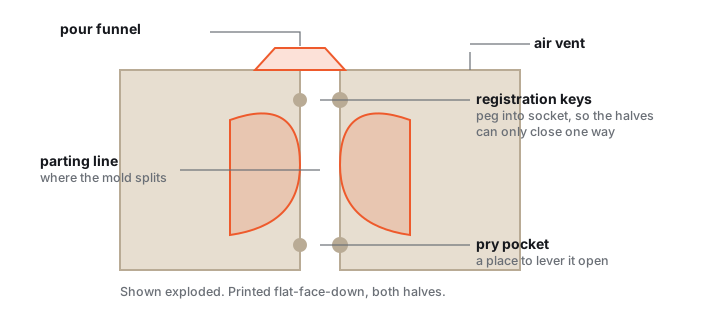
A browser generator does every step above from sliders. You upload, drag the parting plane, set wall thickness and pour hole, and download STL or 3MF. Lighter tools like the tray mold run entirely in your browser; the main mold generators compute on our server in Germany and delete the file once your download is ready. Either way there is nothing to install.
The limitations are worth stating plainly, because a comparison that skips them is not a comparison:
- It needs a connection to load. No offline use on a disconnected workshop machine.
- It is not a modelling tool. If the part needs changing, change it in CAD and regenerate.
- One model at a time. No batch processing or scripting.
- Very large meshes get simplified. Above roughly 130k triangles the upload is reduced before the geometry runs, which is invisible on most models and matters on scans.
Against that: no install, no licence, no trial clock, and a printable mold in about a minute. For most people printing a mold to cast something, that trade is not close.
Where AI helps, and where it does not
Searches for "AI mold maker" are usually looking for one of two different things. If you want a model that does not exist yet, generative tools can get you a mesh from a prompt or a photo, and you then feed that mesh to a mold generator like any other file. If you want the mold itself, determinism is the feature: a generator that produces byte-identical output for identical input means a half you printed months ago still mates with a fresh one. That is a property you would not trade away.
The place judgement genuinely helps is the analysis around the geometry: spotting that a pocket will trap air, or that a wedge cannot release in the direction it is being pulled. That is what the air-trap and cast-release checks in Silicone mold maker (contoured mode) do, before you print rather than after.
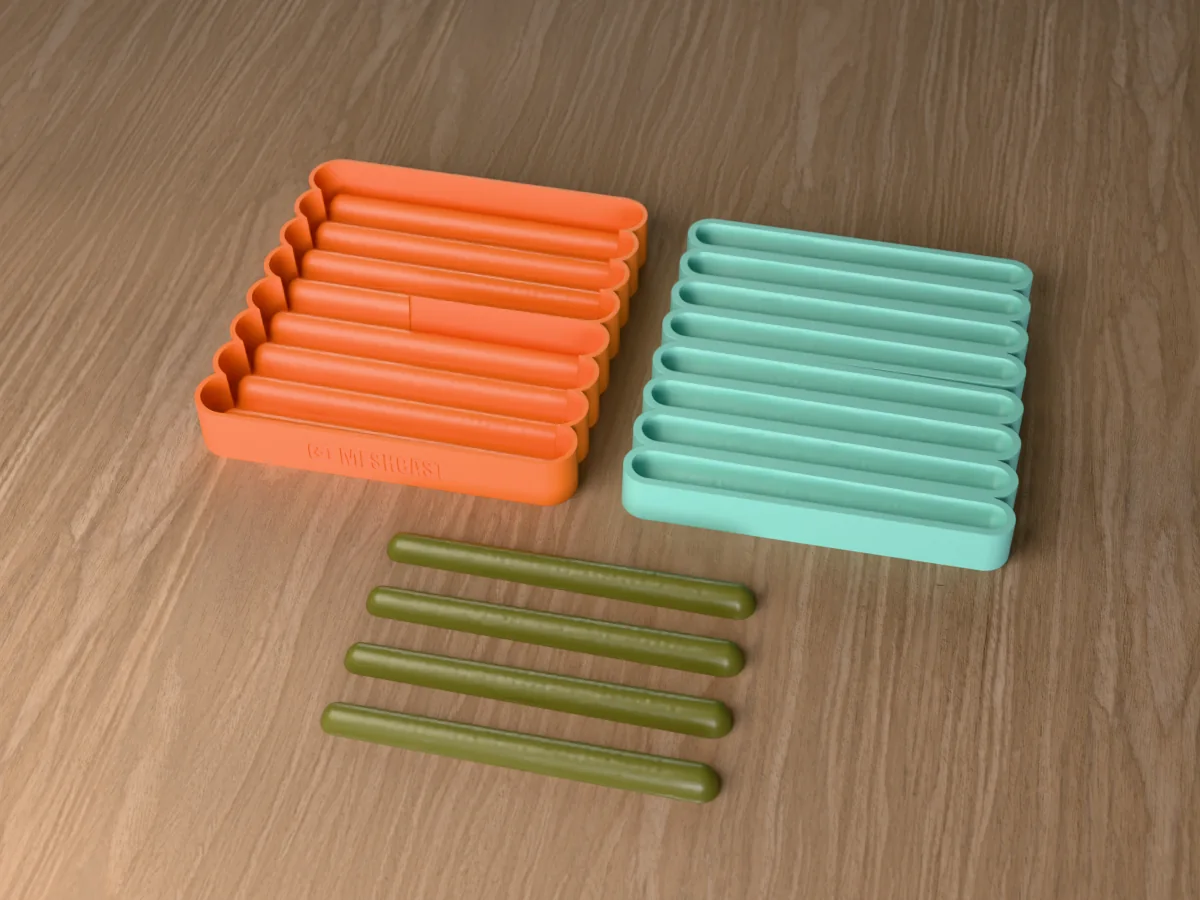
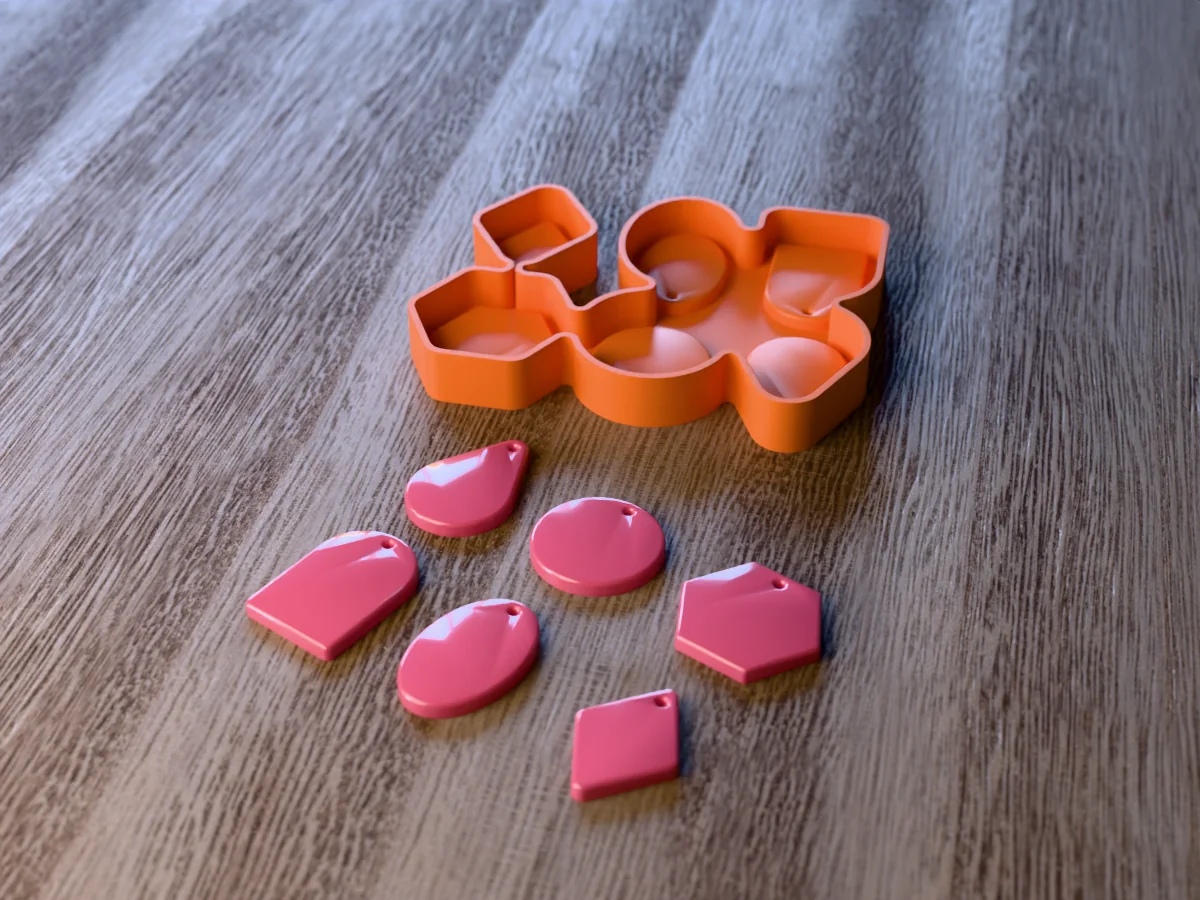
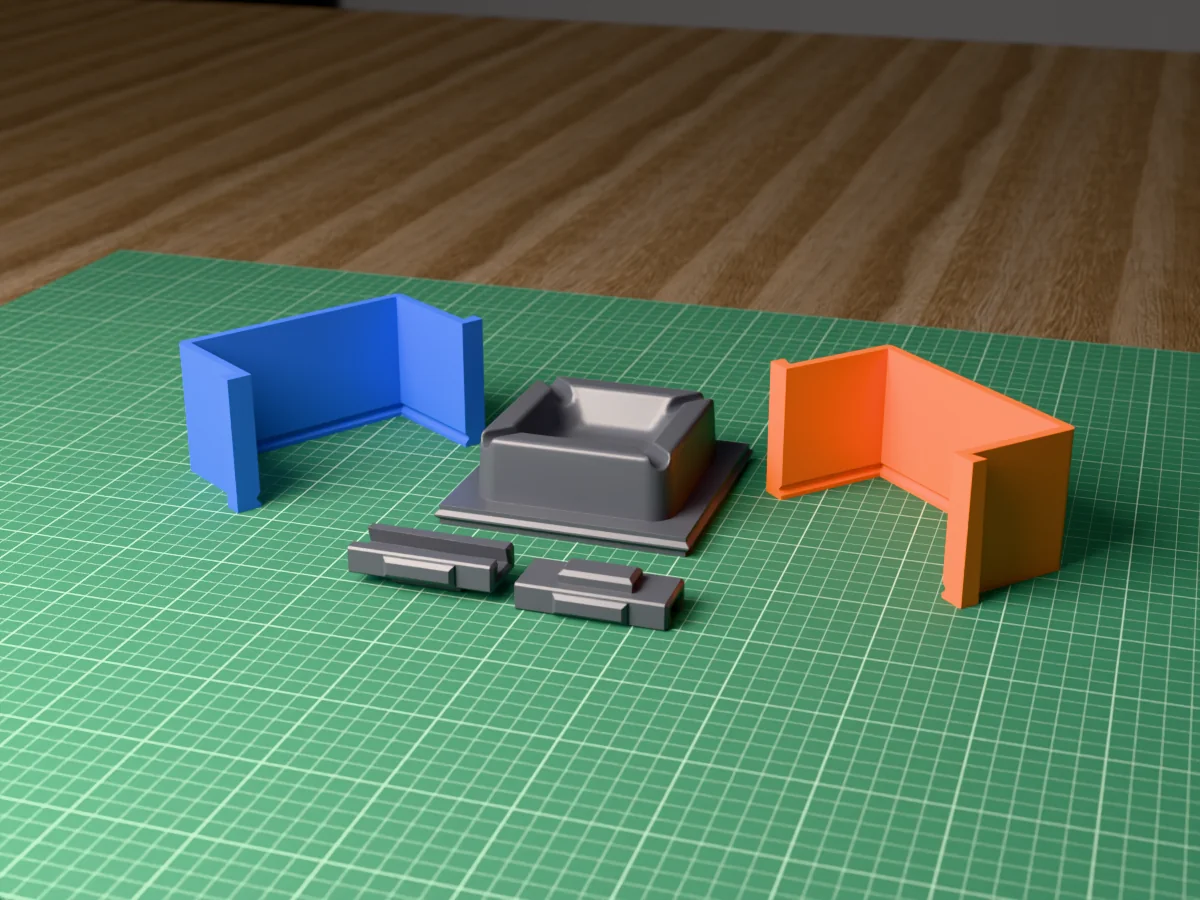
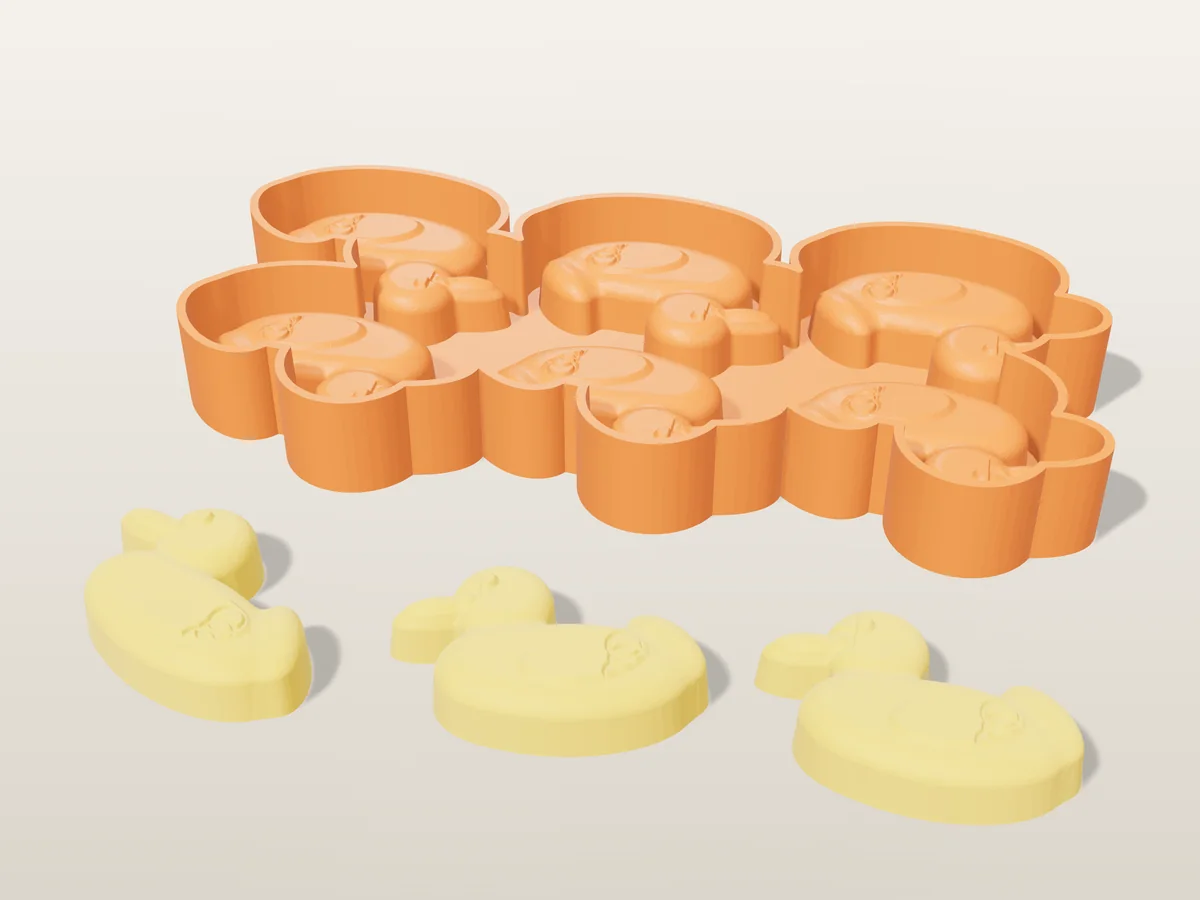
Made with free mold software
All free designs →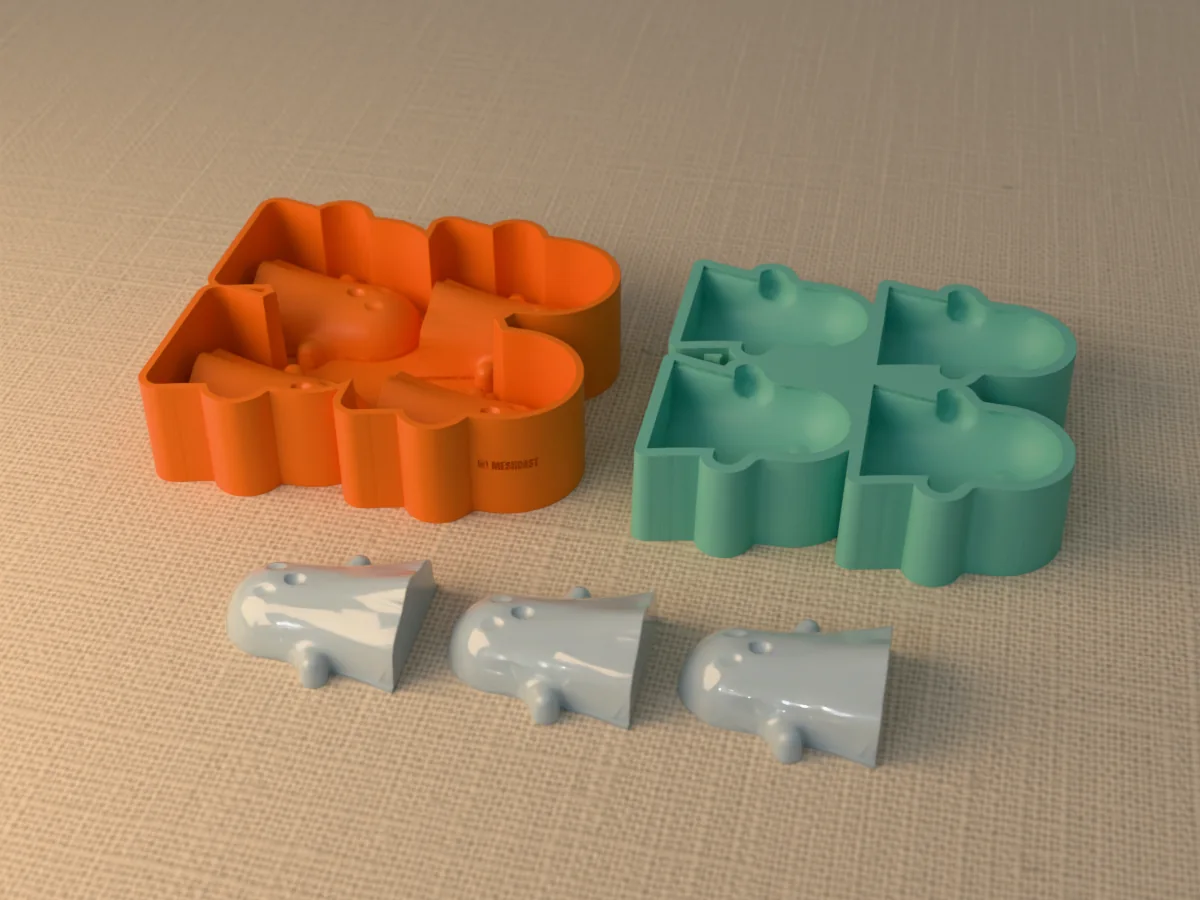
Questions
What is the best free mold making software?
If you already have the model A browser mold generator. No install, no modelling, print-ready file in about a minute.
If the part does not exist yet Free CAD (Fusion for personal use, FreeCAD, Onshape's free tier), then generate the mold from the export.
These are not really competitors. One designs geometry, the other turns finished geometry into a mold.
Can I make a mold in Blender for free?
Yes. Blender is free and the method is a boolean difference: oversized cube, Boolean modifier set to Difference with your model as the operand, apply, then split the block and add a pour hole.
The catch 20 to 40 minutes per mold once you know the software, plus the debugging that non-manifold meshes cause. Fine for one, painful for ten.
Paid add-ons automate it inside Blender. A browser generator skips the modelling and the install both. Full steps in the Blender section above.
Is there mold making software that does not need installing?
Yes. Meshcast runs in a browser tab, so it works on a locked-down work laptop, a Chromebook or a tablet.
The smaller tools do the geometry locally through WebAssembly, so the model never leaves your device. The bigger mold types use a server and delete it automatically within hours.
Is AI useful for making molds?
For the geometry, no A mold is exact solid geometry, and determinism is a feature: identical input gives identical output, so a half you printed months ago still mates with a fresh one.
Upstream, yes Generating a model from a sketch or photo when you do not have one. Feed the result to a mold generator like any other file.
Do I need CAD skills to make a mold?
Not if you already have the model as an STL, OBJ or 3MF. The generator does the boolean work; you set the parting plane, walls and pour hole with sliders.
You need CAD only when the part itself does not exist yet.
Why do mold tools reject my STL?
Because a mold is the space around your model, so the software has to know what is inside it. A mesh with holes has no inside to subtract, which is why every mold tool insists on a watertight mesh.
Usual offenders Scans and sculpts. Most one-click repairs close the holes; if that fails, the file usually has overlapping shells or inverted normals rather than simple gaps. See why was my model rejected.
Made by meshcast.app. Third-party pricing and free tiers change; check each vendor's own site before committing. Got stuck? Email a photo and I'll help you debug.