Moldboxer alternative: a free mold box generator that runs in your browser
This guide was drafted with AI assistance.
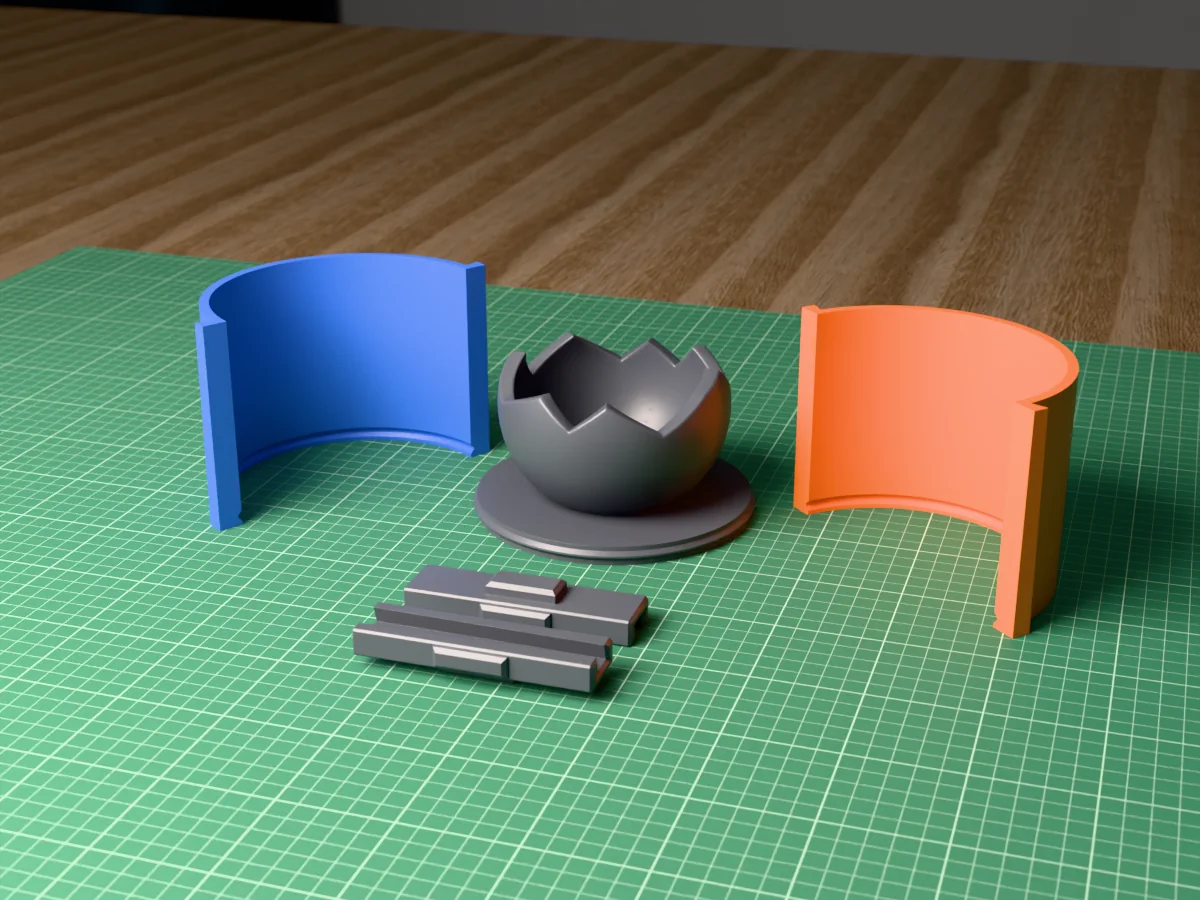
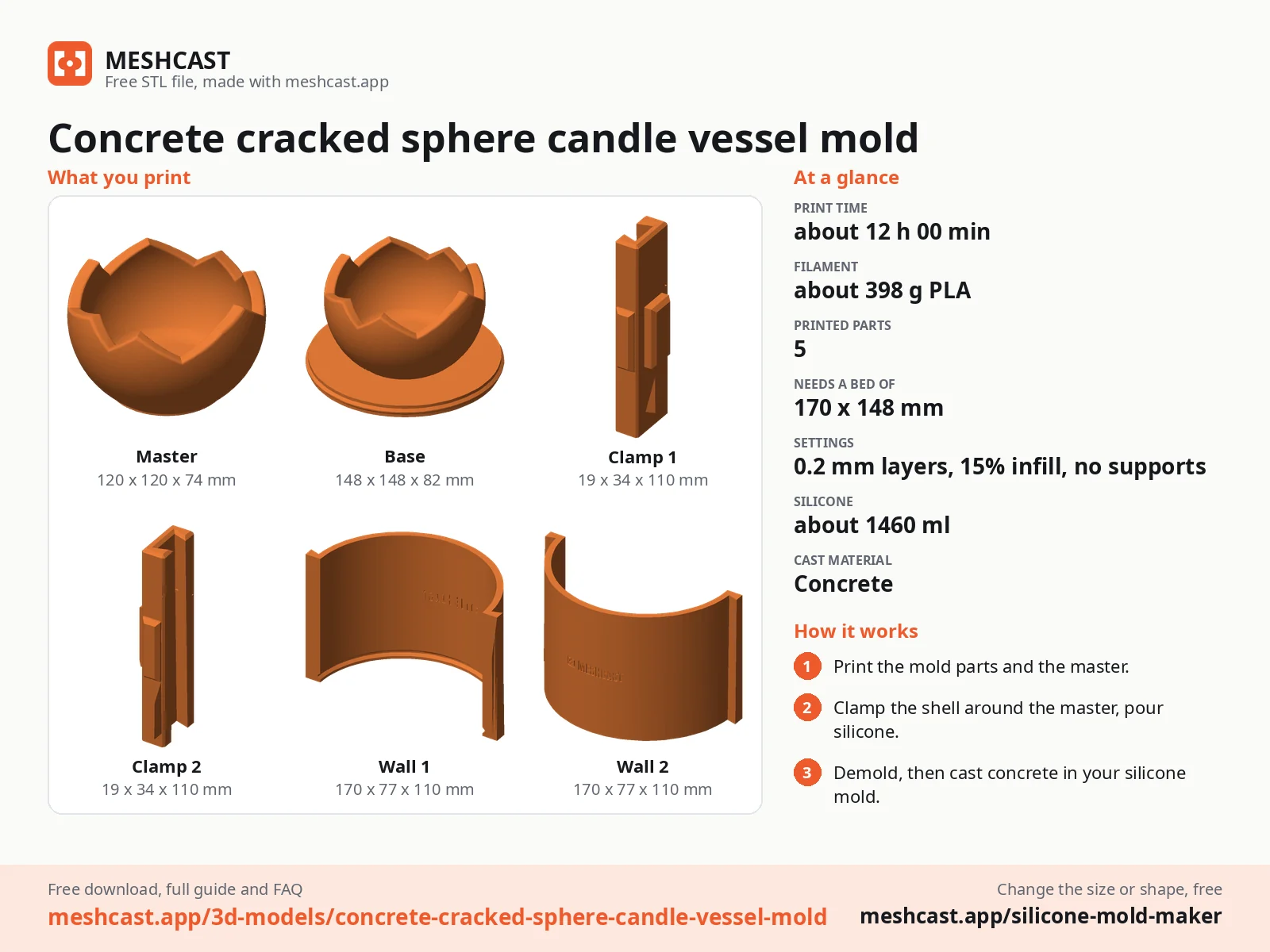
Moldboxer is desktop software you download and install, sold as a one-time lifetime licence after a free trial. Meshcast does the same core job for free in a browser tab, with nothing to install and no trial clock: split mold boxes, two-part silicone molds, trays, inner cores and figure-hugging shells, generated from any STL, OBJ or 3MF. If you want the one-line version: Silicone mold maker (contoured mode) is the closest match to the hugging silicone-saver, and /silicone-mold-maker is the closest match to a plain split box.
Drop in an STL and get a printable mold box in about a minute. Free, in your browser, nothing to install.
Open the mold generator →The short answer
People land on this page from one of two searches. Either they are already paying for a mold generator and want to know whether a free one is good enough, or they hit a trial expiry and need the job finished today. Both deserve a straight answer rather than a sales page, so here it is.
What still differs between tools is everything around the geometry. How much control you get over the split. Whether the tool tells you a mold will trap air before you print it. Whether you have to install anything. Whether it costs money. Those are the axes worth comparing, and the table further down does it honestly, including the cases where Meshcast is the wrong choice.
Feature-for-feature map
Meshcast is not one application with a mode selector. It is one focused generator per job, which is why the mapping is a table rather than a paragraph. If you know the Moldboxer feature you use, this is the tool that replaces it.
| What you want to make | Meshcast tool |
|---|---|
| A split mold box around a model, two mating halves with keys and a pour hole | /candle-mold |
| A two-part silicone mold, printed housing that you pour silicone into | Silicone mold maker (box mode) |
| A figure-hugging shell that cuts silicone use right down | Silicone mold maker (contoured mode) |
| A tray mold box, multiple cavities on one plate | /ice-cube-tray-mold |
| A hollow vessel with an inner core, vases and cups | /vase-mold |
| Plaster and slip-casting housings for ceramics | /plaster-mold |
| A die and piston press mold for clay, soap or bath bombs | /press-mold |
| A candle mold with a clean pour spout | /candle-mold |
All of them export print-ready STL and 3MF. The 3MF carries a real per-part colour, so the halves land in your slicer already distinguishable instead of as one grey lump.
What each tier covers, and what is still on their list
Worth checking before you pick a tier. Moldboxer's pricing page (read on 27 October 2026) puts slip casting for ceramics, skin molds for masks, the Master Hollower, custom branding and fixtures in the $249 Pro tier, and still lists three features as upcoming, included: advanced rotocasting tooling, vacuum-forming molds and compression molds. Here is how that maps to Meshcast:
| On Moldboxer | On Meshcast |
|---|---|
| Compression molds (listed as upcoming) | Live, free: /press-mold, a die and piston press for clay, soap and bath bombs |
| Slip casting for ceramics (Pro tier) | Live, free: /plaster-mold builds the plaster mold housing |
| Inner cores for pots (Pro tier) | Live, free: /vase-mold and /planter-mold |
| Tray mold box (Lite tier) | Live, free: /ice-cube-tray-mold for multi-cavity plates |
| Master Hollower, custom branding, skin molds for masks, fixtures, rotocasting, vacuum forming | Not here. If one of those is the reason you are buying, buy for it |
That last row is the point of the table. This is not a claim to do everything they do; it is a suggestion to check which part of the feature list you actually need before choosing a tier, because several of them exist here for free.
The silicone-saving shell, which is the feature people actually switch for
Box or hugging shell
 Square boxThe easiest to print and clamp.
 Round boxA little less silicone than square.
 Hugging shellWalls follow the model, so it takes less silicone.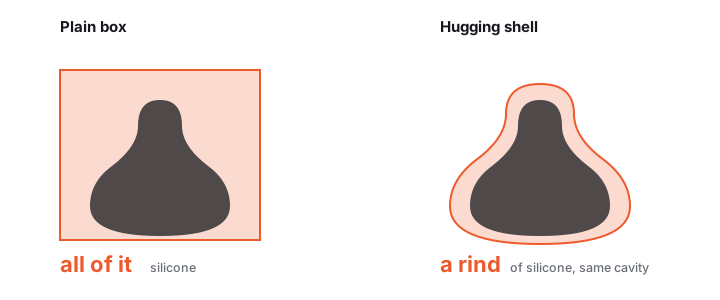
Silicone is the running cost of mold making. A block mold around a slim or branching model spends most of its volume on corners that never touch the part, and on a tall figure that is not a rounding error, it is the difference between a few hundred grams and a few kilos.
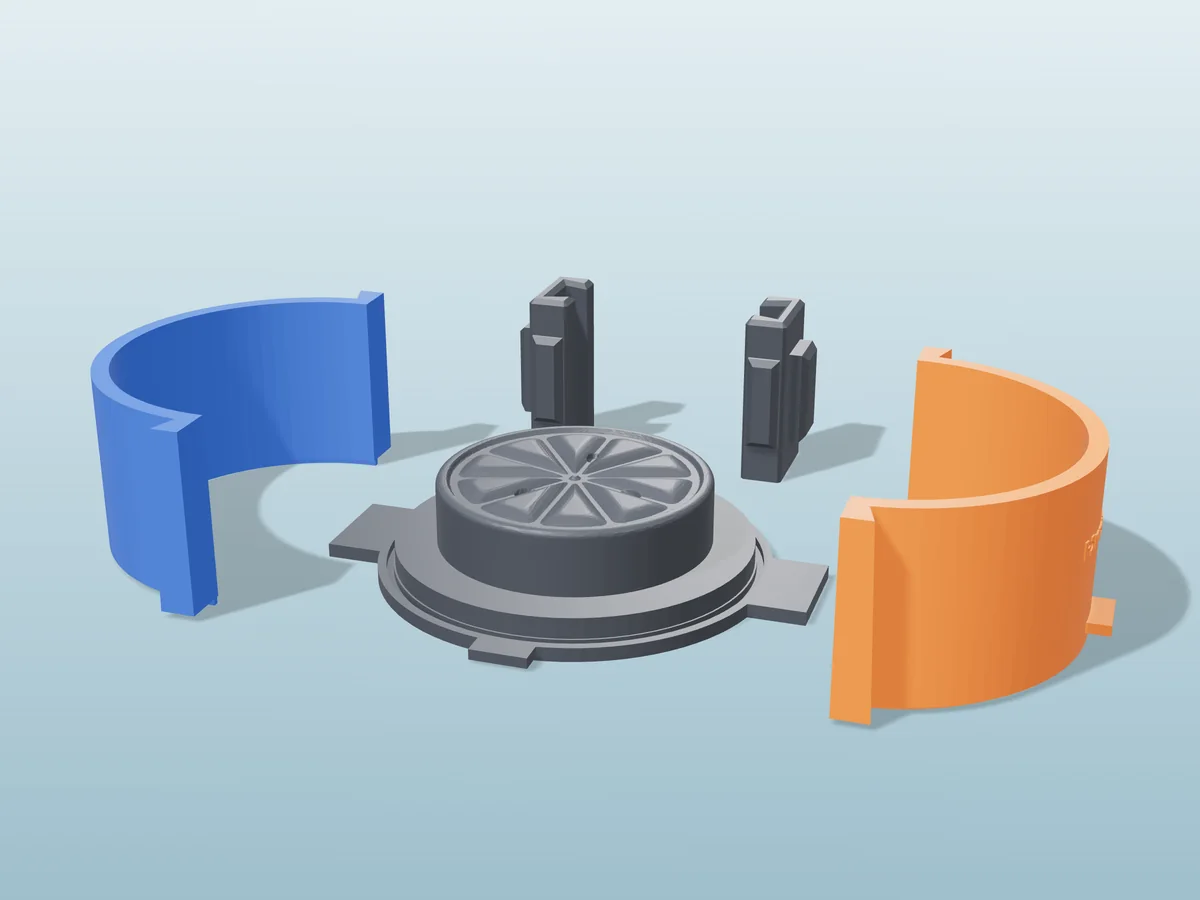
Silicone mold maker (contoured mode) builds the right-hand shape: an offset shell that follows your model's own outline, split into 2, 3 or 4 wedge parts that clamp together. You pour into the gap. It also runs an automatic air-trap and cast-release analysis and applies a per-part draft, so it tells you a pocket will hold a bubble while the mold is still a preview rather than after you have poured into it.
Where each one wins
A comparison that only lists the other tool's weaknesses is an advert. Here is the version that will actually save you an afternoon.
| Meshcast | Desktop mold software | |
|---|---|---|
| Cost | Free tier, no trial clock. Paid plans are for commercial rights and watermark removal, not for unlocking mold types. | A one-time licence. Moldboxer lists Lite at $59, Core at $129 and Pro at $249 (a founders price, shown against $299), lifetime, updates included (moldboxer.com, October 2026). |
| Shape of the bill | $0 for personal use, forever. Pro is $20/mo if you need commercial rights, and you can stop paying the month you stop selling. | Often cheaper if you mold constantly. A one-time licence you keep beats a monthly fee once you pass a few months of steady use. Read that row honestly before switching for price alone. |
| Install | None. It is a browser tab, so it works on a locked-down work laptop, a Chromebook and a tablet. | Download and install per machine and OS. |
| Time to first mold | About a minute from a cold start, including reading the page. | Longer the first time: download, install, licence, learn the UI. |
| Privacy | Most tools never upload: the geometry runs locally through WebAssembly. A few advanced ones use a server and delete the file right after. | Fully local by nature. |
| Working offline | No. It needs a connection to load, which is a real limitation on a workshop machine with no network. | Yes. A genuine advantage if you work offline. |
| Fine manual control | Deliberately bounded: sensible defaults, a parting plane you drag, and the settings that change the outcome. Not a full modelling environment. | More. If you want to hand-place every split and clamp, desktop software gives you more rope. |
| Batch and scripting | Not exposed. One model at a time through the UI. | Often better, especially inside a host application. |
Also compared: if the other tool on your shortlist is a browser studio rather than desktop software, read MoldStudio3D vs Meshcast.
If the alternative you found is a basic box generator
There are now several free browser tools that wrap a model in a two-part box: wall thickness, a clearance gap, a split position, alignment keys, a pour spout, a vent. If that describes your model, use whichever one you like. It is a solved problem and you do not need us for it.
It is worth knowing what that shape of tool cannot do, because the limits are not obvious until a cast fails:
| What you need | A plain split-box tool | Here |
|---|---|---|
| A model with undercuts | Boxes it anyway. The cast locks in and breaks on the way out | Undercut-aware paths, plus multi-part splits and silicone routes that release |
| Draft so a rigid mold lets go | Not applied. A vertical wall is a vertical wall | Built into the mold generators, see draft angles |
| More than two parts | One split, one plane | Wedge splits for models a clamshell cannot demold |
| A hollow cast | Not possible. You get a solid | Inner cores (vase, planter) and slip-cast formwork (plaster) |
| Less silicone per pour | A box is a box, you fill the whole volume | Adaptive silicone follows the silhouette instead of boxing it |
| A packable material | Not what a pour box is for | Press molds, a matched die and piston |
| A mesh that is not watertight | Usually fails or produces nonsense | Repaired automatically before generating, with a "Fix it for me" button for the rest |
Put plainly: a box generator solves the easy half of mold making. The hard half is everything the geometry does when it will not simply lift apart, and that is what the rest of the tools on this site are for.
Switching in five minutes
Export the same file you already use
STL, OBJ and 3MF all work, and the uploader sniffs the actual file contents rather than trusting the extension, so a 3MF someone saved as .stl still opens. No re-export needed.
Pick the generator from the table above
If you are unsure between a rigid printed mold and a silicone one, the decision guide settles it in two minutes. Rigid is cheaper and faster; silicone releases shapes rigid molds physically cannot.
Check the size readout before you generate
Every generator shows live model size in mm. A model exported in the wrong units arrives ten times too big or too small, and this readout is where you catch it. Under roughly 30 mm on the longest side there is not enough room for a wall, a spout and your detail at once.
If the model is rejected, use "Fix it for me"
A mold is the space around your model, so the mesh has to be watertight for the tool to know what is inside it. The repair button closes most holes in one click. The rest are explained in why was my model rejected.
Print both halves flat-face-down
0.2 mm layers, 3 to 4 walls, PLA or PETG. Full numbers in best print settings for molds, and mold release before the first pour.
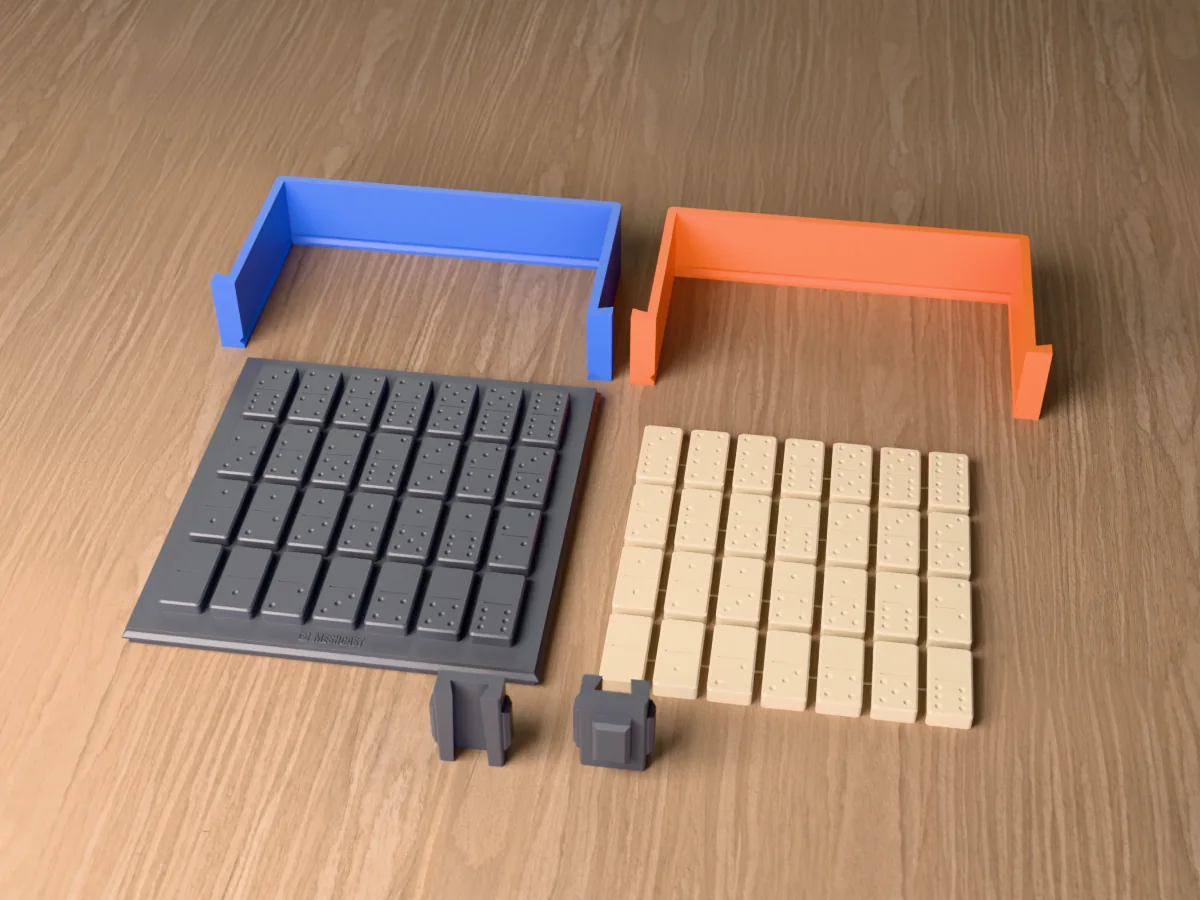
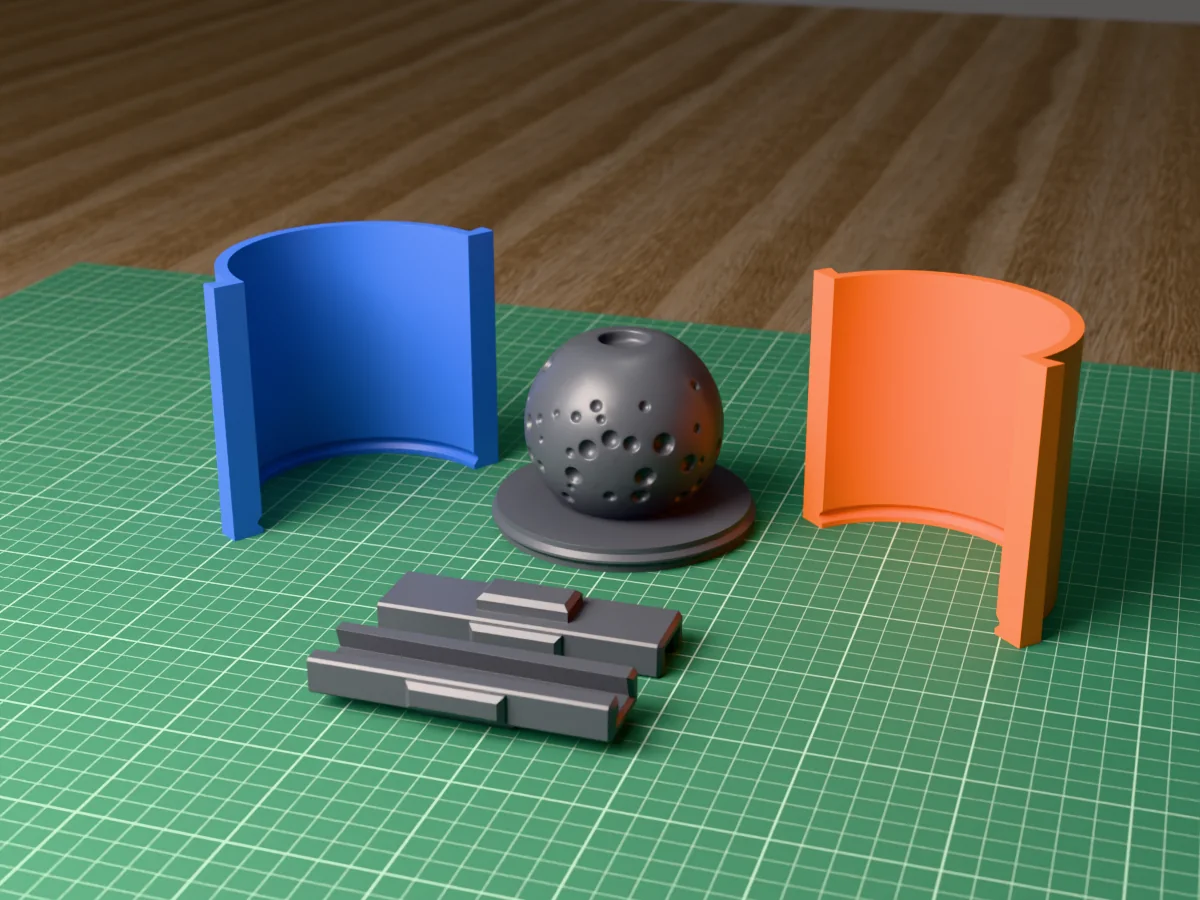
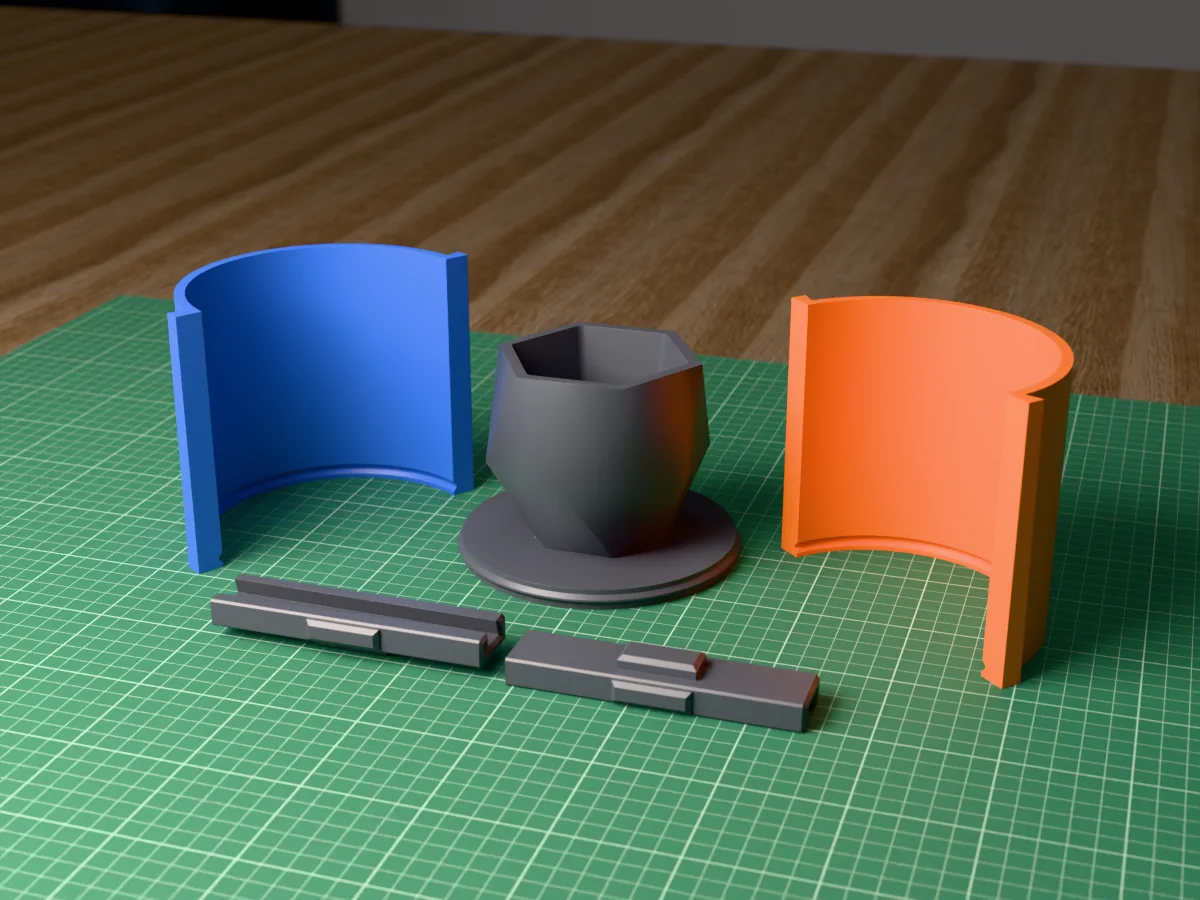
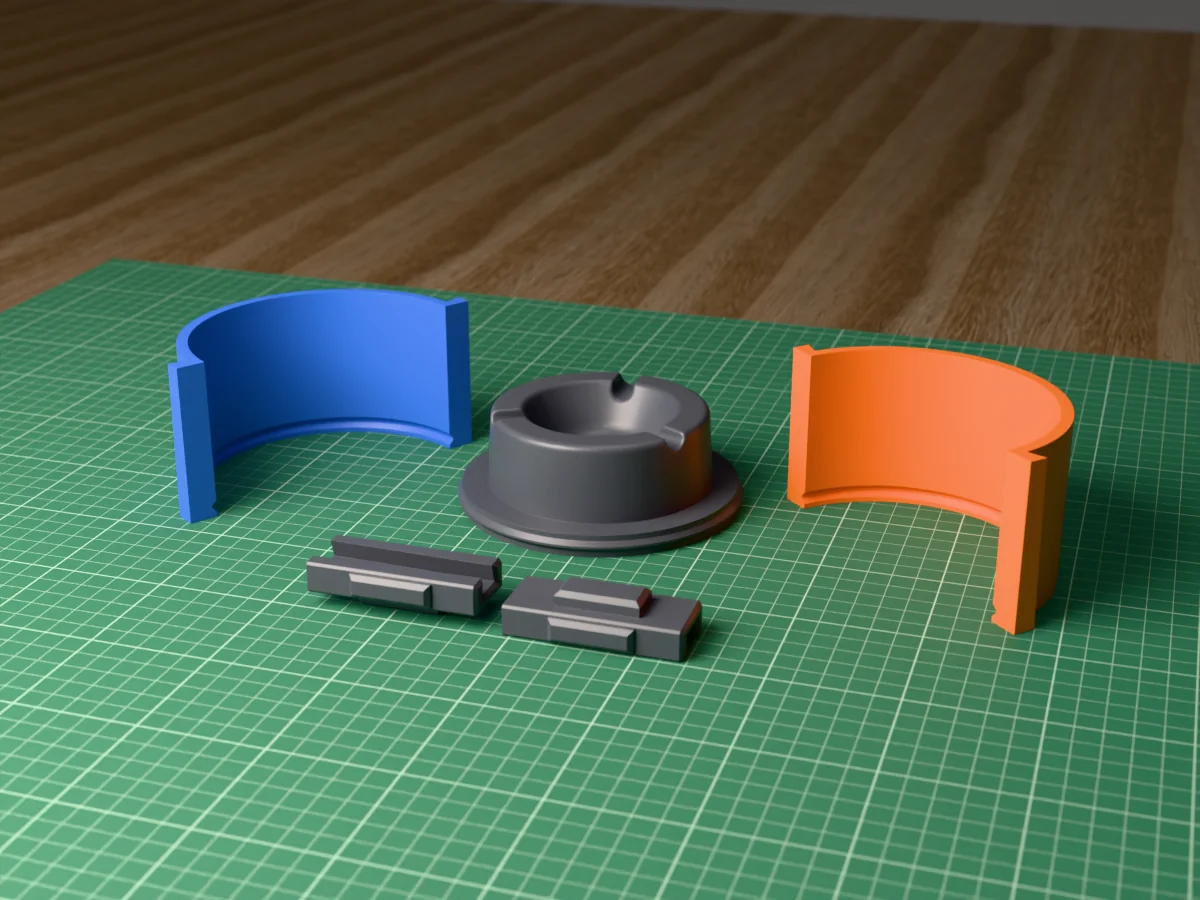
Silicone mold kits made this way
All free designs →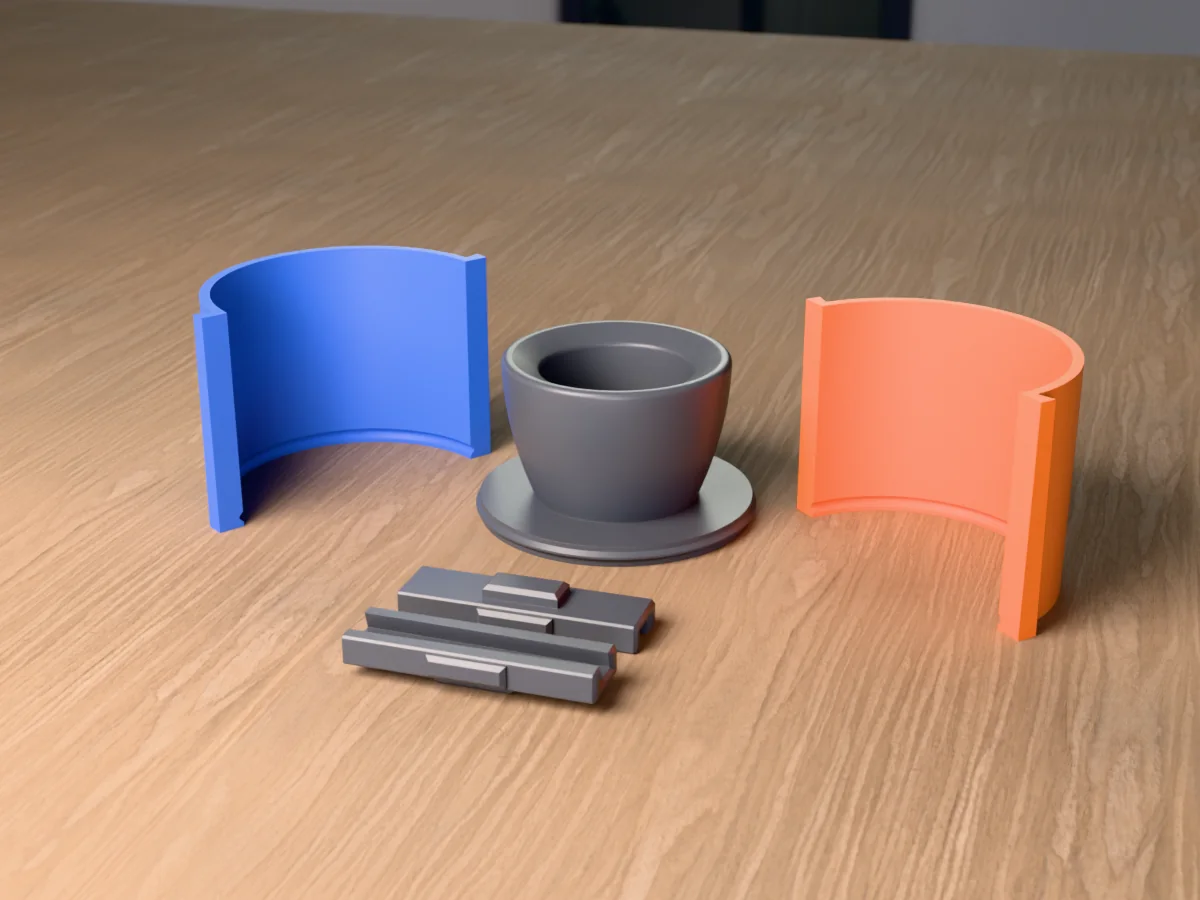
Questions
How much does Moldboxer cost, and is it free?
Moldboxer is not free. It is a one-time lifetime licence in three tiers: Lite $59, Core $129 and Pro $249, according to moldboxer.com in October 2026. Check their page for the current price before you buy.
Meshcast Free for personal use, 3 downloads a week, every mold type included. Pro at $20 a month adds commercial rights.
Is there a free Moldboxer alternative?
Yes. Meshcast generates mold boxes from any STL, OBJ or 3MF for free, in a browser tab, with nothing to download.
What free actually means here The free tier covers 3 downloads a week for personal use. Paid plans exist for commercial rights and watermark removal, but no mold type is behind the paywall. You are not being shown a cut-down generator.
What is the difference between Moldboxer and Meshcast?
Moldboxer Desktop software you download and install (Windows, macOS, Linux), sold as a one-time lifetime licence in three tiers: Lite, Core and Pro.
Meshcast Browser-based generators with a free tier and no install step.
Both take a 3D model and build a printable mold around it. The trade is control against convenience: a desktop application gives you more rope, a browser tab gives you a result before the other one has finished installing.
Can Meshcast make a hugging shell that saves silicone?
Yes, that is exactly what Silicone mold maker (contoured mode) does. It builds a shell that follows your model's outline at a set offset instead of a rectangular block, so you fill the gap rather than a whole box.
When it matters most Slim, tall or branching models. A box mold pays for every empty corner, and on a figure that is the difference between a few hundred grams of silicone and a few kilos.
When it matters least A model that is already roughly a brick. If your part fills its own bounding box, a plain box mold wastes almost nothing and is simpler to clamp.
Does Meshcast handle undercuts and air traps?
Adaptive silicone Runs an automatic air-trap and cast-release analysis and applies a per-part draft, so each wedge pulls off in a direction that exists.
Rigid two-part molds The parting plane is yours to drag, and the preview shows an undercut before you generate. See draft angles & undercuts.
The honest limit A shape that has to release in three directions is not fixed by a cleverer seam. That is a flexible silicone mold, and no generator changes that.
Do I need Blender or any CAD software?
No. Meshcast takes a finished mesh and does the boolean work for you, so there is no modelling step and no add-on to install into a host application.
If you already model in Blender or Fusion, nothing changes: export an STL the way you always do and drop it in.
Is my model uploaded to a server?
Depends on the tool The tray mold, cutter, keychain, lithophane and embosser tools run entirely in your browser through WebAssembly, so the file never leaves your device.
The server ones The bigger mold types (the rigid two-part mold, silicone housings, plaster housings, press molds) do the heavy geometry on a server and delete it automatically within hours. The tool tells you which kind you are using rather than leaving you to guess.
I already bought a desktop licence. Is it worth switching?
No, and it would be a strange thing to claim. You have already paid; a lifetime licence does not expire and switching recovers nothing. If it does the job, keep using it.
Worth having open in a second tab if You want a mold type your tier does not include, you are on a machine you cannot install software on, or you want a second opinion on a split before committing filament to it. Both can live on the same bench.
Made by meshcast.app. Comparison based on publicly documented features as of August 2026; product details change, so check the vendor's own site for current pricing. Got stuck? Email a photo and I'll help you debug.