splicestl alternative: its free mold tool vs Meshcast
This guide was drafted with AI assistance.
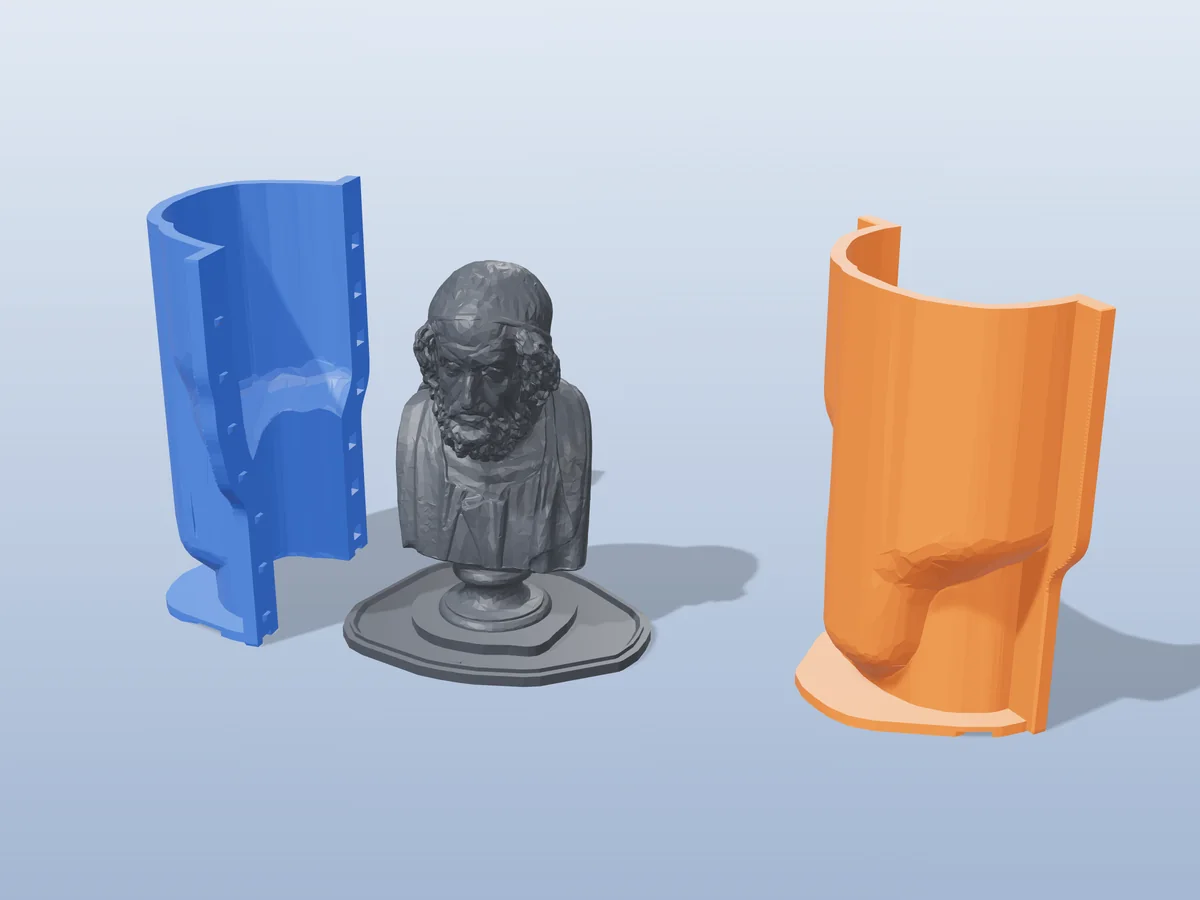
splicestl/mold is the mold tool from splicestl, a free browser STL splitter. It is free for personal and commercial use, needs no sign-in and runs entirely in your browser. It also labels itself alpha: its own page says it "works for simple/convex shapes" and "may produce unusable geometry for highly organic forms or models with deep undercuts". Meshcast is built around exactly those models: a silicone shell that hugs the shape, undercut highlighting with a one-click fill, mesh repair, and a separate tool for each material. For a simple, convex master, splicestl/mold is free and enough. For figures, busts and anything organic, start with the silicone mold maker or the rigid box mold here.
The short answer
splicestl's main product is a splitter that cuts a model too big for your printer into pieces with connectors. Its mold tool is a second, smaller tool on the same engine. So this page compares that mold tool with Meshcast's mold generators. The splitter does a job Meshcast does not do, and if that is what you need, it is the better tool.
Everything said here about splicestl comes from its own public pages, read on 15 October 2026: the mold tool page, the homepage, the about page and the terms of use. Where their site did not say something, this page does not guess.
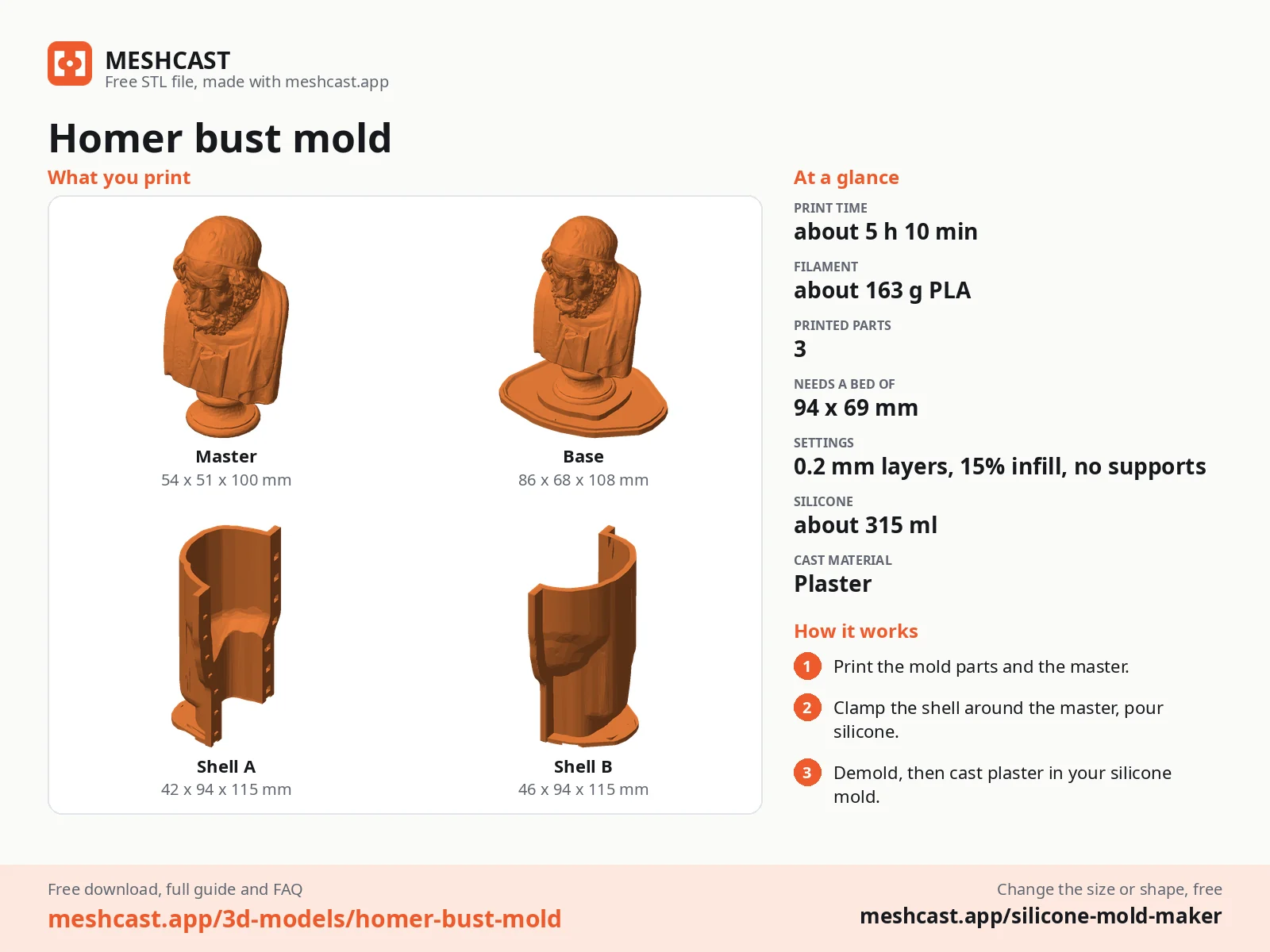
splicestl/mold vs Meshcast, feature by feature
"Not stated" means we could not find it on their pages, not that it cannot be done.
| Feature | splicestl/mold | Meshcast |
|---|---|---|
| Status and limits | Labelled alpha: works for "simple/convex shapes" and "may produce unusable geometry" on highly organic forms or deep undercuts | Tools aimed at those cases: a hugging silicone shell, an undercut fill, and rigid molds in 2 to 4 pieces |
| Price | Free, no sign-in, no paid tier; the site shows display ads | One download before you sign up, then a free account (5 in the first week, 3 a week after); paid plans for more |
| Selling what you cast | Allowed, per its terms | Pro or Founder; Free and Starter are personal use |
| Where it is computed | In your browser (WebAssembly); nothing is uploaded | In your browser for the tray mold and the one-piece open mold; on our server in Germany for the two-part, silicone, vase, plaster and press molds, model deleted automatically within hours |
| Files in | Binary or ASCII STL | STL, OBJ, 3MF, GLB and glTF |
| Files out | STL | STL or 3MF, with print settings included (a sheet in the zip or inside the 3MF) |
| Mold types | One mold box: two-part block or one-part open | Rigid two-part or open mold, silicone box, hugging silicone shell, multi-cavity tray, vase and planter mold with a core, plaster housings, press mold |
| Material presets | Silicone, resin, plaster or concrete, wax, custom | Candle, resin, soap, plaster or silicone on the rigid box mold; plaster, concrete or slip casting on the plaster mold |
| Parting | One flat parting plane: pull axis X, Y or Z, with a height offset | A seam you drag or turn on the rigid box mold, in 2 to 4 pieces; 2, 3 or 4 parts on the hugging shell and the plaster mold |
| Pour, vents, keys | 1 to 4 pour spouts, 0 to 8 air vents, 2 to 8 alignment keys | 1 to 4 pour holes over the high points, a tongue and groove or pins, rubber-band grooves; air traps marked on the hugging shell |
| Amounts and cost | Cavity volume, cast mass, cast cost at your price per kg, and how much PLA the mold takes | Silicone and cast amounts in ml and grams on screen; cost in a separate free casting cost calculator |
| Undercuts | A draft tolerance setting and an undercut check when the model loads | Highlighted in red, with a one-click fill on the rigid box and tray molds |
| Broken or leaky files | Not stated on the mold page (the splitter has a repair step) | "Fix it for me" repair inside the mold tools |
| Models bigger than your printer | splicestl's main tool splits them into pieces with connectors | No tool for cutting an oversized model; a warning when a mold part will not fit your printer's bed |
| Guides and help | Guides on splitting and joining prints, and a FAQ on the mold page | Over 70 guides, most of them on molds and casting, and MESHCAST AI inside the generators |
What it costs
splicestl has no paid tier at all. Its about page says the site is funded by display advertising, shown after the tool and in the results area.
| Plan | splicestl/mold | Meshcast |
|---|---|---|
| Free | Everything, without signing in; its terms allow commercial work | One download before you sign up, then 5 in the first week and 3 every week with a free account, every mold type, personal use, small "Meshcast" engraving |
| Entry paid | None | Starter $9/mo: 10 downloads a week, personal use |
| Main paid plan | None | Pro $20/mo or $179/yr: unlimited downloads, sell what you make, your own logo |
| Lifetime | None | Founder $369 once: Pro for life, price rises every 10 spots |
Where splicestl is stronger
If one of these is why you are choosing, choose splicestl.
- Free for everything, including selling. No sign-in and no paid tier, and its terms allow personal and commercial work, including models you sell. On Meshcast the free plan is personal use; selling needs Pro or Founder.
- Nothing leaves your computer. It runs entirely in your browser, and its page says the only network traffic is loading the page. Our main mold generators build on our server in Germany and delete the model afterwards.
- Cast cost at your own price. Type in what your material costs per kg and it estimates the cast's mass and cost, plus how much PLA the mold takes. We show the silicone and cast amounts on screen and keep the cost maths in a separate casting cost calculator.
- Vents and keys by count. Up to 8 air vents and 2 to 8 alignment keys, each set by number. Our rigid box mold places 1 to 4 pour holes over the high points (the extra holes let air out) and seals the seam with a tongue and groove or pins.
- Models bigger than your printer. If the real problem is a model larger than your build plate, splicestl's main tool cuts it into pieces with pegs, dovetails, magnets and other joints. Meshcast has no tool for that; our mold tools only warn when a part will not fit.
- Open code. Its about page says the code is MIT-licensed, so you can read it and build on it.
Where Meshcast is stronger
- Organic shapes and deep undercuts. Its own page says it "may produce unusable geometry for highly organic forms or models with deep undercuts". Those are the models Meshcast's tools are built around: the hugging shell follows the shape in 2, 3 or 4 parts, undercuts are painted red, the rigid box and tray molds fill them in one click, and the rigid box mold can print in 3 or 4 pieces so a side that would lock comes away on its own seam.
- Broken files get fixed. "Fix it for me" closes holes in scans and model-site downloads and carries on. The splicestl/mold page does not mention repair.
- A tool for each material. Candle molds with pour holes over the high points, multi-cavity trays, vase and planter molds with a draft-tapered core, plaster housings for slip casting with clay shrinkage compensation, and a press mold for bath bombs and pressed soap. splicestl/mold makes a mold box (two-part or open top), with presets.
- Less silicone. The silicone mold maker shows the silicone in ml and grams before you print, and the hugging shell skips the empty corners a box fills with silicone.
- More file types. STL, OBJ, 3MF, GLB and glTF in; STL or 3MF out, with the print settings included.
- Somewhere to learn casting. Over 70 guides on candles, soap, resin, plaster, concrete, release agents and troubleshooting, MESHCAST AI in the tools, and a gallery of real casts. splicestl's guides are about splitting and joining prints.
Which to pick for which job
| Your job | Our pick |
|---|---|
| A simple, convex master, free and private | splicestl/mold |
| Selling casts without paying for a plan | splicestl/mold |
| A model bigger than your printer | splicestl (the splitter) |
| Figures, busts and other organic shapes | Meshcast hugging shell |
| Candles or wax poured straight into a printed mold | Meshcast rigid box mold |
| A model with undercuts or holes in the mesh | Meshcast, for the undercut fill and repair |
| Concrete planters and hollow vases | Meshcast vase and planter mold |
| Bath bombs or pressed soap | Meshcast press mold |
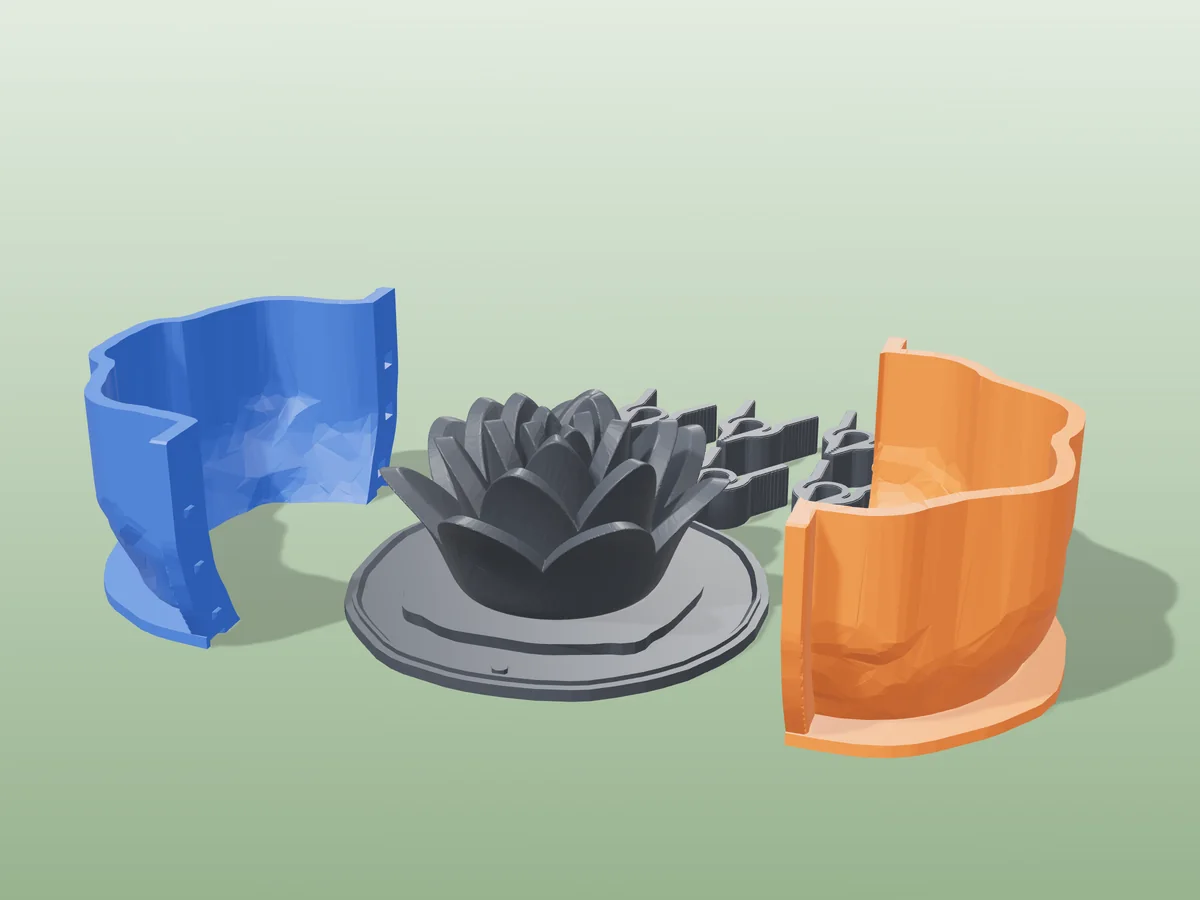
Organic shapes in a hugging shell
All free designs →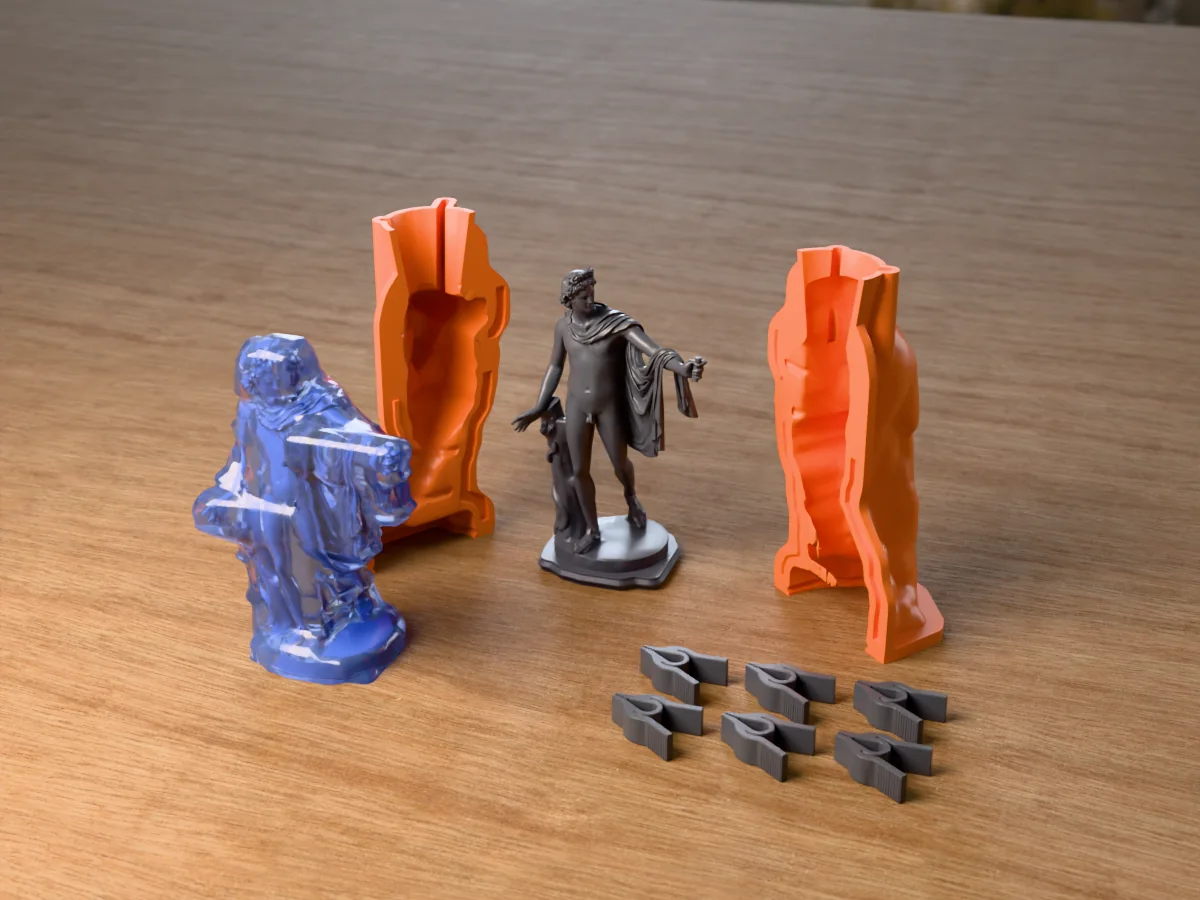
Questions
Is splicestl/mold free?
Yes. Its page and terms say it is free, needs no sign-in and runs in your browser, and the terms allow personal and commercial use. Its about page says the site is funded by display advertising.
Is splicestl/mold finished?
Not yet. Its page labels it alpha and says it works for simple and convex shapes but may produce unusable geometry for highly organic forms or models with deep undercuts, and asks you to inspect the output before printing.
What does Meshcast do that splicestl/mold does not?
A hugging silicone shell, undercut highlighting with a one-click fill, mesh repair, rigid molds in up to 4 pieces, a separate tool per material (candle, tray, vase, plaster and press molds), OBJ, 3MF, GLB and glTF uploads, and print settings with the files.
Can I sell what I cast?
With splicestl/mold, yes: its terms allow commercial work, including models you sell. On Meshcast the free and Starter plans are for personal use; selling needs Pro or Founder.
Does my model get uploaded?
Not with splicestl/mold: its page says everything runs in your browser. On Meshcast the tray mold and the one-piece open mold run in your browser; the two-part, silicone, vase, plaster and press molds compute on our server in Germany and delete your model automatically within hours (the privacy policy gives the exact times).
Can I use both?
Yes. A common split: cut a model that is bigger than your printer into pieces with the splicestl splitter, and make the mold for anything organic or undercut with Meshcast. Both work with STL files.
Made by meshcast.app. Comparison based on splicestl's public pages as read on 15 October 2026; product details change, so check their site before you rely on it. Got stuck? Email a photo and I'll help you debug.