Meshy AI figurine alternative: a head that is ready to print
This guide was drafted with AI assistance.
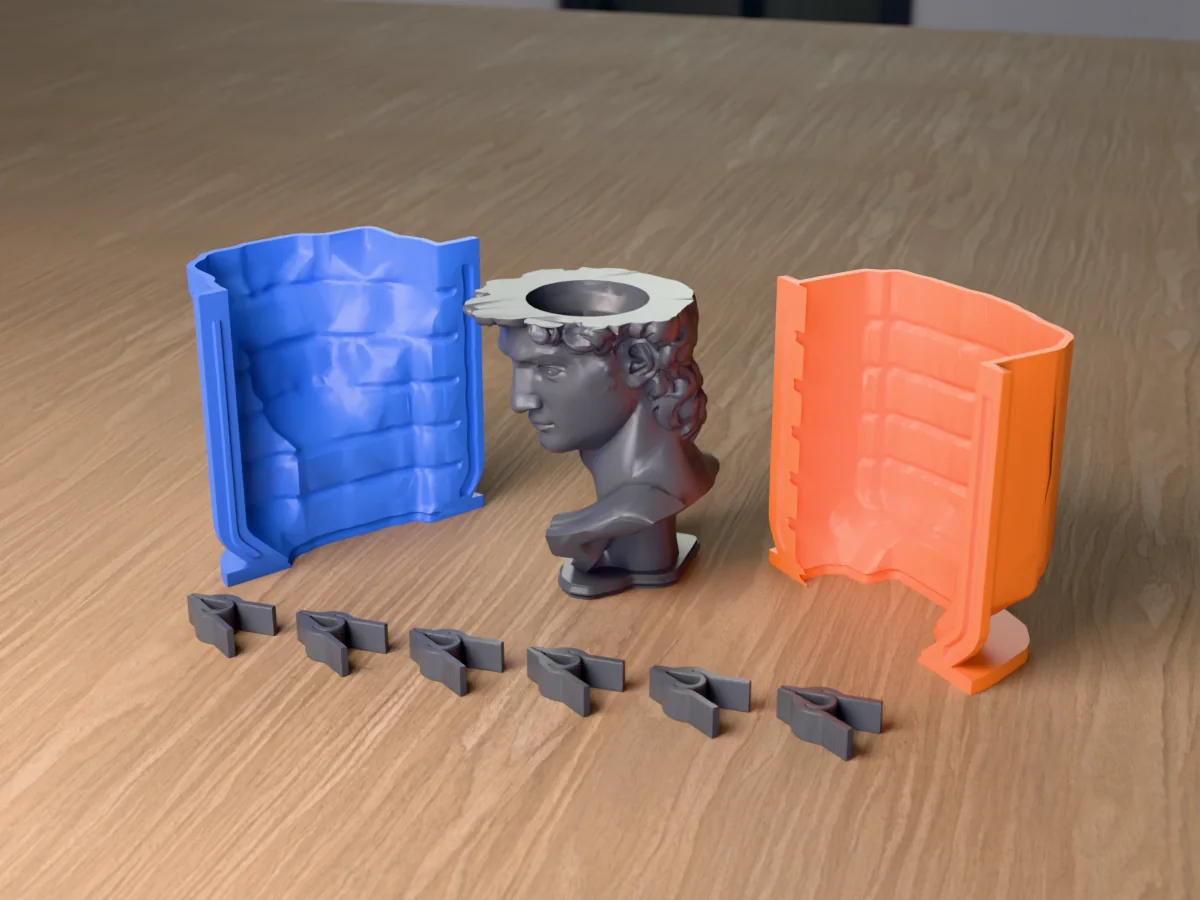
Meshy is a general AI 3D generator with a Creative Lab of product cards (chibi and vinyl figures, keychains, pet keepsakes, magnets, plant pots). It is strong at models for screens, games and AR. Meshcast's head generator does one thing: a head from a photo, built into a print-ready object at a real size, with colour in the same 3MF and a path to a candle or soap mold. For a 3D asset, use Meshy. For a print you hand someone, use ours.
The short answer
Meshy can make almost anything from a picture or a prompt, and its figure flow is quick. The gap shows when the model has to leave the screen: the size, the colours a printer can actually lay down, the holes and thin bits an AI mesh carries. Meshy sells most of those as extra steps. Meshcast's head generator does them as part of every head.
Details on Meshy come from its public Creative Lab pages, its API documentation and a 3Dnatives hands-on test, read in late September 2026.
What Meshy makes
- Creative Lab: a grid of product cards: Chibi Figure, Vinyl Figure, 3D Keychain, Pet Keepsake, Brick Figure, Fridge Magnet, Plant Pot and more, each with "Try now".
- Figure flow: four steps, upload a PNG, JPG or WEBP (up to 10 MB), about a minute per design, regenerate as often as you like, view it in AR, download GLB, FBX, OBJ or STL.
- Print tools in the main app: a free printability check, then Auto Repair and Auto Split at 10 credits each, Add Base, STL or 3MF download and a send-to-slicer button.
- Colour: the texture is for screens; a multi-colour print 3MF is a separate tool (10 credits, per Meshy's docs).
- Size: 3Dnatives found figures arrive at a fixed 50 mm with no scale control in the figure flow.
Meshy figurine vs Meshcast head generator
| Feature | Meshy (Creative Lab and app) | Meshcast head generator |
|---|---|---|
| What it is for | Any 3D model: games, AR, print | Heads from photos, for printing and casting |
| Try it free | Free plan, low-priority queue | Example run with no sign-in, then two colour heads on a free account |
| Approve a picture first | Concept image, regenerate freely | Clay preview before the 3D build |
| Size | Fixed 50 mm in the figure flow (3Dnatives) | Set in mm; templates sized to real parts (magnets, cans, pots) |
| Print checks and repair | Free check; repair and split cost credits | Thin spots, loose pieces and bed size checked; repaired on every head |
| Print colours | Separate multi-colour tool | Painted multi-colour 3MF in the same download |
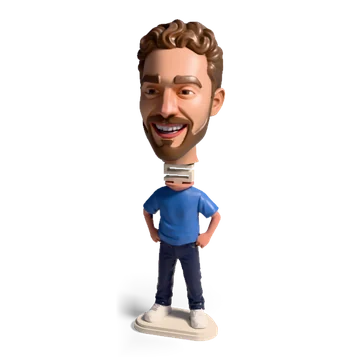
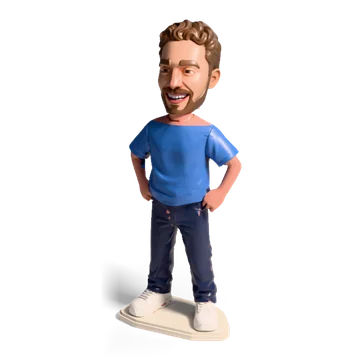
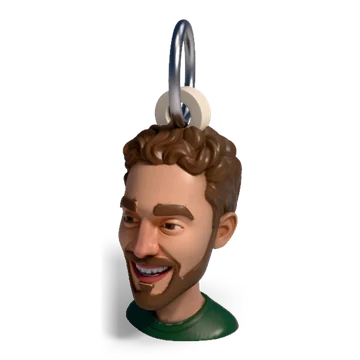
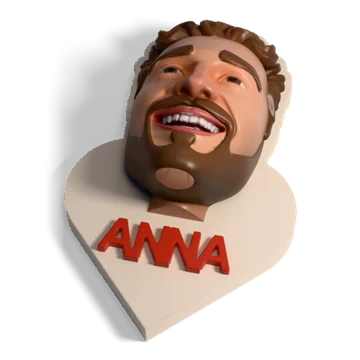
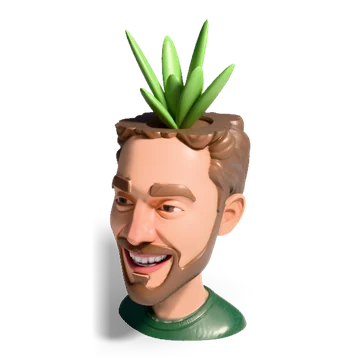
| Finished objects | Product cards (keychain, magnet, pot) | Bust, bobblehead, mini figure, keychain or ornament, magnet, can holder, planter |
| Files | GLB, FBX, OBJ, STL, 3MF, USDZ and more | 3MF, STL |
| Mold of the head | No | Bust goes straight to the silicone, rigid and plaster mold tools |
Where Meshy is stronger
- Range. Text to 3D, image to 3D, characters, props, terrain: our tool makes heads only.
- File formats for 3D software. FBX, GLB and USDZ matter for Blender, game engines and AR; we export only what a printer needs.
- AR preview and an order-a-print service on the way.
- Speed of iteration. Regenerating a concept is fast and cheap.
Where Meshcast is different
- Print-ready by default. Every head is made watertight, stray specks are dropped, a head tilted back is stood up, and an open mouth is filled so it prints. No add-on step, no extra credits.
- Real sizes. You set the height in mm, and the templates fit real parts: a 10 x 3 mm magnet, a 330 ml can, a nursery pot.
- Colour that a printer can do. The painted 3MF uses a few filament colours, not a photo texture, and a brush fixes any region the AI got wrong.
- The back of the head. The AI draws the back and both sides before the 3D build; add up to three more photos for the hair and the profile.
- Molds. A bust goes to the silicone mold maker in one click, so one photo becomes as many wax or soap casts as you like.
Which one to use
- A 3D asset for software: Meshy.
- A printed head gift (bust, bobblehead, keychain, magnet) at a size you choose: the head generator.
- A Meshy model you want to print anyway: run it through a repair step first; why AI models fail to print lists what to look for.
- A mold of a Meshy head: export STL, cut it flat under the neck, open it in the silicone mold maker.
What a photo can become
Open the head generator →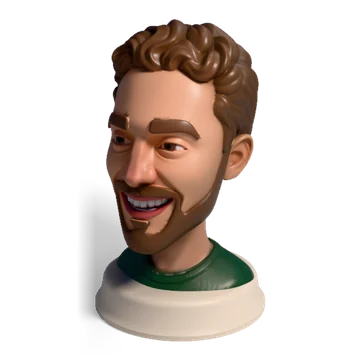
Questions
Is Meshy good for 3D printing?
Meshy can export STL and 3MF and has a free printability check, but repair, splitting and multi-colour print files are separate paid steps, and its figure flow uses a fixed size. It is a general 3D generator first; for printing you add those steps yourself.
What is the best Meshy alternative for printed figures of people?
For heads of people and pets that should end up printed, the Meshcast head generator: the head is repaired and sized automatically, colour comes as a painted 3MF, and templates like a bobblehead, keychain or magnet are built around it.
Can Meshcast make full-body figures like Meshy?
Not from the photo alone. Meshcast makes the head and can put it on one of nine mini figure bodies (T-shirt, suit, football kit, dress and more). For a whole posed person from a photo, a general tool like Meshy is the better fit.
Can I turn a Meshy head into a candle mold?
Yes. Download the STL, cut it flat under the neck so it stands, and open it in the Meshcast silicone mold maker, which builds a printable shell around it for a silicone pour.
Made by meshcast.app. Comparison based on Meshy's public pages and docs and on 3Dnatives' review, read in late September 2026; features and prices change, so check Meshy's site before you pay. Questions? Email us.