◆ Print only
I love supports keychain
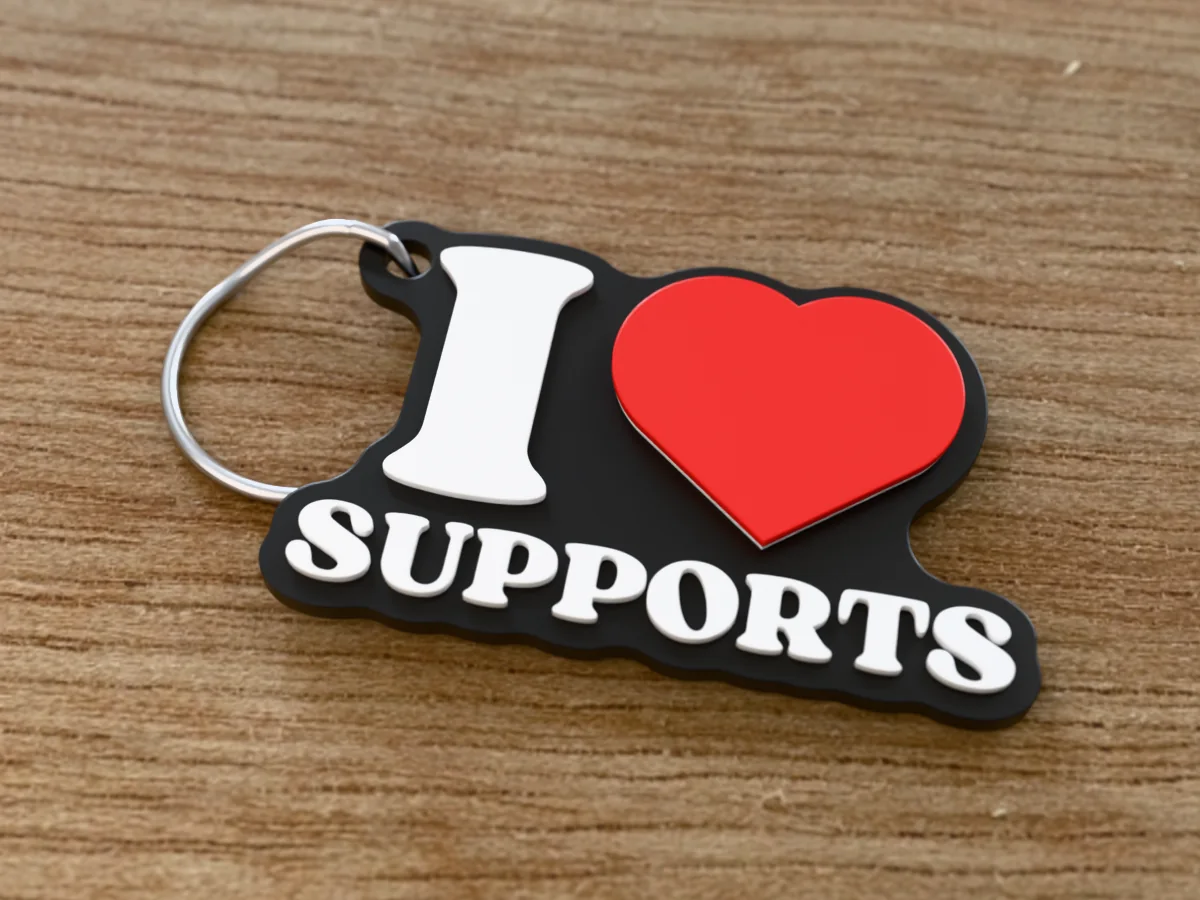
An "I heart SUPPORTS" keychain in black, white and red. Said no 3D printing person, ever.
Want your own version? Make it free in our i love you keychain tool. A free account gives you free downloads every week.
◆ Print only
An "I heart SUPPORTS" keychain in black, white and red. Said no 3D printing person, ever.
Want your own version? Make it free in our i love you keychain tool. A free account gives you free downloads every week.
The souvenir "I heart" mark with SUPPORTS underneath: a black plate, white letters and a red heart raised above them. Every maker has spent an evening picking supports out of a print with pliers, which is why this is a joke. Fittingly, it prints flat and needs none at all. Good for a maker's birthday, a 3D printing club, a print farm team or Secret Santa among makers.
Made with our free I love you keychain generator, not modelled by hand: we typed SUPPORTS, set the width to 60 mm and the white and red rises to 0.8 mm each, and left everything else at the page's defaults (the Fun & Bold font, the keyring hole beside the I). The zip holds exactly what the tool downloads: a 3MF with the plate, the letters and the heart as separate coloured parts, and a one-piece STL. It comes out 60 by 38 mm and 4 mm thick, and prints flat with no supports.
Hand it over with a pair of flush cutters. They will know exactly what you mean. Printed in one colour it still reads, because the letters stand proud of the tag; for black, white and red, a single-nozzle printer needs two filament changes, and the print sheet in the zip says where.
Shown as a 3D render of the printed keychain with a steel split ring, not a photo.
Print it flat as exported: no supports, 0.4 mm nozzle, 0.2 mm layers.
Multi-colour printer: open the 3MF, each part already carries its colour. Single nozzle: add a filament change in the slicer's layer preview for white at 2.3 mm and red at 3.1 mm above the bed.
Let the bed cool before you lift the tag off, so the thin edges stay flat.
Open the split ring with a thumbnail or a small screwdriver and wind it through the hole.
Print details
| Type | Print only |
|---|---|
| Printed parts | 1 |
| Size (W x D x H) | 60 x 38 x 4 mm |
| Print bed needed | 60 x 38 mm, 4 mm tall |
| Filament | ~5 g |
| Layer height | 0.2 mm |
| Infill | 15% |
| Supports | Not needed |
| Download | ZIP: keychain in 3 colours (3MF) + one-piece STL + print sheet + README |
| Added | 2026-10-05 |
Made with the free I love you keychain generator. Upload your own drawing and get the same kind of part built from it, in your browser.
Free download. Opens the Thingiverse listing in a new tab.
Free for personal use. Selling the printed piece itself needs a commercial licence (Pro or Founder); passing on the file is not permitted on any plan. Full terms.
New to this? Read the custom love keychain guide.
No, and that is the punchline. It prints flat on the bed with nothing overhanging, so there is nothing to clean up. Print it, peel it off and hand it to the friend who complains about supports the most.
For anyone who owns a 3D printer and has ever spent an evening cutting supports out of a print. It is a joke every maker gets at once, which makes it a good giveaway at a maker faire or a club meeting.
Start in black, then change to white at 2.3 mm and red at 3.1 mm above the bed. Those heights are measured in the file, from its lowest point, which is where your slicer puts the bed; add each change in the layer preview where the new colour first shows. With a multi-colour printer, skip all that and open the 3MF.
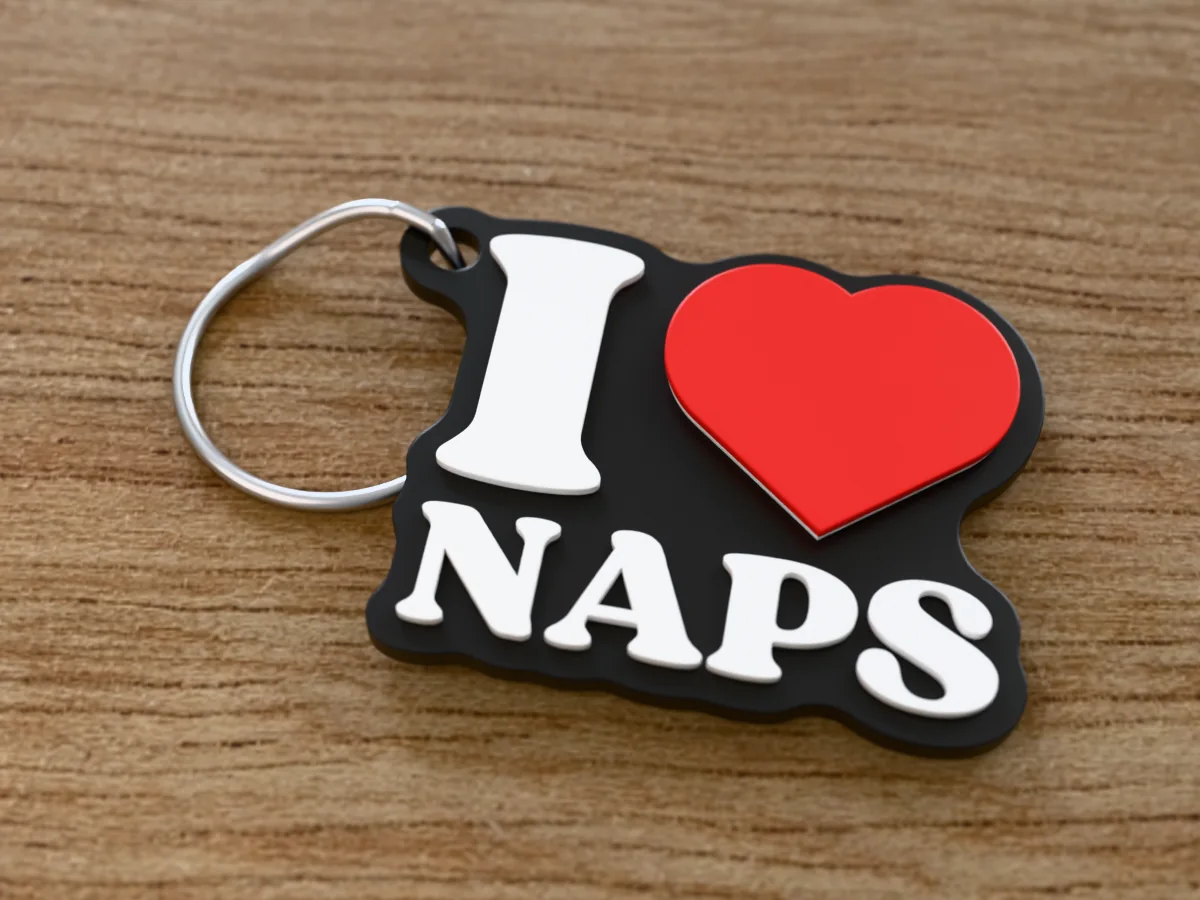
An "I heart NAPS" keychain in black, white and red, for the person who can sleep anywhere, any time.
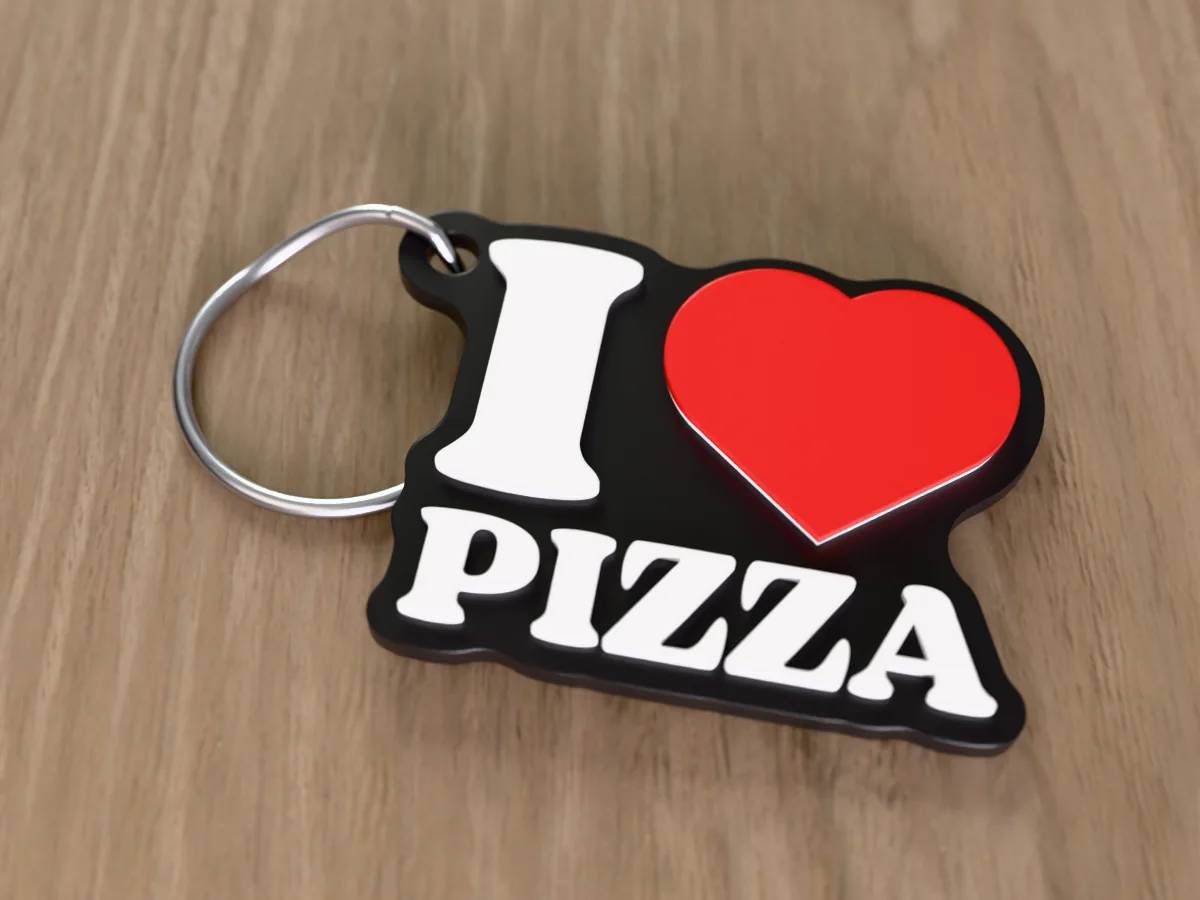
An "I heart PIZZA" keychain in black, white and red, for the friend who answers every dinner question the same way.
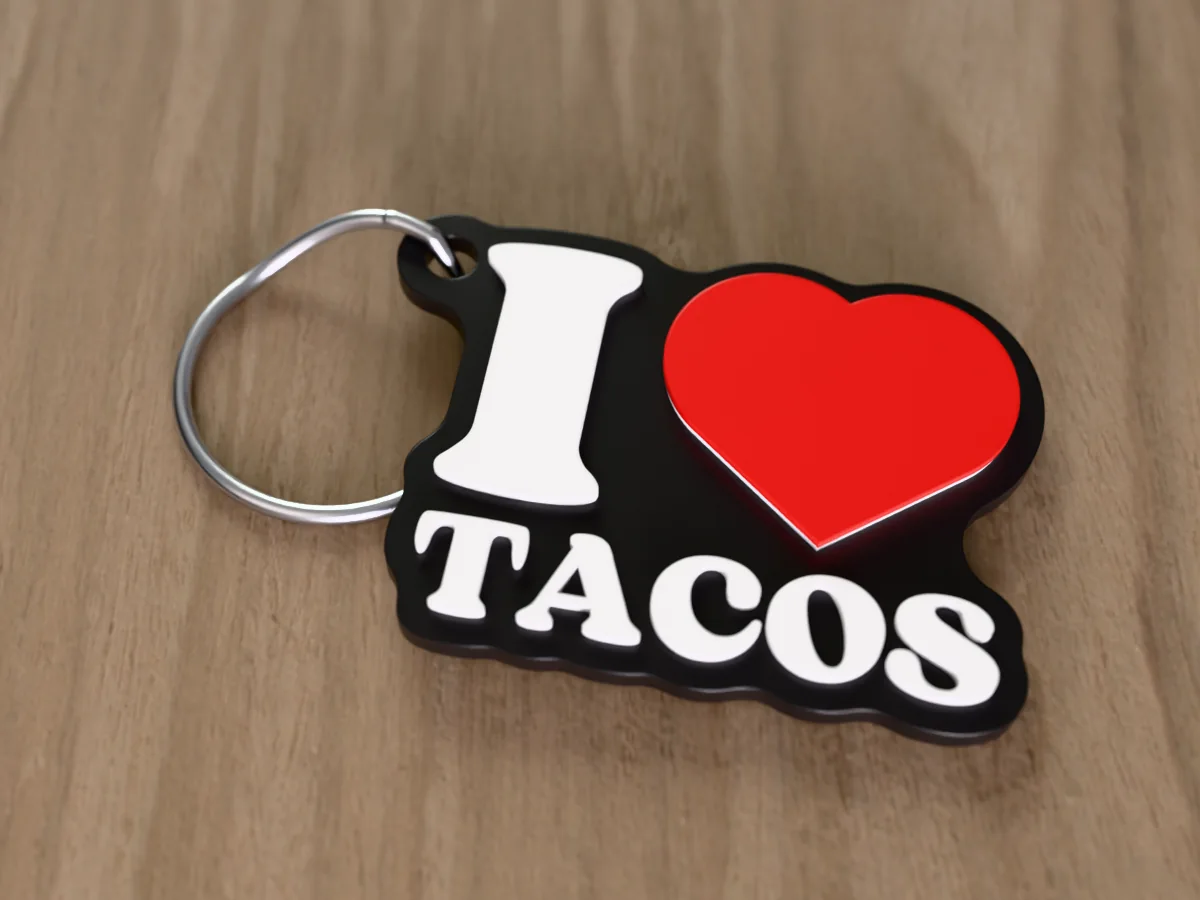
An "I heart TACOS" keychain in black, white and red. Every day is Taco Tuesday on this keyring.
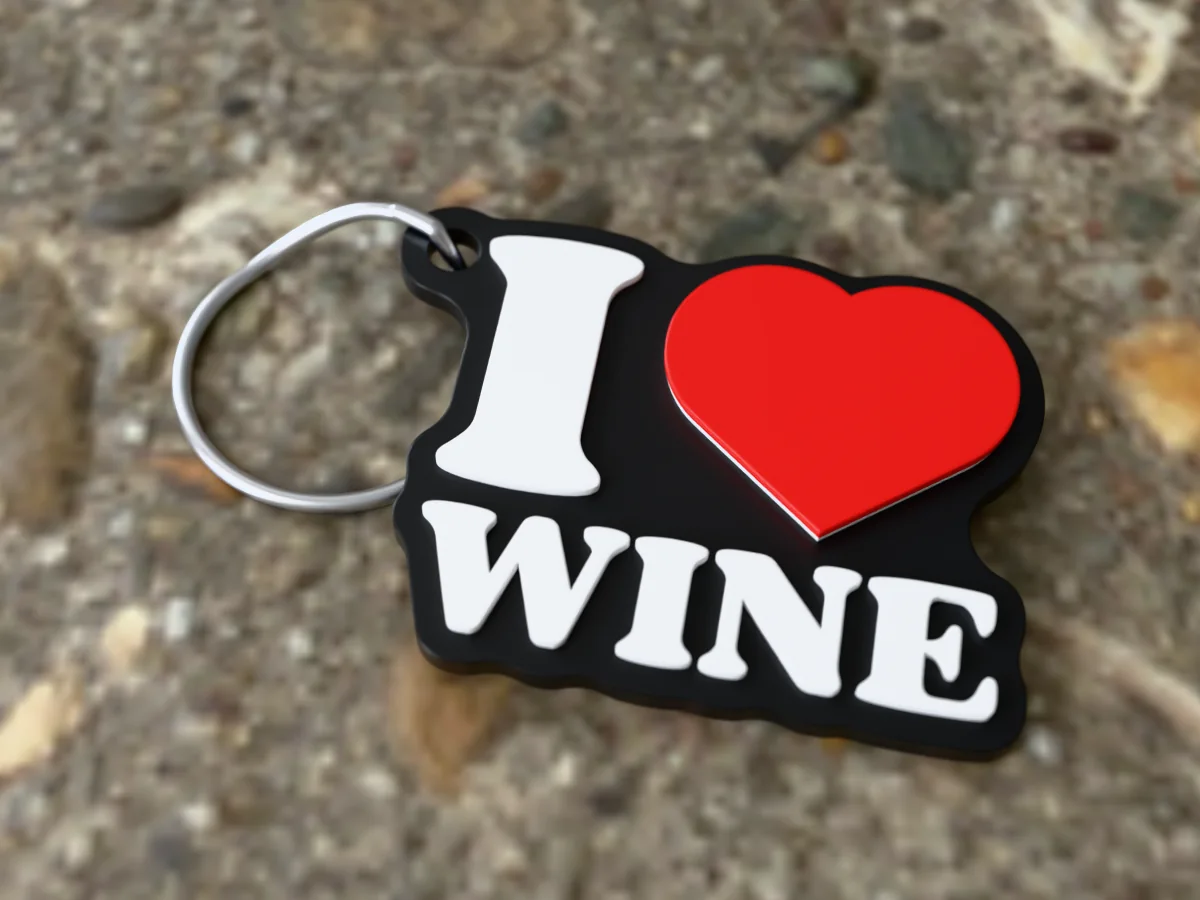
An "I heart WINE" keychain in black, white and red, for the friend who brings a bottle to everything.
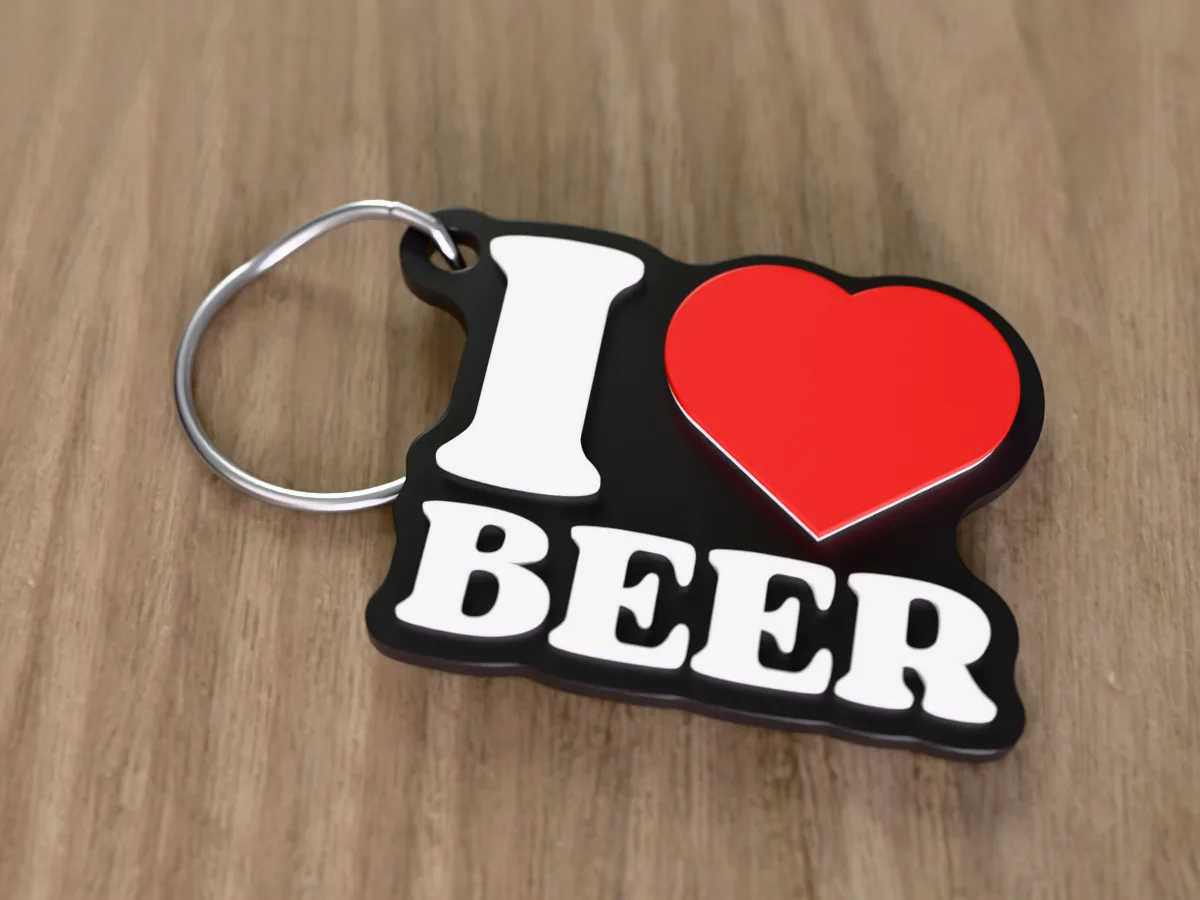
An "I heart BEER" keychain in black, white and red, for the friend who knows every brewery in town.
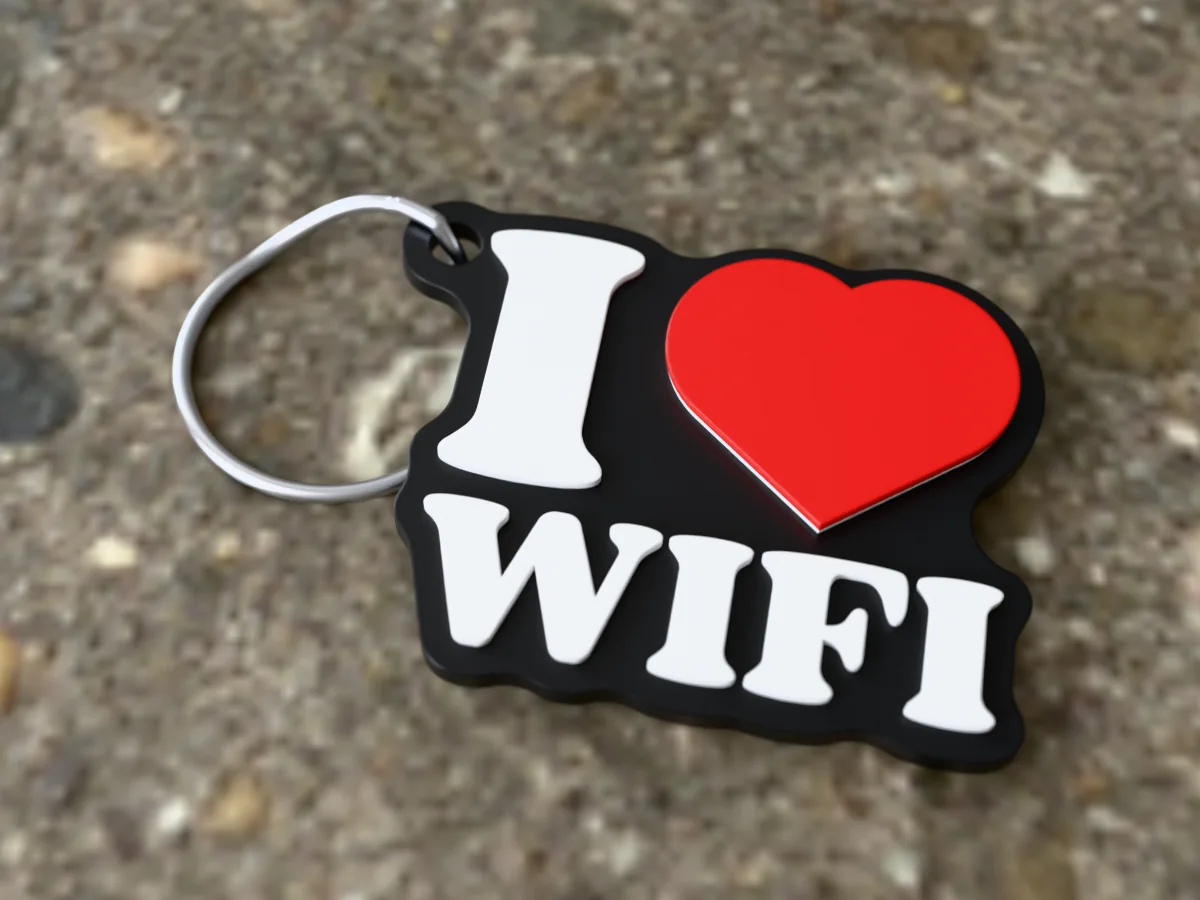
An "I heart WIFI" keychain in black, white and red. Honest about the one relationship that really matters.
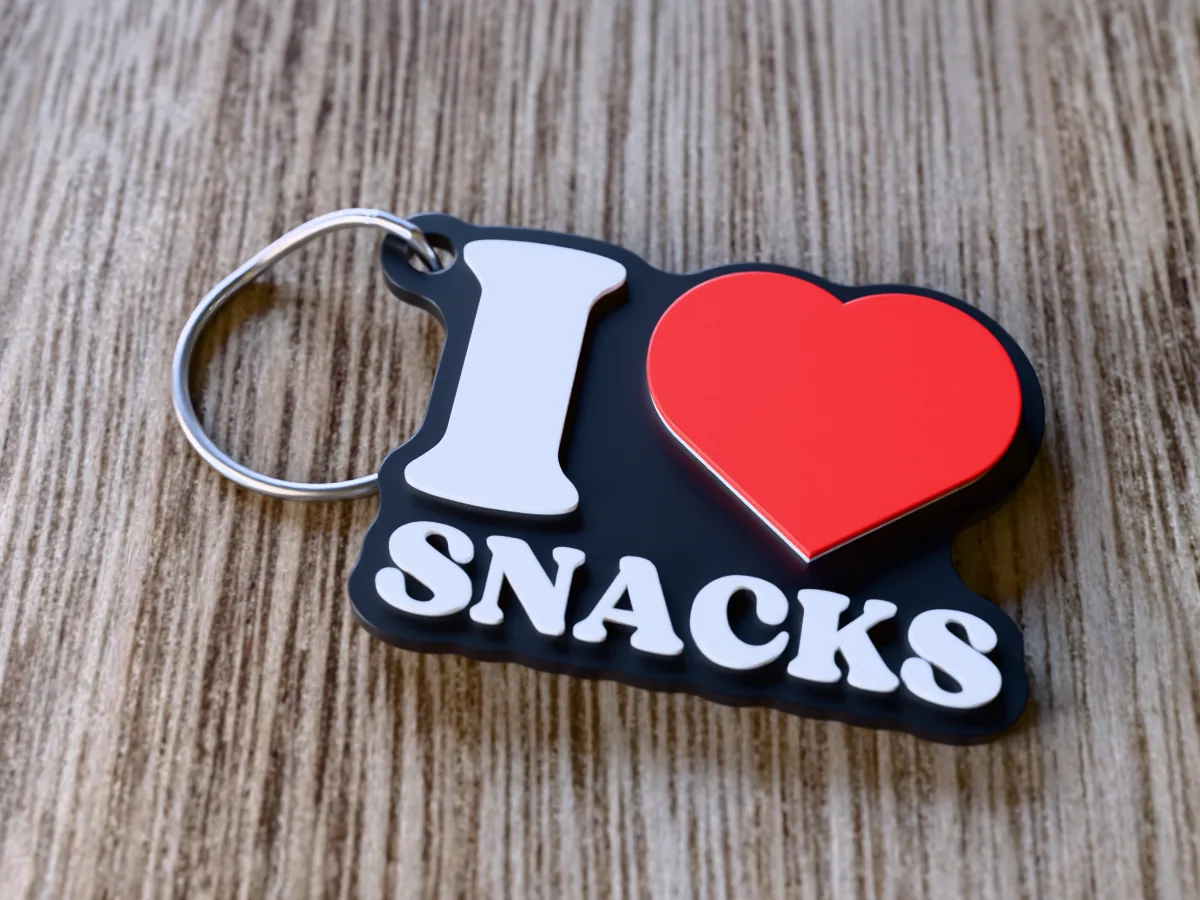
An "I heart SNACKS" keychain in black, white and red, for the friend with crisps in every bag.
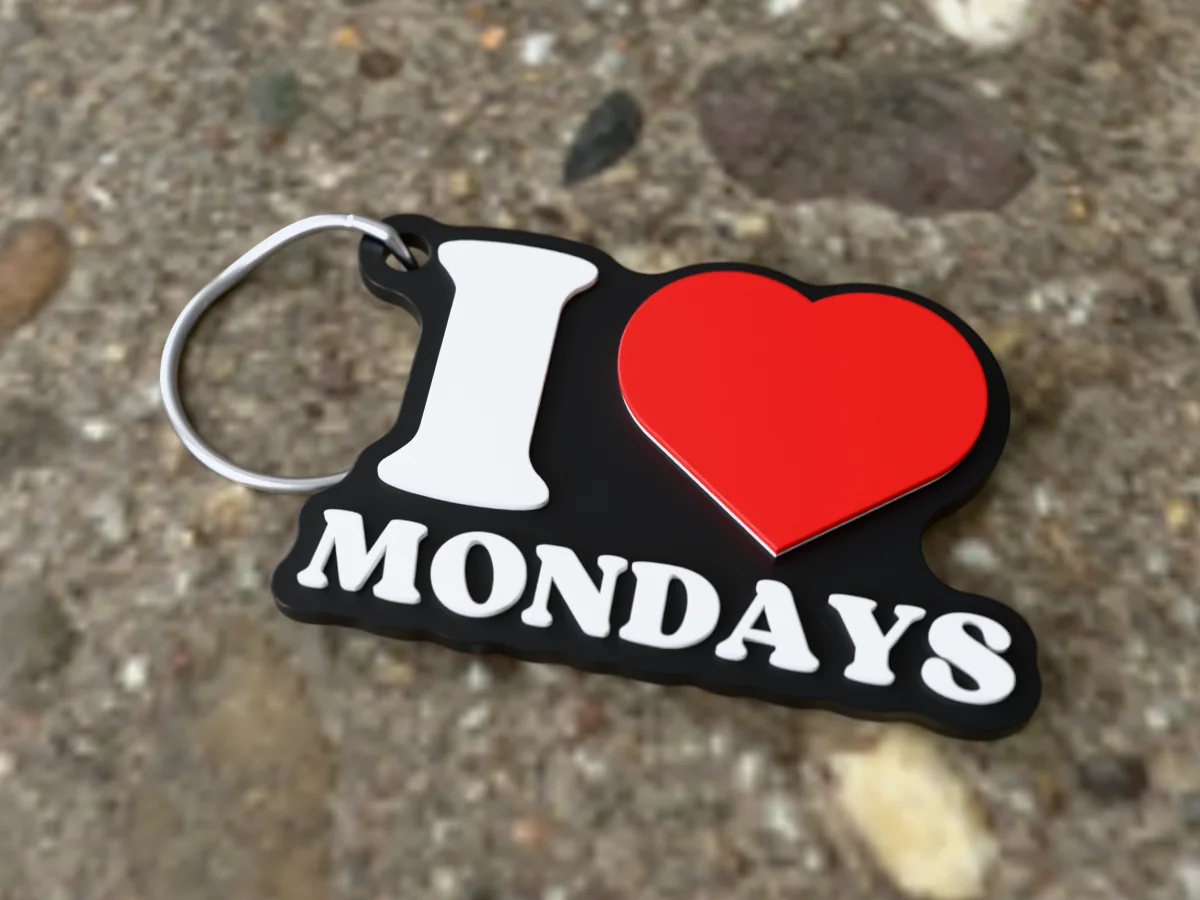
An "I heart MONDAYS" keychain in black, white and red. Said nobody, ever, until now.