Want your own version? Make it free in our i love you keychain tool. A free account gives you free downloads every week.
Print only~5 g
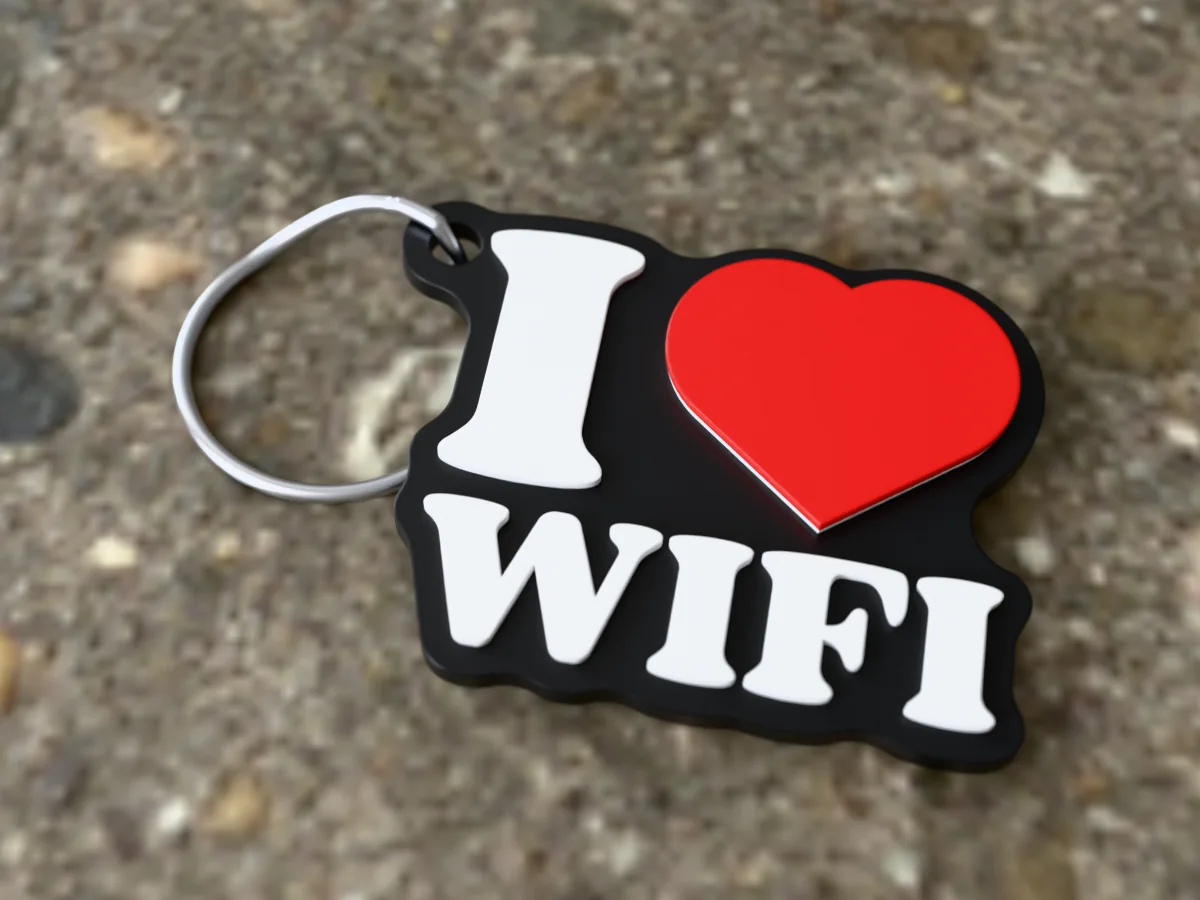
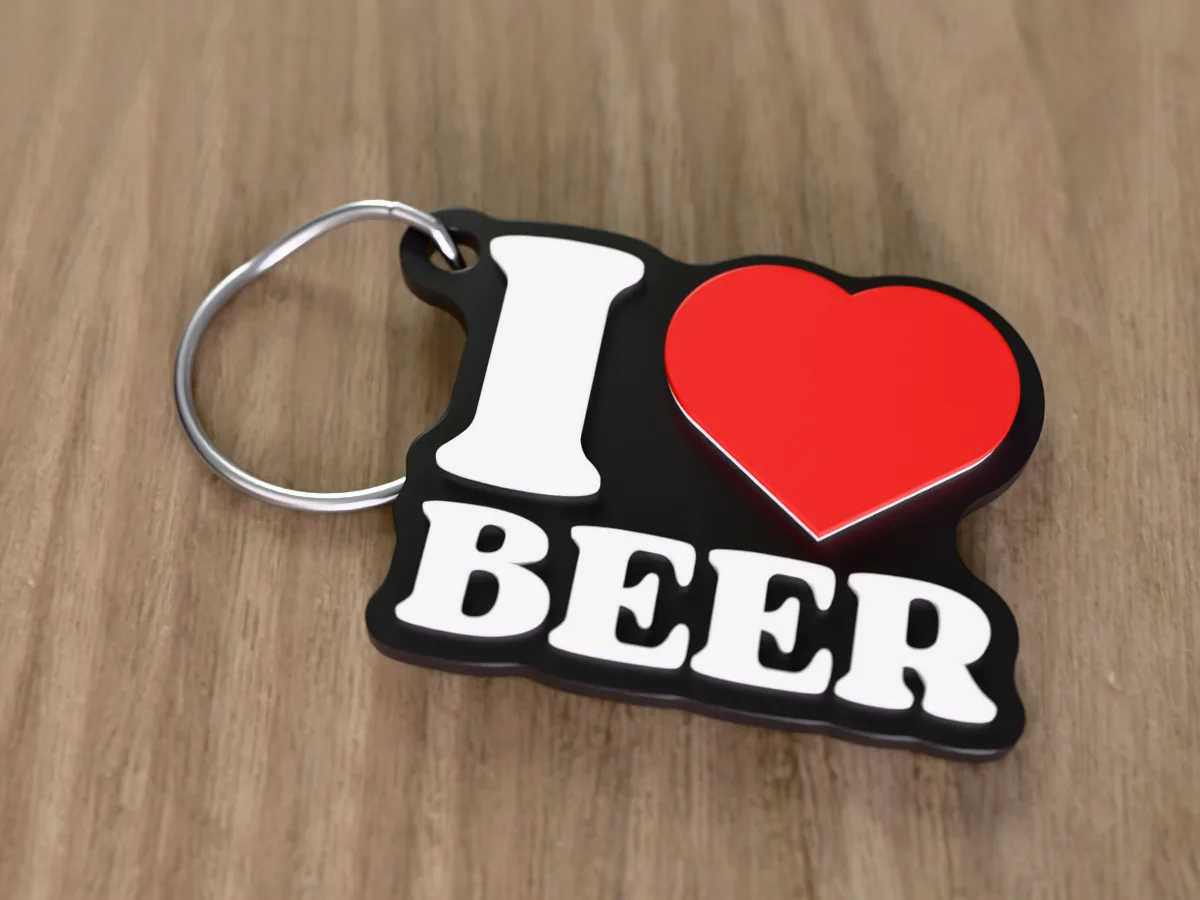
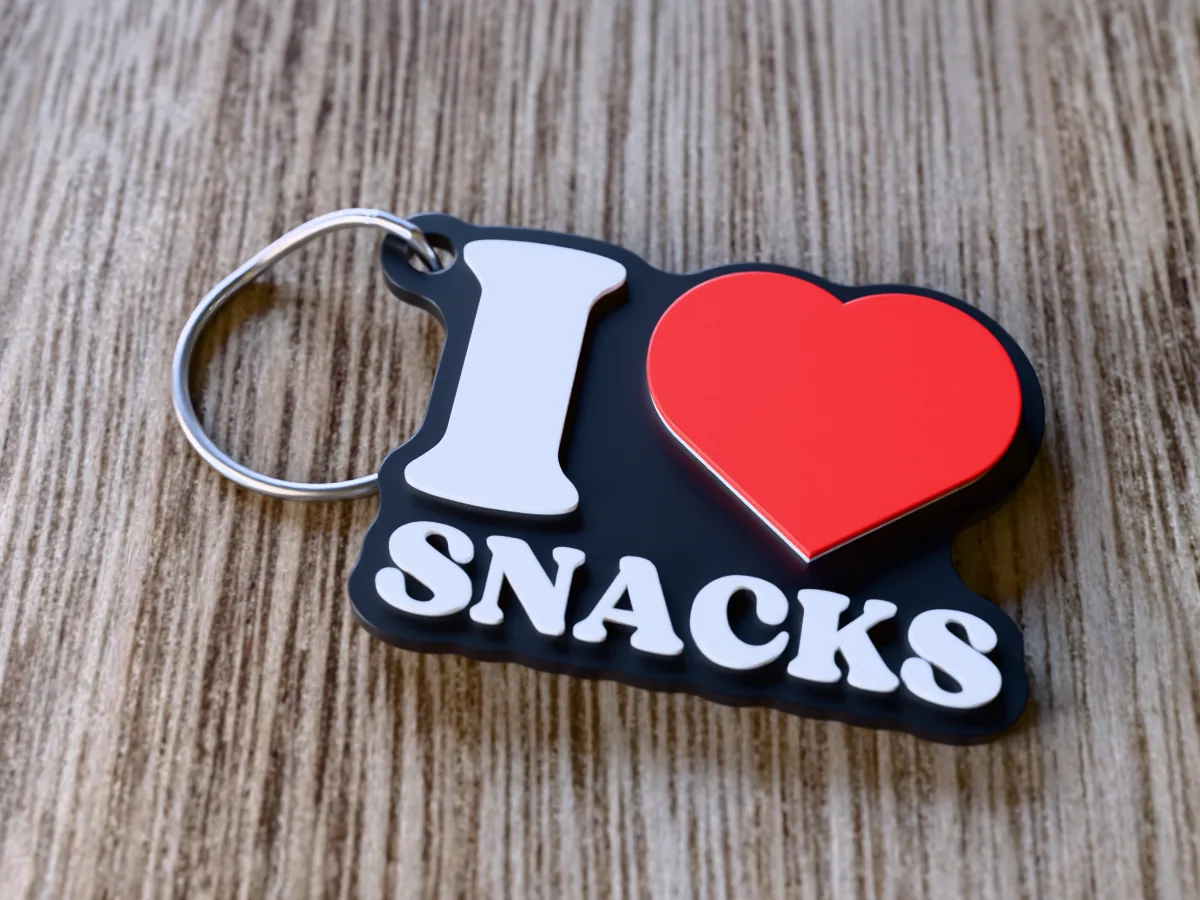
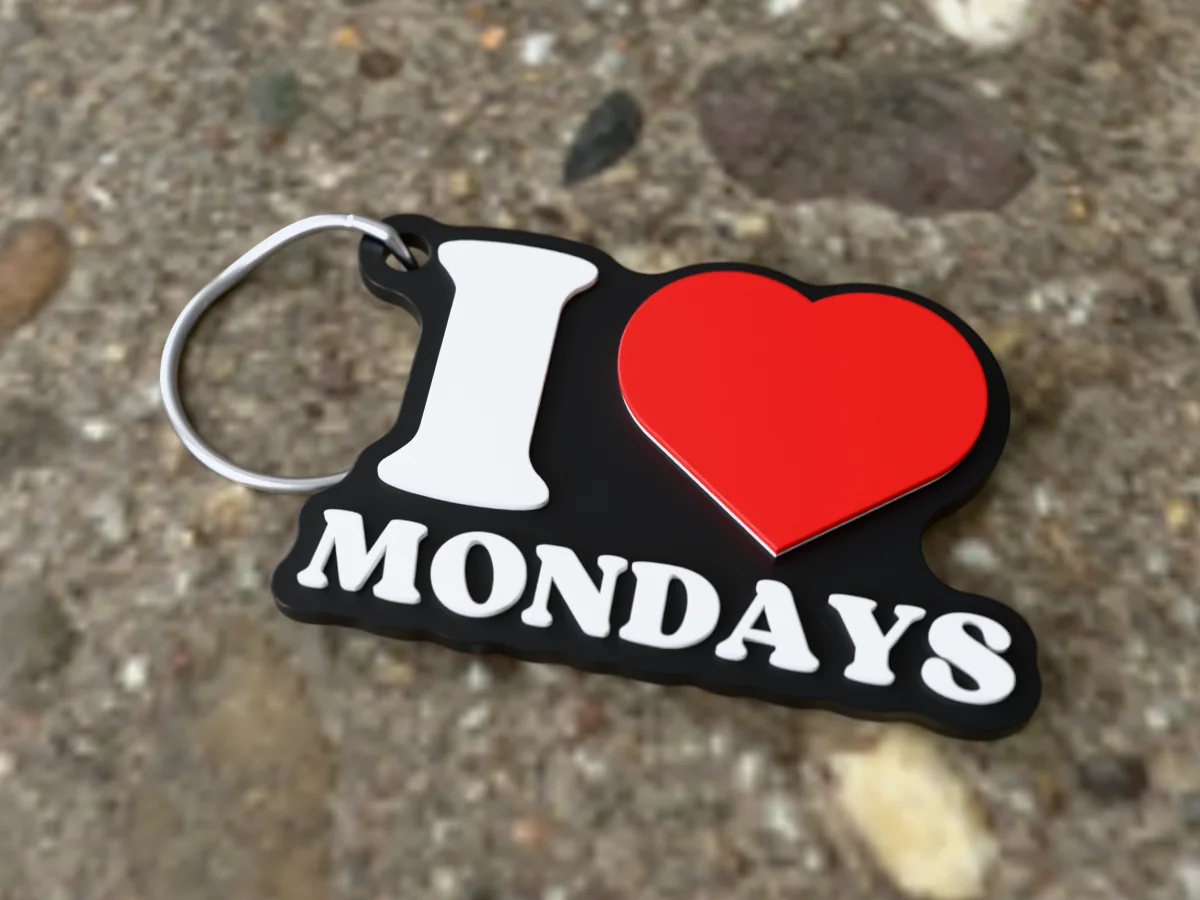
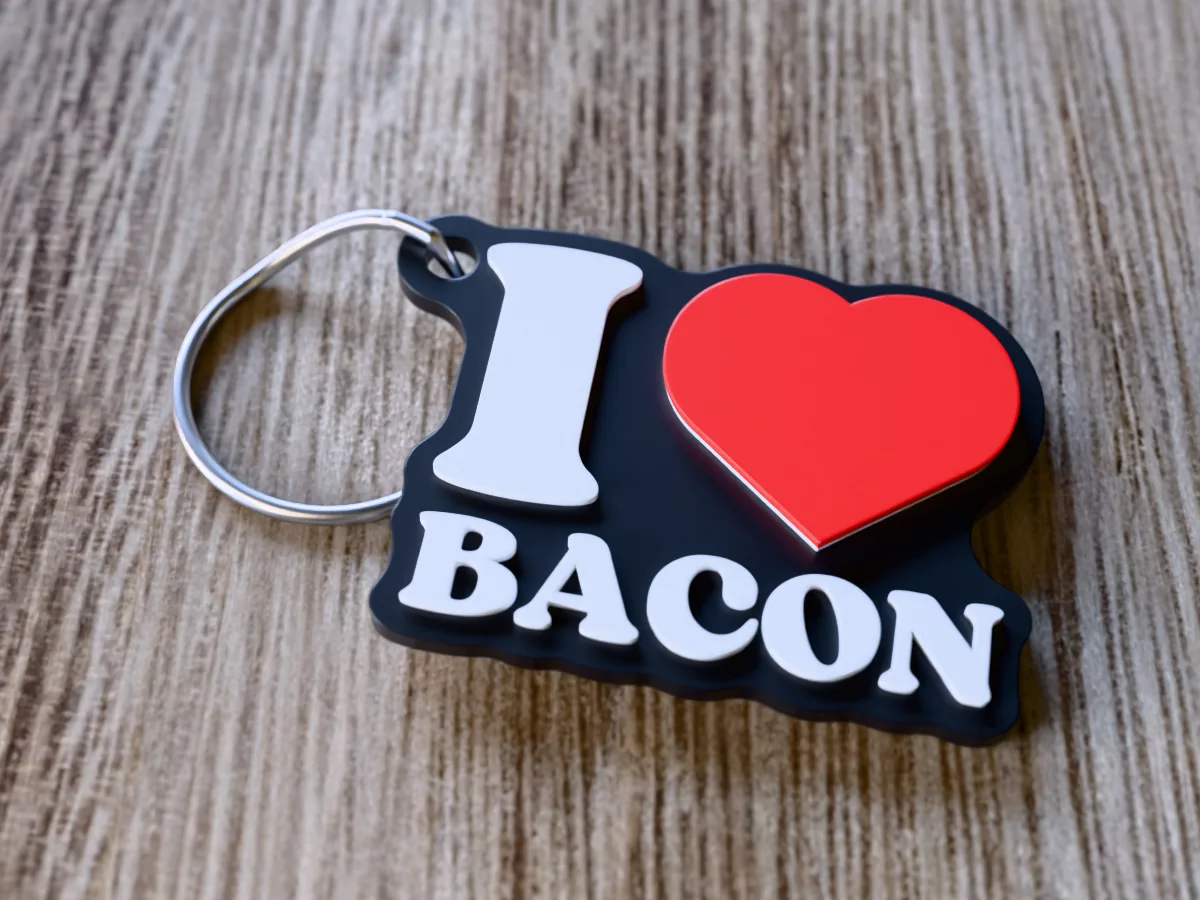
The souvenir "I heart" mark with WIFI underneath: a black plate, white letters and a red heart raised above them. For the friend who asks for the password before saying hello, and the teenager whose mood depends on signal strength. Good for a teenager's birthday, a gamer, a remote worker, Secret Santa or a new flatmate.
Read more
Made with our free I love you keychain generator, not modelled by hand: we typed WIFI, set the width to 50 mm and the white and red rises to 0.8 mm each, and left everything else at the page's defaults (the Fun & Bold font, the keyring hole beside the I). The zip holds exactly what the tool downloads: a 3MF with the plate, the letters and the heart as separate coloured parts, and a one-piece STL. It comes out 50 by 40 mm and 4 mm thick, and prints flat with no supports.
Hang it on the keys to the house with the best signal: it doubles as a hint about who set up the router. Printed in one colour it still reads, because the letters stand proud of the tag; for black, white and red, a single-nozzle printer needs two filament changes, and the print sheet in the zip says where.
Shown as a 3D render of the printed keychain with a steel split ring, not a photo.
What you need
2
About 5 g of PLA or PETG, in black, white and red
A split ring or keyring, about 25 mm across
How to make it
4
1
Print it flat as exported: no supports, 0.4 mm nozzle, 0.2 mm layers.
2
Multi-colour printer: open the 3MF, each part already carries its colour. Single nozzle: add a filament change in the slicer's layer preview for white at 2.3 mm and red at 3.1 mm above the bed.
3
Let the bed cool before you lift the tag off, so the thin edges stay flat.
4
Open the split ring with a thumbnail or a small screwdriver and wind it through the hole.
Free download. Opens the Thingiverse listing in a new tab.
Free for personal use. Selling the printed piece itself needs a commercial licence (Pro or Founder); passing on the file is not permitted on any plan. Full terms.
i love wifi keychainwifi keychainfunny keychaingamer giftteenager gift
Questions about this design
Who is the I love wifi keychain for?
For anyone whose phone is never far from their hand: teenagers, gamers, remote workers and the friend who always asks for the password first. It is a cheap Secret Santa gift that gets a laugh in any office.
Can I put my wifi password on the I love wifi keychain?
You could type it into the free tool in place of WIFI, but a keychain is easy to lose and anyone who finds it could read it. A guest network name works better, or keep it as the joke it is.
Where do I change filament to print the I love WiFi keychain in 3 colours?
Start in black, then change to white at 2.3 mm and red at 3.1 mm above the bed. Those heights are measured in the file, from its lowest point, which is where your slicer puts the bed; add each change in the layer preview where the new colour first shows. With a multi-colour printer, skip all that and open the 3MF.