Want your own version? Make it free in our mesh former tool. A free account gives you free downloads every week.
Print only~131 g
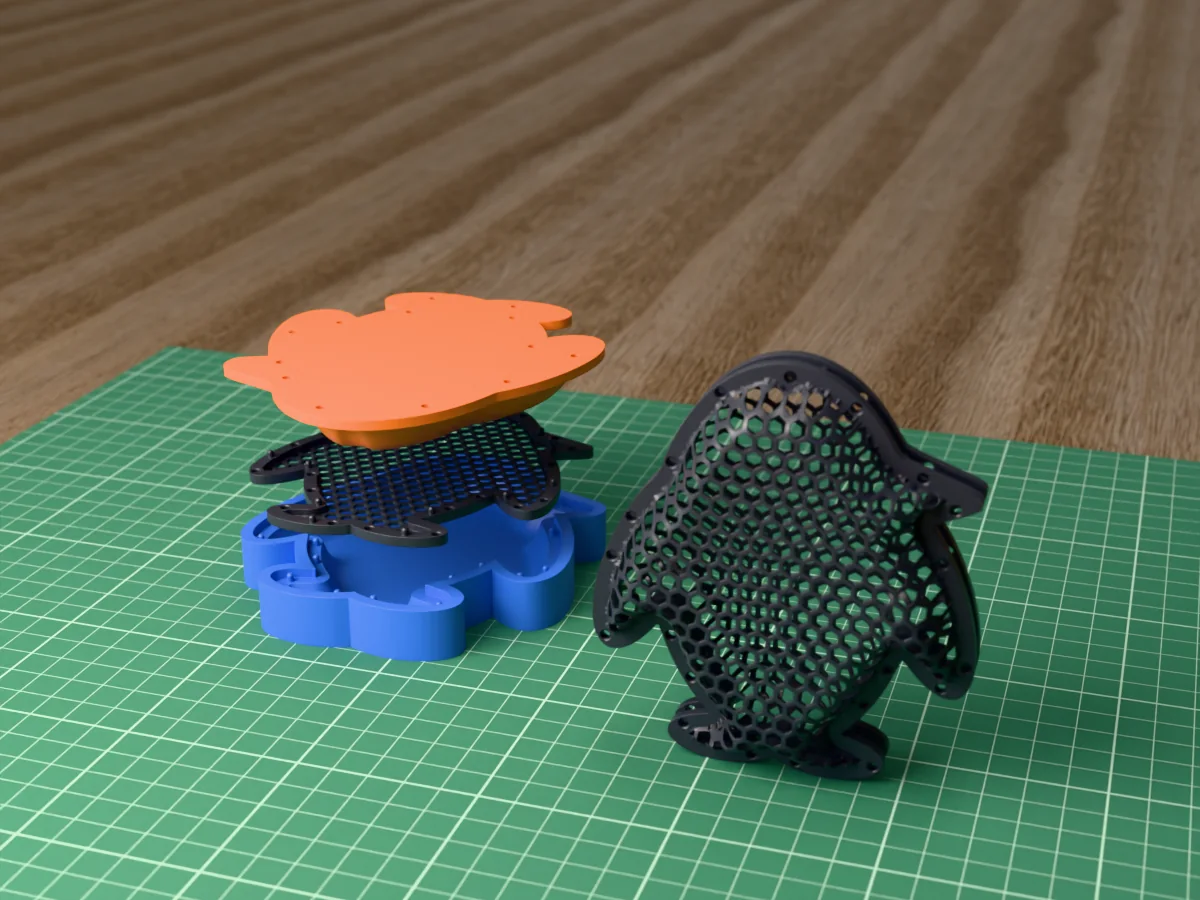
A penguin you print flat: two honeycomb nets that you warm and press into halves, then push together on the pins printed on the rim. It closes into a hollow penguin with its flippers out, its beak to one side and two feet, 97 mm wide, 110 mm tall and about 34 mm deep, with a 3 mm hole in its head for a thread, a ribbon or an ornament hook.
Read more
Made with our mesh former: it is the Penguin shape on the tool with a honeycomb net and the printed pins. Each net prints in about 32 minutes with no supports and weighs about 9 g. The beak points to one side, so the penguin is not mirror-symmetric and the back net has its own press, the mirror image of the front one. Both presses are printed once and make as many ornaments as you like.
Print the front net in white and the back net in black for a real penguin, or both in ice blue or silk silver for a winter tree. The zip has both nets, the two presses, a print sheet and the outline as an SVG you can drop on the mesh former to change the size, the net pattern or the depth.
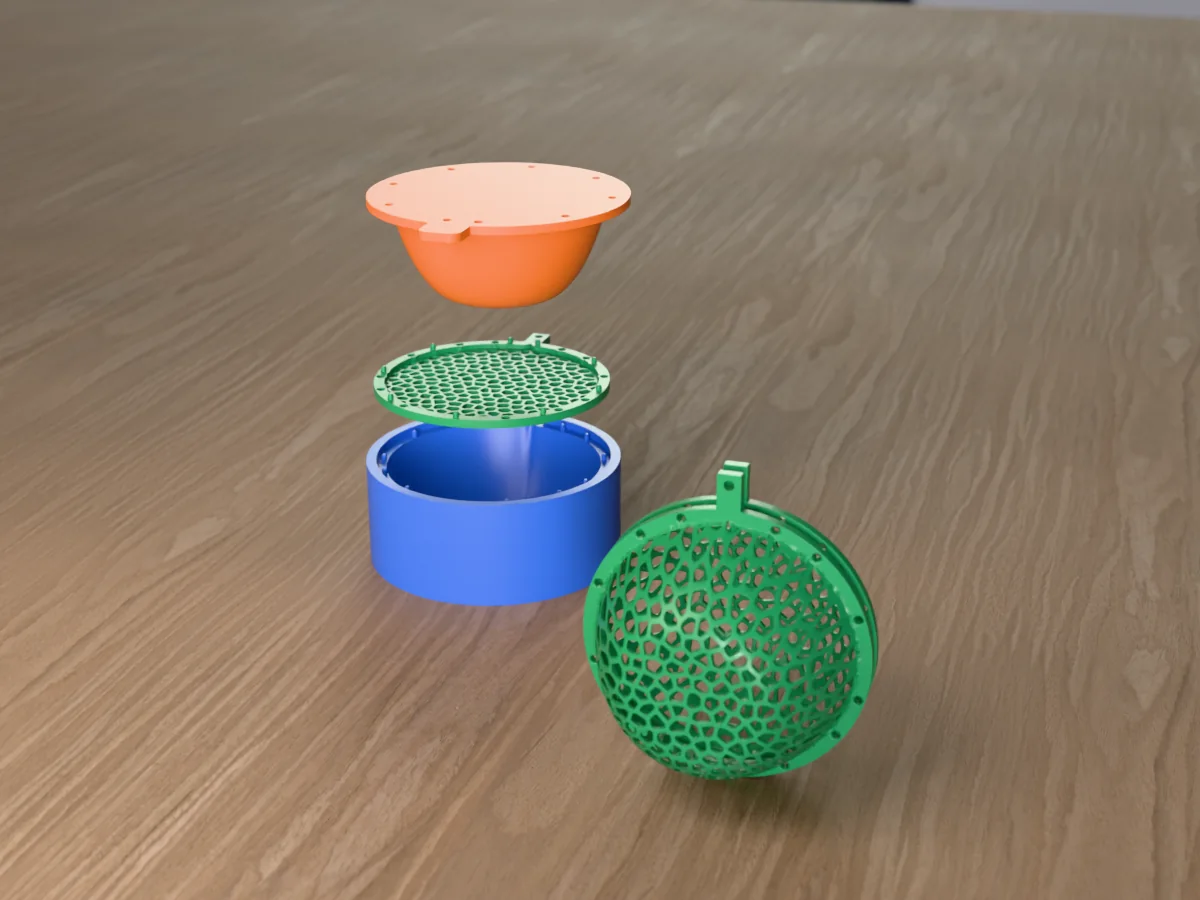
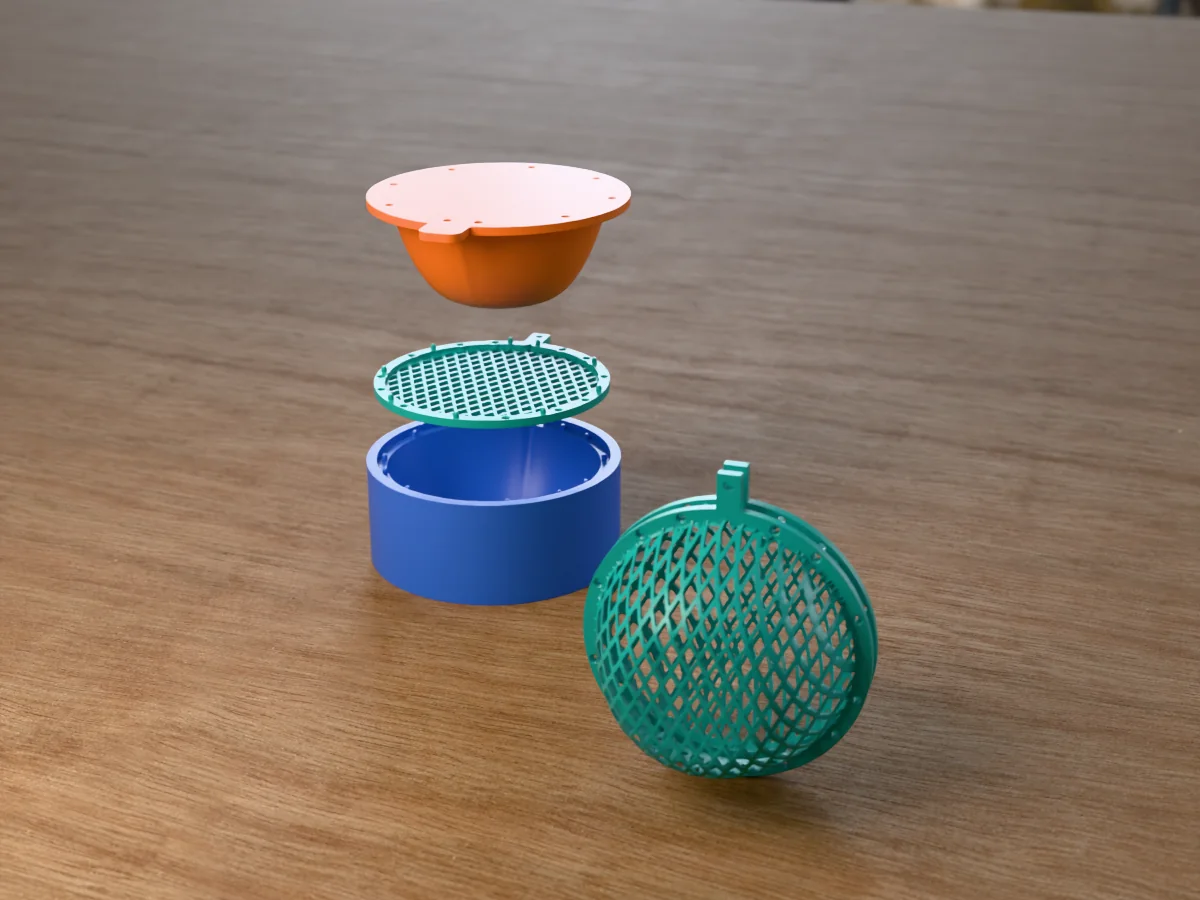
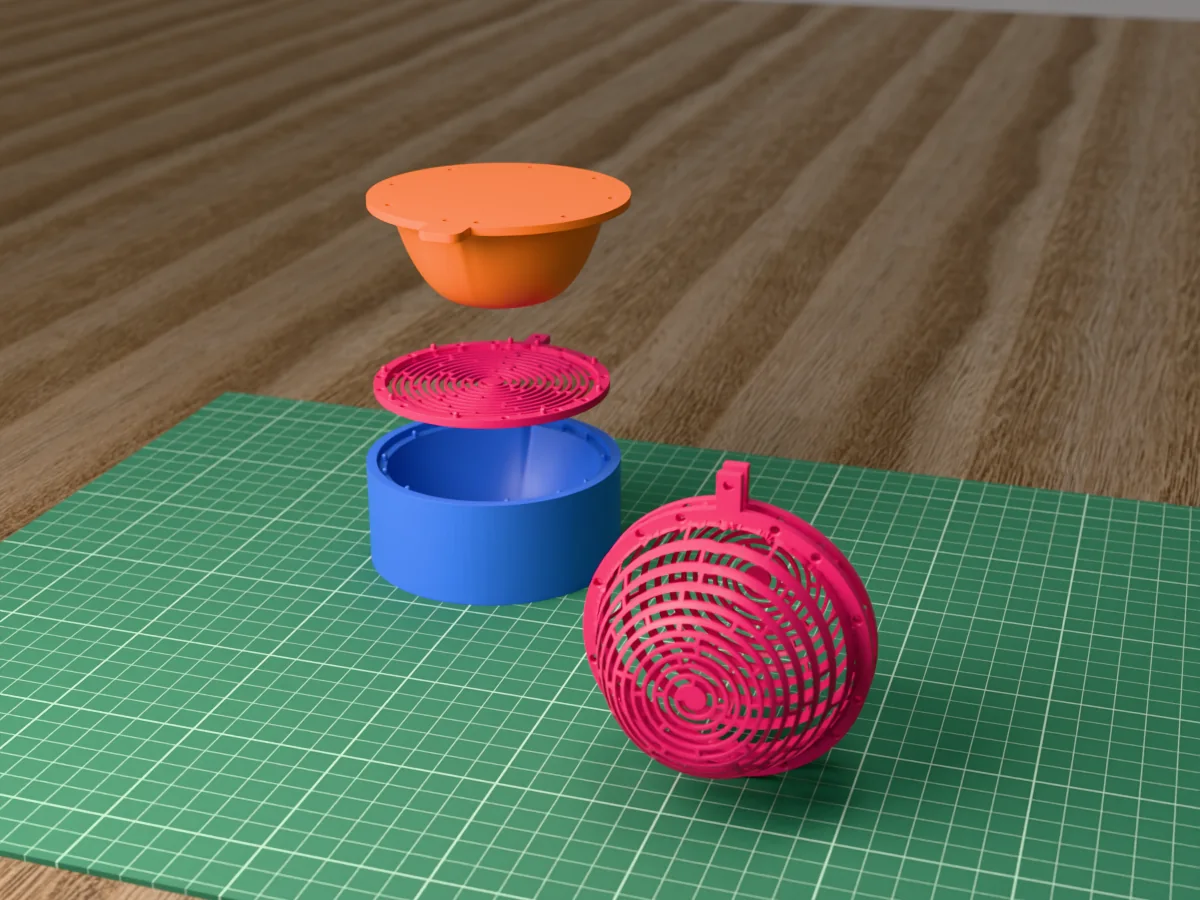
Shown as a 3D render of the closed ornament in front of the press, not a photo.
How it is made
What you need
3
About 18 g of PETG or PLA per ornament, and 113 g of PLA once for the two presses
A heat gun, or a hair dryer on its hottest setting
Thread, ribbon or an ornament hook, and a drop of glue if you want it closed for good
How to make it
5
1
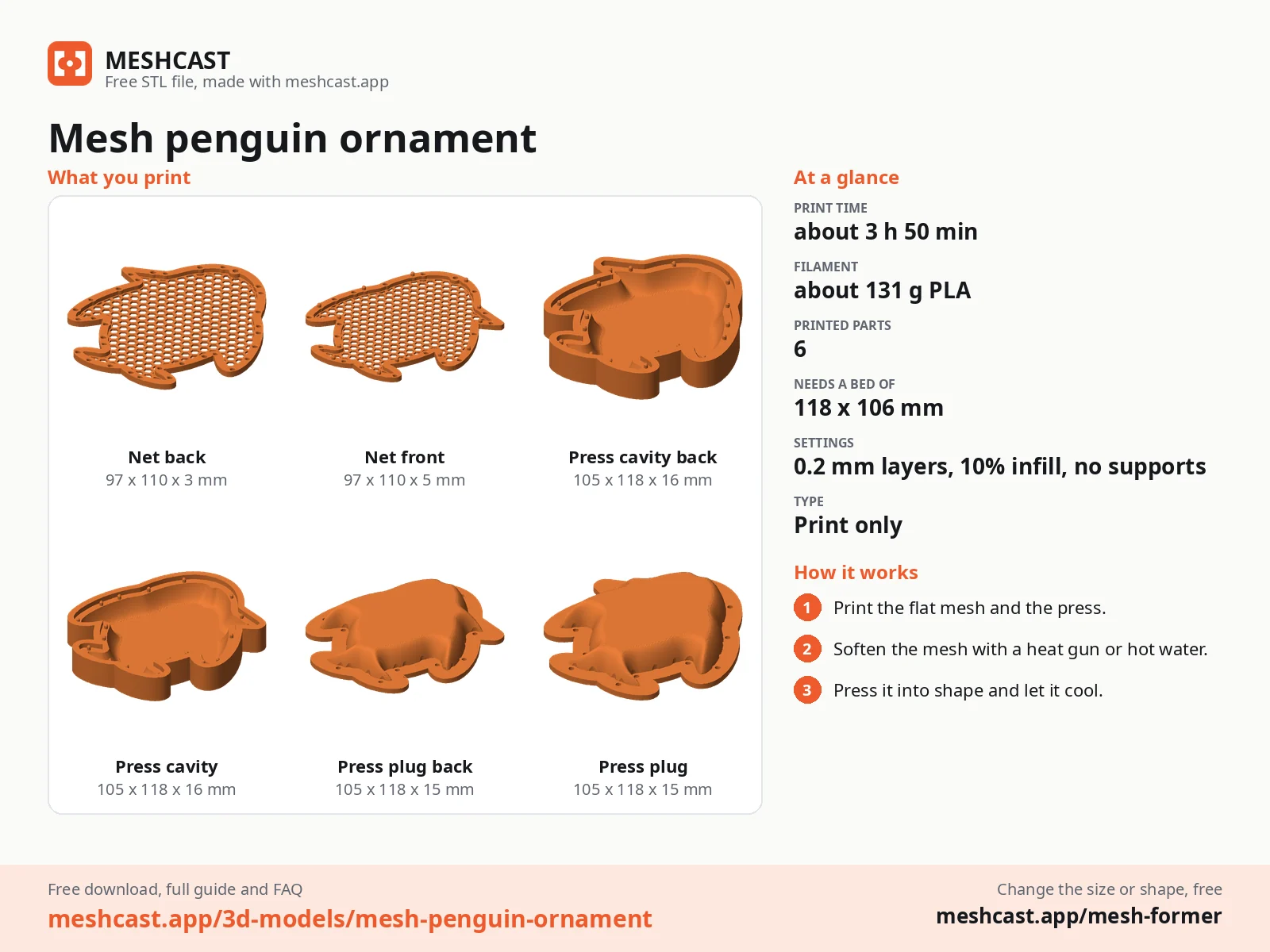
Print the front net, the back net and the two presses (plug and cavity, front and back), all flat on the bed.
2
Lay the front net in the front cavity's pocket, flat face down, so the small locator pins go through the holes in its rim.
3
Warm it with the heat gun kept moving 15 to 20 cm away until it goes limp. Turn the plug over side to side, like the page of a book (its left edge goes to the right, its top stays at the top), push it straight down and hold it for a minute while it cools.
4
Do the same with the back net in the back press.
5
Put the halves rim to rim and press the printed pins of the front into the holes of the back. Tie a thread through the hole in its head.
Print details
3 h 50 minPrint time
~131 gFilament
6Printed parts
97 × 34 × 110 mmSize (W x D x H)
All print details
Print details
Type
Print only
Printed parts
6
Size (W x D x H)
97 x 34 x 110 mm
Print bed needed
118 x 106 mm, 16 mm tall
Filament
~131 g
Layer height
0.2 mm
Infill
10%
Supports
Not needed
Download
ZIP: front and back nets + two presses, plug and cavity each (STL) + outline (SVG) + print sheet
Made with the free Mesh former generator. Upload your own drawing and get the same kind of part built from it, in your browser.
ZIP: front and back nets + two presses, plug and cavity each (STL) + outline (SVG) + print sheet
Free for personal use. Selling the printed piece itself needs a commercial licence (Pro or Founder); passing on the file is not permitted on any plan. Full terms.
penguin ornamentpenguin christmas ornamentmesh ornament3d printed penguinwinter decorationthermoformed 3d print
Questions about this design
Why does the mesh penguin ornament need two presses?
Its beak points to one side, so its left and right are not the same, and a press only makes one handedness. The back half is the mirror image of the front, so it is formed in the mirrored press. You print both presses once and keep them.
Can I print the mesh penguin ornament in black and white?
Yes, and it suits a penguin: print the front net in white and the back net in black, form each in its own press and close them. Both nets print with the same settings, so only the filament changes between them.
Can I make the mesh penguin ornament bigger or with another net?
Yes. Open the mesh former, pick the Penguin shape (or drop the SVG from the zip on it) and change the size, the net pattern or the cell size. The tool rebuilds the nets and the two presses to match, and fits the depth so the net does not tear.