Mold making without the CAD.
Upload any STL and get a print-ready mold for silicone, plaster, wax or resin in about 30 seconds. Candles, soap, custom signs, cutters and more.
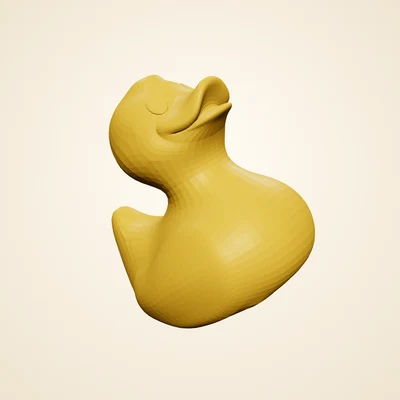 01
01
Upload
Any STL, OBJ or 3MF
01
01
Upload
Any STL, OBJ or 3MF
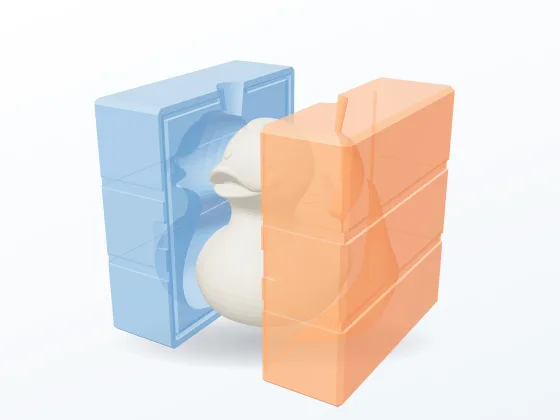 02
02
Generate
Silicone, plaster, wax
02
02
Generate
Silicone, plaster, wax
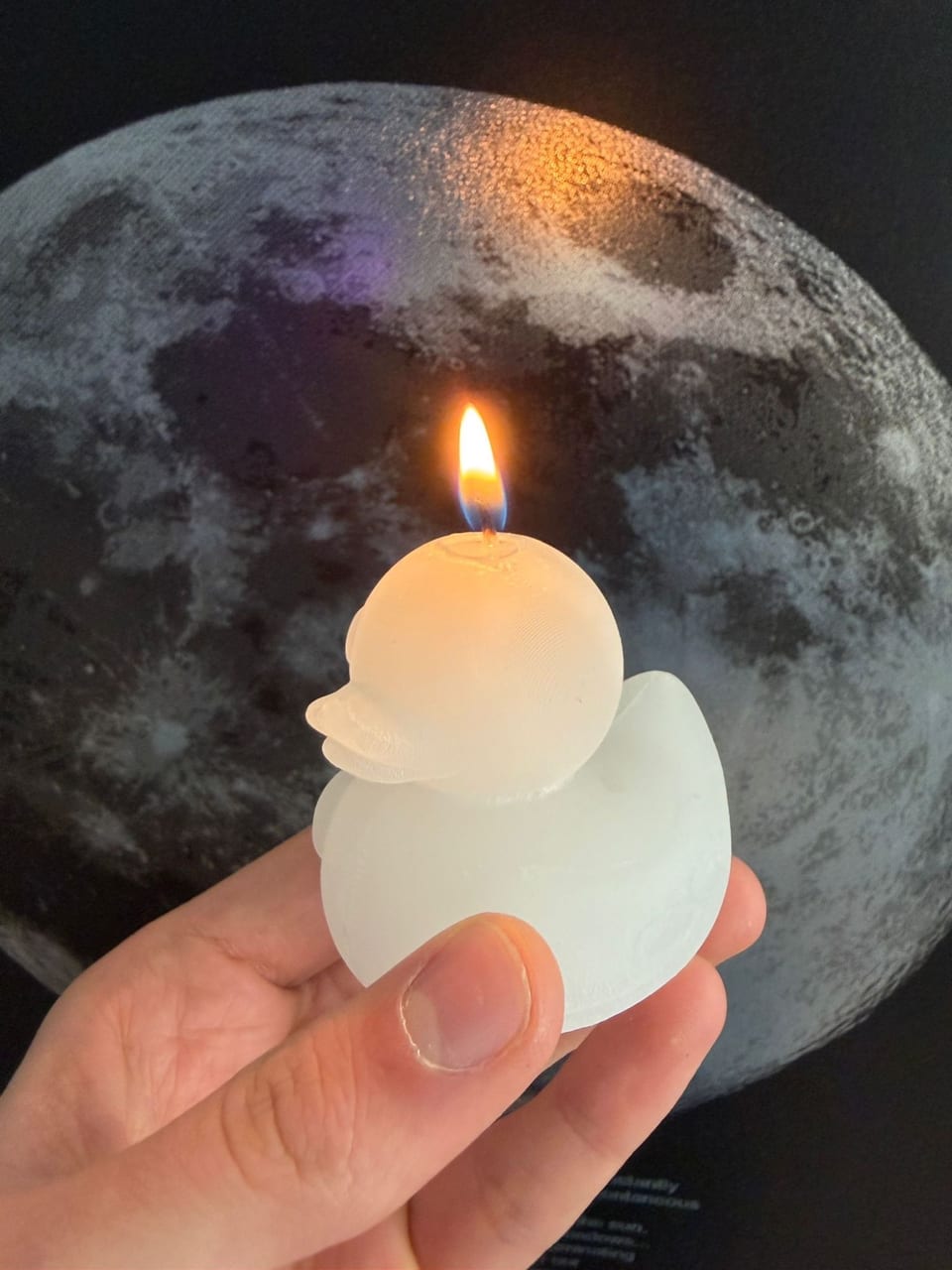 03
03
Print & cast
Pour it, unclamp, done
03
03
Print & cast
Pour it, unclamp, done
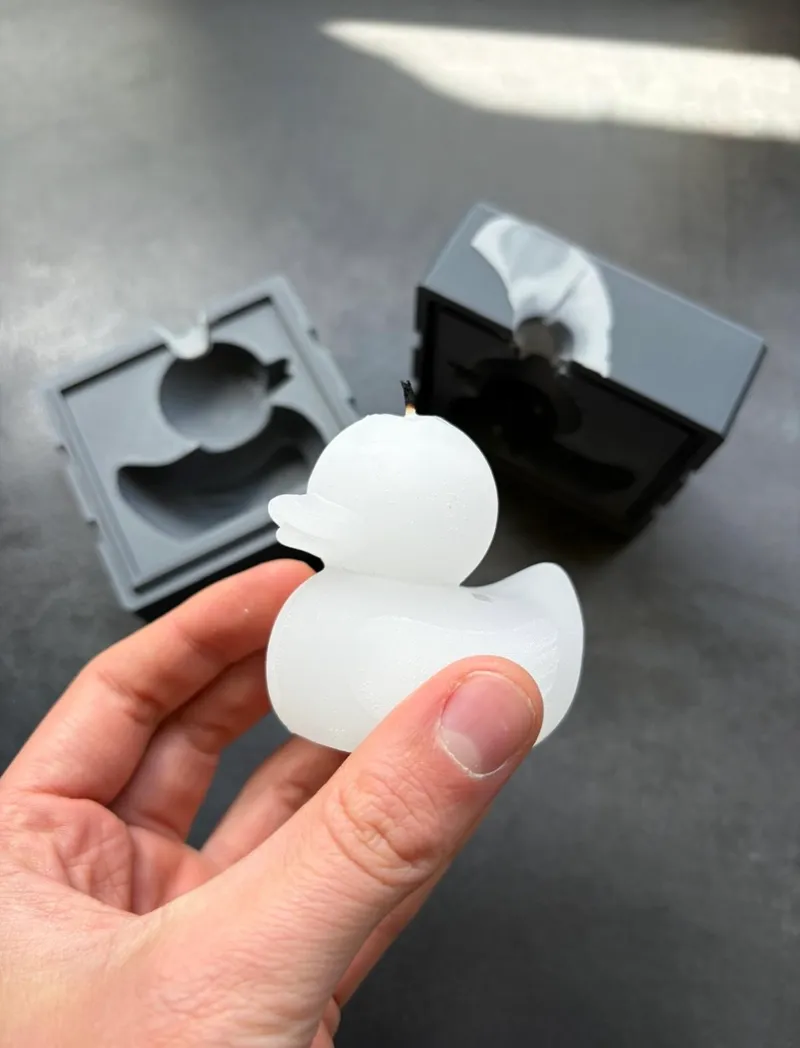
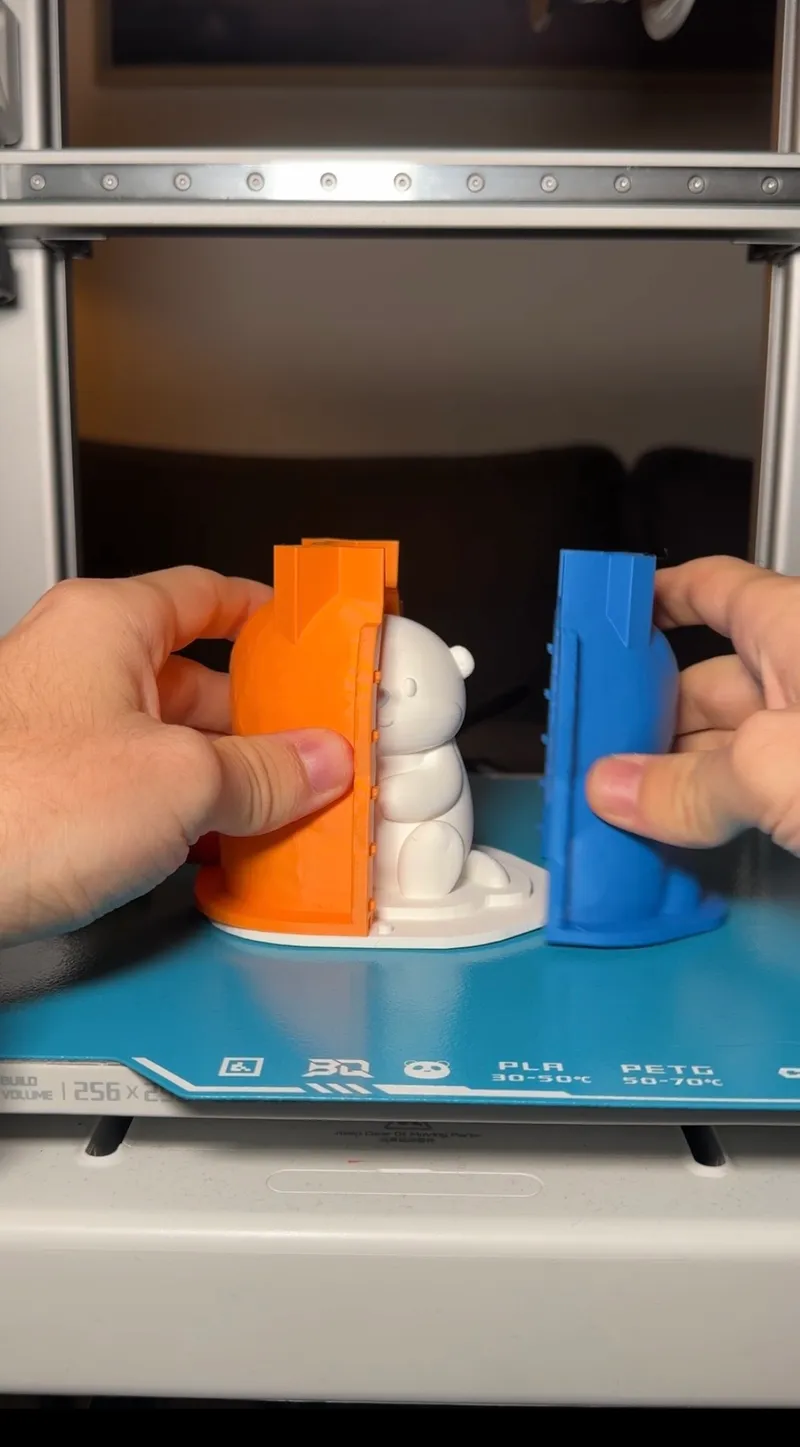
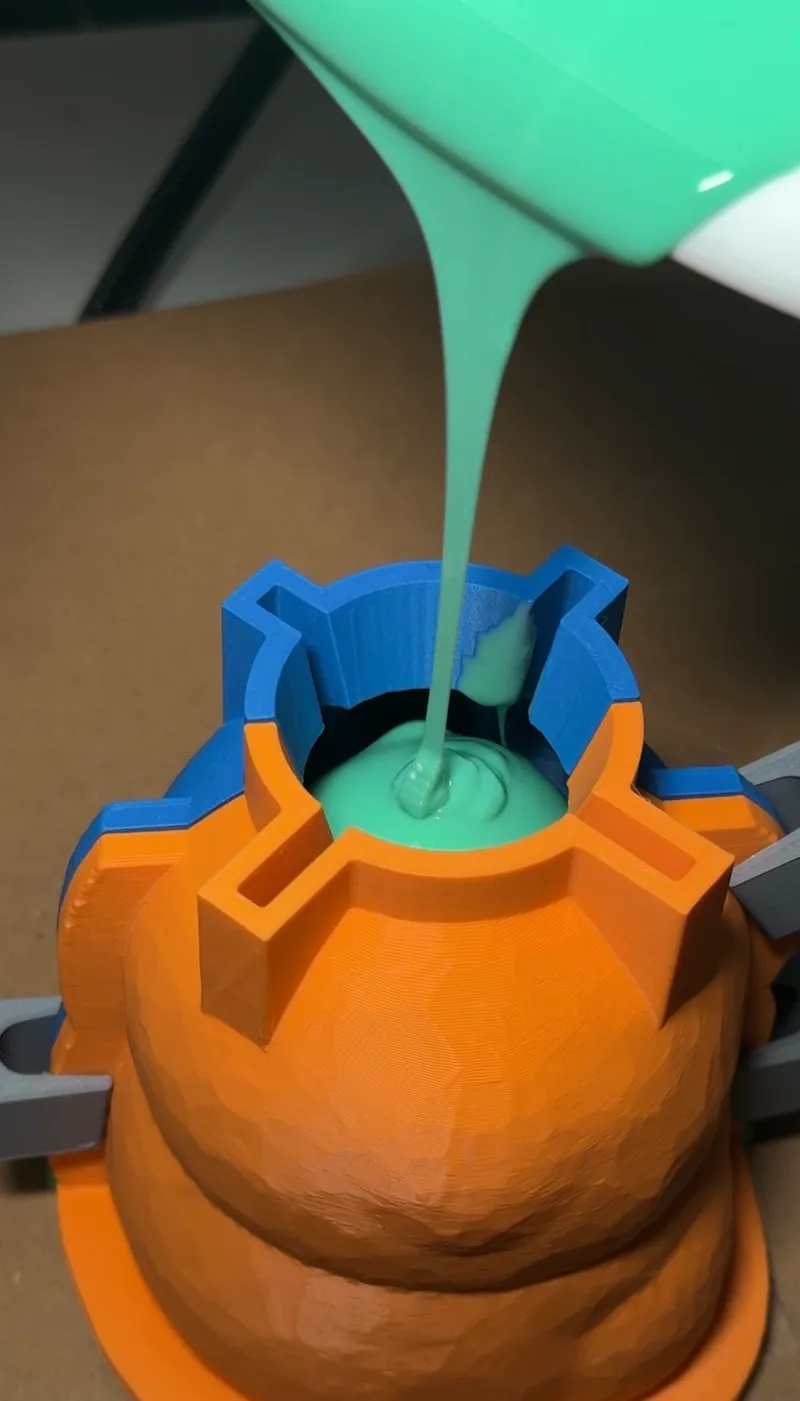
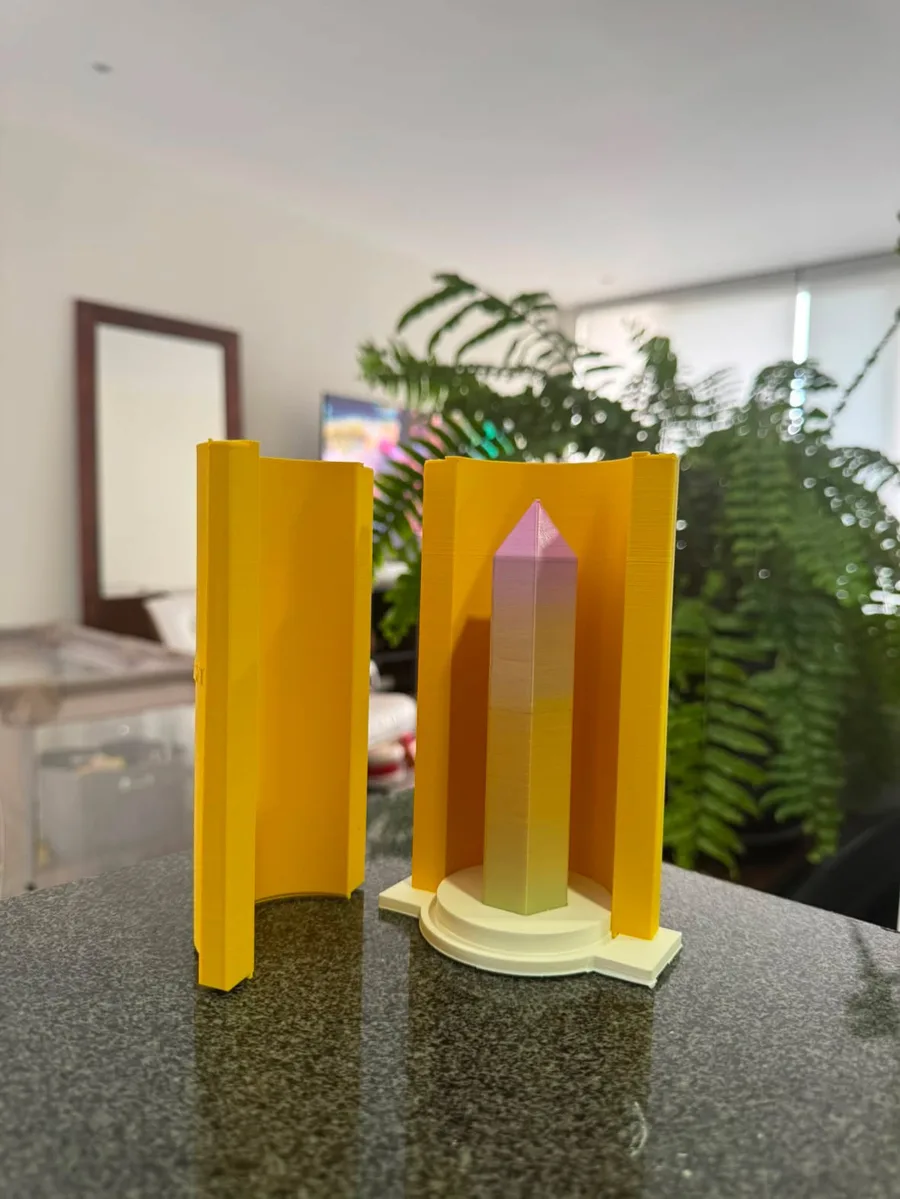
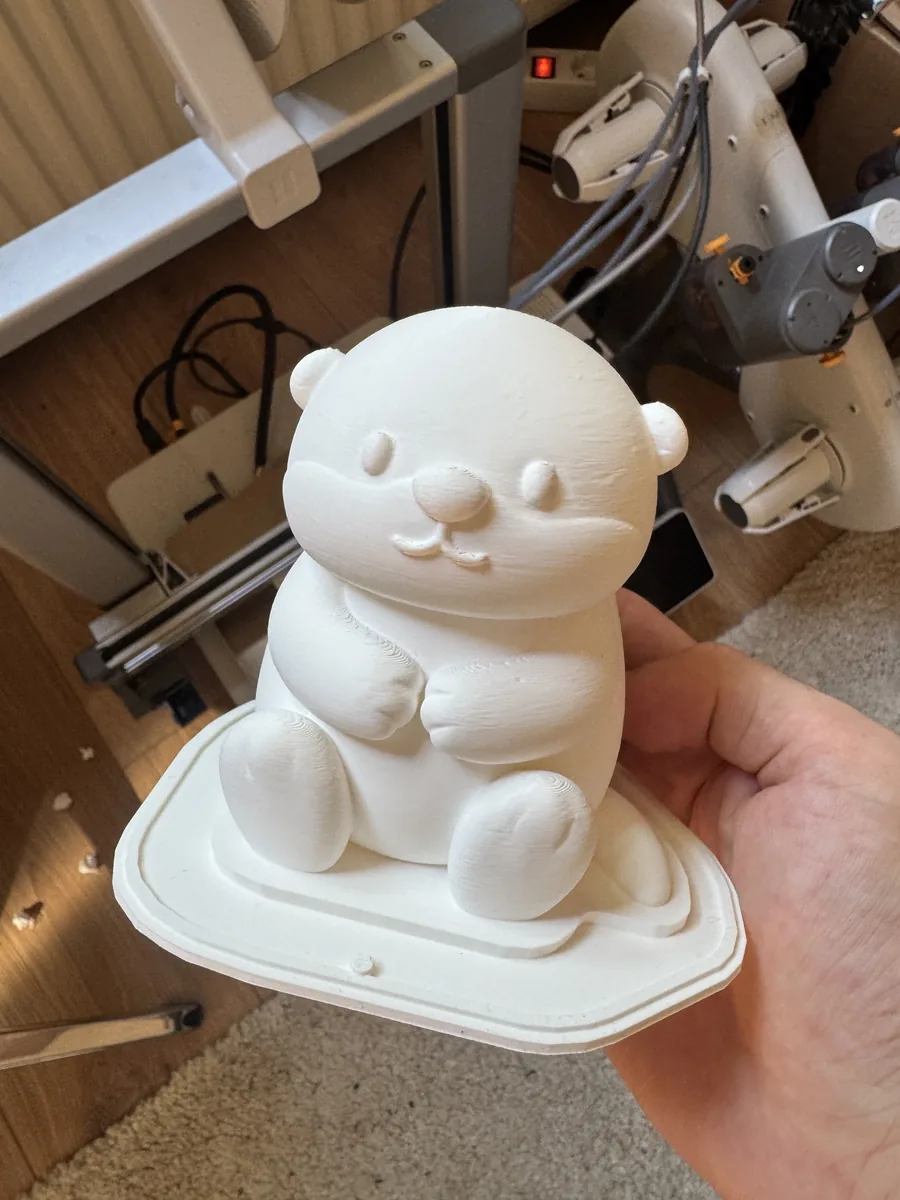
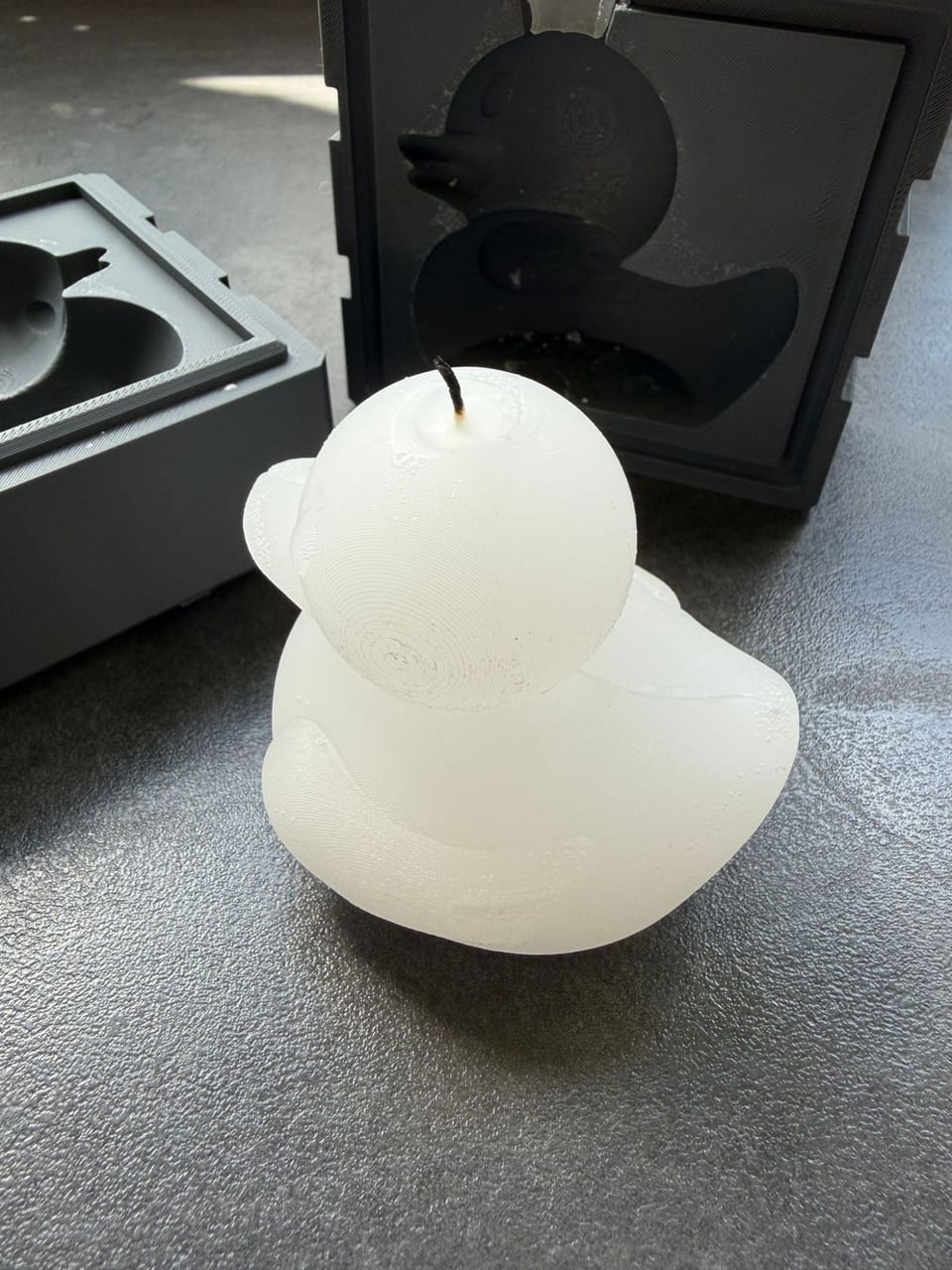
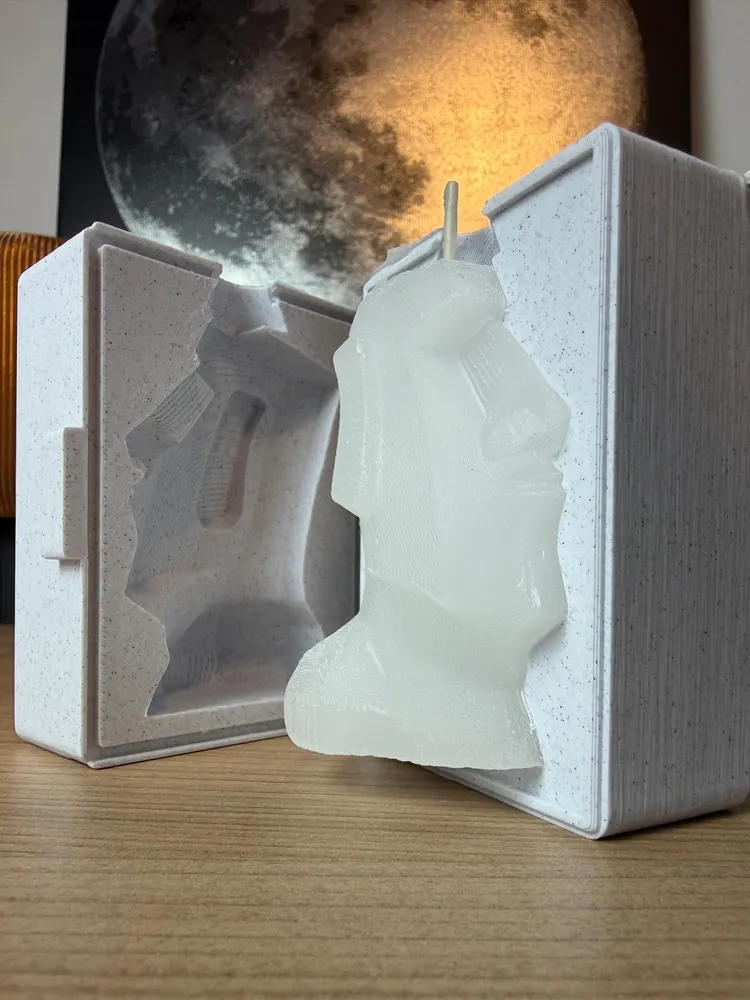
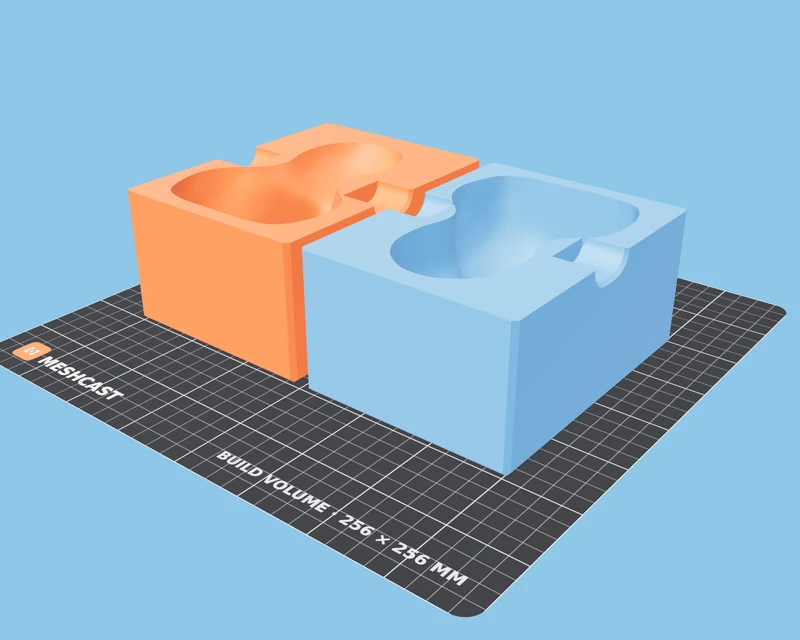
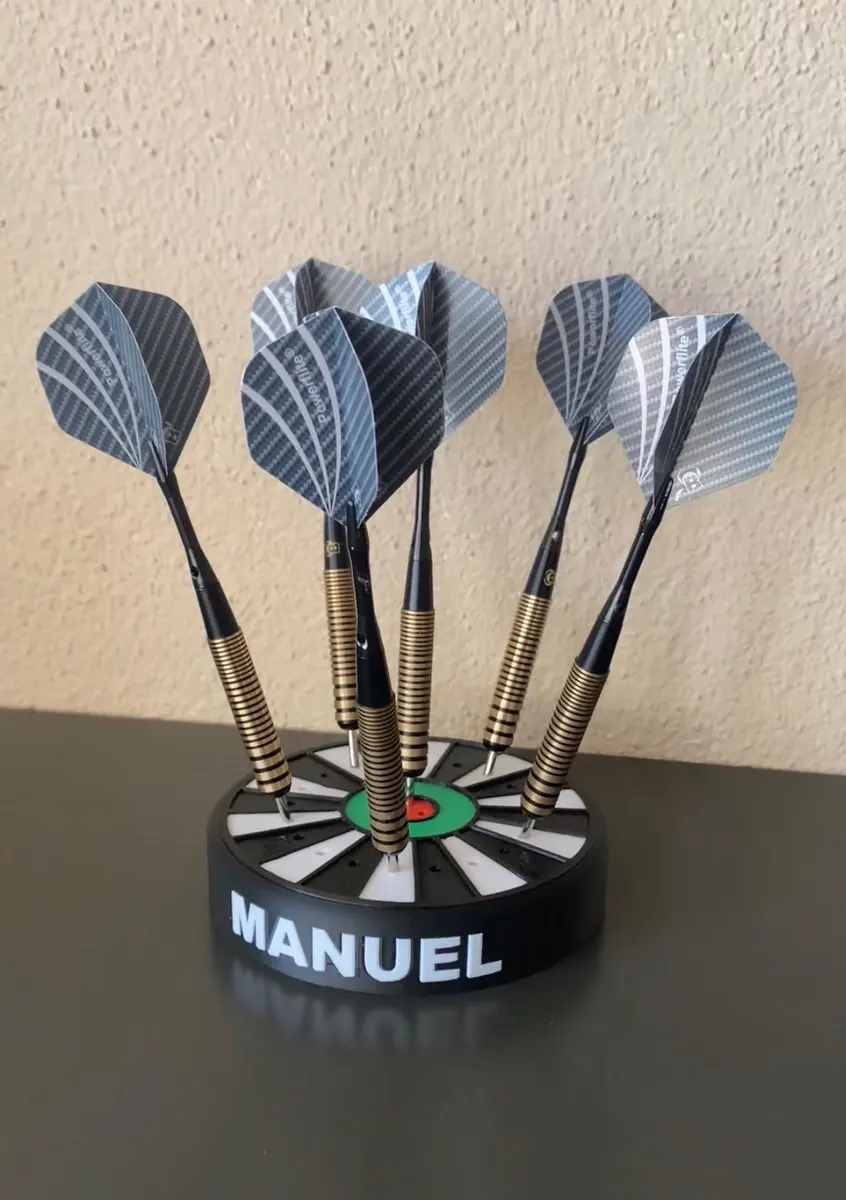 Two-part box mold → wax duck
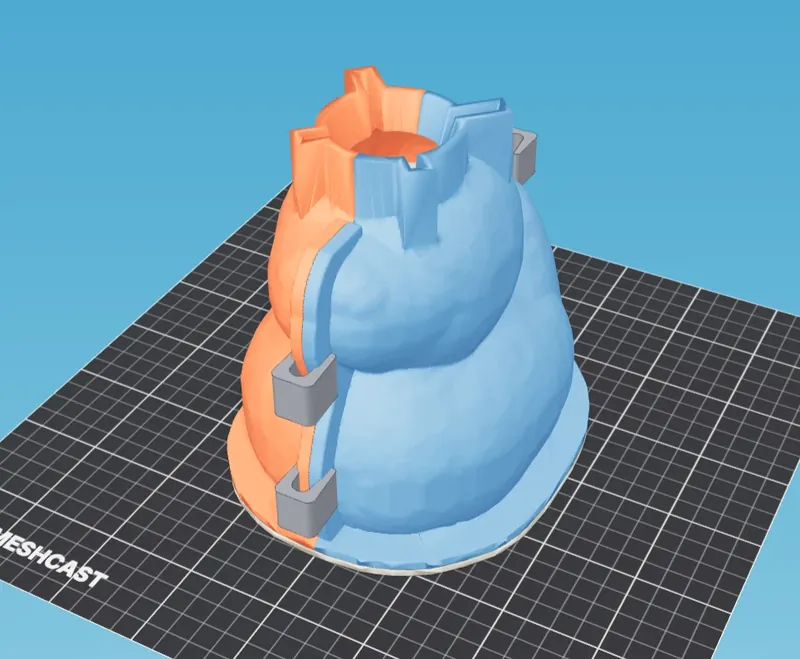
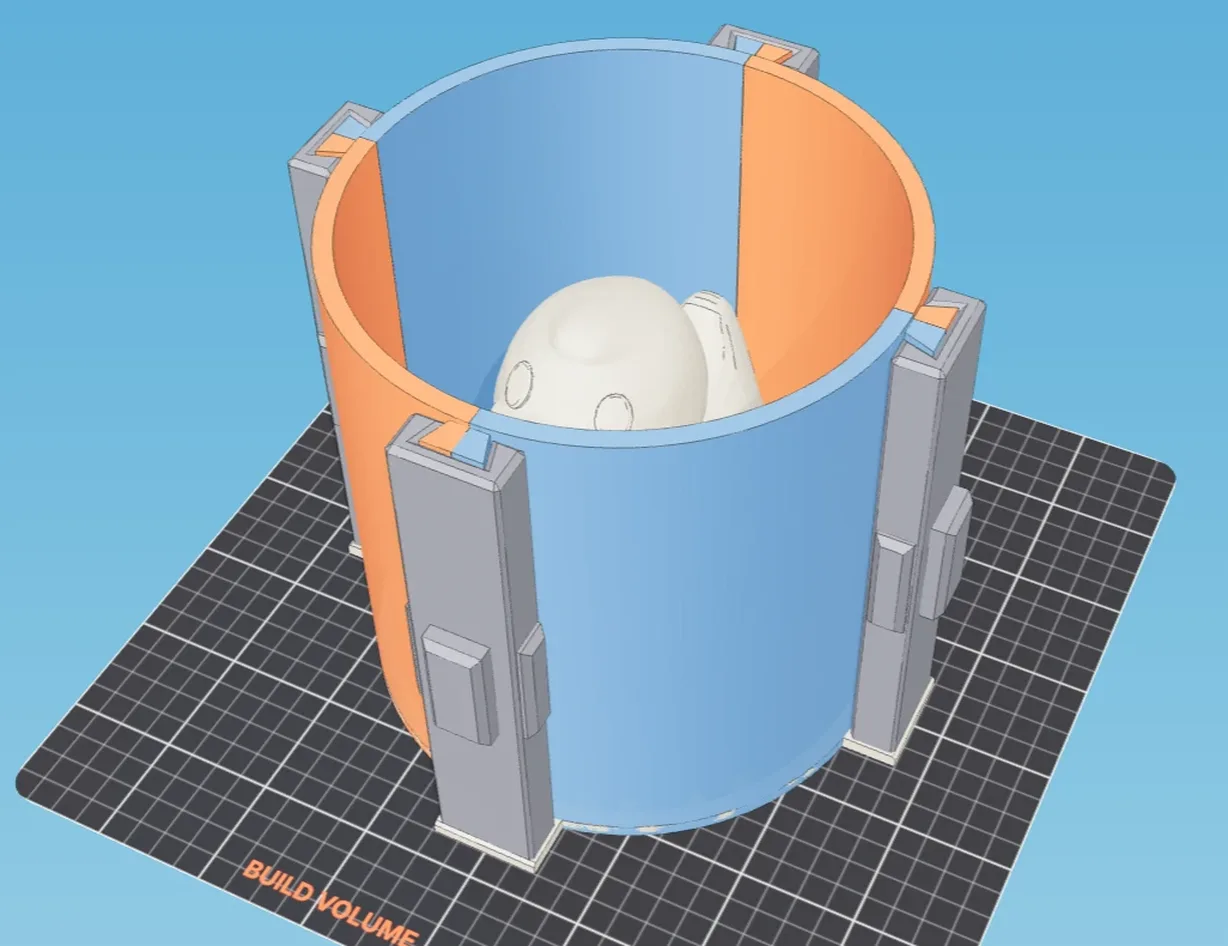
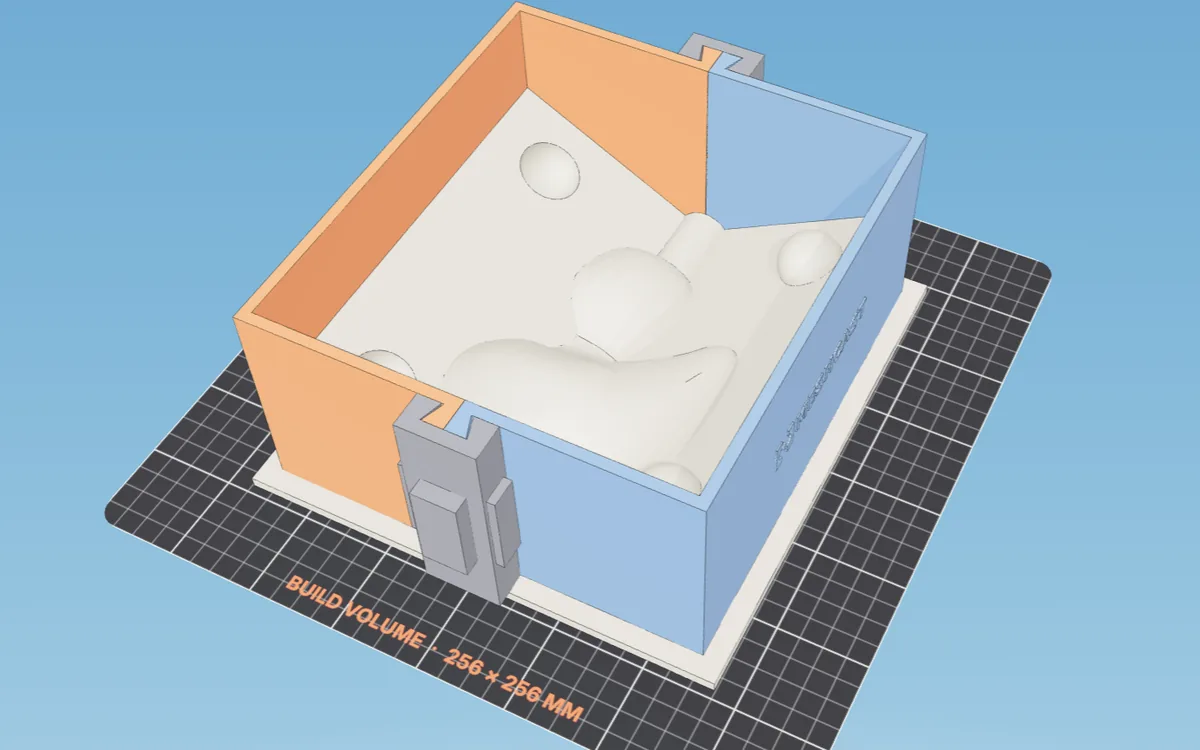
Choose your mold type
Every generator is free. New here? Most makers start with a two-part box mold or a silicone one.
No 3D model yet? Design one first →

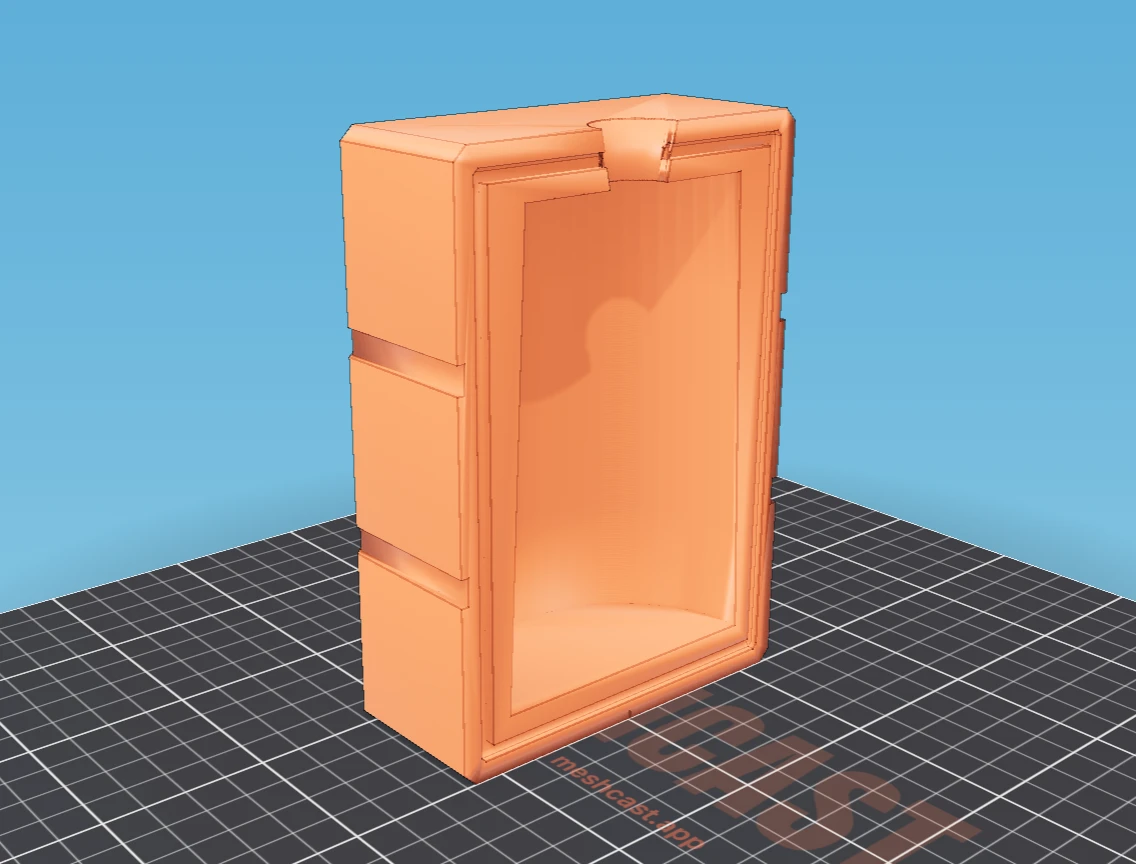
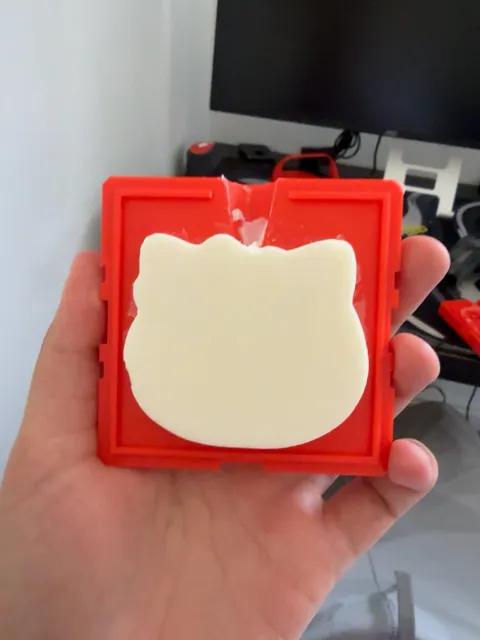




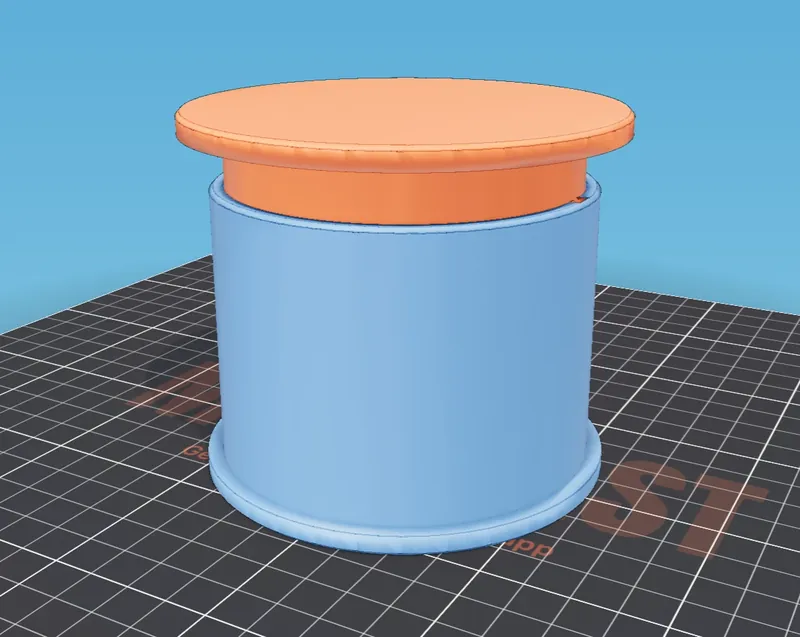

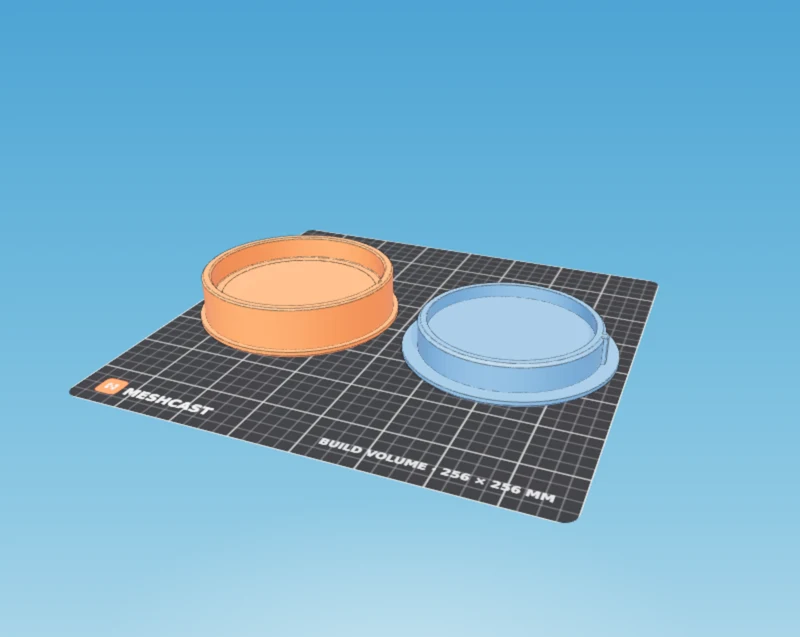

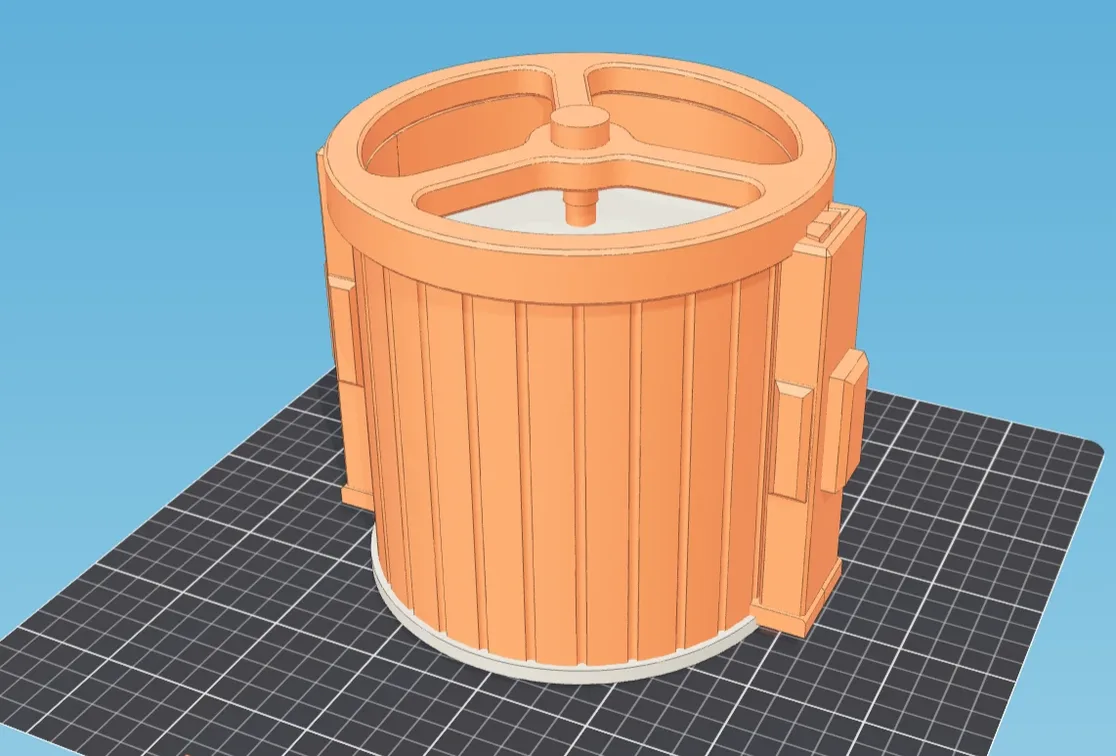

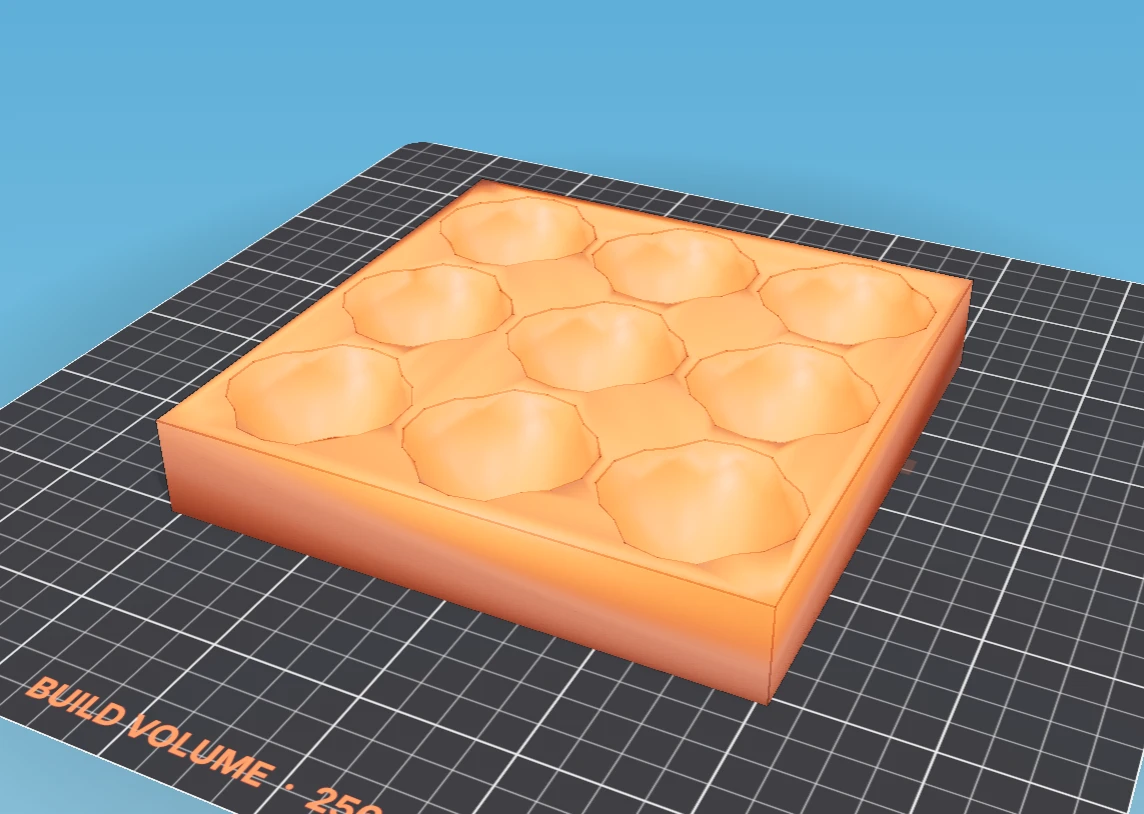
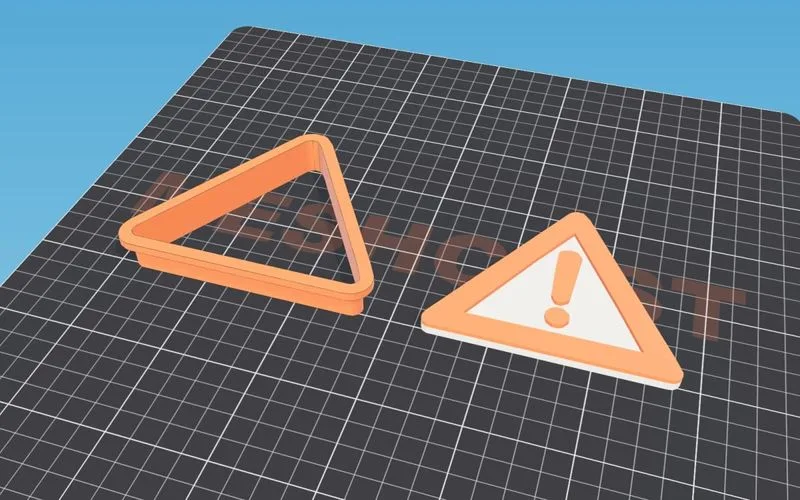
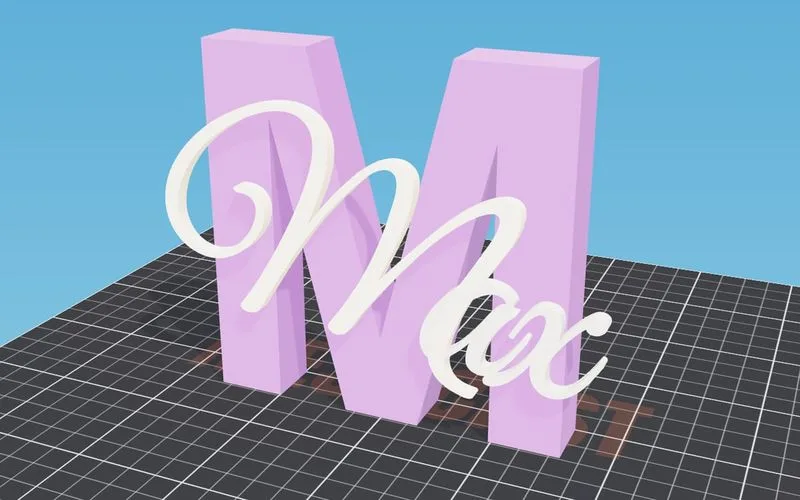
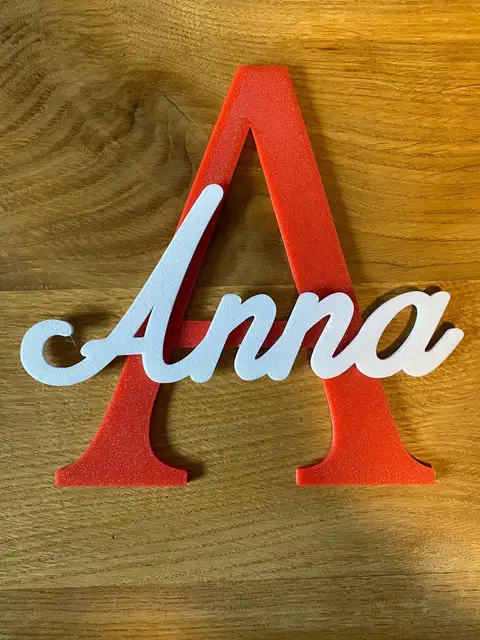
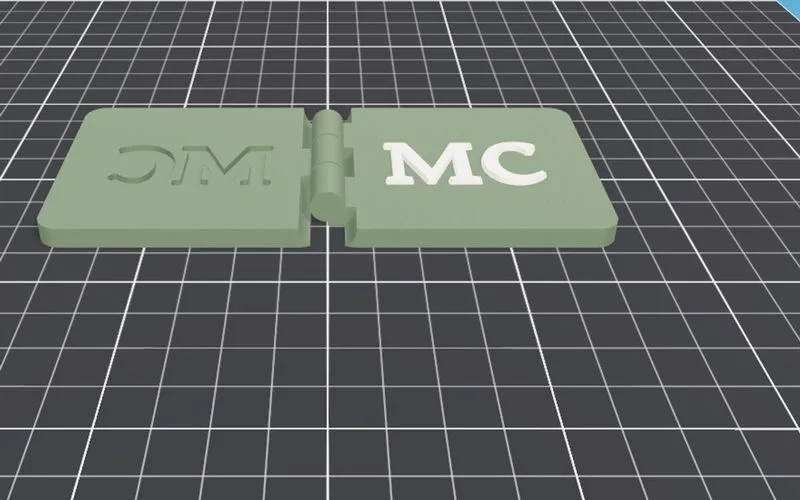
Print it and you're done
No casting step. Customise it here, print it, use it.
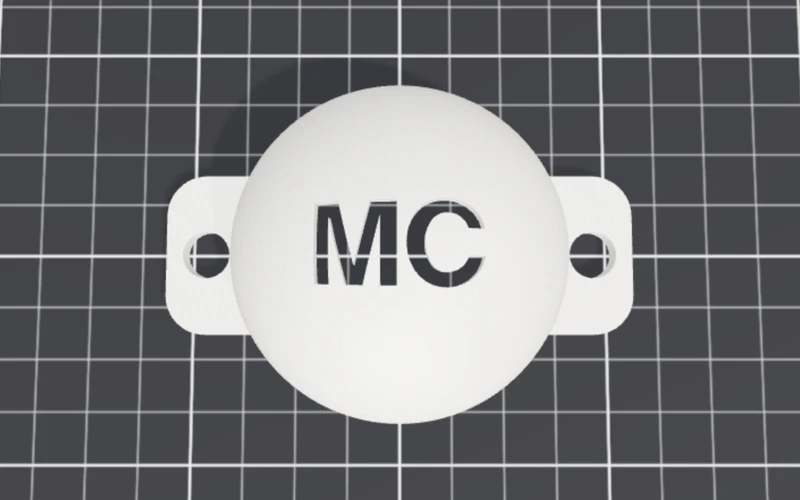
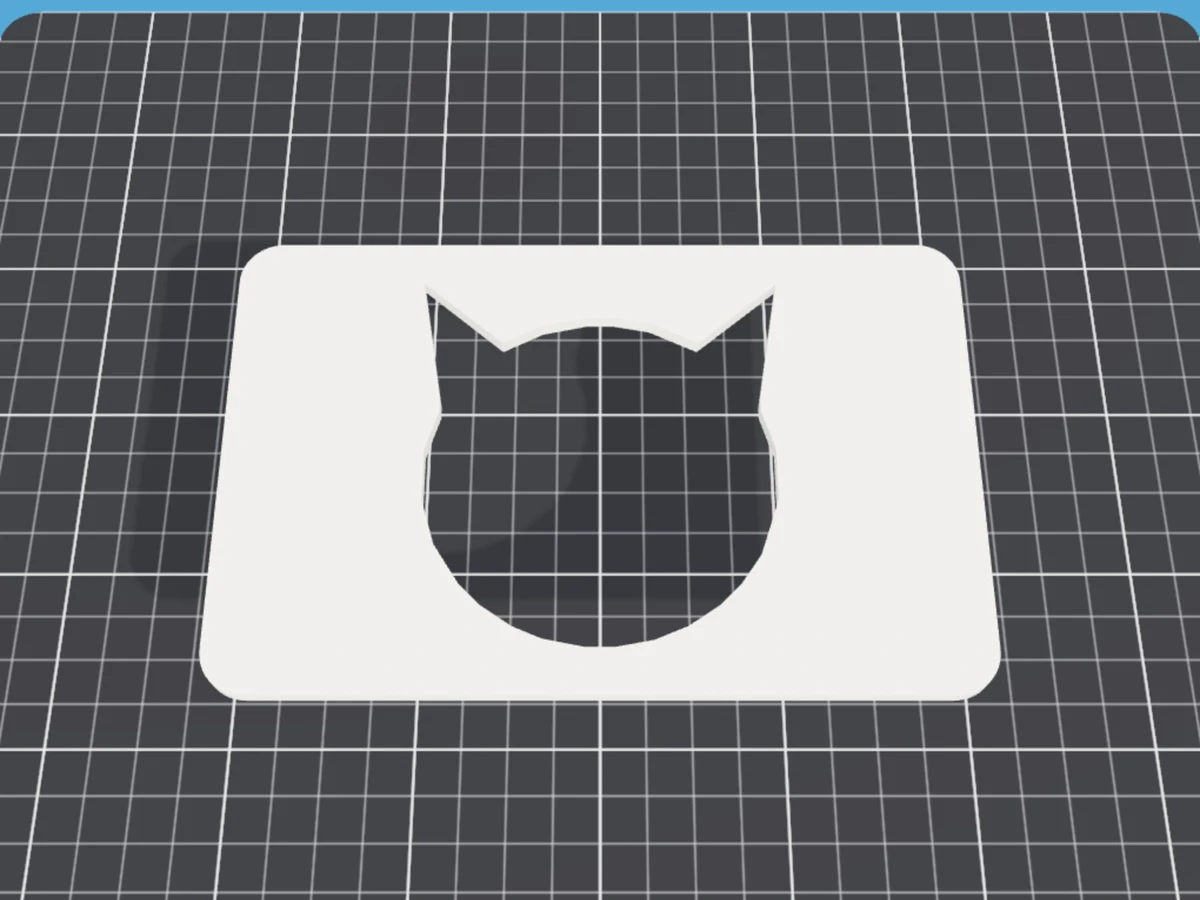
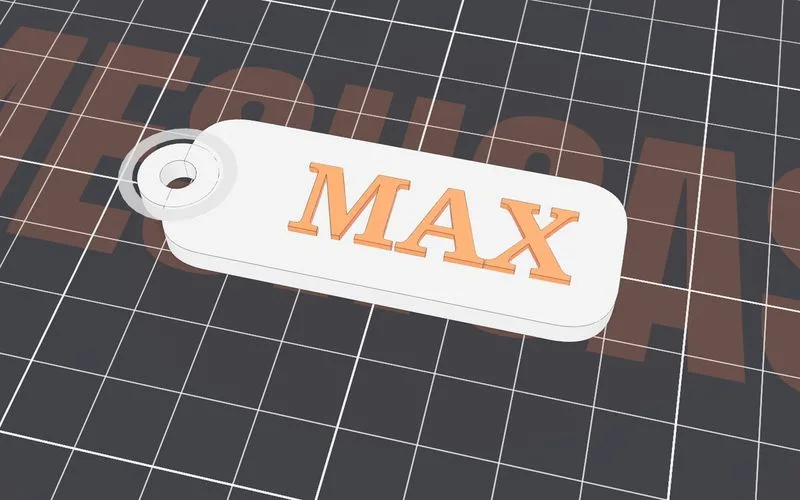
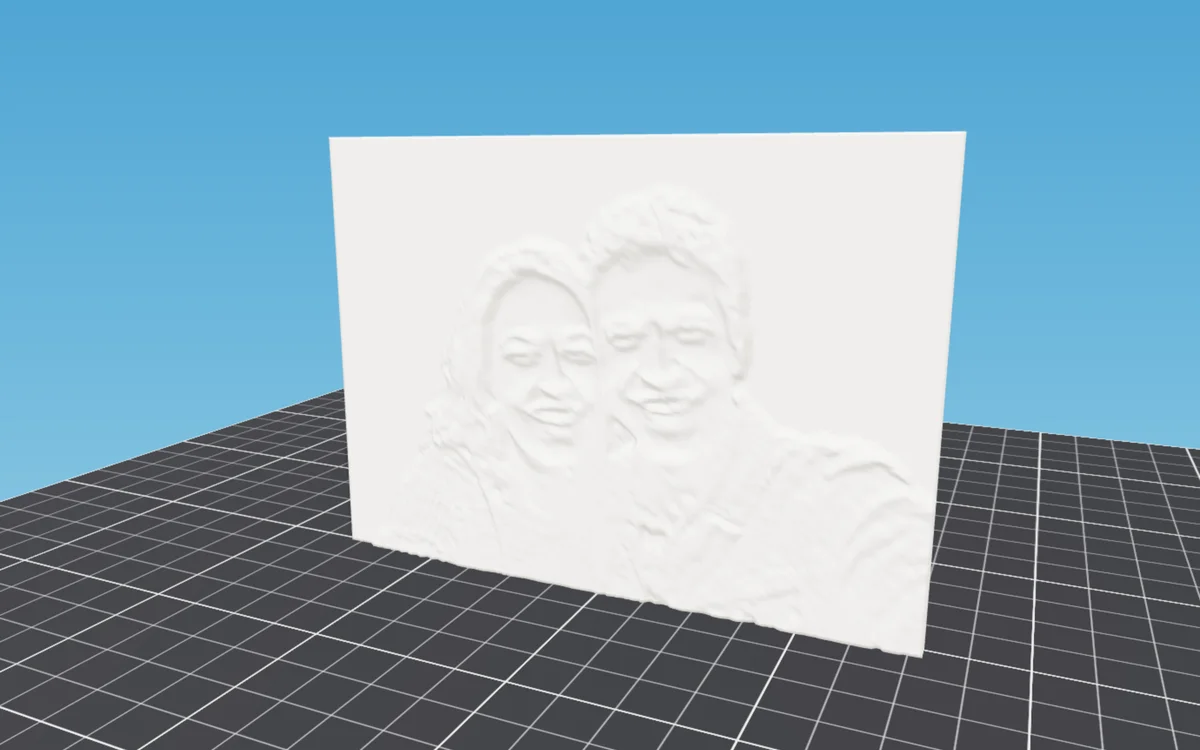
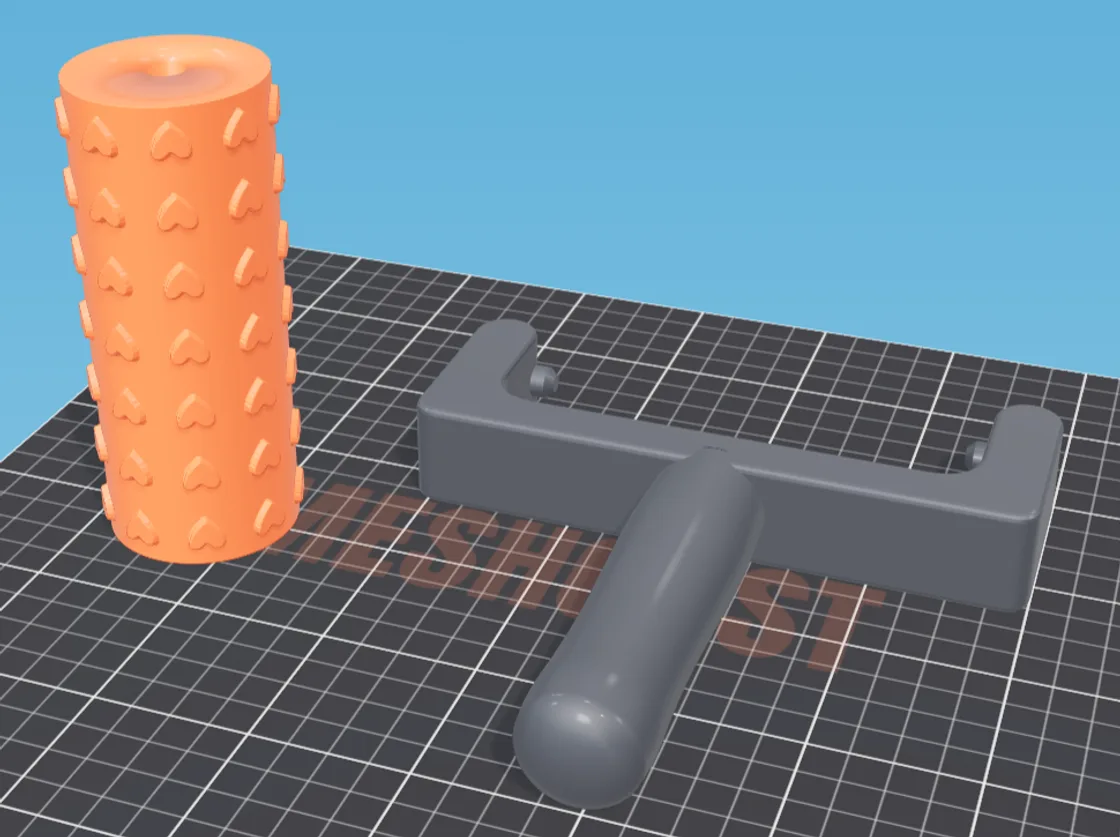
No 3D model?
Design one right here.
Shape the object itself from a few sliders, then send it straight into a mold generator. No STL to find, no CAD, nothing to install. (Casting calls this piece the master: the solid original your mold is taken from.)
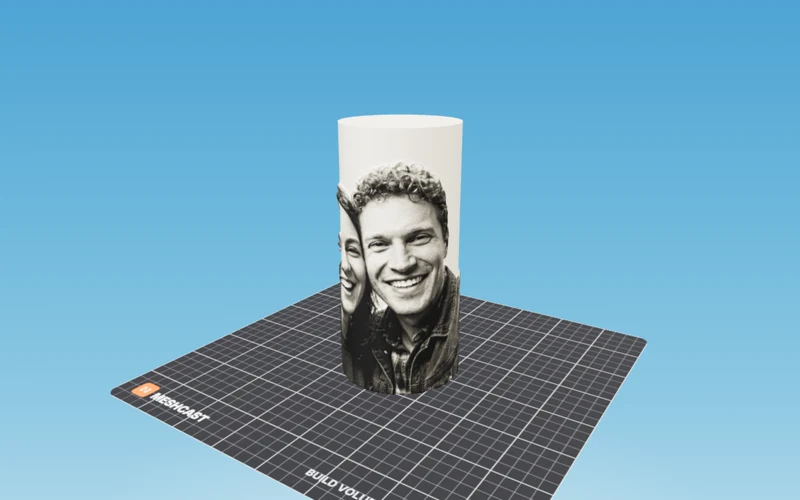
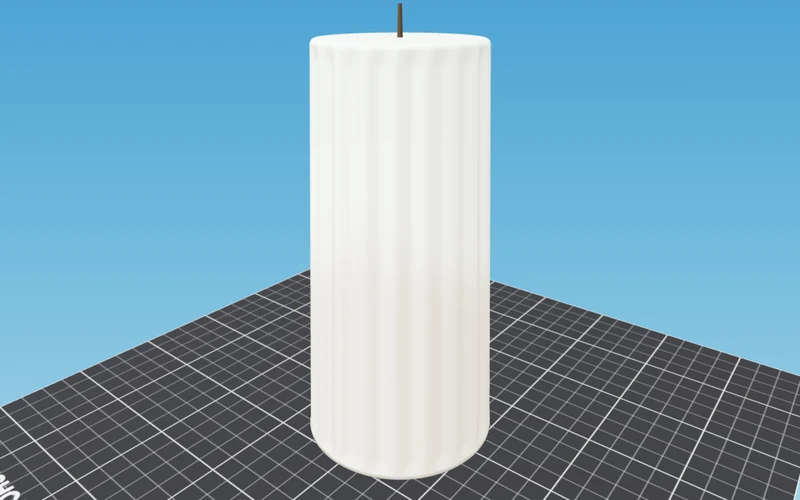
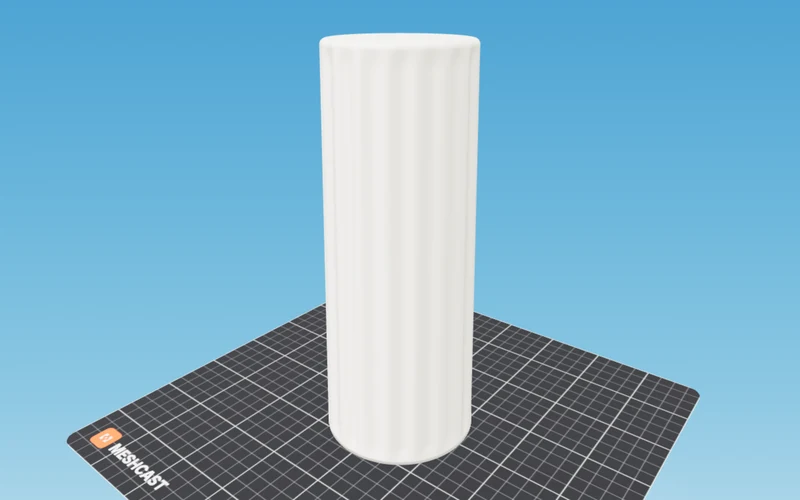
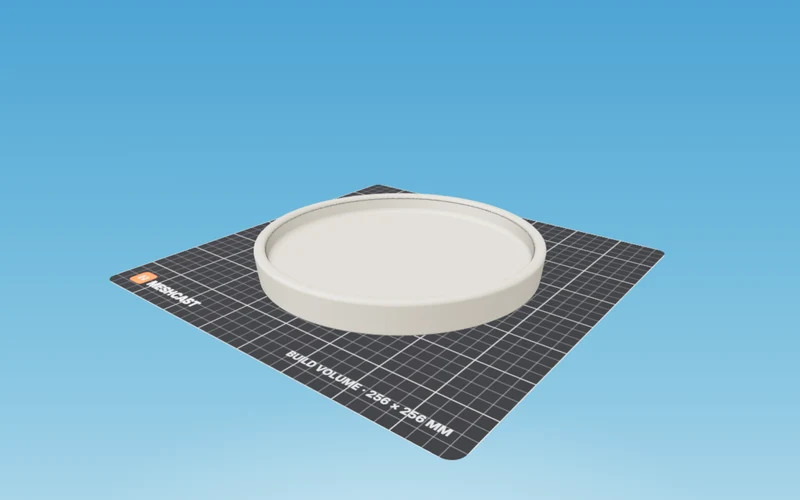
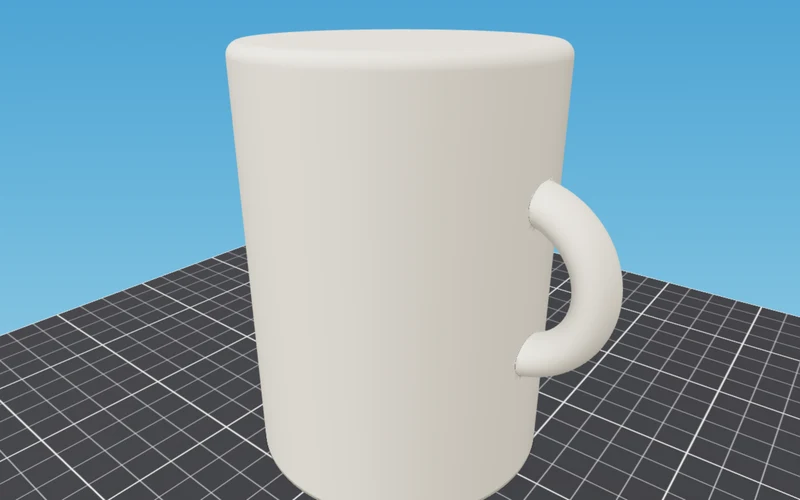
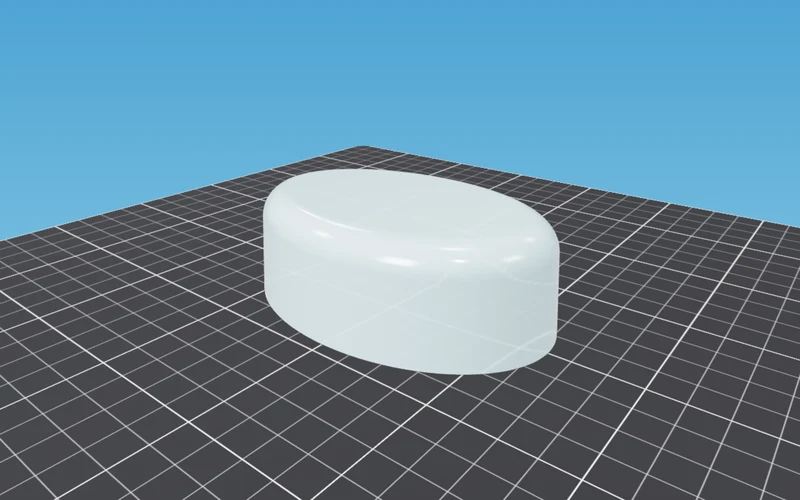
Made with Meshcast
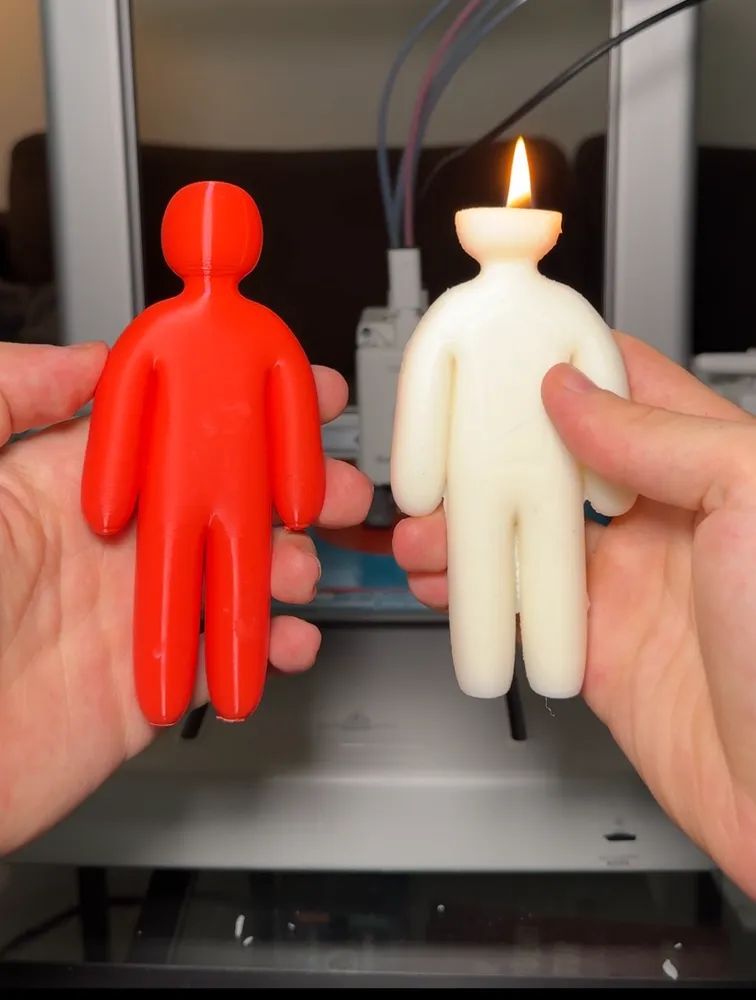
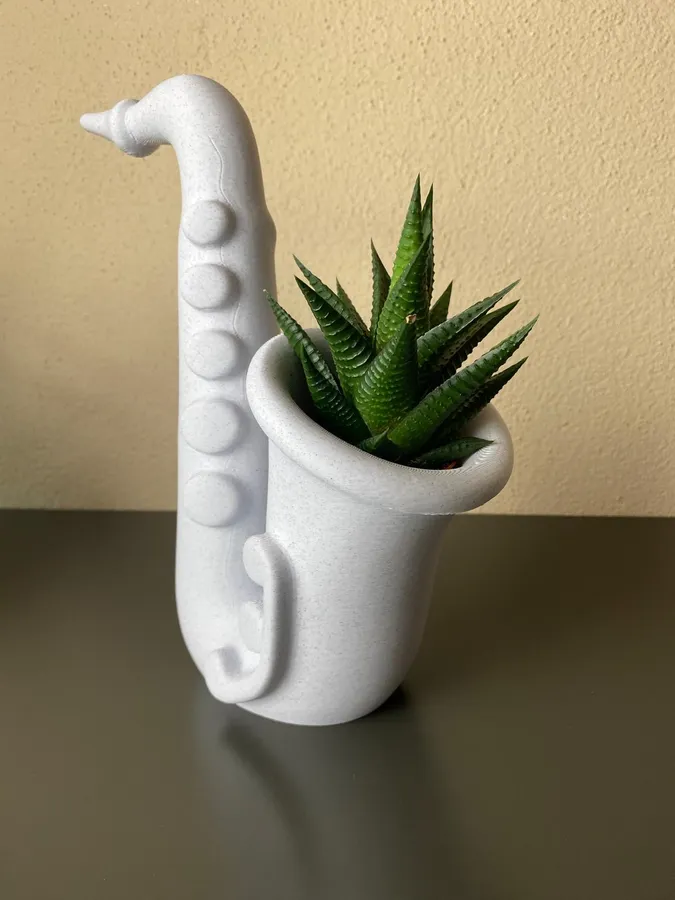
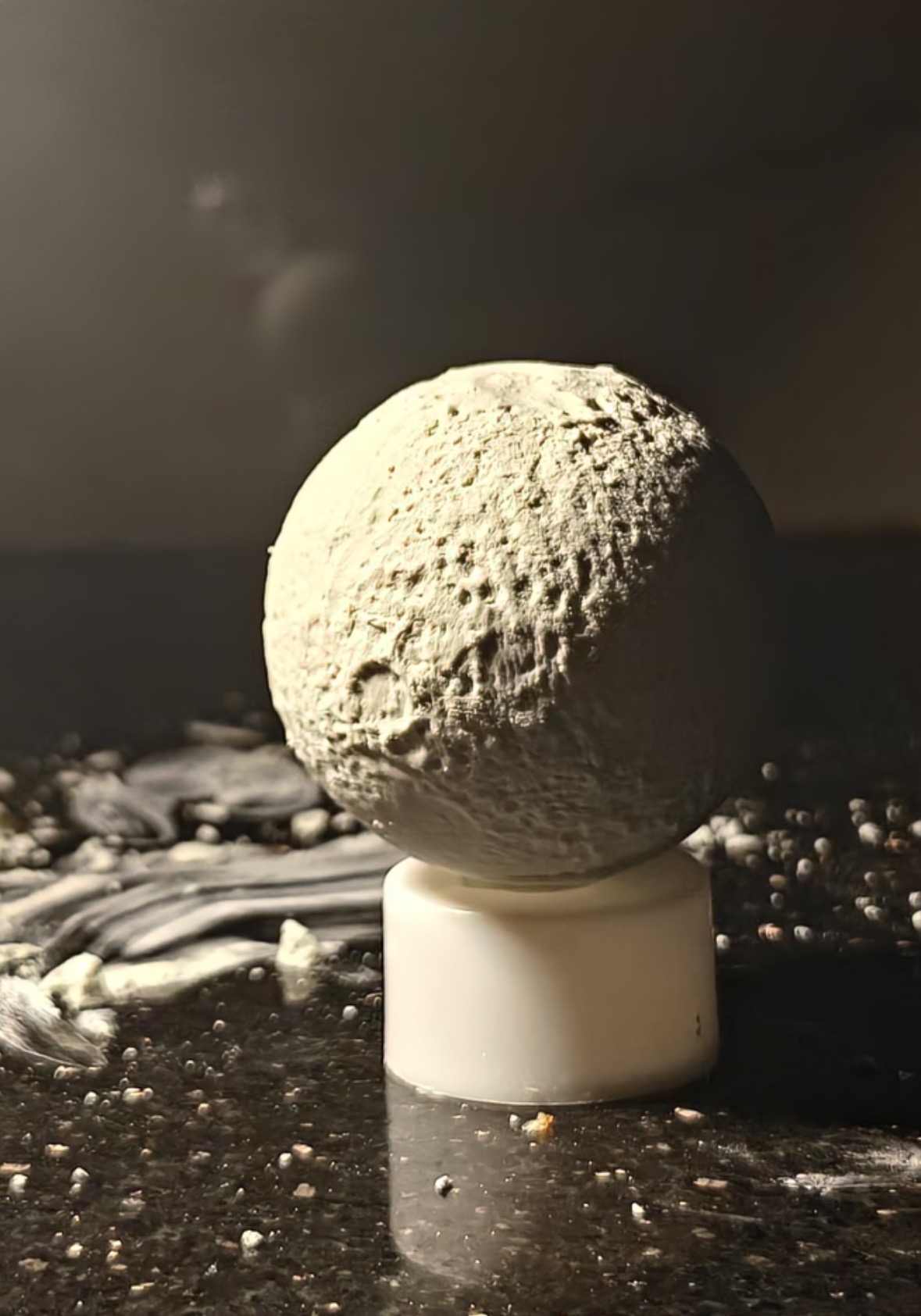
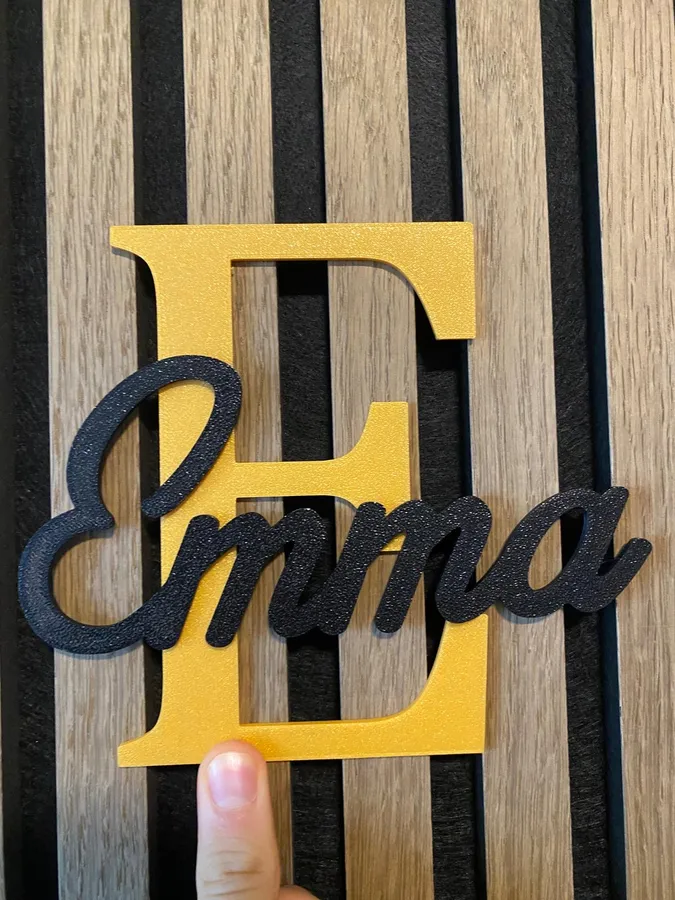
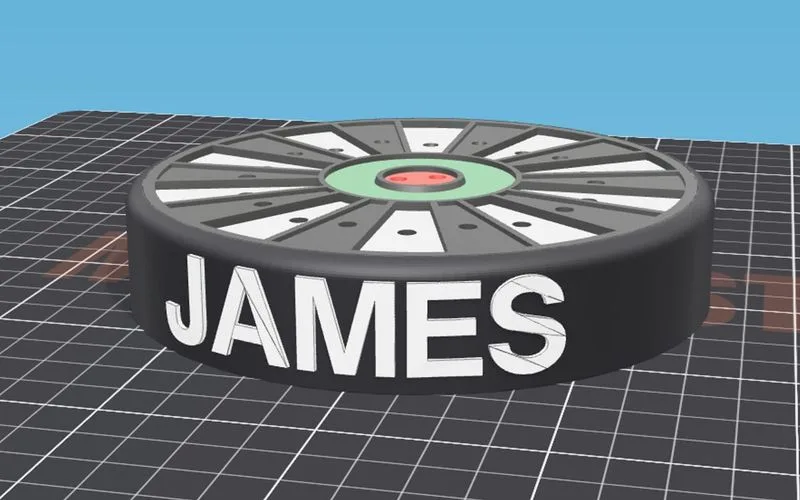
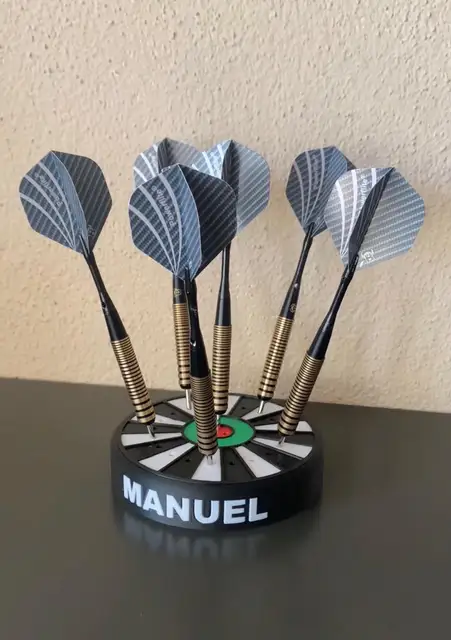
Things people designed, printed and cast. Tag @meshcast.app and yours could show up here.
Meshcast AI: every generator has a help chat built in. Ask why your mold will not close and it reads your actual settings to answer.
Free to make. Pro to sell.
No credit card to start. Pro and Founder let you sell what you make, in any quantity, on any platform.
- 5 free STL downloads a week, across every tool, with a free account
- 3 bonus downloads extra just for signing up
- All tools & mold types
- Progress, achievements & rewards
- Personal use only - not for resale
- Small “Meshcast” engraving on each STL
- 10 STL downloads a week
- All tools & mold types
- Personal use only - not for resale
- Keeps the “Meshcast” mark on every file
- No custom logo, priority speed or Discord
- Sell everything you make as many copies as you like
- Your own logo on every file, instead of the Meshcast mark
- Unlimited downloads and generations
- Every tool and mold type
- Priority speed and early access
- Priority support and a private Discord
- Everything in Pro for life
- Commercial rights that never lapse
- All current & future tools, forever
- Priority feature requests + founder badge
- One-time payment, no subscription
Pays for itself against Pro in about 18 months. The next 10 spots are $399.
Good to know
Is it really free?
Yes. Every generator is free to use, and a free account gives you 5 STL downloads a week across all tools, every week, with no card. Pro ($20/mo) unlocks unlimited downloads, replaces the Meshcast mark with your own logo and adds commercial rights.
Do I need to install anything?
No. There is nothing to download or install and no CAD software to learn - you work in a browser tab. Most generators do all the geometry on your own device; a few of the heavier mold tools send your model to our server to build it and delete it as soon as your download is ready.
What can I make?
Molds for candles, soap, resin, plaster, concrete, chocolate and ice, plus cookie cutters, name signs, planters, keychains, lithophanes and more. Pick a generator above to see what each one does.
What do I upload, and what do I get back?
Upload an STL, OBJ or 3MF, or start from a built-in preset. You download a watertight, print-ready STL or 3MF that goes straight into your slicer.
Are my files private?
Yes. Your files are never sold, shared, published or used to train anything, and there is no library of user models on our side. Most generators run entirely in your browser, so your file never leaves your device; the few that need server-side computation process your model only to build the result and delete it immediately afterward. We do keep a small preview screenshot of each generation for 30 days so we can spot a tool producing broken results, and anything you deliberately attach to feedback or save to your account. The privacy policy lists all of it.
What printer do I need?
Any FDM printer the mold fits inside. A $200 Ender or a Bambu A1 is plenty. Use standard PLA or PETG, 0.2 mm layers, and no supports on most molds. Resin printers work too and give a smoother cast surface. If your bed is small, scale the model down in the tool before you download.
Is the printed mold food safe?
Not directly. Printed plastic has tiny layer gaps that can trap bacteria, and most filament is not certified for food contact. The reliable route is to print the mold, cast food-grade silicone in it, then use that silicone for chocolate or ice. Wax, soap, resin, plaster and concrete cast fine in the printed mold. More in the food-safety guide.
How much silicone or wax do I need?
For wax: print the mold, fill the cavity with water, and weigh it. That gram number is close enough, since soy wax sits near 1 g per ml. For silicone, which is a different sum because you are filling the space around your object rather than the cavity inside it, the silicone calculator gives you the volume, the weight and the cost from your object's dimensions. Always mix a little extra either way: running short mid-pour is the one mistake you cannot fix, because a second batch will not bond to a first that has started to skin.

Meshcast turns complex STLs into printable soap and candle molds— All3DP, July 2026 Read the article
Still here? Try it on an example
No file needed. The two-part mold opens with a model already loaded, so you can generate one and see the print settings before you upload anything of your own.