Turn a 3D model into a product photo
This guide was drafted with AI assistance.

Upload your STL, OBJ or 3MF into the free Meshcast product image renderer, pick a one-click lighting preset (or dial in key/fill/rim/top lights yourself), choose a transparent or backdrop background with an optional print-bed surface, and export a real PNG instantly. Want it photoreal, real ray-traced reflections and cast-material looks like concrete or resin? Queue the Pro Studio Render, a Blender Cycles job that comes back in a few minutes.
Light any model like a studio product shot, free, in your browser.
Product image renderer →What the generator does, and what it doesn't
Handled for you
- A real three (now four) point studio light rig with angle, height, intensity, softness and colour temperature per light
- A genuine transparent PNG with a soft contact shadow baked in, not a flat cutout
- Reads a 3MF's own per-part colours straight from the file, when the file actually has them
- Seven one-click presets tuned for different moods and marketplaces
Still your call
- Framing: drag the canvas to orbit, there is no auto-crop beyond the aspect guide
- An STL or OBJ carries no colour of its own, pick one under Material or it starts in one flat tone
If the generator refused your file, the message is explained here: why was my model rejected. Almost every rejection is the same thing, a mesh with holes, and the “Fix it for me” button in the popup resolves most of them in one click.
Light a shot in 4 steps
Every render is built from the same four things: what's uploaded, how it's lit, what's behind and under it, and what it's made of. The live 3D preview updates as you move any slider, so you can see the shot before you spend an export on it.
Upload your model
STL, OBJ or 3MF. A 3MF exported with real per-part colour, Meshcast's own multi-colour downloads carry it, previews in its actual colours automatically. STL and most OBJ exports carry no colour at all, see below for why.
Pick a lighting look
Seven presets: Bright studio, Soft product, Dramatic rim, E-commerce white, On the print bed, Window light, Golden hour. Each one sets all four lights, the background and the world dome behind the scene in one tap. Every value underneath is still a real slider in the Lights section, so a preset is a starting point, not a lock.
Set the background, surface & material
Transparent (a real alpha-channel PNG) or a flat backdrop colour, and separately, what the model stands on: nothing but its own shadow, or a textured print-bed surface that fades out toward the frame edge. For the object itself, a plain colour with roughness and metallic sliders, or a cast-material look, concrete, plaster, wax, soap or resin, tuned to how each one actually reads under light rather than a generic plastic finish.
Export
Quick Export is free and instant, a real image with a genuine alpha channel and contact shadow, rendered in your browser at up to 2048px square. Studio Render (Pro) queues the same shot on the server for a Blender Cycles pass, real ray-traced light and reflections, a few minutes rather than a second.
Quick Export vs Studio Render
Both start from the exact same model and the exact same sliders, they are two different renderers looking at the same scene, not two different features.
| Quick Export | Studio Render | |
|---|---|---|
| Cost | Free | Pro |
| Speed | Instant, in your browser | A few minutes, queued on the server |
| Renderer | three.js (WebGL) | Blender Cycles |
| Reflections & cast materials | Approximated | Ray-traced |
| Good for | A quick listing photo, checking a composition | The final hero shot |
Background, surface & material, together
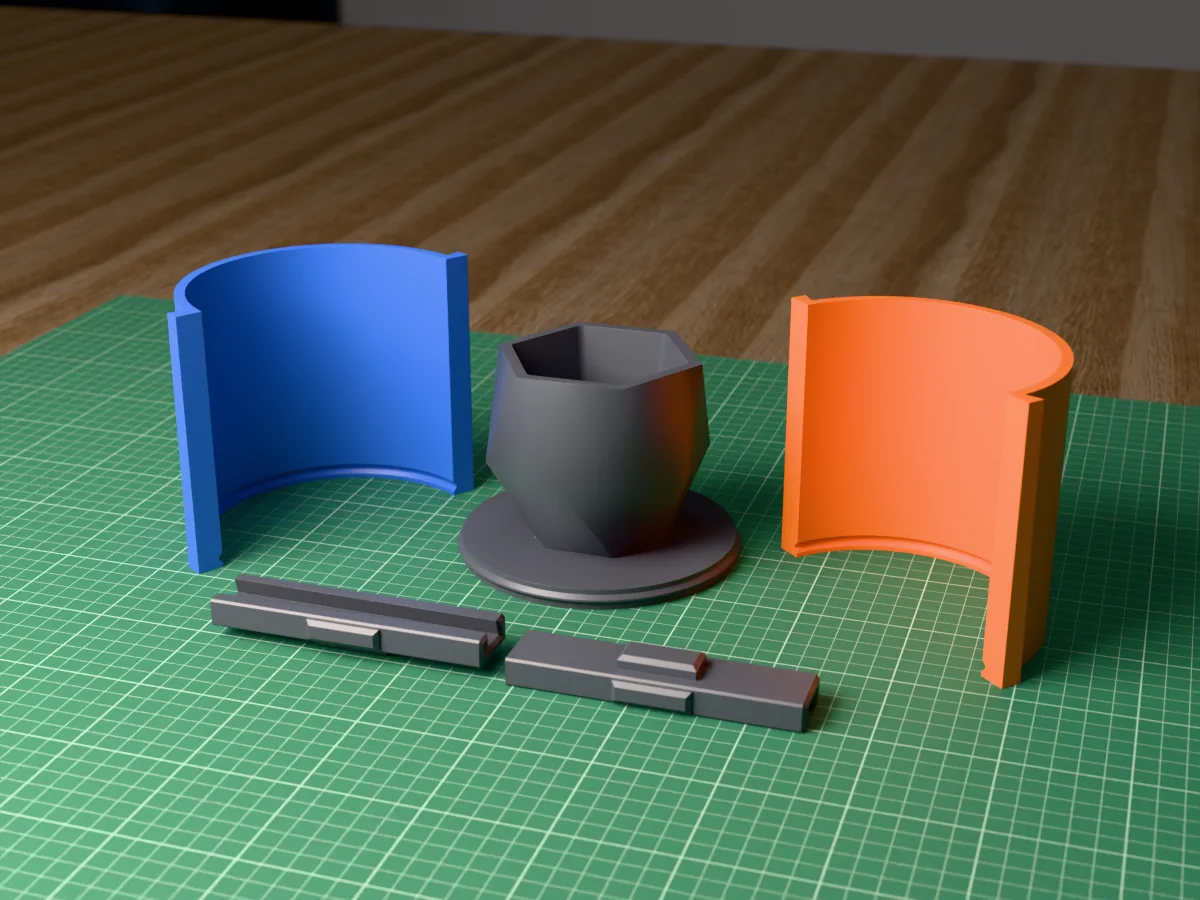
Background is what's behind the model, surface is what it's standing on, and they combine freely: a transparent background with a print-bed surface reads as a listing photo of a physical printed part; a backdrop colour with no surface reads as a plain studio product shot floating on its own shadow.
The world behind the camera matters more than it looks, a reflective or Metal-finish material has nothing to reflect against a flat colour. The studio look (the default) is a soft neutral gradient; daylight, golden and window are warmer, more directional looks for a lifestyle feel, window adds a soft bright panel to one side like a real window light.
Why a 3MF's colours show, and an STL's don't
This trips people up because it looks inconsistent from the outside. It isn't, it's the file format. STL is pure triangle geometry, nothing else, there is no field in the format for colour at all. OBJ can point at a material file with a colour in it, but most OBJ exporters skip that step. 3MF is the one format built to carry real per-part colour, and it shows up here automatically, but only if whatever produced the file actually wrote it: Meshcast's own multi-colour generators do, plenty of other 3MF exports don't bother.
Either way, nothing breaks if a model has no colour: it previews in one plain tone, and you pick the real one under Material, same as any STL always has.
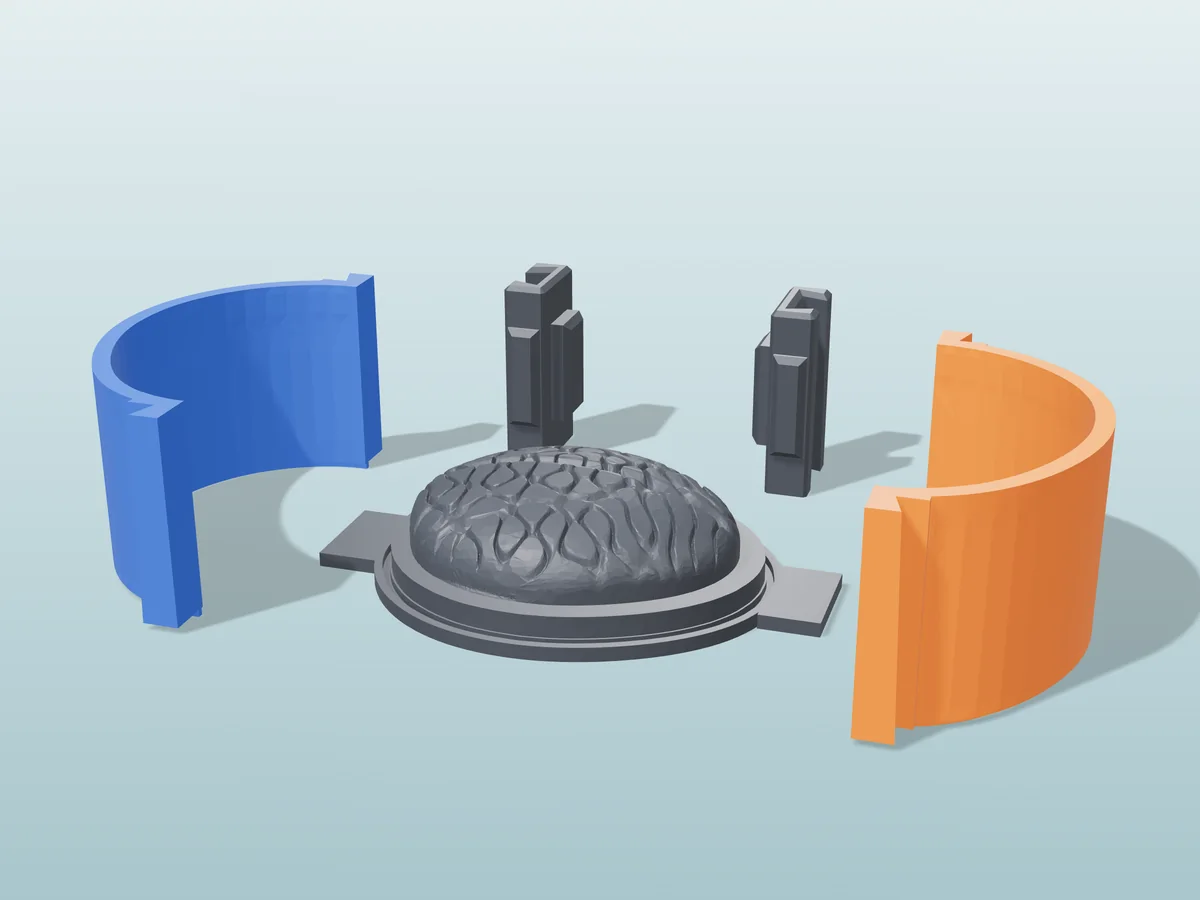
Rendered like this
All free designs →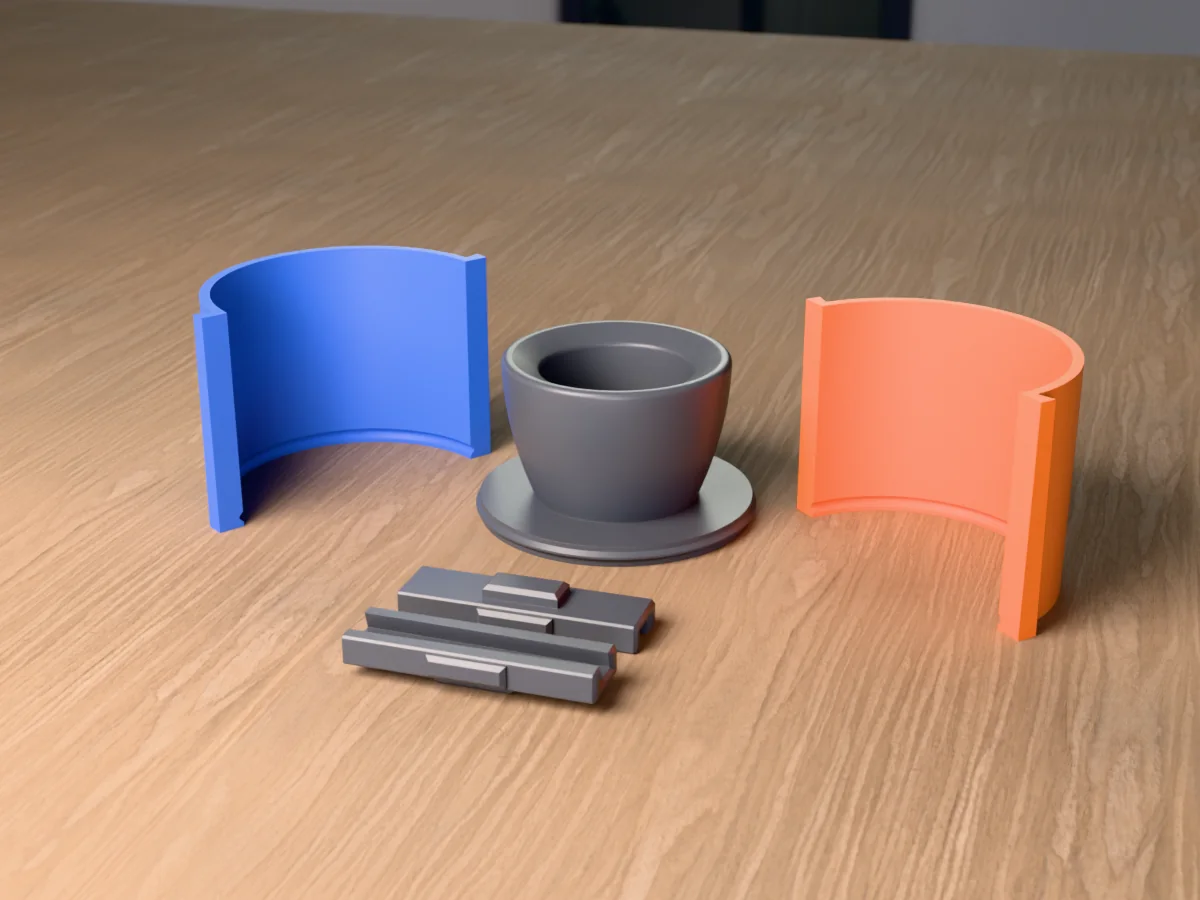
Product photo FAQ
Why doesn't my STL show any colour?
Cause STL has no concept of colour at all, it is pure geometry, so there is nothing to read.
Fix Pick a colour yourself under Material. If a 3MF's colours matter to you, make sure whatever exported it actually writes per-part colour, Meshcast's own multi-colour tools do.
What's the difference between Quick Export and Studio Render?
Quick Export Free, instant, renders in your browser. A real export, not a preview, transparent mode carries a genuine soft contact shadow.
Studio Render Pro. Queues the same shot on the server for a Blender Cycles pass, real ray-traced light and reflections, a few minutes rather than a second.
Can I get a transparent background for a marketplace listing?
Yes Transparent mode exports a real RGBA PNG, empty pixels around the product and a soft gradient under it for the contact shadow, not a flat cutout. That's the shape most marketplaces want for a primary listing photo.
Which preset should I use?
E-commerce white for a clean marketplace listing.
Soft product / Bright studio for a general catalogue shot.
Dramatic rim for a moody hero image.
On the print bed to visibly read as 3D printed.
Window light / Golden hour for a warmer, lifestyle feel.
Made by meshcast.app. Got stuck? Email a photo and I'll help you debug.