◆ Paper
Library embosser
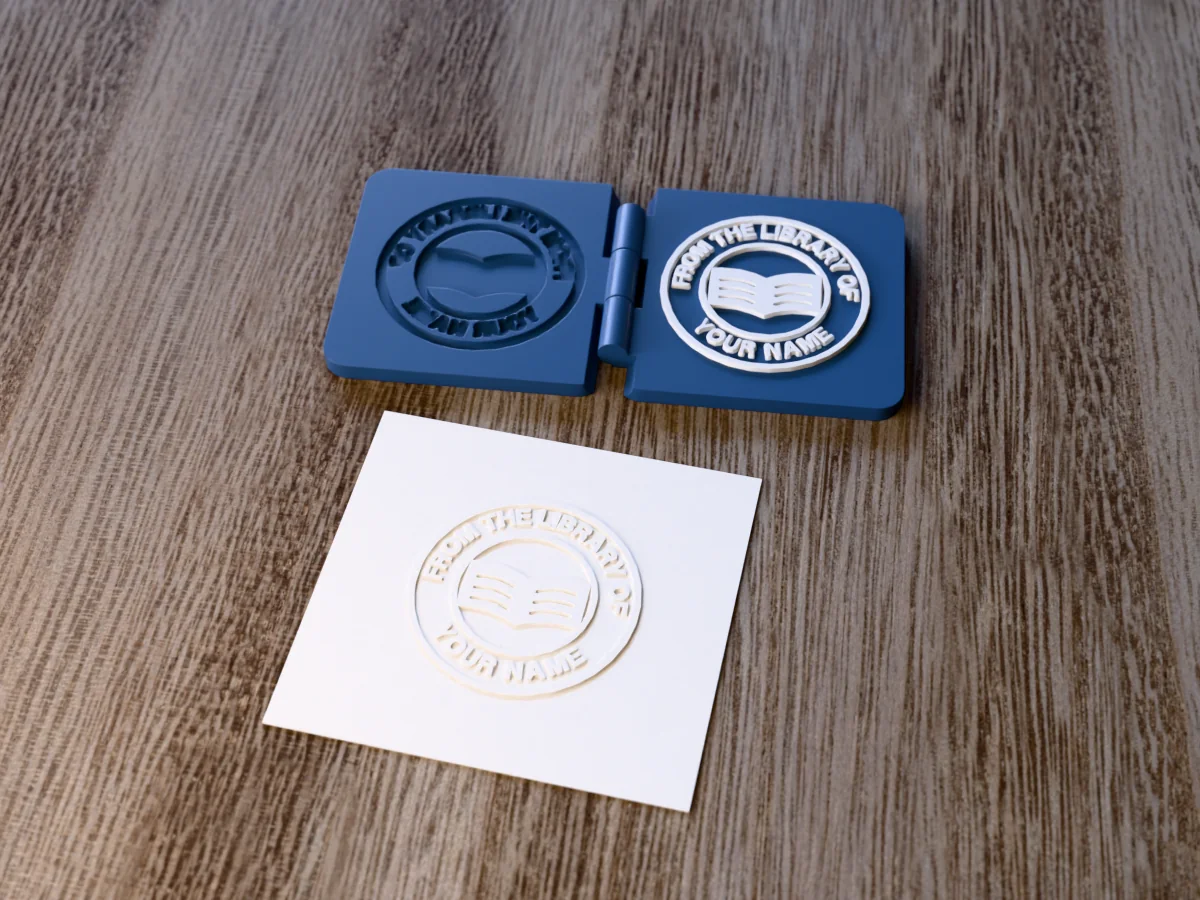
The classic FROM THE LIBRARY OF book embosser, with an open book and room for your name.
◆ Paper
The classic FROM THE LIBRARY OF book embosser, with an open book and room for your name.
A round book embosser in the old ex libris style: FROM THE LIBRARY OF round the top, an open book in the middle and YOUR NAME round the bottom. Press it into the title page of every book you own or lend out. The file carries YOUR NAME as a placeholder: type your own name into the free embosser maker and it builds the same seal with your words.
Made with our free paper embosser maker, not modelled by hand: we drew the picture in code, uploaded it and set a 60 by 60 mm plate; the page traced it into the raised die and cut the matching cavity into the other plate. It prints as ONE part: the male die with the raised design and the female die with the matching cavity, joined by a print-in-place hinge, flat and open on the bed with no supports. Fold it shut over a card and squeeze. The design is 45 by 45 mm with a 1 mm relief. The zip holds exactly what the tool gives you, as an STL and as a 3MF with the relief as its own coloured part, plus the picture, to change and upload again.
Shown as a 3D render of the printed embosser and a card embossed with its mark, not a photo.
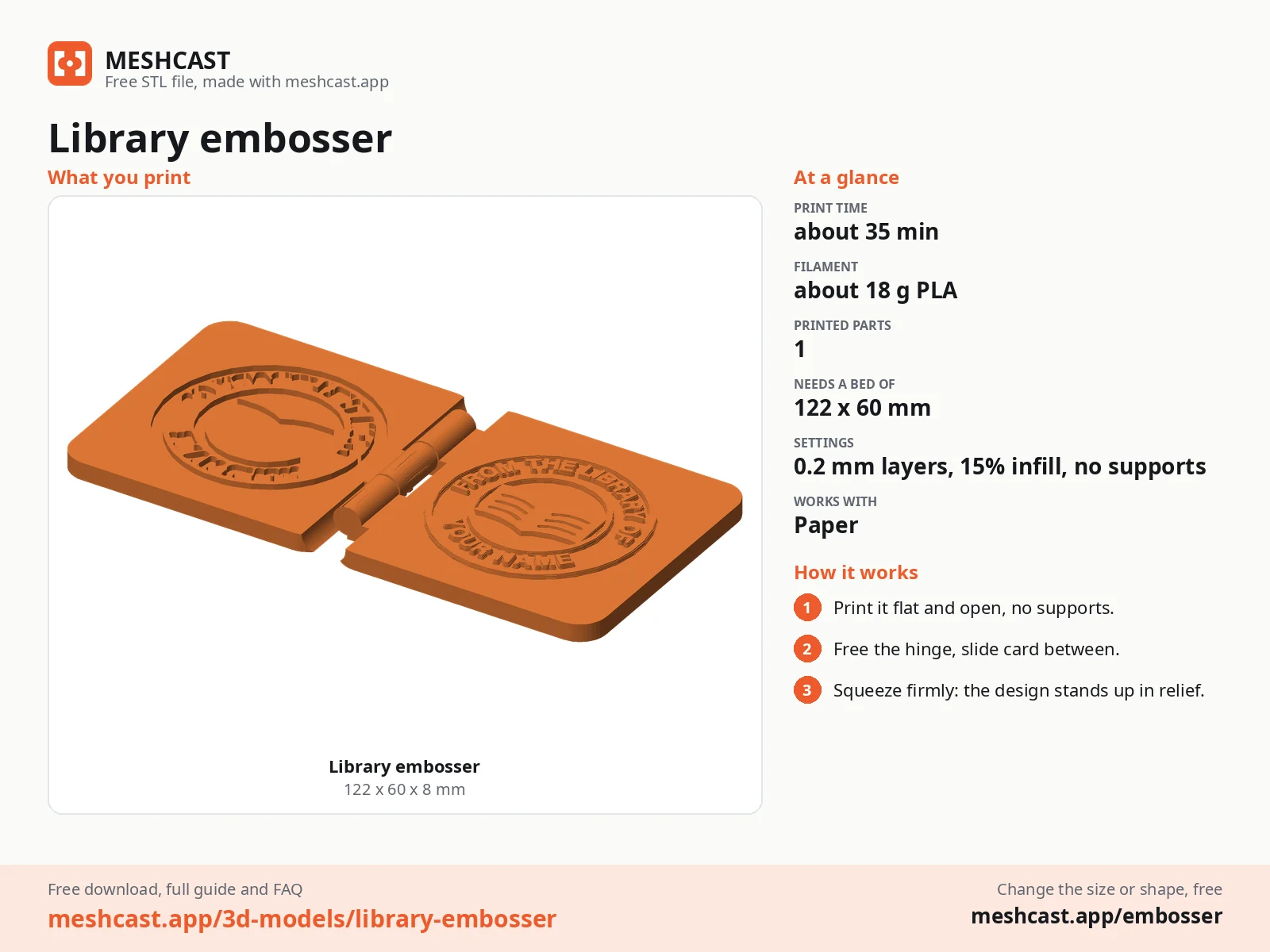
Print it as exported, flat and open like a book, no supports.
Once it has cooled, fold the hinge shut and open a few times to free the pin.
Slide the card between the plates as far as the spot you want to emboss.
Close the embosser and squeeze firmly for a second, then open it and slide the card out.
For a mark that stands out, rub a little white or gold ink over the raised side.
Print details
| Works with | Paper |
|---|---|
| Printed parts | 1 |
| Size (W x D x H) | 64 x 60 x 8 mm |
| Print bed needed | 122 x 60 mm, 8 mm tall |
| Filament | ~18 g |
| Layer height | 0.2 mm |
| Infill | 15% |
| Supports | Not needed |
| Download | ZIP: hinged embosser (STL + coloured 3MF) + print sheet + artwork (PNG, SVG) + README |
| Added | 2026-09-28 |
Made with the free Paper embosser generator. Upload your own shape and get the same kind of tool built from it, in your browser.
Free, no account needed. Opens Thingiverse in a new tab.
Free for personal use. Selling the pieces you cast needs a commercial licence (Pro or Founder); passing on the file itself is not permitted on any plan. Full terms.
New to casting? Read the embosser guide.
Open the free embosser maker, upload library.png from the zip, or draw your own seal with your name where YOUR NAME is, and download. The page builds the male and female plates for you in the browser; the settings we used are listed in the zip.
No. It only presses the paper into a raised mark, there is no ink and nothing is cut. Emboss the title page or the inside cover: the centre of the 45 mm seal sits about 30 mm in from the edge of the page, which is as far as the jaws reach.
About 35 minutes and 18 g of PLA on a current printer at 0.2 mm layers, as one print-in-place part. The time is estimated from the files, not sliced; at 0.12 mm layers for the crispest design it takes about half as long again.
 Paper
Paper
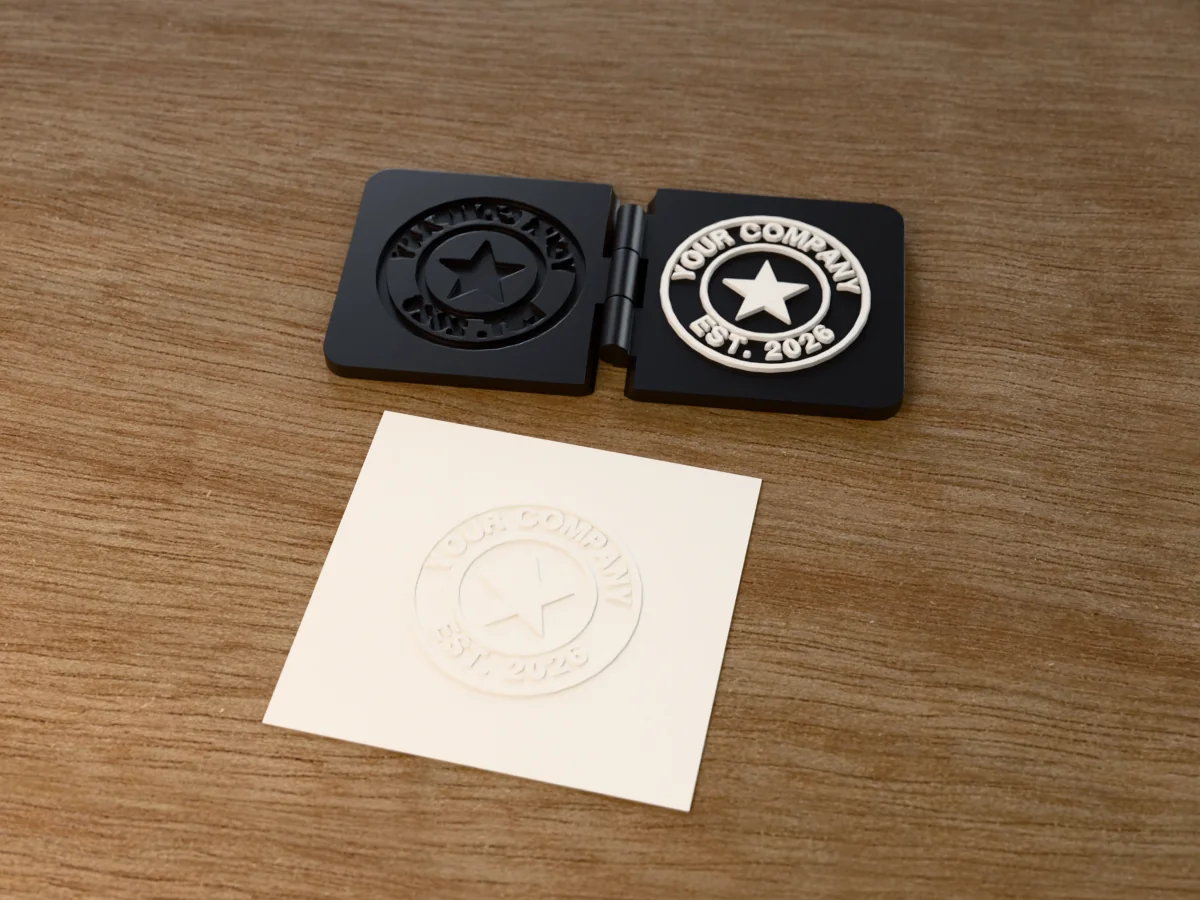
A round business seal embosser: YOUR COMPANY, EST. 2026 and a star, for letters and certificates.
 Paper
Paper
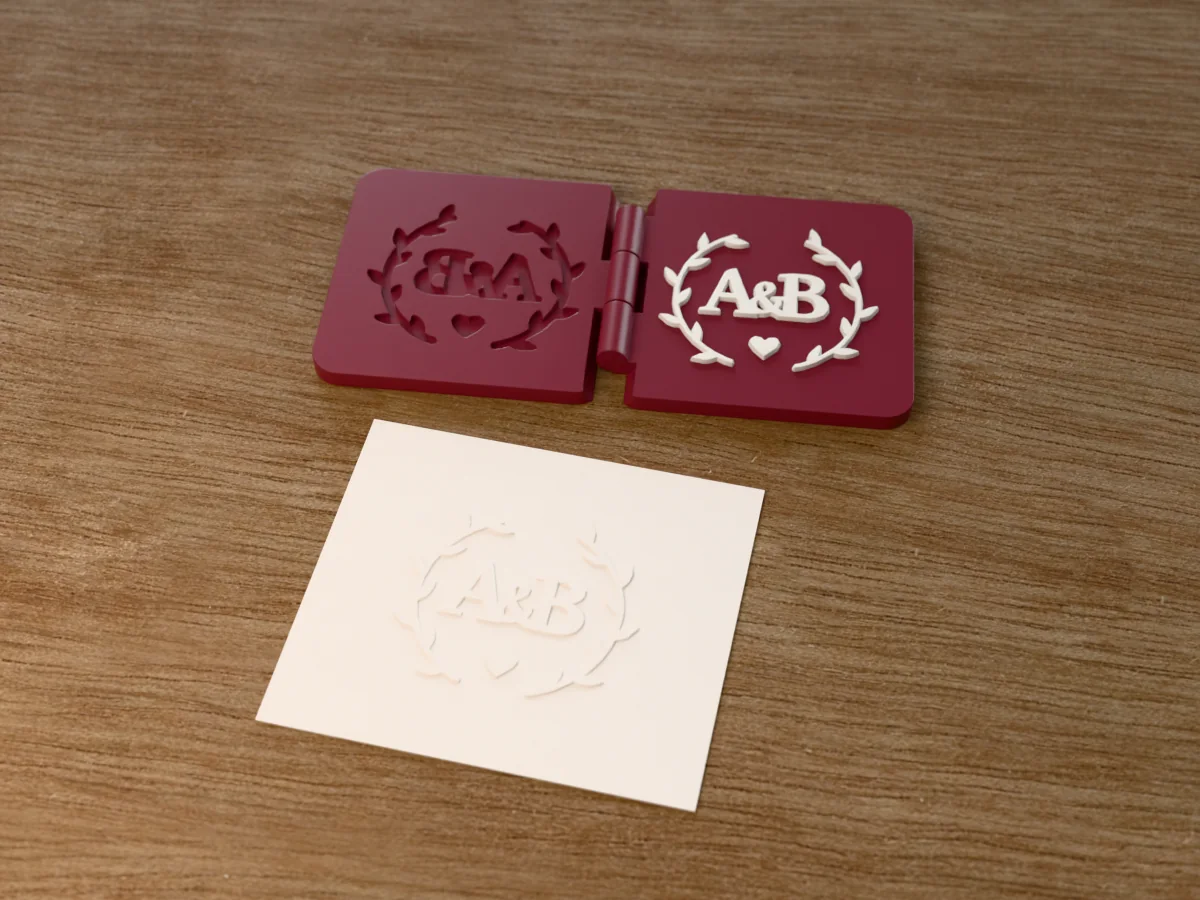
Two initials and an ampersand in a laurel wreath, for wedding invitations, place cards and thank-you notes.
 Paper
Paper
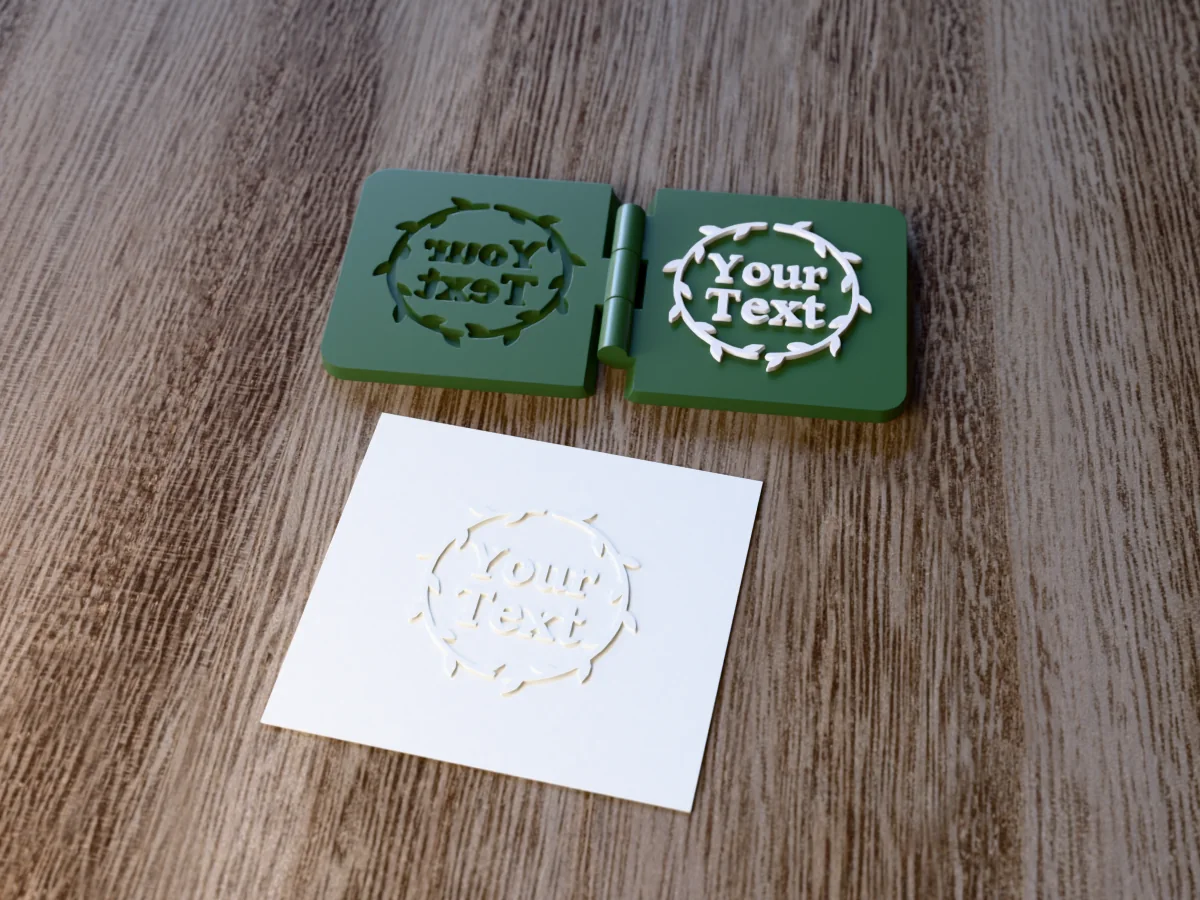
A round leafy wreath with Your Text in the middle: a template for any name, date or word.
 Paper
Paper
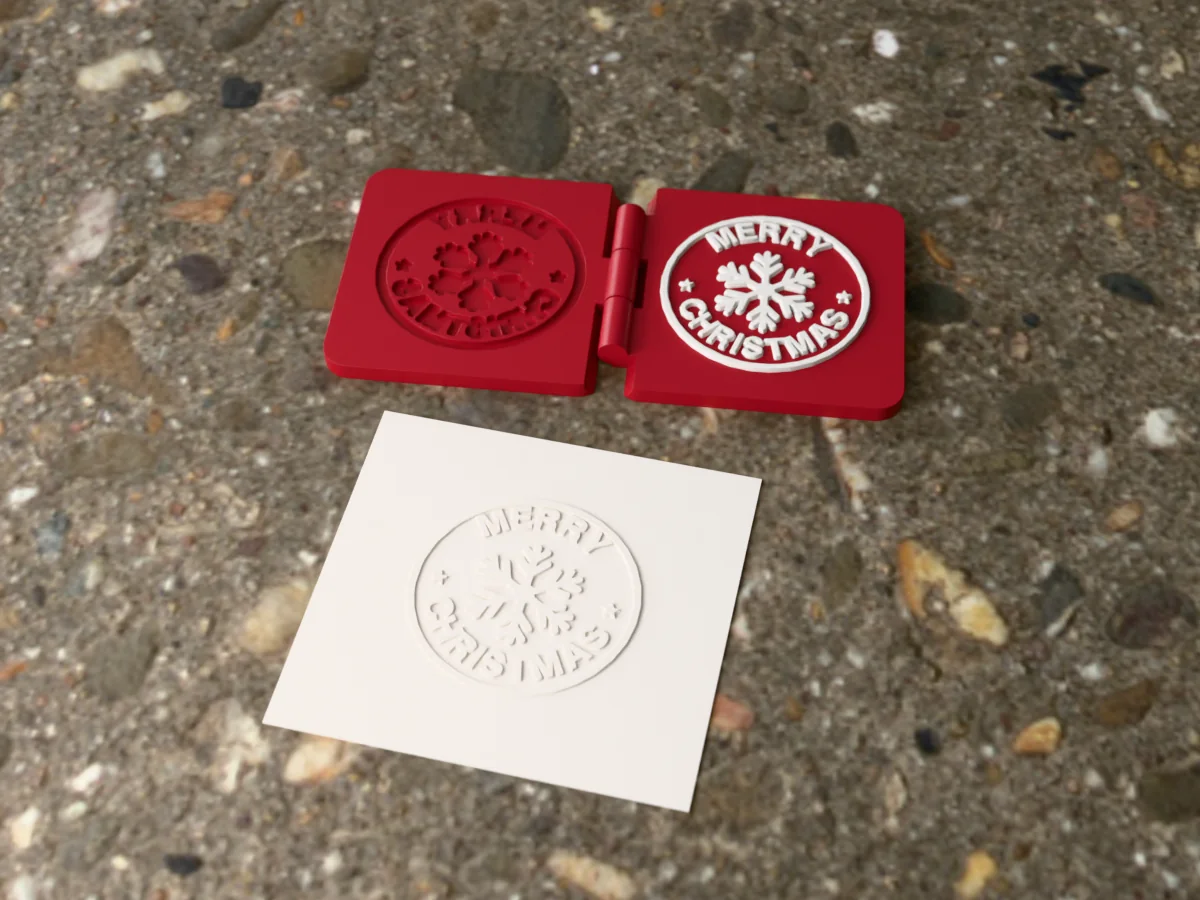
MERRY CHRISTMAS round a snowflake: emboss your Christmas cards, tags and envelopes.
 Paper
Paper
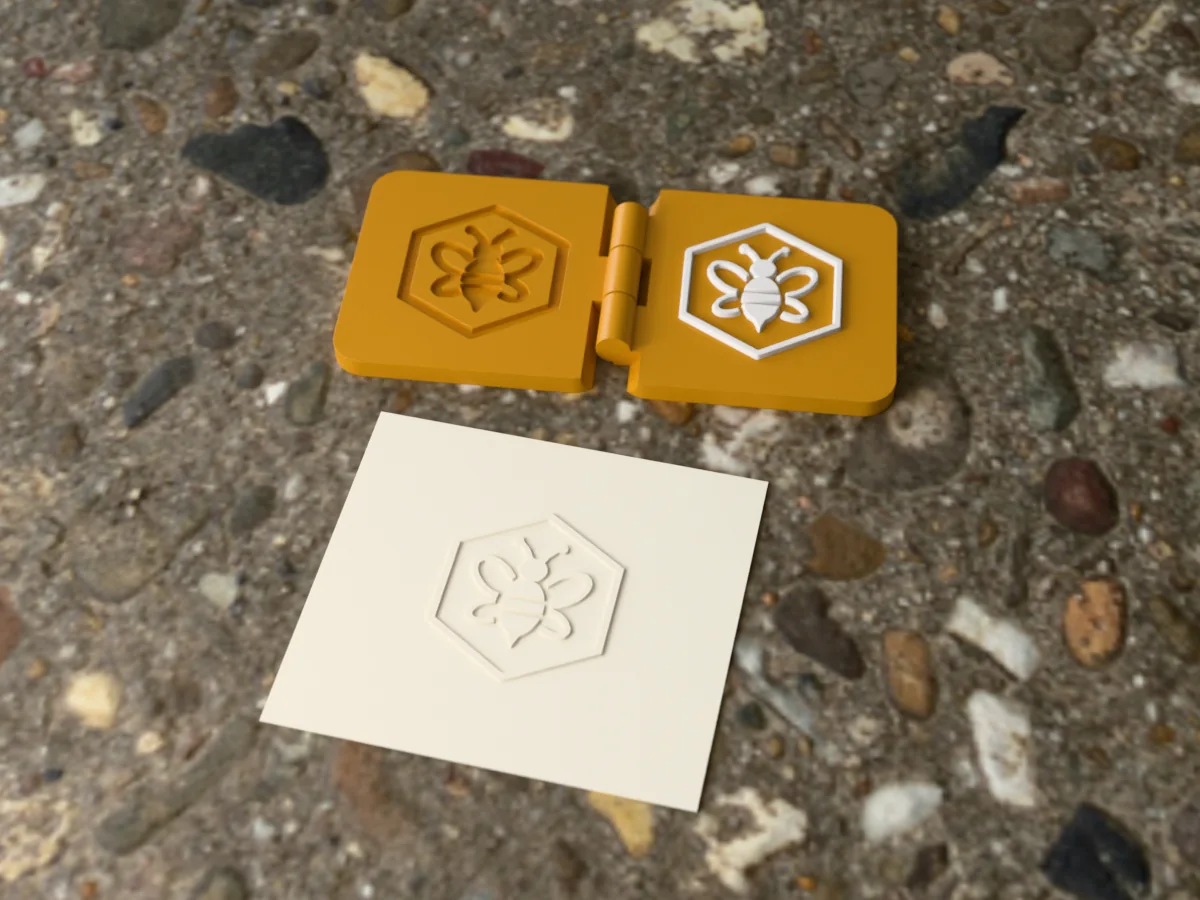
A bee in a hexagon, no words: a small embosser for letters, envelopes and honey jar labels.
 Paper
Paper
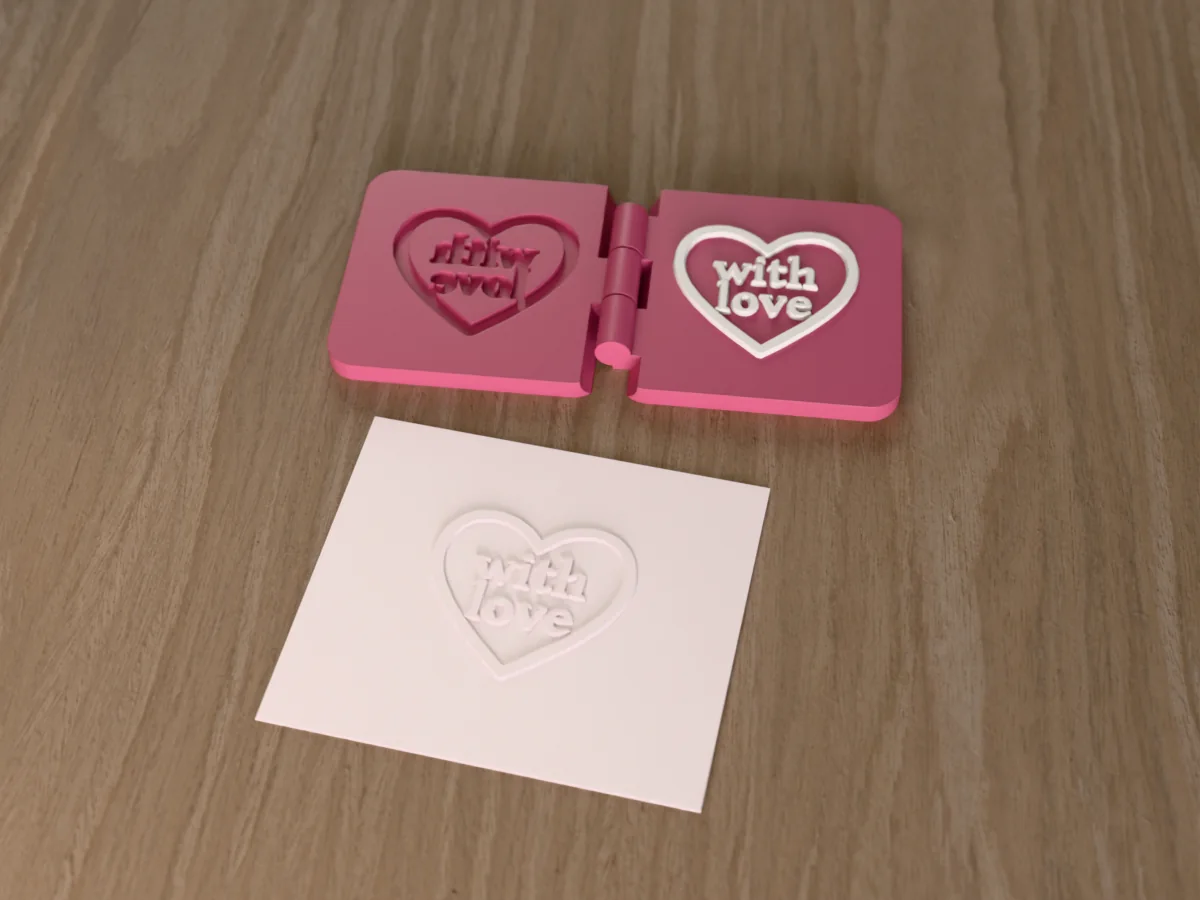
with love inside a heart: an embosser for cards, gift tags and small-shop packaging.
 Paper
Paper
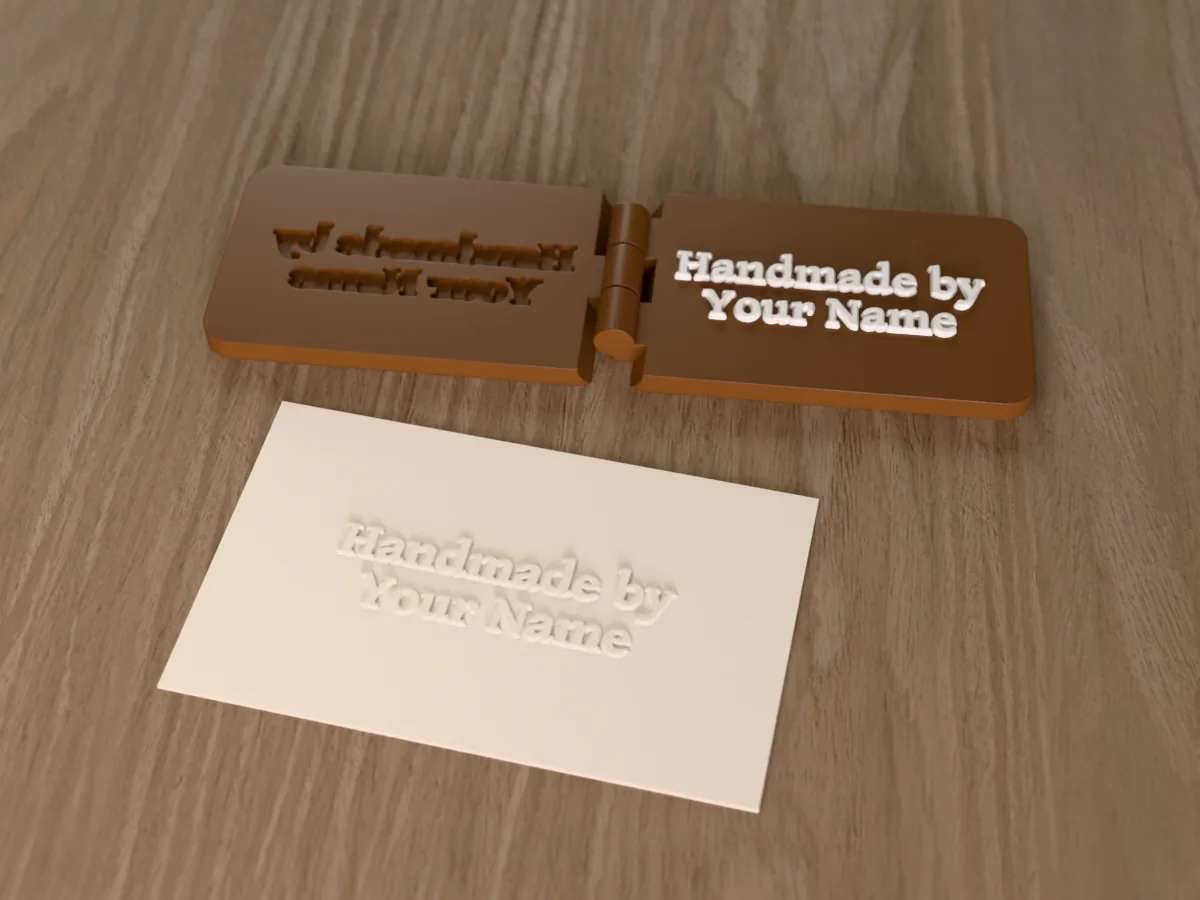
Handmade by / Your Name in an elegant serif: the maker's mark for tags, cards and packaging.
 Paper
Paper
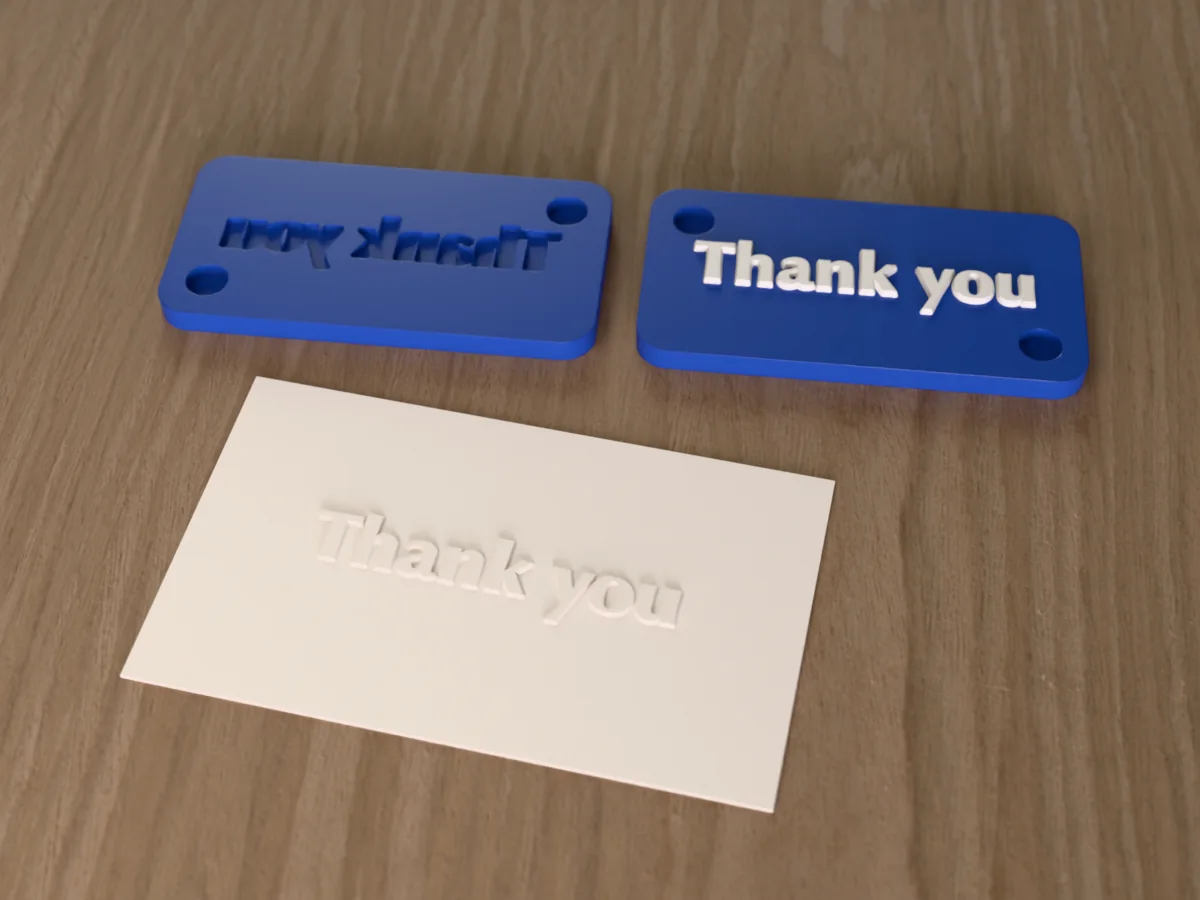
Thank you in a bold serif, on two magnet-held plates: for parcels, cards and small-shop orders.