Make a custom ice-cube tray (multi-cavity, any shape)
This guide was drafted with AI assistance.
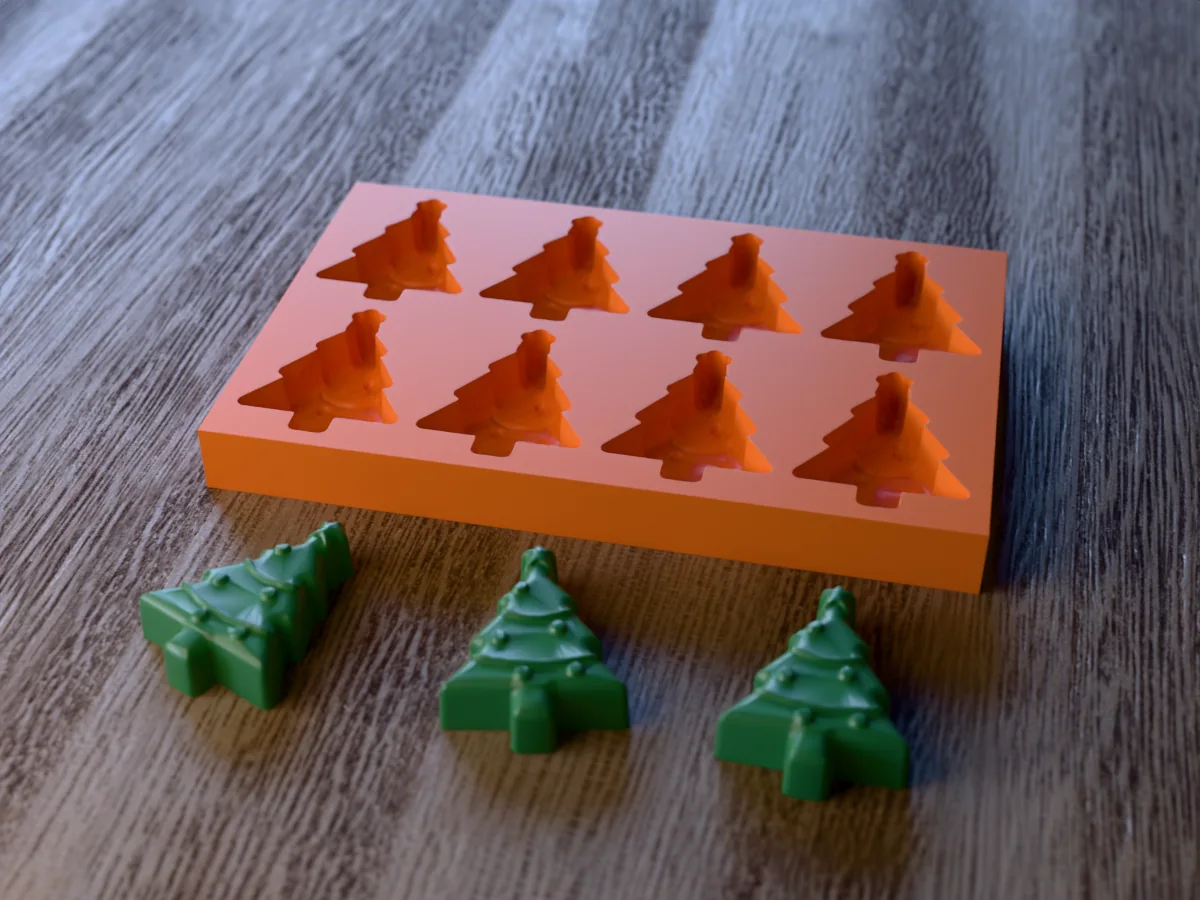
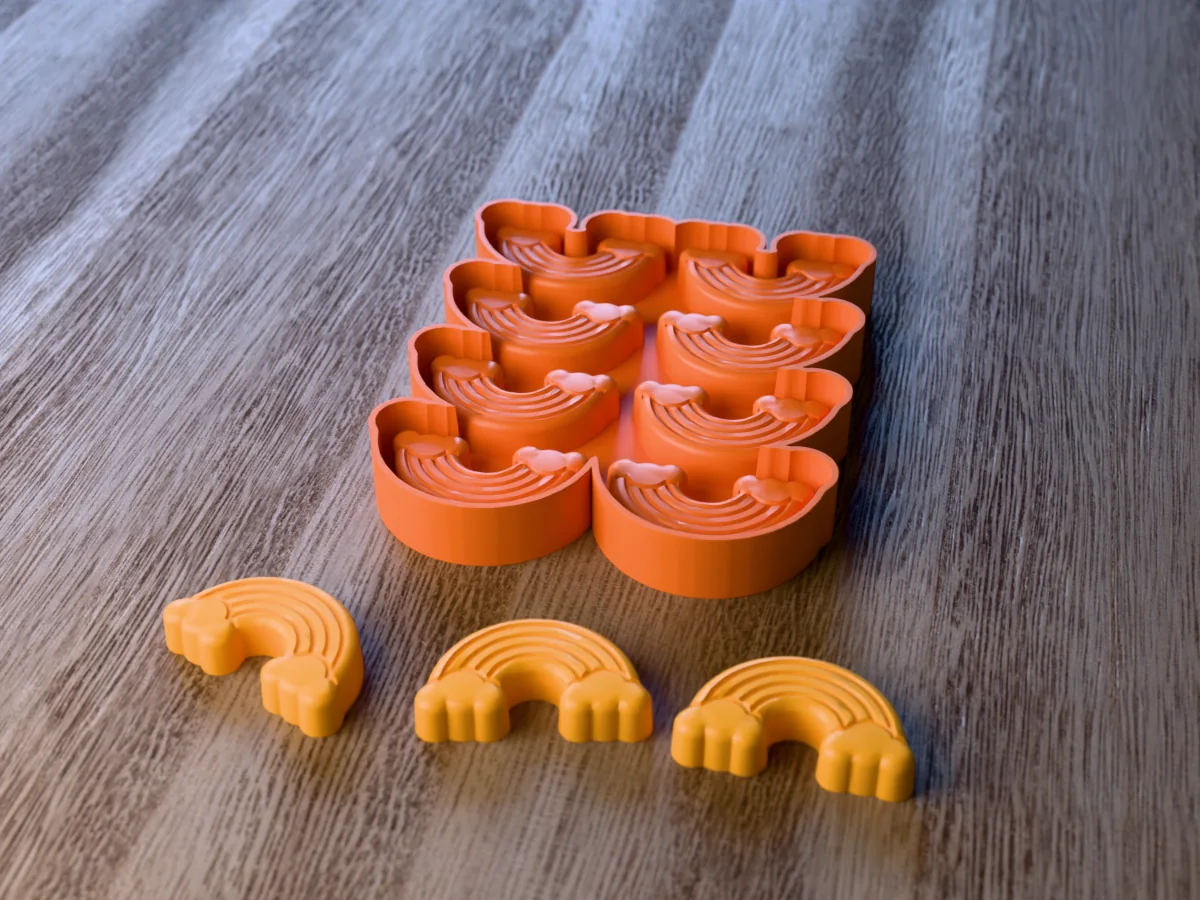
Pick a shape and a cavity grid in the multi-cavity tray generator, then choose: a rigid tray you print and use as-is (soap, wax, resin, chocolate), or a flexible silicone tray, print a shell, pour food-safe silicone, peel out a bendy tray, for ice and gummies. For food, the cast silicone is the contact surface, never the bare print.
What the generator does, and what it doesn't
Handled for you
- Lays your shape out into a multi-cavity tray and spaces the cavities for you
- Adds draft to the cavities so a rigid tray still releases
- Also generates a caster, the formwork for pouring your own flexible silicone tray
- Sizes the tray against your printer bed rather than a fixed 256 mm assumption
Still your call
- Cavities need draft to release, especially in a rigid tray
- A rigid printed tray is fine for soap, wax and resin. For ice and gummies you want the flexible silicone route
If the generator refused your file, the message is explained here: why was my model rejected. Almost every rejection is the same thing, a mesh with holes, and the “Fix it for me” button in the popup resolves most of them in one click.
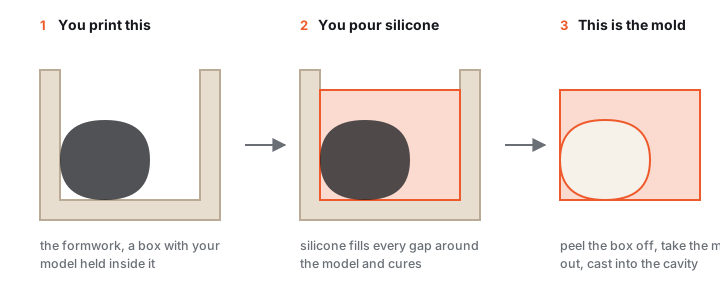
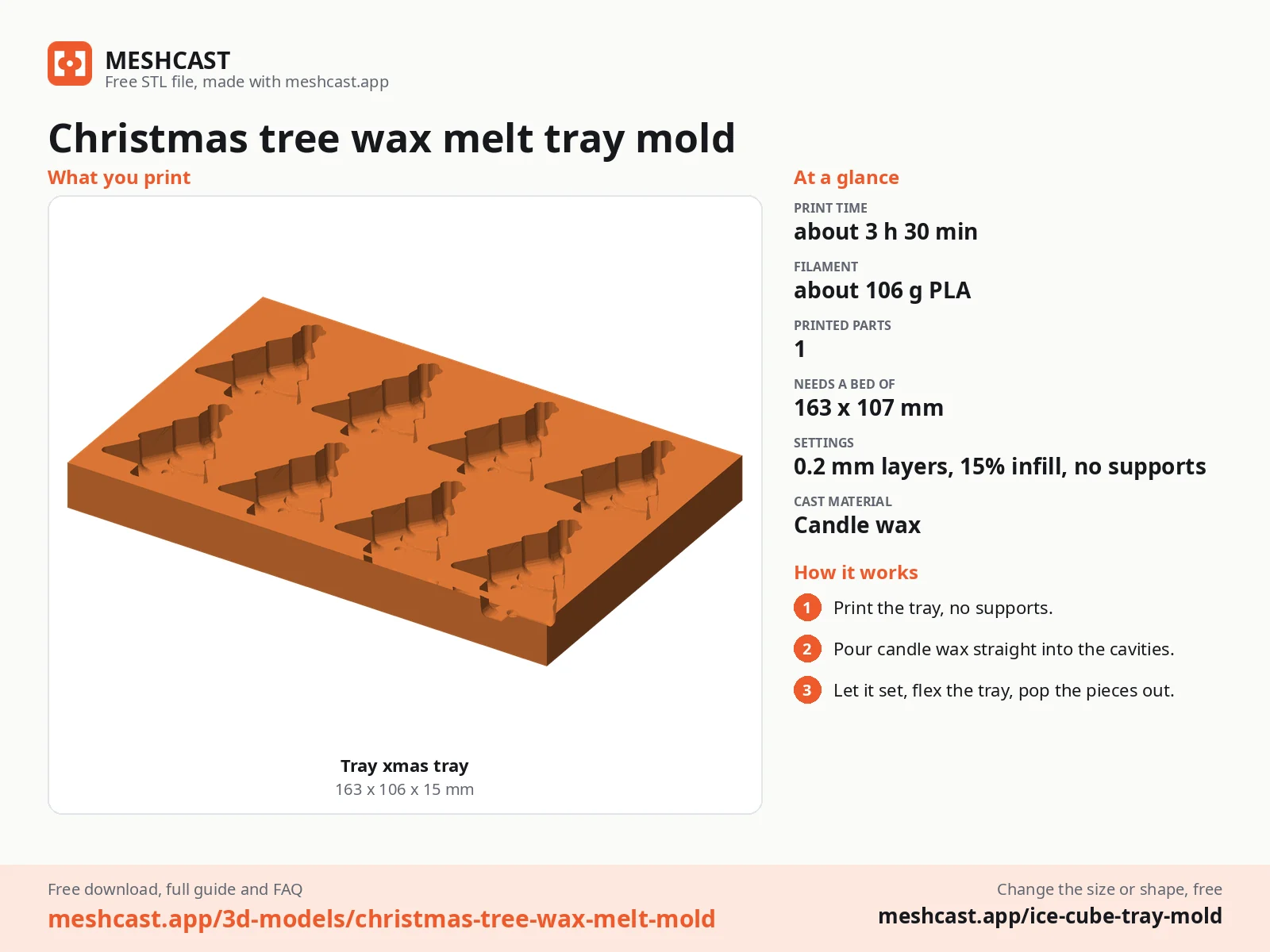
Rigid or flexible: pick your tray
Rigid or flexible
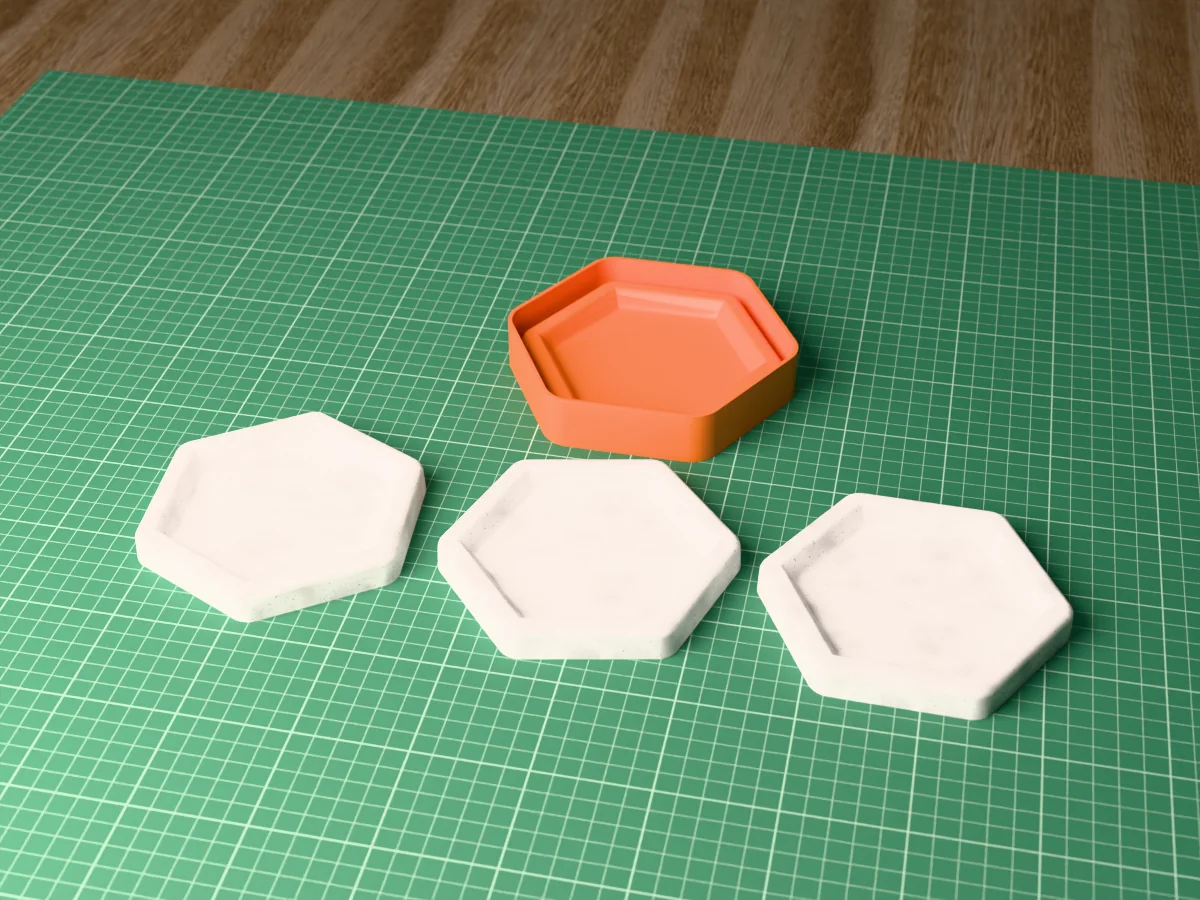
 Rigid trayPrinted directly, for wax melts and soap.
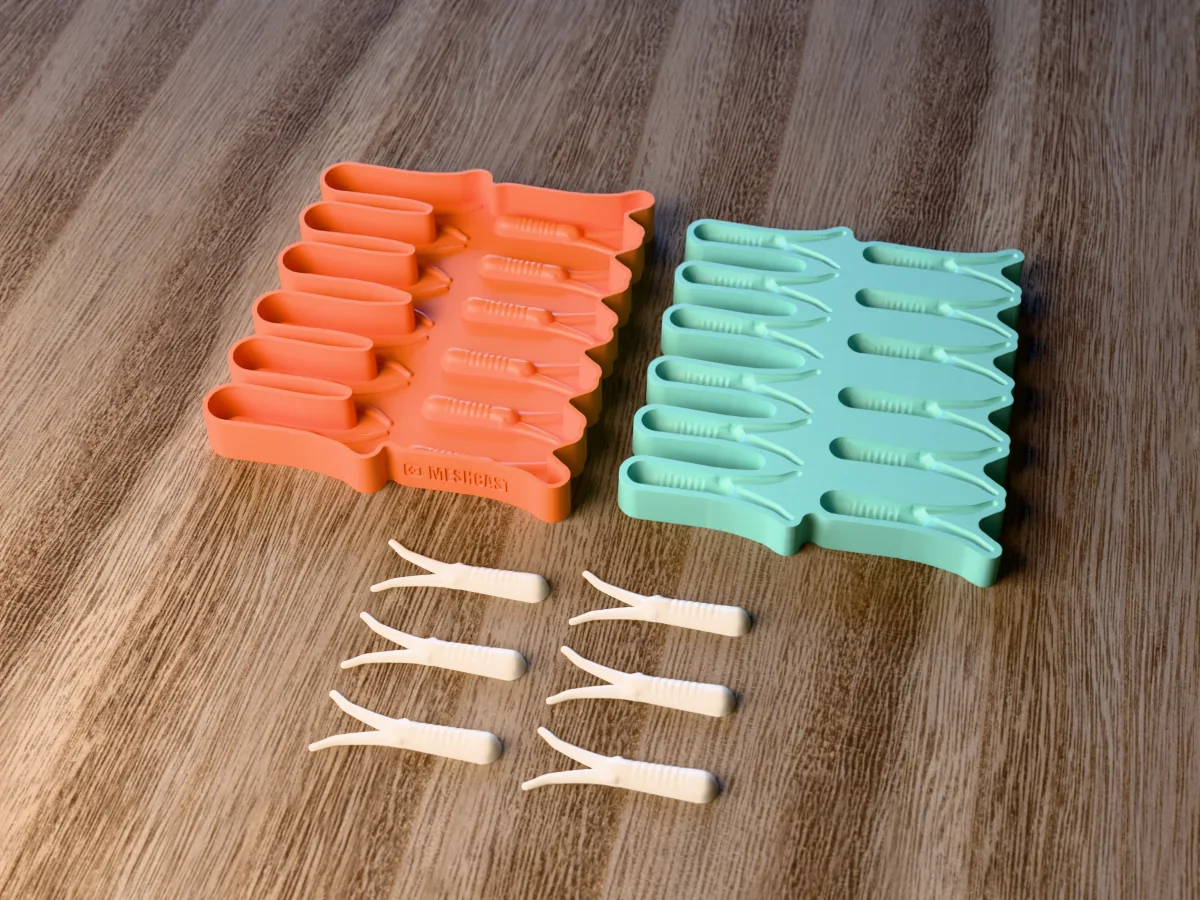
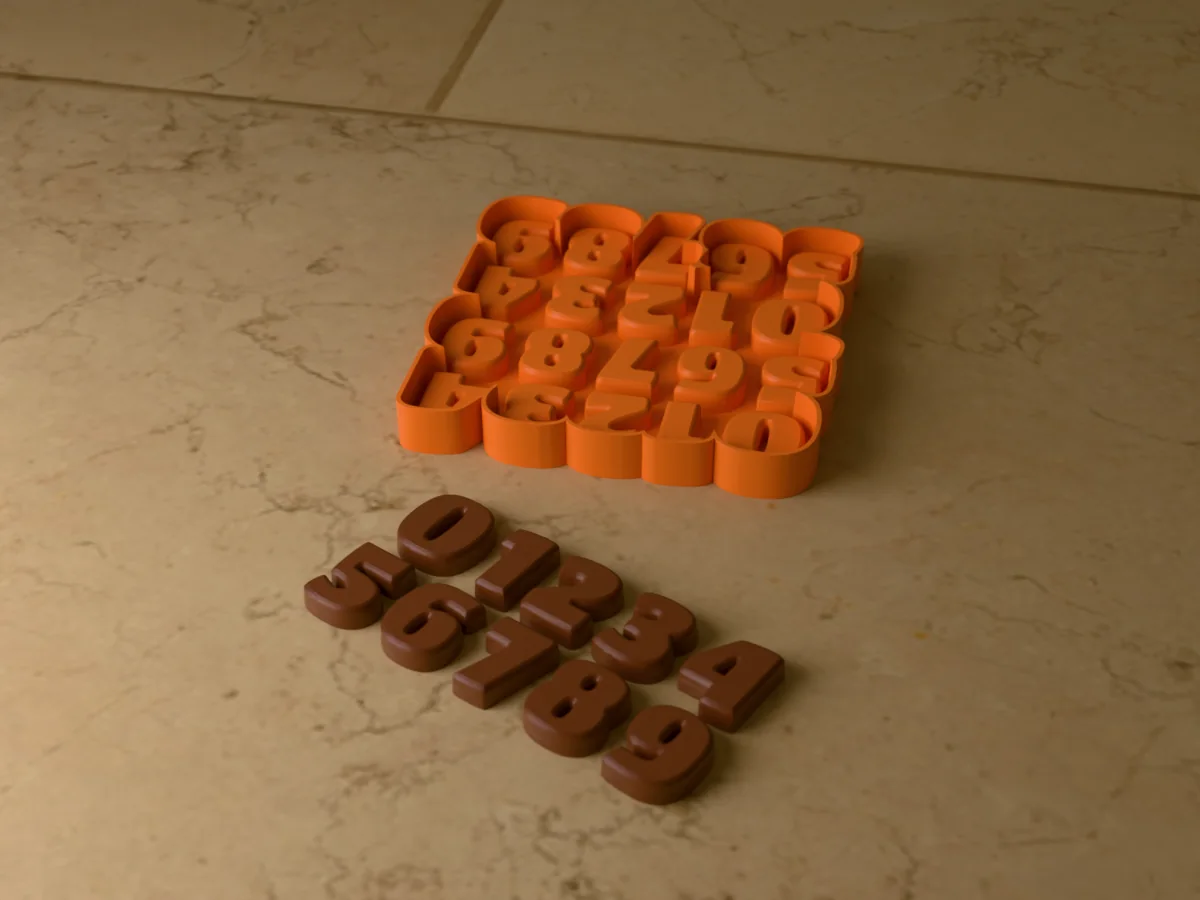
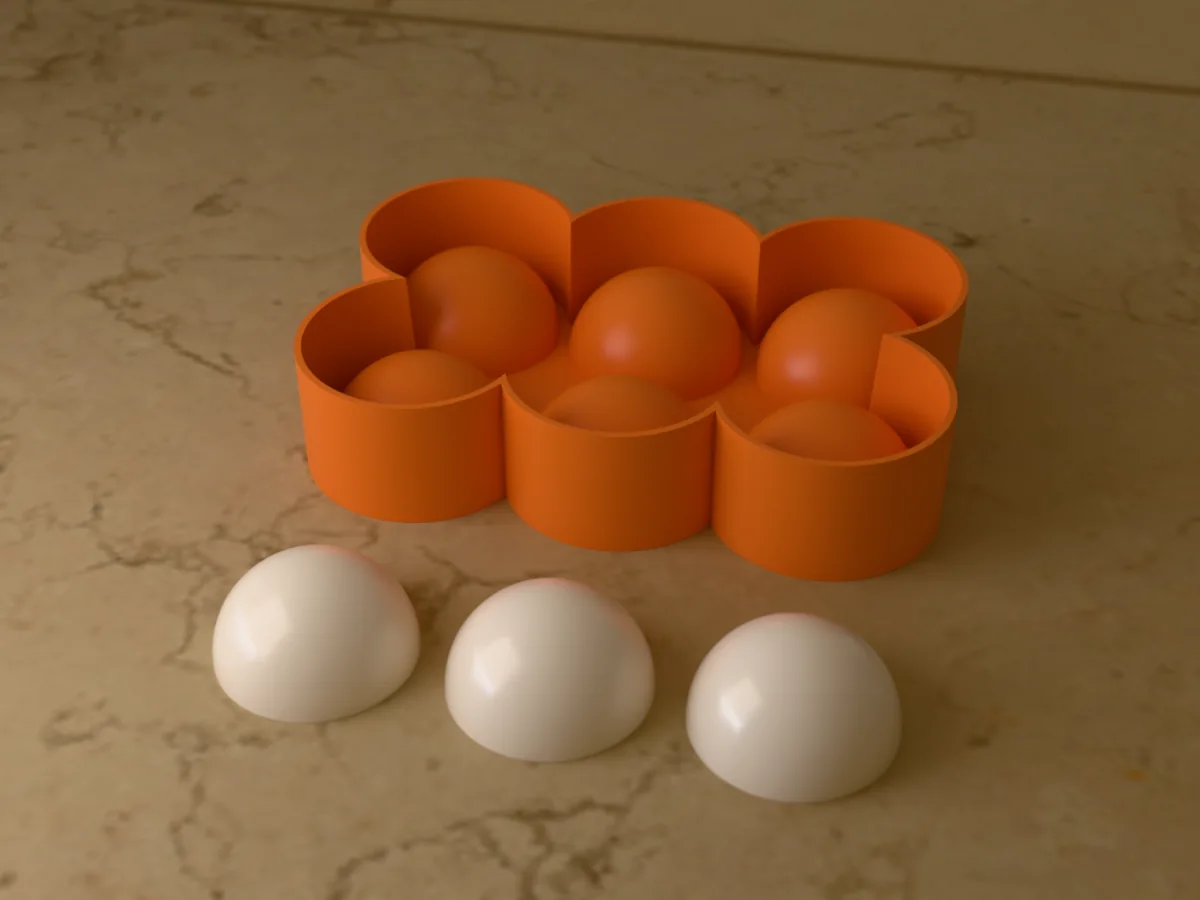
 Flexible trayA printed master for a silicone tray, for ice and chocolate.
A multi-cavity tray fills and releases a whole batch of identical pieces at once, a grid of cubes, a sheet of chocolates, a dozen wax melts. Because every cavity comes off one generated grid, each piece is the same size, which matters when you portion chocolate or sell melts by weight.
The generator makes two kinds. The rigid tray prints and works immediately, best for soap, wax, resin and chocolate, with a cavity draft angle (~1.5°) so pieces demold. The flexible silicone tray adds one casting session: print a shell, pour silicone in, peel out a bendy tray you can flex cubes out of, best for ice, gummies and anything you eat. Set the cavity size in real millimetres and the grid by columns and rows.
Tray to table in 5 steps
Pick a shape and grid
Upload your own STL, a logo, a skull, a brand mark, or load a sample. Size the cavity to your glass or portion, then set columns and rows. Check the overall tray fits your print bed (and your freezer drawer) before downloading the STL or 3MF.
| Cavity | Size | Grid |
|---|---|---|
| Small cube | 25–35 mm | 3×4 or 4×4 |
| Whisky sphere | 50–60 mm | 2×3 or fewer |
Choose rigid or flexible
Making wax melts, soap or chocolate in simple shapes? Take the rigid tray and skip step 4. Making ice, gummies or detailed food shapes? Take the flexible silicone tray, the generator outputs the printed shell you'll cast it in.
Print the parts
Slice at 0.2 mm (0.12 mm for glossier chocolate and clearer ice), 3 walls, 15% infill, no supports, the parts print cavity-up. PLA is fine; PETG is tougher for heavy reuse. The cavity texture transfers to every cast, so keep it clean.
Cast the flexible silicone tray
Weigh food-safe platinum-cure silicone exactly per its data sheet (usually 1:1), stir slowly to avoid trapping air, and pour into the printed shell in a thin stream from height. Cure per spec, then peel out the bendy multi-cavity tray. The full workflow, bubbles, release, cure inhibition, is in the silicone mold tutorial.
Fill, set and flex out
Fill each cavity: filtered water to freeze, melted chocolate (tap the tray to release bubbles), gummy mix, or wax for melts. Once set or frozen, flex the silicone outward at a corner and each piece pops out, no twisting, no knife. Wash and reuse; for crystal-clear cubes see the silicone ice cube guide.
Flexible tray molds
All free designs →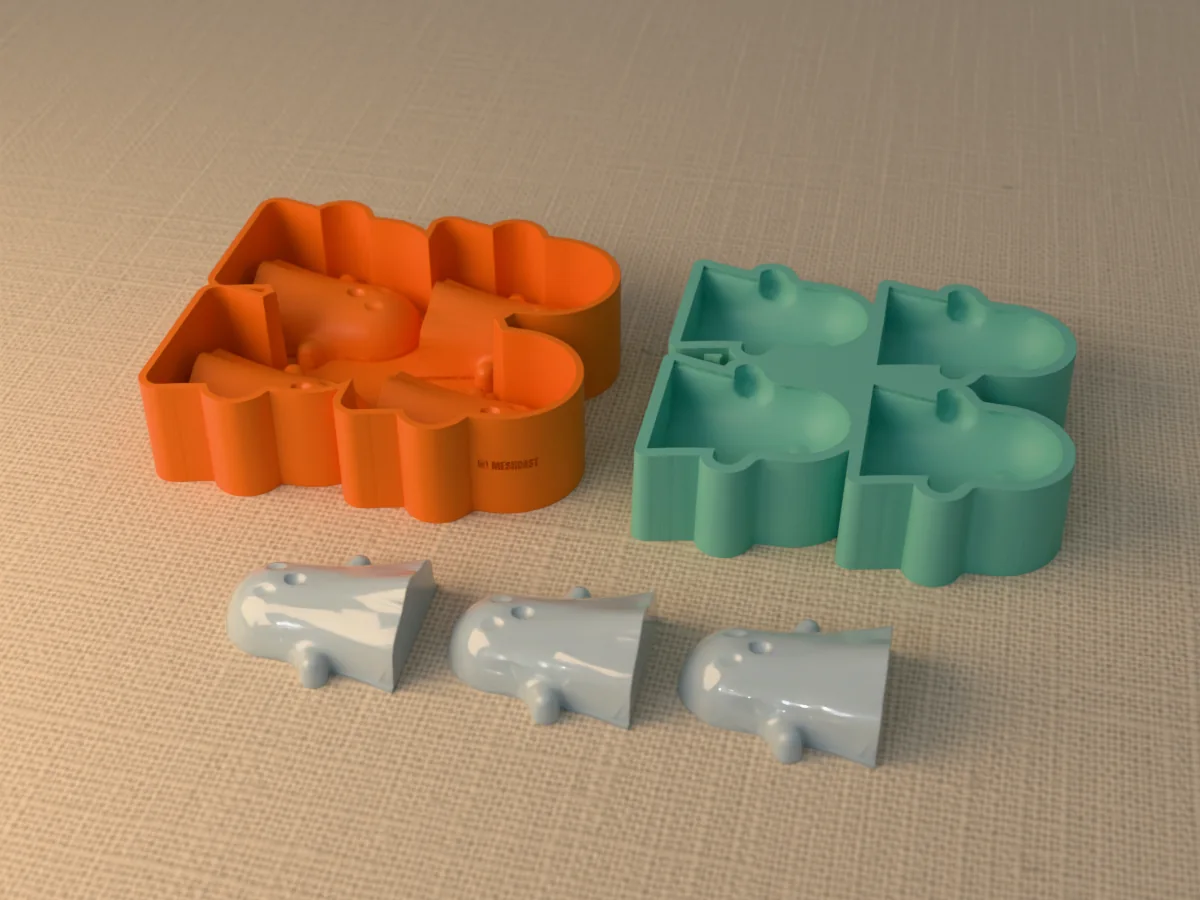
Food safety in one rule
The bare print never touches food. PLA and PETG prints are porous and their layer lines harbour bacteria, so for ice, chocolate and gummies the food-contact surface must be cast food-safe platinum-cure silicone (FDA CFR 21 177.2600 or LFGB rated), wash it before first use. The printed shell and tray are just formers and supports. Non-food casts (wax melts, display resin) can use the rigid print directly. Full details in the food-safe molds guide, and if you want a single one-off mold rather than a batch tray, start from the STL-to-mold guide instead.
Tray troubleshooting
The cubes will not come out of the tray
Cause You are using the rigid printed tray directly for something with detail or undercuts. A rigid tray only releases shapes that taper outward.
Fix Use the tray to cast a flexible silicone tray, which is what the caster in the download is for. You flex silicone; you fight plastic.
If you must For a rigid tray, freeze fully solid, then twist gently and run the underside under cold water for a few seconds. Warm water melts the surface and welds the cube back on.
Is a 3D-printed ice cube tray food safe?
The bare print is not the food-contact surface, and should not be. Layer lines hold residue that no wash reaches, whatever the filament is rated for.
The safe route Cast a flexible tray from food-safe platinum-cure silicone (look for FDA CFR 21 177.2600 or LFGB on the datasheet) inside the printed shell. The silicone touches the food; the print never does.
More detail, including what the certifications actually cover: food-safe molds.
The cubes are cloudy in the middle
Cause Dissolved air and minerals, not the tray. Water freezes from the outside in and pushes everything it cannot freeze into the centre.
Fix Boil the water, let it cool, and boil it again before freezing. For genuinely clear ice, freeze directionally: stand the tray in an insulated box open at the top, so the ice grows downward and pushes the cloud out of the bottom.
How many cavities should the tray have?
Size the grid to your freezer drawer first and your printer bed second.
Small cubes 25 to 35 mm packs nicely as 3x4 or 4x4.
Whisky spheres 50 to 60 mm wants 2x3 or fewer, or the tray is too big to handle full of water.
Check the overall tray against your build volume before slicing; a tray that needs splitting loses the point.
Does one tray work for ice, chocolate and wax melts?
Yes. All three are fill-and-flex releases, so a single flexible silicone tray handles all of them.
One caveat Use food-safe silicone if ice, chocolate or gummies will ever go in it, and then keep that tray for food only. Wax and soap leave residue you will not fully remove.
I got two files. What do I print?
_tray The rigid tray itself. Print this if you are casting soap, wax or resin and the shapes have no undercuts, and use it directly.
_tray_silicone_caster The formwork. Print this one if you want a flexible silicone tray, which is what you need for ice, chocolate, gummies or anything with detail. Pour silicone into it, cure, peel out the flexible tray.
For food The caster route, every time. The print never touches what you eat, the food-safe silicone does.
Why is there no pour hole or air vent?
Because it is an open-pour mold. The cavity faces straight up, so you pour into the open top and the air simply leaves.
Pour holes and vents exist to fill a mold that is closed around the cast, like a two-part candle mold. Nothing here is enclosed, so there is nothing to vent.
Why does the free-plan logo appear on both files?
It is placed on the surface that faces the print bed, so it ends up on the underside, not on any face the cast touches. Both files get one because both are printable objects.
It never reaches the cavity, so it does not appear on your ice, chocolate or soap. On a paid plan you can remove it or replace it with your own logo.
Made by meshcast.app. Got stuck? Email a photo and I'll help you debug.