How to cast plaster, jesmonite & concrete
This guide was drafted with AI assistance.
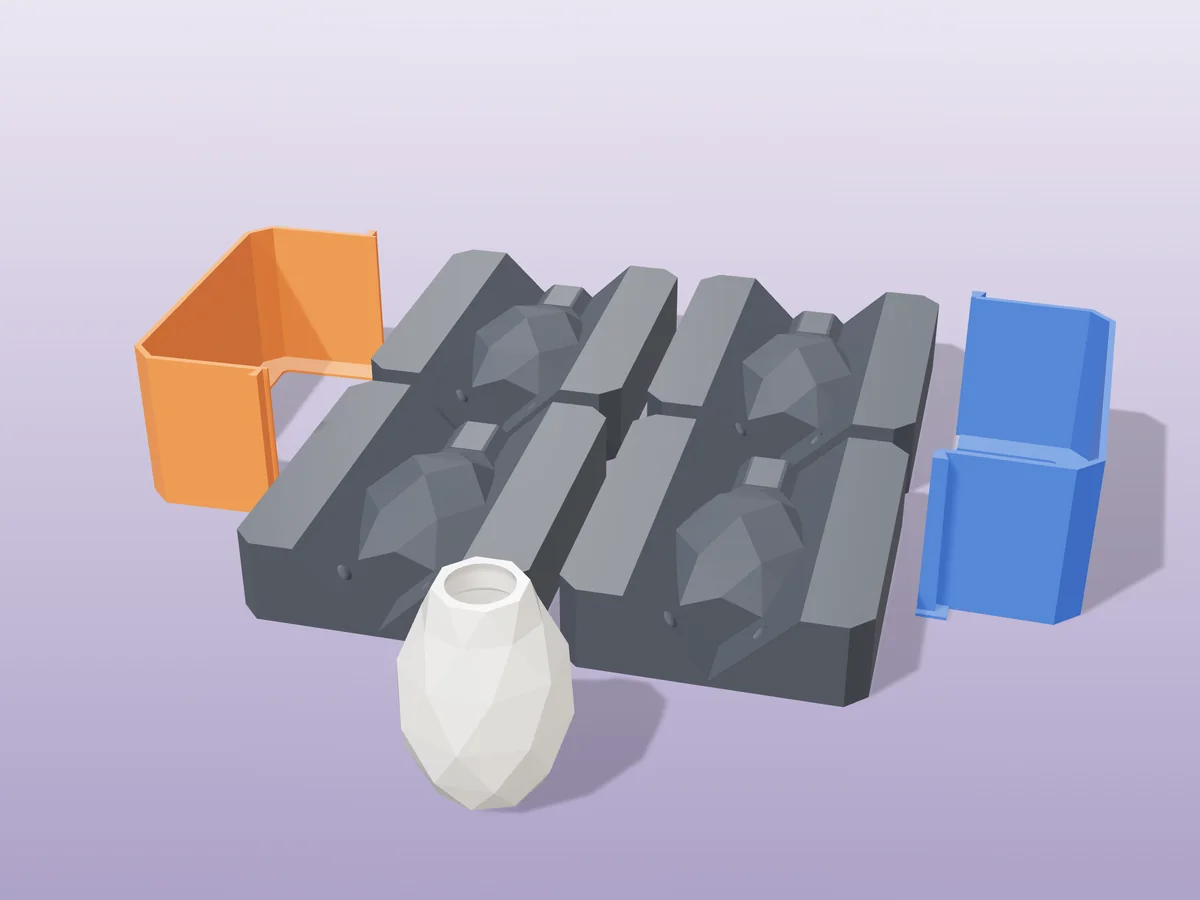
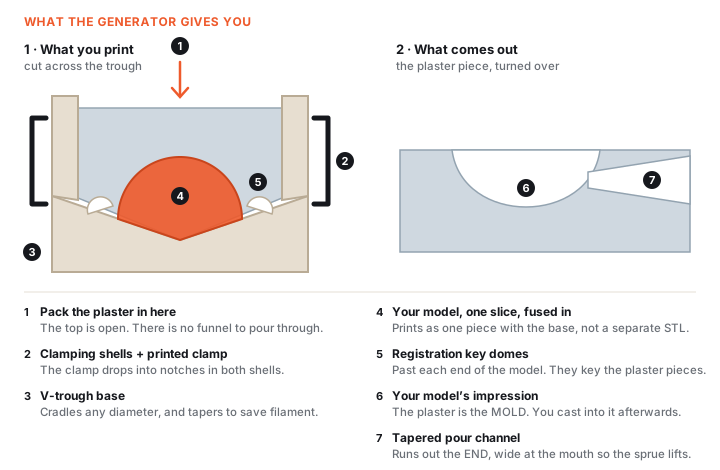
The generator gives you a printed housing, not a mold. Your model is split into 2 to 4 slices, each one fused into its own V-trough. You pack plaster or jesmonite around the slice, and the set plaster is what becomes your mold, no silicone in between. Print in PETG, wipe on release, mix by weight (plaster 2:1, jesmonite 2.5:1), pack it in through the open top and vibrate. Plaster and jesmonite lift out in well under an hour, then you cast into them.
What the generator does, and what it doesn't
Handled for you
- Picks the split axis and cuts the model into 2, 3 or 4 pieces
- Adds ball-and-socket registration keys so the pieces only fit one way
- Generates printed clamps sized to your mold
- Forms a tapered pour opening that snaps off instead of jamming
- Tapers the trough to save filament on 3 and 4 piece molds
Still your call
- The shape of your master. The tool splits it, it does not redesign it
- How many pieces. More pieces release deeper undercuts, at the cost of more seams
- Which filament, and which release agent for your mix
- Checking the size readout before you commit filament to a big housing
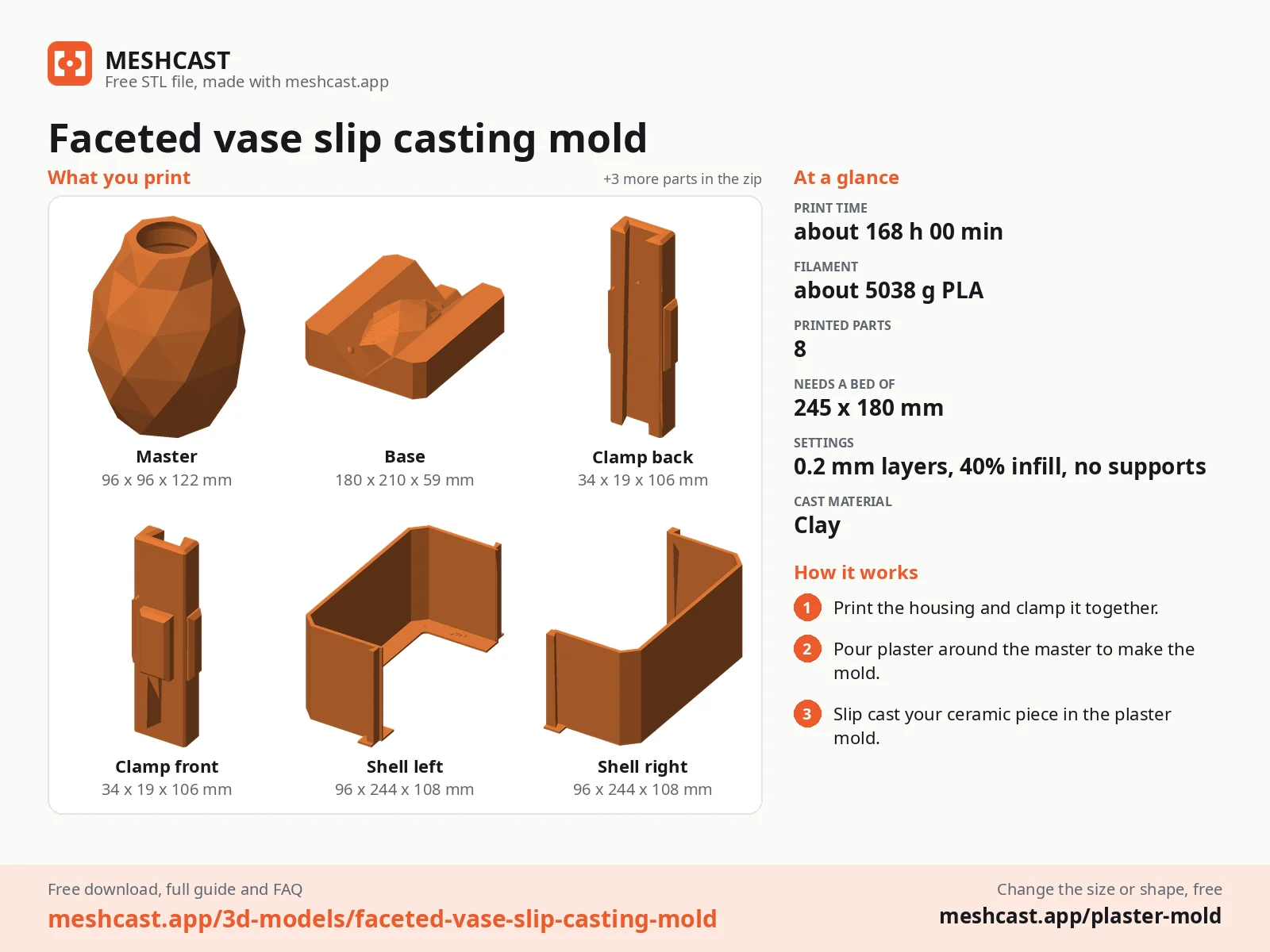
If the generator refused your file, the message is explained here: why was my model rejected. Almost every rejection is the same thing, a mesh with holes, and the “Fix it for me” button in the popup resolves most of them in one click.
Pick your material first
Three materials, one mold tool
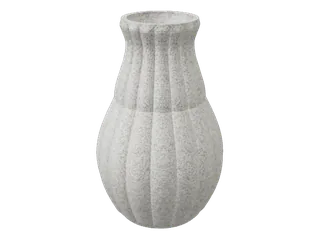
 PlasterSets in about 30 minutes.
 ConcreteHeavier walls, cures for days.
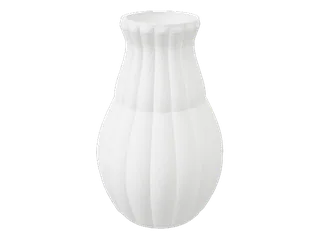
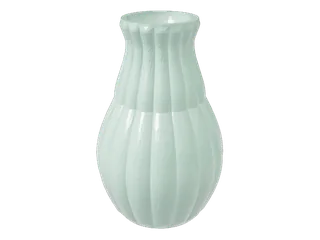 Slip castingThe plaster mold drinks the water out of liquid clay.
It decides your release agent, your mixing ratio and how long you wait, so choose before you print.
Plaster of Paris
Cheapest, fastest
Great for practice runs and matte white decor. Chalky and brittle, so it chips at thin edges and is not for anything that gets handled.
- Mix
- 2 : 1 by weight
- Pot life
- 5–8 min
- Demold
- 30–60 min
Jesmonite AC100
Best all-rounder
Water-based, low odour, cures hard enough to sell. Takes pigment and terrazzo chips beautifully. Costs several times what plaster does.
- Mix
- 2.5 : 1 by weight
- Pot life
- 10–15 min
- Demold
- 30–40 min
Fine concrete / GFRC
Outdoors and weight
The only one of the three that survives frost and rain. Slow, heavy, and the aggregate limits how fine a detail it can copy.
- Mix
- 4 : 1 (or per bag)
- Pot life
- 20–40 min
- Demold
- 24 h
Why jesmonite usually wins, and when it doesn't
Plaster and jesmonite copy detail equally well, so the difference is what happens afterwards. Plaster stays porous and soft: a fingernail marks it, water stains it, and a dropped piece breaks. Jesmonite is an acrylic-modified gypsum, which means the same easy water-based mixing but a cured surface you can sand, seal and sell. That is why almost every “terrazzo trinket dish” you have seen online is jesmonite.
Two cases where it is the wrong pick: anything living outdoors, because AC100 is an interior product and needs the AC730 system or concrete instead; and any run where cost per cast matters more than finish, since a kilo of plaster is roughly a tenth the price. Practise the pour in plaster, then repeat it in jesmonite once the mold is proven.
What you'll need
- PETG filament*, damp alkaline mixes pit and yellow PLA after a few pours~$15
- Plaster of Paris or Jesmonite AC100*, whichever you picked above~$12
- Mold release*, vegetable oil for plaster, soft soap or PVA for jesmonite and concrete~$8
- Flexible silicone mixing bowl (cured leftovers peel straight out) + a 1 g kitchen scale~$10
- N95 mask + nitrile gloves*, silica and gypsum dust cause cumulative lung damage~$12
Wear the mask whenever the powder is DRY; once it is wet you can take it off. Skip bagged sidewalk concrete, the aggregate is too coarse to copy detail.
* Advertising: links marked with * are affiliate links. If you buy through one we earn a commission, at no extra cost to you. As an Amazon Associate we earn from qualifying purchases.
Print it
| Filament | Holds up to | Watch out for | Verdict |
|---|---|---|---|
| PETG | Moisture, mild alkalinity, repeated demolds | Stringing needs a dialled-in profile | Use this |
| PLA | One or two gentle pours | Softens around 55 °C, and a thick plaster pour can get close; pits and yellows with repeat use | Prototypes only |
| ABS / ASA | Heat and solvent smoothing for a glass finish | Warping on large flat shells, and an enclosure you may not have | Worth it for a production mold |
| PP | Almost nothing sticks to it, so release is easy | Notoriously hard to print and to get to stick to the bed | Only if you already print it |
Slicer settings that actually change the cast
Walls, not infill. Three perimeters minimum. Fewer and the infill pattern telegraphs through the cavity wall and prints a faint honeycomb into your cast. Infill only has to stop the shell flexing under clamp pressure, so 15 % gyroid is plenty.
Layer height is your surface finish. 0.2 mm is the sensible default; 0.12 mm visibly reduces the layer lines you will otherwise sand off every cast. Ironing does nothing useful here, since the cavity walls are vertical.
Print the clamps flat. Standing up, the layer lines run across the direction they are loaded and they snap on the first squeeze. Two clamps for a small mold, four for anything over 80 mm.
Pour day
Pour opening
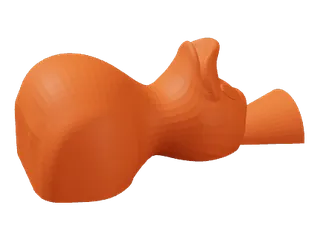 FunnelA tapered pour channel, for a closed shape.
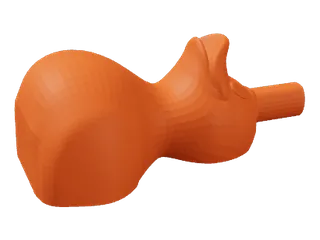 RimStops at the model's own mouth, for a cup or bowl.
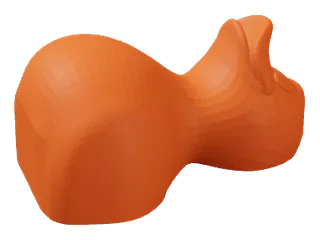 NoneSealed on every side, opened another way.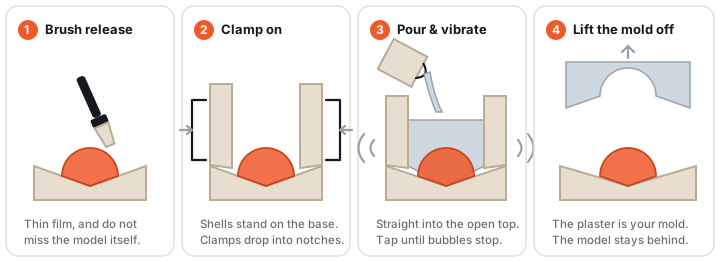
Brush release over the trough and the model
A thin film, not a coating, and do not miss the model itself: that is the surface the plaster has to let go of. Pooled release prints its own pits into the mold face.
Which release for which mix
| Material | Release | How |
|---|---|---|
| Plaster of Paris | Vegetable oil, soft soap, petroleum jelly | Thin film with a soft brush, work it into corners |
| Jesmonite AC100 | Soft-soap solution or PVA release | Brush on, let it dry 5 min. Oil repels a water-based mix and leaves fish-eyes |
| Concrete / GFRC | Form-release oil | Thin film, re-applied before every single pour |
More options, including what to use on a mold you plan to run fifty times: the release agent guide.
Clamp the shells onto the base
Stand the two shells on the base and drop the printed clamps into their notches, then wrap a rubber band round the lot as a catch.
Why clamps rather than bands alone
A rubber band applies its force wherever it happens to sit and it creeps: over the one to two hours a mold is under load, it relaxes and the seam opens a fraction of a millimetre, which is exactly enough for a gritty mix to bleed a flash line. The printed clamps are rigid and sit where the generator put them, at the points the shell is stiffest. The band is a backup for a clamp popping off, not the primary hold.
Mix by weight, never by volume
Plaster 2:1 powder to water. Jesmonite 2.5:1 base to liquid. Sprinkle plaster into the water, wait 60 s for it to slake, then stir slowly.
Why volume measuring fails, and how to buy time
Powder settles. A scooped cup of plaster straight from the bag and a cup that has been jostled in the car differ by a large fraction, so a volume ratio silently drifts batch to batch. That is the single most common cause of a cast that comes out weak, chalky or soft on one side and fine on the other. A $10 kitchen scale removes the whole problem.
Running out of time mid-pour? Mix with cold water, 4–10 °C, which measurably lengthens the set, and add 1–2 g of cream of tartar per kilo of plaster if you need longer still. Never use warm water to “help it along”: for roughly every 5 °C you add, you lose about a minute of working time.
Only mix what you can pour in about three minutes. Plaster does not keep, and a part-set mix poured on top of a fresh one leaves a visible cold joint.
Pour thin, then vibrate
The housing is open at the top, so pour in there. A thin stream down one side pushes air ahead of the mix instead of trapping it against your model. Then tap the walls for 30–60 s, until the surface stops throwing bubbles.
Getting the last bubbles out
Pour from around 10 cm up: the thin falling stream pops a surprising number of bubbles on the way down. Aim beside the model rather than straight down onto it, and let each pass flood the detail before you add more. Do not tilt an open housing to chase corners, you will simply pour it out.
For vibration, an electric toothbrush or a phone on vibrate held against the shell beats tapping by hand, because it is continuous rather than a series of shocks. On a detailed model, brush a thin wash coat of mix onto it first, let it grab, then pack the bulk around it. That single habit removes most pinholes.
Set and demold times
- Plaster of ParisOpen at 30–60 min, handle carefully for 24 h. It looks set long before it is. Fresh plaster is still full of water and snaps at thin sections.
- Jesmonite AC100Open at 30–40 min, full strength at 24 h. Firm enough to lift out much sooner than most guides claim, but do not sand or drill it the same hour.
- Concrete / GFRCOpen at 24 h, full strength at 28 days. Keep it damp for the first few days; concrete cures by hydration, and drying it out early is what makes it crumbly.
Pop the clamps, slide the top shell straight up, tap the shell with a rubber mallet to break the surface seal, then lift the cast by a flat surface. Thin protruding features snap if you lift by them. Full walkthrough: how to make a cast.
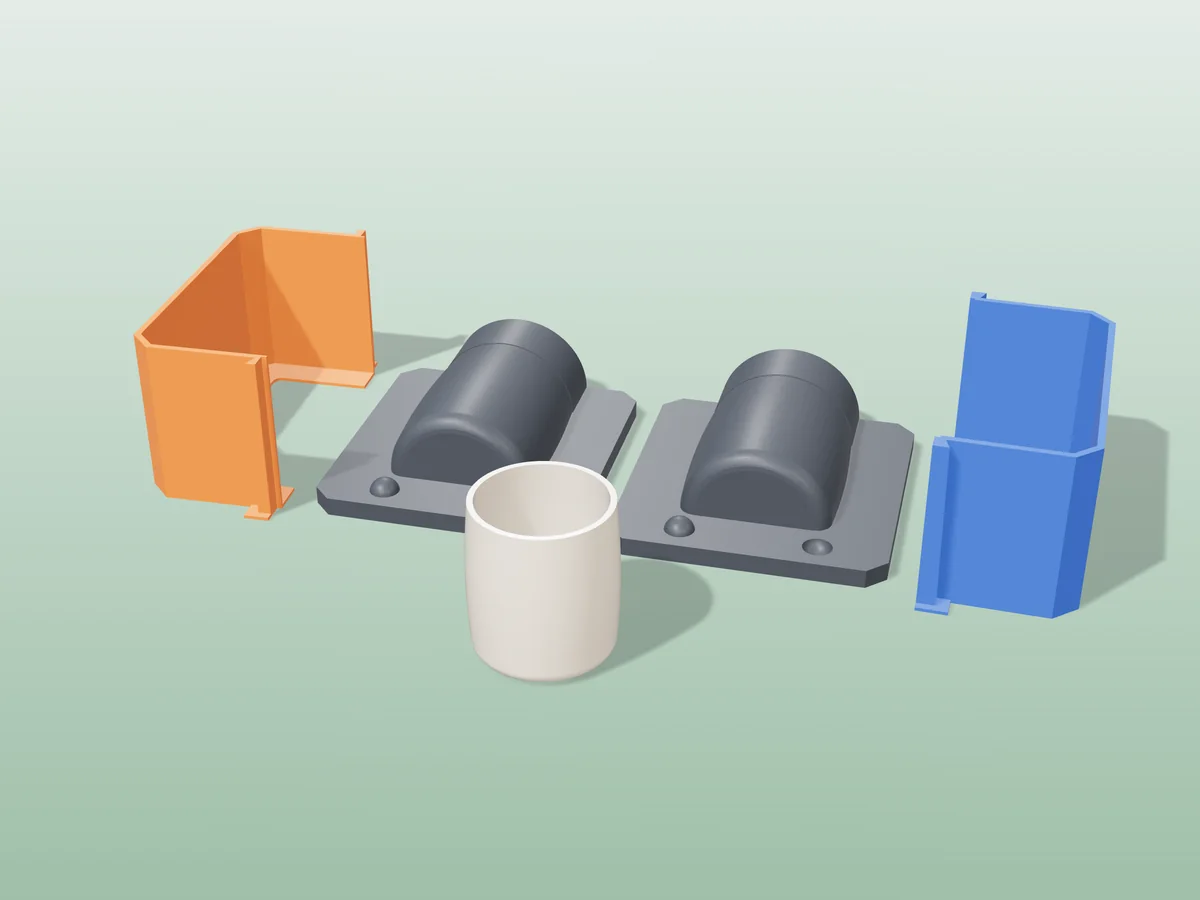
Plaster slip-casting molds
All free designs →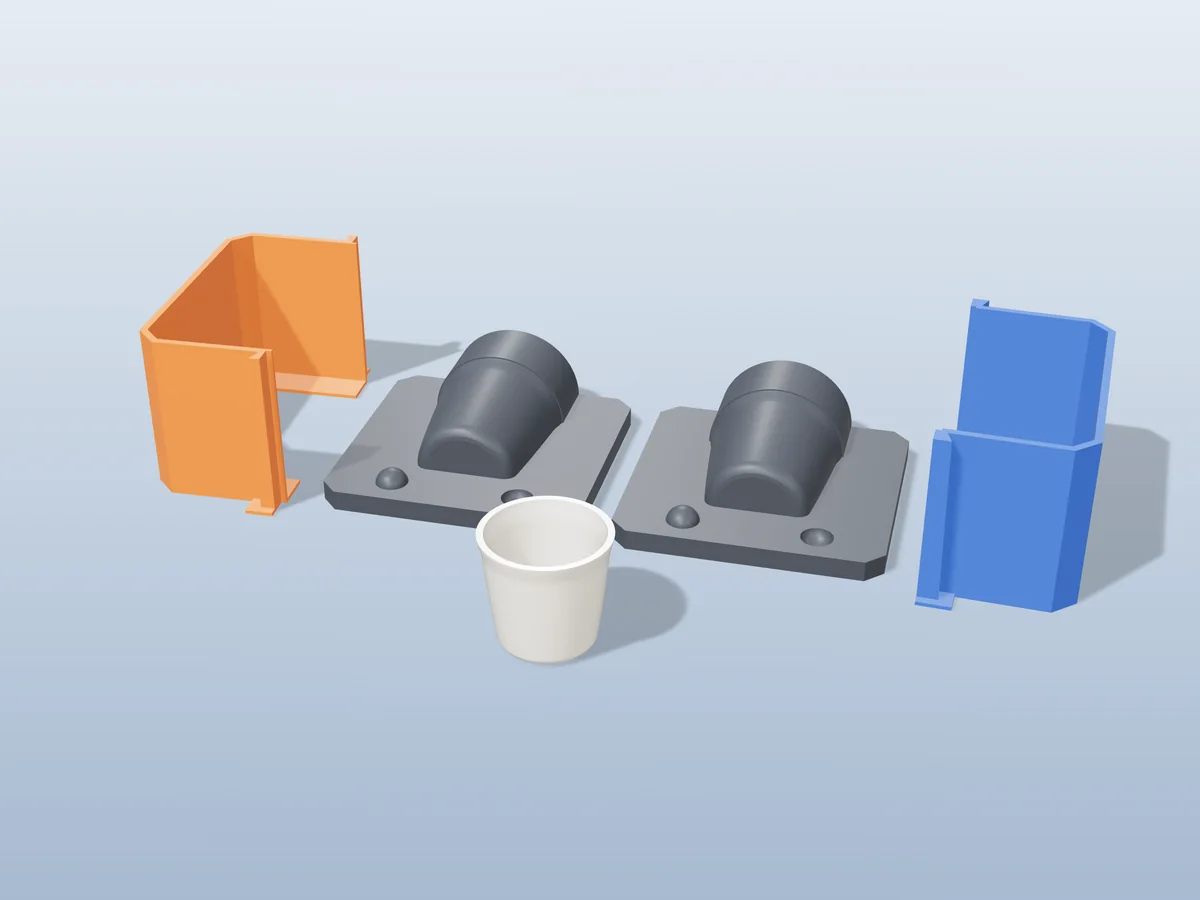
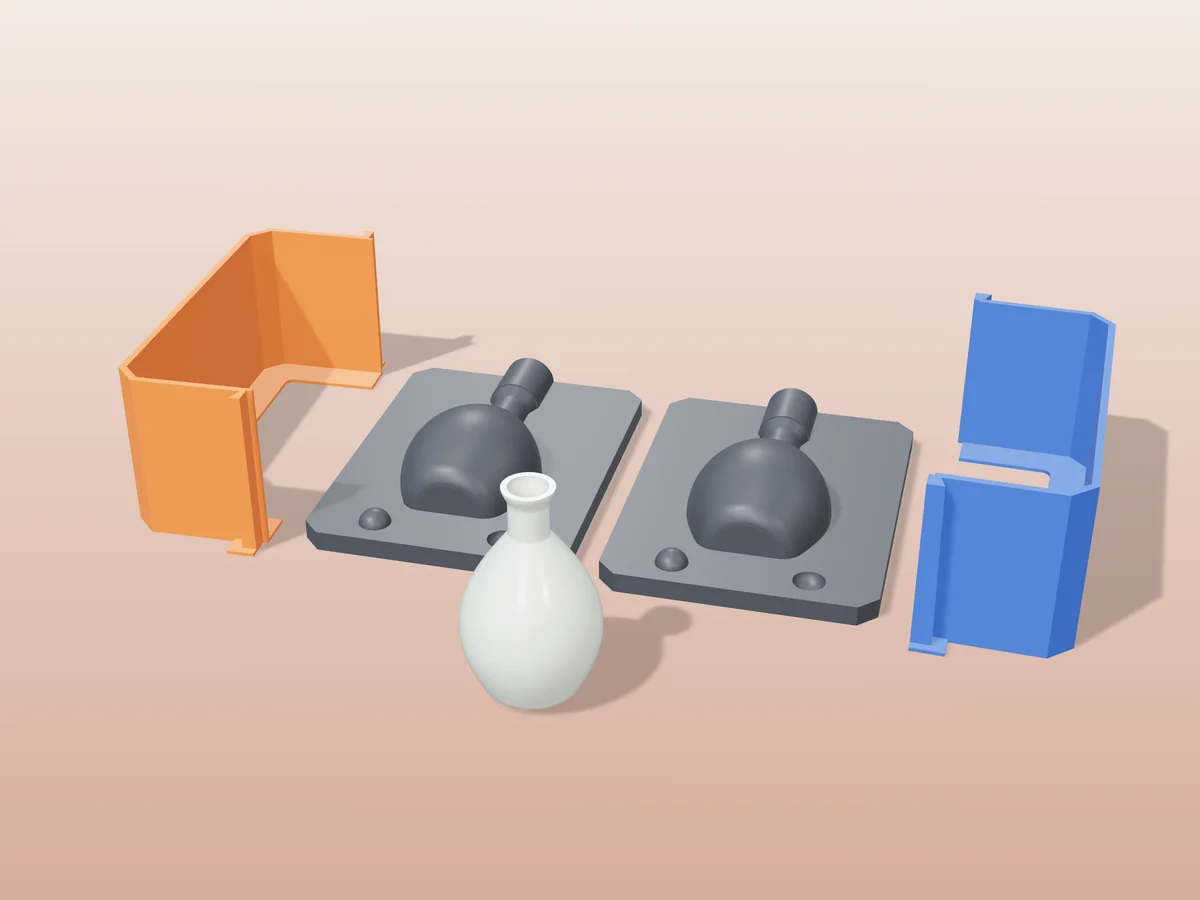
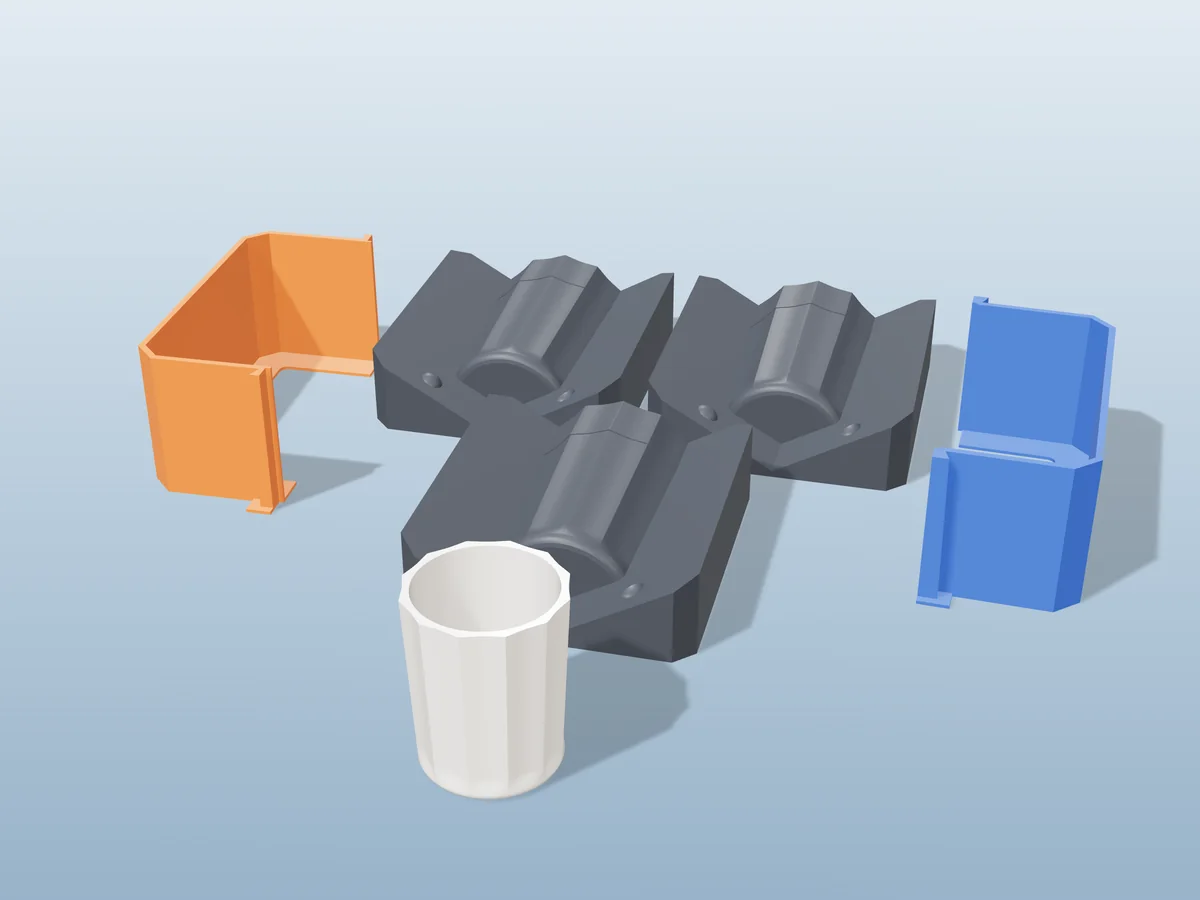
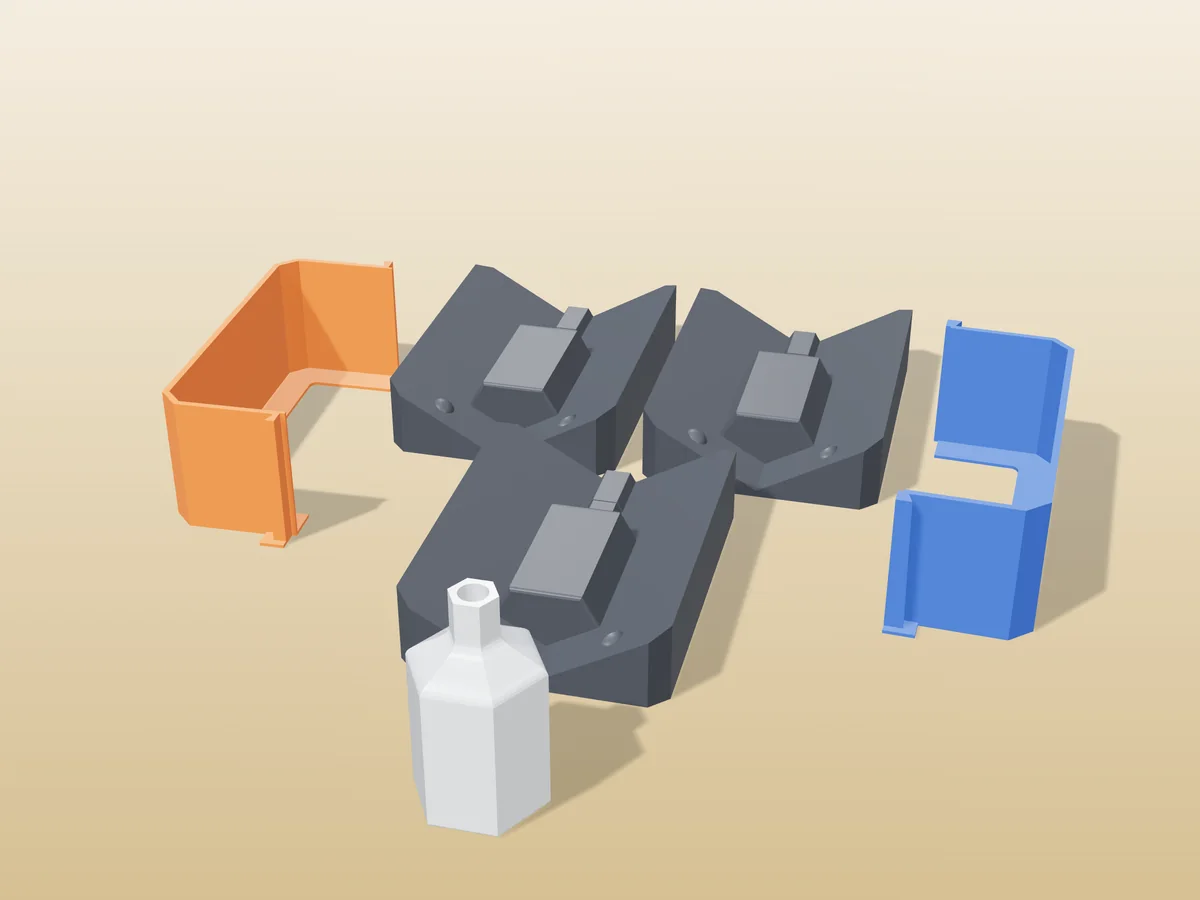
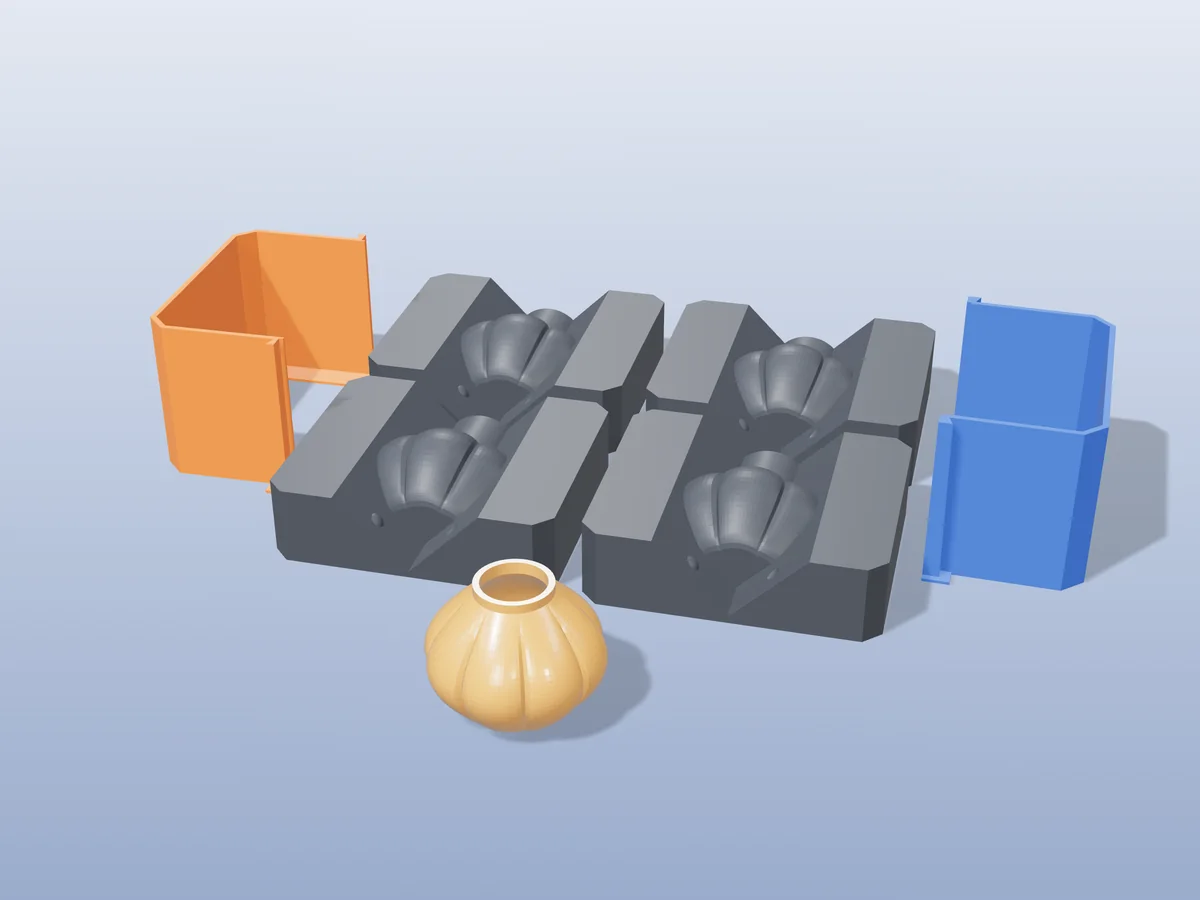
If the cast won't come out
Rigid molds do not flex, so a shape that a silicone mold would peel off can be locked in permanently. Two things cause it, and only one is fixable in the generator.
| Cause | What it looks like | Fix |
|---|---|---|
| Undercut, wider in the middle than at the seam | Cast will not move at all, in any direction | Generate more pieces (3 or 4). Each extra split gives the plaster another way out |
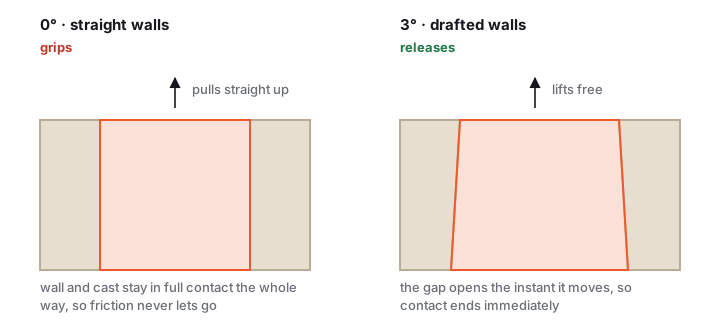
| No draft, dead vertical walls | Moves a little, then grips and snaps | Add 1–2° of outward slope to the master in CAD. The generator cannot add this for you |
How much draft, and how much size it costs you
Draft trades a tiny amount of accuracy for release. On a 30 mm wall, 2° widens each side by about 1 mm, which nobody will ever notice on a decorative piece.
| Wall height | Draft angle | Width gain per side |
|---|---|---|
| 10 mm | 1° | 0.17 mm |
| 30 mm | 2° | 1.05 mm |
| 60 mm | 3° | 3.14 mm |
| 100 mm | 3° | 5.24 mm |
If the master is a scan or a downloaded model you cannot edit, a silicone mold is the honest answer. Silicone stretches over undercuts that no rigid mold can release.
Troubleshooting
My piece is an open form (a cup, a bowl). Doesn't the opening replace the pour hole?
Yes, and it is worth deciding before you generate. For a cup, bowl or planter the opening IS the way in. You do not need a second hole, and a funnel placed elsewhere just gives you a spout to cut off afterwards.
What to do Orient the model so the opening faces the parting plane, then place the pour position onto that opening instead of accepting the default. The generator picks a spot from the geometry; it cannot know which hole in your model you consider the top.
Why it matters An open form is also the shape slip-casting was invented for, see the next answer.
Can I cast something hollow?
Not by modelling it hollow. Uploading a model with an internal void does not give a hollow cast. A mold reproduces the outer surface only, and nothing would hold an inner core in place while you pour.
Do this instead Slip-casting, which is what plaster is for. Fill the mold completely, wait while the absorbent plaster draws water out and a solid skin forms against the wall, then pour the still-liquid centre back out. The waiting time sets the wall thickness: a few minutes gives a thin shell, twenty gives a thick one. Let it firm up before demolding.
Why plaster specifically The whole mechanism depends on the mold absorbing water. A printed plastic mold absorbs nothing, so no skin forms and you simply get a solid cast.
The cast locked in and snapped when I opened the mold
Cause Almost always geometry, not technique. A rigid shell cannot stretch, so either the shape has an undercut (wider in the middle than at the seam) or its walls are dead vertical and friction never lets go.
Fix Regenerate with 3 or 4 pieces instead of 2, which gives the cast another direction to leave in. If it still binds, add 1–2° of draft to the master in CAD, or switch that model to a silicone mold.
Rescue A stuck plaster cast will often release after 20 minutes in the freezer: the shell contracts faster than the plaster does. Warm water works on jesmonite. Do not lever with a screwdriver, you will mark the cavity and ruin the mold for every future pour.
Tiny pits and pinholes all over the surface
Cause Air, from three separate places: whipped into the mix while stirring, trapped against the cavity wall on the way in, and sitting in corners the pour never displaced.
Fix Stir slowly and keep the stick below the surface, so you fold rather than whisk. Pour a thin stream from about 10 cm up. Vibrate for a full 30–60 s, continuously, an electric toothbrush against the shell beats tapping.
Best fix Brush a thin wash coat of mix into the cavity first, let it grab for a minute, then pour the bulk. The detail surface is then formed by brush, not by a falling stream, and pinholes largely disappear.
A raised flash line along the seam
Cause The seam opened under load. Either too few clamps, or you relied on rubber bands, which creep and relax over the one to two hours the mix is setting.
Fix One printed clamp per 50 mm of seam, plus a band as backup. Check the shells actually seat: a stray blob of filament or a bit of cured mix on the mating face holds the halves a fraction apart.
Note A 0.2–0.3 mm line is normal and not worth chasing. Sand it off plaster or jesmonite once cured; on concrete use a diamond file.
The plaster set before I finished pouring
Cause Warm water, or simply mixing more than you can pour. Plaster's set is a chemical clock that starts the moment powder meets water, and it runs faster the warmer the water is, roughly a minute of working time lost per 5 °C.
Fix Mix with cold water, 4–10 °C. Add 1–2 g of cream of tartar per kilo of plaster if you need longer. Mix only what you can pour in about three minutes, and mix a second batch rather than stretching the first.
Do not add extra water to loosen a thickening mix. It does not reset the clock, it just produces a weak, chalky cast that crumbles at the edges.
Jesmonite came out chalky, weak or streaky
Cause Ratio or mixing. AC100 is 2.5 parts base to 1 part liquid by weight, and it needs mixing to a completely smooth cream. Dry pockets left in the mix cure as soft, chalky patches.
Fix Weigh both components, add the powder to the liquid, and keep mixing past the point where it looks done, scraping the sides and bottom of the bowl. No visible streaks, no lumps.
Also check that your release was not oil. Oil repels a water-based mix and leaves fish-eyes and a powdery skin exactly where it pooled. Use soft soap or PVA release with jesmonite.
Concrete sticks even with release
Cause Two things at once: concrete is abrasive and slowly roughens the PETG surface, and it is alkaline enough to attack some release films while it cures.
Fix Re-coat with form-release oil before every single pour, not once per session. If the cavity has already gone rough, a coat of epoxy or a spray lacquer restores a slick surface and makes the mold usable for many more pours.
Long runs If you want dozens of identical concrete pieces, cast a silicone mold off the printed one and pour concrete into the silicone. The printed mold then only ever touches silicone.
The mold leaked, or the halves bulged apart
Cause A fresh mix is heavier than it feels, and it pushes outward hardest at the bottom. Thin shells flex; two-wall prints flex a lot.
Fix Reprint with at least 3 perimeters, and add clamps low down where the pressure is highest. For a tall mold, a strip of tape round the seam before clamping seals the last fraction of a millimetre.
The printed mold warped or went soft after a pour
Cause Setting plaster is exothermic. A thin cast barely warms up, but a thick one can climb high enough to soften PLA, which loses stiffness from around 55 °C.
Fix Print in PETG. If you are staying on PLA for a prototype, keep the pours thin and stand the mold in a shallow tray of cool water while it sets, which carries the heat away.
The pour channel exits through the bottom of my object
What it is The orange tube in the preview is the pour channel, the route the plaster takes into the mold. It is formed down the middle of the assembled housing.
What you can change Its diameter, and its axis: the Pour hole axis control offers Auto, X, Y and Z. Y (the default) pours from the top of the model as previewed; Auto follows the model’s longest side.
What you cannot Its position along that axis. It is placed by the generator, so if the axis choice puts it somewhere awkward, changing the axis is the lever you have. Re-orienting the model before generating also moves it.
Status A draggable pour channel is a fair request and is not built yet.
Made by meshcast.app. Some product links are affiliate links, they cost you nothing extra and help keep the tools free. Got stuck? Email a photo and I'll help you debug.