◆ Print only
Drive safe keychain
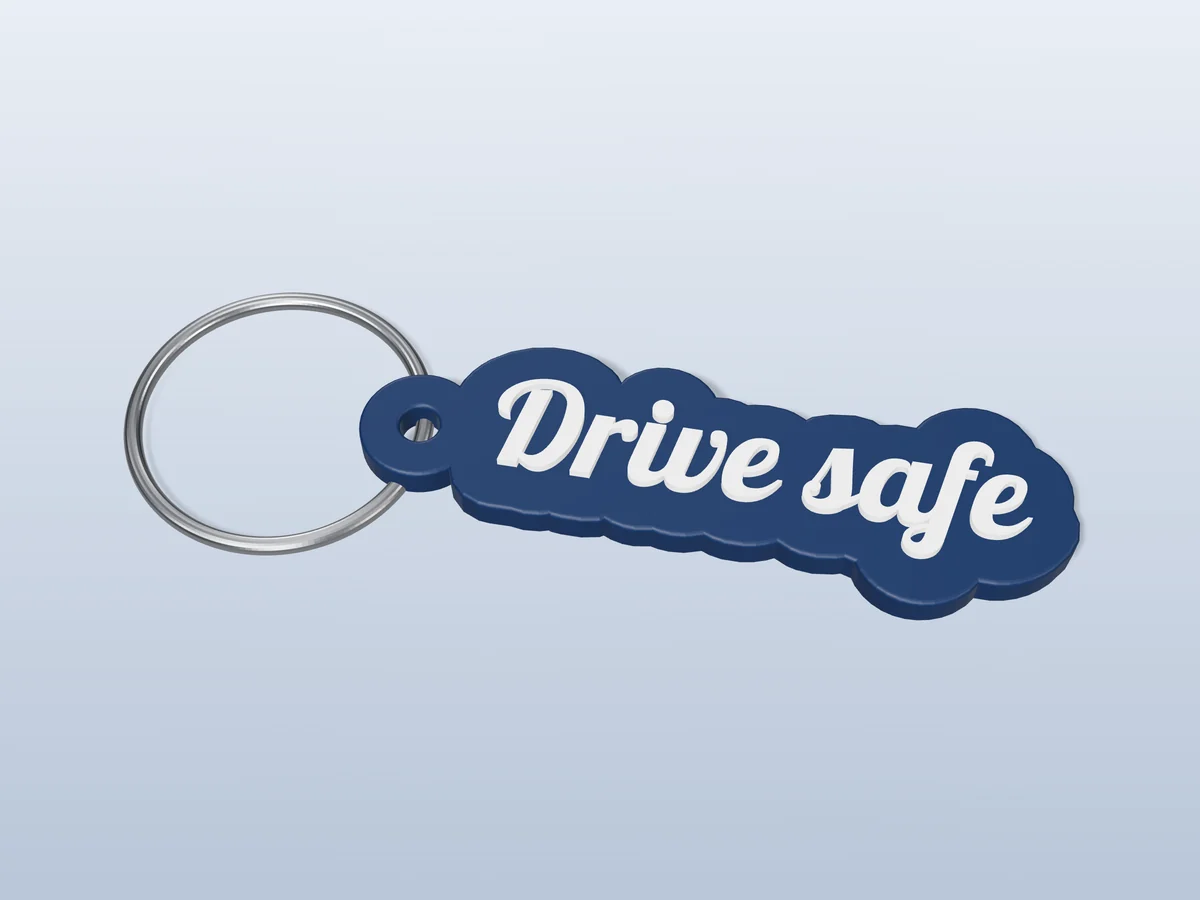
A cut-out "Drive safe" script keychain in navy and white. The gift for someone who drives a lot.
◆ Print only
A cut-out "Drive safe" script keychain in navy and white. The gift for someone who drives a lot.
"Drive safe" in a flowing retro script, cut out around the letters rather than set on a plate, with the white words raised on a navy outline. It is a favourite small gift for a partner, a new driver or a parent with a long commute, because it says the thing people say at the door every morning. Good for a new driver's first car, a partner who commutes, anniversaries and Father's or Mother's Day.
Made with our free keychain generator, not modelled by hand: we typed "Drive safe", chose the Letter outline shape and the Retro Script font, set the text size to 11 mm and the border to 3.5 mm, and picked the two colours. The zip holds exactly what the tool downloads: a 3MF with the tag and the raised letters as two coloured parts, and a one-piece STL. It comes out 58 by 19 mm and 4 mm thick, and prints flat with no supports.
Give it with the car keys on the day they pass their test. It is the kind of gift that stays on the keyring for years. Printed in one colour it still reads, because the letters stand proud of the tag; for navy blue and white, a single-nozzle printer needs one filament change, and the print sheet in the zip says where.
Shown as a 3D render of the printed keychain with a steel split ring, not a photo.
Print it flat as exported: no supports, 0.4 mm nozzle, 0.2 mm layers.
Multi-colour printer: open the 3MF, each part already carries its colour. Single nozzle: add a filament change in the slicer's layer preview for white at 3.3 mm above the bed.
Let the bed cool before you lift the tag off, so the thin edges stay flat.
Open the split ring with a thumbnail or a small screwdriver and wind it through the hole.
Print details
| Type | Print only |
|---|---|
| Printed parts | 1 |
| Size (W x D x H) | 58 x 19 x 4 mm |
| Print bed needed | 58 x 19 mm, 5 mm tall |
| Filament | ~2 g |
| Layer height | 0.2 mm |
| Infill | 15% |
| Supports | Not needed |
| Download | ZIP: keychain in 2 colours (3MF) + one-piece STL + print sheet + README |
| Added | 2026-09-25 |
Pro early access until October 25, 2026, then free with any account.
Make your own keychain →Made with the free Keychain & tags generator. Upload your own drawing and get the same kind of part built from it, in your browser.
Free for personal use. Selling the pieces you cast needs a commercial licence (Pro or Founder); passing on the file itself is not permitted on any plan. Full terms.
New to casting? Read the keychain guide.
Anyone whose keys you worry about: a partner who commutes, a teenager with a new licence, a parent who drives long distances. It is small enough to add to any gift, and it is a message they read every time they pick up their keys.
Print it in PETG and it will. PLA starts to soften at dashboard temperatures in summer, and a thin script tag can warp. PETG handles the heat, and it is tougher on a keyring that gets thrown into a bag or a cup holder.
Start in navy blue, then change to white at 3.3 mm above the bed. Those heights are measured in the file, from its lowest point, which is where your slicer puts the bed; add each change in the layer preview where the new colour first shows. With a multi-colour printer, skip all that and open the 3MF.
 Print only
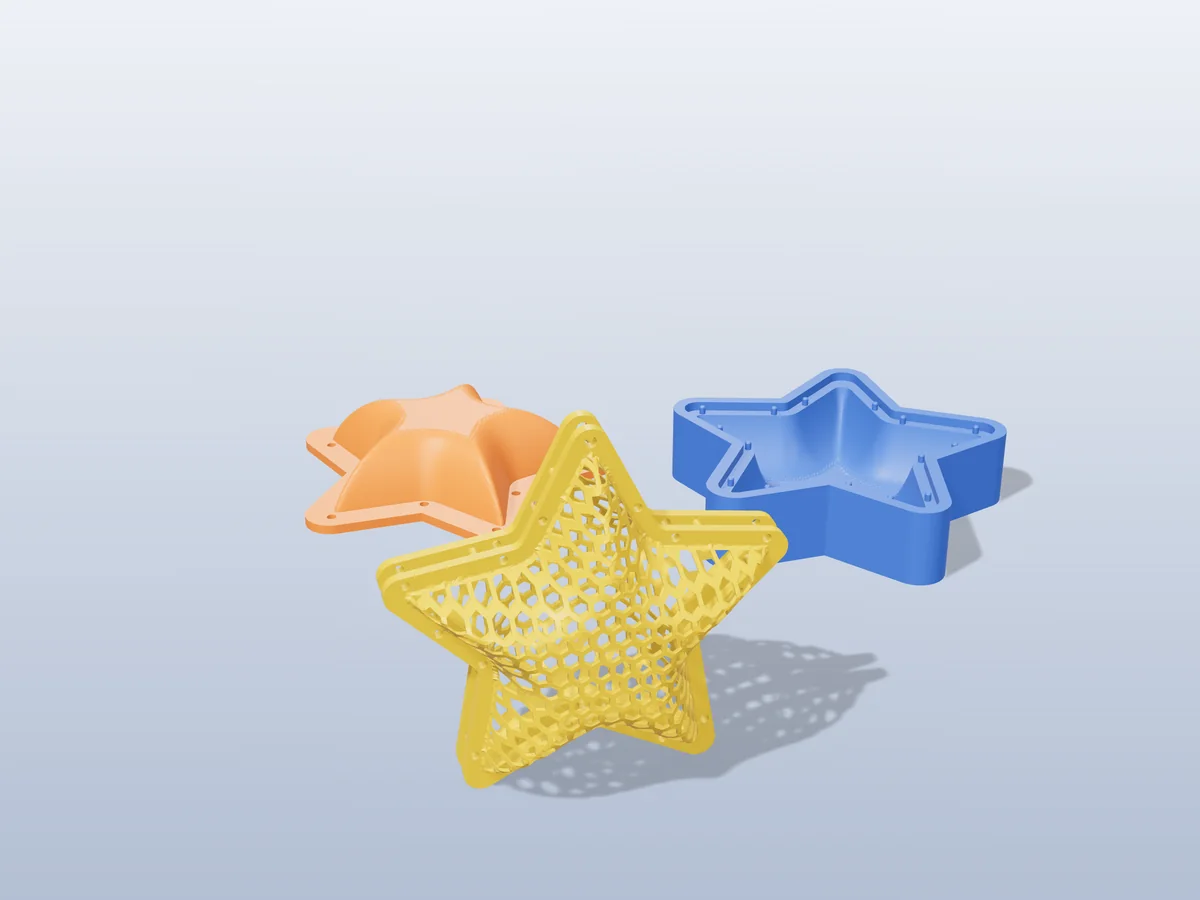
A puffy honeycomb star for the tree: two halves that pin together, with a hanging hole in the top point.
 Print only
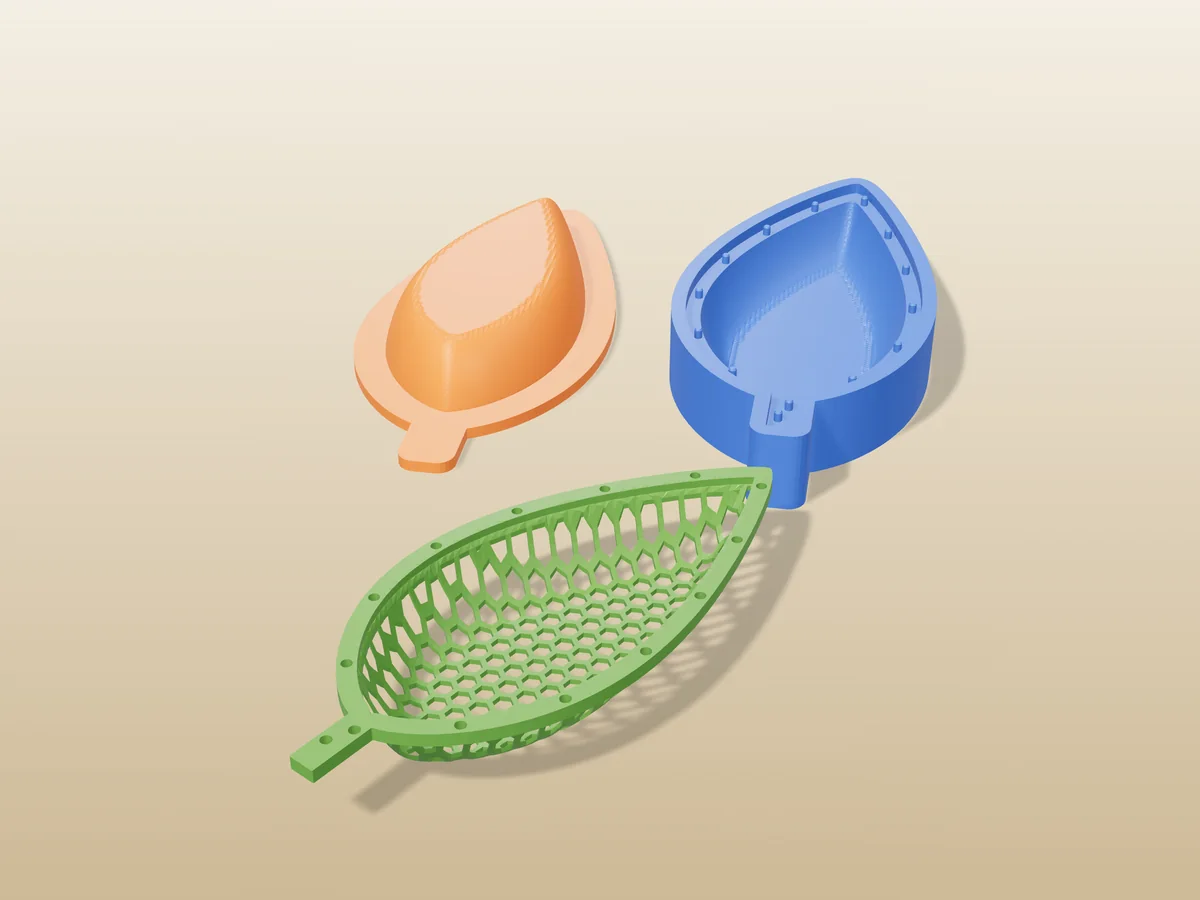
A 130 mm honeycomb leaf dish for keys and trinkets. Print it flat, warm it, press it into shape.
 Print only
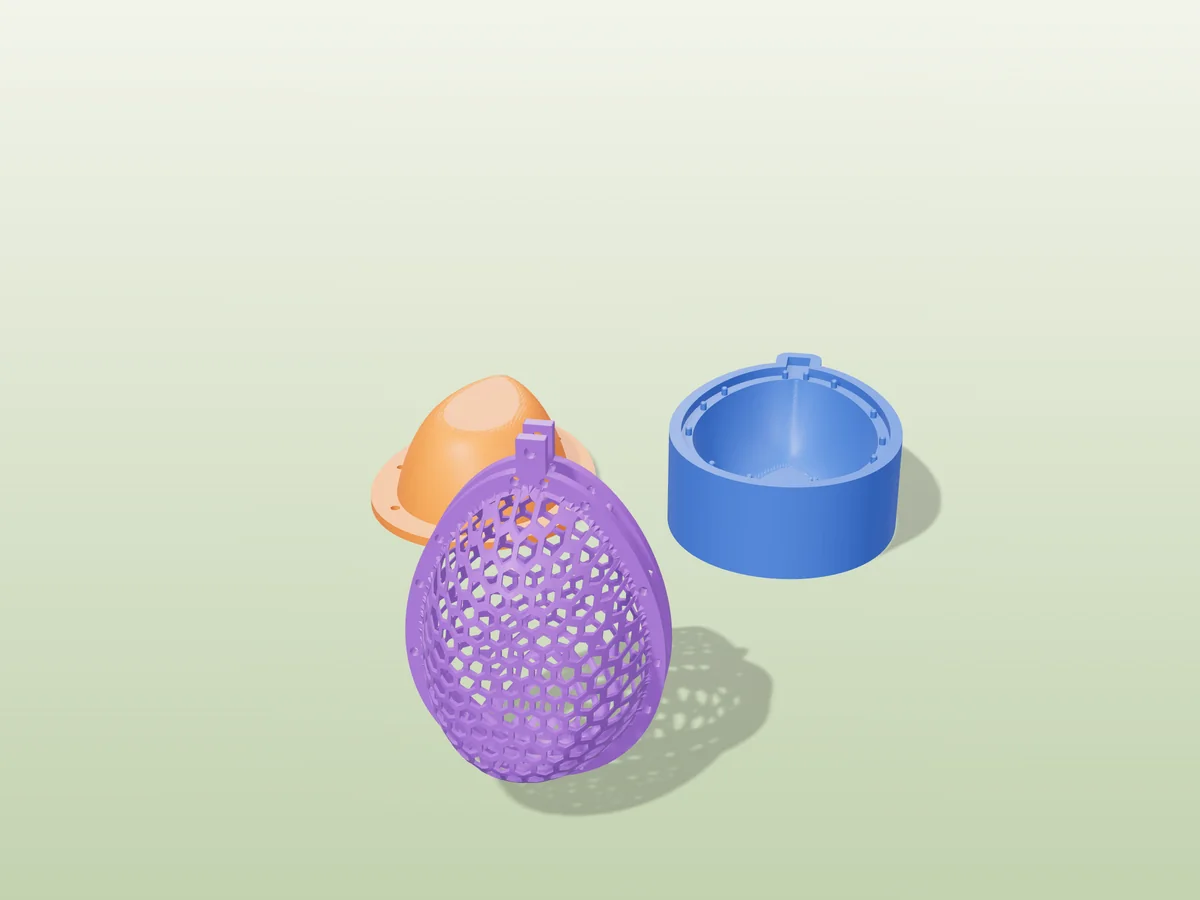
A hollow honeycomb Easter egg in two halves, with a tab and a hanging hole for the Easter tree.
 Pro early access
Print only
Pro early access
Print only
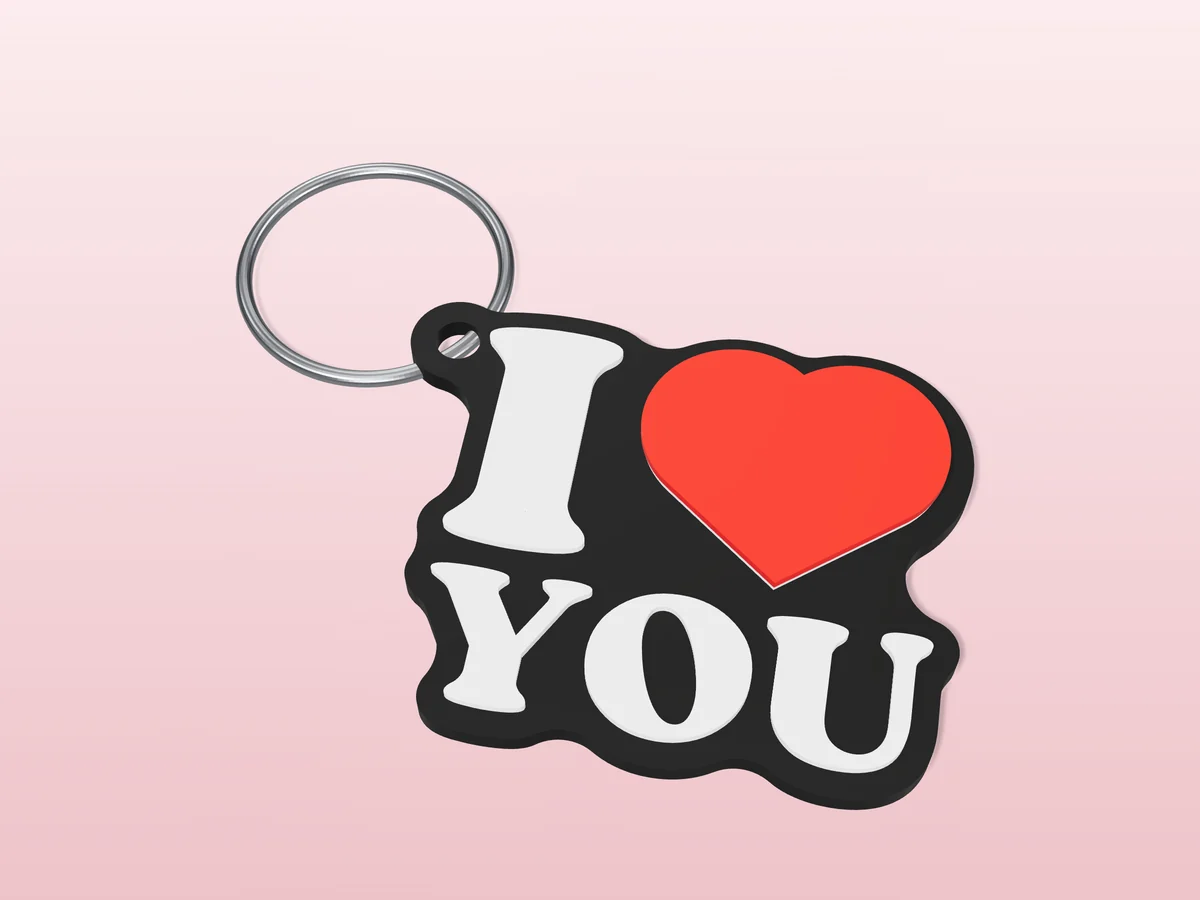
The souvenir "I heart YOU" mark as a flat keychain: black, white and a raised red heart.
 Pro early access
Print only
Pro early access
Print only
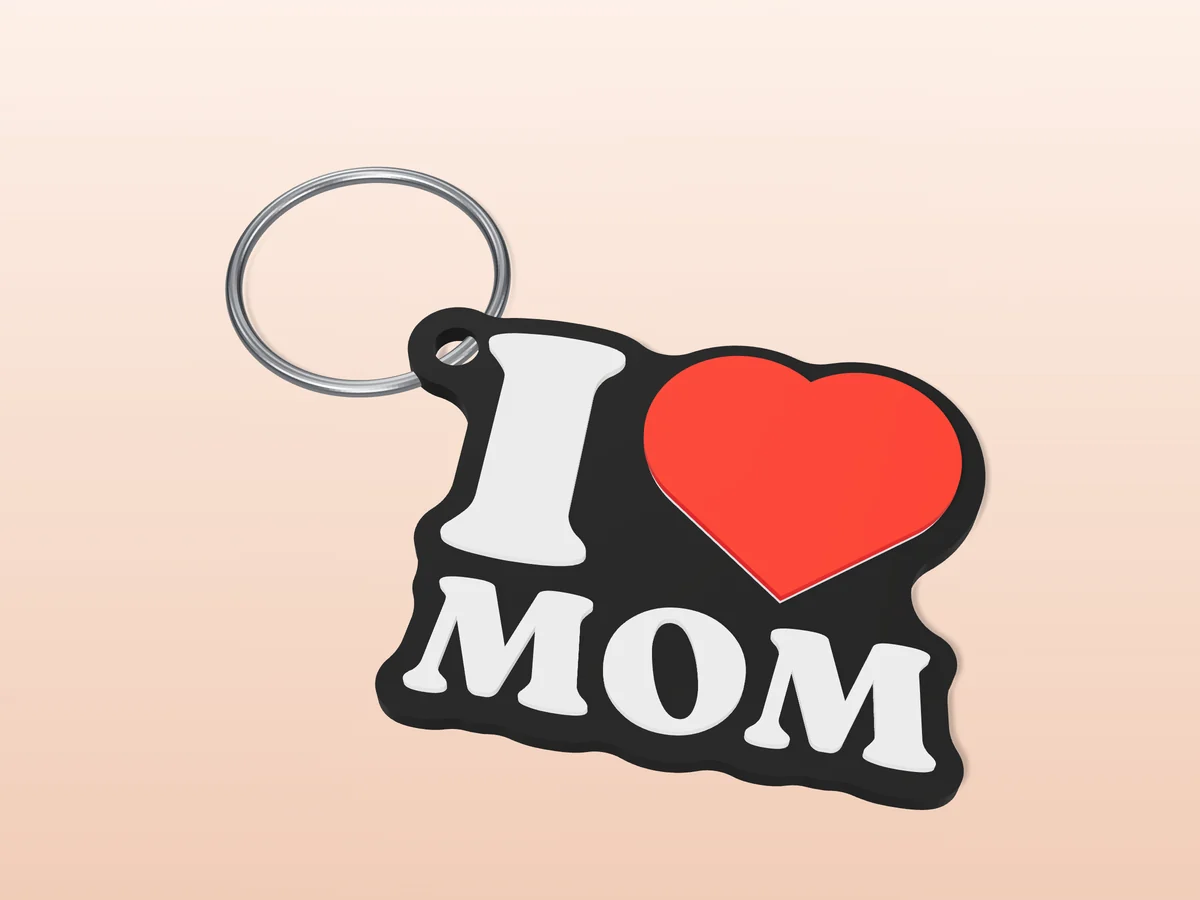
An "I heart MOM" keychain in black, white and red. A Mother's Day gift you print in an evening.
 Pro early access
Print only
Pro early access
Print only
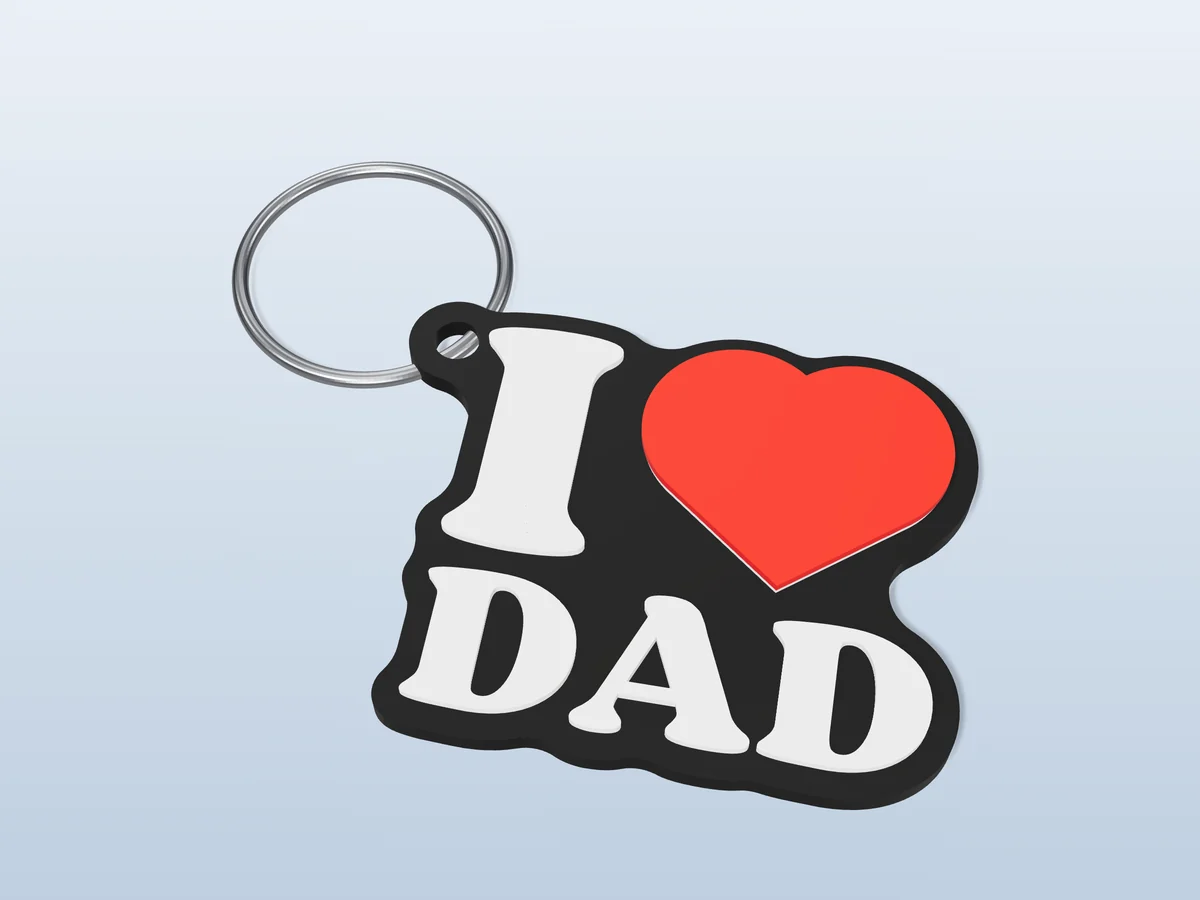
An "I heart DAD" keychain in black, white and red, for Father's Day or any day.
 Pro early access
Print only
Pro early access
Print only
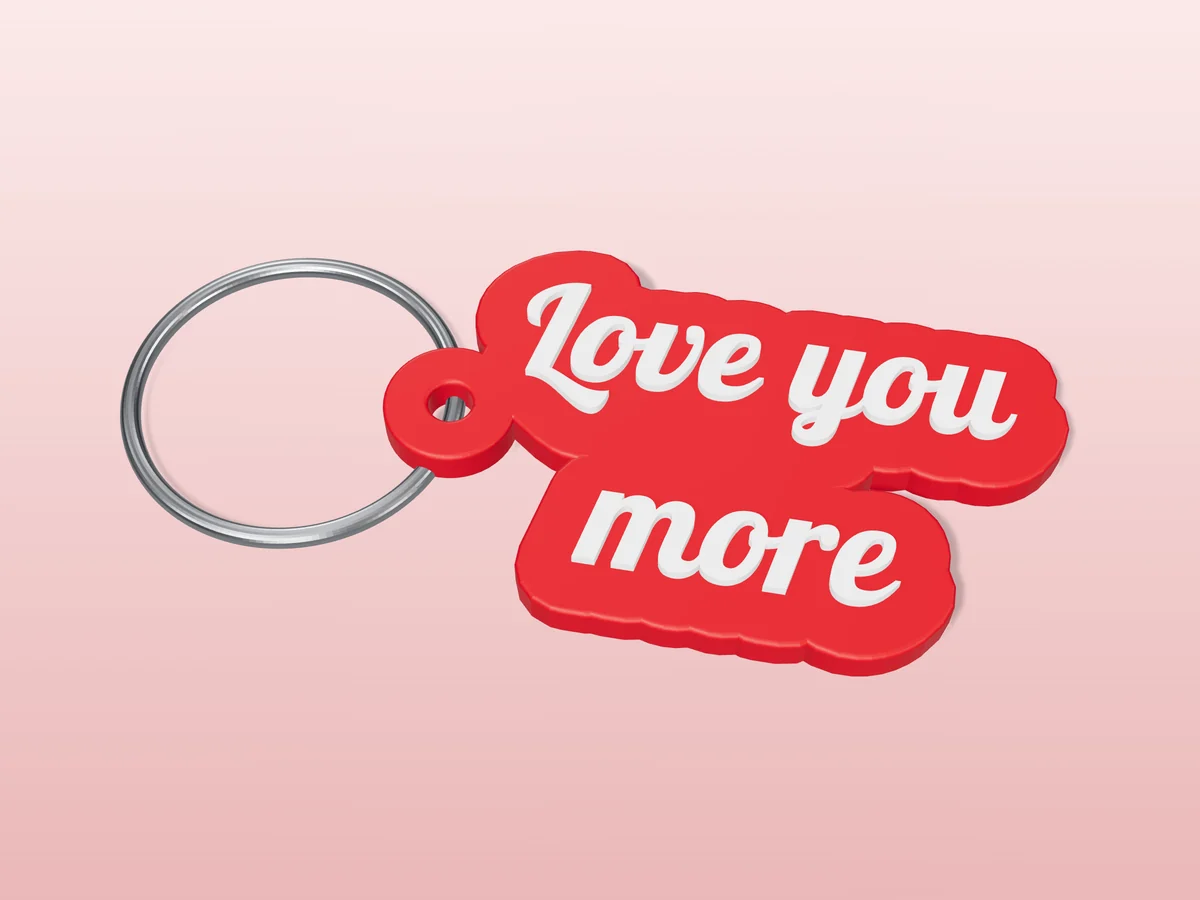
"Love you more" in two lines of retro script, cut out in red with white letters.
 Pro early access
Print only
Pro early access
Print only
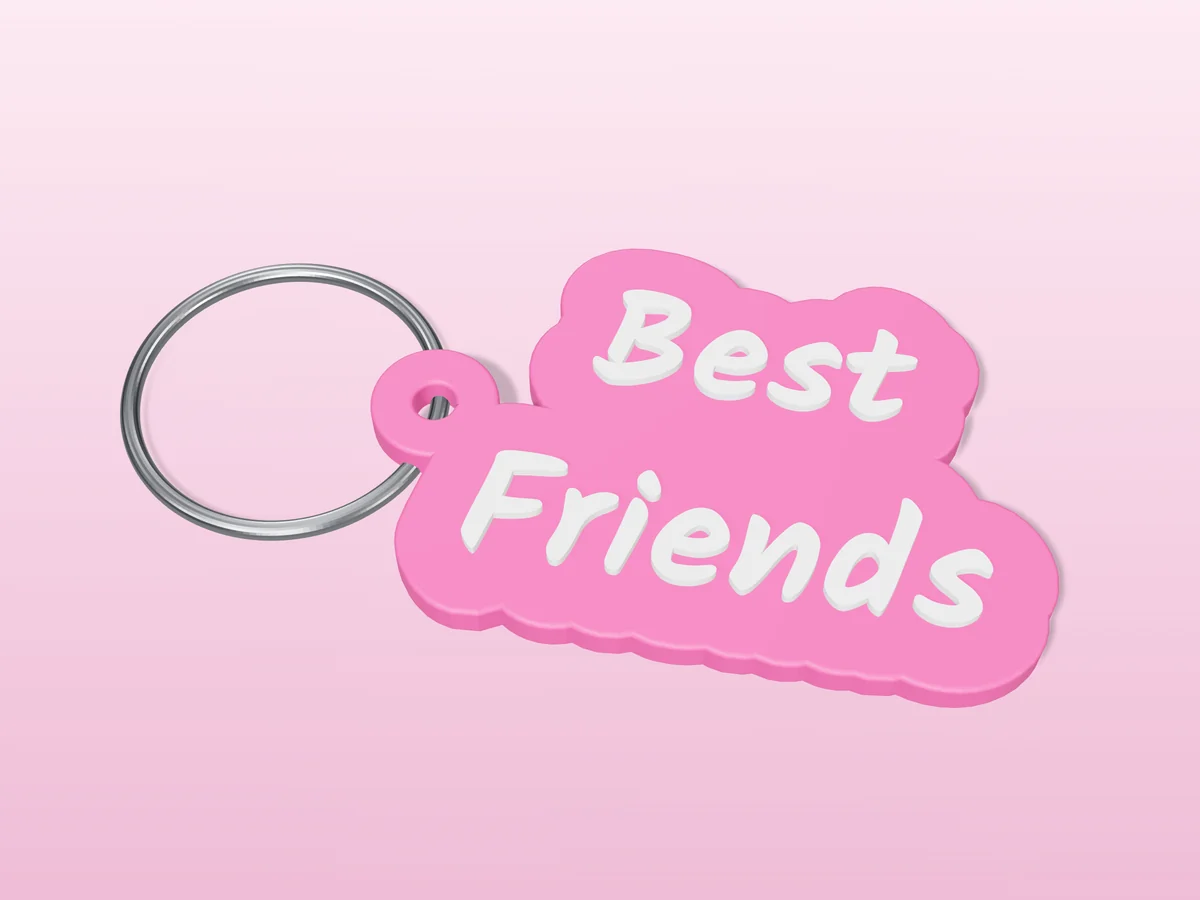
"Best Friends" in white hand lettering, cut out in pink around the words. Print one for each of you.