◆ Print only
Grandpa keychain
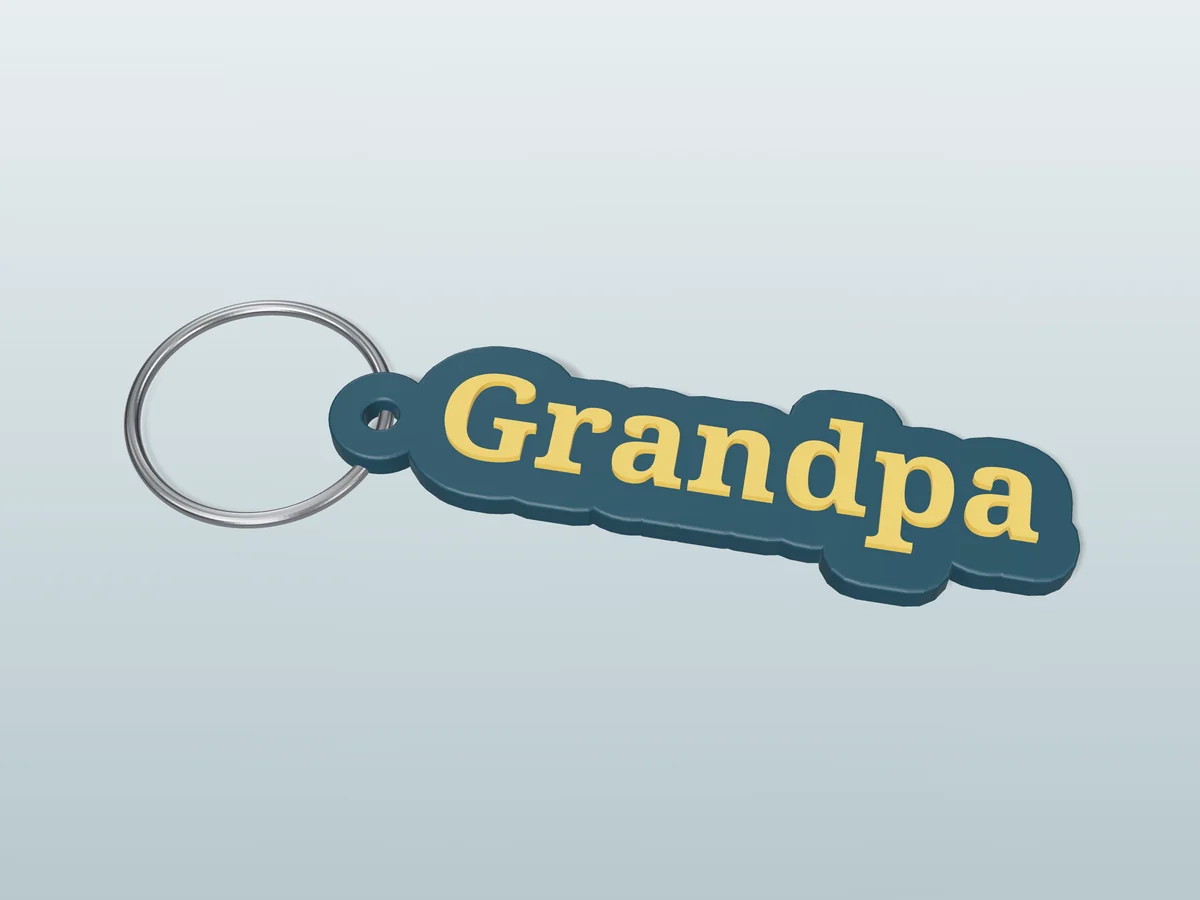
A classic "Grandpa" keychain: gold serif letters on a dark teal outline cut around the word.
◆ Print only
A classic "Grandpa" keychain: gold serif letters on a dark teal outline cut around the word.
"Grandpa" in a strong newspaper serif, gold letters raised on a dark teal outline cut around the word. A plain, solid tag that looks at home on a workshop keyring or a car key and does not try to be cute. Good for Grandparents' Day, Father's Day, his birthday, or a new grandpa.
Made with our free keychain generator, not modelled by hand: we typed "Grandpa", chose the Letter outline shape and the Bold Newspaper font, set the text size to 9 mm and the border to 3.5 mm, and picked the two colours. The zip holds exactly what the tool downloads: a 3MF with the tag and the raised letters as two coloured parts, and a one-piece STL. It comes out 69 by 20 mm and 4 mm thick, and prints flat with no supports.
Print it in a silk gold for the letters if you have it: the raised serif catches the light like a stamped metal tag. Printed in one colour it still reads, because the letters stand proud of the tag; for dark teal and gold, a single-nozzle printer needs one filament change, and the print sheet in the zip says where.
Shown as a 3D render of the printed keychain with a steel split ring, not a photo.
Print it flat as exported: no supports, 0.4 mm nozzle, 0.2 mm layers.
Multi-colour printer: open the 3MF, each part already carries its colour. Single nozzle: add a filament change in the slicer's layer preview for gold at 3.3 mm above the bed.
Let the bed cool before you lift the tag off, so the thin edges stay flat.
Open the split ring with a thumbnail or a small screwdriver and wind it through the hole.
Print details
| Type | Print only |
|---|---|
| Printed parts | 1 |
| Size (W x D x H) | 69 x 20 x 4 mm |
| Print bed needed | 70 x 21 mm, 5 mm tall |
| Filament | ~3 g |
| Layer height | 0.2 mm |
| Infill | 15% |
| Supports | Not needed |
| Download | ZIP: keychain in 2 colours (3MF) + one-piece STL + print sheet + README |
| Added | 2026-09-25 |
Pro early access until October 25, 2026, then free with any account.
Make your own keychain →Made with the free Keychain & tags generator. Upload your own drawing and get the same kind of part built from it, in your browser.
Free for personal use. Selling the pieces you cast needs a commercial licence (Pro or Founder); passing on the file itself is not permitted on any plan. Full terms.
New to casting? Read the keychain guide.
A sturdy serif reads like a stamped name tag, which suits a grandpa better than a bubbly script, and its thick, upright strokes print crisply at this size. If you prefer a plain rectangle behind the word, switch the keychain tool to Plate.
Yes. Open the free keychain tool, pick Letter outline and the Bold Newspaper font, and type Grandad, Opa, Pop or any other name. The outline grows or shrinks with the word, and the keyring hole moves with it.
Start in dark teal, then change to gold at 3.3 mm above the bed. Those heights are measured in the file, from its lowest point, which is where your slicer puts the bed; add each change in the layer preview where the new colour first shows. With a multi-colour printer, skip all that and open the 3MF.
 Print only
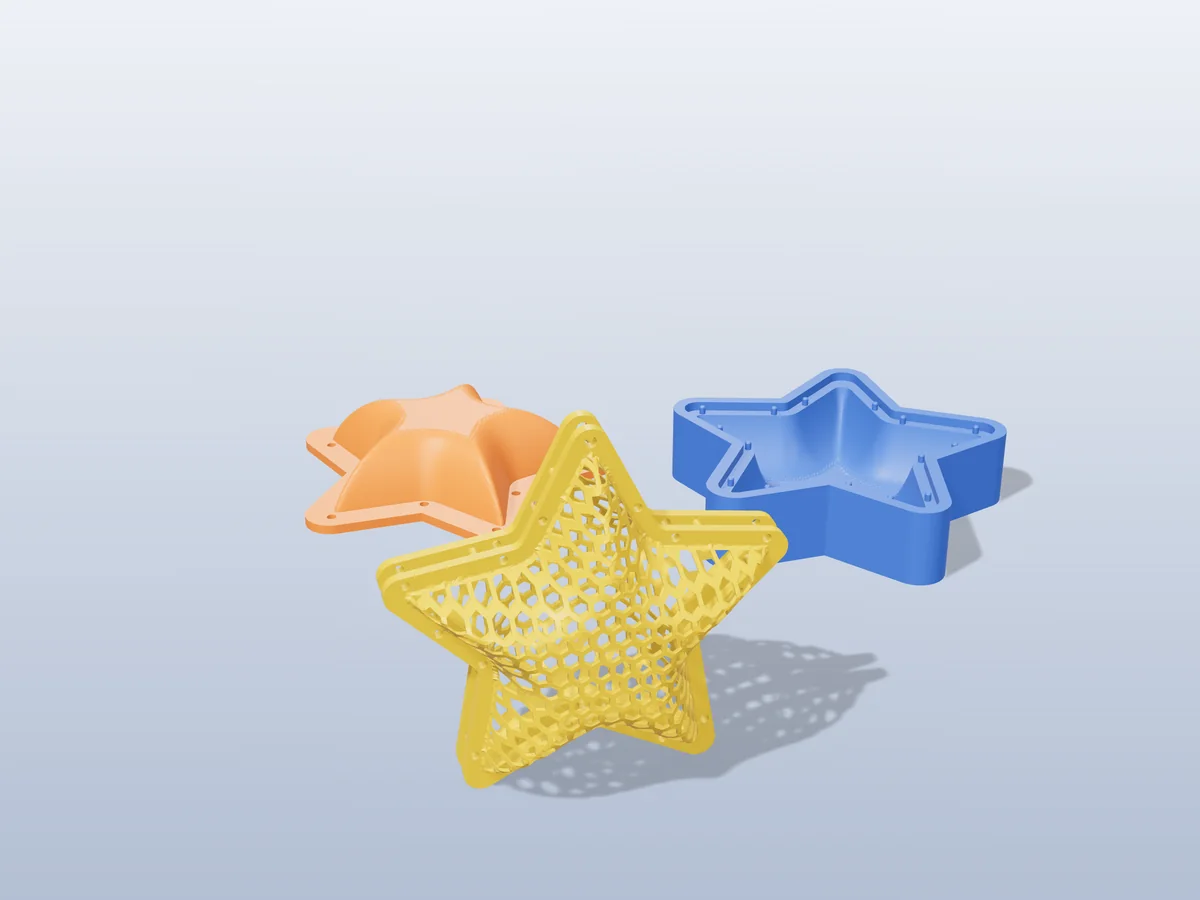
A puffy honeycomb star for the tree: two halves that pin together, with a hanging hole in the top point.
 Print only
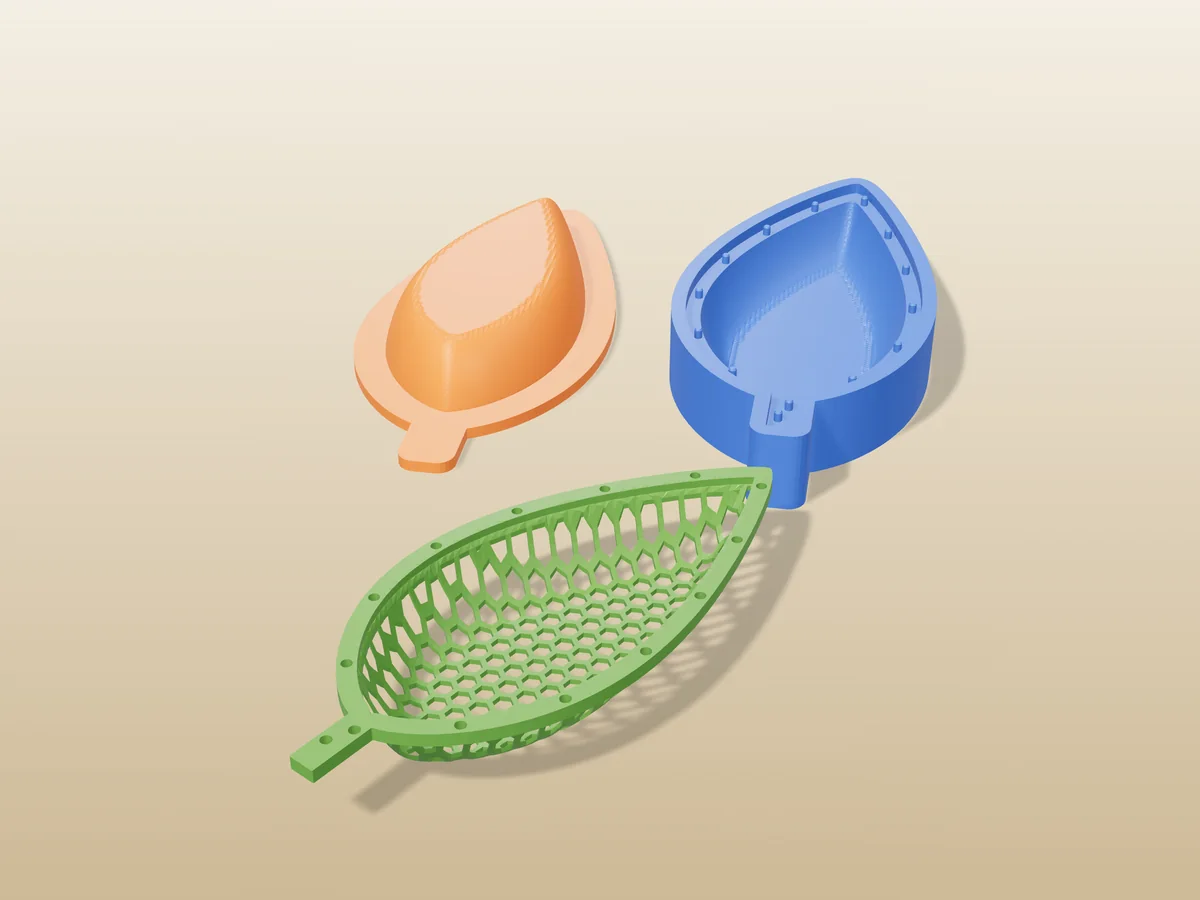
A 130 mm honeycomb leaf dish for keys and trinkets. Print it flat, warm it, press it into shape.
 Print only
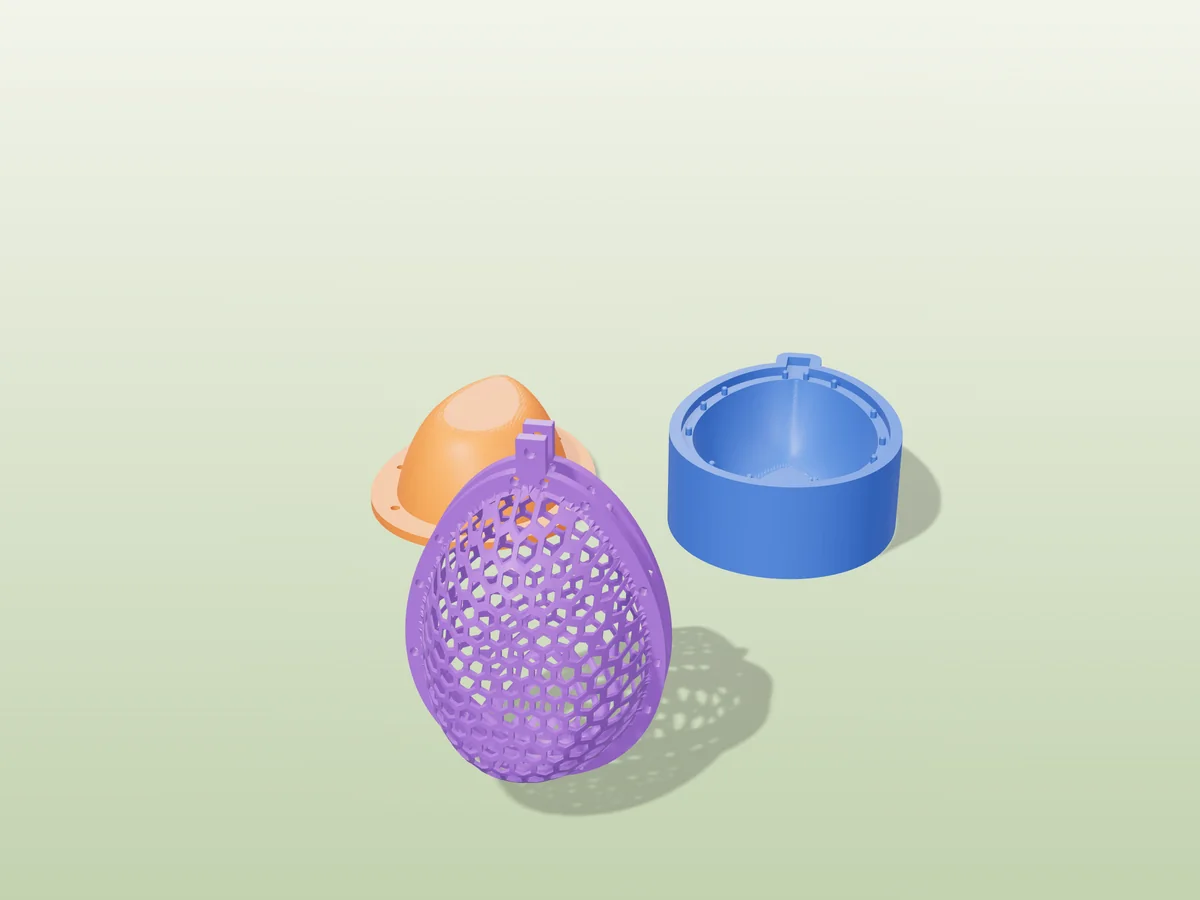
A hollow honeycomb Easter egg in two halves, with a tab and a hanging hole for the Easter tree.
 Pro early access
Print only
Pro early access
Print only
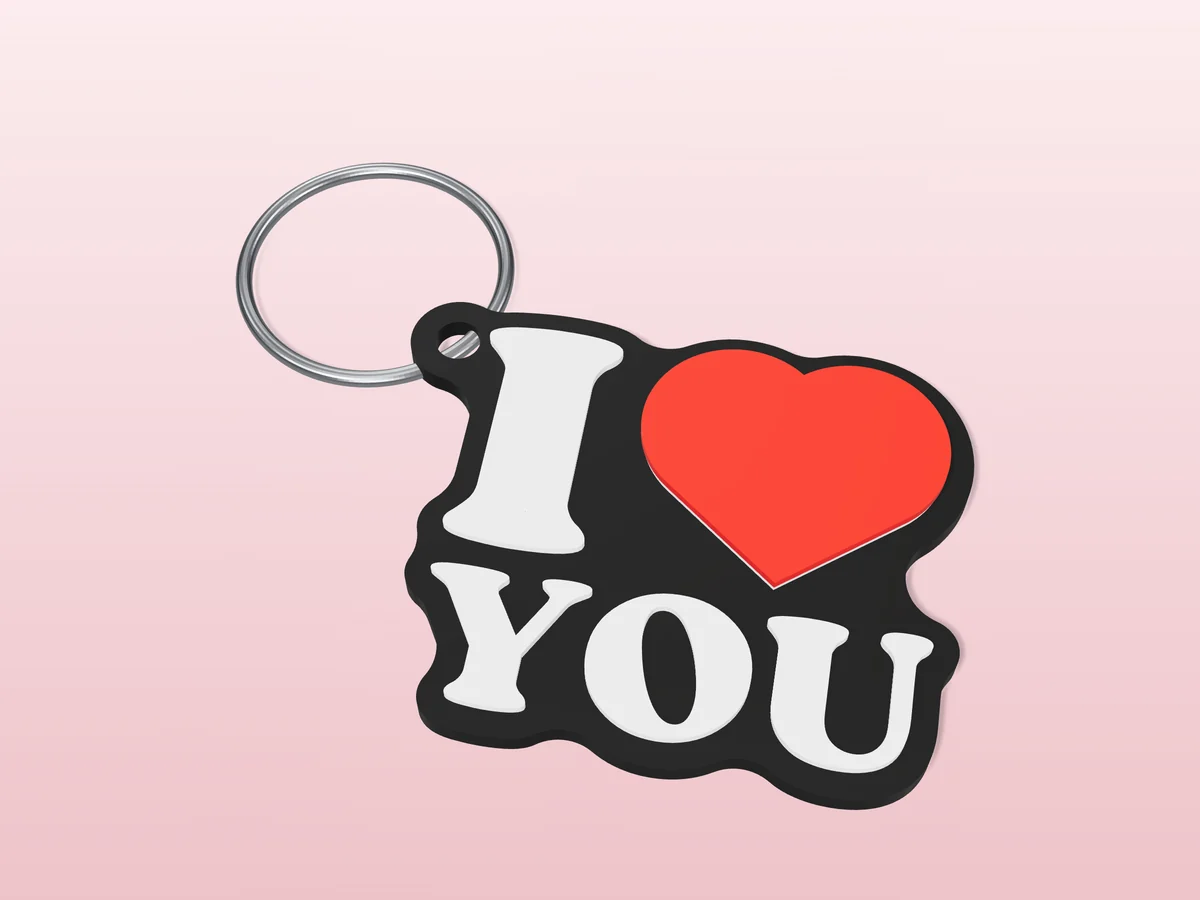
The souvenir "I heart YOU" mark as a flat keychain: black, white and a raised red heart.
 Pro early access
Print only
Pro early access
Print only
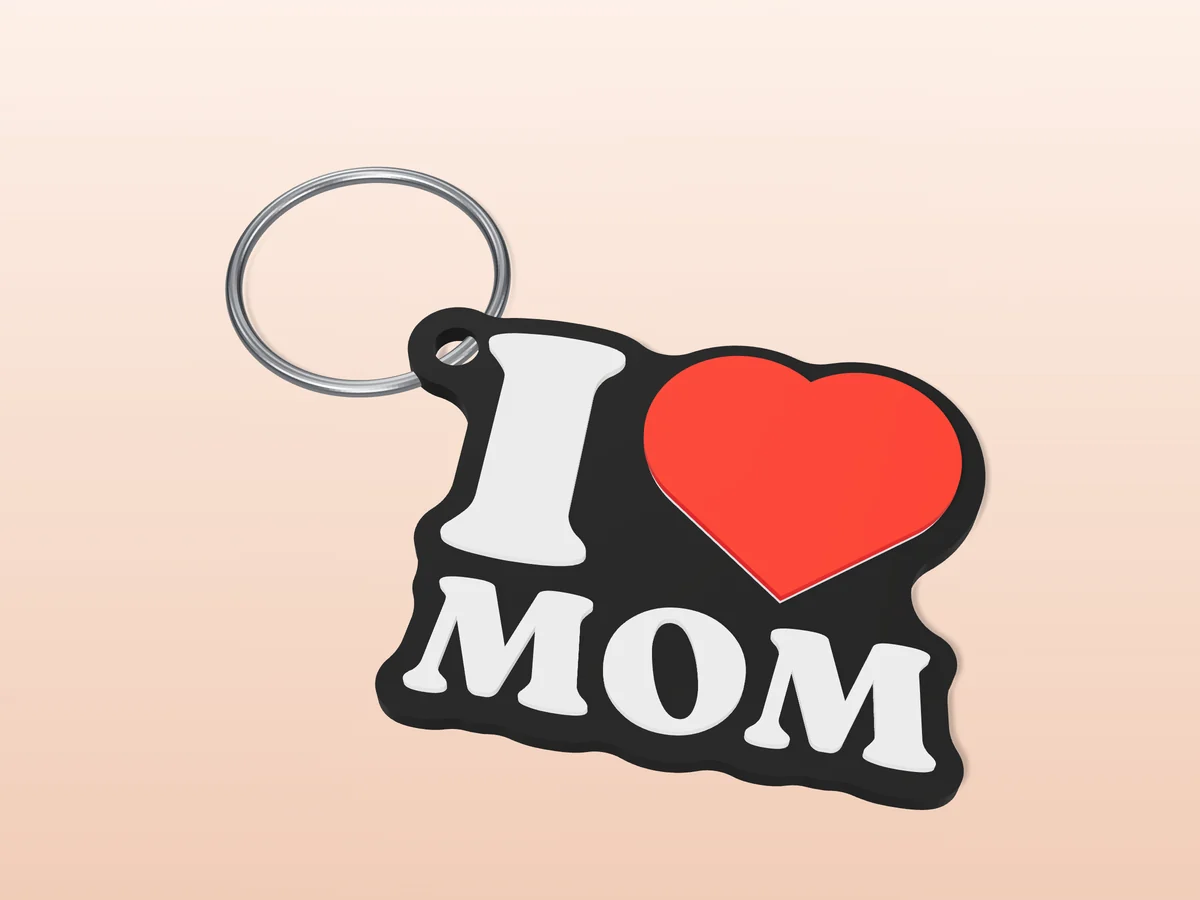
An "I heart MOM" keychain in black, white and red. A Mother's Day gift you print in an evening.
 Pro early access
Print only
Pro early access
Print only
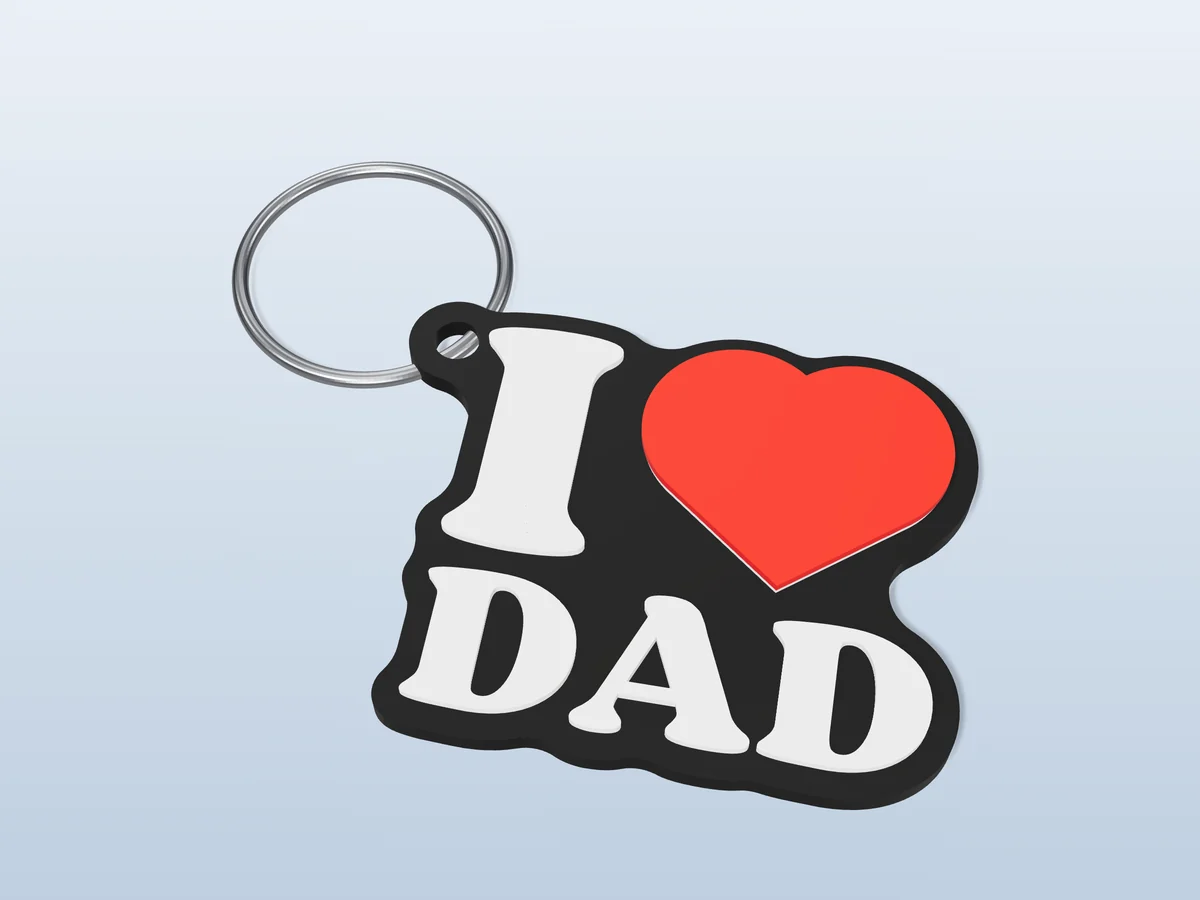
An "I heart DAD" keychain in black, white and red, for Father's Day or any day.
 Pro early access
Print only
Pro early access
Print only
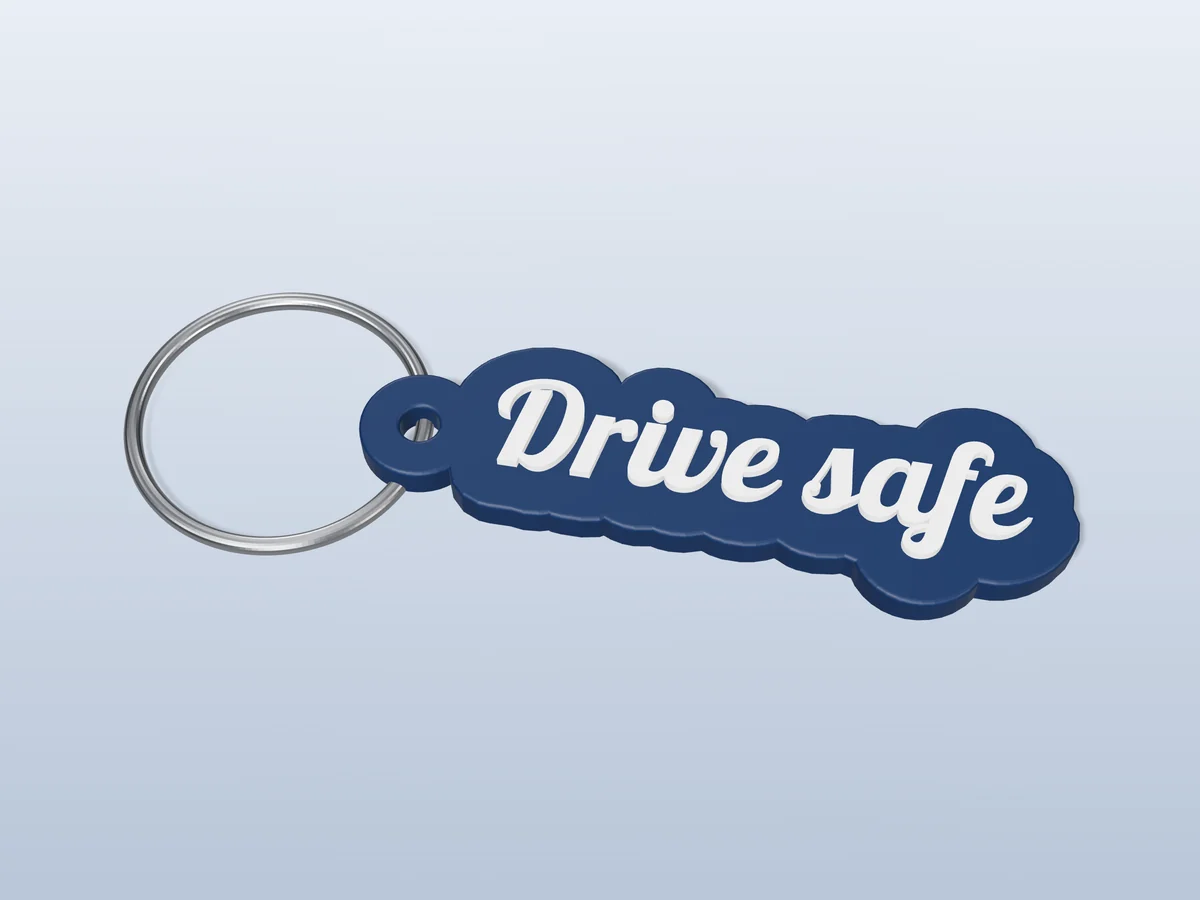
A cut-out "Drive safe" script keychain in navy and white. The gift for someone who drives a lot.
 Pro early access
Print only
Pro early access
Print only
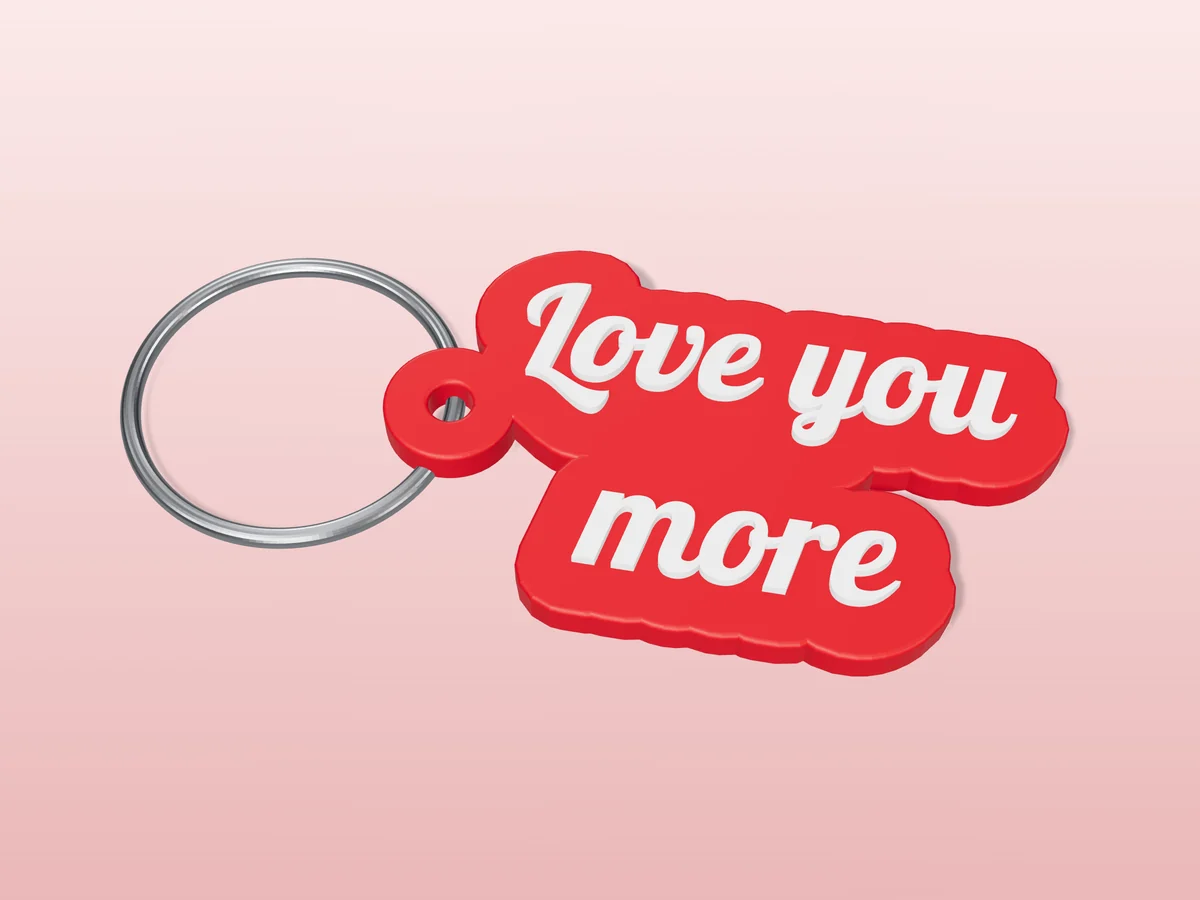
"Love you more" in two lines of retro script, cut out in red with white letters.