◆ Print only
TREE HUGGER golf ball stencil
A printed cap that marks a tree over HUGGER on a golf ball, for the ball that never leaves the woods.
◆ Print only
A printed cap that marks a tree over HUGGER on a golf ball, for the ball that never leaves the woods.
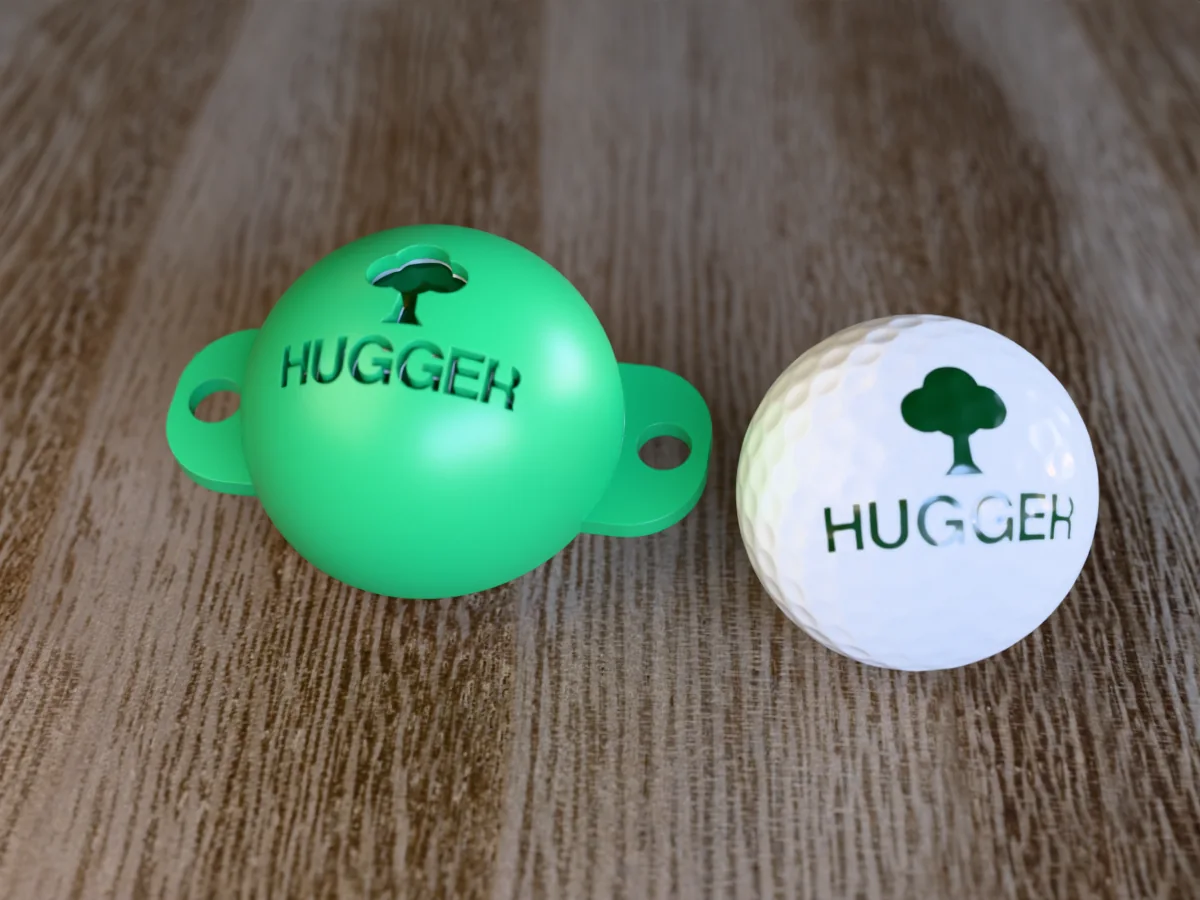
A picture puzzle for the ball that spends more time in the trees than on the fairway: a round tree over the word HUGGER, so the ball reads TREE HUGGER. The tree is one solid shape, a crown of four circles on a trunk, so it cuts with no bridges at all; only the R keeps its middle on a thin stencil bridge.
Made with our free golf ball stencil generator, not modelled by hand: we drew a tree over HUGGER as an SVG, the word set in the tool's own Bold & Blocky outlines, chose Upload under Design from, loaded the file and set Size to 32 mm (the SVG is in the zip). Everything else is the tool's default, and the STL in the zip is exactly what the tool gives you: a 71 by 48 mm cap for a standard 42.67 mm ball, with a 2.4 mm wall, 0.5 mm of clearance, a skirt that reaches 12 degrees past the middle of the ball so it cups it, and two tabs with 7 mm holes for a rubber band. Like every free download from the tool, it carries a small raised MESHCAST mark on its underside, along one tab.
Seat it on the ball, draw through the openings with a fine permanent marker, lift it off, and the joke is on the ball in under a minute. It makes a cheap, quick gift for a golfer: print the cap, mark a sleeve of balls, hand over both.
Shown as a 3D render of the printed stencil on a golf ball and a second ball with the words drawn through it, not a photo.
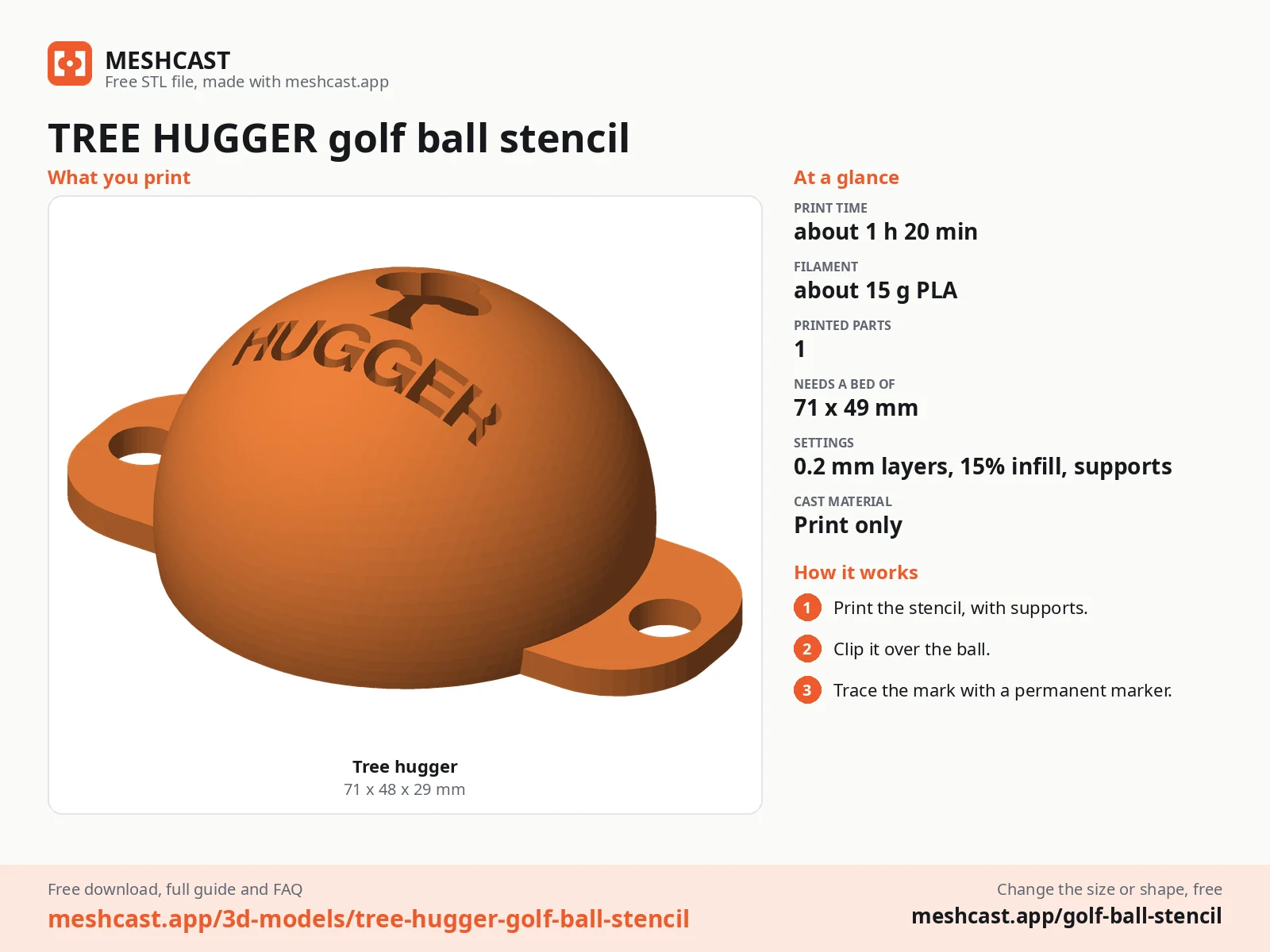
Print the file as exported: rim flat on the bed, dome up, with tree supports on (organic in PrusaSlicer).
Peel the supports out of the inside of the dome.
Wipe the ball clean so the ink bites, then seat the cap on top and press the rim down until it cups the ball.
Draw through each opening with short strokes from the edges inwards.
Lift the cap straight up and leave the ink for a minute before you touch it.
Print details
| Type | Print only |
|---|---|
| Printed parts | 1 |
| Size (W x D x H) | 71 x 48 x 29 mm |
| Print bed needed | 71 x 49 mm, 30 mm tall |
| Filament | ~15 g |
| Layer height | 0.2 mm |
| Infill | 15% |
| Supports | Yes |
| Download | ZIP: stencil cap (STL) + artwork (SVG) + README with print settings |
| Added | 2026-09-27 |
Pro early access until October 27, 2026, then free with any account.
Like it or post your print on Thingiverse
Make your own golf ball stencil →Made with the free Golf ball stencil generator. Upload your own drawing and get the same kind of part built from it, in your browser.
Free for personal use. Selling the pieces you cast needs a commercial licence (Pro or Founder); passing on the file itself is not permitted on any plan. Full terms.
New to casting? Read the golf ball stencil guide.
TREE MAGNET is words only. TREE HUGGER swaps the first word for a picture of a tree, so it reads as a small puzzle and the tree is the first thing you see on the ball. Same cap, same fit; pick the joke you like better, or print both.
Print it as exported, rim flat on the bed and the dome up, with tree supports switched on (organic in PrusaSlicer, tree in Bambu Studio, Orca and Cura). They hold up the inside of the dome and peel out easily. At 0.2 mm layers and MK3-class speeds it takes about 1 h 20 min and 15 g of PLA (estimated from the file, not sliced); a current printer is faster.
Yes. The zip carries the artwork as an SVG of plain outlines: change the word or the picture in any vector editor, then open the free golf ball stencil generator, choose Upload and load your file. It cuts whatever you draw and ties any loose middle back on with a bridge; this one uses a Size of 32 mm.
 Print onlyPro early access
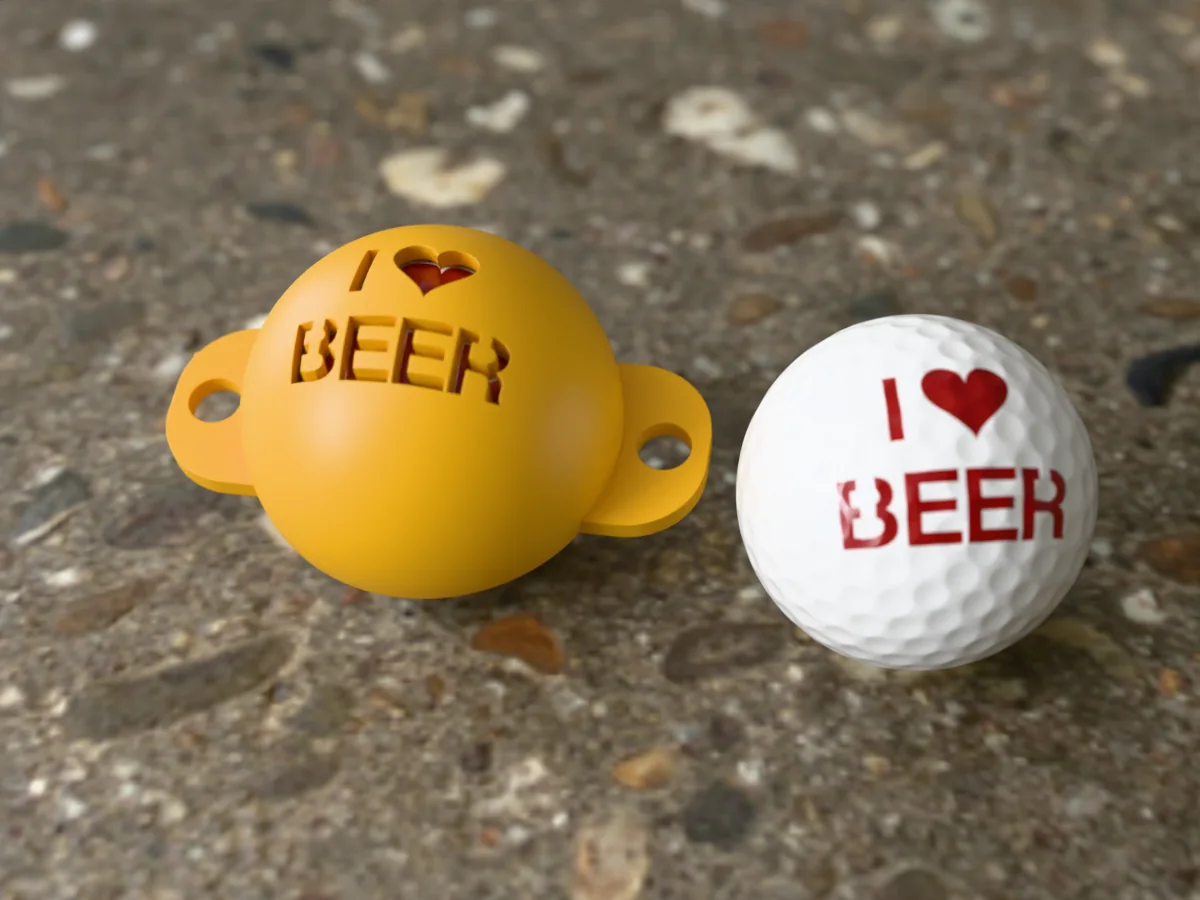
A printed cap that marks I (heart) BEER on a golf ball. The souvenir-ball look, with the real reason you play.
 Print onlyPro early access
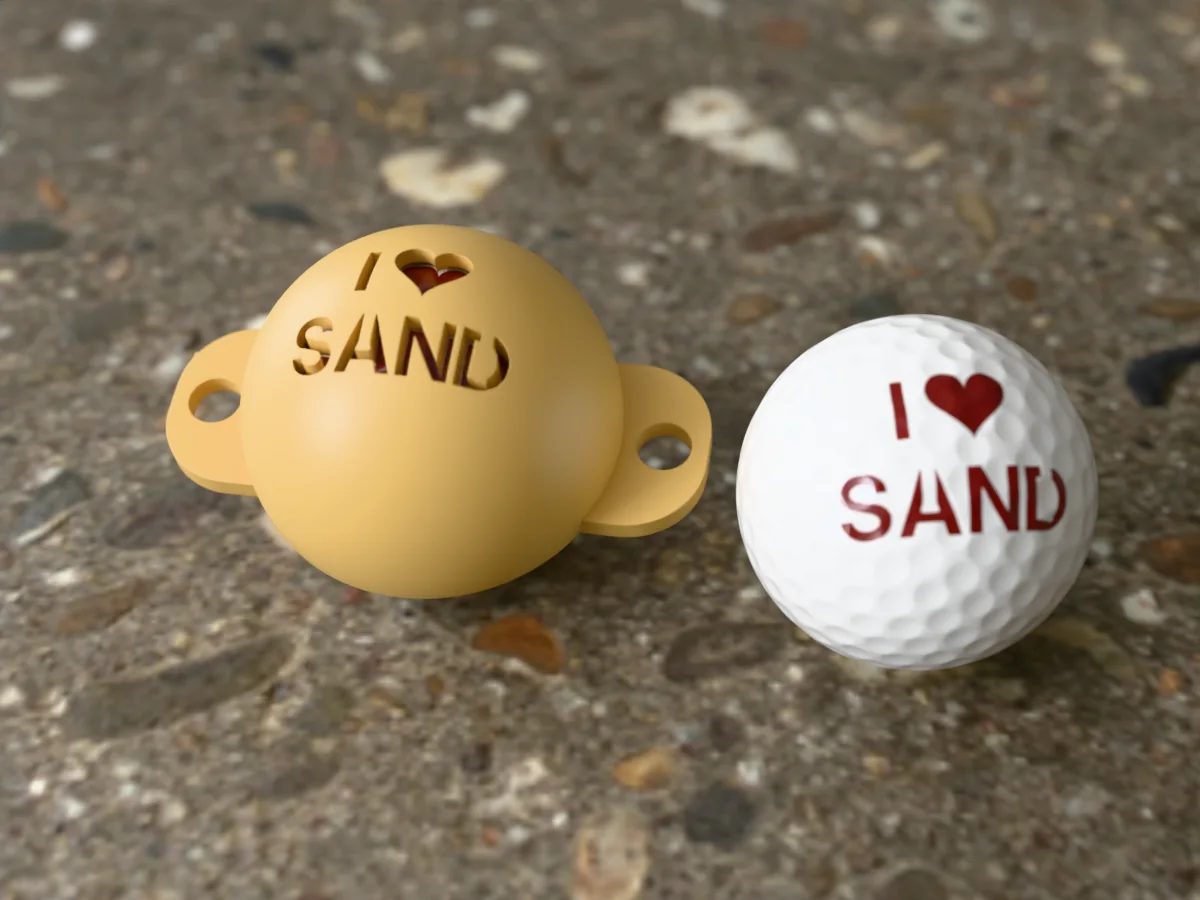
A printed cap that marks I (heart) SAND on a golf ball, for the ball that cannot stay out of a bunker.
 Print onlyPro early access
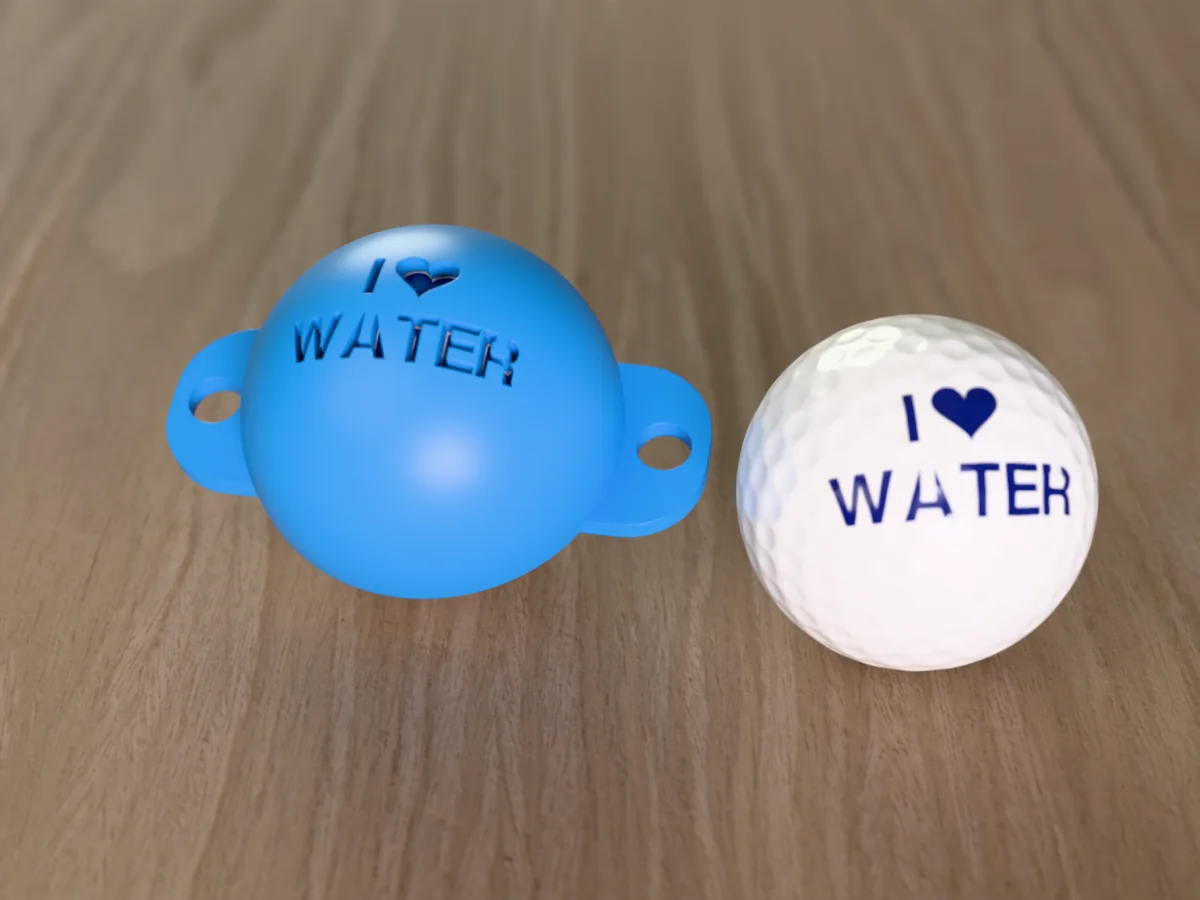
A printed cap that marks I (heart) WATER on a golf ball. The water hazard, finally treated as a destination.
 Print onlyPro early access
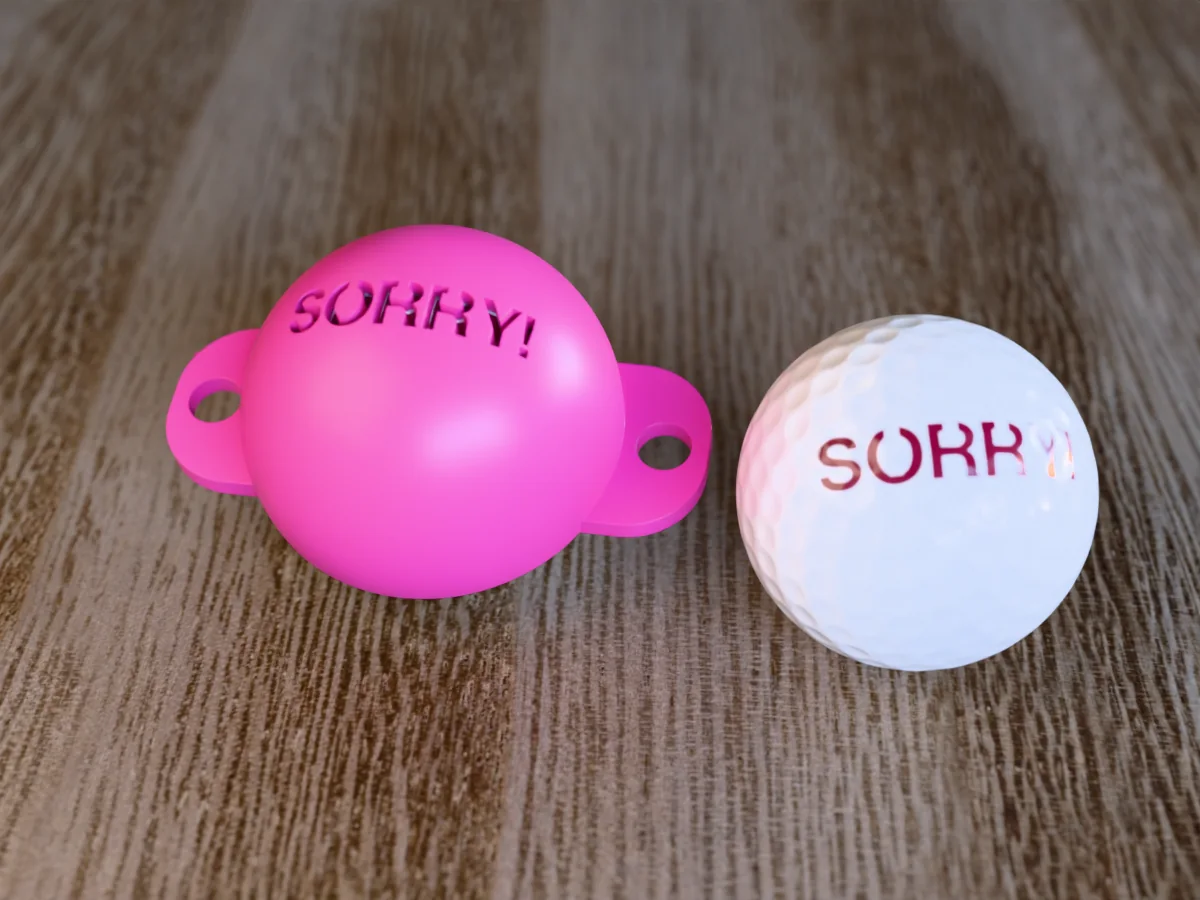
A printed cap that marks SORRY! on a golf ball. The apology, delivered before the ball lands in the next fairway.
 Print onlyPro early access
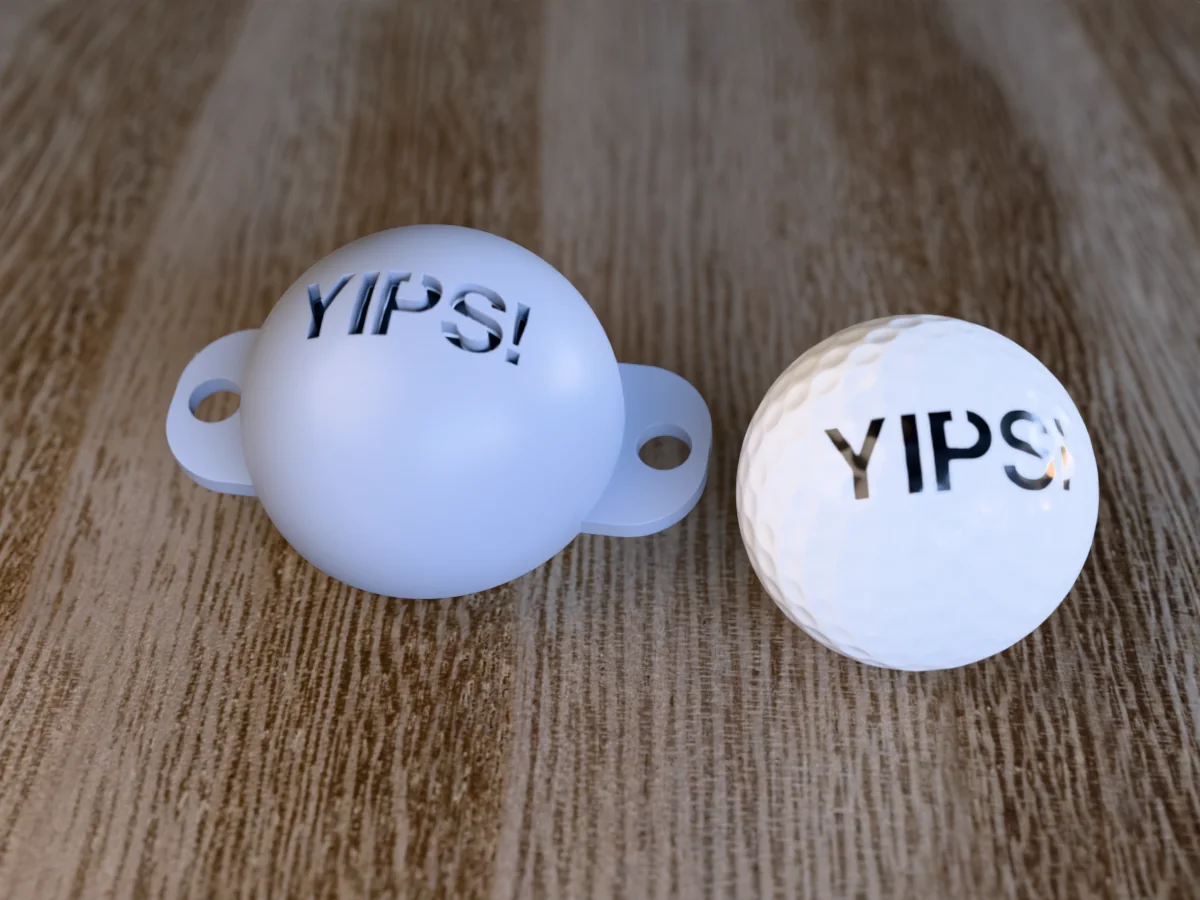
A printed cap that marks YIPS! on a golf ball, for the putter that twitches on every two footer.
 Print onlyPro early access
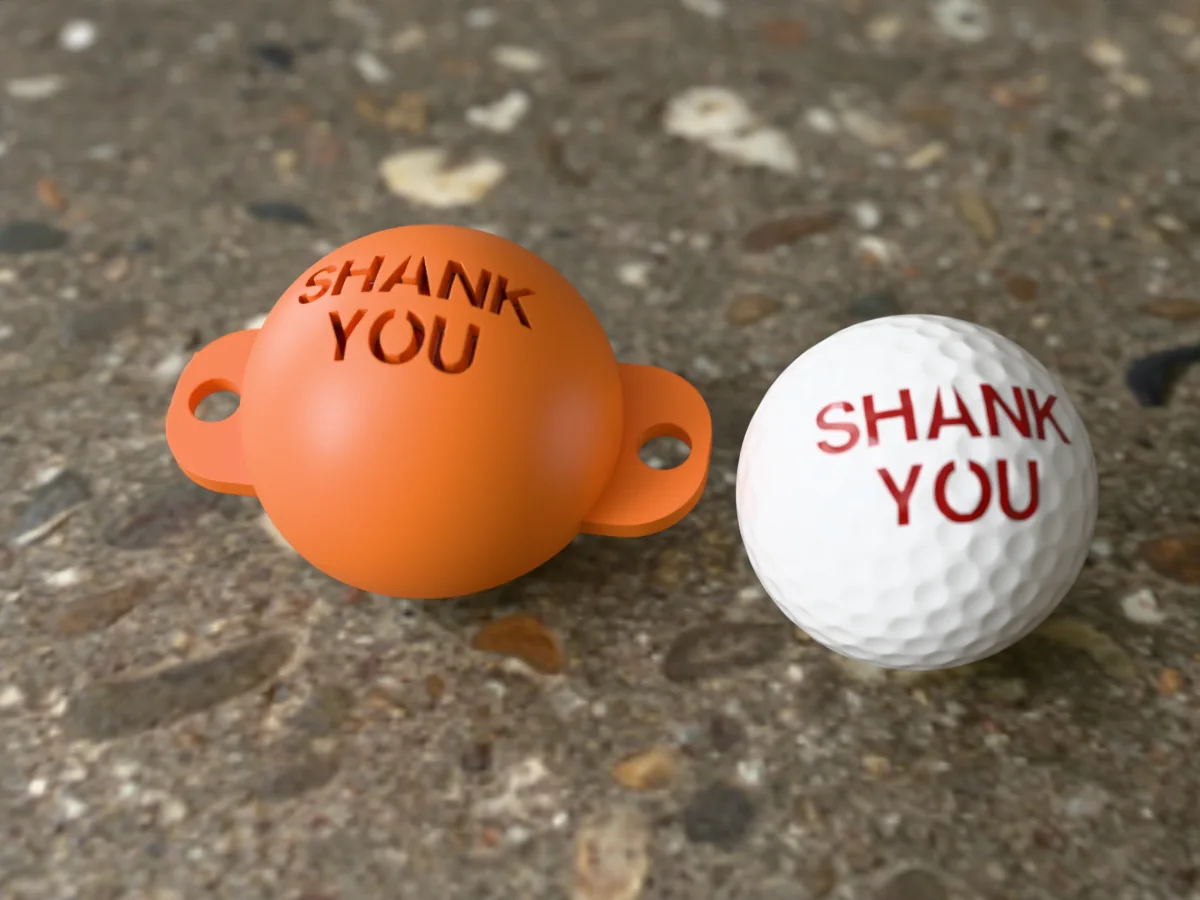
A printed cap that marks SHANK YOU on a golf ball. Polite on the outside, a shank on the inside.
 Print onlyPro early access
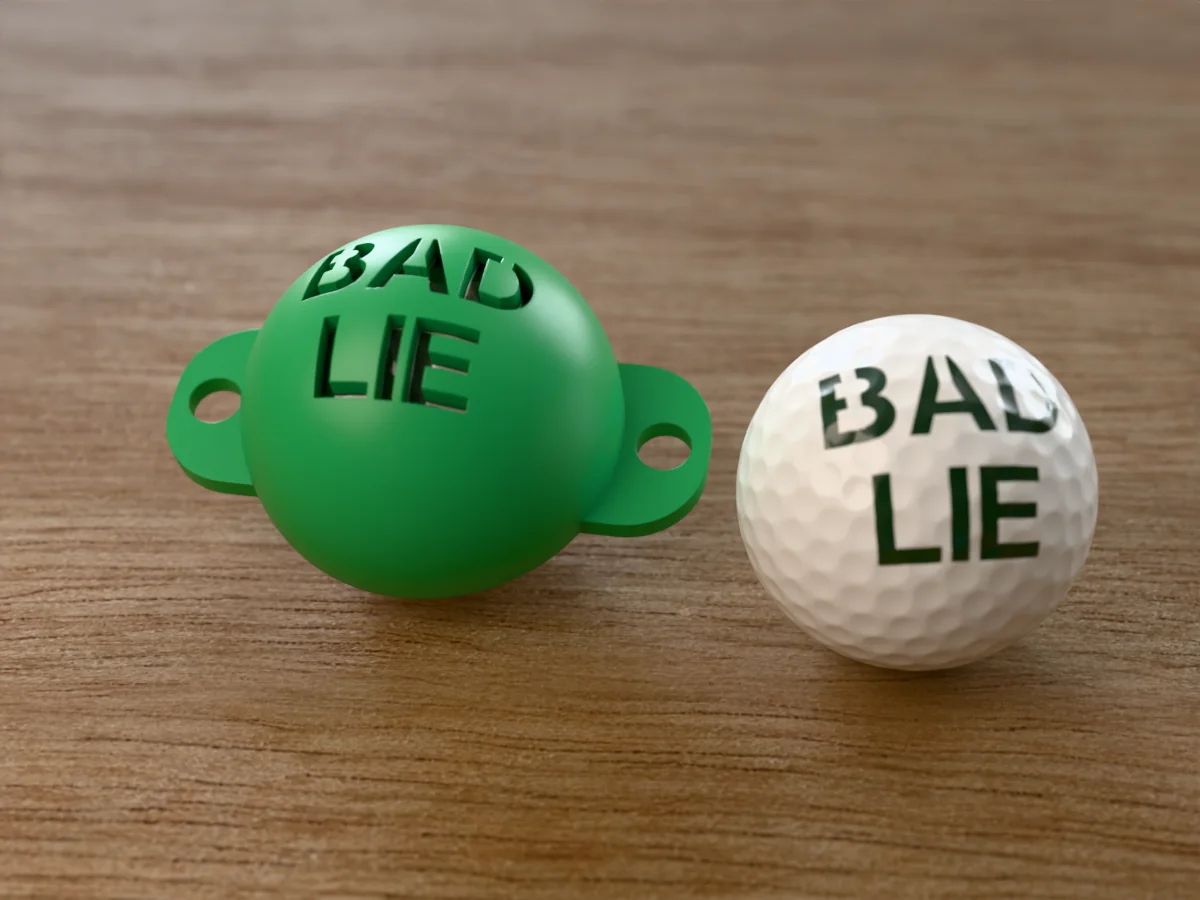
A printed cap that marks BAD LIE on a golf ball. True of where it sits, and of your scorecard.
 Print onlyPro early access
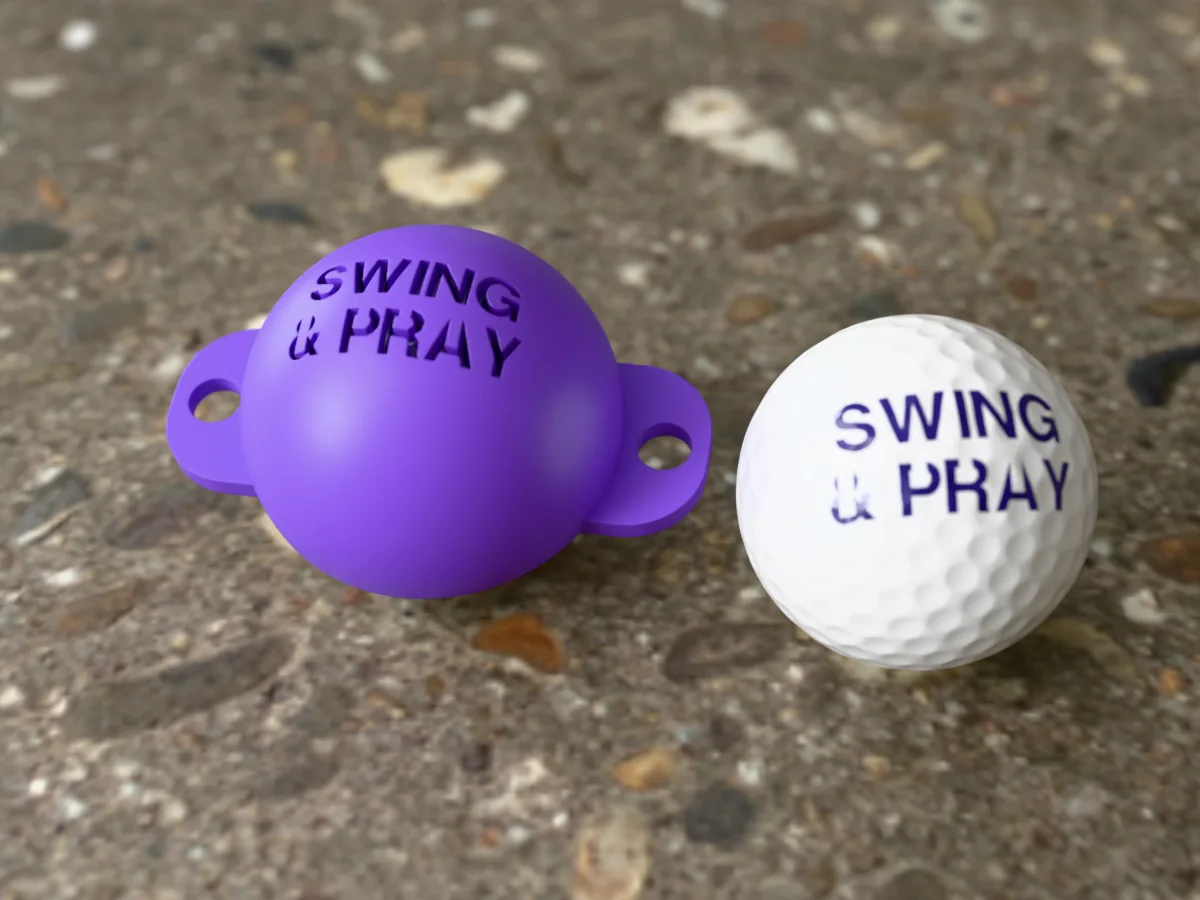
A printed cap that marks SWING & PRAY on a golf ball. The whole pre-shot routine, in three words.