How to mark a golf ball with a printed stencil
This guide was drafted with AI assistance.
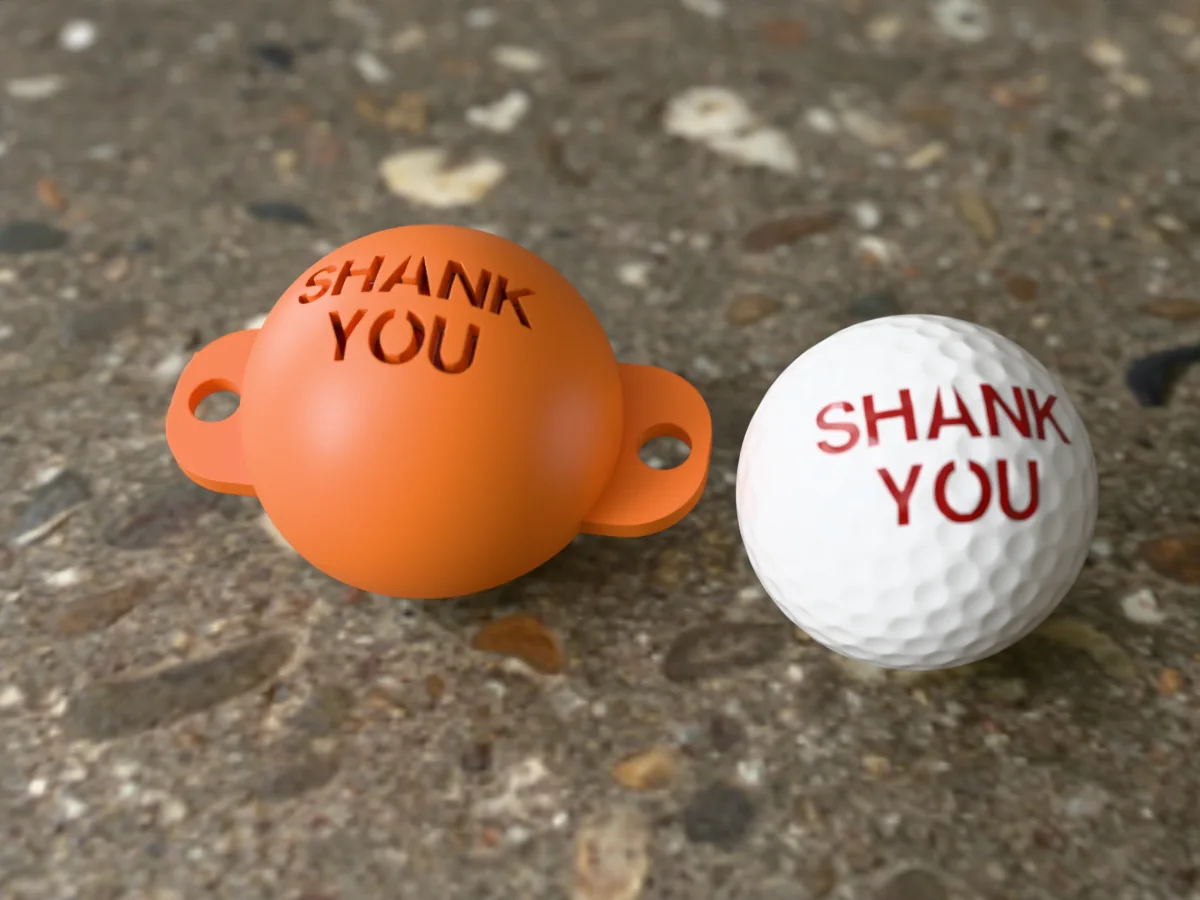
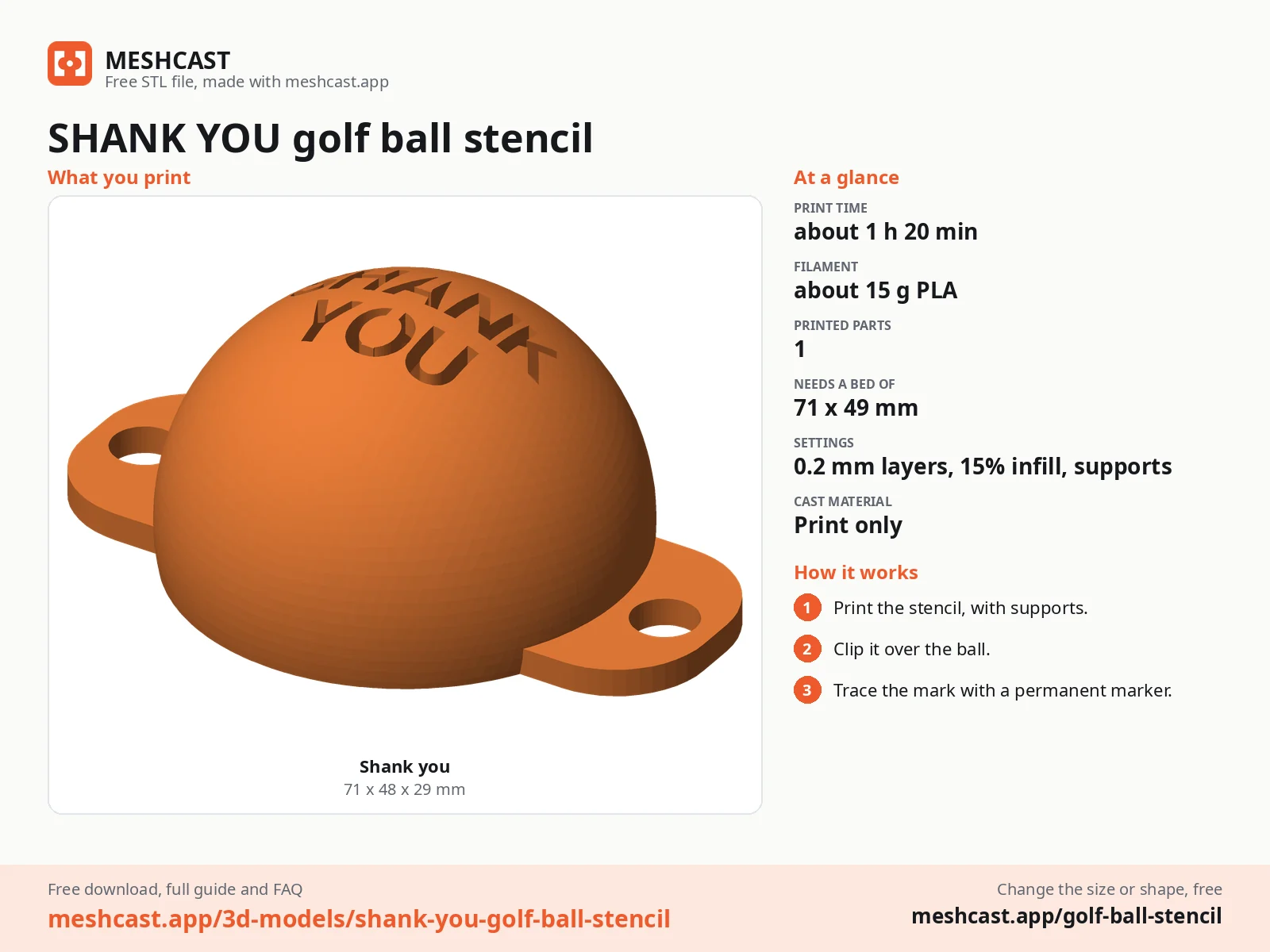
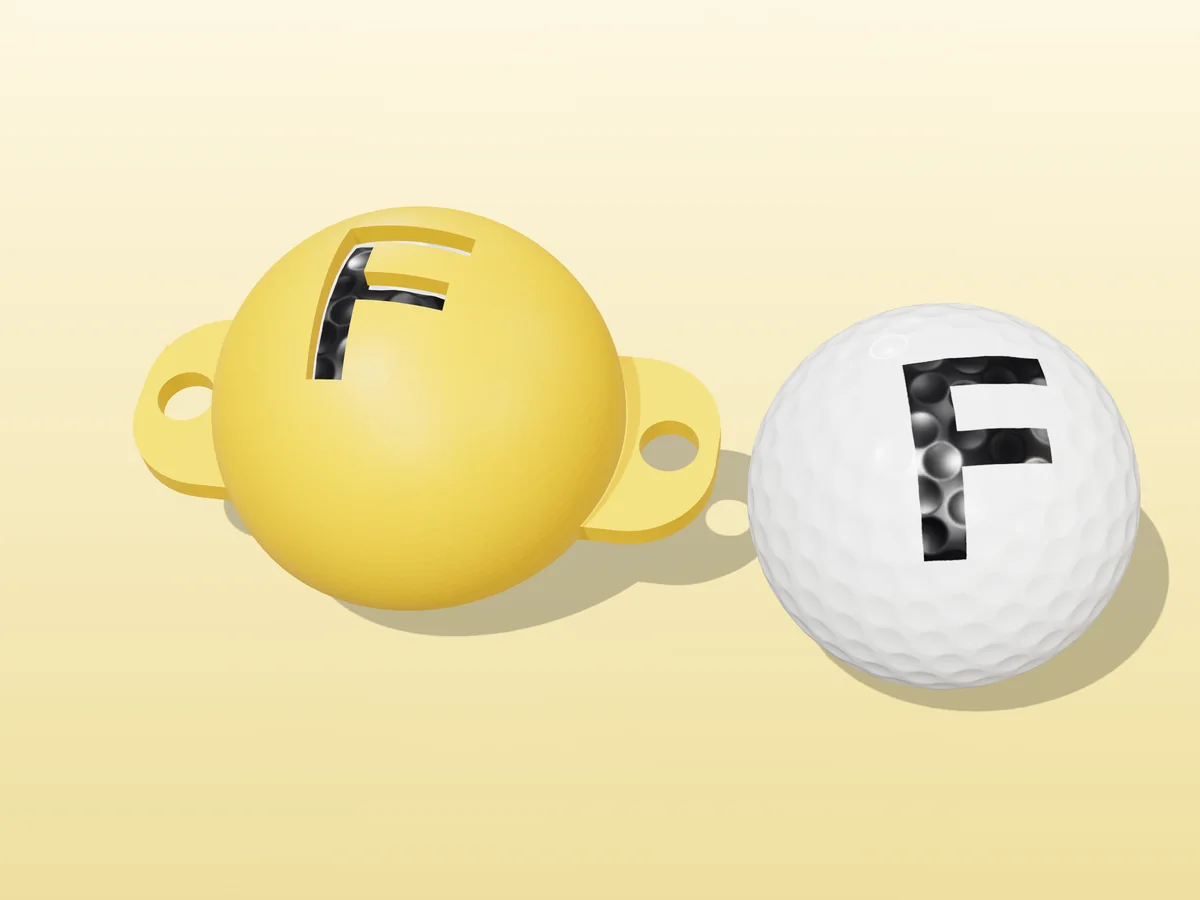
The golf ball stencil generator makes a cap that sits on the top half of a ball with your initials or logo cut clean through it. Print it rim-down, with tree supports, sit it on the ball, and colour in the opening with a fine-tip permanent marker. Every ball comes out identical.
What the generator does, and what it doesn't
Handled for you
- Fits the cap to a regulation 42.67 mm ball, with an adjustable clearance for how your printer comes out
- Takes the rim past the ball's equator so the cap clips on and stays there, and tells you in millimetres how tight that grip is
- Wraps the design onto the sphere before cutting it, so the size you set is the size the mark comes out on the ball
- Adds stencil bridges automatically, so closed letters like O and A keep their middles instead of dropping out
- Cuts a clean, single-edged aperture, with an optional funnel for designs whose strokes are too thin for a pen tip
- Makes alignment-line stencils too: straight, triple track, T, cross or arrow, clamped to a length that cannot cut the cap in half
- Adds two grip tabs with holes, for a rubber band under the ball when you want both hands free
Still your call
- How bold the design is. Hairline strokes make openings a pen cannot get into, whatever the generator does
- The first clearance. Printers vary on curved walls; expect to adjust by 0.2 mm once, then never again
Why a stencil beats freehand
A ball is a curved, glossy, dimpled surface, which is about the worst thing to draw on. Freehand marks come out different every time, and a mark you cannot reproduce is no use for identifying your ball on a crowded fairway. A stencil solves it by taking your hand out of the shape entirely: the cap holds the pen inside the design, and all you do is fill it in.
The Rules of Golf recommend you put an identifying mark on your ball, and marking it with a pen does not affect how it plays, so it stays conforming.
Make one in 3 steps
Design the stencil
Pick one of the ten built-in symbols, type up to two lines of six characters and choose a font, or upload a logo as a PNG, JPG or SVG. An SVG comes through as real curves, so use one if you have one: a logo traced from a screenshot carries the screenshot's pixel steps into the printed edge. Set the design size, then download the STL.
For the souvenir-ball look, choose Template: it cuts “I”, a symbol of your choice and your own word underneath, the way I ♥ NY balls are printed. Two to four letters mark best, because a longer word shrinks the whole mark to fit the same circle.
Want a line to aim along instead? Switch Mark to Alignment lines and pick a pattern. There are two small boxes there for letters either side of the line, so an A | B comes off one cap; a full-size design still needs its own stencil, because it wants the same spot on the ball the line does.
Print it
Rim down on the bed, exactly as previewed, with tree supports. Tree (organic in PrusaSlicer) supports hold up the inside of the dome, touch it in only a few places and peel out easily; a normal support grid would scar the whole underside. 0.16–0.2 mm layers, 3 perimeters, any infill. PLA is fine; PETG survives being trodden on in a golf bag. It is a small print, well under an hour.
Mark the ball
Wipe the ball with alcohol so the ink bites. Sit the cap on it, or loop a rubber band through both tab holes and under the ball, then colour in the opening with a fine-tip permanent marker. Wait about five seconds, then lift straight up.
Which options matter
| Option | What it changes |
|---|---|
| Design size | Measured across the ball's surface. 20 mm suits initials; past ~25 mm the opening starts facing sideways and the pen cannot reach squarely. |
| Stencil bridges | Keeps the middles of closed shapes attached. Turn it off only for a design with no enclosed areas, like a heart or a bolt. |
| Skirt | How far the rim goes past the ball's equator. Higher grips harder: the sidebar says whether the cap will clip on or lift off. Zero is the plain hemisphere you hold with your fingers. |
| Clearance | The one setting to adjust if the fit is wrong. Up for tight, down for loose, 0.2 mm at a time. |
| Pen funnel | Off by default, because it leaves a visible lip part-way down the cut. Raise it only if your design has strokes too thin for a pen tip to reach into. |
| Grip tabs | Off gives a plain cap you hold with your fingers. On gives the tabs and band holes. |
Free golf ball stencils
All free designs →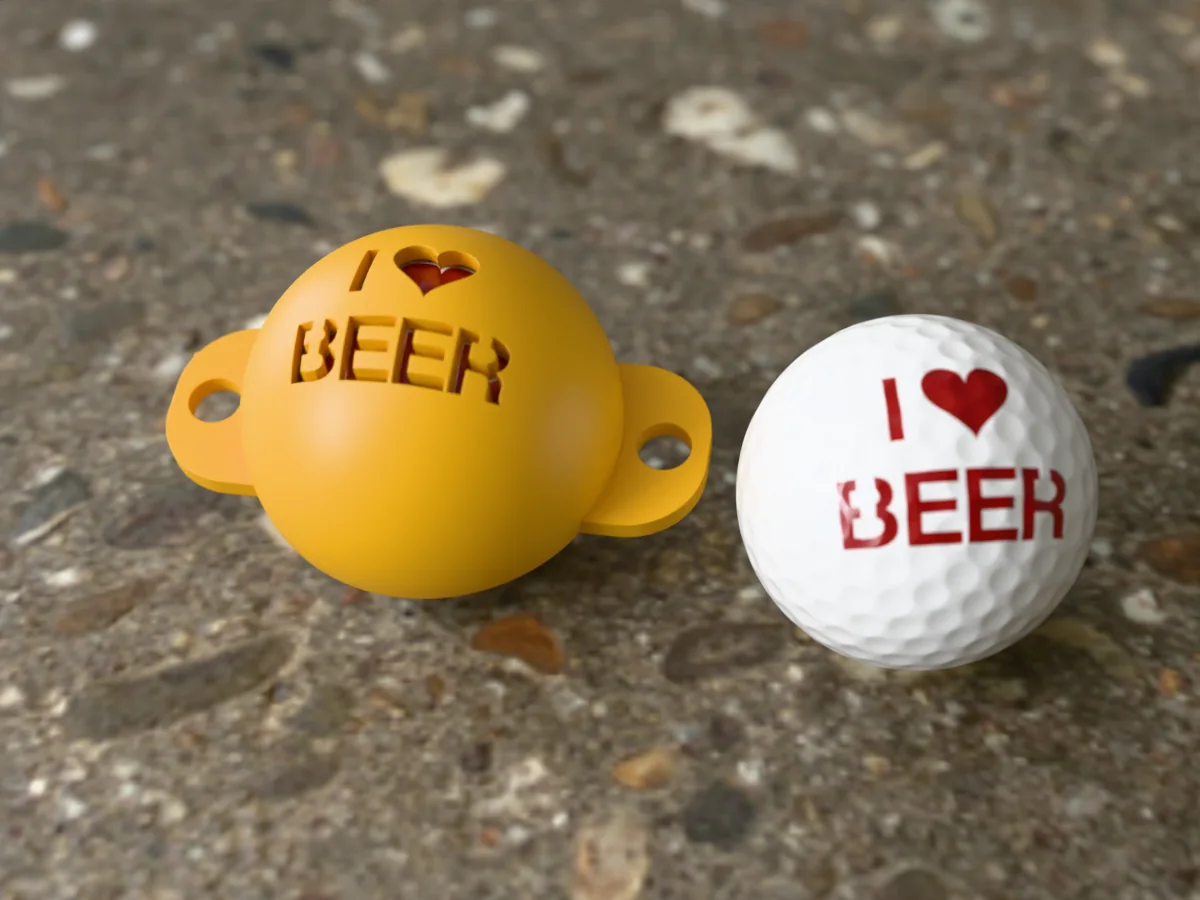
Stencil troubleshooting
The mark smears when I lift the stencil
Cause Permanent marker on a glossy urethane cover takes a few seconds to bite, and lifting the cap drags the wet edge sideways.
Fix Count to five before you lift, and lift straight up rather than tilting the cap off.
Quick fix Wipe the ball with alcohol first. A ball straight out of the bag carries grass, wax and hand oil, and ink sits on top of all three.
The cap will not go on, or falls straight off
Both are the same setting. Open Fit & wall and change Clearance: up 0.2 mm if the cap fights you, down 0.2 mm if it is loose.
Why the first print is usually tight A slicer walks a curved perimeter slightly inside the true surface, so printed spheres come out a touch under size.
Leave Ball size alone A regulation ball is 42.67 mm and every brand is built to it. Only change it for a range ball or a practice ball.
The middle of my O came out as a loose chip
That is exactly what stencil bridges are for, and they are on by default. The design is a hole, so anything it encloses is attached to nothing.
Fix If the sidebar still reports a piece left out, widen Bridge width under Aperture, or pick a bolder font.
Can one stencil do my initials AND an alignment line?
Short letters, yes. In Alignment lines mode there are two boxes for up to three characters each, so you can put an A left of the line and a B right of it and cut all of it from one cap. They sit clear of whichever pattern you picked and shrink automatically if that pattern is wide.
A full-size design, no It wants the top of the ball, the same place the line wants, so a big monogram plus a line is still two stencils. That is how commercial kits sell them too.
Which line pattern Straight is the default and suits most people. Triple track gives you a wide target to frame the putter against, T adds a back bar you square the face to, and arrow makes the aim direction unambiguous.
Length is measured around the ball. Long lines stop short of the rim on purpose: a slot running edge to edge would cut the cap into two loose halves.
Which pen should I use?
A fine-tip permanent marker. A Sharpie fine point is about 1 mm and fits any opening this generator makes.
Not a paint pen, first time It lays a thick bead that domes above the surface and catches the stencil as you lift it.
Two light passes beat one hard pass: the second fills the dimples the first skipped.
Am I allowed to mark my ball?
Yes. The Rules of Golf recommend putting an identifying mark on your ball so you can confirm it is yours.
Pen marks do not change how the ball plays, so a marked ball stays conforming.
How big should the design be?
Around 20 mm suits initials, which is the default.
It is measured across the BALL, not across the flat drawing, because the generator wraps the design onto the sphere before cutting it.
Past about 25 mm the opening starts to face sideways rather than up, and a pen can no longer reach the surface squarely.
Made by meshcast.app. Got stuck? Email a photo and I'll help you debug.