MoldForge alternative: a mold generator without Blender
This guide was drafted with AI assistance.
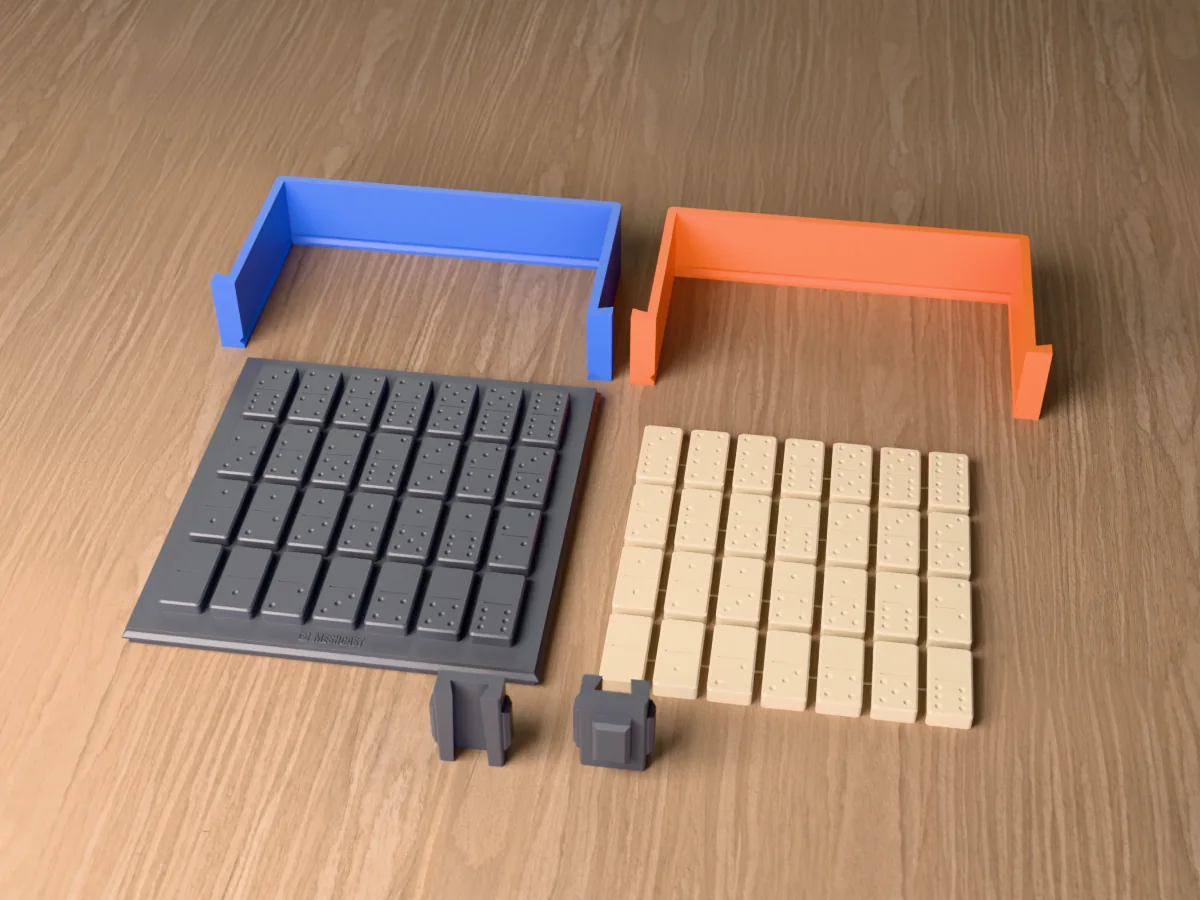
MoldForge is a free, open-source Blender add-on that builds printable silicone pour boxes, direct printed molds and open pour trays from a mesh, right inside Blender. If you already work in Blender, it is a very good tool and costs nothing. Meshcast does the same core job in a browser tab, with no Blender, no install and one focused generator per craft. Pick MoldForge if you want everything local and hands-on in Blender; pick Meshcast if you want a mold from a downloaded STL in about a minute, on any computer.
No Blender needed: drop in an STL and get a printable mold in about a minute. Free, in your browser.
Open the silicone mold maker →The short answer
Most people who search for MoldForge are in one of two places. Either they use Blender already and want to know whether the add-on is worth installing, or they found MoldForge, realised it needs Blender, and want something that does not. Both questions have a straight answer, so this page starts with what MoldForge does well.
Everything said here about MoldForge comes from its own public pages, read in October 2026: the Blender Extensions listing, its version history and its website. It is under active development (version 0.46.2 at the time of writing, labelled beta by its author), so check those pages for the current feature list.
What MoldForge is
MoldForge describes itself as an add-on that "turns any 3D model into a print-ready mold, right inside Blender". You install it from Blender's Get Extensions preferences, open the MoldForge tab in the 3D viewport sidebar, select your model and click Generate Mold. It needs Blender 5.1 or newer and runs on Windows, macOS and Linux. It is licensed GPL-3.0, with no login and no subscription.
Its listing names three mold types:
- Silicone pour box: a thin printed jacket around your master, which you fill with liquid silicone, including a glove or mother-mold workflow.
- Direct printed mold: the printed pieces are the mold, for resin, wax or plaster, in a hugging or a block shape.
- Tray or open pour: a one-part open pan for flat and relief objects such as text, logos and coins.
Around those it lists self-registering splits (contoured, or flat with cone keys or teeth), 3 or 4 radial wedges for undercuts, clamp wings and bolt holes, pour funnels with vents, a keyed base plate, volume and weight estimates with material presets, mesh repair and remeshing, and STL export. Recent versions added inner cores, skin molds, custom split planes and saved setting presets.
Feature comparison
| Meshcast | MoldForge (October 2026) | |
|---|---|---|
| Where it runs | A browser tab, on any computer, Chromebook or tablet | Inside Blender 5.1+ on Windows, macOS or Linux |
| Install | None | Install Blender, then the add-on from Get Extensions |
| Price | Free for personal use, 3 downloads a week, every mold type included. Pro $20/mo for commercial rights | Free and open source (GPL-3.0), no login, no subscription |
| Silicone pour box | Yes, silicone mold maker (box mode) | Yes |
| Form-hugging silicone shell | Yes, silicone mold maker (contoured mode) | Yes, contoured splits and a hugging shape |
| Rigid printed mold for wax, resin, plaster | Yes, candle mold maker | Yes, direct printed mold |
| Multi-cavity tray | Yes, tray mold | Yes, open pour tray |
| Vases and cups with an inner core | Yes, vase mold | Inner cores listed since version 0.46 |
| Plaster and slip-casting housings | Yes, plaster mold, with clay-shrinkage compensation | Not listed as its own mold type |
| Die and piston press molds (clay, soap, bath bombs) | Yes, press mold | Not listed |
| Silicone and resin volume estimate | Yes | Yes, with material presets |
| Export | STL and 3MF | STL |
| Your model leaves your machine? | Some tools run in the browser; the main mold generators compute on our server in Germany and delete the file afterwards | No, it runs inside Blender on your computer |
Where MoldForge is stronger
- Free with no limits and open source. No download allowance, no login, and the source is public under GPL-3.0. Meshcast's free tier is generous but counted.
- Everything stays on your machine. It runs inside Blender, so your file never goes to a server. On Meshcast, the main mold generators compute on our server.
- Full manual control. You are inside a complete 3D editor: you can sculpt the master, fix it, move a split plane by hand and edit the mold parts afterwards. Meshcast deliberately gives you the settings that matter and not a modelling environment.
- Runs locally inside Blender, so your model is processed on your own computer.
If those points describe how you work, MoldForge is the right tool and you should use it.
Where Meshcast is stronger
- No Blender. Blender is a big program with a steep learning curve. Meshcast is a URL: open it on a Chromebook, a tablet or a work laptop where you cannot install anything.
- A minute from file to mold. Upload, check the size readout, generate, download. No add-on setup, no scene to manage.
- One tool per craft. Each generator starts with defaults for its material: candles and wax, plaster and slip casting, vases, press molds for clay, soap and bath bombs.
- 3MF export with colored parts, so the mold halves arrive in your slicer already told apart.
- Automatic repair. A mesh that is not watertight is repaired before generating, with a "Fix it for me" button for the rest.
Which to pick for which job
| Your situation | Better pick |
|---|---|
| You already model in Blender and want to edit the master or the mold by hand | MoldForge |
| Your files must never leave your computer, or you work offline | MoldForge |
| You downloaded an STL and just want a mold today | Meshcast, silicone mold maker |
| Candles or wax poured straight into a printed mold | Meshcast, candle mold maker |
| Ceramics: slip casting or plaster | Meshcast, plaster mold |
| Clay, soap or bath bombs pressed rather than poured | Meshcast, press mold |
| No install possible (Chromebook, tablet, school or work laptop) | Meshcast |
Want to see the manual route first? How to make a mold in Blender, step by step walks through the booleans by hand. Comparing desktop software instead? Read the Moldboxer alternative.
Questions
What is MoldForge?
A free, open-source add-on for Blender (GPL-3.0) that turns a 3D model into a printable mold system inside Blender: silicone pour boxes, direct printed molds and open pour trays, with registration, pour funnels, vents and volume estimates.
Requirements Blender 5.1 or newer, on Windows, macOS or Linux, according to its listing and website as of October 2026.
Is MoldForge free?
Yes. It is free and open source under GPL-3.0, with no login and no subscription, according to its own website in October 2026.
Meshcast Free for personal use, 3 downloads a week, every mold type included. Pro at $20 a month adds commercial rights.
Is there a MoldForge alternative that does not need Blender?
Yes. Meshcast runs in a browser tab: upload an STL, OBJ or 3MF, set a few sliders and download a print-ready mold as STL or 3MF. Nothing to install, no Blender knowledge needed.
The trade-off It needs an internet connection and gives you less manual control than a full 3D editor.
Which is better, MoldForge or Meshcast?
MoldForge If you already work in Blender, want everything on your own machine and like to tweak a model by hand.
Meshcast If you do not use Blender, cannot install software, or want a mold for a specific craft (candles, plaster, vases, press molds) in about a minute.
Can I use both?
Yes. Both export STL, so a mold from either one goes into the same slicer. A sensible split is MoldForge when the model is already open in Blender and needs hand work, and Meshcast when you just want a mold from a file you downloaded.
Made by meshcast.app. Comparison based on MoldForge's public pages (Blender Extensions listing, version history and website) as read in October 2026; the add-on changes quickly, so check its own pages for the current features. Got stuck? Email a photo and I'll help you debug.