◆ Concrete
Concrete tetrapod mold
A concrete tetrapod, the four-legged breakwater block, as a 62 mm desk piece. A silicone mold kit from printed parts.
◆ Concrete
A concrete tetrapod, the four-legged breakwater block, as a 62 mm desk piece. A silicone mold kit from printed parts.
A tetrapod, the four-legged concrete block that armours harbour walls and breakwaters, scaled down to a desk piece: four tapered legs 40 mm from the centre to the end of each, 30 mm thick at the root and 19 mm at the end, set at the tetrahedral angle so it rests steadily on any three with the fourth pointing up. Every edge is rounded and the legs meet in soft fillets, so the concrete does not chip. It is 64 ml, about 140 g in concrete.
Made with the box mode of our silicone mold maker in its round shape, the mode the tool itself suggests for this shape: it has undercuts but sits low and wide, so a silicone block that you slit open once releases it. The tetrapod stands in the mold on one leg, and the end of that leg is the pour opening. Print the base with the tetrapod fused onto it, the two walls and the two clamps, and pour about 813 ml of silicone.
Cast a row of them in grey concrete as paperweights, bookends for a shelf of sea books, a harbour for a desk diorama or a stand for a small air plant, or in white Jesmonite for a clean modern look. The zip carries every printed part, the tetrapod master as its own STL, the tool's own print-settings sheet and a recipe file for the generator.
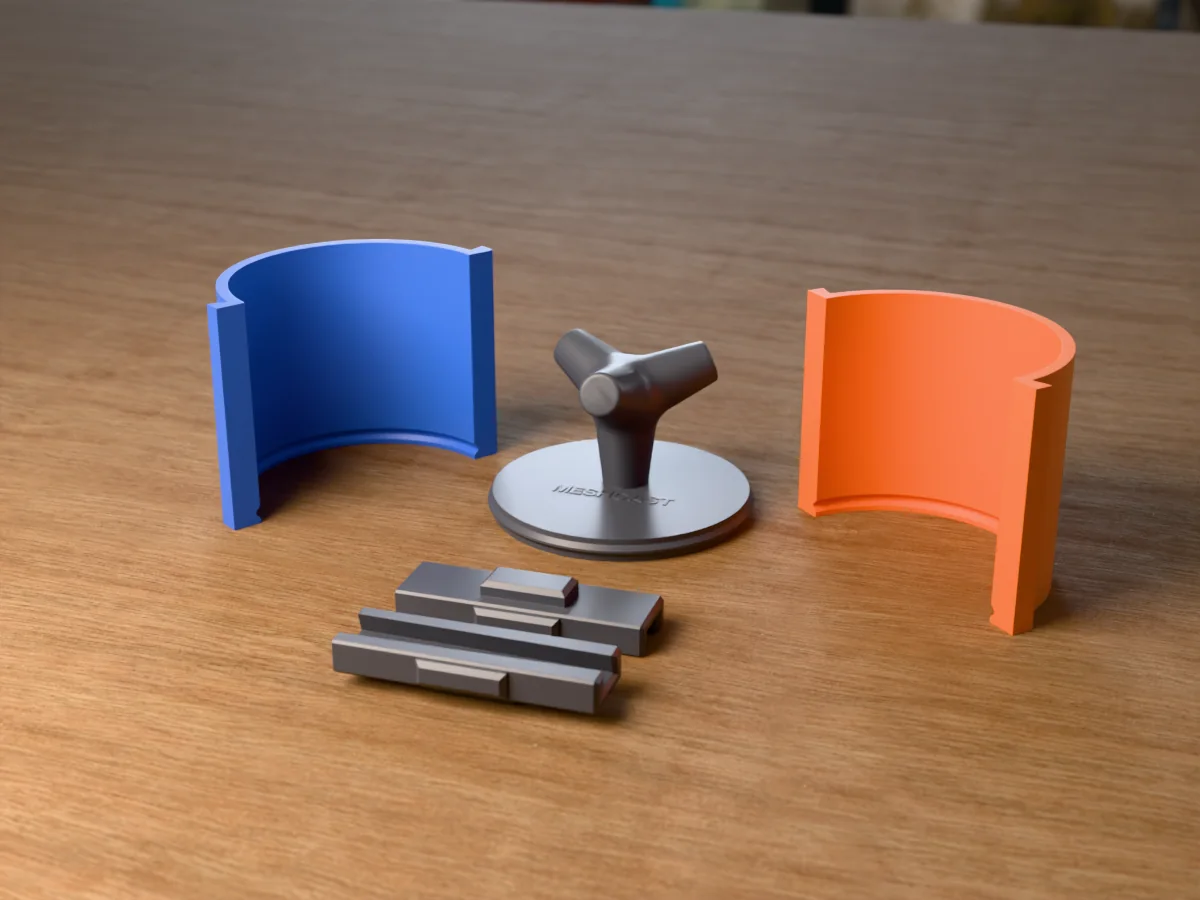
Shown as a 3D render of the printed mold parts pulled apart around the master, not a photo.
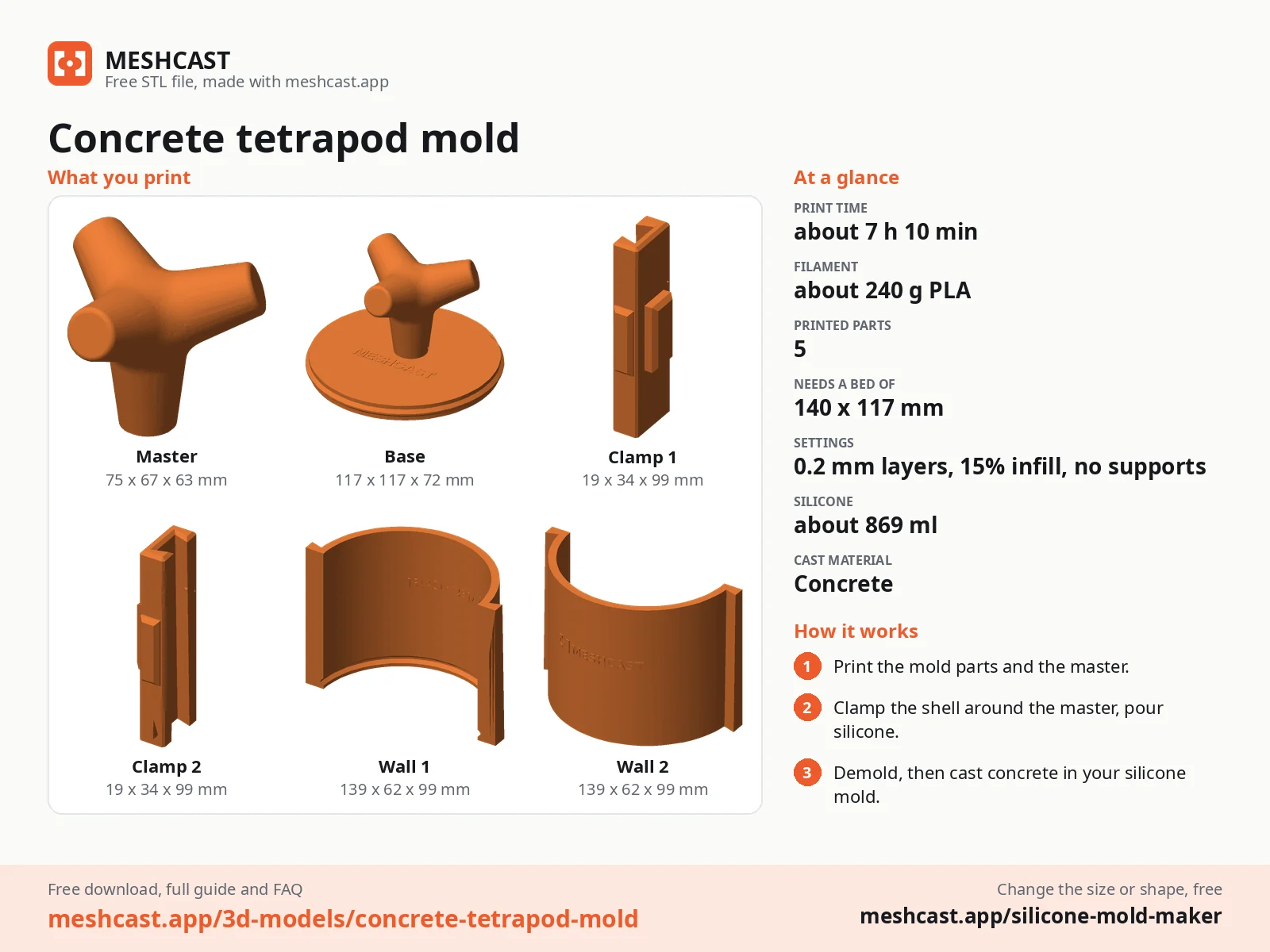
Print the base with the master fused onto it, the two walls and the two clamps.
Stand the base on the table. Set each wall down a few centimetres out from it and slide it in over the table until the ridge round the base sits in the groove at its foot, then slide the clamps down over the seams. Once they are on, the walls cannot lift, and the ridge seals the bottom.
Mix 869 ml of silicone in one batch and pour it into a corner, letting it rise around the master until it covers the top.
Once it has cured, take the clamps off and slide the walls straight out. The three upper legs lock the tetrapod in the block, so cut one straight slit down the side of the block with a sharp knife, from the open face down past the widest leg, open it like a book and lift the master out.
Stand the block back inside the walls with the clamps on, which hold the slit shut. The opening is the end of the leg the tetrapod stood on.
Mix a fine concrete or Jesmonite a little wetter than for a slab and pour it slowly into the opening, tapping the walls between pours so the mix runs down into all three upper legs and the air comes up. Fill level with the opening and strike it flat.
Leave it to cure for a day, take the walls off, open the slit and peel the silicone back off one leg at a time. Sand the end of the pour leg flat and seal the tetrapod.
Print details
| Cast material | Concrete |
|---|---|
| Printed parts | 5 |
| Size (W x D x H) | 117 x 117 x 99 mm |
| Print bed needed | 140 x 117 mm, 100 mm tall |
| Filament | ~240 g |
| Layer height | 0.2 mm |
| Infill | 15% |
| Supports | Not needed |
| Download | ZIP: 5 printed parts (STL) + tetrapod master (STL) + print sheet + recipe |
| Added | 2026-09-28 |
Pro early access until October 28, 2026, then free with any account.
Like it or post your print on Thingiverse
Make your own silicone mold →Made with the free Silicone mold maker generator. Upload your own model and get the same kind of mold built around it, in your browser.
Free for personal use. Selling the pieces you cast needs a commercial licence (Pro or Founder); passing on the file itself is not permitted on any plan. Full terms.
New to casting? Read the silicone mold maker guide.
Full size, tetrapods armour breakwaters and sea walls: the four legs interlock in a pile and break up waves instead of reflecting them. This one is a 62 mm desk piece: a paperweight, a pair of bookends, harbour scenery for a model railway or diorama, or a plinth for a small air plant.
Pour through the open leg in several small amounts and tap or vibrate the walls after each, so the mix flows down into the three upper legs and the air escapes up the pour leg. A fine, fluid mix with no gravel, or Jesmonite, fills the legs best.
Each of the three upper legs is wider at its root than at its end, so the block holds the master like a hand. One straight cut down one side lets the block open like a book, and the printed walls and clamps close it tight again for every pour after.
 ConcretePro early access
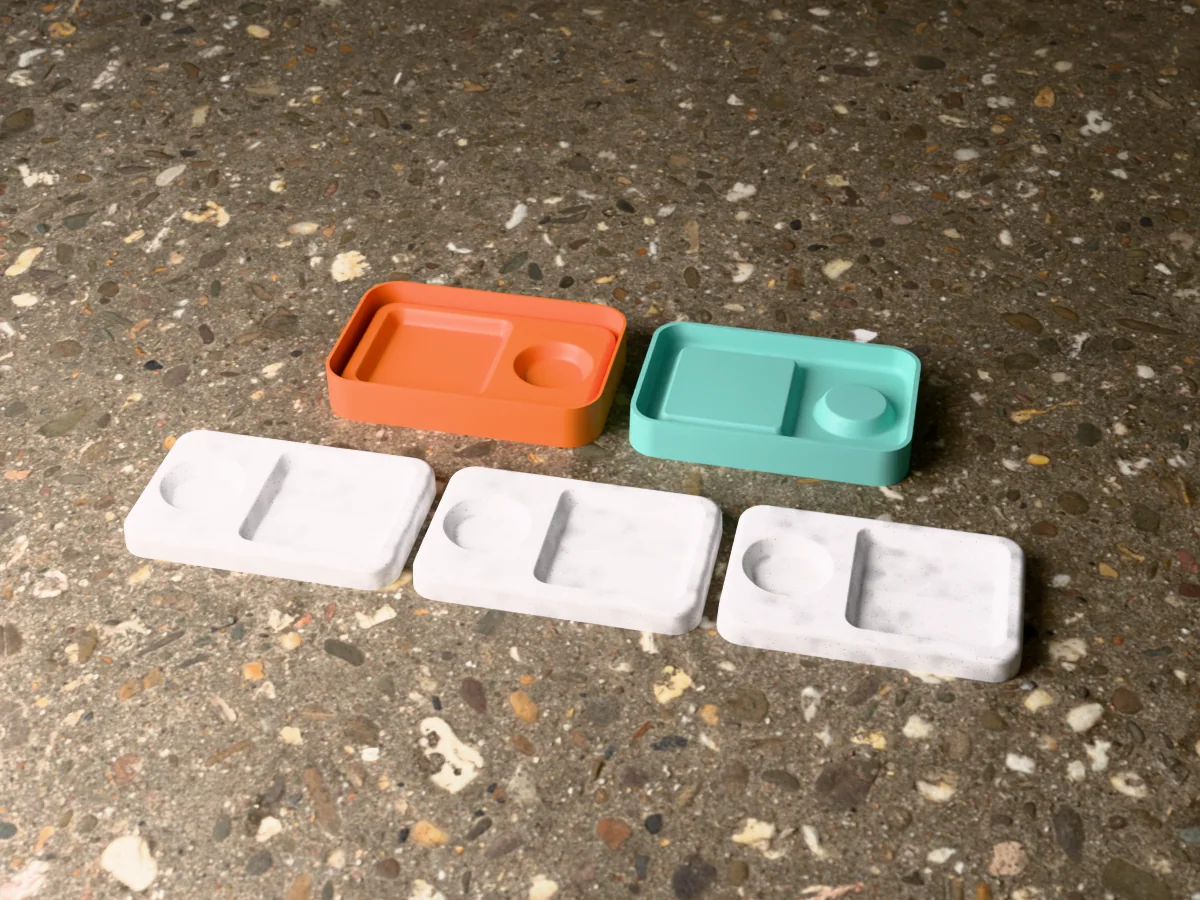
A concrete key tray with a long well for keys and a round one for coins and rings, cast from a silicone mold you make yourself.
 ConcretePro early access
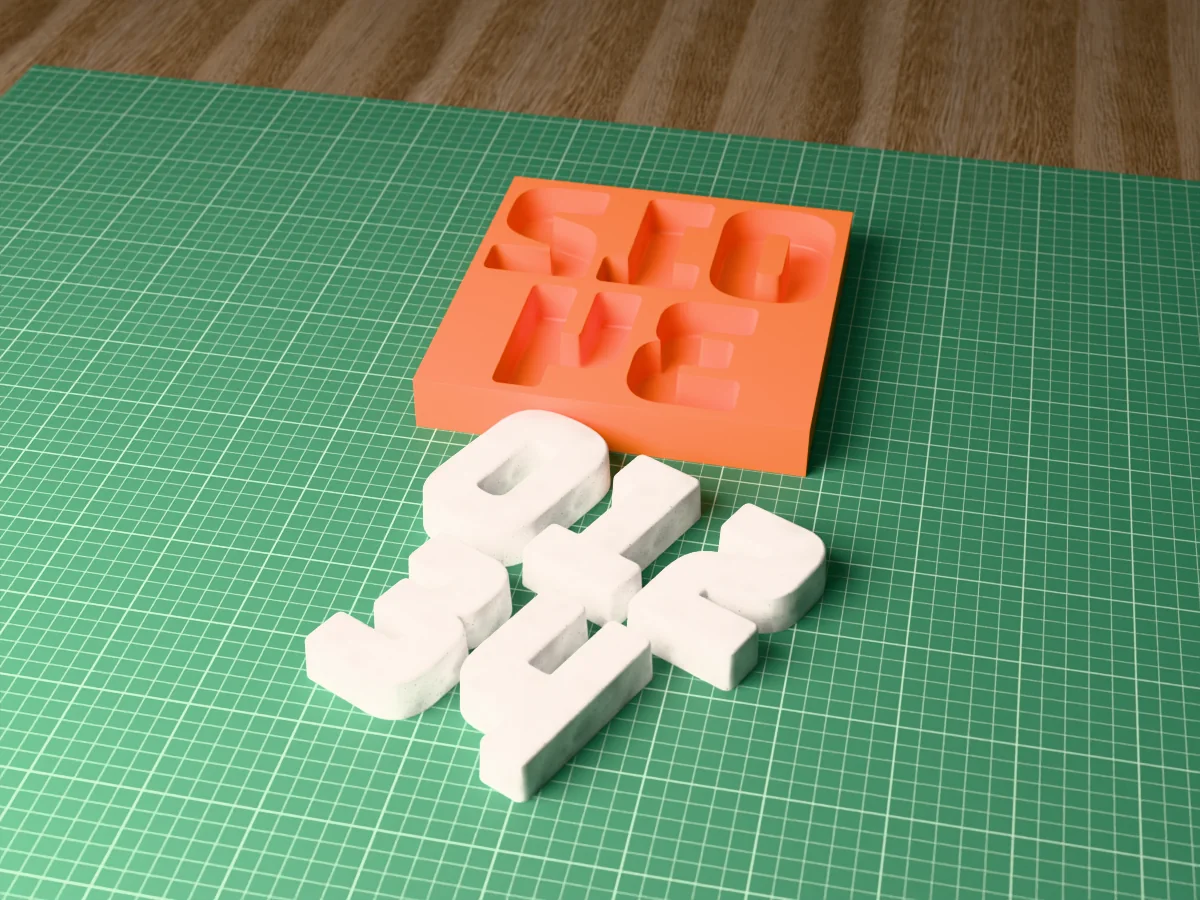
Modern house numbers 0 to 4, 95 mm tall, cast in concrete straight in one printed tray that fits a 220 mm bed.
 ConcretePro early access
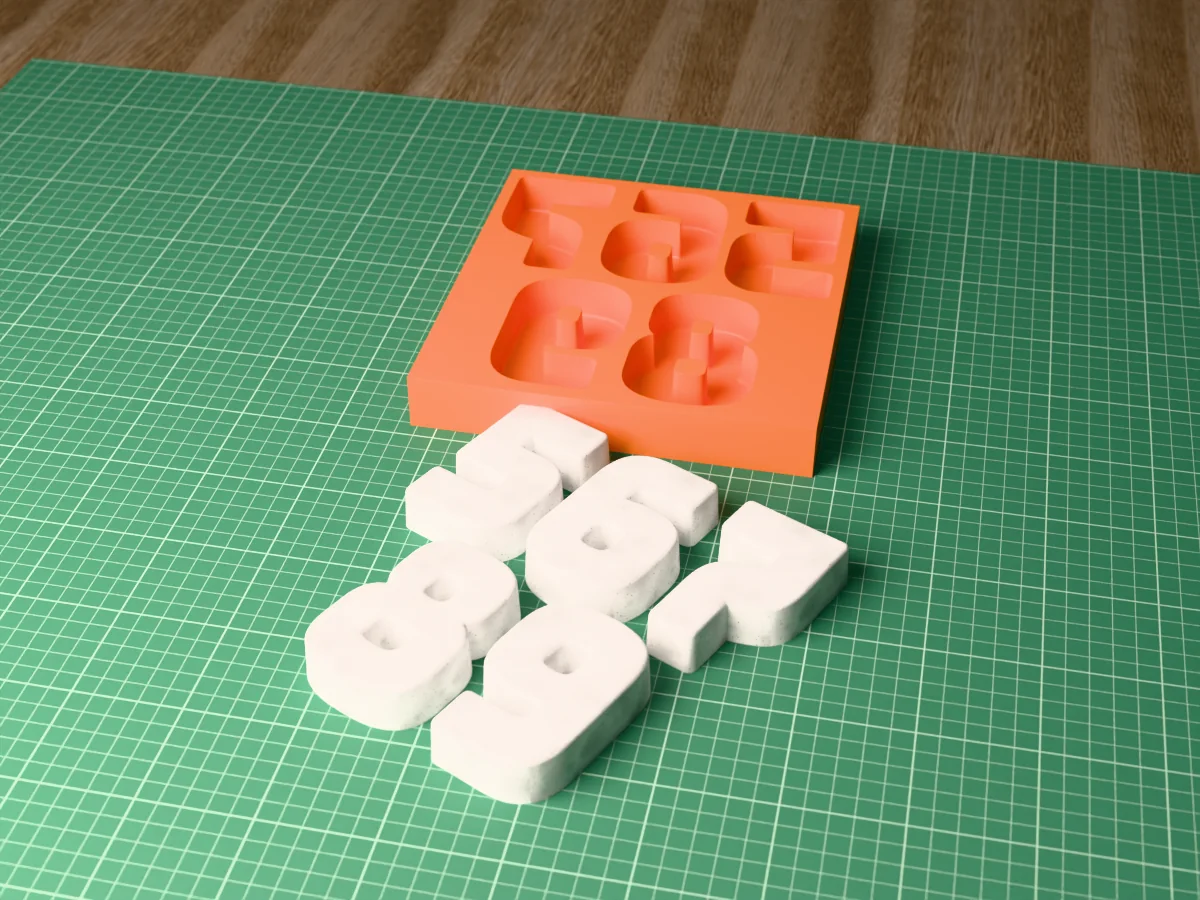
Modern house numbers 5 to 9, 95 mm tall, cast in concrete straight in one printed tray that fits a 220 mm bed.
 ConcretePro early access
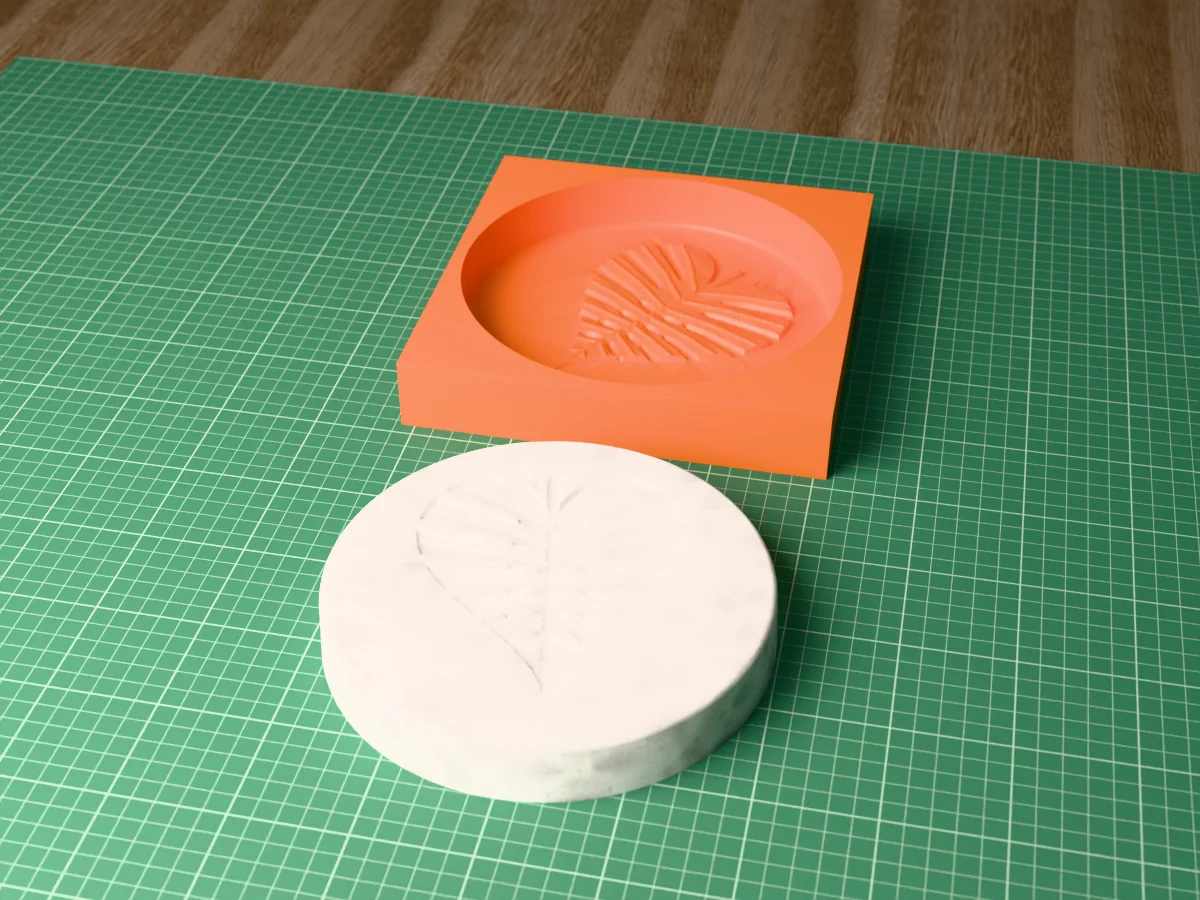
A round stepping stone, 195 mm across, with a monstera leaf pressed into its face. Cast in concrete straight in a printed tray.
 ConcretePro early access
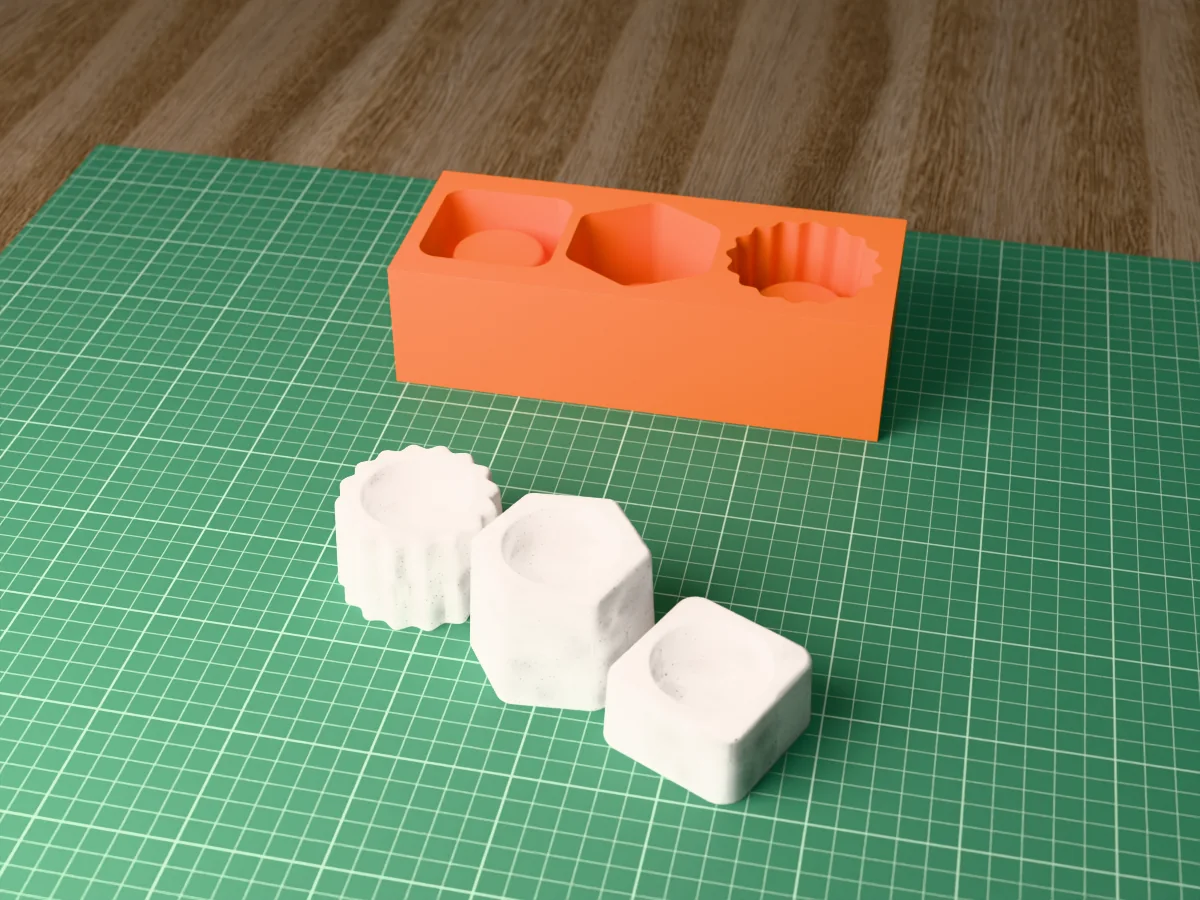
Three concrete tealight holders in three heights, square, hexagon and scalloped, cast straight in one printed tray.
 ConcretePro early access
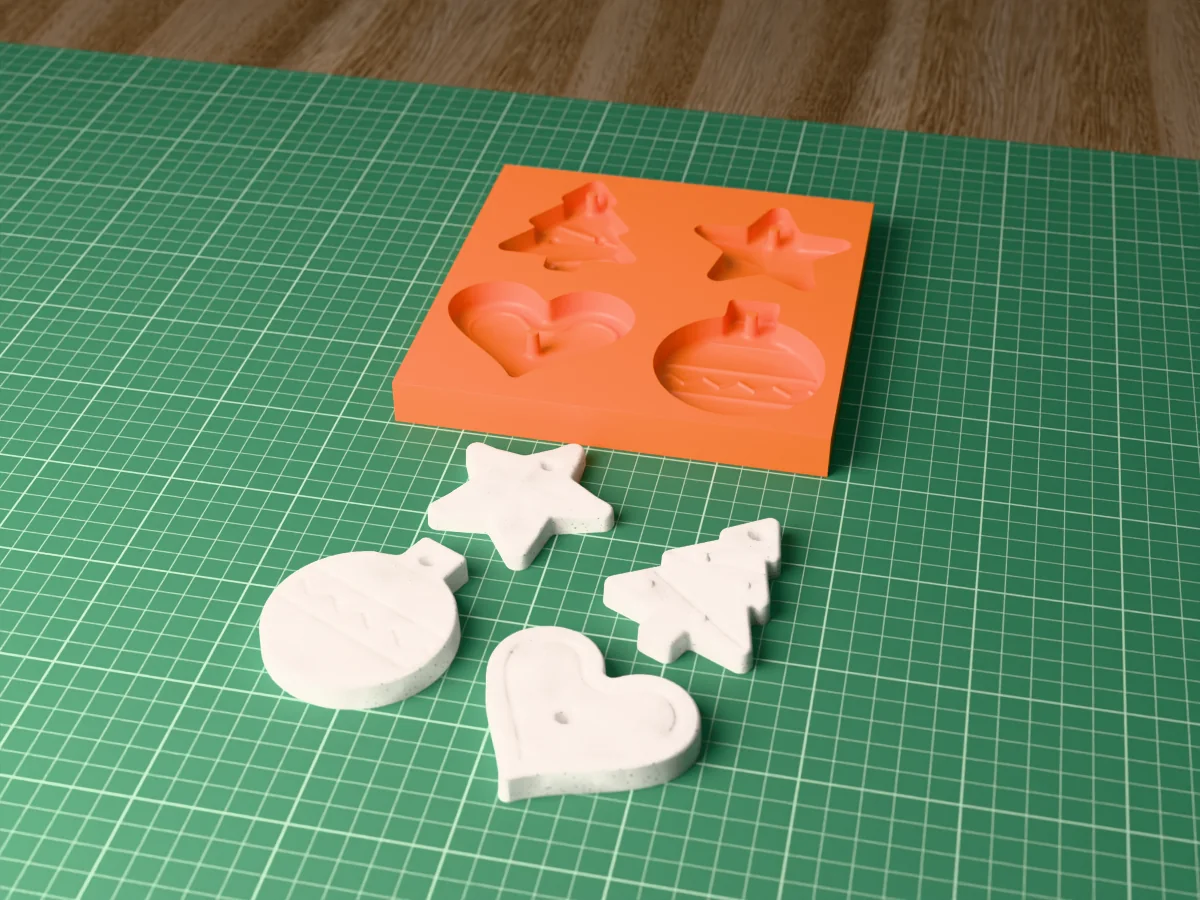
Four concrete Christmas ornaments, a star, a tree, a bauble and a heart, each with a hanging hole, cast in one printed tray.
 ConcretePro early access
A pair of chunky concrete Christmas star tealight holders, 95 mm across, cast straight in one printed tray.
 ConcretePro early access
A heavy rainbow arch bookend, 156 mm wide, to cast in concrete. A silicone mold kit from printed parts.