◆ Cookie dough
Penguin cookie cutter and stamp
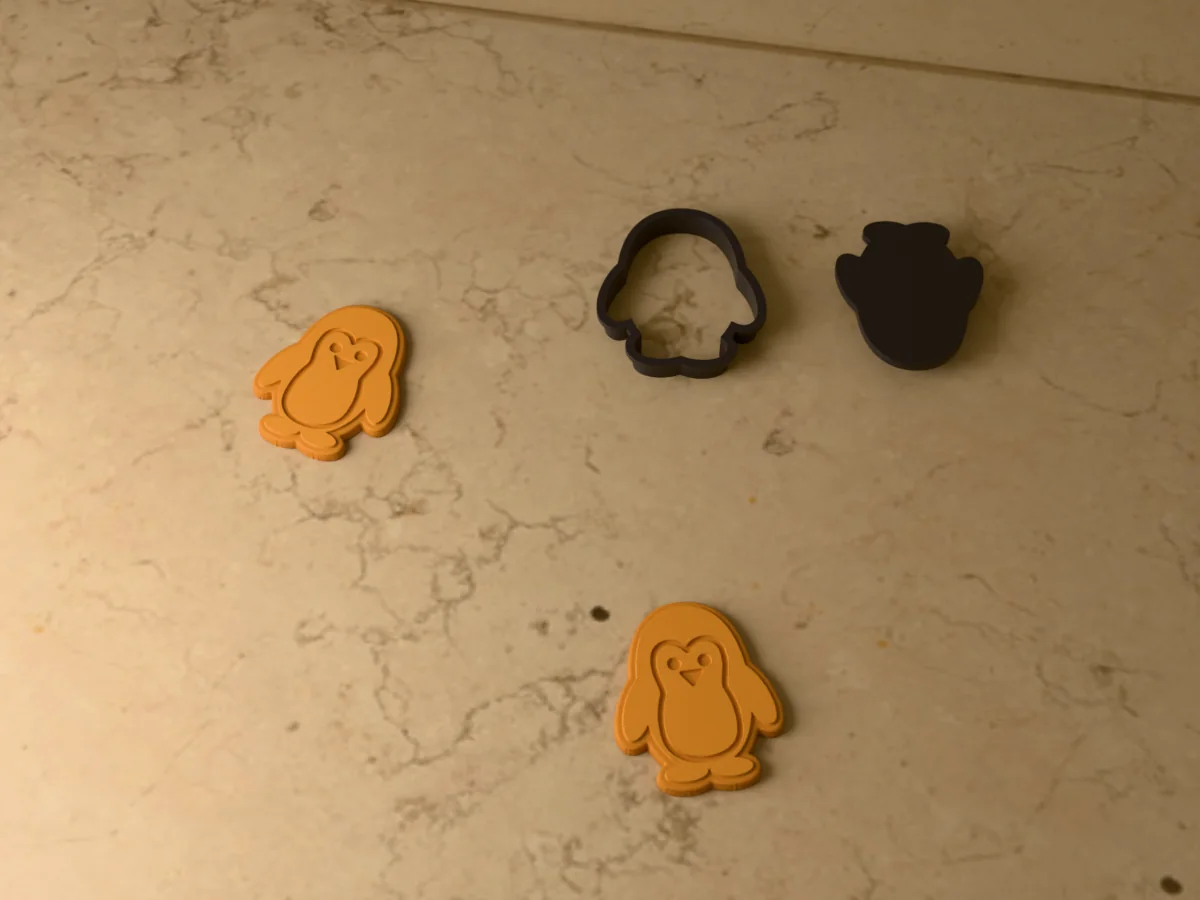
A round little penguin with flippers and feet, and a stamp that presses in its face, belly, eyes and beak.
◆ Cookie dough
A round little penguin with flippers and feet, and a stamp that presses in its face, belly, eyes and beak.
A chubby penguin standing with its flippers out. The stamp presses a border line, the outline of its white face and belly, two eyes and a beak, which is exactly where the black and the white icing have to meet. Good for winter birthdays, Christmas cookie boxes, snow days, ice skating parties and animal baby showers. The cookie comes out about 73 by 90 mm.
Made with our free cookie cutter generator, not modelled by hand: we drew the shape with the stamp's lines inside it, uploaded it to the tool, set the cutter size to 90 mm and switched on Generate stamp. The STL in the zip is exactly what the tool gives you: the cutter (a 0.8 mm blade, 14 mm tall, with a 4 mm rim to press on) and, next to it, the stamp that drops inside the cutter and presses the lines into the cut cookie. Both print flat, with no supports. The drawing is in the zip too, as an SVG, so you can make both bigger or smaller.
Flood the face and belly in white first and let them crust, then flood the rest in black. The pressed line between them works as a dam, which is the hard part of any penguin cookie.
Shown as a 3D render of the printed cutter and stamp and two stamped cookies, not a photo.
Print the file as exported: the cutter rim flat on the bed with the blade pointing up, and the stamp beside it, no supports.
Wash both parts in warm soapy water before the first use.
Roll the chilled dough 5 to 6 mm thick between two sheets of baking paper.
Dip the blade in flour, press straight down with your palm on the rim, and lift.
Dust the stamp, press it pattern side down into each cut cookie about 2 mm deep, and lift it straight up.
Chill the stamped cookies for ten minutes, then bake.
Wash both parts by hand straight after use and let them dry. PLA softens in a dishwasher.
Print details
| Works with | Cookie dough |
|---|---|
| Printed parts | 2 |
| Size (W x D x H) | 186 x 98 x 14 mm |
| Print bed needed | 187 x 98 mm, 14 mm tall |
| Filament | ~21 g |
| Layer height | 0.2 mm |
| Infill | 15% |
| Supports | Not needed |
| Download | ZIP: cutter and stamp (STL) + print and food-contact sheet + silhouette (SVG) + README |
| Added | 2026-09-26 |
Pro early access until October 26, 2026, then free with any account.
Like it or post your print on Thingiverse
Make your own cookie cutter →Made with the free Cookie cutter generator. Upload your own shape and get the same kind of tool built from it, in your browser.
Free for personal use. Selling the pieces you cast needs a commercial licence (Pro or Founder); passing on the file itself is not permitted on any plan. Full terms.
New to casting? Read the cutter guide.
Work in two steps: flood the pressed face and belly in white and let it set for at least half an hour, then flood the body in black up to the line. The groove the stamp leaves holds the black back from the white.
Yes. Once the icing has set, pipe a red and white striped band across the neck with one end hanging down, or add a small red Santa hat with a white pompom. Both sit happily over the pressed lines.
Yes. Upload penguin.svg from the zip to the free cookie cutter generator, switch on Generate stamp, and move the Cutter size slider (this one is 90 mm). The stamp scales with the cutter, so its lines still fit the cookie.
 Pro early access
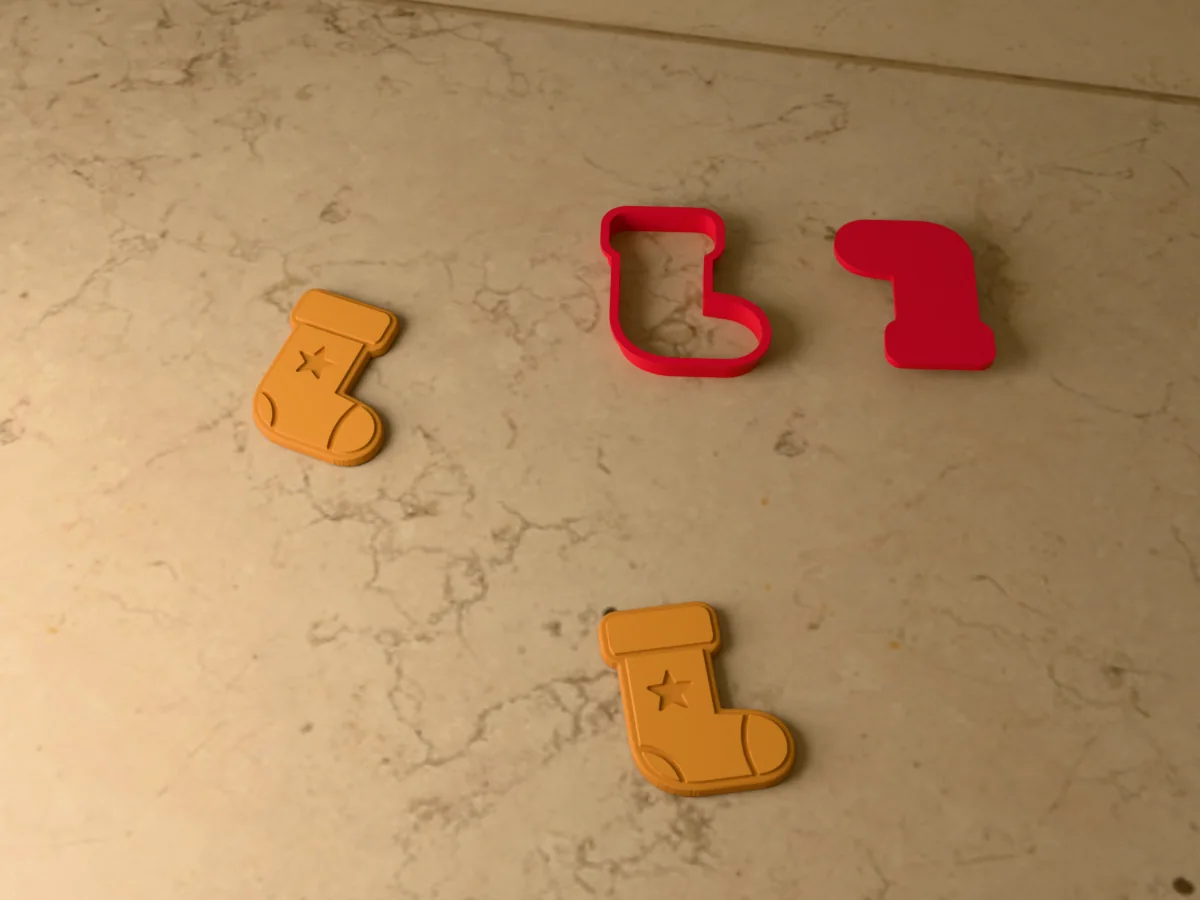
A Christmas stocking cutter with a matching stamp that presses in the cuff, heel, toe and a star.
 Pro early access
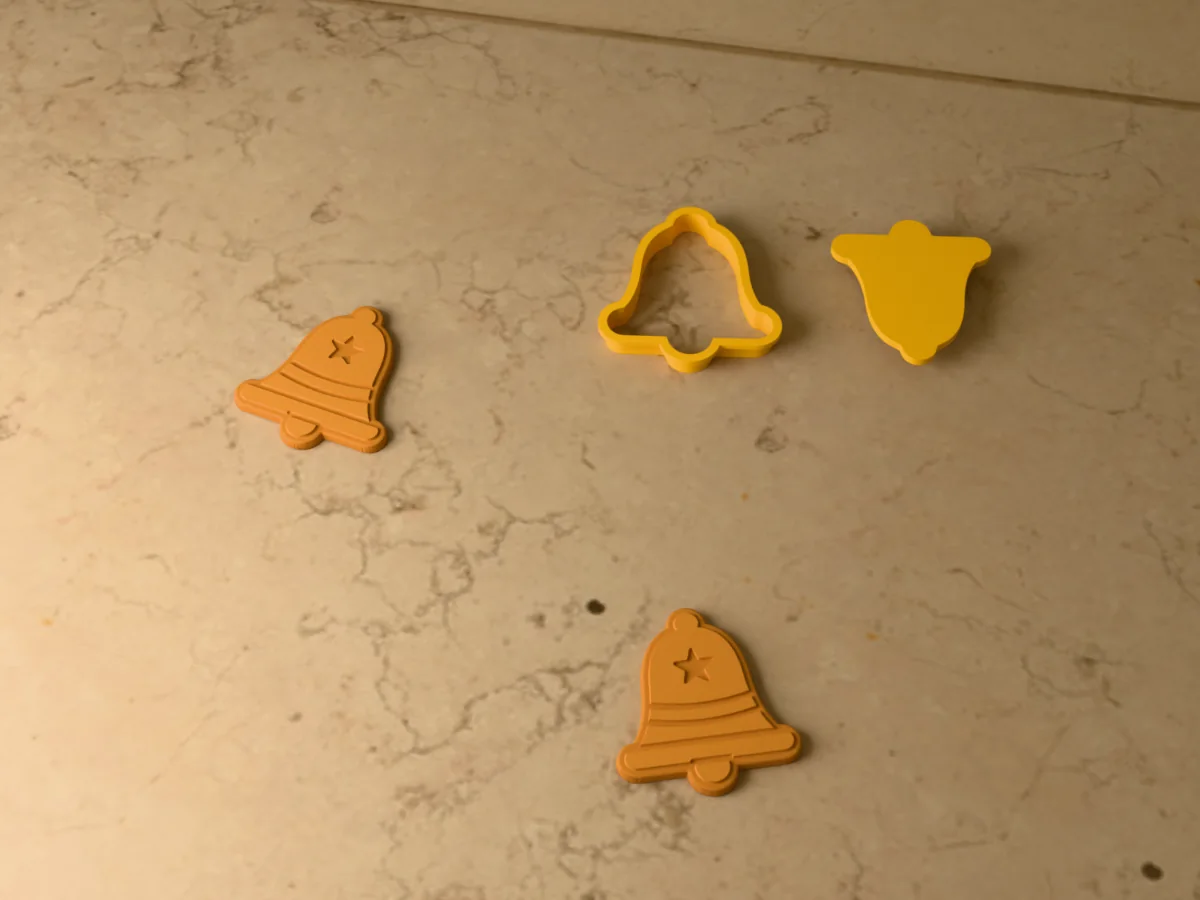
A Christmas bell on its rim with a clapper, and a stamp that presses in two bands and a star.
 Pro early access
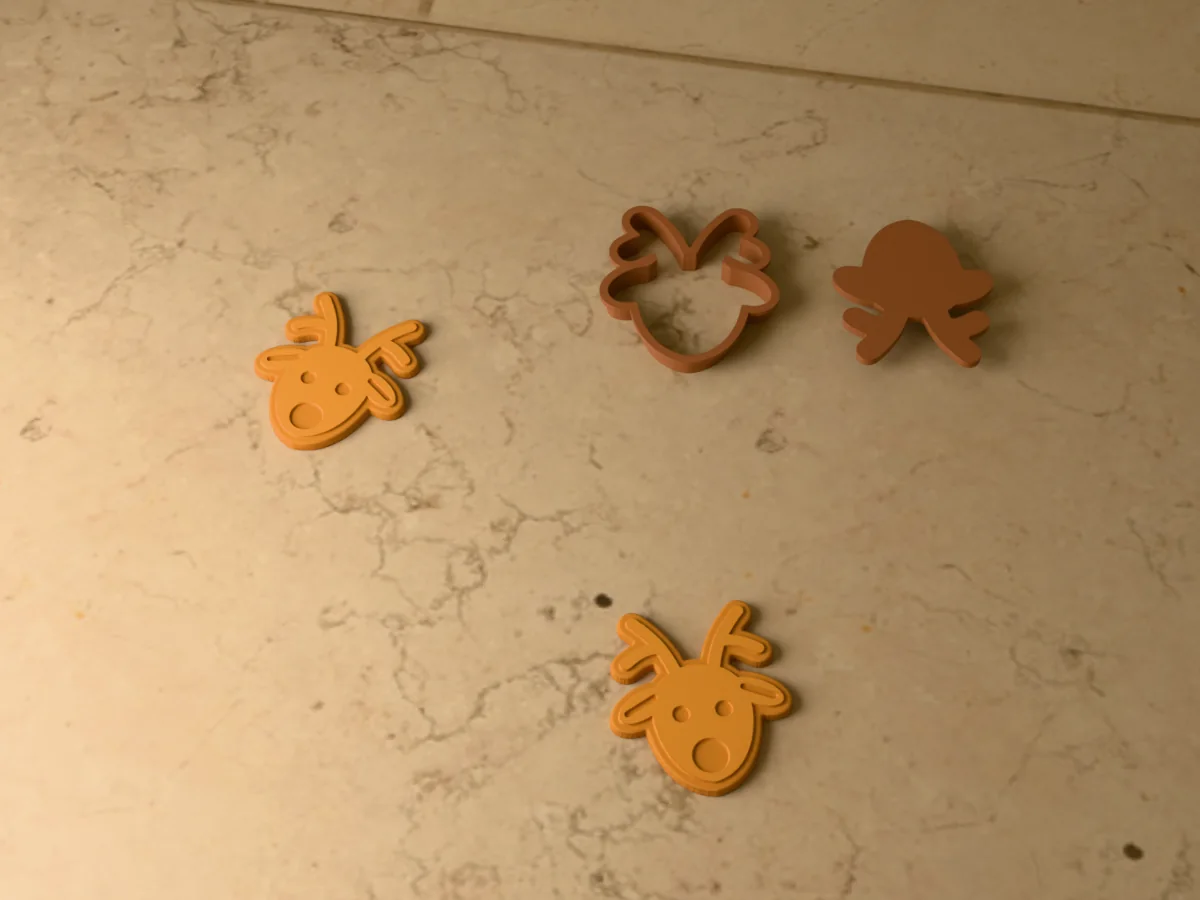
A reindeer head with chunky antlers, and a stamp that presses in the eyes, ears and a big round nose.
 Pro early access
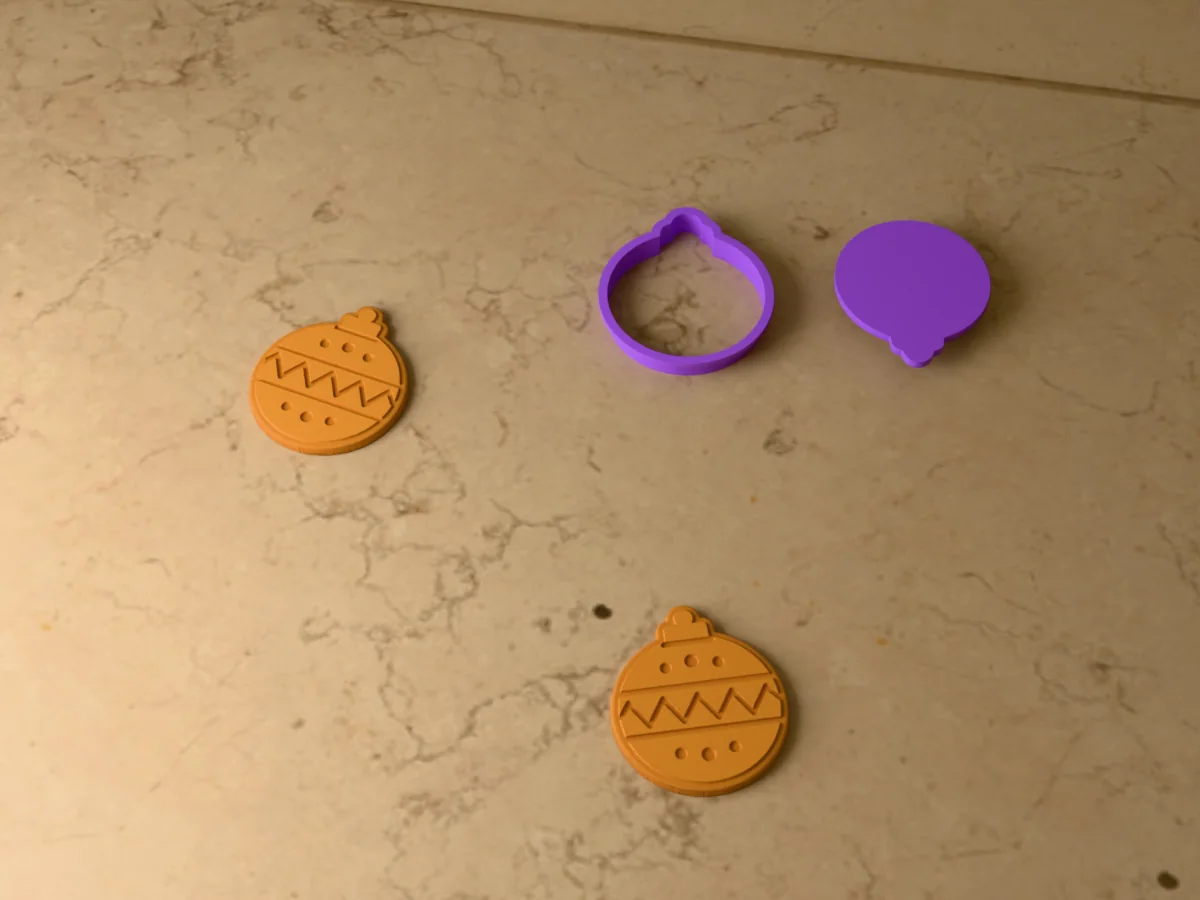
A round Christmas bauble with its cap, and a stamp that presses in two bands, a zigzag and dots.
 Pro early access
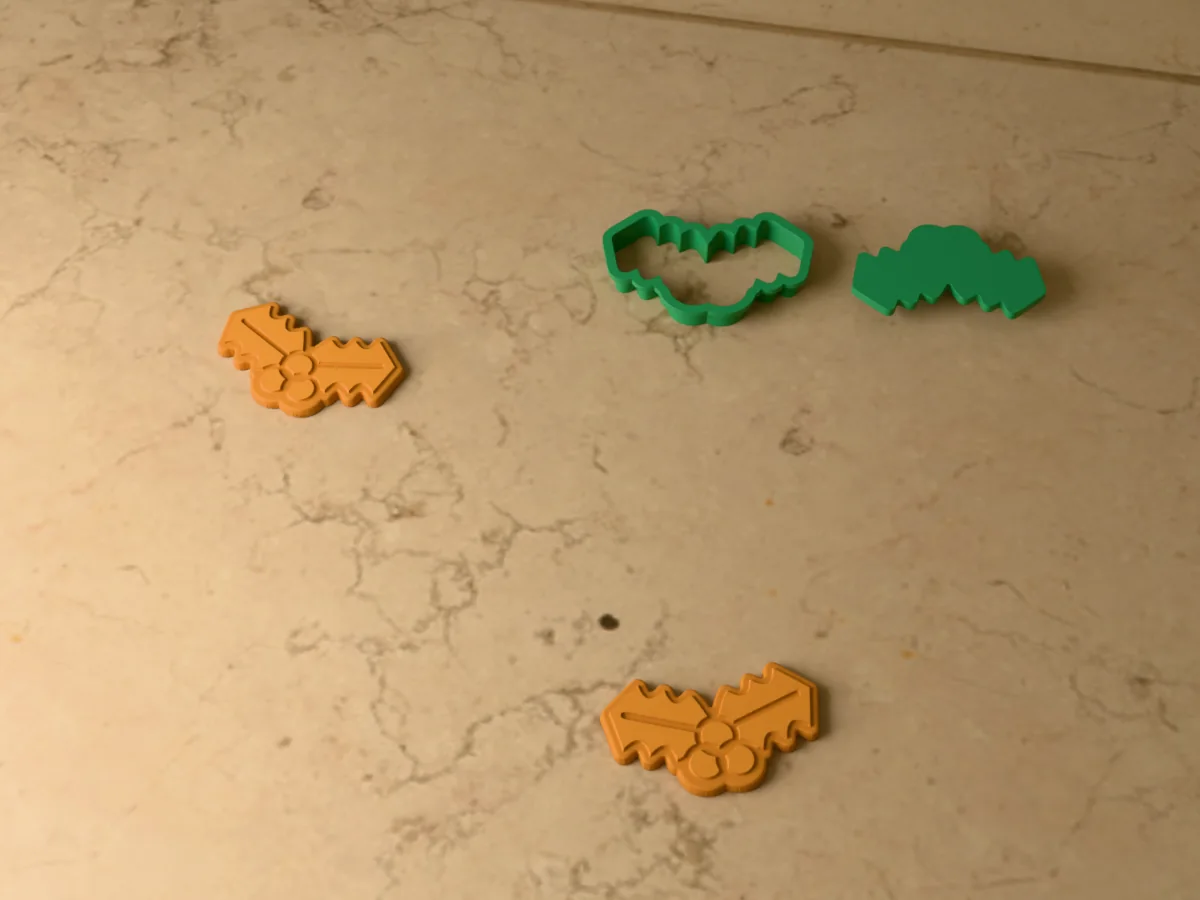
Two holly leaves and three berries, with a stamp that presses in the leaf veins and the berries.
 Pro early access
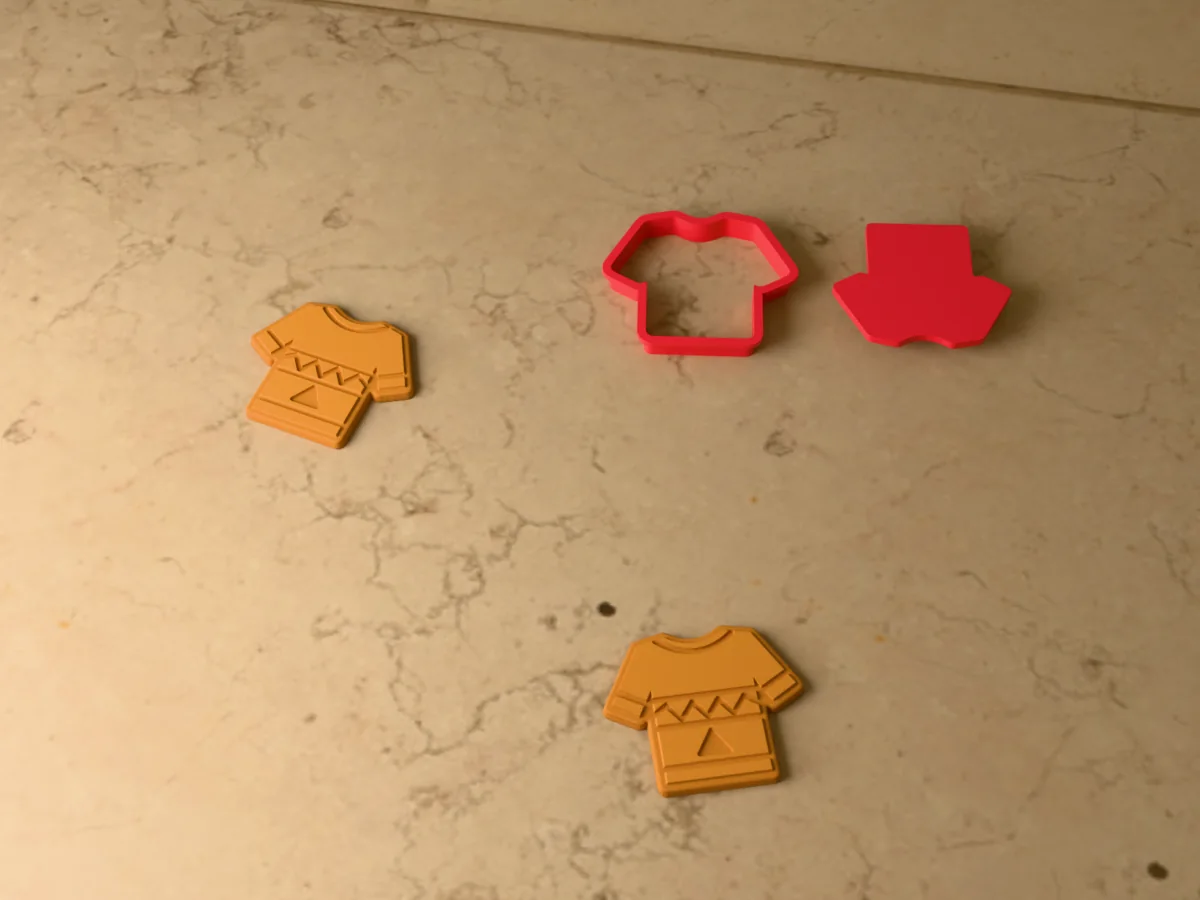
An ugly Christmas sweater cutter with a stamp for the ribbing, a zigzag band and a little tree.
 Pro early access
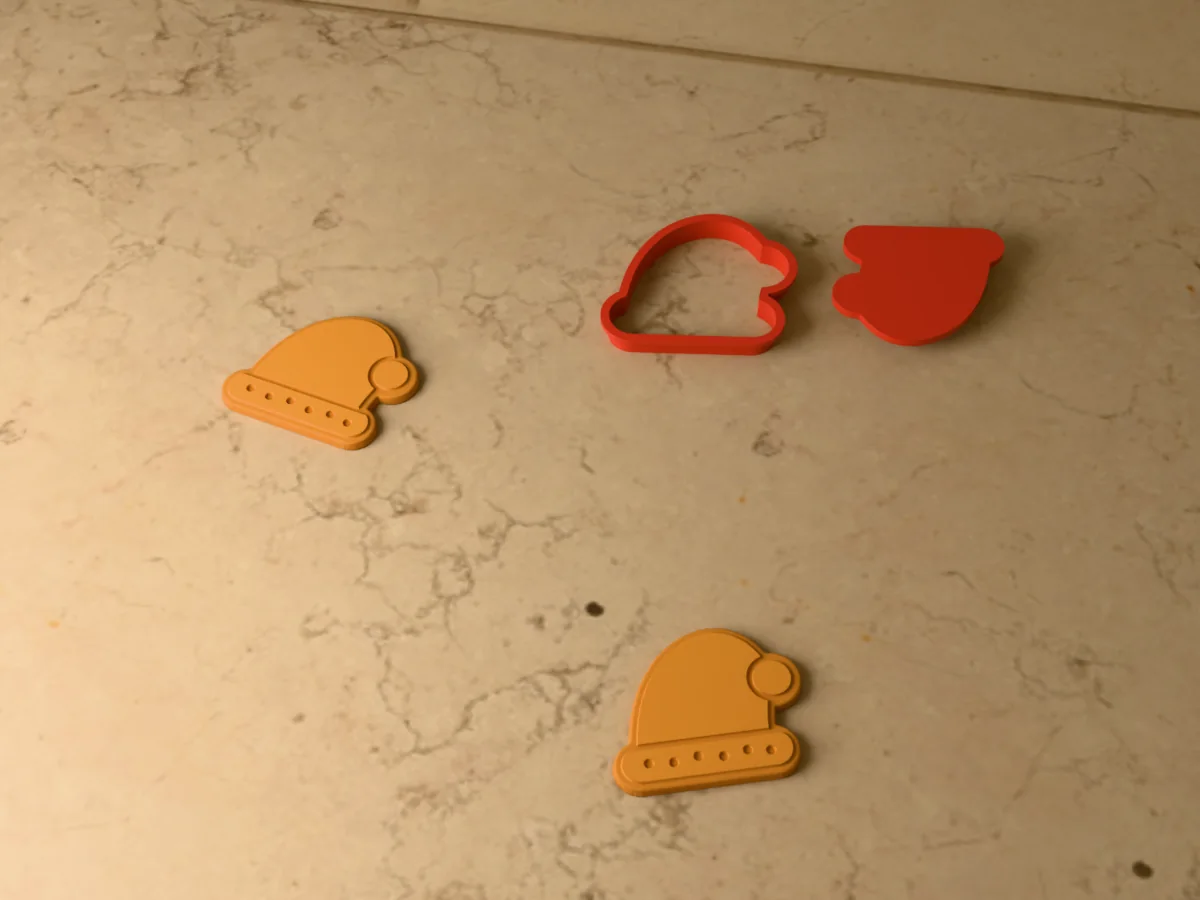
A floppy Santa hat with a fur brim and a pompom, and a stamp that presses in the brim and the fur.
 Pro early access
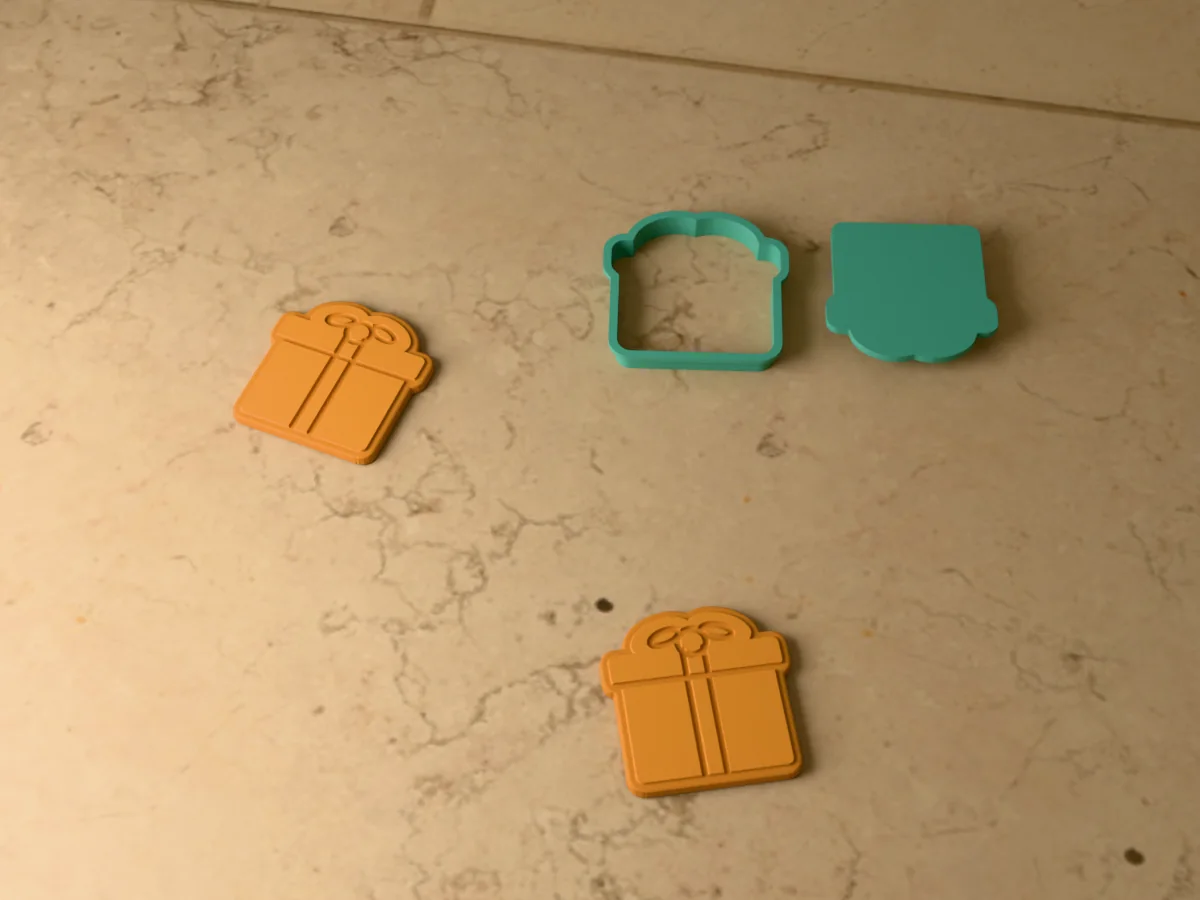
A wrapped present with a bow on top, and a stamp that presses in the lid, the ribbon and the bow.