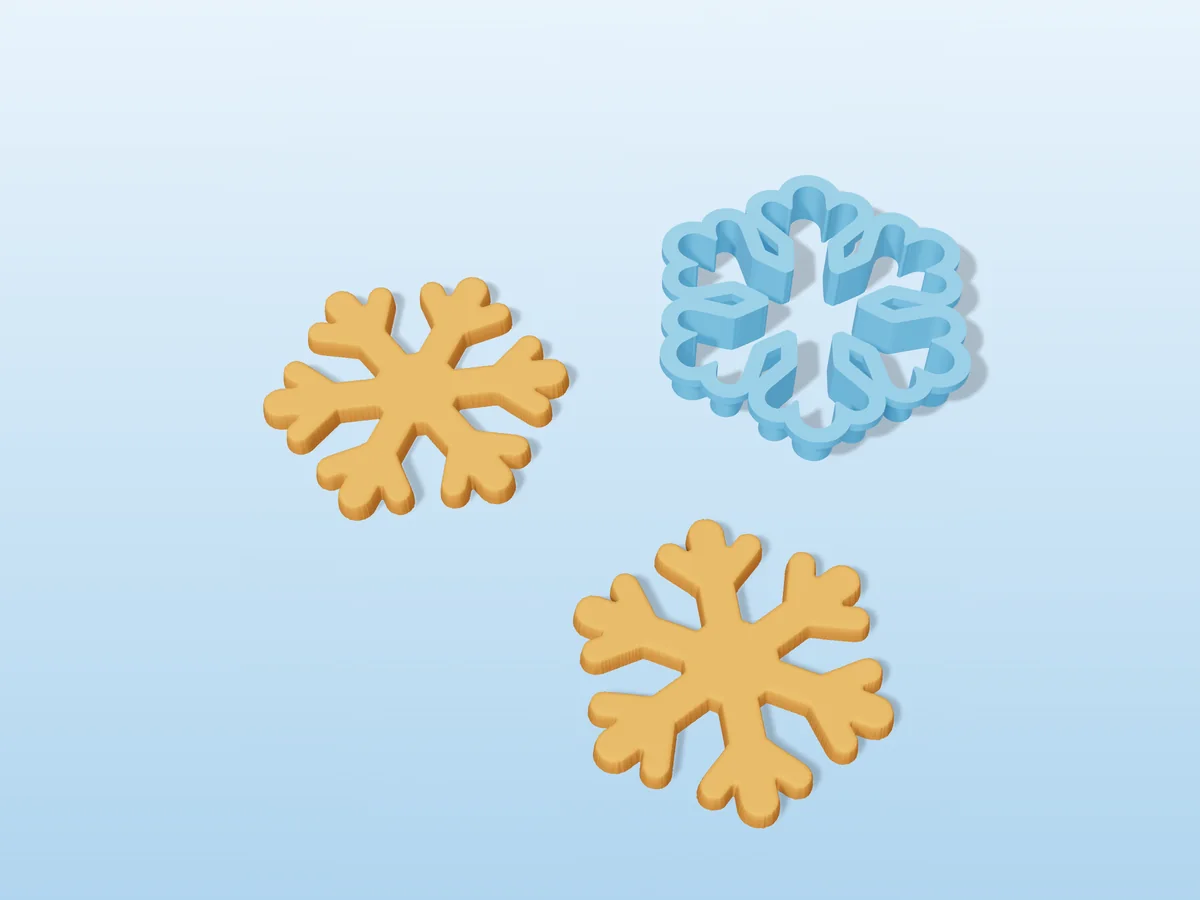
A six-arm snowflake with a pair of branches on every arm. Real snowflakes are too fine for dough, so the arms here are thick enough to cut cleanly and survive the trip from the tray to the cooling rack. Good for winter parties, Christmas, and frozen-themed birthdays. The cookie comes out about 75 by 85 mm.
Made with our free cookie cutter generator, not modelled by hand: we drew the silhouette, uploaded it to the tool and set the cutter size to 85 mm. The STL in the zip is exactly what the tool gives you: a 0.8 mm blade, 14 mm tall, with a 4 mm rim to press on, exported rim down so it prints without supports. The silhouette is in the zip too, as an SVG, so you can make it bigger, smaller or add a matching stamp.
A snowflake has lots of inside corners that hold dough. Dip the cutter in flour before every cut, and push the dough out from the top with a fingertip if a branch sticks.
Shown as a 3D render of the printed cutter and two cookies in its shape, not a photo.
What you need
- Rolled cookie dough that holds its shape: sugar cookie or gingerbread, with little or no baking powder
- A rolling pin, and two 5 to 6 mm guides for an even thickness
- Flour for dipping the cutter, and baking paper
- About 14 g of PLA or PETG, ideally a food-contact filament
How to use it
- Print the cutter as exported: rim flat on the bed, blade pointing up, no supports.
- Wash it in warm soapy water before the first use.
- Roll the chilled dough 5 to 6 mm thick between two sheets of baking paper.
- Dip the blade in flour, press straight down with your palm on the rim, and lift.
- Chill the cut cookies for ten minutes, then bake.
- Wash the cutter by hand straight after use and let it dry. PLA softens in a dishwasher.
| Works with | Cookie dough |
|---|---|
| Total print time | 1 h 34 min |
| Printed parts | 1 |
| Size (W x D x H) | 83 x 93 x 14 mm |
| Filament | ~14 g |
| Layer height | 0.2 mm |
| Infill | 15% |
| Supports | Not needed |
| Printer | Sliced with PrusaSlicer 2.7.2: 0.4 mm nozzle, 0.2 mm layers, 3 perimeters, 15% infill, MK3-class speeds. Rim flat on the bed, no supports. PLA or PETG. |
| Download | ZIP: cutter (STL) + print and food-contact sheet + silhouette (SVG) + README |
| Added | 2026-09-24 |
Pro early access until October 24, 2026, then free with any account.
Free for personal use. Selling the pieces you cast needs a commercial licence (Pro or Founder); passing on the file itself is not permitted on any plan. Full terms.
Made with the free cutter generator. Upload your own model and get the same kind of mold built around it, in your browser.
New to casting? Read the cutter guide.